
- Altersfreigabe4+
- KategorieFinanzen
- EntwicklerTresor Ruphin Tekadam Djopkap
- SprachenEnglisch
- Größe32,4 MB
Verlinkt auf die offizielle App Store-Seite
Download.org hostet keine Datei von Micro-Budget. Die Schaltfläche öffnet die App-Seite bei App Store, wo Tresor Ruphin Tekadam Djopkap die App veröffentlicht. Eintrag zuletzt geprüft am 24.11.2026.
Screenshots


Info
Der Entwickler hat diesen Text nicht in Ihrer Sprache bereitgestellt.
Take full control of your finances with MicroBudget.
Tired of wondering where your money goes at the end of the month? Find other money management apps too complex, too slow, or too intrusive?
Meet MicroBudget, the app built for people who want to manage their money efficiently without spending hours on it. Simple, fast, and intuitive, it fits right into your daily routine to help you reach your financial goals and enjoy greater peace of mind.
No bloat: just the essentials for healthy, secure money management.
Why Choose MicroBudget?
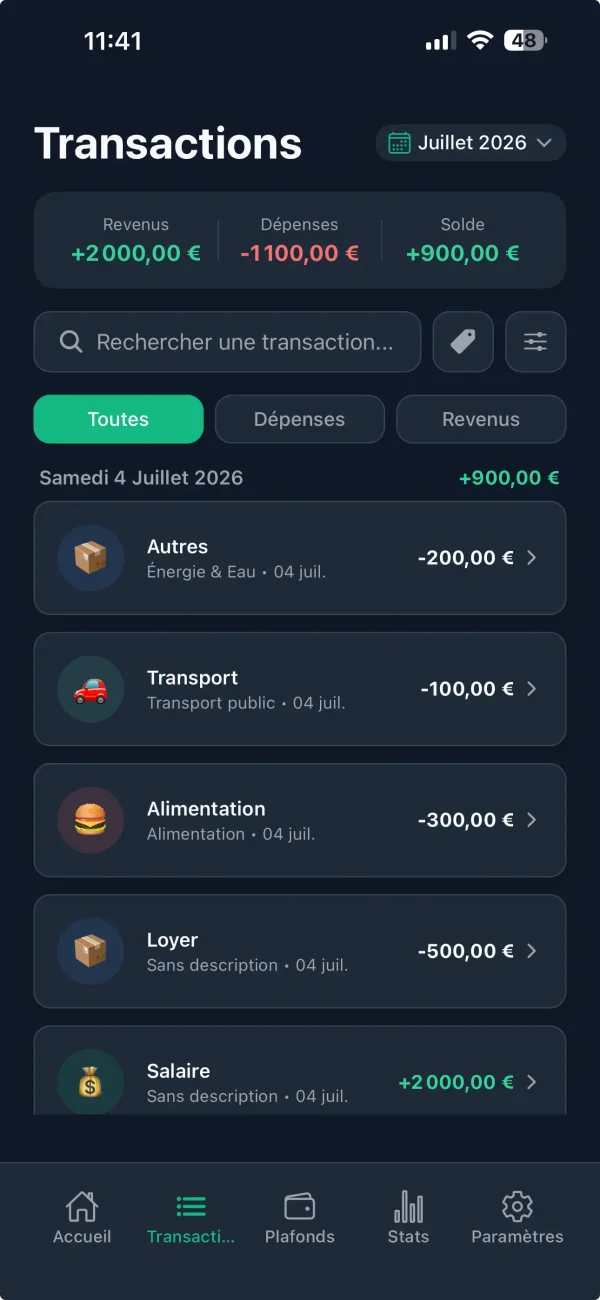
Ultra-Fast Entry: Consistency is the hardest part of budget tracking. MicroBudget is built for speed. Add an expense in 3 seconds flat. It is so fast you will never skip logging a transaction again. Browse entries by date or grouped by category in a single tap.
Statement Import & AI Categorization: Save even more time by importing your bank statement in CSV or PDF format and letting artificial intelligence do the work. MicroBudget recognizes merchants, assigns the right category and subcategory automatically, and flags duplicates so you never log the same transaction twice. A review screen lets you approve or fix everything in one tap, and the app learns from your choices to get more accurate with every import. Your statement is processed right on your device, keeping you in full control.
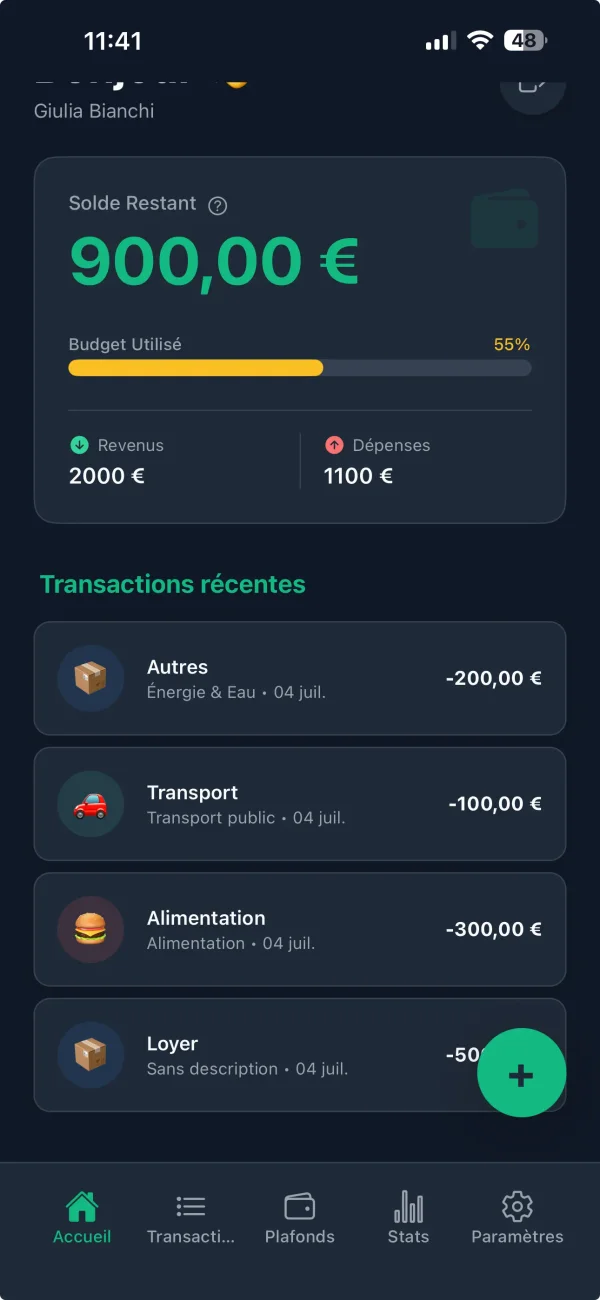
What You Will Have Left at Month-End: MicroBudget shows what you will have left at the end of the month after accounting for expected pay, upcoming debits, and planned savings.
Automatic Subscription Detection: MicroBudget spots recurring monthly payments and lets you track them in a single tap.
Upcoming & Calendar: See what still needs to clear day by day, along with your lowest projected balance. Have an undated expense? Log it under "Pay Later" without throwing off your accounts.
Automated Recurring Transactions: No more repetitive data entry. Automate fixed expenses such as rent, subscriptions, and bills—along with income like your paycheck. Set them up once, and the app handles the rest every month.
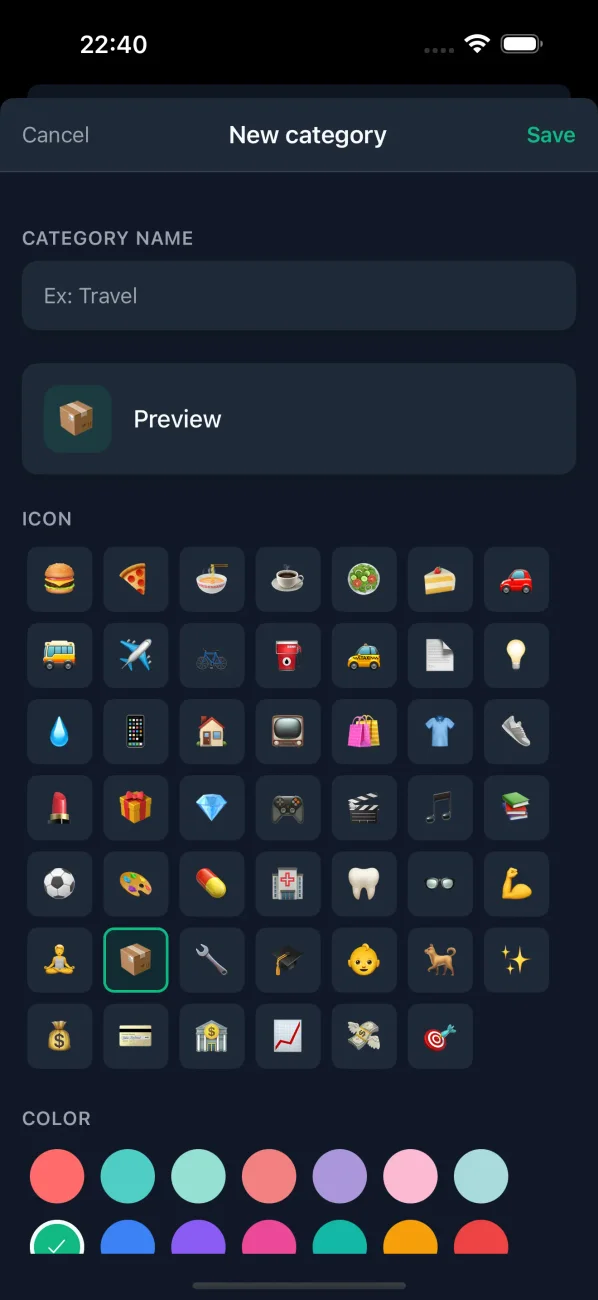
Monthly Caps & Budgets: Stay within your limits. Set a clear budget for each category such as €200 for Groceries or €50 for Dining Out and track your spending in real time with visual progress bars. Alerts warn you when a cap is getting close or exceeded.
Savings Goal with a Custom Plan: Pick a target amount and a date. MicroBudget starts from your actual spending and builds a monthly budget to get you there.
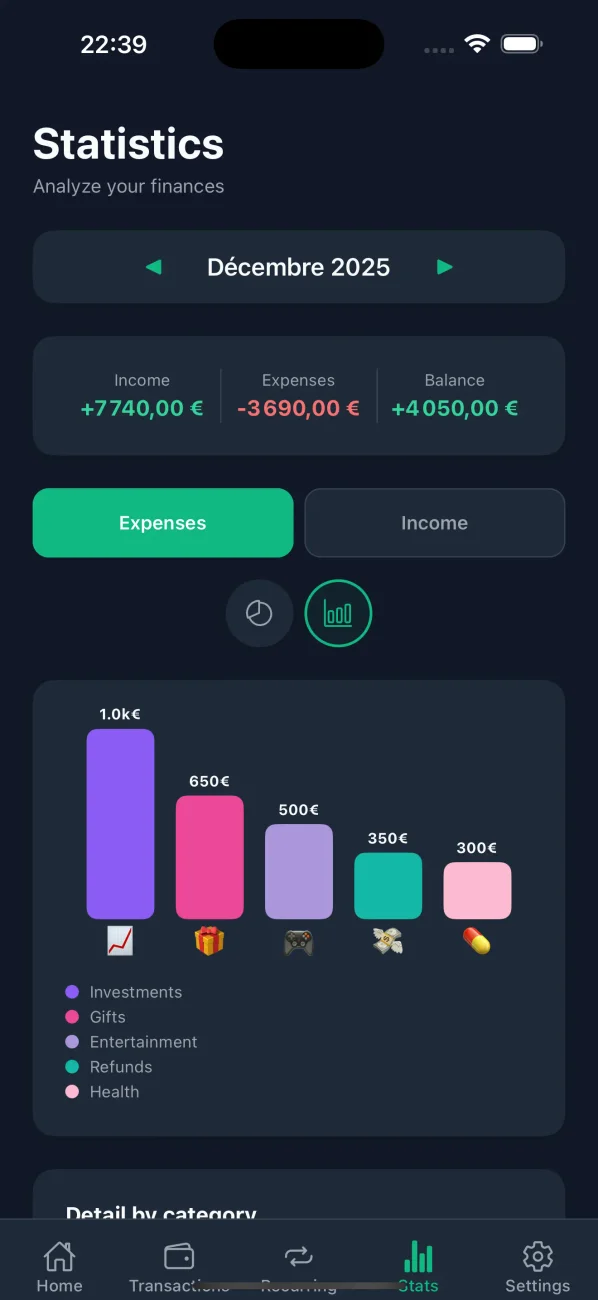
Clear Insights at a Glance: Check your financial health in an instant. Colorful, intuitive charts show exactly where your money goes, how much you have saved, and how much you have left to spend to finish the month comfortably. Compare this month's spending against your usual habits day by day.
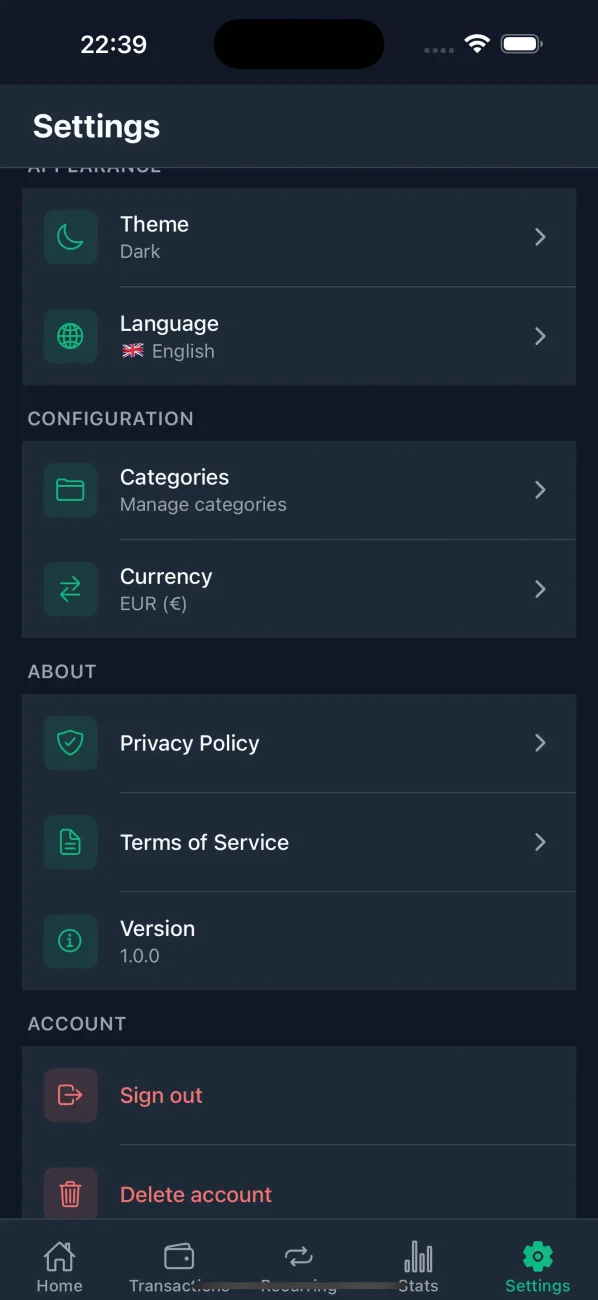
Maximum Security & Biometrics: Your finances are nobody else's business. Alongside data encryption, lock the app with Face ID, Touch ID, or a PIN. Export your transactions to CSV or delete your account whenever you want.
Modern Design & Dark Mode: A clean, welcoming interface with true native dark mode that is easy on the eyes. Available in French, English, and Dutch.
Neue Funktionen
Version 3.4 · 23.11.2026
Savings Goal with a Custom Plan
Subscription Management
App-Datenschutz
Was Tresor Ruphin Tekadam Djopkap im App Store zum Umgang dieser App mit Daten angibt.
-
Mit Ihnen verknüpfte Daten
Können erfasst und mit Ihrer Identität verknüpft werden.
- Kontaktinformationen
Die Datenschutzpraktiken können variieren, zum Beispiel je nach den von Ihnen verwendeten Funktionen oder Ihrem Alter.
Informationen
- Anbieter
- Tresor Ruphin Tekadam Djopkap
- Kategorie
- Finanzen
- Version
- 3.4
- Aktualisiert
- 23.11.2026
- Veröffentlicht
- 02.01.2026
- Größe
- 32,4 MB
- Erfordert
- iOS 15.1 oder neuer
- Altersfreigabe
- 4+
- Preis
- Kostenlos
- Sprachen
- Englisch
- Copyright
- © 2026 TresorTek
Das könnte Ihnen auch gefallen
-
 Numa - Gérer ses financesFinanzen
-
 CashCareFinanzen
-
 Budgeti App - Ausgaben TrackerBudget und Ausgaben-Tracker
-
 Savvy - Available balanceFinanzen
-
 Jaybti - Money ManagerFinanzen
-
 Sanko: Savings Goal TrackerFinanzen
-
 DetcatcherFinanzen
-
 Piff - Budget & Finance IAFinanzen
-
 KashIQ - HaushaltsbuchOffline-Finanzen, Datenschutz
-
 DeepBill: BelegscannerKI Ausgaben-Tracker & Analysen