Millwork Scanner
3D Room Scan Direct to Mozaik
Entwickelt für iPhone, iPad
Kostenlos · In-App-Käufe
- Altersfreigabe4+
- KategorieProduktivität
- EntwicklerJustin Lahaie
- SprachenEnglisch
- Größe15,9 MB
Verlinkt auf die offizielle App Store-Seite
Download.org hostet keine Datei von Millwork Scanner. Die Schaltfläche öffnet die App-Seite bei App Store, wo Justin Lahaie die App veröffentlicht. Eintrag zuletzt geprüft am 12.11.2026.
Screenshots

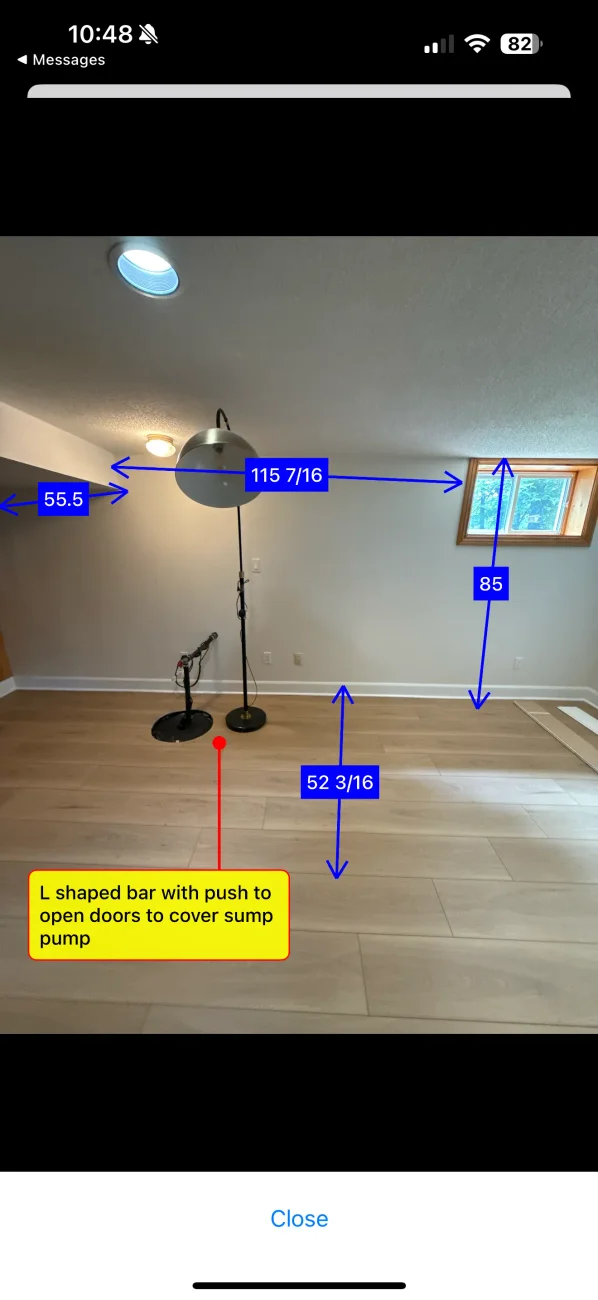
Info
Der Entwickler hat diesen Text nicht in Ihrer Sprache bereitgestellt.
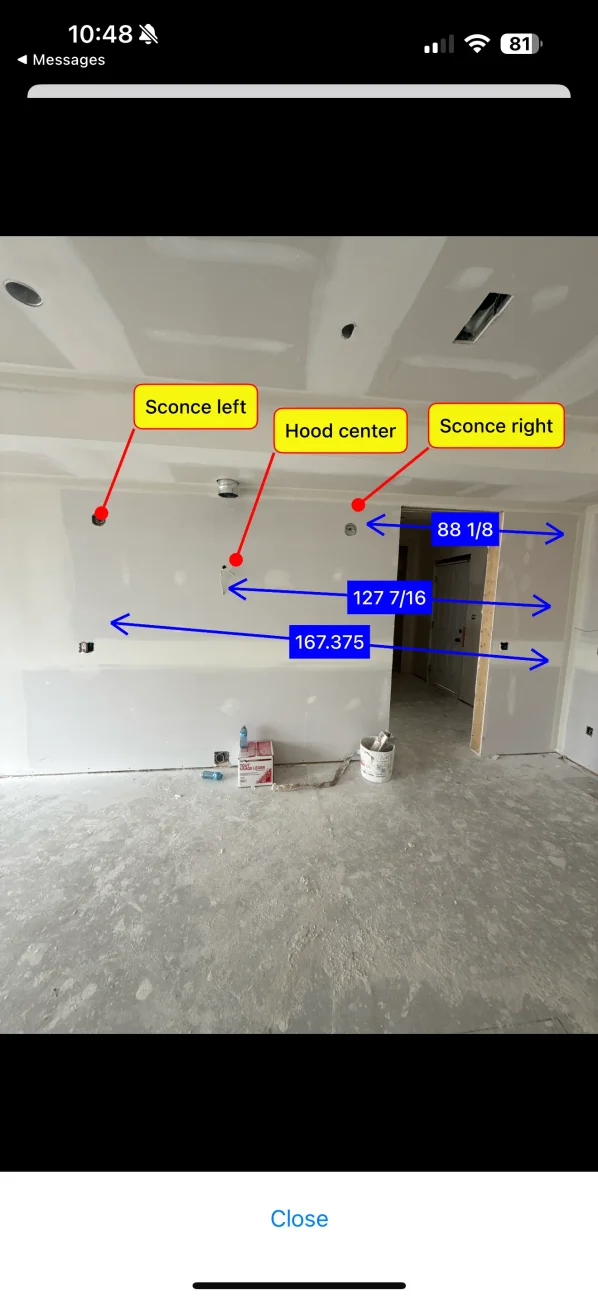
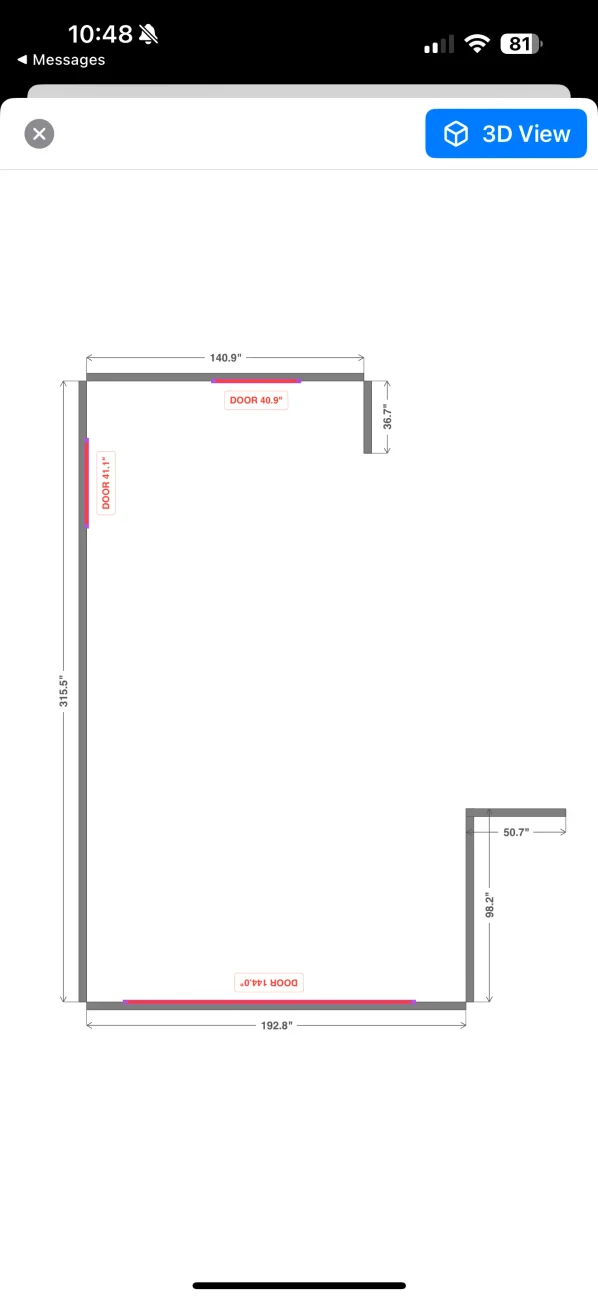
Millwork Scanner streamlines room capture and export for professionals using Mozaik, KCD, Autokitchen, Cabmaster, and ProKitchen. Scan with LiDAR, fine-tune in 2D and 3D, then export in the formats your cabinet design software expects—fast, accurate, and reliable.
Key Features
- 1. Export to your workflow
- Export directly for Mozaik, KCD, Autokitchen, Cabmaster, and ProKitchen.
- Generate properly formatted files for immediate import—no manual conversions.
- 2. Accurate room scanning
- Powered by ARKit and RoomPlan for detailed models of walls, doors, windows, and more.
- 3. 2D and 3D editing
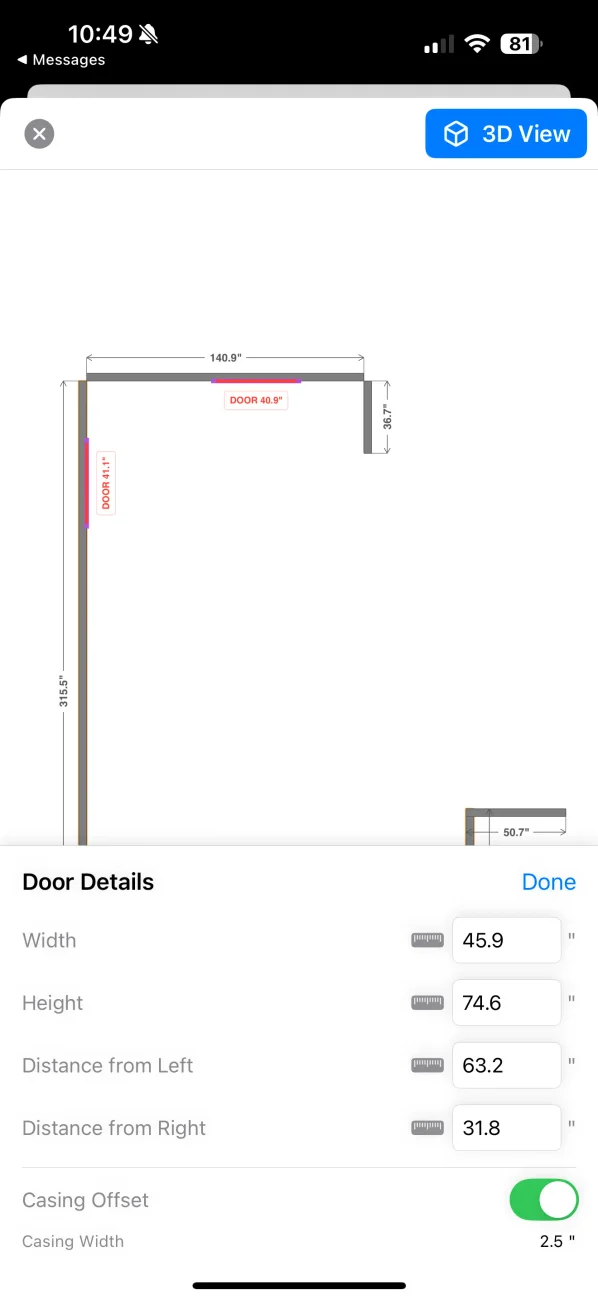
- Refine rooms in 3D or switch to a precision 2D floor plan view.
- Rotate and align rooms to your preferred axes.
- 4. Connection‑aware wall editing (new)
- Walls maintain corner connections during edits.
- Connected walls auto‑update when you stretch a wall.
- Visual highlights show connected walls and corner points for clarity.
- 5. Lockable dimensions (new)
- Lock individual walls to prevent unwanted changes.
- Auto‑lock after edits helps protect finalized dimensions.
- 6. Client management
- Keep organized client records with attached scans and images.
Device Compatibility
- Requires an iPhone or iPad with built‑in LiDAR (e.g., iPhone 13–15 Pro, iPad Pro models with LiDAR).
Why Millwork Scanner?
Purpose‑built for cabinetry and millwork pros, Millwork Scanner cuts steps out of your process—scan, refine, and export directly to the software you already use, with accuracy you can trust.
Get Started
- Open Millwork Scanner on a LiDAR‑enabled device.
- Create a project, scan your room, refine in 2D/3D, and export to Mozaik, KCD, Autokitchen, Cabmaster, or ProKitchen.
About Us
Hillcrest Cabinets builds tools that make professional workflows faster and more precise—designed for real shop conditions and real deadlines.
Terms of Use: [hillcrestcabinets.ca/terms-of-use](https://www.hillcrestcabinets.ca/terms-of-use)
Neue Funktionen
Version 2.1 · 08.07.2026
3D Room Visualization — scanned rooms now show real 3D appliance and cabinet models where they were detected, and you can tap any object to add a note shown right in 3D.
Create Clients from Calendar — import a client's name and address straight from a calendar appointment, with custom filters to tidy up the title.
Recording Improvements — conversation recording is now free for everyone, the screen stays awake reliably while recording, and deleting a recording now asks for confirmation.
Editable AI Summaries — edit a summary after it's generated, or add your own OpenAI key in Settings for free, unlimited summaries.
App-Datenschutz
Was Justin Lahaie im App Store zum Umgang dieser App mit Daten angibt.
-
Keine Daten erfasst
Der Entwickler erfasst keine Daten von dieser App.
Die Datenschutzpraktiken können variieren, zum Beispiel je nach den von Ihnen verwendeten Funktionen oder Ihrem Alter.
Informationen
- Anbieter
- Justin Lahaie
- Kategorie
- Produktivität
- Version
- 2.1
- Aktualisiert
- 08.07.2026
- Veröffentlicht
- 16.07.2024
- Größe
- 15,9 MB
- Erfordert
- iOS 17.6 oder neuer
- Altersfreigabe
- 4+
- Preis
- Kostenlos
- In-App-Käufe
- Ja
- Sprachen
- Englisch
- Copyright
- © 2024 Justin Lahaie
Das könnte Ihnen auch gefallen
-
 Cyncly ScanProduktivität
-
 IDC WoodcraftProduktivität
-
 Room Scanner: Floor Plan MakerProduktivität
-
 RENDR: Floor plans in secondsProduktivität
-
 RoomCAPProduktivität
-
 GembaDocsProduktivität
-
 Leica DISTO PlanProduktivität
-
 STABILA Measures IIProduktivität
-
 IoT SolutionProduktivität
-
 Bosch MeasureOnProduktivität