Minimal Clock — Retro Widget
Digital LCD, world time, night
Entwickelt für iPhone, iPad
Kostenlos · In-App-Käufe
- Altersfreigabe4+
- KategorieDienstprogramme
- EntwicklerYechiel Ben David
- SprachenEnglisch
- Größe1,2 MB
Verlinkt auf die offizielle App Store-Seite
Download.org hostet keine Datei von Minimal Clock — Retro Widget. Die Schaltfläche öffnet die App-Seite bei App Store, wo Yechiel Ben David die App veröffentlicht. Eintrag zuletzt geprüft am 12.11.2026.
Screenshots


Info
Der Entwickler hat diesen Text nicht in Ihrer Sprache bereitgestellt.
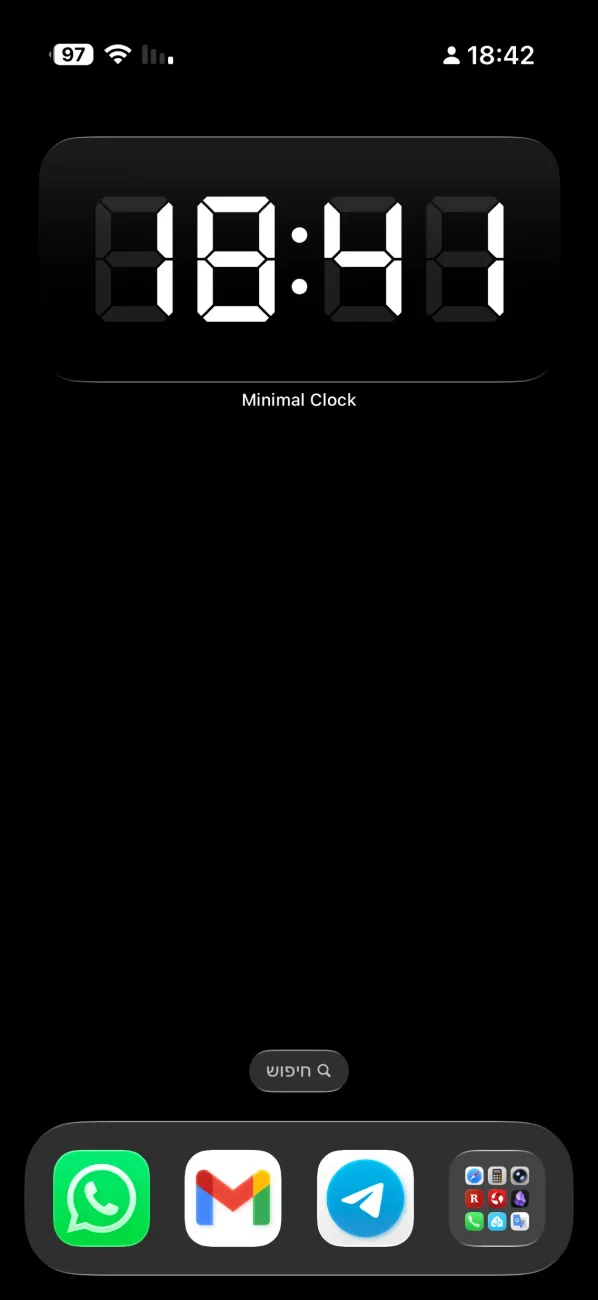
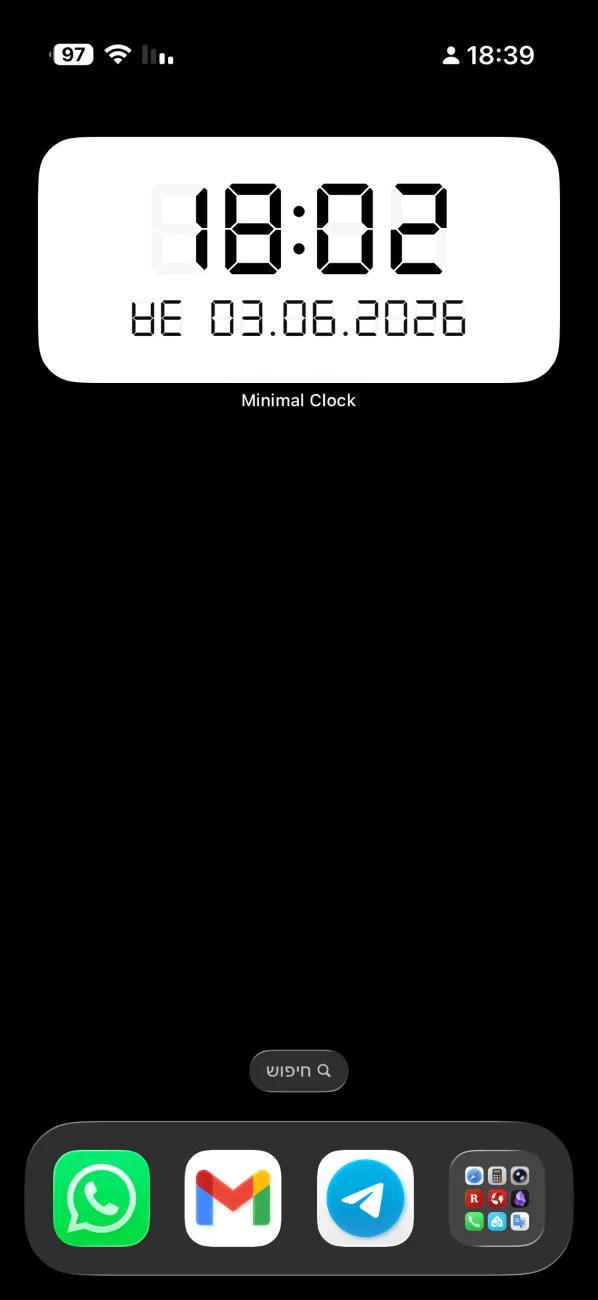
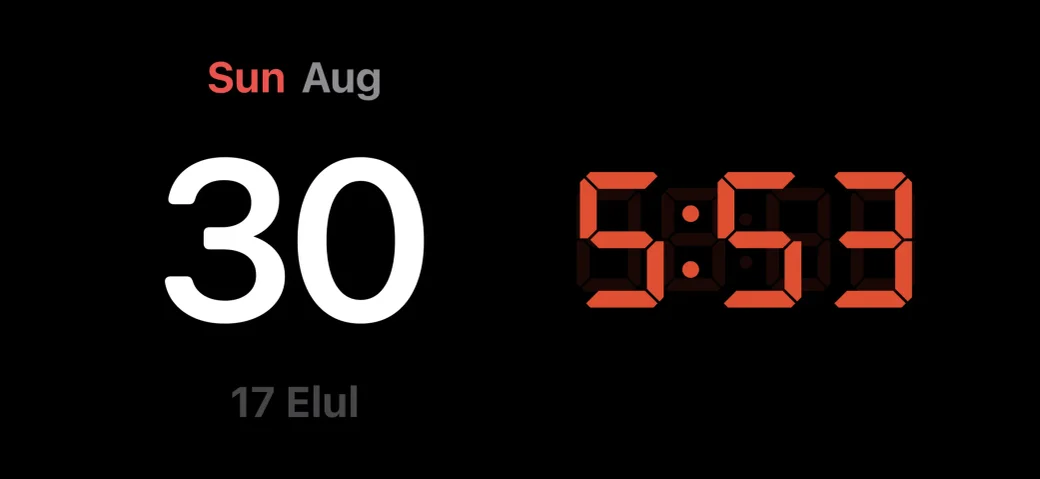
Minimal Clock puts a real retro digital clock on your Home Screen, Lock Screen, and StandBy. It is the authentic 7-segment LCD look, not a plain font dressed up to resemble one.
THE LOOK
The time is drawn in a true DSEG7 7-segment typeface with a "ghost segments" effect: the unlit segments sit faintly behind the lit digits, exactly like a physical digital clock.
FIVE WIDGETS
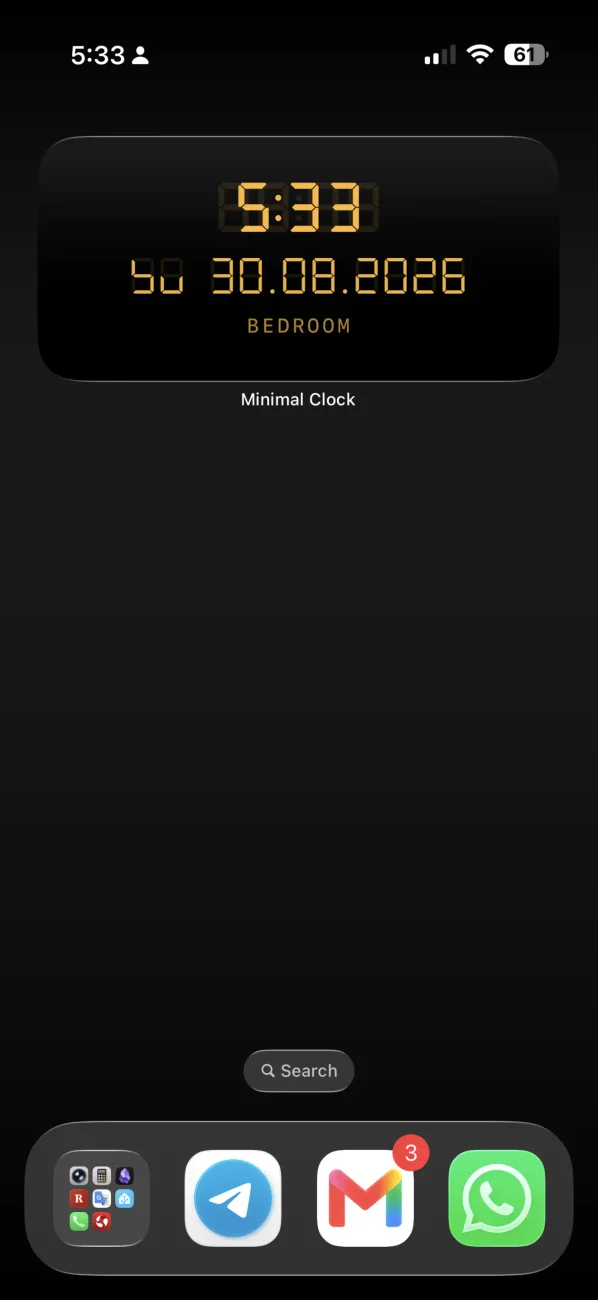
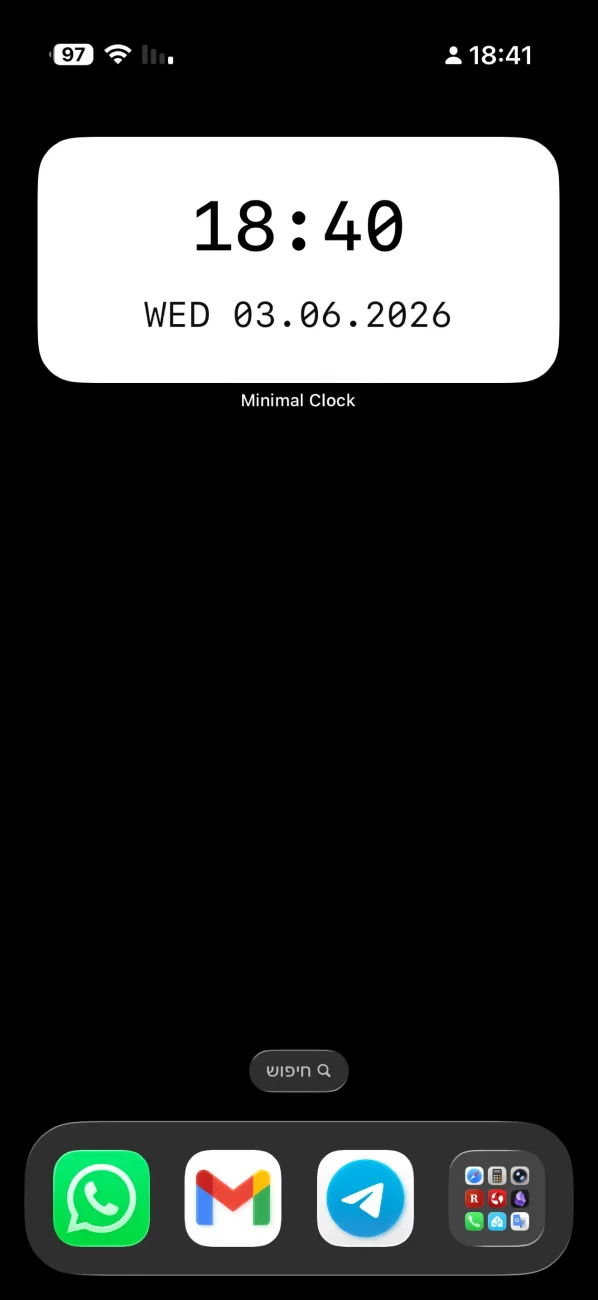
• Clock + Date — time, weekday, and date
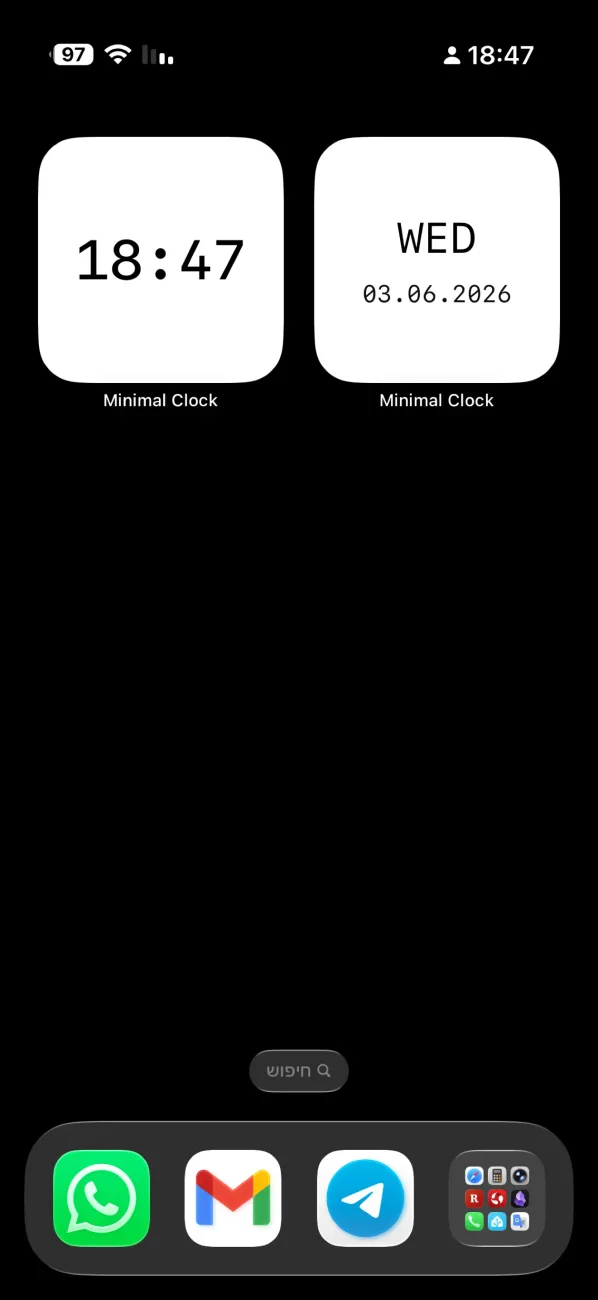
• Clock Only — a large, legible clock
• Date & Day — the full weekday and date
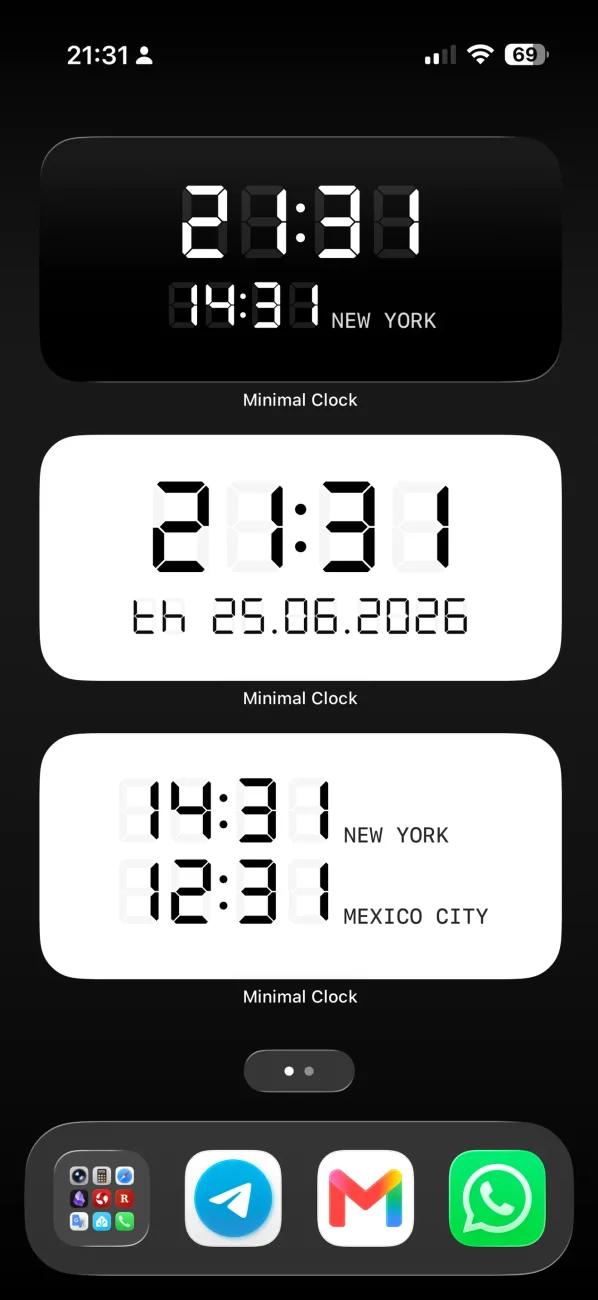
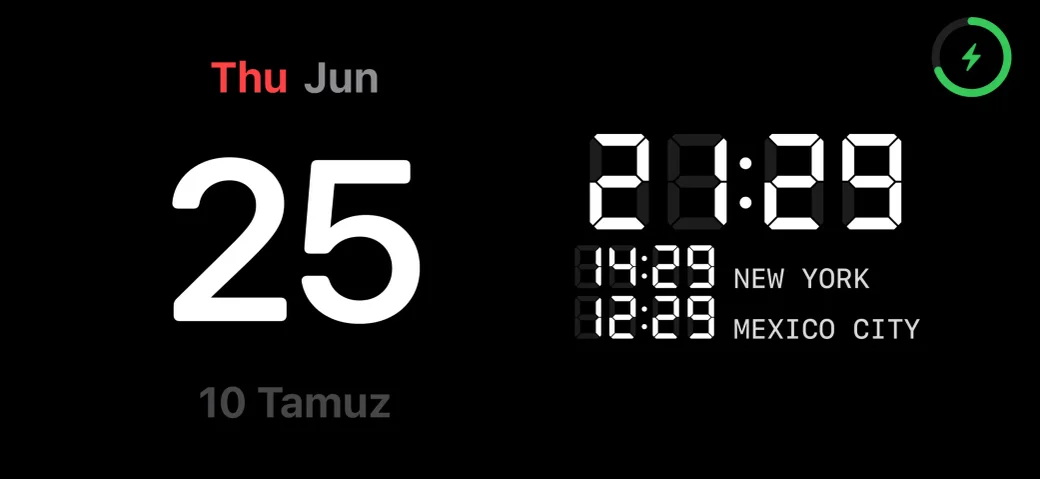
• World Clock — your local time plus one or two cities (Pro)
• World Cities — up to three cities, no local clock (Pro)
WORLD CLOCK
Keep other time zones on your Home Screen. The city picker searches every time zone, shows each city's UTC offset, and marks a day difference (+1 / −1) for cities already on tomorrow or still on yesterday.
FIVE THEMES, TWO FONTS
Pick a theme for each widget: Dark, Light, Clear (transparent), Green (retro VFD), or Red (retro LED). Choose the LCD (Retro) 7-segment font or a monospace Terminal font. Every placed widget can look different.
COLORS, LABEL, AND NIGHT MODE (PRO)
Five display colors sit on top of any theme: amber, ice blue, cyan, violet, and rose. Add a short label of your own under the clock. Switch on night mode and the StandBy clock dims to a soft red, so it won't light up a dark room.
WHEREVER YOU NEED THE TIME
Small and Medium on the Home Screen, rectangular, circular, and inline Lock Screen widgets, and StandBy support so it works as a bedside desk clock. The world clocks come in Small, Medium and rectangular. The clock follows your device's 12/24-hour and first-day-of-week settings, and the date and weekday follow your locale. City names are shown in English.
ONE-TIME PURCHASE
Minimal Clock Pro is one purchase, not a subscription. The three core clock widgets, all five themes, both fonts, Lock Screen, and StandBy stay free.
PRIVATE BY DESIGN
No accounts, no network, no tracking, no data collection. Nothing leaves your device.
Neue Funktionen
Version 2.1 · 31.08.2026
Version 2.1 adds display colors, a personal label, and a night mode for StandBy.
• Display colors — amber, ice blue, cyan, violet and rose, on top of any theme.
• Personal label — a short line of your own under the clock, up to 14 characters.
• Night mode for StandBy — the same bedside clock, dimmed to a soft red instead of glowing white. One switch in the app covers every Minimal Clock widget in StandBy.
• All three are part of the same one-time Pro unlock. If you already bought it, they are yours.
• In the app, every option that needs Pro is marked before you pick it, not after.
• Every PRO badge and every Pro style opens the unlock screen when you tap it.
• A step-by-step guide for getting the clock into StandBy, which keeps its own widget list.
• Fixed: a purchase that succeeded could be undone by a background refresh, leaving the widgets locked.
• Fixed: after a purchase, a widget that still showed the lock sent you back to the purchase screen.
• Fixed: the purchase screen now explains failures instead of showing a button that does nothing.
• Fixed: the label field releases the keyboard when you are done typing.
App-Datenschutz
Was Yechiel Ben David im App Store zum Umgang dieser App mit Daten angibt.
-
Keine Daten erfasst
Der Entwickler erfasst keine Daten von dieser App.
Die Datenschutzpraktiken können variieren, zum Beispiel je nach den von Ihnen verwendeten Funktionen oder Ihrem Alter.
Informationen
- Anbieter
- Yechiel Ben David
- Kategorie
- Dienstprogramme
- Version
- 2.1
- Aktualisiert
- 31.08.2026
- Veröffentlicht
- 10.06.2026
- Größe
- 1,2 MB
- Erfordert
- iOS 17.0 oder neuer
- Altersfreigabe
- 4+
- Preis
- Kostenlos
- In-App-Käufe
- Ja
- Sprachen
- Englisch
- Copyright
- © 2026 Y. Ben David
Das könnte Ihnen auch gefallen
-
 ClockThatDienstprogramme
-
 Clock Widgets: Flip & DigitalEinzigartige Uhr-Designs
-
 Clearwing: Transparent WidgetsDienstprogramme
-
 Vintage 90s ClockDienstprogramme
-
 Flip Clock & Digitale WidgetsTimer, Pomodoro & Countdown
-
 StandBy Hub: Nachttisch & HomeUhren, Countdown & Dashboard
-
 Kloky - Uhr Widgets & WeckerFlip Clock, Weltuhr & Timer
-
 Lightweight ClockDienstprogramme
-
 The ArtclockDienstprogramme
-
 Minimal Digital Clock & AlarmDienstprogramme