
MobileCLI
Remote AI Terminal Control
Entwickelt für iPhone, iPad, iPod touch
Kostenlos · In-App-Käufe
- Altersfreigabe4+
- KategorieEntwickler-Tools
- EntwicklerAlexander Knigge
- SprachenEnglisch
- Größe31,2 MB
Verlinkt auf die offizielle App Store-Seite
Download.org hostet keine Datei von MobileCLI. Die Schaltfläche öffnet die App-Seite bei App Store, wo Alexander Knigge die App veröffentlicht. Eintrag zuletzt geprüft am 17.11.2026.
Screenshots

Info
Der Entwickler hat diesen Text nicht in Ihrer Sprache bereitgestellt.
Your desktop terminal, in your pocket.
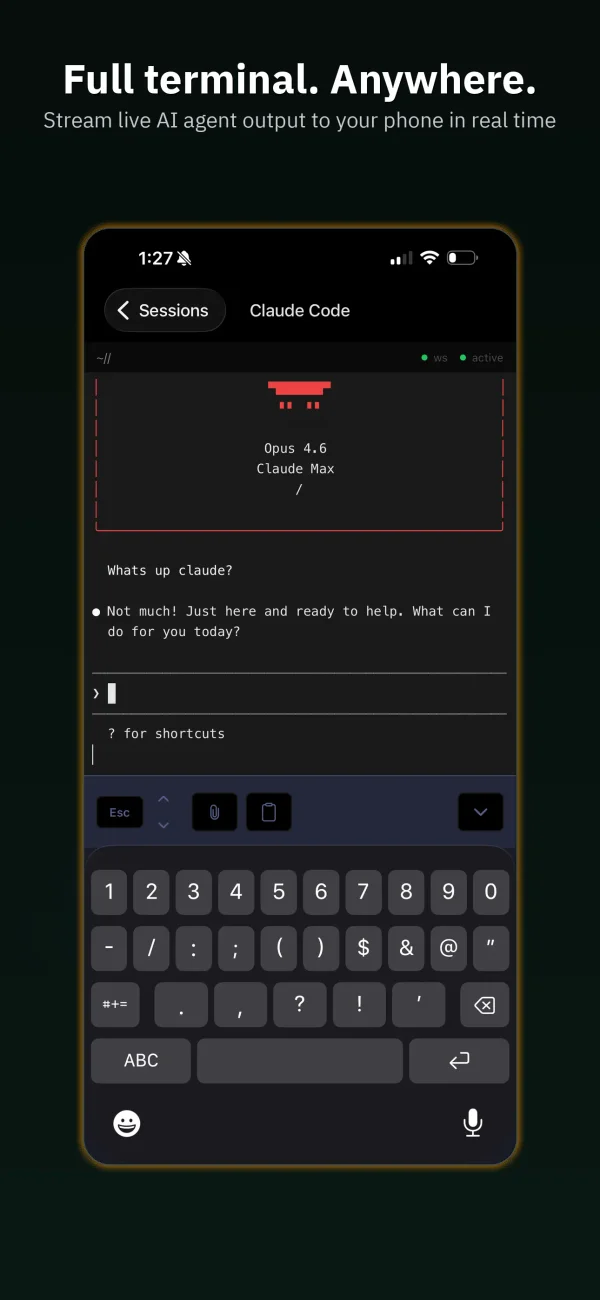
MobileCLI connects to your development machine and gives you full access to your terminal sessions from your phone. Pair with a QR code, and you're in — no accounts, no cloud relay, no configuration files.
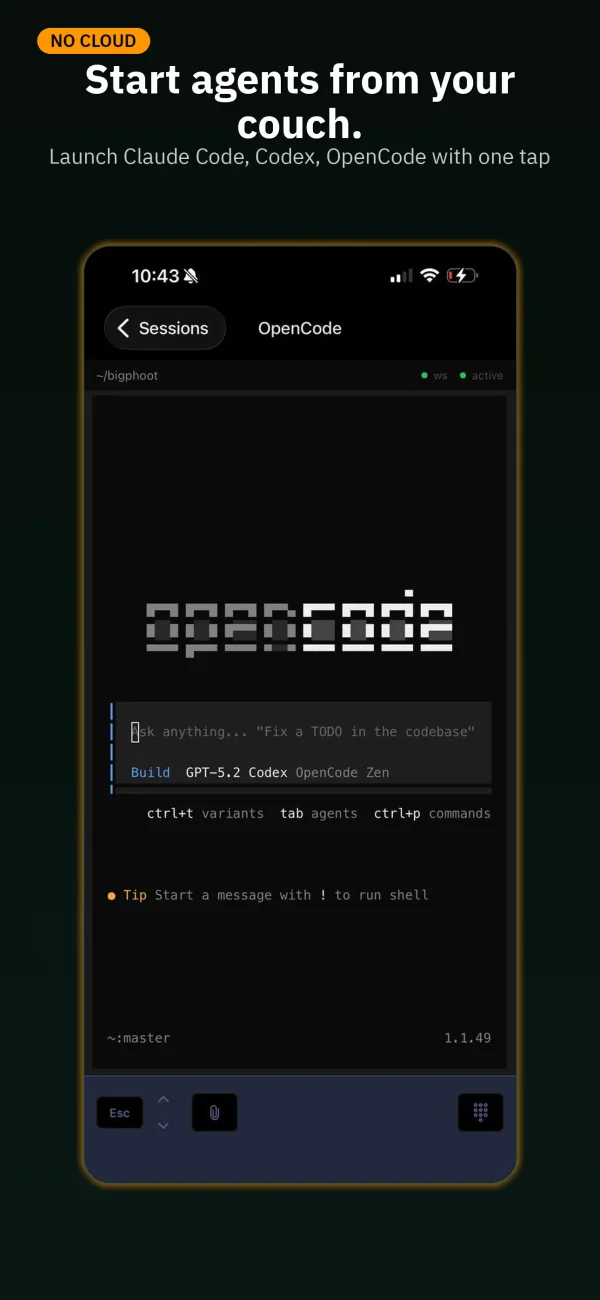
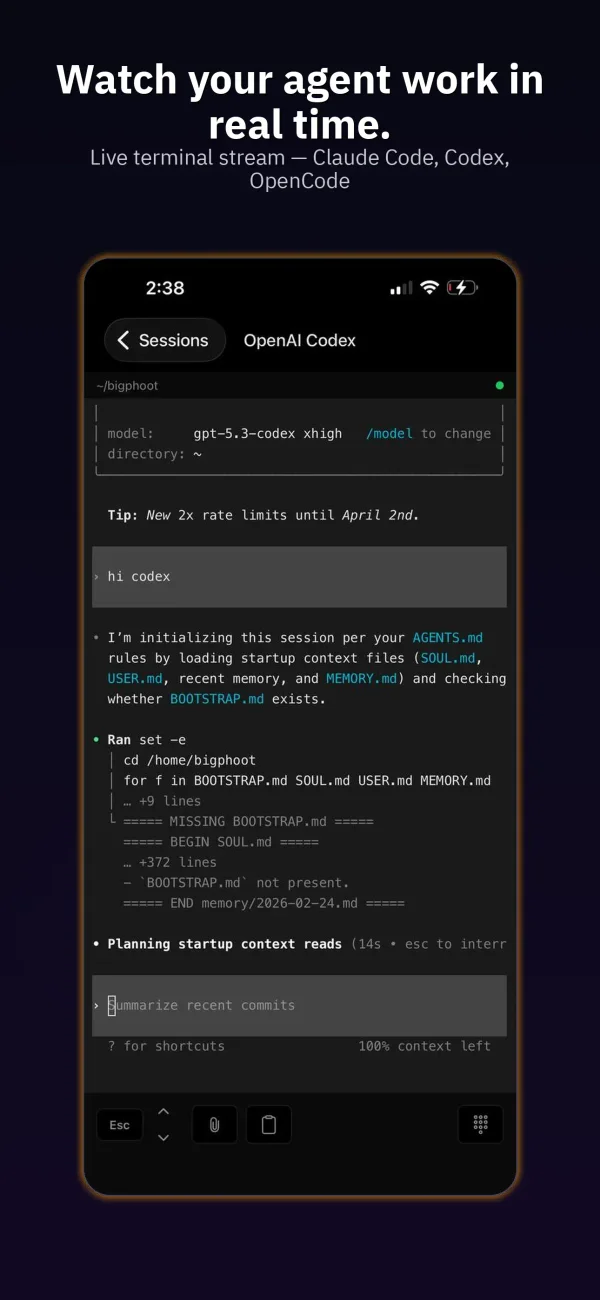
Built for developers who use AI coding assistants. Watch Claude Code, Codex, or Gemini work in real time. Approve tool calls from the couch. Fix a stuck prompt from the grocery store. Your sessions keep running whether you're watching or not.
REAL TERMINAL, NOT A TOY
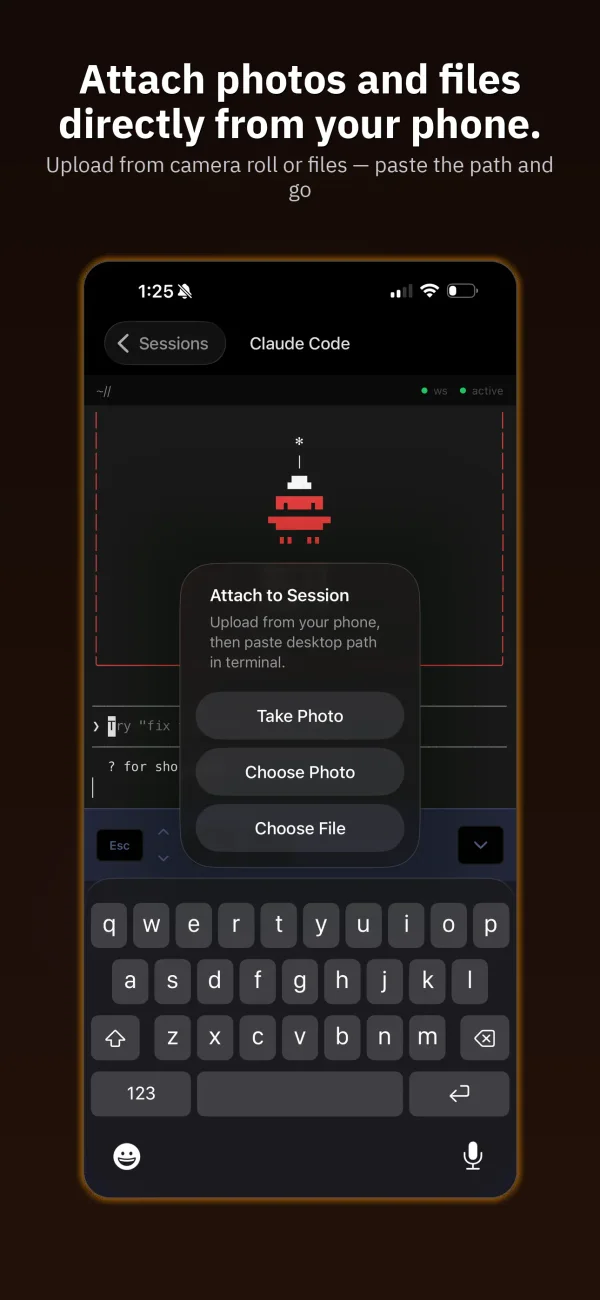
Full xterm.js terminal with keyboard toolbar — arrow keys for history navigation, escape, paste from clipboard, and file attachments. Everything you type goes straight to your PTY. Everything your PTY outputs streams back instantly over WebSocket.
CONNECT YOUR WAY
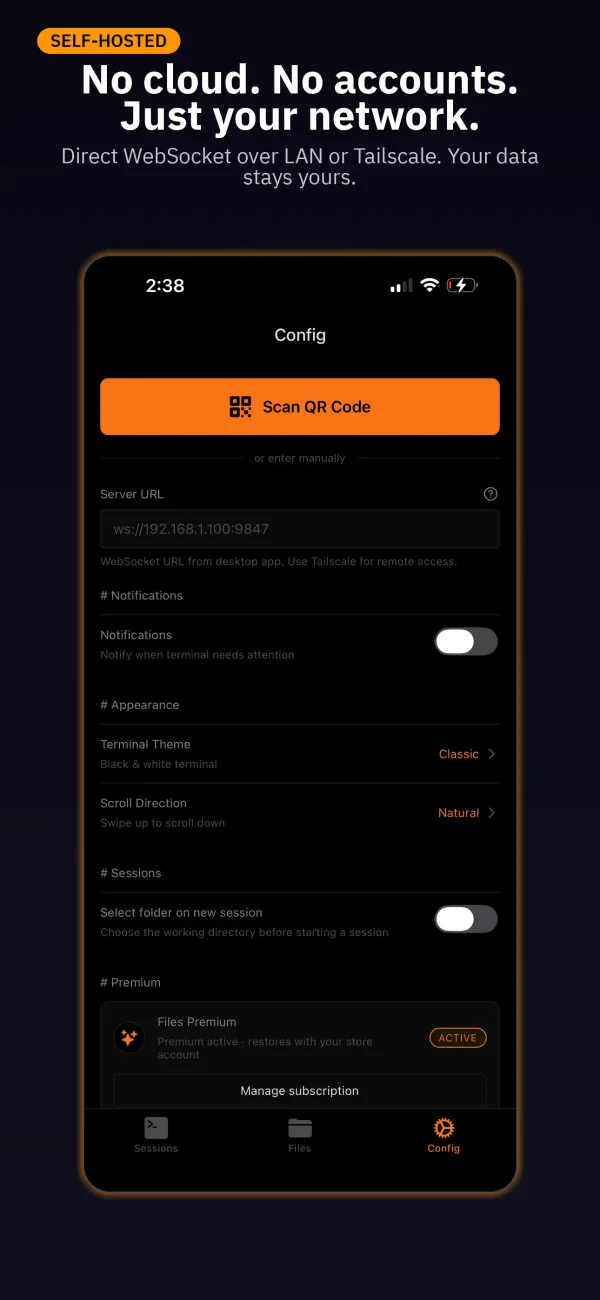
Scan a QR code on your local network, or connect over Tailscale from anywhere in the world. Link multiple machines and switch between them. All connections are direct — your data never touches a third-party server.
FILE BROWSER & EDITOR (Pro)
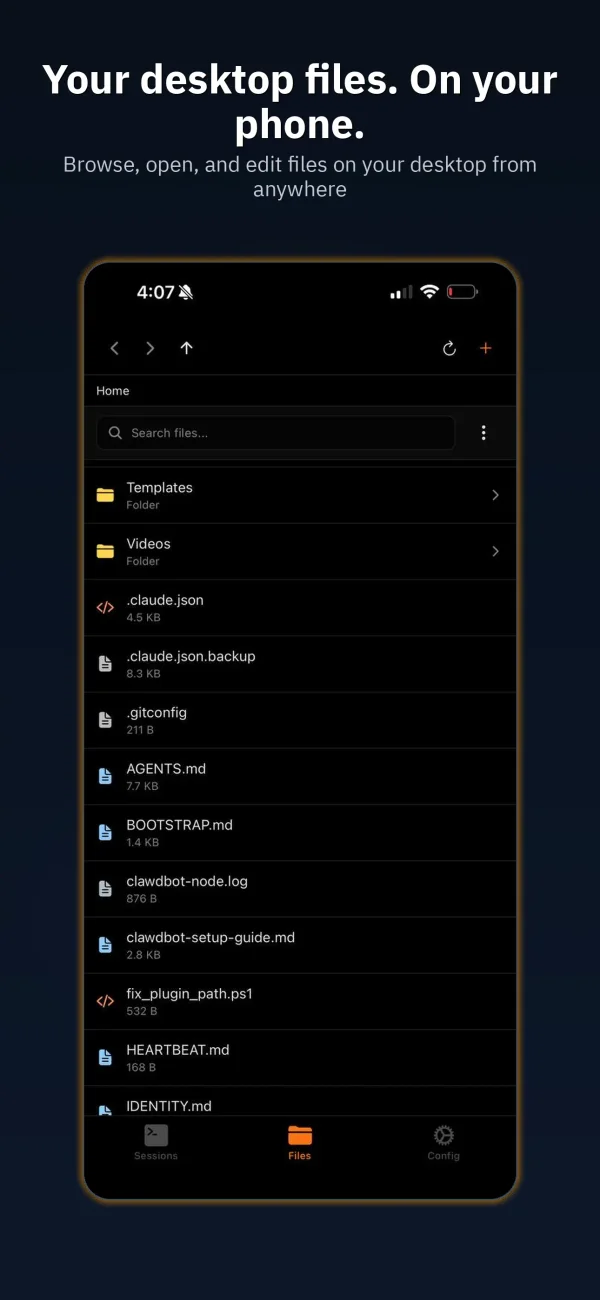
Browse your project files, edit code with syntax highlighting, view images and PDFs, search by filename or content. Create, rename, move, and delete files and folders. Upload photos and documents straight from your phone into your terminal session.
SPAWN SESSIONS FROM YOUR PHONE
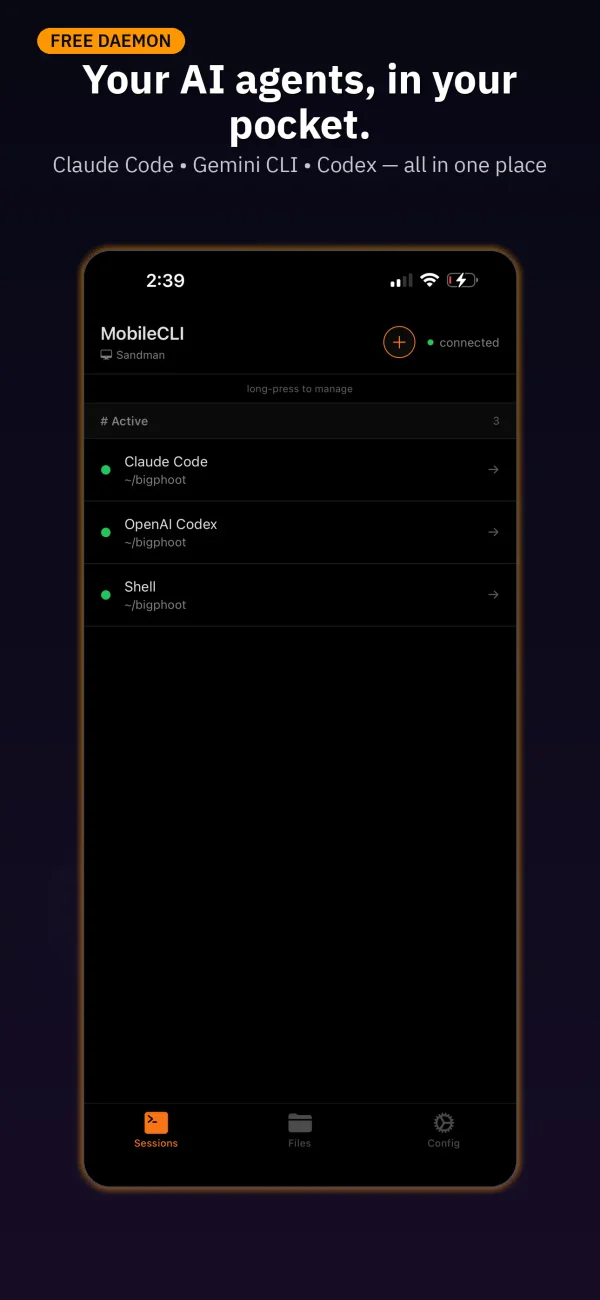
Start new terminal sessions remotely — Claude Code, Codex, Gemini CLI, OpenCode, or a plain shell. Pick a working directory, name your session, and go.
NOTIFICATIONS WHEN IT MATTERS
Get a push notification when your AI assistant needs input — tool approvals, plan confirmations, or clarifying questions. Tap to jump straight into the session.
MULTIPLE THEMES
Classic black terminal, Tokyo Night, or Light mode. Pick what feels right.
FREE TO START
Connect one device, open terminal sessions, type commands, and get notifications — all free. Upgrade to Pro to unlock the file browser, file editor, and attachment uploads.
PRO SUBSCRIPTION
MobileCLI Pro unlocks file browsing, editing, and attachment uploads.
• $19.99/year with a 3-day free trial
• $29.99 lifetime purchase (one-time)
• Payment is charged to your Apple ID account at confirmation of purchase
• Subscription automatically renews unless canceled at least 24 hours before the end of the current period
• Your account is charged for renewal within 24 hours prior to the end of the current period
• Manage or cancel anytime in Settings → Apple ID → Subscriptions
Privacy Policy: https://www.mobilecli.app/privacy
Terms of Use: https://www.mobilecli.app/terms
Neue Funktionen
Version 1.0.2 · 16.05.2026
- Security Improvements
App-Datenschutz
Was Alexander Knigge im App Store zum Umgang dieser App mit Daten angibt.
-
Keine Daten erfasst
Der Entwickler erfasst keine Daten von dieser App.
Die Datenschutzpraktiken können variieren, zum Beispiel je nach den von Ihnen verwendeten Funktionen oder Ihrem Alter.
Informationen
- Anbieter
- Alexander Knigge
- Kategorie
- Entwickler-Tools
- Version
- 1.0.2
- Aktualisiert
- 16.05.2026
- Veröffentlicht
- 10.03.2026
- Größe
- 31,2 MB
- Erfordert
- iOS 15.1 oder neuer
- Altersfreigabe
- 4+
- Preis
- Kostenlos
- In-App-Käufe
- Ja
- Sprachen
- Englisch
- Copyright
- © 2026 MobileCLI
Das könnte Ihnen auch gefallen
-
 Clawdex: Code from PhoneEntwickler-Tools
-
 Vibe Pocket: AI Coding AgentsEntwickler-Tools
-
 Web Finder for TailscaleEntwickler-Tools
-
 ServerCC - Claude Code & CodexRemote Coding · SSH · tmux
-
 QuickTUI: AI Agent TerminalClaude, Codex, herdr & tmux
-
 Shepherd: AI Agents & SSHEntwickler-Tools
-
 Termiux - Modern SSH ClientEntwickler-Tools
-
 Multiplex — SSH tmux TerminalEntwickler-Tools
-
 Tailscode: Claude Code RemoteCodex, opencode, Hermes agents
-
 Onepilot: SSH Shell TerminalEntwickler-Tools