MOL.DO
Focus deep. Finish one by one.
Entwickelt für iPhone, iPad
Kostenlos · In-App-Käufe
- Altersfreigabe4+
- KategorieProduktivität
- EntwicklerJuyeon Yu
- SprachenEnglisch+ 4 weitere
- Größe2,0 MB
Verlinkt auf die offizielle App Store-Seite
Download.org hostet keine Datei von MOL.DO. Die Schaltfläche öffnet die App-Seite bei App Store, wo Juyeon Yu die App veröffentlicht. Eintrag zuletzt geprüft am 18.11.2026.
Screenshots

Info
Der Entwickler hat diesen Text nicht in Ihrer Sprache bereitgestellt.
Someday → Today → Right Now.
Most task apps are graveyards of "someday" items. MOL.DO is built on a single pipeline: pull a task from your backlog, give it a real deadline so it becomes today's task, then immerse yourself in the ONE task that's happening right now.
That's it. No projects. No labels. No guilt. Just the funnel that turns intentions into finished work.
THE THREE STAGES
1. Backlog — Someday Tasks
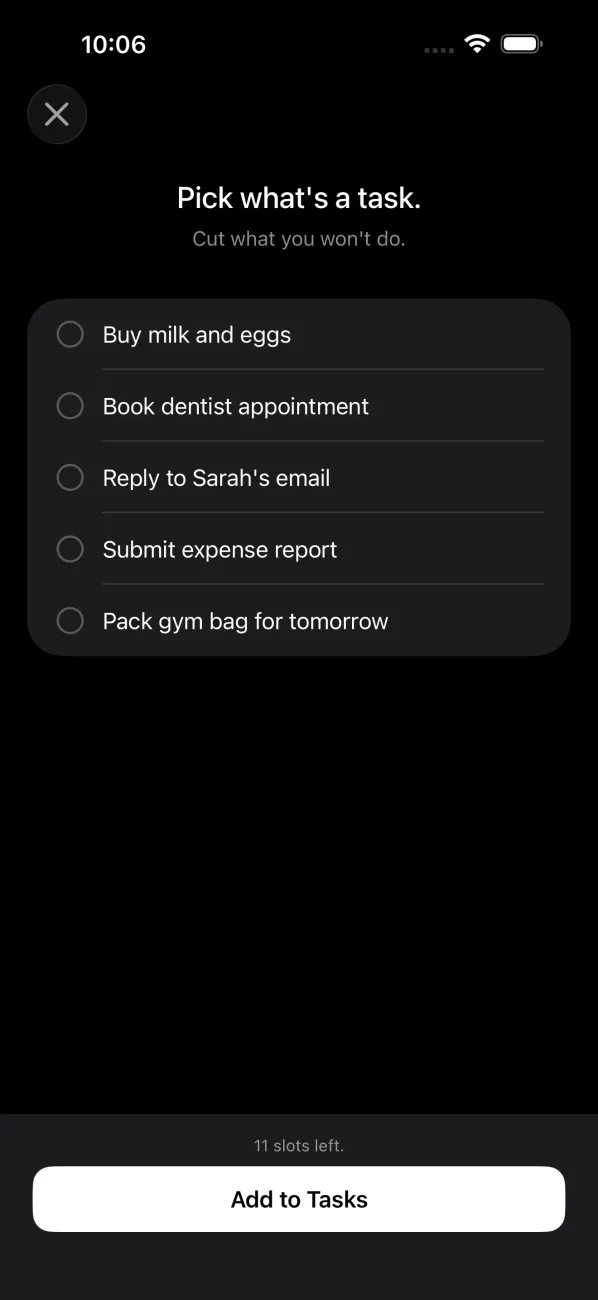
Capture everything you might do, by voice or text. No pressure, no priority. It just lives here until you're ready.
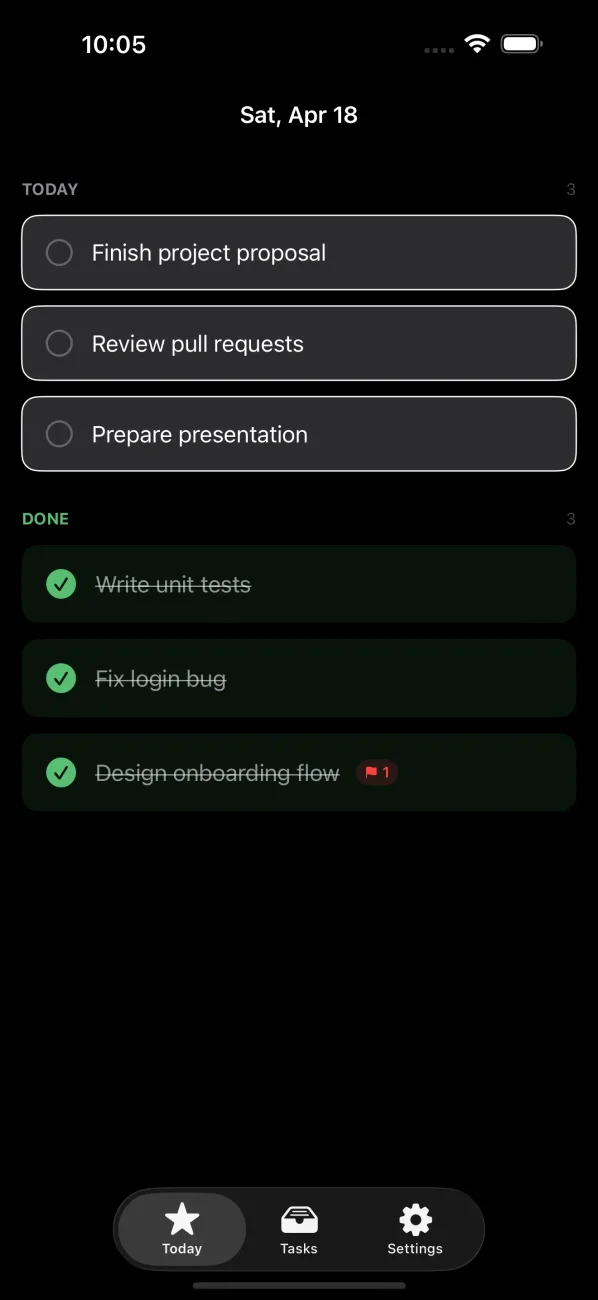
2. Today — Tasks With a Deadline
Pull a task from the backlog and commit. Give it today. Now it's no longer "someday" — it's a promise to your future self.
3. Right Now — The ONE You're Immersed In
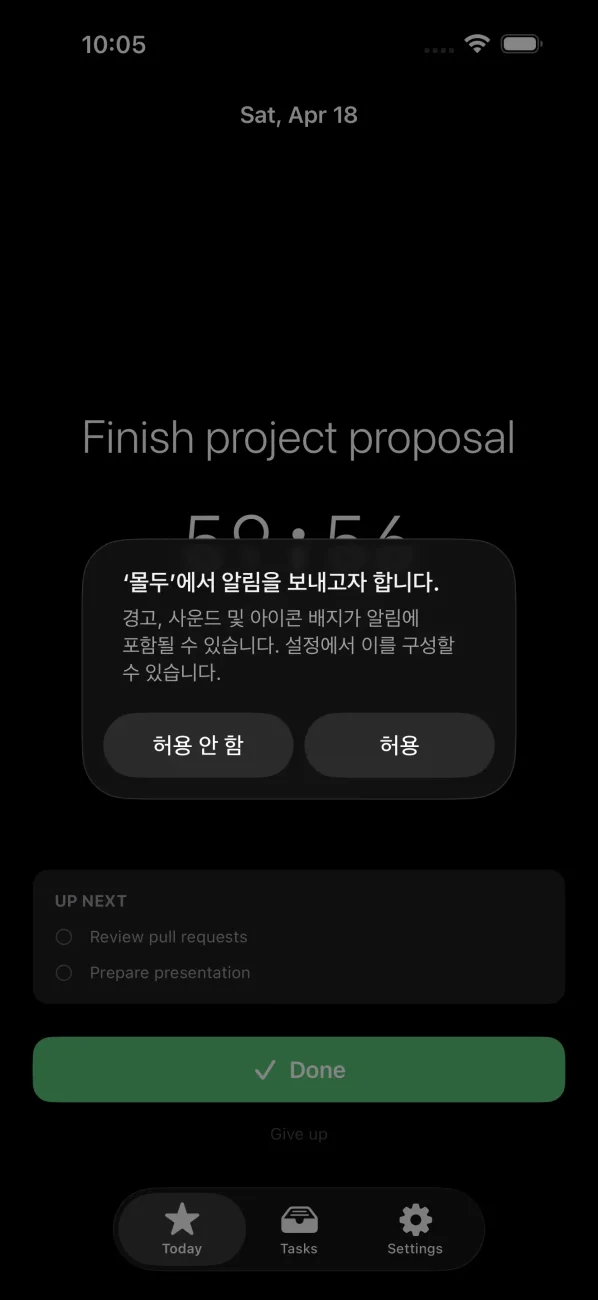
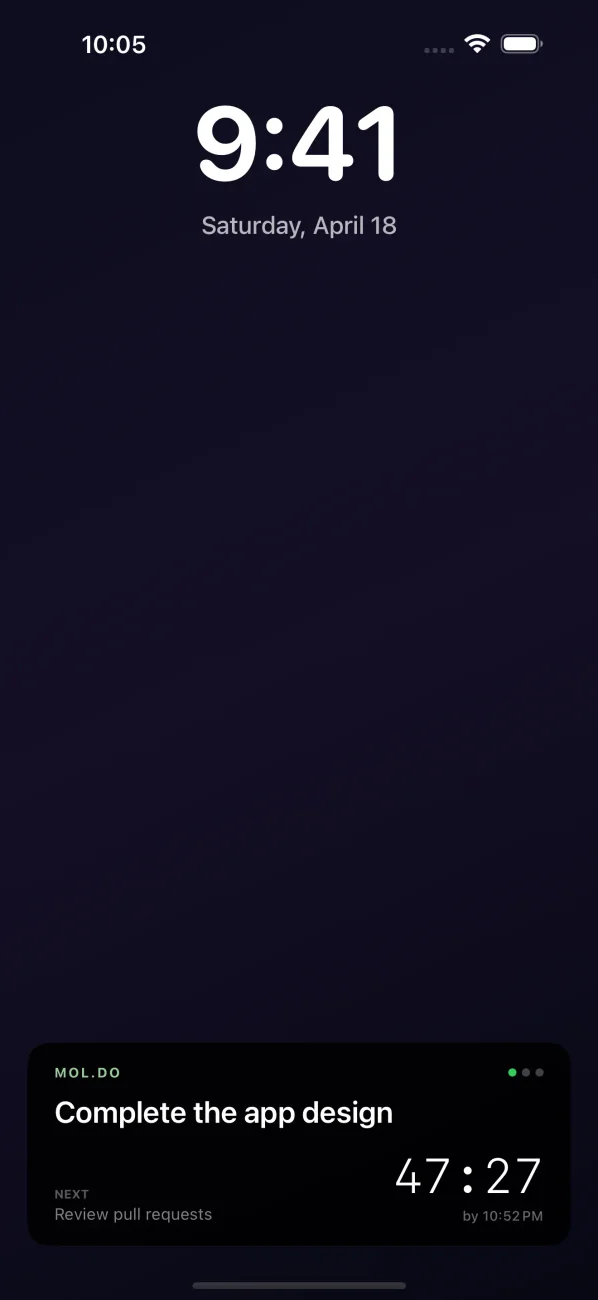
Pick the single task you're doing this moment. It locks onto your Home Screen widget and Lock Screen Live Activity. Everything else fades.
WHY THIS WORKS
The problem isn't capturing tasks. It's the gap between "I should" and "I'm doing." MOL.DO closes that gap with one rule: a task only earns "today" status when you commit a deadline, and only one task can be "right now."
You stop juggling. You start finishing.
FEATURES
• Voice Brain Dump — capture backlog items by speaking
• Deadline Commit — turn backlog items into today's tasks with a single tap
• Right Now Focus Mode — one task, one screen, zero distraction
• Live Activity — your current task always visible on the Lock Screen
• Home Screen Widget — your ONE in your peripheral vision all day
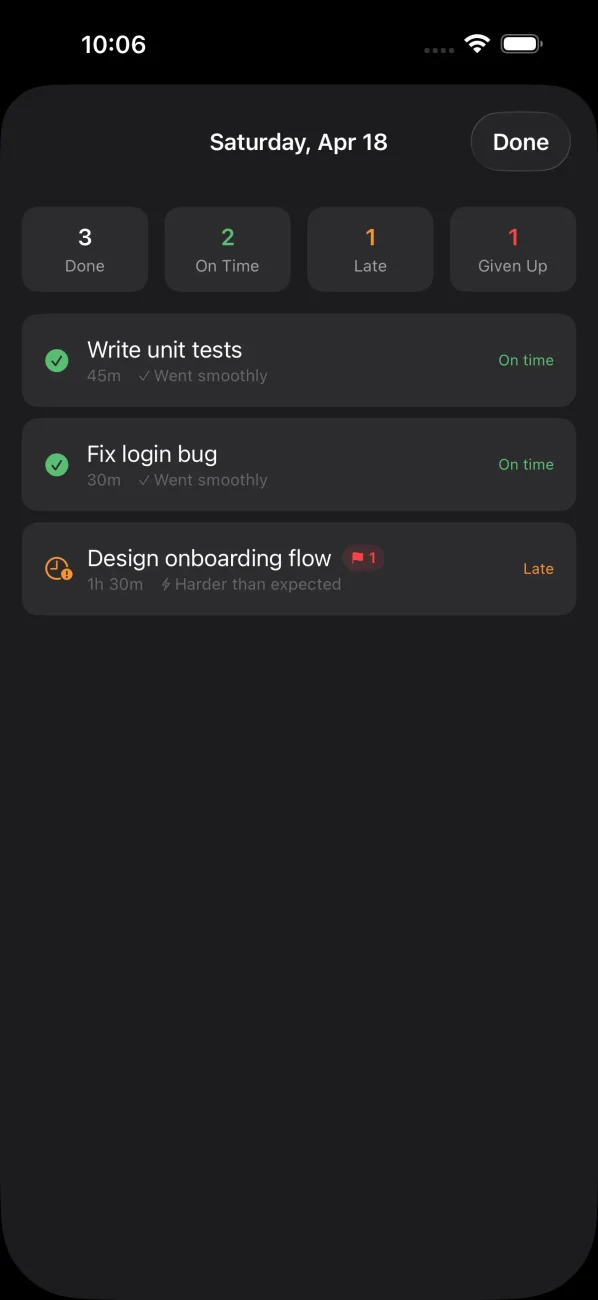
• Day History — see exactly what you finished, not just what you planned
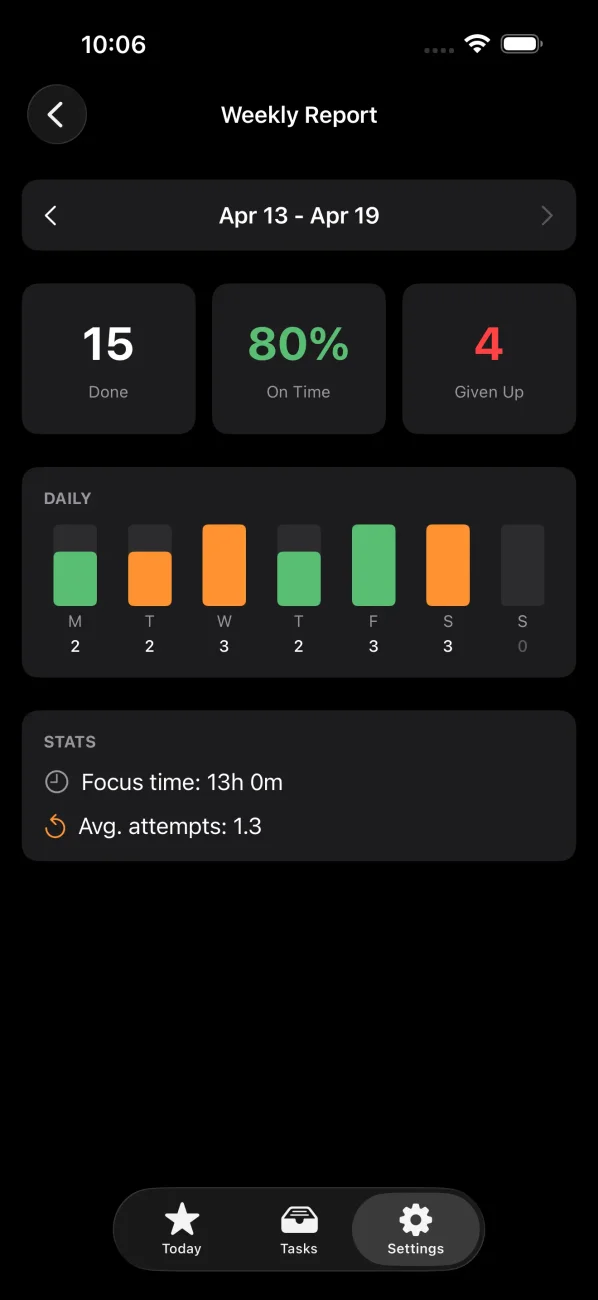
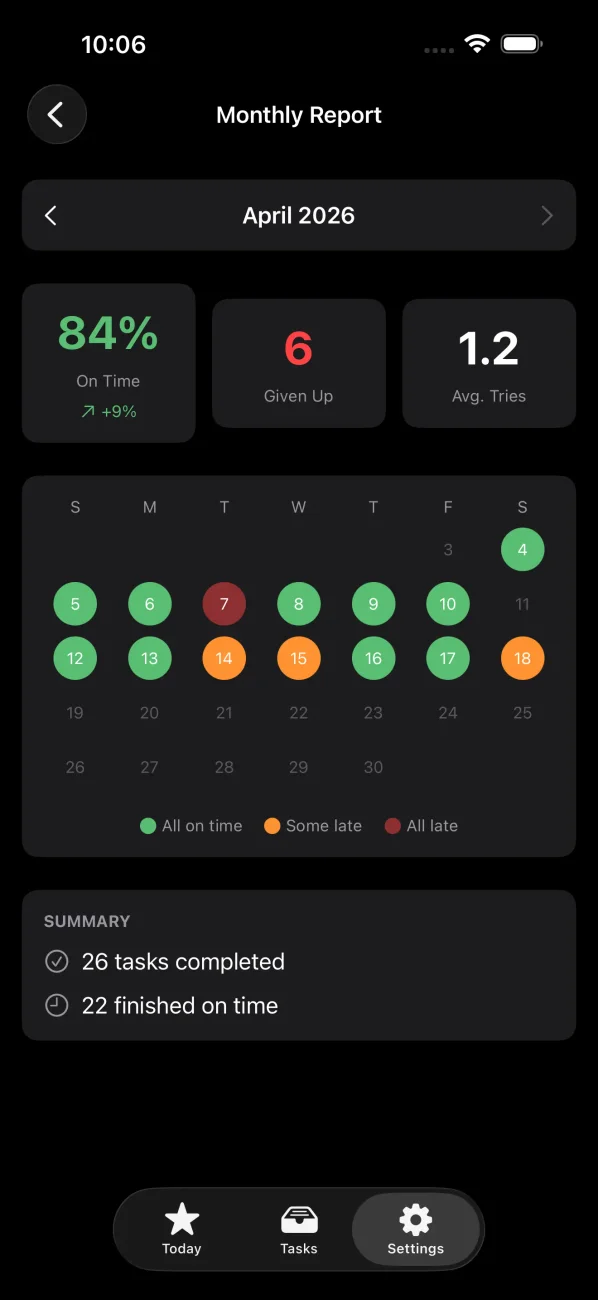
• Weekly & Monthly Reports — patterns of what actually got done
• Reflect — quick check-in at day's end
WHO IT'S FOR
• People drowning in 200-item todo lists
• Knowledge workers who lose hours to context switching
• Anyone with ADHD-style task paralysis
• Folks who've tried Things, Todoist, TickTick — and still feel scattered
• Builders, writers, students who need deep focus, not more features
NOT BUILT FOR
Project management. Team collaboration. Shared lists. If you need those, use something else. MOL.DO is for one person, one task, one moment.
PRIVACY
Your tasks stay on your device. No accounts required. No tracking.
Stop adding. Start finishing.
Pull it forward. Lock it in. Get immersed.
Neue Funktionen
Version 1.6 · 29.04.2026
MOL.DO 1.6 — the Someday → Today → Right Now pipeline gets sharper.
• Voice Brain Dump: speak your thoughts straight into your backlog
• Live Activity: your current task stays on the Lock Screen, always visible
• Weekly & Monthly Reports: see patterns of what actually got finished
• Day History: replay any past day's flow
• Faster widget refresh, smoother focus mode, bug fixes
Stop adding. Start finishing.
App-Datenschutz
Was Juyeon Yu im App Store zum Umgang dieser App mit Daten angibt.
-
Keine Daten erfasst
Der Entwickler erfasst keine Daten von dieser App.
Die Datenschutzpraktiken können variieren, zum Beispiel je nach den von Ihnen verwendeten Funktionen oder Ihrem Alter.
Informationen
- Anbieter
- Juyeon Yu
- Kategorie
- Produktivität
- Version
- 1.6
- Aktualisiert
- 29.04.2026
- Veröffentlicht
- 30.03.2026
- Größe
- 2,0 MB
- Erfordert
- iOS 26.0 oder neuer
- Altersfreigabe
- 4+
- Preis
- Kostenlos
- In-App-Käufe
- Ja
- Sprachen
- Englisch, Japanisch, Koreanisch, Vereinf. Chinesisch, Spanisch
- Copyright
- © 2026 Juyeon Yu
Das könnte Ihnen auch gefallen
-
 習慣化タイマーProduktivität
-
 Daylogue: AI Task TrackerProduktivität
-
 Just One - Focus TimeProduktivität
-
 Did you concentrate?Produktivität
-
 NimbleDay: Task & Goal PlannerPlan by energy. Crush goals.
-
 직딩Produktivität
-
 PlachieveProduktivität
-
 NanaTimer - Study TimerProduktivität
-
 拾序:GTD待办清单Produktivität
-
 TODO 3: To-Do-Liste & FokusTagesplaner für 3 Aufgaben