
- Altersfreigabe4+
- KategorieProduktivität
- EntwicklerHejia CHEN
- SprachenEnglisch+ 1 weitere
- Größe6,1 MB
Moori ist bei App Store derzeit möglicherweise nicht verfügbar
Bei unserer letzten Prüfung war der Store-Eintrag nicht erreichbar. Der Link führt weiterhin zur offiziellen App Store-Seite.
Screenshots


Info
Der Entwickler hat diesen Text nicht in Ihrer Sprache bereitgestellt.
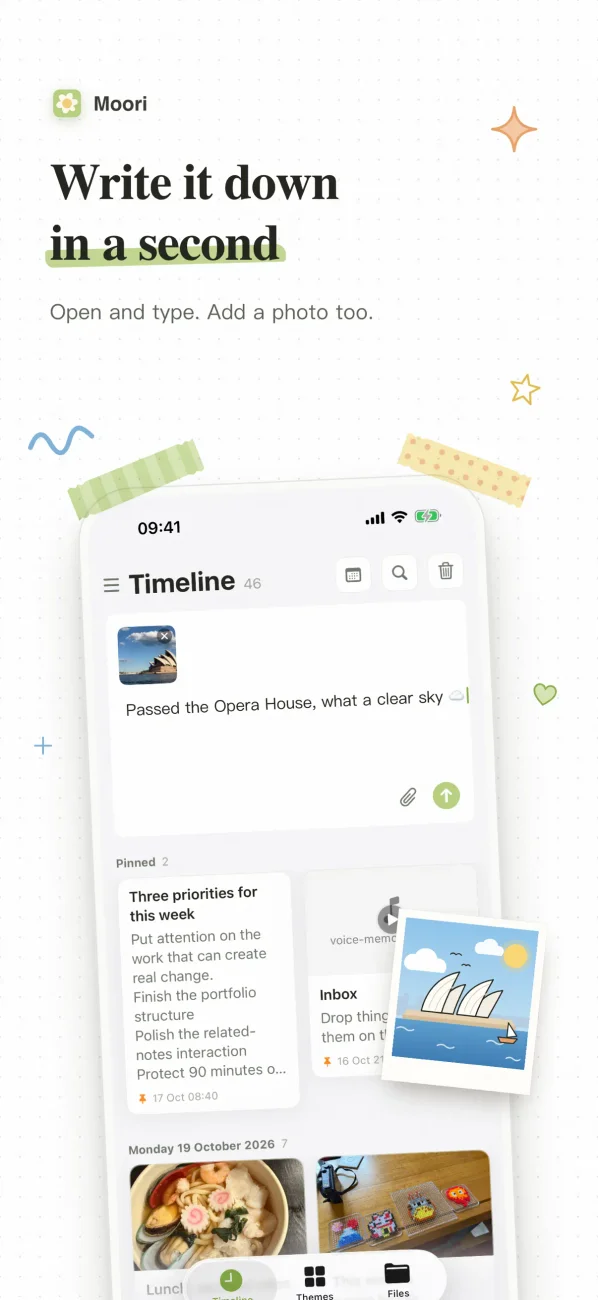
Moori is a home for the small stuff: a passing idea, a photo, an audio clip, a to-do. Write it down the moment it comes to you, without deciding where it goes first. Everything lands on your timeline, you organise it into themes when you have time, and you can always find it again.
Capture
• Open and type, and add photos, videos and files as you go
• Every note lands on a timeline grouped by day. Pin or favourite the ones you come back to
• Filter by date with the calendar, or search the full text and theme properties
• Set reminders: in an hour, tonight, tomorrow morning, or any time you choose
Organise with themes
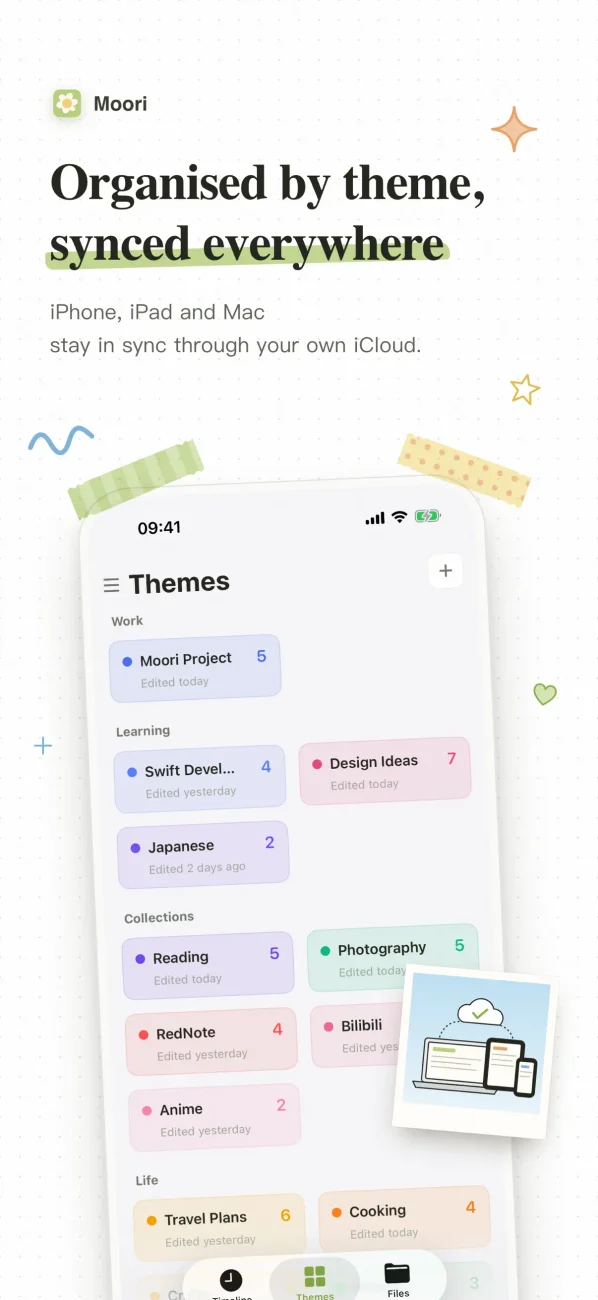
• A note can belong to several themes, and themes can be grouped
• Add properties to a theme (text, number, link, date or checkbox), then filter notes by them
• New notes written inside a theme are added to it automatically
Every format, one note
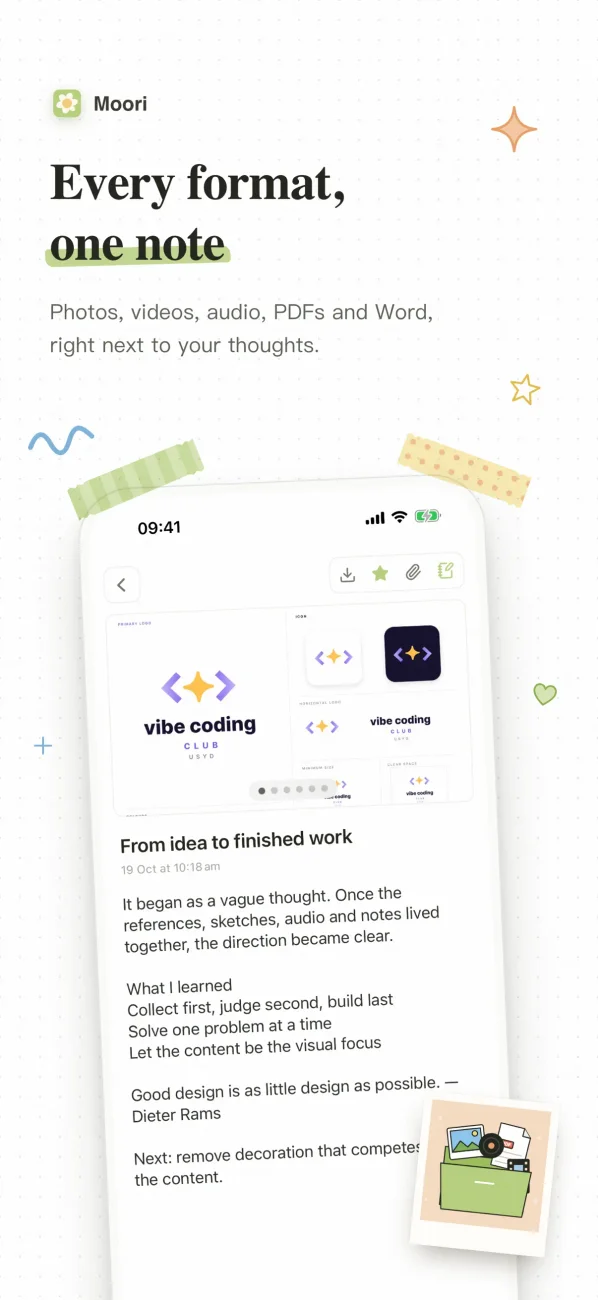
• Add photos, videos, audio, PDFs, Word, PowerPoint and Markdown files to any note
• Preview and play attachments right in the note, or open them full screen and swipe between them. Videos play full screen too
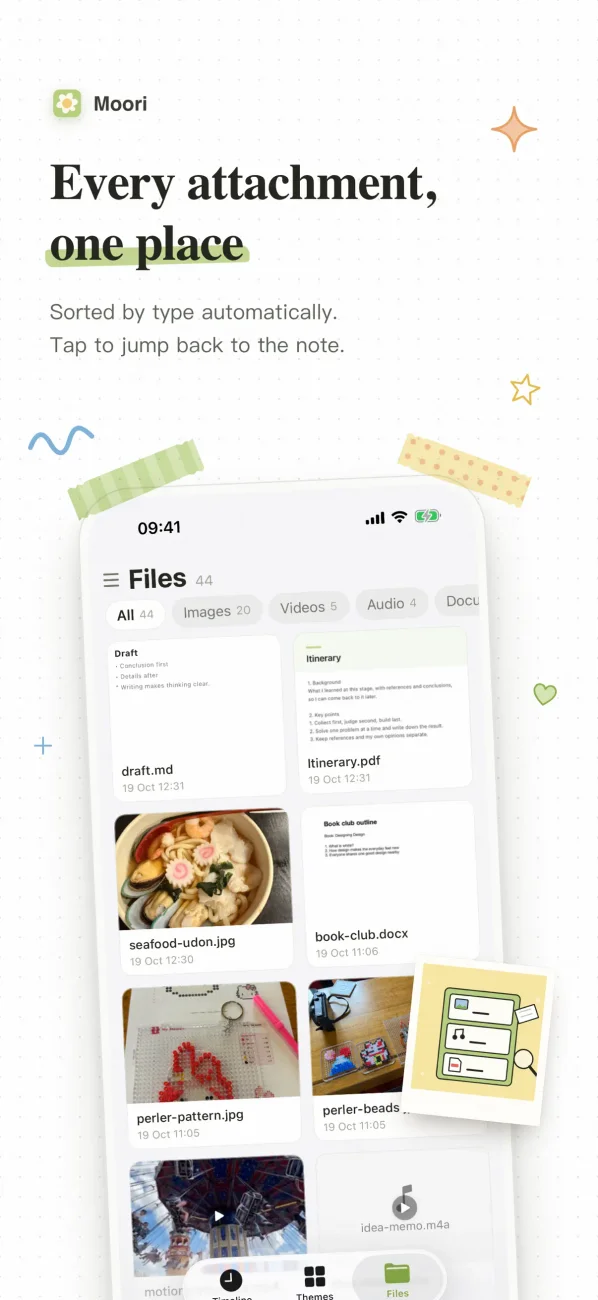
• The Files tab sorts every attachment into images, videos, audio and documents. Tap one to jump back to its note
• Appended notes: add your own thoughts after the original without changing it
Clippings
• Copy a share link and come back to Moori. It offers to clip the post with its source
• Clippings are grouped by source and stay in step with your themes
Related notes
• On devices that support Apple Intelligence, Moori finds notes related to the one you are reading and explains why
• Suggestions are just suggestions: you decide what to link
• Everything runs on your device. Your notes are never uploaded
Sync and privacy
• No account needed. Your notes live on your devices and in your own iCloud
• iPhone, iPad and Mac stay in sync, and pull to refresh syncs right away. Sync on Wi‑Fi only, or turn sync off entirely
• Hide private notes behind Face ID or Touch ID
• Deleted notes go to the trash first, so you can restore them
More
• Write in Markdown, import a folder of Markdown files, and export your notes as Markdown
• Built for iPad and iPhone Duo: unfolded, content splits across the two halves and stays off the fold
• Customise the tab bar: show or hide Favourites, Themes and Files
• Statistics: how many notes and attachments you have, and how much space they take
• Dark mode
• A Moori Handbook note with screenshots greets you on first launch
• Moori is on Mac too: open the same iCloud library with a full Markdown editor and web clipping
Neue Funktionen
Version 1.1 · 21.10.2026
New
• A new design that matches the Mac app, with redesigned cards, colours and buttons
• Related notes: on devices that support Apple Intelligence, Moori finds related notes and explains why they belong together, entirely on device
• Clippings: copy a share link and come back to Moori to save the post with its source
• Files: a new Files tab to browse every attachment by images, videos, audio and documents, and jump straight to its note
• Reminders: set a time on a note and get a notification when it's due
• Hidden notes, unlocked with Face ID or Touch ID
• Appended notes: add your own thoughts without changing the original
• Statistics: how many notes and attachments you have, and how much space they take
• Markdown import and export
• iPhone Duo support: unfolded, content splits across the two halves and stays off the fold
• A Moori Handbook note welcomes you on first launch
Improved
• Sync: turn iCloud sync off or sync on Wi‑Fi only, and pull to refresh to sync right away
• Search by property values, and filter notes by date
• Swipe between attachments in full-screen preview, and play videos full screen
• A customisable tab bar: show or hide Favourites, Themes and Files
• Open Settings from the top-left of every tab
• Checkbox properties now show as checkboxes
• Choose Fit or Fill for images
• Faster launch, and a smoother timeline and pull to refresh
Fixed
• Notes disappearing after turning off iCloud sync or signing out of iCloud
• A crash when deleting the first attachment
• The app occasionally freezing on launch or pull to refresh
• Note details shifting after rotating the screen
• Other minor issues
App-Datenschutz
Was Hejia CHEN im App Store zum Umgang dieser App mit Daten angibt.
-
Keine Daten erfasst
Der Entwickler erfasst keine Daten von dieser App.
Die Datenschutzpraktiken können variieren, zum Beispiel je nach den von Ihnen verwendeten Funktionen oder Ihrem Alter.
Informationen
- Anbieter
- Hejia CHEN
- Kategorie
- Produktivität
- Version
- 1.1
- Aktualisiert
- 21.10.2026
- Veröffentlicht
- 16.08.2026
- Größe
- 6,1 MB
- Erfordert
- iOS 18.0 oder neuer
- Altersfreigabe
- 4+
- Sprachen
- Englisch, Vereinf. Chinesisch
- Copyright
- © 2026 Hejia Chen
Das könnte Ihnen auch gefallen
-
 PST to MBOXProduktivität
-
 BlocusProduktivität
-
 Where'd I Put It: Dinge findenMerken, wo deine Sachen sind
-
 Inkoum: Tasks, Notes & FocusProduktivität
-
 Task TabsProduktivität
-
 DOck-ITProduktivität
-
 HomeLog: Home InventoryProduktivität
-
 Sotto - Offline Auto NotetakerProduktivität
-
 Ordo: Brain DumpProduktivität
-
 Countpad: Inventar-TrackerBestand offline zählen + PDF