
Mouse@Work
Mouse Jiggler
Entwickelt für iPhone, iPod touch
Kostenlos · In-App-Käufe
- Altersfreigabe4+
- KategorieProduktivität
- EntwicklerAntoine Leroux
- SprachenEnglisch+ 2 weitere
- Größe914,0 KB
Verlinkt auf die offizielle App Store-Seite
Download.org hostet keine Datei von Mouse@Work. Die Schaltfläche öffnet die App-Seite bei App Store, wo Antoine Leroux die App veröffentlicht. Eintrag zuletzt geprüft am 16.11.2026.
Screenshots


Info
Der Entwickler hat diesen Text nicht in Ihrer Sprache bereitgestellt.
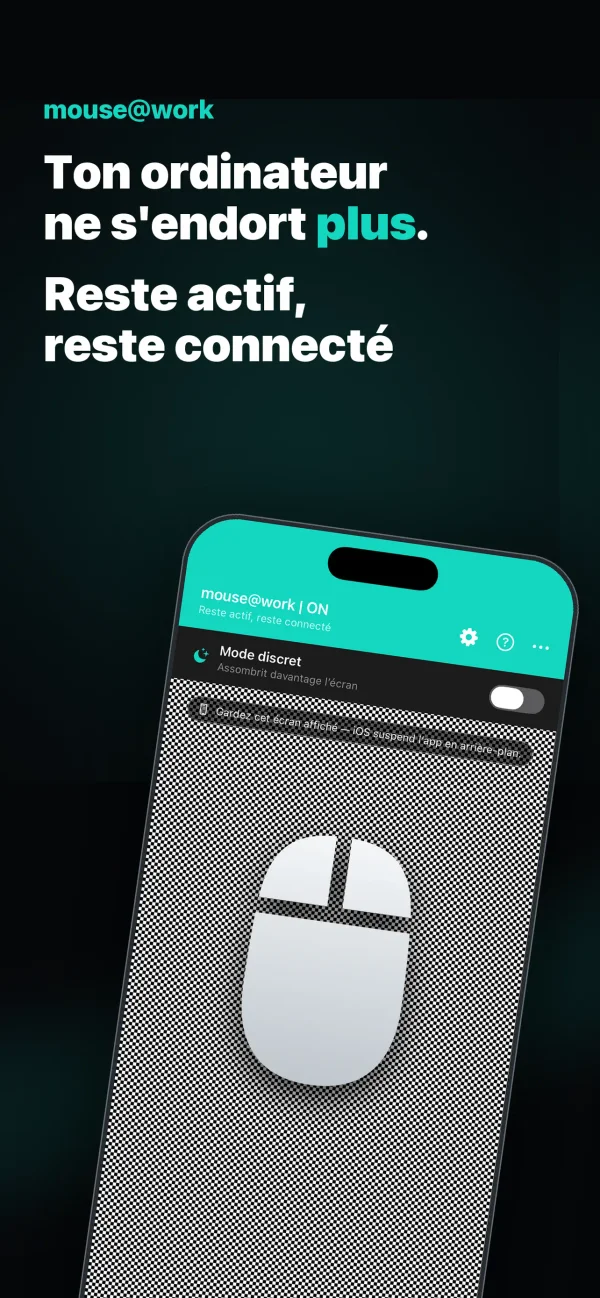
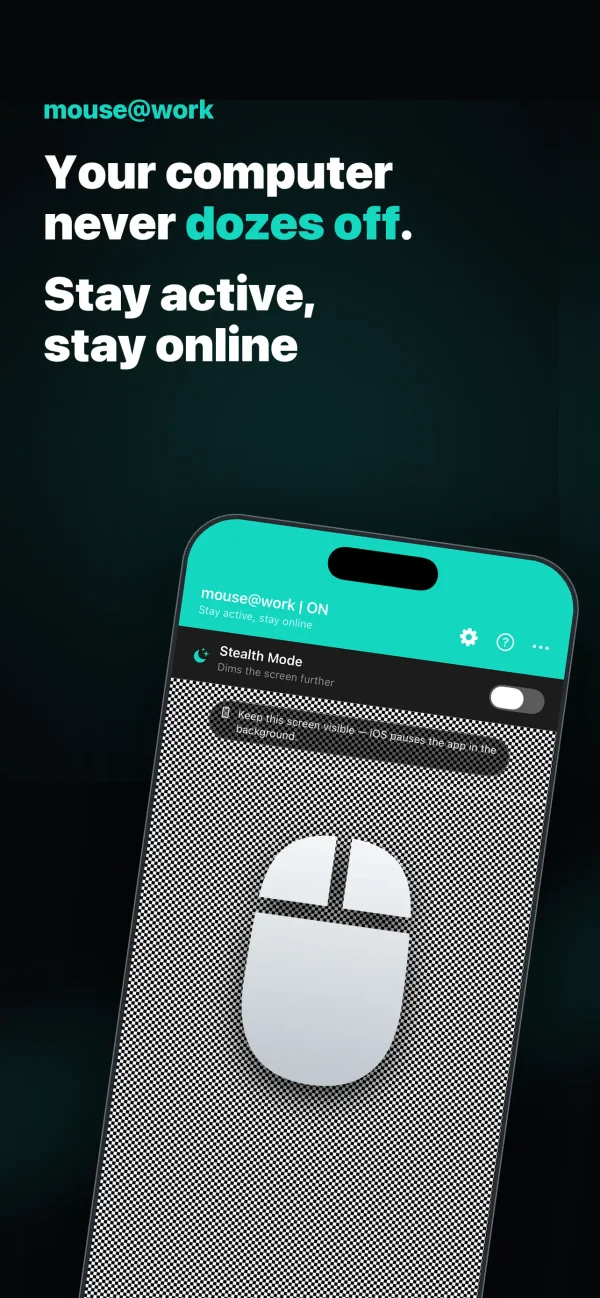
mouse@work keeps a computer awake without installing anything on it. Rest an optical mouse on your iPhone screen: a black and white pattern scrolls under its sensor, which reads it as movement. The cursor moves, the session stays active.
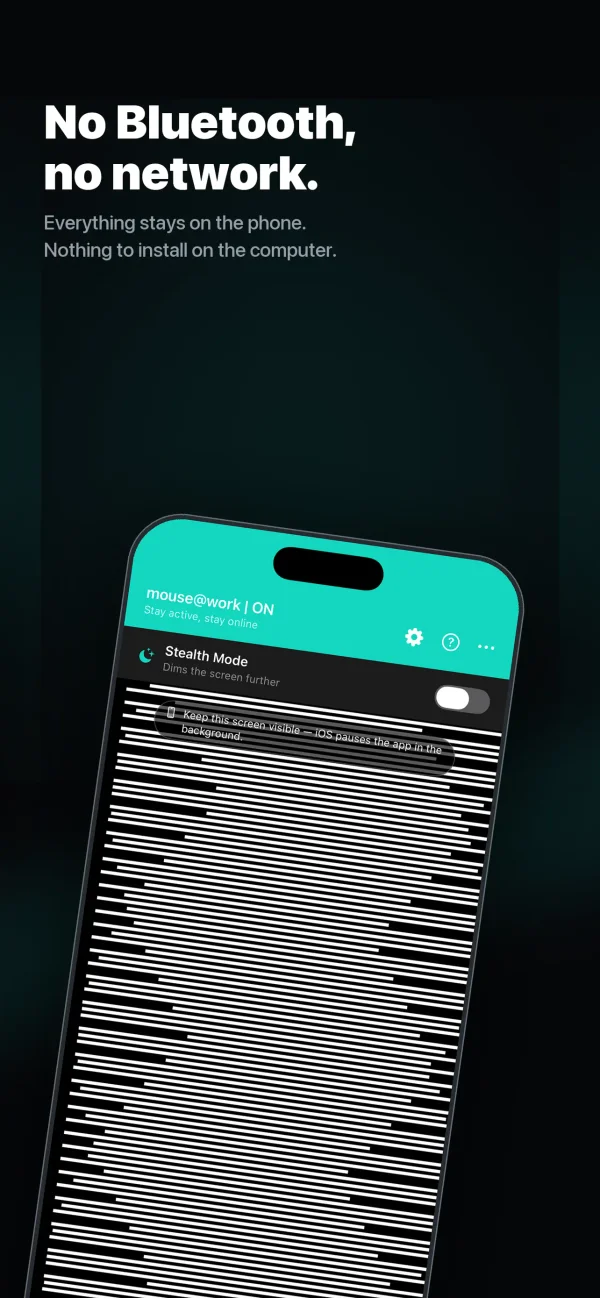
No Bluetooth, no network, no account. Everything happens on the phone.
THE CHEAT, OWNED
Let's be honest: nobody installs this for the beauty of the checkerboard. Long enough for a coffee, a parcel at the door or a call in the other room, the session stays open and the cursor keeps living its own life. No judgement here.
HOW IT WORKS
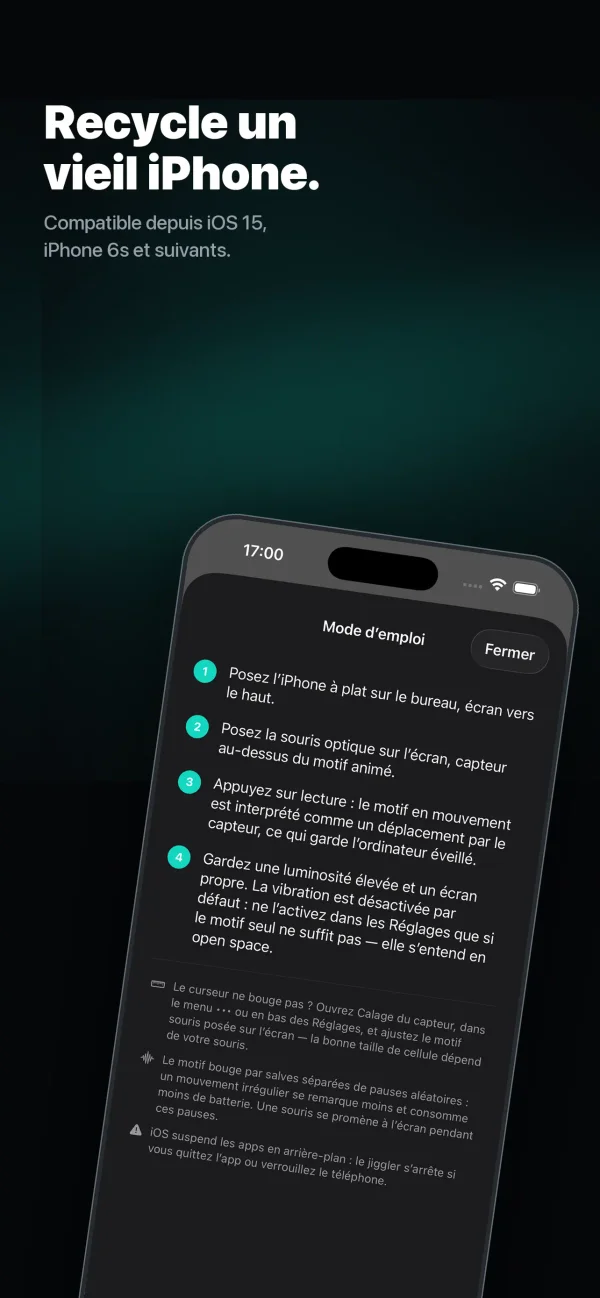
1. Lay the iPhone flat on the desk, screen facing up.
2. Place the optical mouse on the screen, sensor over the pattern.
3. Press play. The iPhone will not go to sleep while the app runs.
TUNED TO YOUR MOUSE
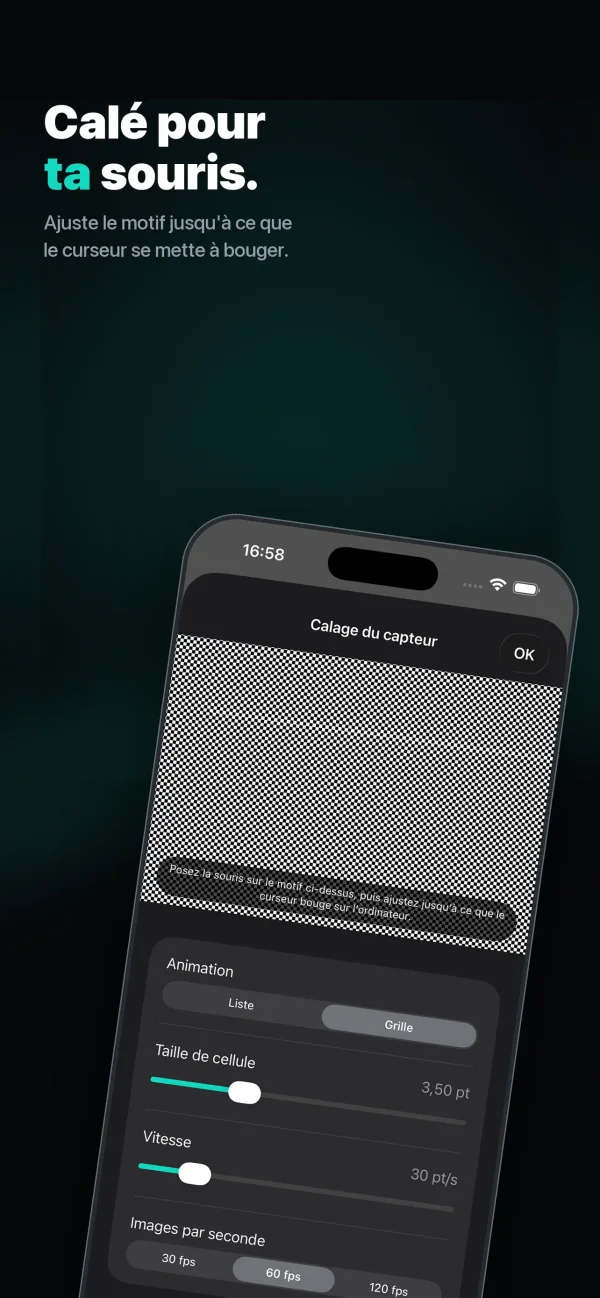
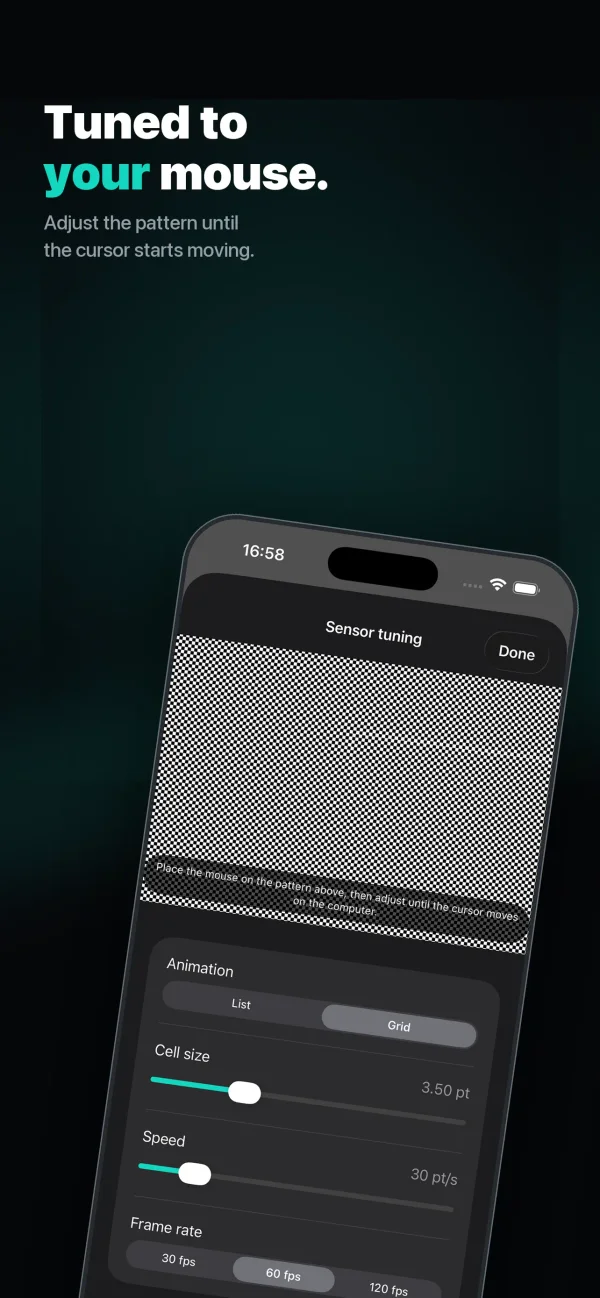
Every optical sensor reads a screen differently. A tuning screen lets you adjust the pattern size, its speed and its frame rate with the mouse sitting on the screen, until the cursor starts moving. Two indicators tell you whether a setting stands a chance.
NATURAL MOVEMENT
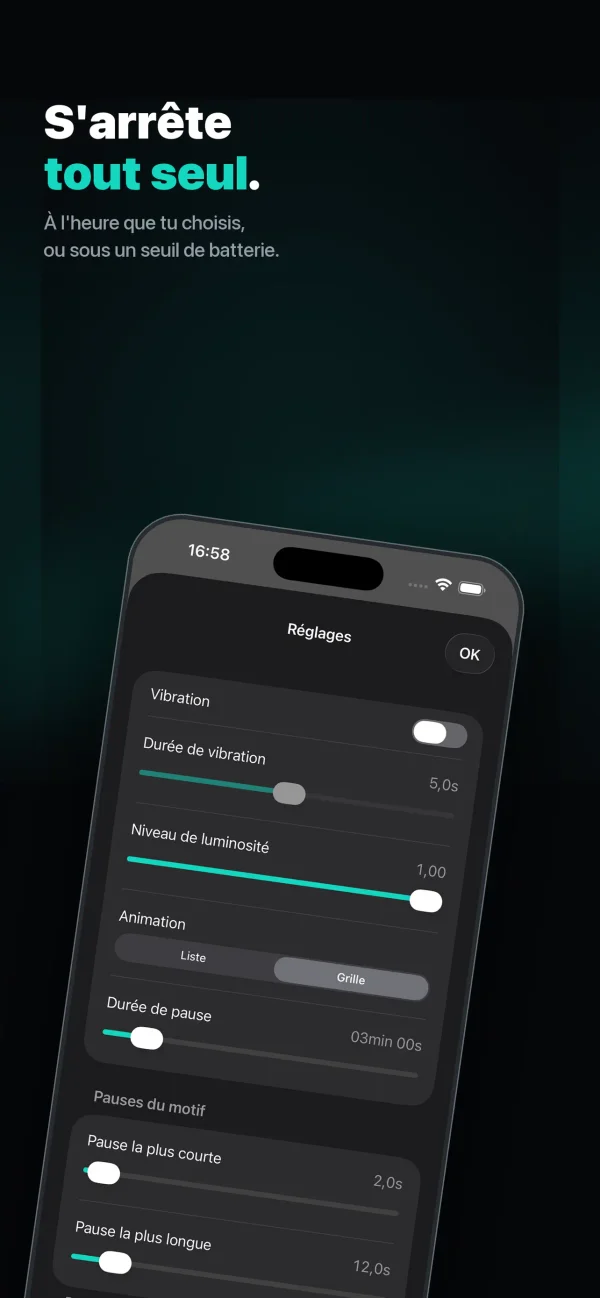
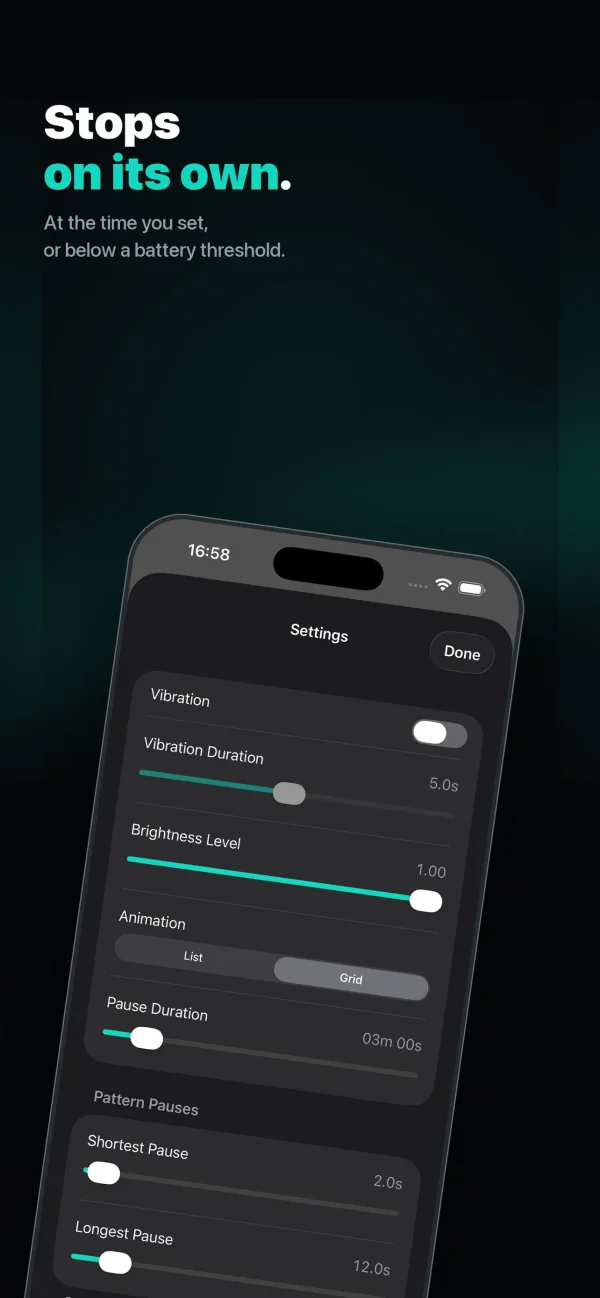
The pattern alternates bursts and pauses of random length, within bounds you set. Perfectly regular movement stands out; this looks more like a hand letting go of the mouse now and then.
SCHEDULED DAY
A start time, a stop time, a battery threshold: the app starts and stops on its own. At start it can apply the mouse profile of your choice.
MOUSE PROFILES
Save a tuning under a name — one mouse, one profile — and bring it back with a tap. The main screen shows which profile is in use.
DISCREET
Stealth mode dims the screen while keeping the pattern readable by the sensor. Vibration is available as a backup but stays off by default: it is audible in an open space, and the pattern is usually enough once tuned.
PUT AN OLD IPHONE BACK TO WORK
Works from iOS 15, so from the iPhone 6s onwards. A retired phone on the desk does the job without tying up the one you actually use.
FREE AND PREMIUM
The jiggler, both patterns, vibration and brightness are free, with no ads.
A single purchase unlocks sensor tuning, mouse profiles, scheduled start and stops, the pause bounds and stealth mode.
The first three days unlock everything, so you can fit the app to your own mouse before deciding. Settings found during the trial stay active afterwards: the controls lock, the result does not.
GOOD TO KNOW
• The app must stay in the foreground with the screen on: iOS suspends background apps, that is a system limitation.
• Prefer a wired mouse: cordless models go to sleep after a few idle minutes, and the pattern's movement may be too small to wake them.
• Results depend on your mouse. Recent sensors follow the pattern easily, some older models need tuning, a few never manage it.
• No data is collected or transmitted.
Neue Funktionen
Version 1.1 · 11.11.2026
Mouse profiles: save a tuning under a name and bring it back with a tap. The main screen shows which profile is in use.
Scheduled start: the app starts at the time you choose, with the profile you choose.
Frequently asked questions in the help screen, including which mouse to use.
Adjustable travel in tuning, for sensors that report too little movement.
App-Datenschutz
Was Antoine Leroux im App Store zum Umgang dieser App mit Daten angibt.
-
Keine Daten erfasst
Der Entwickler erfasst keine Daten von dieser App.
Die Datenschutzpraktiken können variieren, zum Beispiel je nach den von Ihnen verwendeten Funktionen oder Ihrem Alter.
Informationen
- Anbieter
- Antoine Leroux
- Kategorie
- Produktivität
- Version
- 1.1
- Aktualisiert
- 11.11.2026
- Veröffentlicht
- 21.09.2026
- Größe
- 914,0 KB
- Erfordert
- iOS 15.0 oder neuer
- Altersfreigabe
- 4+
- Preis
- Kostenlos
- In-App-Käufe
- Ja
- Sprachen
- Englisch, Französisch, Spanisch
- Copyright
- © 2026 Antoine Leroux
Das könnte Ihnen auch gefallen
-
 Wakoon: Mouse JigglerProduktivität
-
 Magic MousepadProduktivität
-
 Remote Control: Maus & MedienKabellose PC-Fernbedienung
-
 Mouse Ripple: Auto Mouse MoverProduktivität
-
 STL Viewer · Model File ReaderProduktivität
-
 Mouse Jiggler UndetectableKeeps Your Computer Awake
-
 TapCal: Kalender & WidgetsMonatsansicht & Erinnerungen
-
 OneExpertProduktivität
-
 PandaSuite ViewerProduktivität
-
 Face Recognition!Produktivität