
Muse Pro
AI Drawing Companion
Entwickelt für iPhone, iPad
Kostenlos · In-App-Käufe
- Altersfreigabe12+
- KategorieGrafik und Design
- EntwicklerStyleOf
- SprachenEnglisch
- Größe219,0 MB
Verlinkt auf die offizielle App Store-Seite
Download.org hostet keine Datei von Muse Pro. Die Schaltfläche öffnet die App-Seite bei App Store, wo StyleOf die App veröffentlicht. Eintrag zuletzt geprüft am 16.11.2026.
Screenshots



Info
Der Entwickler hat diesen Text nicht in Ihrer Sprache bereitgestellt.
Muse Pro is the epitome of digital creativity on the iPad, catering to both established and aspiring artists. With an extensive selection of handcrafted brushes, cutting-edge artistic tools, an advanced layering system, and a high-speed graphics engine, Muse Pro enables you to bring to life expressive sketches, vibrant paintings, detailed illustrations. Designed to harmonize with the iPad and Apple Pencil, Muse Pro turns any setting into your personal art studio, offering the following features for an unparalleled creative experience:
• Core Features
Designed with an intuitive interface for the iPad and Apple Pencil.
Smooth and responsive smudge sampling powered by Metal, drawing at 120 fps on Apple's XDR Pro Display.
Continuous auto-save ensures your work is always secure.
• Breakthrough Brushes
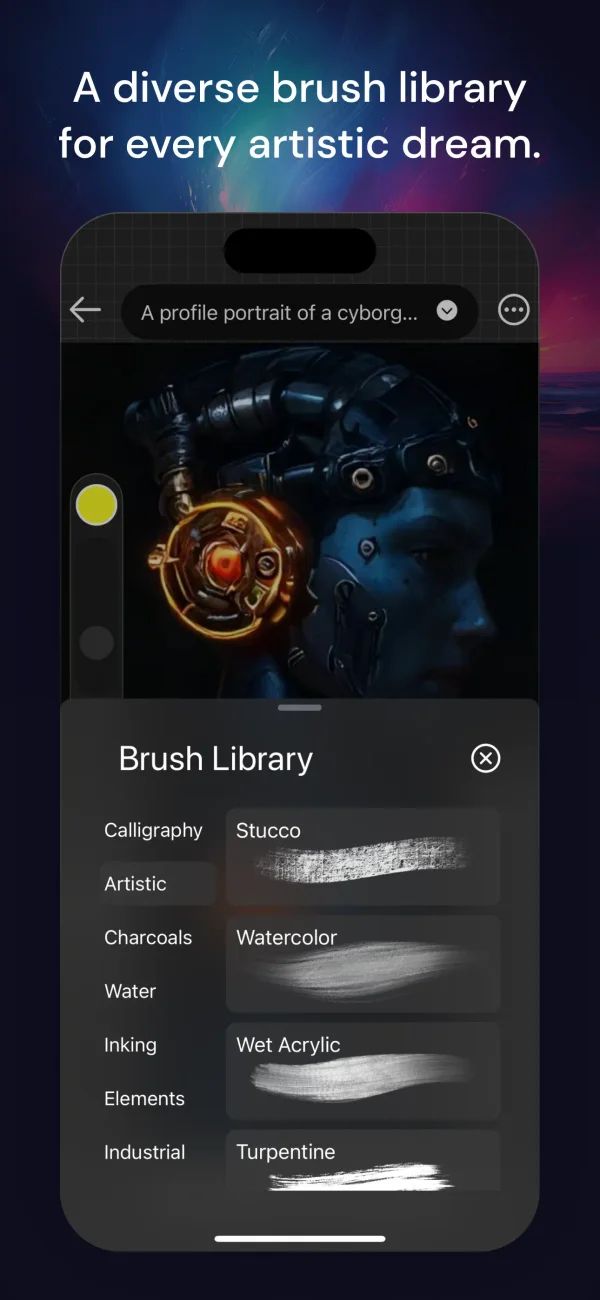
A wide array of hundreds of beautifully crafted brushes.
Brush sets for organizing your painting, sketching, and drawing tools.
Import and export capabilities for custom .brushset brushes.
• Advanced Layering System
Offers precise control over details and composition through layer management.
Select layers for individual movement or transformation of objects.
• The Design Tools You Need
Add vector Text to your illustrations for enhanced communication.
Crop and Resize your canvas to achieve the perfect composition.
A custom rendering engine that perfects your strokes in real-time for flawless results.
Streamline and stabilization features smooth out strokes, ideal for calligraphy and precise inking.
Use Scribble to change prompt settings and create text effortlessly.
• AI Features
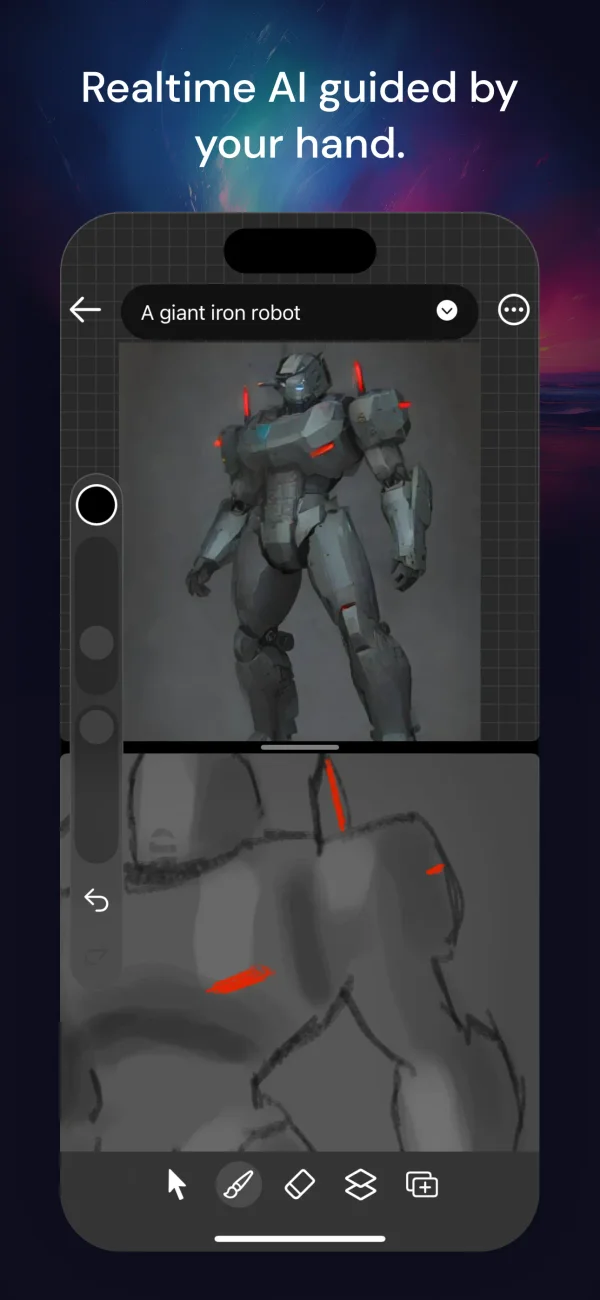
Real-time AI generation at up to 30 fps for dynamic creativity.
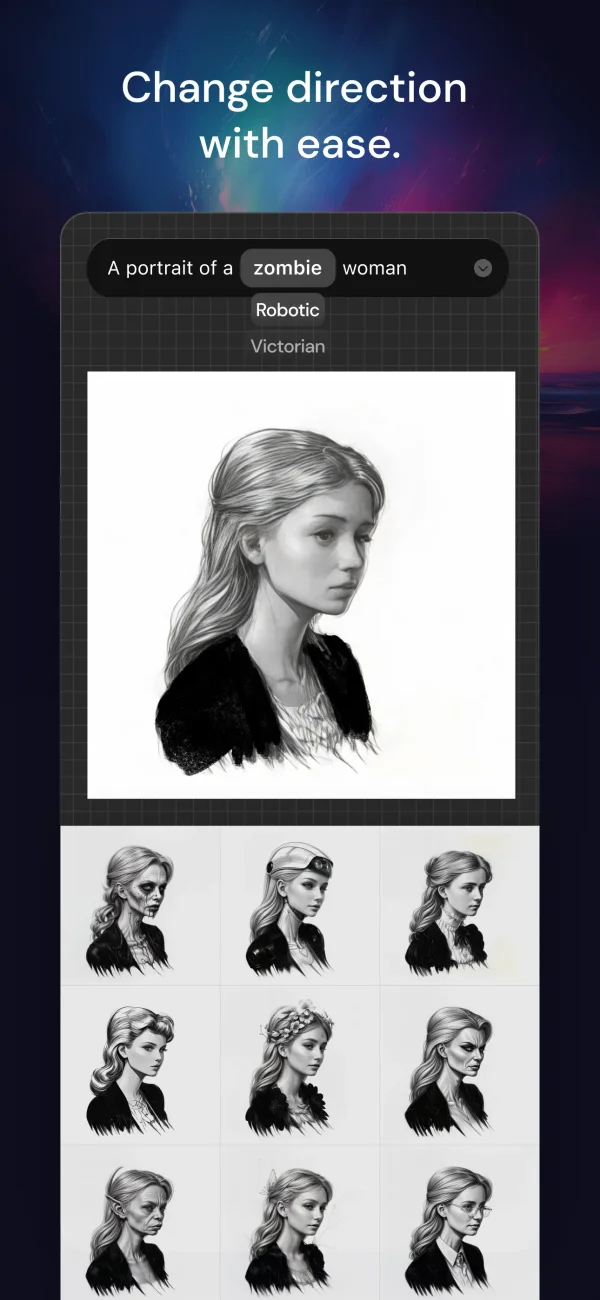
A Prompt enhancer, powered by GPT-4, assists in crafting detailed prompts.
Image to prompt conversion with GPT-4 Vision for enhanced AI-driven creation.
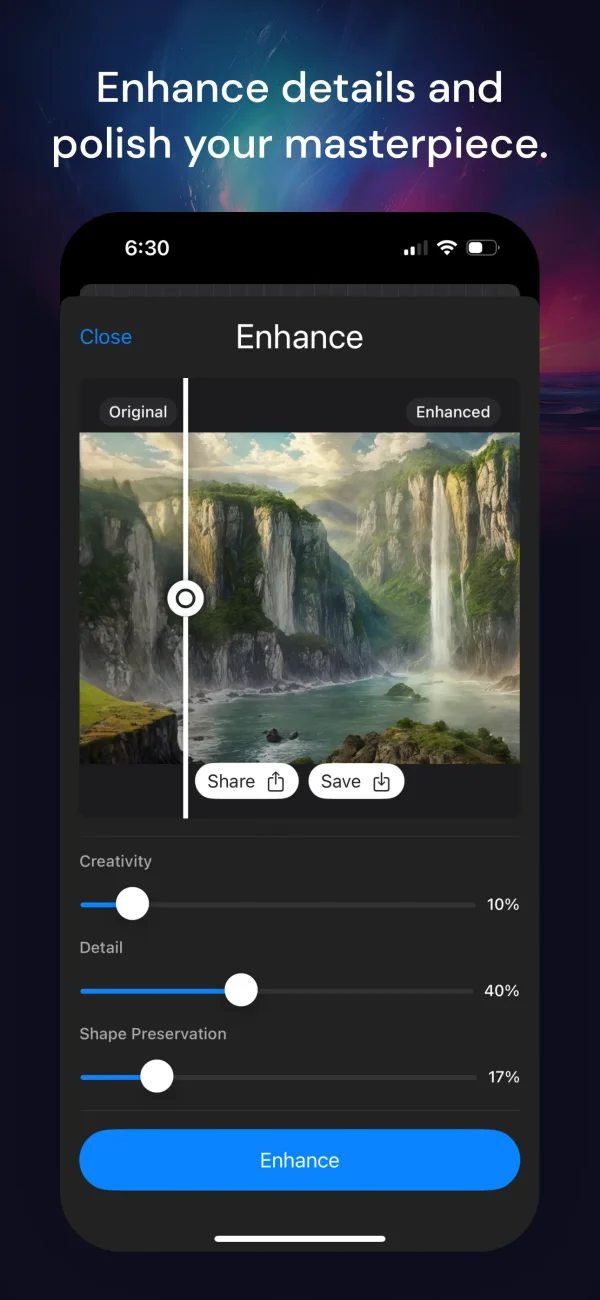
Creative upscaler and image enhancer: upscale your drawings up to 4x and easily switch styles for ultra-high definition images.
• Share Your Creations
Support for importing JPG, PNG, and TIFF image files.
Export your artwork as layered .musepro files or in high-quality PNG format, making it easy to share with peers.
Muse Pro is accessible on your Mac, iPhone, and iPad, offering an intuitive interface with gestures like two-finger tap to undo, three-finger tap to redo, and four-finger tap to clear a layer. It also supports light and dark mode and accommodates both left and right-handed users, ensuring a seamless and inclusive creative process.
Terms of Service: https://bit.ly/muse-pro-tos
Privacy Policy: https://bit.ly/muse-pro-privacy
Neue Funktionen
Version 1.1.5 · 21.11.2025
New brushsets
Previously:
Added new eyedropper color picker
Added "Recent Brushes" category
Fixed the AI strength setting.
Enhanced Real-Time Generation: Experience accelerated creation, bringing your visions to life faster than ever.
Advanced Color Picker: Delve deeper into color customization with extensive controls for hue, saturation, brightness, and RGB.
Innovative Overlay View: Introducing a direct manipulation AI generation experience, merging technology with creativity seamlessly.
Refined Layer Management: Achieve precise control over layer visibility through our enhanced opacity settings.
Sophisticated AI Sliders: Enhance your creative process with greater influence over AI generations, courtesy of our advanced sliders.
Weekly Subscription Option: Uniting flexibility with creativity, our weekly subscription offers uninterrupted access to cutting-edge features.
Enhanced Apple Pencil Integration: Effortlessly switch tools or access the Color Picker with a double tap. Experience dynamic flow and opacity adjustments.
Lasso Selection Tool: Streamline your workflow with the ability to crop and copy canvas sections for faster image composition.
Vision Pro Compatibility: Experience our interface, optimized for Vision Pro, designed for unparalleled efficiency.
Auto-Translator: Elevate your creativity by prompting in any language, with our new multi-language to English translation feature.
Revamped User Interface: Enjoy a slimmer design for an expanded creative workspace.
Guaranteed Stability: We've eradicated all crash-inducing issues, ensuring a 100% crash-free experience.
App-Datenschutz
Was StyleOf im App Store zum Umgang dieser App mit Daten angibt.
-
Nicht mit Ihnen verknüpfte Daten
Können erfasst werden, sind aber nicht mit Ihrer Identität verknüpft.
- Kennungen
- Nutzungsdaten
- Diagnose
Die Datenschutzpraktiken können variieren, zum Beispiel je nach den von Ihnen verwendeten Funktionen oder Ihrem Alter.
Informationen
- Anbieter
- StyleOf, Inc.
- Kategorie
- Grafik und Design
- Version
- 1.1.5
- Aktualisiert
- 21.11.2025
- Veröffentlicht
- 07.03.2024
- Größe
- 219,0 MB
- Erfordert
- iOS 16.4 oder neuer
- Altersfreigabe
- 12+
- Preis
- Kostenlos
- In-App-Käufe
- Ja
- Sprachen
- Englisch
- Copyright
- © StyleOf Inc.
Das könnte Ihnen auch gefallen
-
 Realtime Drawing : Turbo PaintSketch,Doodle to Create AI Art
-
 AnimCreateGrafik und Design
-
 Octane XGrafik und Design
-
 Realtime AI Draw: Live AIGrafik und Design
-
 Realtime Drawing: Paint PowerAi painting, create art
-
 AI Garden & Landscape DesignerGrafik und Design
-
 Echtzeit-KI-Zeichnung ArtistrySketchbook Image Upscale Draw
-
 AbstractorGrafik und Design
-
 Sparlit: 3D Social MediaGrafik und Design
-
 Hive - BildorganizerReferenzbilder und Moodboard