Music Visualizer: LIQUIDWAVE
Rave, Disco & Party Light Show
Entwickelt für iPhone, iPad, Mac
Kostenlos · In-App-Käufe
- Altersfreigabe4+
- KategorieMusik
- EntwicklerAppnics, LLC
- SprachenEnglisch+ 1 weitere
- Größe9,4 MB
Verlinkt auf die offizielle App Store-Seite
Download.org hostet keine Datei von Music Visualizer: LIQUIDWAVE. Die Schaltfläche öffnet die App-Seite bei App Store, wo Appnics, LLC die App veröffentlicht. Eintrag zuletzt geprüft am 25.11.2026.
Screenshots
Info
Der Entwickler hat diesen Text nicht in Ihrer Sprache bereitgestellt.
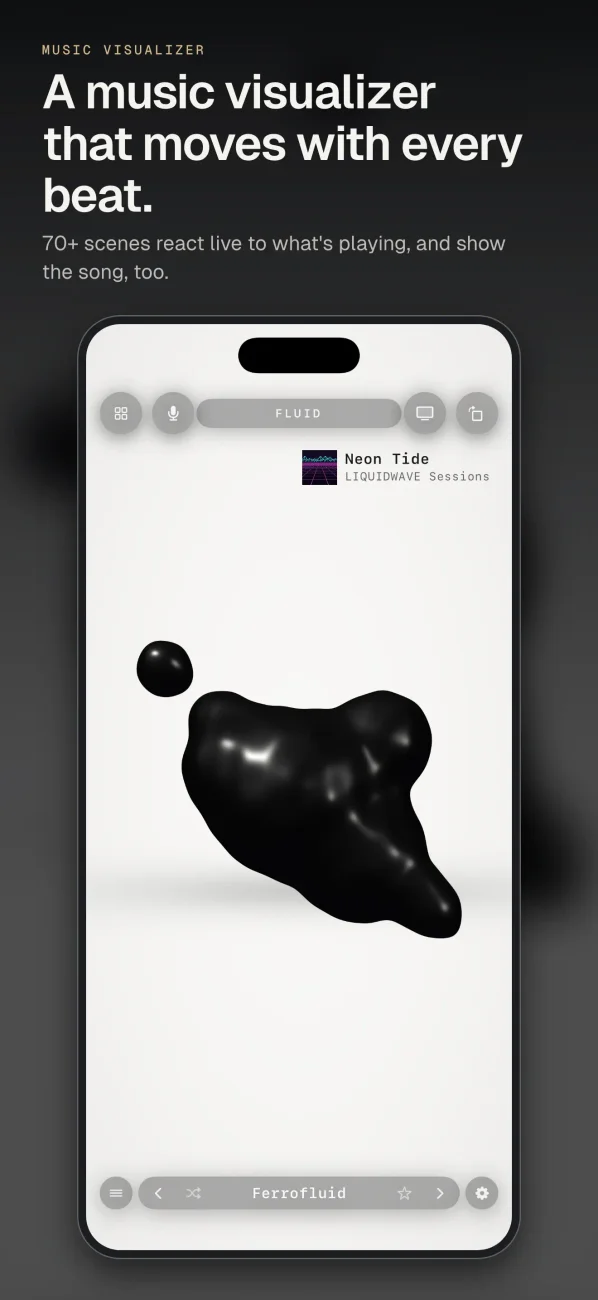
LIQUIDWAVE turns the music you play into live visuals. Set it by your speakers, a record or a live set, and 70+ scenes move with the bass, the beat and the highs.
Put it on a TV or projector for a party, or leave it running on a shelf.
Free to start with Wave and one scene you pick. Full Unlock opens every scene.
REACTS TO WHAT'S PLAYING
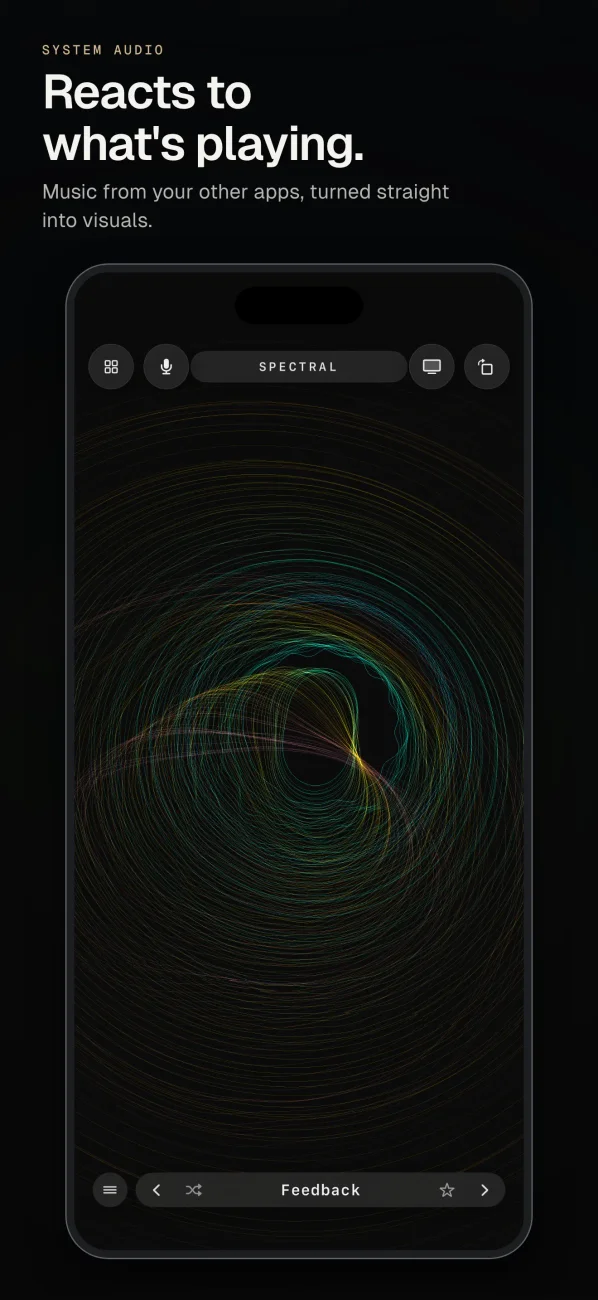
Choose System Audio and the scenes follow what other apps play, such as a video or a streaming app. Pick System Audio from the microphone button's menu, then follow the steps on screen to start iOS's screen broadcast. Protected audio, such as Apple Music, can't be captured; use the microphone for it instead.
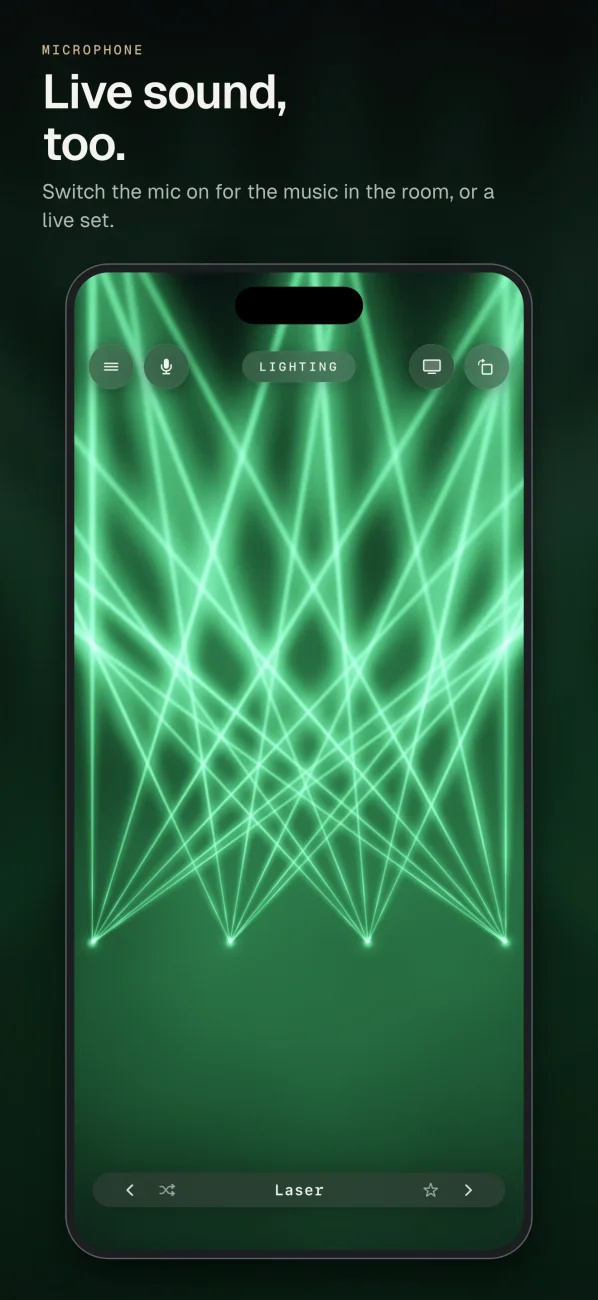
LIVE SOUND, TOO
Choose the microphone and the scenes respond to the music in the room: speakers, a record or a live set.
EVERY PART OF THE SOUND
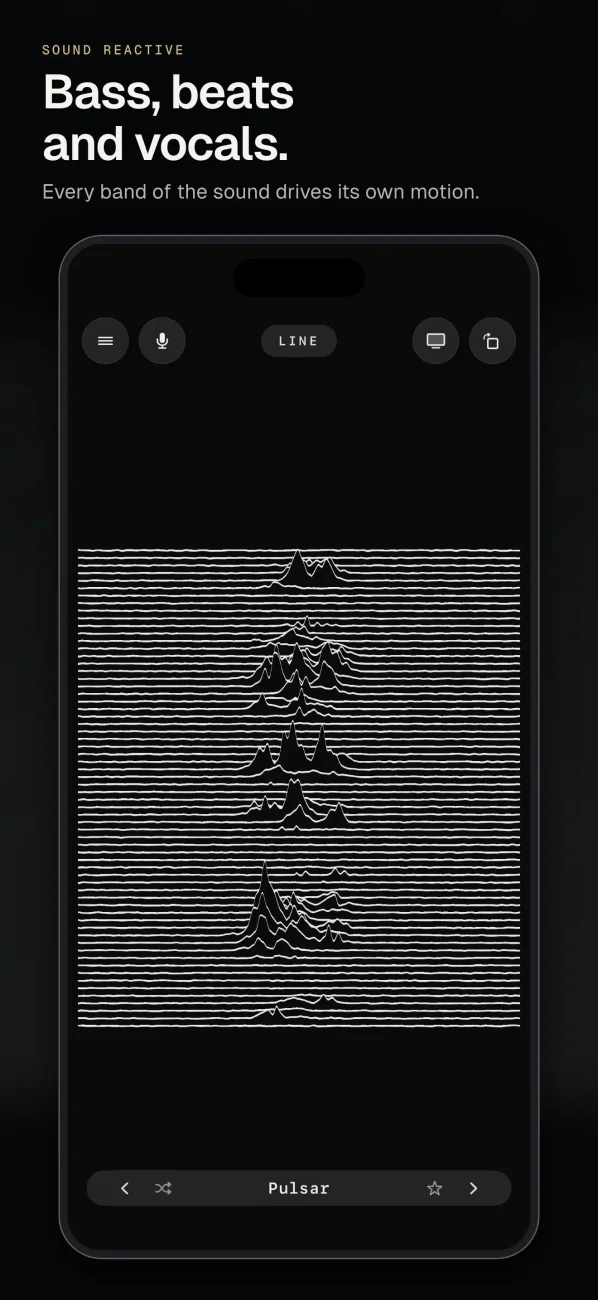
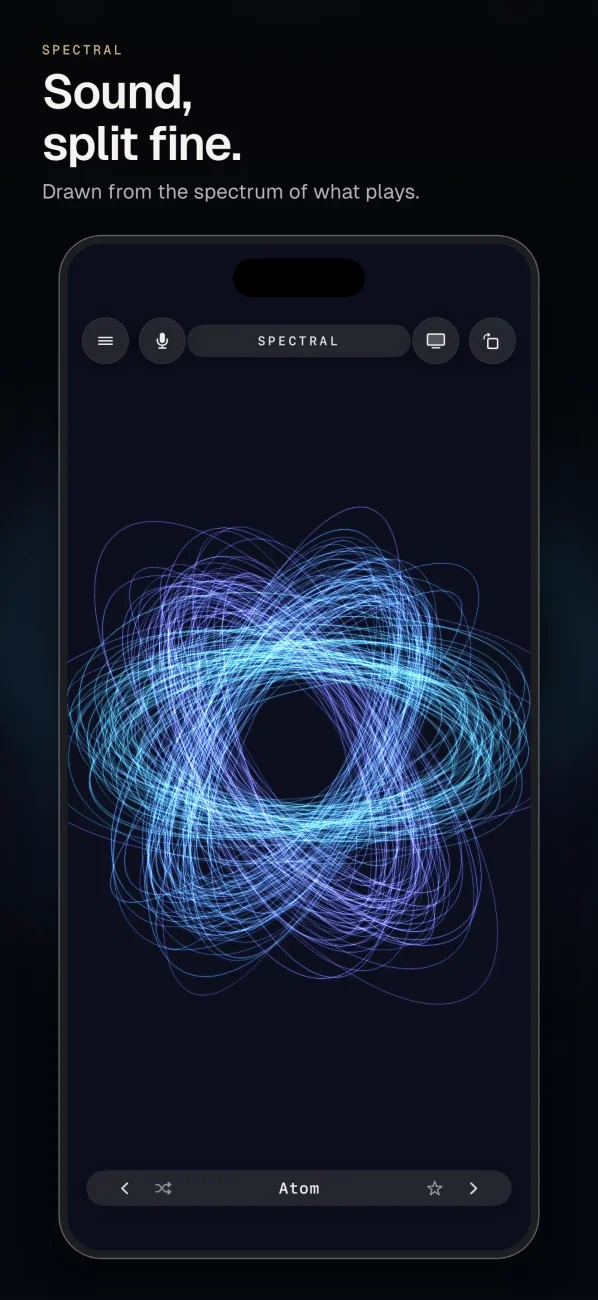
Band levels, beat strength, kicks and snares, down to a fine spectrum. Each part of the sound turns into a line that sways, a light that flickers or a liquid that swells.
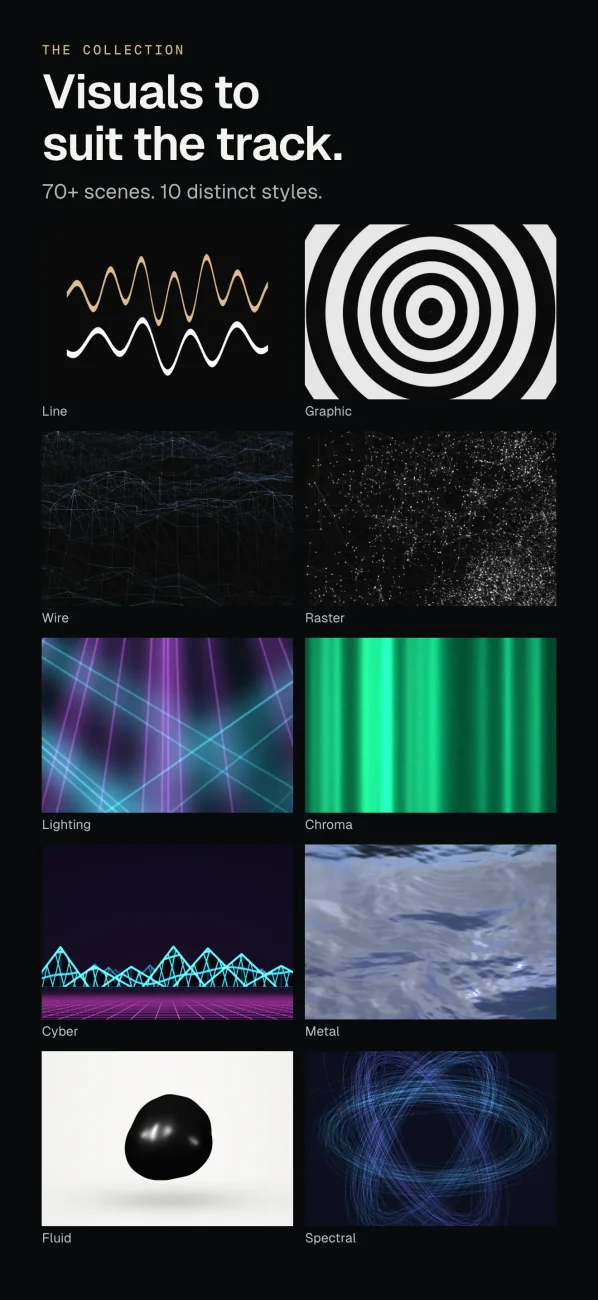
70+ SCENES. 10 STYLES.
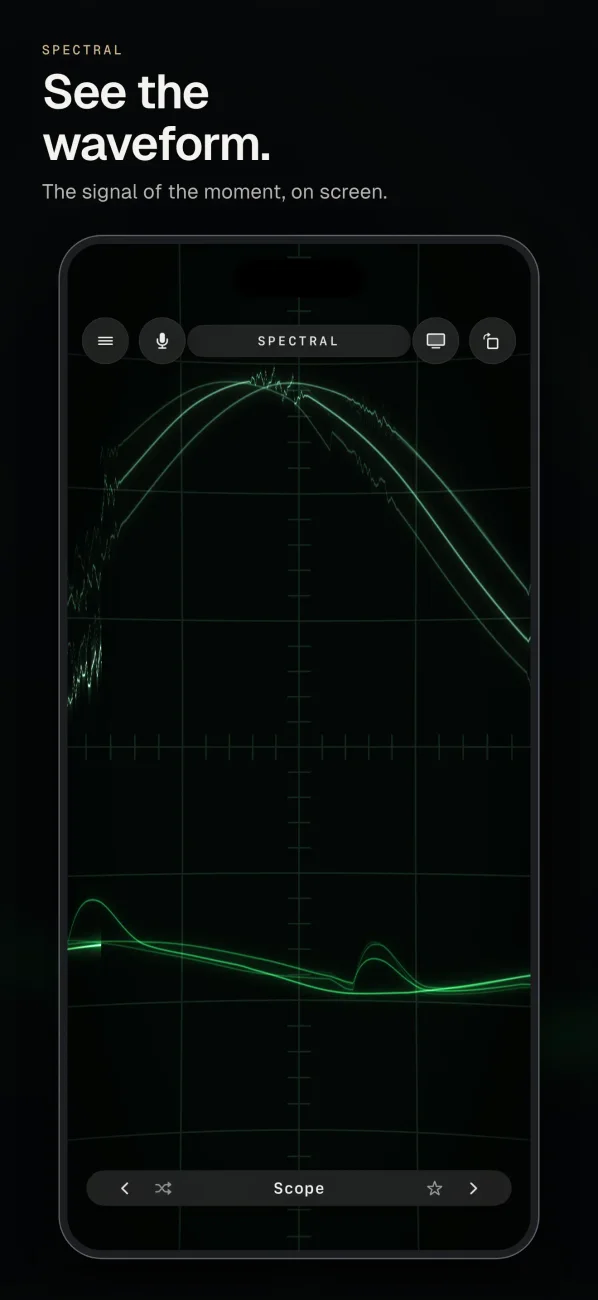
• Line — waveforms and contour lines.
• Graphic — op art, geometric patterns and halftone dots.
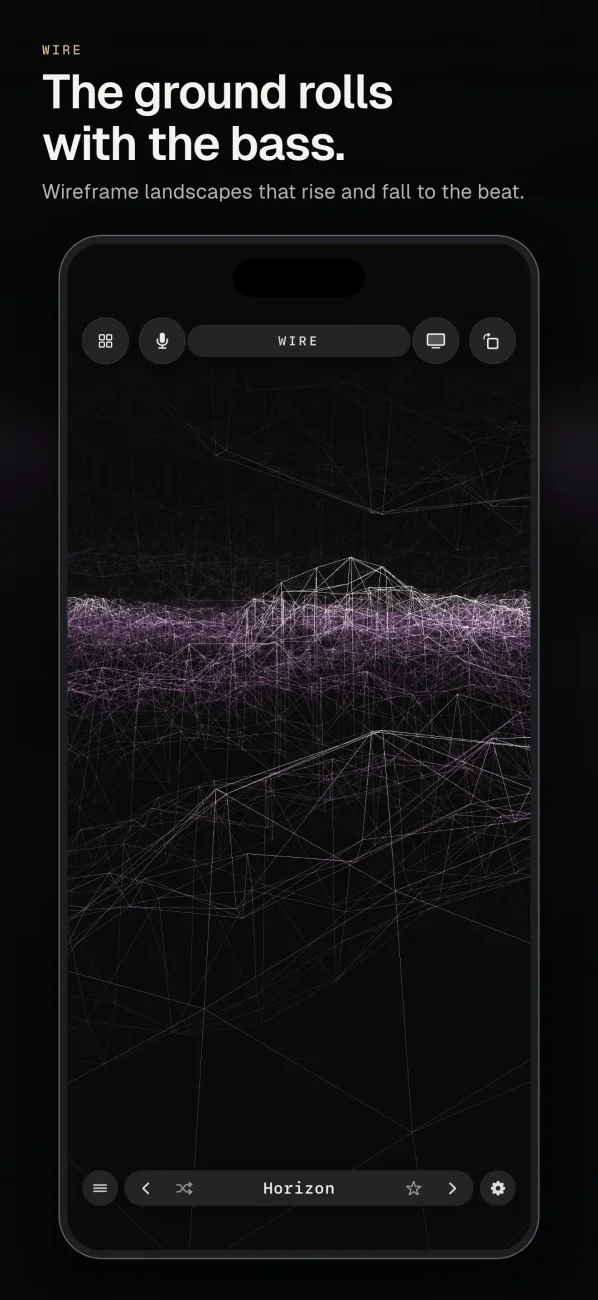
• Wire — wireframe oceans and rolling landscapes.
• Raster — point clouds, particles and data-inspired forms.
• Lighting — stage lights, lasers and haze.
• Chroma — auroras, curtains and fields of color.
• Cyber — neon grids and retro-futuristic worlds.
• Metal — liquid chrome, foil and iridescent surfaces.
• Fluid — ferrofluid, lava, honey and liquids that heave and drip.
• Spectral — oscilloscopes, field lines and forms drawn from a fine spectrum.
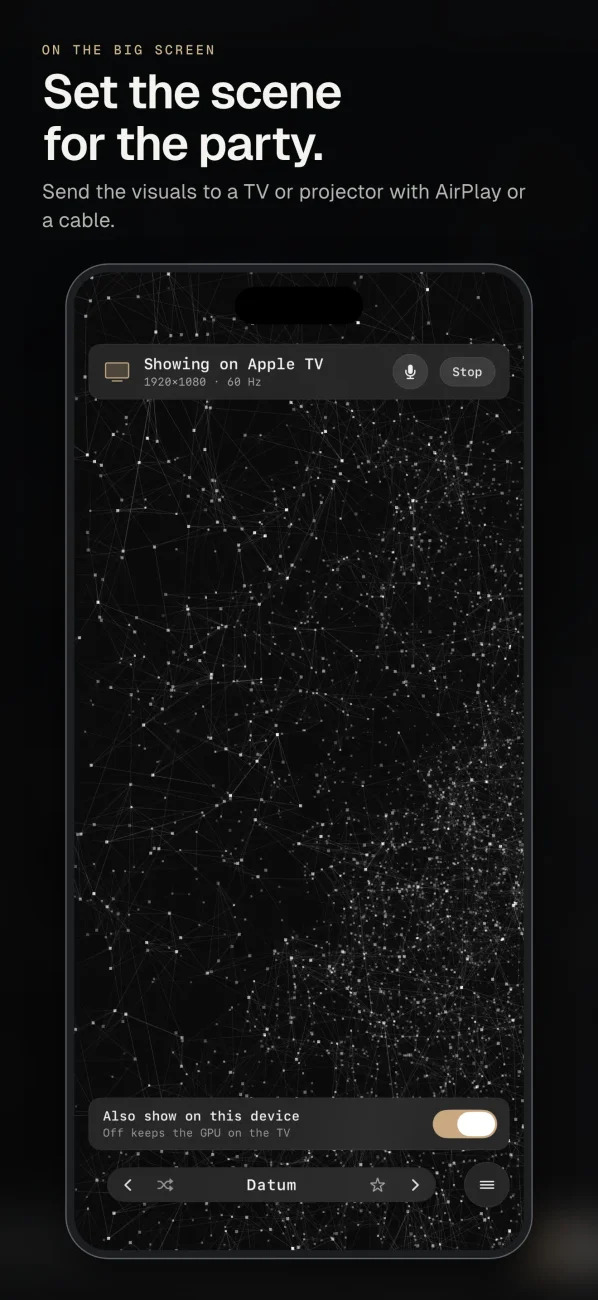
SET THE SCENE FOR THE PARTY
Send the visuals to a TV or projector with AirPlay or a compatible display cable: the big screen shows the visuals while your device becomes the controller.
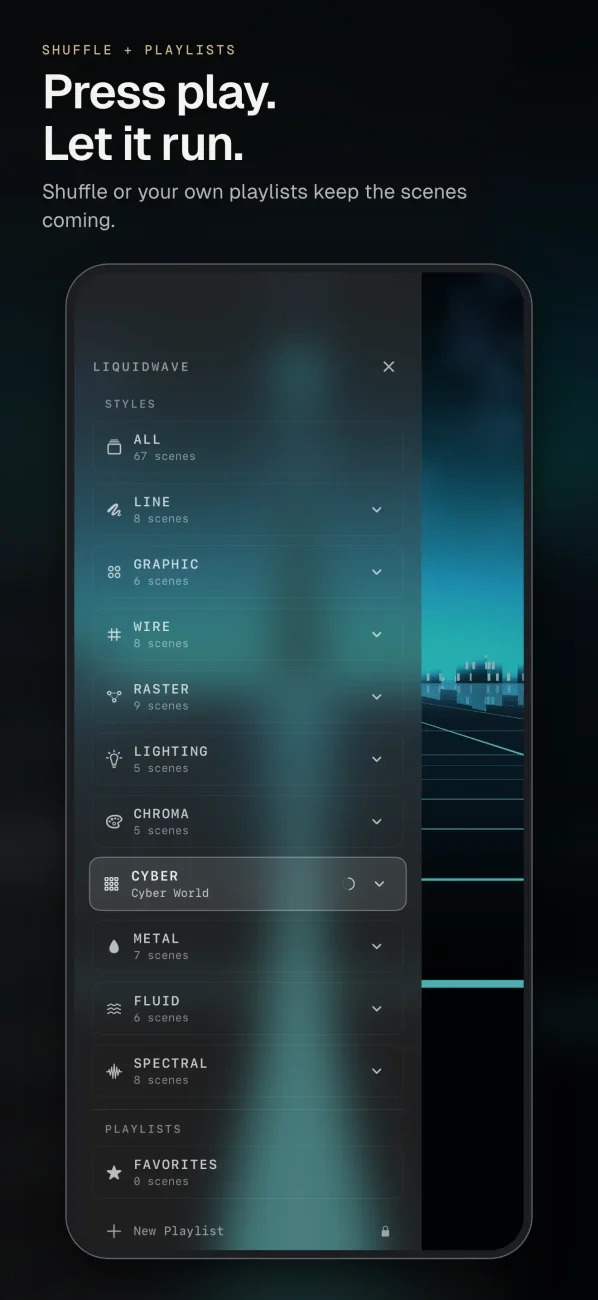
PRESS PLAY. LET IT RUN.
Shuffle keeps the scenes coming. Save your favorites and adjust speed and intensity — or, with Full Unlock, shuffle playlists of your own. Touch the canvas and the scene reacts at your fingertip, too.
With no sound coming in, Ambient Auto on the microphone button keeps the scenes moving (Ambient Auto plays no music). The screen stays awake while the app is in use.
SEE WHAT'S PLAYING
Show the artwork, title and artist of the song that's playing over the scene. LIQUIDWAVE reads the song playing in the Music app, or identifies what the mic or System Audio hears with Shazam. Either can be turned off in Settings. The song never shows on a TV or projector.
With Full Unlock, Mix Shuffle picks the scenes that suit the song. The Apple Intelligence model on your device sorts the track (iOS 26 or later, on a device with Apple Intelligence turned on).
PRIVATE BY DESIGN
Sound is analyzed on your device and is not recorded or uploaded. To identify a song, Shazam sends Apple only a signature made from the sound. No account, no tracking and no ads.
Wave and one scene you choose during the welcome tour are free. Buy once, or subscribe yearly — either one unlocks every scene and scene playlists on iPhone, iPad and Mac.
Terms of Use: https://www.apple.com/legal/internet-services/itunes/dev/stdeula/ · Privacy Policy: https://liquidwave.app/privacy
Requires iOS or iPadOS 17 or later.
Neue Funktionen
Version 1.8.2 · 25.11.2026
Minor fixes.
App-Datenschutz
Was Appnics, LLC im App Store zum Umgang dieser App mit Daten angibt.
-
Nicht mit Ihnen verknüpfte Daten
Können erfasst werden, sind aber nicht mit Ihrer Identität verknüpft.
- Käufe
- Kennungen
- Nutzungsdaten
Die Datenschutzpraktiken können variieren, zum Beispiel je nach den von Ihnen verwendeten Funktionen oder Ihrem Alter.
Informationen
- Anbieter
- Appnics, LLC
- Kategorie
- Musik
- Version
- 1.8.2
- Aktualisiert
- 25.11.2026
- Veröffentlicht
- 18.09.2026
- Größe
- 9,4 MB
- Erfordert
- iOS 17.0 oder neuer
- Altersfreigabe
- 4+
- Preis
- Kostenlos
- In-App-Käufe
- Ja
- Sprachen
- Englisch, Japanisch
- Copyright
- © 2026 Appnics LLC
Das könnte Ihnen auch gefallen
-
 Astral Effects Visualizer3D-Musikvisualisierer
-
 CYMATA Musik Kunst EntspannungGenerativ Immersiv Anti-Stress
-
 Music Visualizer Audio EffectsMusik
-
 AudioVisualize KlangMusik, Licht & eigene Videos
-
 Vizo - Music VisualizerAudio Spektrum Video Maker
-
 WizzJ - Music VisualizerBeautiful Generative Art
-
 Musikvisualizer - TunelyAudiovisuals & KI-Songs
-
 MuVis - Music VisualizerMusik
-
 Cymatica: Musik VisualizerKlangschale & Sandmuster
-
 Spatial Music VisualizerMusik