Muzz - Audio Spectrum Analyzer
Audio spectrum analyzer app
Entwickelt für iPhone, iPad, Mac, iPod touch
14,99 €
- Altersfreigabe4+
- KategorieDienstprogramme
- EntwicklerAmit Nadir
- SprachenEnglisch
- Größe18,8 MB
Verlinkt auf die offizielle App Store-Seite
Download.org hostet keine Datei von Muzz - Audio Spectrum Analyzer. Die Schaltfläche öffnet die App-Seite bei App Store, wo Amit Nadir die App veröffentlicht. Eintrag zuletzt geprüft am 12.11.2026.
Screenshots

Info
Der Entwickler hat diesen Text nicht in Ihrer Sprache bereitgestellt.
Muzz is a professional-grade real-time spectrum analyzer built for audio technicians, acoustic engineers, musicians, and sound enthusiasts. Whether you're diagnosing room acoustics, analyzing live microphone input, inspecting harmonics and feedback, or studying the frequency characteristics of any audio signal — Muzz gives you the tools to see exactly what you're hearing.
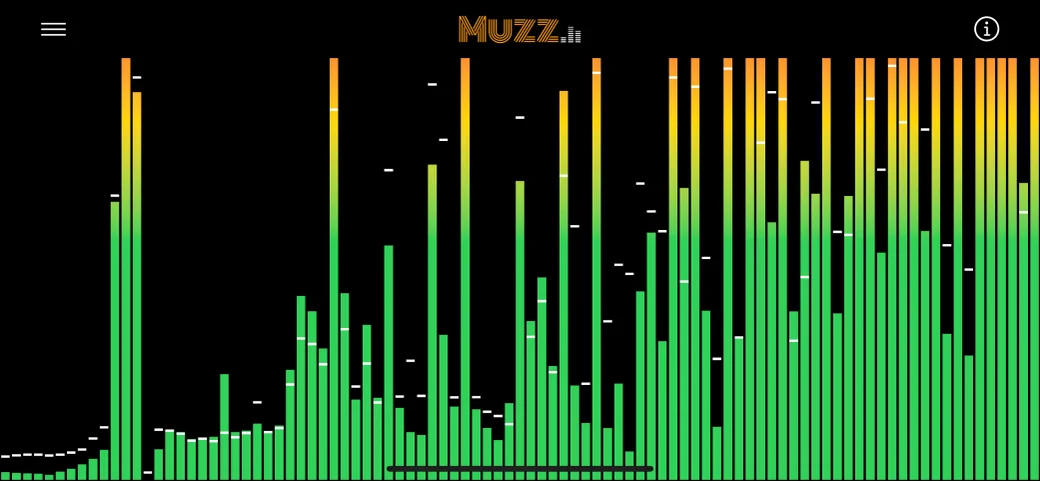
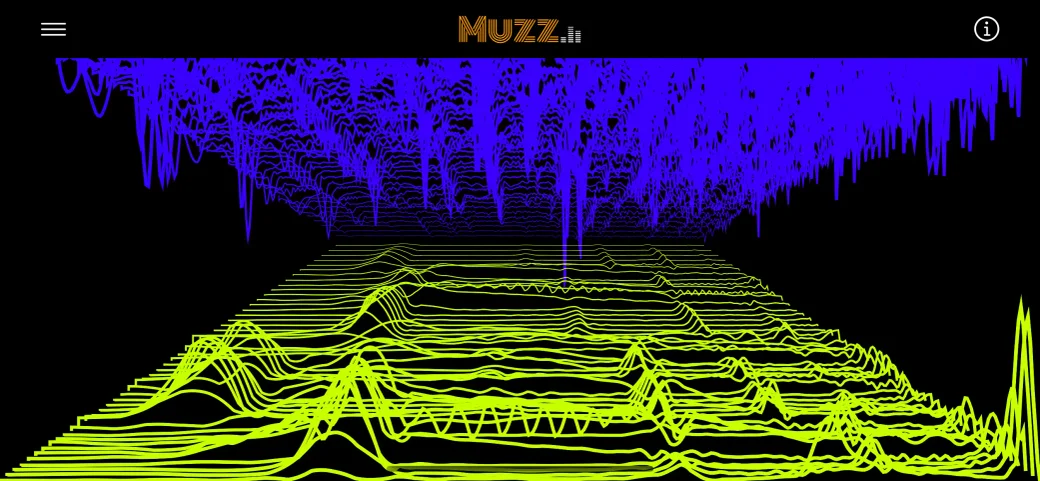
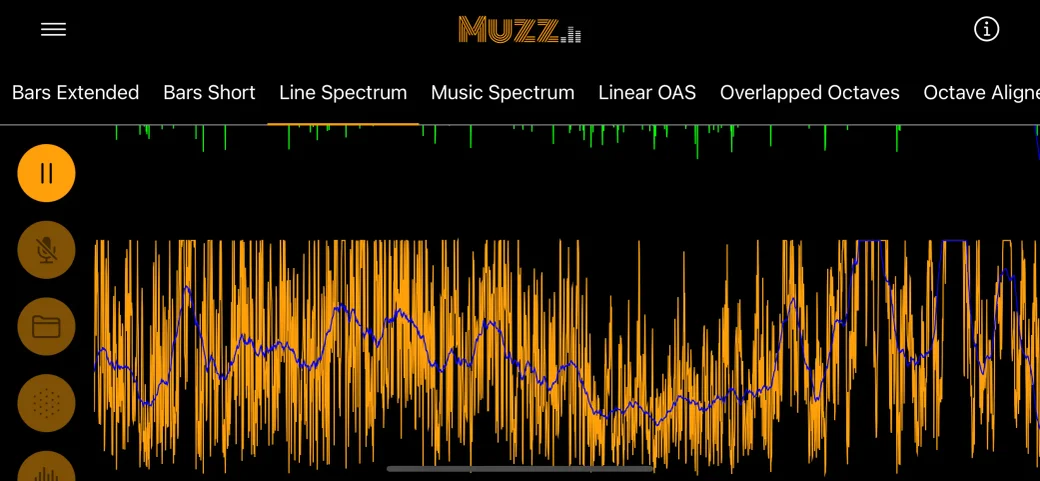
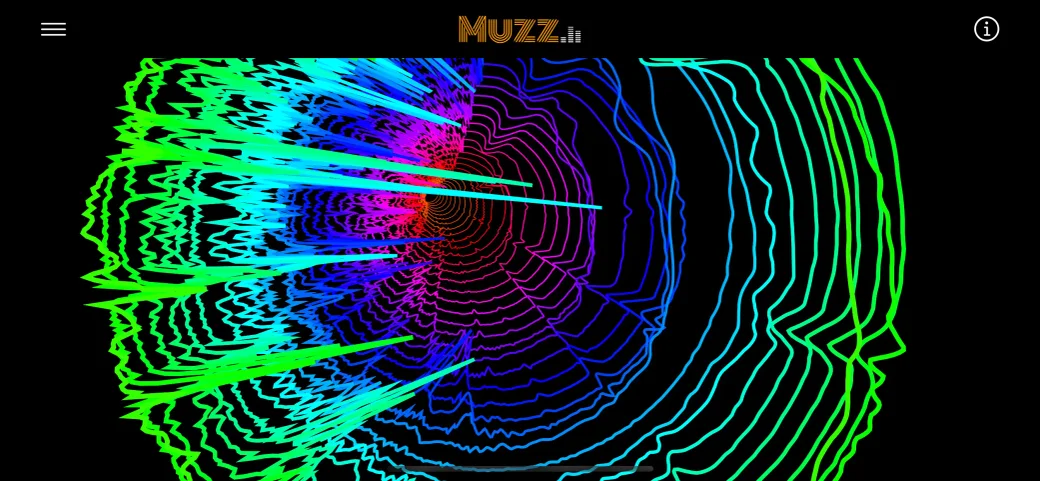
21 spectrum graph types, from standard linear analyzers to advanced harmonic alignment and octave-aligned displays, give you flexibility no single visualization tool can match.
NEW IN 1.0.8
— Live frequency axis: Hz markers (100–8kHz) displayed permanently along the bottom of every visualization
— Long press anywhere on the visualization to pin the exact frequency at that point for 2 seconds
— Continuous background audio: Muzz now keeps analyzing when your screen locks or you switch apps — critical for live monitoring sessions
— CarPlay compatible: enabling the microphone no longer interrupts audio playing through your car system
— Frequency labels adapt automatically to dark and light mode
Core Features
— Load any audio file and visualize its full spectrum in real time
— Live analysis mode via device microphone — ideal for room acoustics, stage monitoring, and field work
— Persistent Hz frequency axis on every visualization
— Long press to inspect exact frequencies at any point on the spectrum
— Peak enhancer: isolates spectral lines (harmonics, fundamentals) and suppresses percussive noise
— Toggle visualization variants to explore alternative display modes
— Gain and treble controls to calibrate the display to your signal level
— Dark and light mode with automatic label color adaptation
— Runs continuously in the background — no interruptions during live sessions
21 Spectrum Graph Types
Bars Extended
Bars Short
Line Spectrum
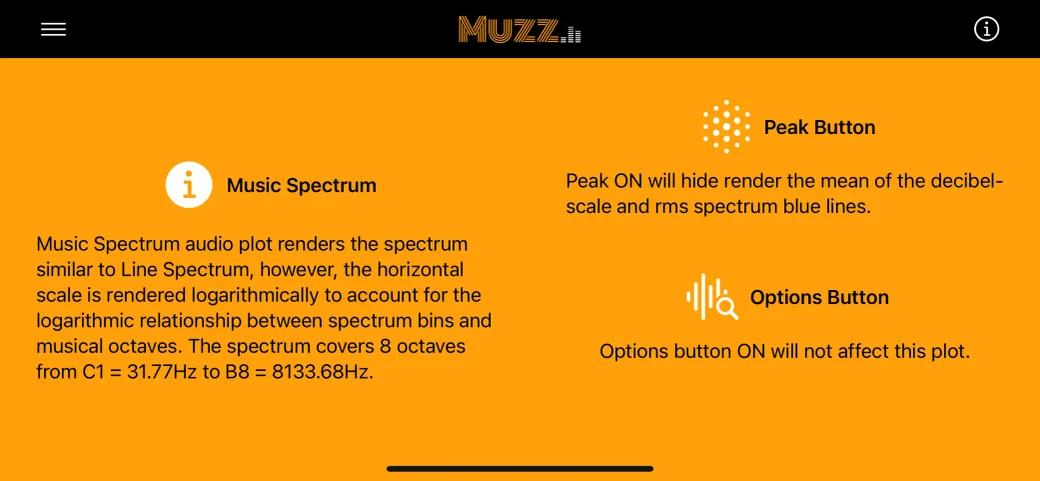
Music Spectrum
Linear OAS
Overlapped Octaves
Octave Aligned Spectrum
Elliptical OAS
Spiral OAS
Harmonic Alignment
TriOct Spectrum
Overlapped Harmonics
Harmonograph
Cymbal
Rainbow Spectrum
Waterfall
Rainbow OAS
Rainbow Ellipse
Spinning Ellipse
Out of the Rabbit Hole
Down the Rabbit Hole
For in-depth theory on each spectrum type, tap the info icon to access the full Visualizations Guide.
Questions, bug reports, or feature ideas — we want to hear from you:
amitnadir@gmail.com
Neue Funktionen
Version 1.0.8 · 29.04.2026
Version 1.0.8
Live frequency display
A frequency axis (100 Hz – 8 kHz) now appears along the bottom of every visualization. Long press anywhere on the screen (iOS) or click anywhere on the window (Mac) to see the exact frequency at that point - displayed for 2 seconds, then fades. Toggle the axis labels on or off from the side menu.
Background audio fixed (iOS)
Muzz now keeps running when your screen locks or you switch to another app. The audio engine also automatically recovers after phone calls, Siri interruptions, or headphone changes.
CarPlay compatibility fixed
Enabling the microphone no longer pauses CarPlay audio. Music playing through your car now continues uninterrupted while Muzz analyzes the live sound.
Frequency label colors
Labels adapt to dark and light mode - white on dark backgrounds, black on light.
App-Datenschutz
Was Amit Nadir im App Store zum Umgang dieser App mit Daten angibt.
-
Keine Daten erfasst
Der Entwickler erfasst keine Daten von dieser App.
Die Datenschutzpraktiken können variieren, zum Beispiel je nach den von Ihnen verwendeten Funktionen oder Ihrem Alter.
Informationen
- Anbieter
- Amit Nadir
- Kategorie
- Dienstprogramme
- Version
- 1.0.8
- Aktualisiert
- 29.04.2026
- Veröffentlicht
- 17.10.2022
- Größe
- 18,8 MB
- Erfordert
- iOS 15.0 oder neuer
- Altersfreigabe
- 4+
- Preis
- 14,99 €
- Sprachen
- Englisch
- Copyright
- © Amit Nadir
Das könnte Ihnen auch gefallen
-
 SpectraManiaDienstprogramme
-
 Pixel Pitch: LED VisualizerDienstprogramme
-
 QF PayVerifyDienstprogramme
-
 Audio Spectrum ViewerDienstprogramme
-
 Audio Tone Generator PlusDienstprogramme
-
 FlyLiveDienstprogramme
-
 BMS Monitor & ConfigDienstprogramme
-
 Audio Frequency AnalyzerDienstprogramme
-
 TeslaVision EMF DetectorDienstprogramme
-
 Hear Through Walls: AmplifyDienstprogramme