my e-PASS
Attiki Odos – My e-PASS
Entwickelt für iPhone, iPad, iPod touch
Kostenlos
- Altersfreigabe17+
- KategorieReisen
- EntwicklerIBI Group Hellas SA
- SprachenEnglisch
- Größe16,2 MB
Verlinkt auf die offizielle App Store-Seite
Download.org hostet keine Datei von my e-PASS. Die Schaltfläche öffnet die App-Seite bei App Store, wo IBI Group Hellas SA die App veröffentlicht. Eintrag zuletzt geprüft am 15.11.2026.
Screenshots
Info
Der Entwickler hat diesen Text nicht in Ihrer Sprache bereitgestellt.
The Mobile Application is intended for Nea Attiki Odos existing customers (e-PASS subscribers) and provides functionalities existing on the Customer WEB portal https://cs.attiki-odos.gr
The Mobile App supports Greek and English.
In order to be able to login to the Mobile App, the user will have to be a registered Customer WEB portal user.
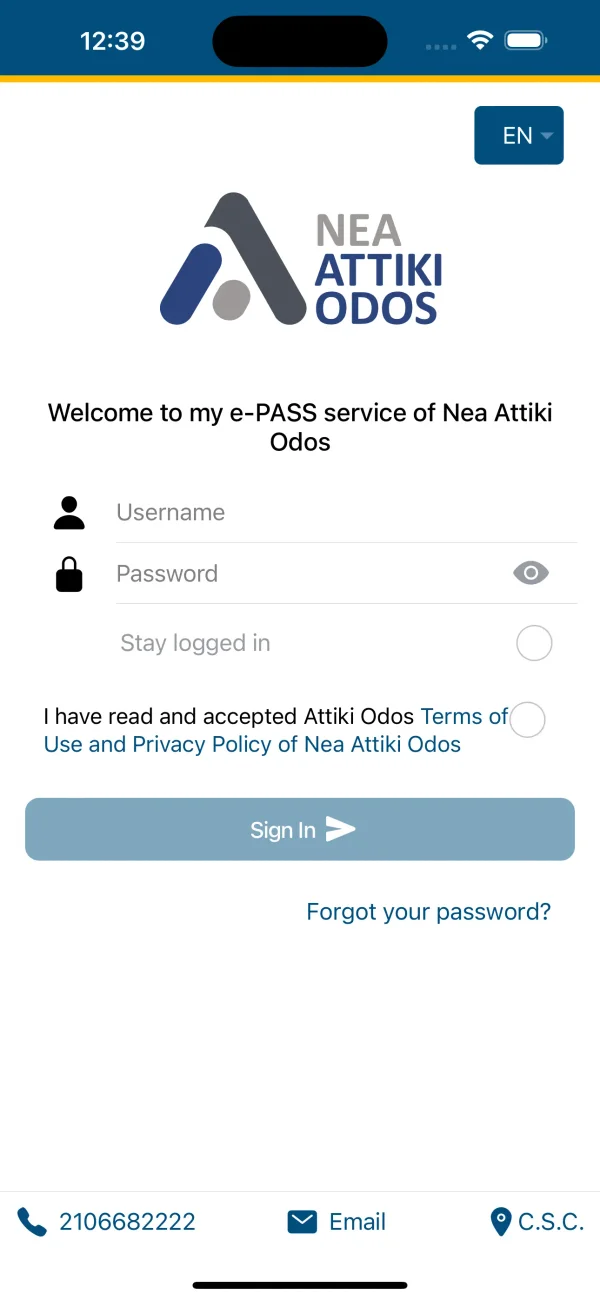
When the user launches the Mobile App, the Welcome screen is displayed. The Welcome screen includes the login area for the user to log in or make use of the other elements of the Contact Information and the Customer Service centre locations. By selecting any of the elements, a static page with the contact information for Customer service telephone number is provided and the customer service email is displayed.
In addition, the Mobile App supports persistent login on the Welcome screen, if selected by the user. Moreover, the Welcome screen also supports a “forgot password” functionality. The user can reset his/her password in case the existing password has been forgotten.
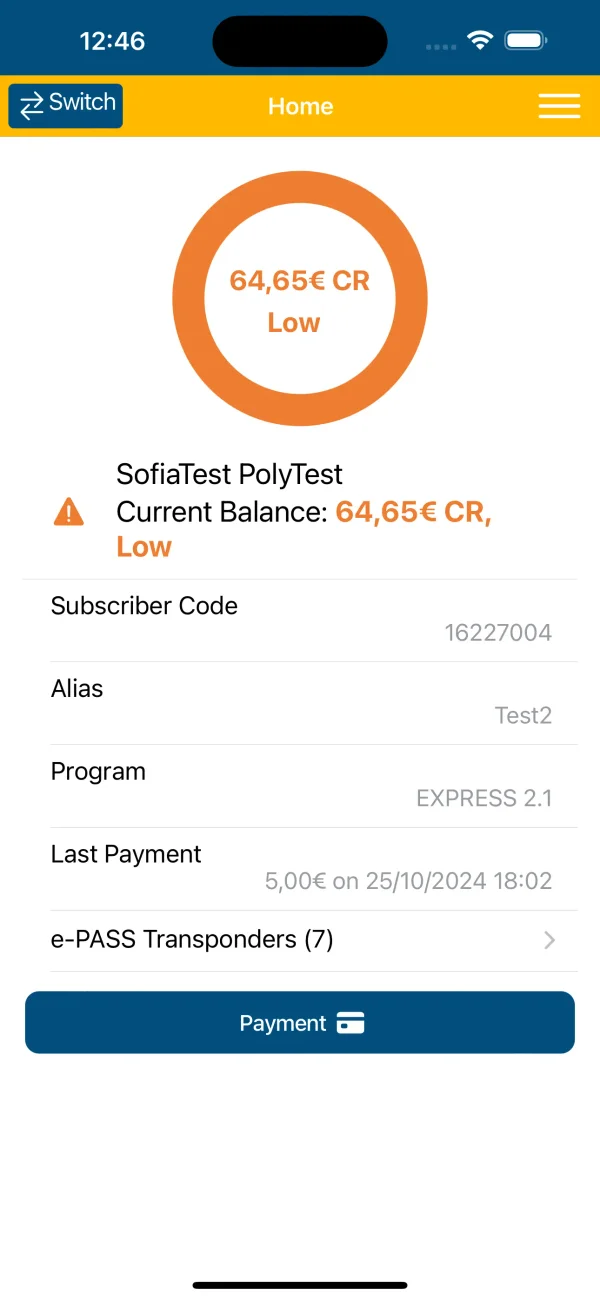
Once the user is logged into the Mobile App, the Home screen is displayed to the user.
Additional summary information on the Home screen includes: the subscriber code, the Commercial policy programme that the user is subscribed to, the amount and timestamp of the last payment and the information of the Transponders-Account cards assigned to the subscribers’ Electronic Toll Collection (ETC) account.
From the Menu screen, the Mobile user can access the following features of the App:
1) View the Account Details for one or more Electronic Toll Collection (ETC) accounts linked to the Mobile user
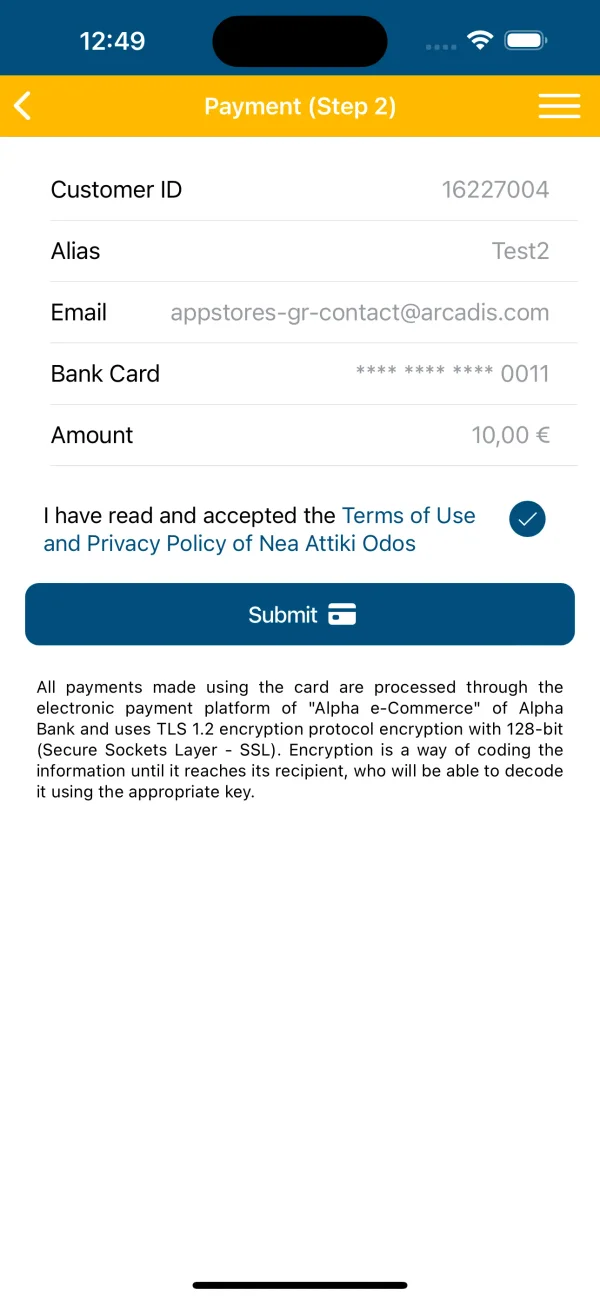
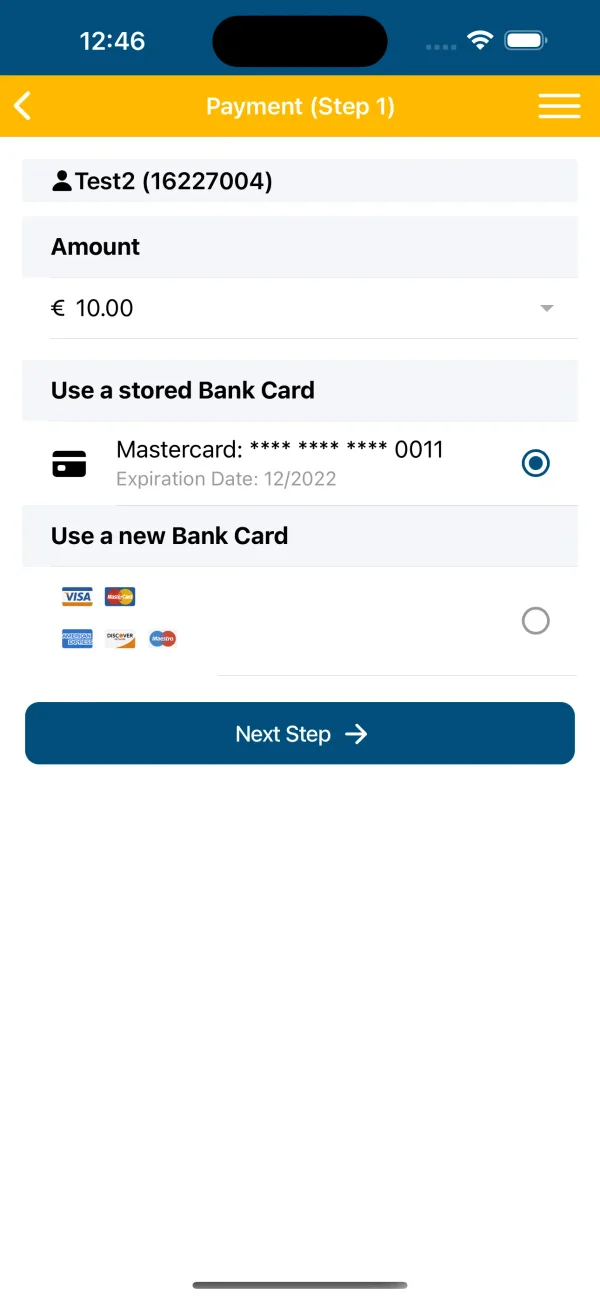
2) Make an Account Payment to replenish the ETC account with either the selection of a new Bank card or with the use of an existing Bank card
3) View the Account Activity of transactions and payment performed within the last 7 days
4) Reset the Password if forgotten
5) Change the existing password
6) Send a request to the Customer Service with the use of a Communication form
7) View the stored Bank Cards
8) View the assigned Transponders-Account cards to the subscribers’ Electronic Toll Collection (ETC) account and report them as Lost/Stolen
The Mobile App user can also make online payment using the tokenized redirect services of the cooperating Payment Provider. Once the information is submitted from the Mobile App’s checkout page, the customer will be re-directed to the Payment Provider's entry page for processing of the payment request.
Another feature of the Mobile App is to allow the user to view his/her account activity for any of the subscription accounts that are linked to their Mobile user. Information displayed on the Account activity includes Toll transactions, Account Payments, Transponders-Account cards assigned to each subscription account, the Account balance and the account balance status.
The Mobile App also supports a Communication form for the Mobile App user to select from a predefined list of the drop-down menu, the subject area for which Customer Service would like to communicate with the user.
The Mobile App also supports the viewing of the stored Bank Cards and the possibility to remove the Bank cards. The Mobile App user is able to view the assigned Transponders-Account cards to the subscribers’ Electronic Toll Collection (ETC) account and he/she can report it as Lost/Stolen.
The user can select the display language either in Greek or in English (mutually exclusive) through the settings page. The settings page also supports the Change Password and the Terms of Use and Privacy Policy.
Neue Funktionen
Version 2.0.0 · 12.02.2025
This release includes various fixes and improvements.
App-Datenschutz
Was IBI Group Hellas SA im App Store zum Umgang dieser App mit Daten angibt.
-
Mit Ihnen verknüpfte Daten
Können erfasst und mit Ihrer Identität verknüpft werden.
- Kontaktinformationen
- Kennungen
-
Nicht mit Ihnen verknüpfte Daten
Können erfasst werden, sind aber nicht mit Ihrer Identität verknüpft.
- Benutzerinhalte
Die Datenschutzpraktiken können variieren, zum Beispiel je nach den von Ihnen verwendeten Funktionen oder Ihrem Alter.
Informationen
- Anbieter
- IBI Group Hellas SA
- Kategorie
- Reisen
- Version
- 2.0.0
- Aktualisiert
- 12.02.2025
- Veröffentlicht
- 07.07.2020
- Größe
- 16,2 MB
- Erfordert
- iOS 11.0 oder neuer
- Altersfreigabe
- 17+
- Preis
- Kostenlos
- Sprachen
- Englisch
- Copyright
- © 2025 Nea Attiki Odos