
My PTO
Save up PTO for your next trip
Entwickelt für iPhone
Kostenlos · In-App-Käufe
- Altersfreigabe4+
- KategorieProduktivität
- EntwicklerDavid Brown
- SprachenEnglisch
- Größe4,0 MB
Verlinkt auf die offizielle App Store-Seite
Download.org hostet keine Datei von My PTO. Die Schaltfläche öffnet die App-Seite bei App Store, wo David Brown die App veröffentlicht. Eintrag zuletzt geprüft am 25.11.2026.
Screenshots

Info
Der Entwickler hat diesen Text nicht in Ihrer Sprache bereitgestellt.
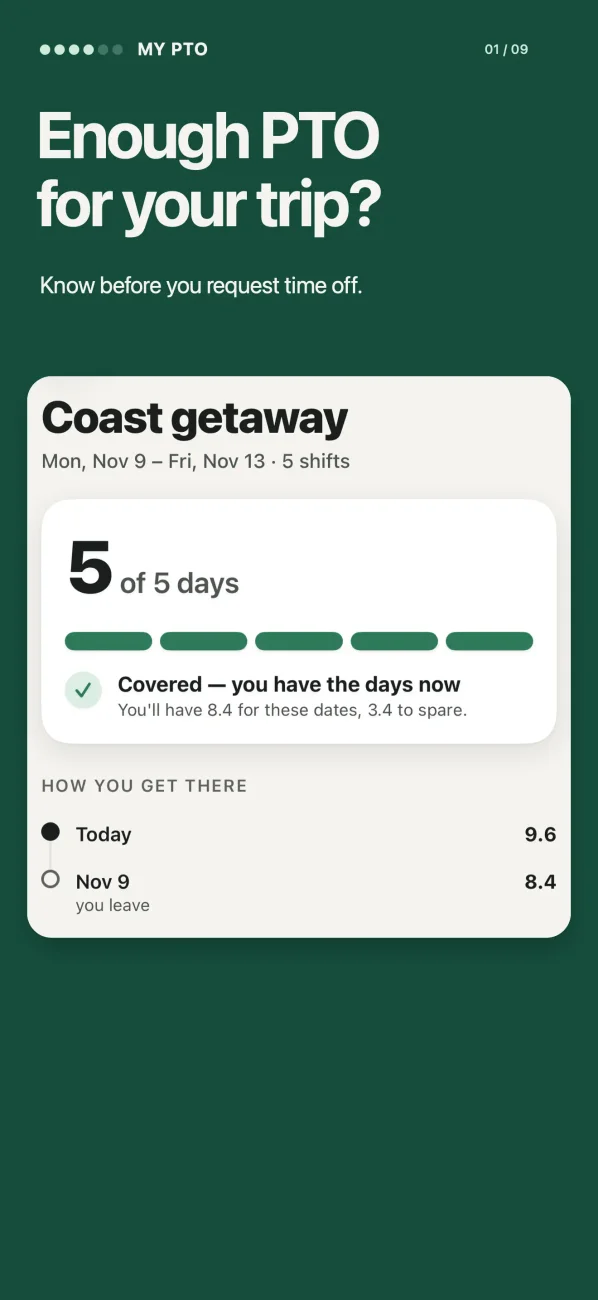
Enough PTO for your next trip? Find out before you make plans.
My PTO projects your paid-time-off balance using your accrual policy, work schedule, and planned days off. See what you'll have for a long weekend, a week away, or a little more time at home.
One purchase. No subscription. No account to create.
YOUR PTO, AT A GLANCE Keep your balance on your Home Screen or Lock Screen. The medium Home Screen widget also shows your next trip and its progress. Available in light and dark appearances.
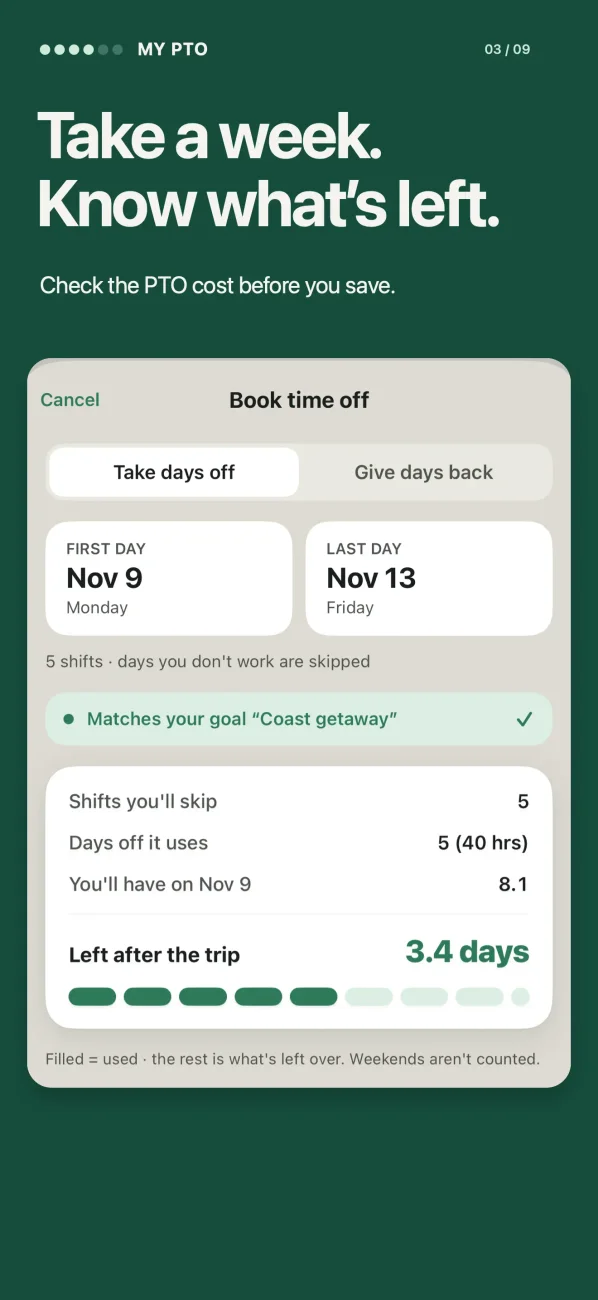
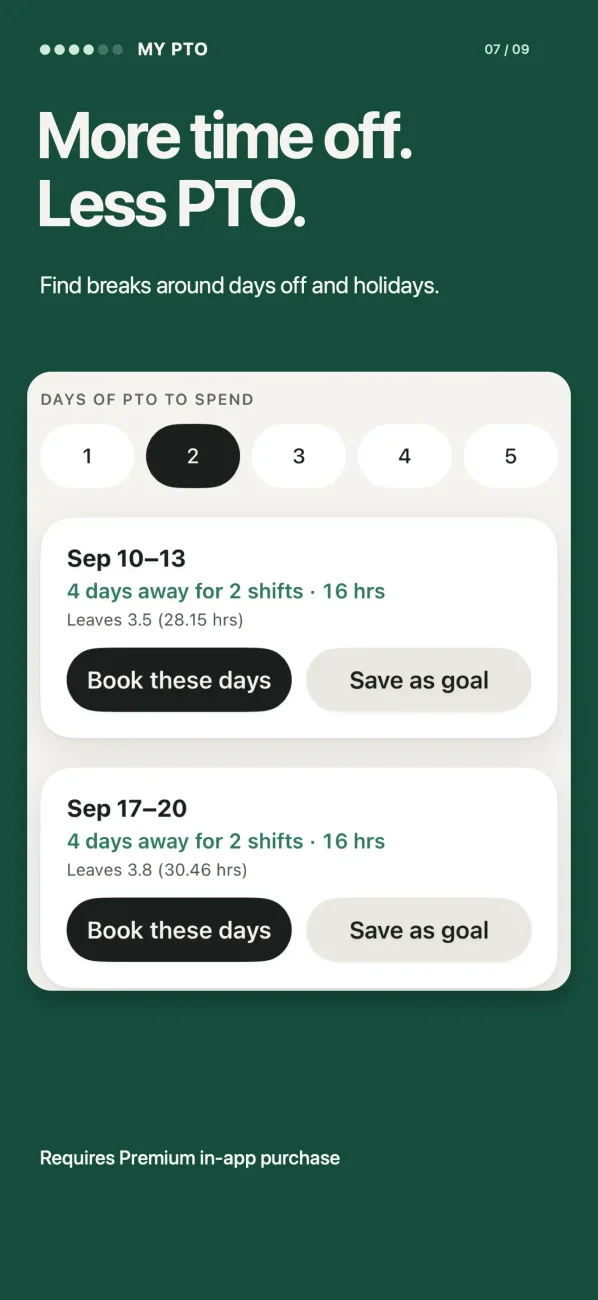
TURN DAYS OFF INTO LONGER BREAKS Choose how many shifts of PTO you'd like to spend. Find stretches around your regular days off and the holidays your workplace observes. Preview a suggestion, then book it in your plan or save it as a goal.
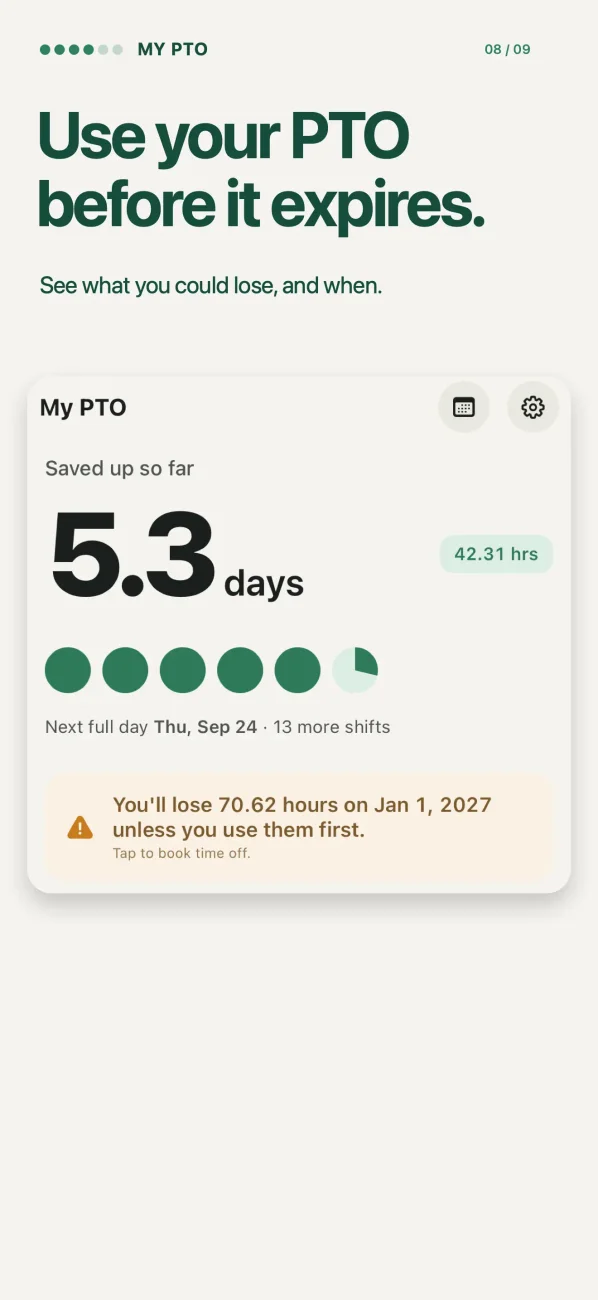
PLAN BEFORE HOURS EXPIRE Set your benefit-year start, carryover limit, and expiration date. Your forecast accounts for those rules and shows when hours could be lost unless you use them.
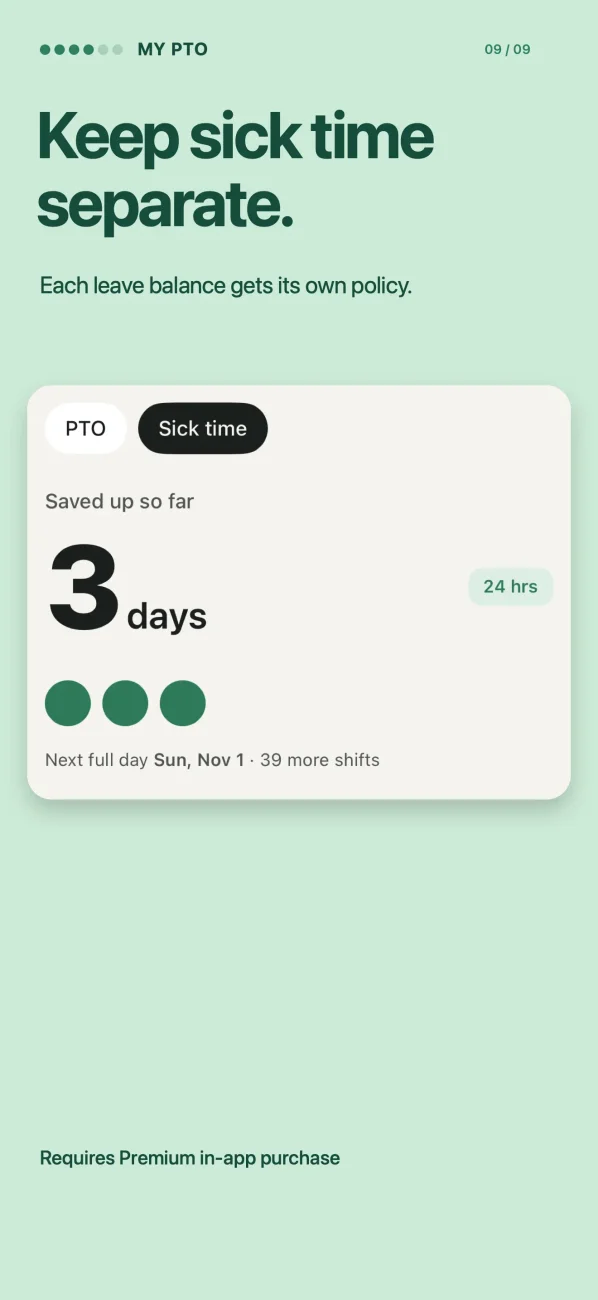
KEEP VACATION AND SICK TIME SEPARATE Track multiple leave balances with their own accrual policies, bookings, and goals, all using your shared work schedule. Switch balances to see the one you need.
GIVE YOUR DAYS OFF SOMETHING TO LOOK FORWARD TO Name a trip and choose your dates. See whether your projected PTO covers it, what you'll have left, or how far short you'll be. When a later date works within the forecast, My PTO suggests it.
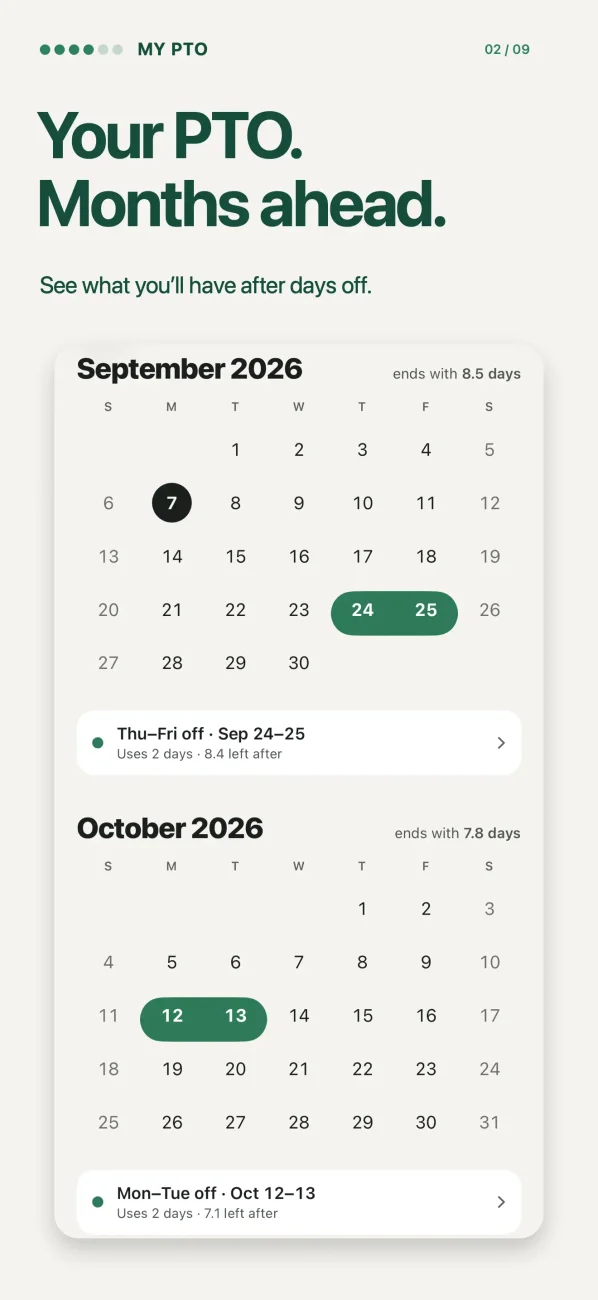
SEE BEYOND TODAY'S BALANCE Look ahead on the calendar and see how earning and taking time off change your balance. Choose a whole stretch of days and preview its cost before saving. Days you don't work are skipped.
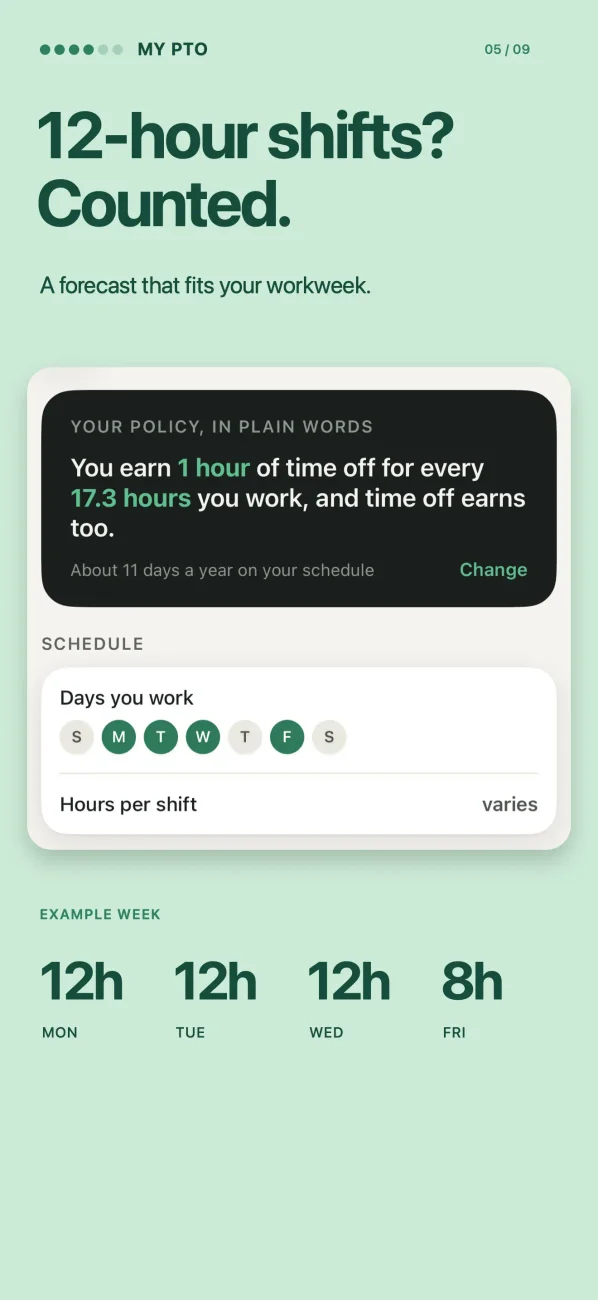
MADE FOR YOUR WORKWEEK Eight-hour days, twelve-hour shifts, or different hours on different weekdays: set the schedule you actually work. Add your employer's holidays and choose who covers a closure. Adjust individual days when your plans change.
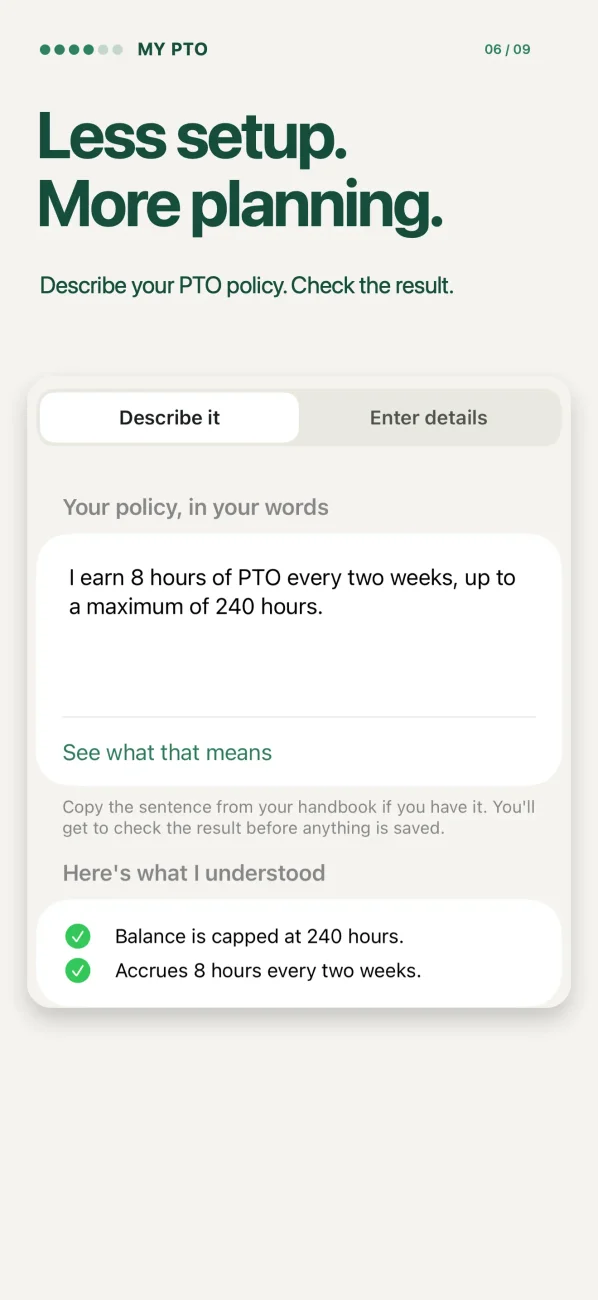
YOUR POLICY, IN YOUR WORDS Enter your accrual policy in plain language, then check what My PTO understood. You can also enter the details yourself. Supports accrual per hour worked, per pay period, monthly grants, and yearly grants. Correct your balance from a paystub whenever you need to.
PUT YOUR TRIP ON APPLE CALENDAR Add an all-day event from a saved goal. Choose the calendar and review the event before saving. This is a one-time export; later changes in My PTO don't update the Calendar event.
YOUR TIME OFF IS YOUR BUSINESS No tracking, no ads, and no account to manage. Your data stays on your iPhone and in your own private iCloud backup. Export a backup file when you want a separate copy.
My PTO is your personal planner. Forecasts depend on the policy and schedule you enter. Booking time off in the app does not submit a request to your employer.
Neue Funktionen
Version 3.0.4 · 24.11.2026
Made for iPhone Duo. Open it up and My PTO uses the whole screen:
- Home puts what you've saved on one side and your trips on the other.
- The calendar keeps your months in view while you edit a day right beside them.
- Each trip shows where it stands next to how you get there.
Folded, My PTO works just as it does on any iPhone.
Requires iOS 18.6 or later.
App-Datenschutz
Was David Brown im App Store zum Umgang dieser App mit Daten angibt.
-
Keine Daten erfasst
Der Entwickler erfasst keine Daten von dieser App.
Die Datenschutzpraktiken können variieren, zum Beispiel je nach den von Ihnen verwendeten Funktionen oder Ihrem Alter.
Informationen
- Anbieter
- David Brown
- Kategorie
- Produktivität
- Version
- 3.0.4
- Aktualisiert
- 24.11.2026
- Veröffentlicht
- 20.02.2020
- Größe
- 4,0 MB
- Erfordert
- iOS 18.6 oder neuer
- Altersfreigabe
- 4+
- Preis
- Kostenlos
- In-App-Käufe
- Ja
- Sprachen
- Englisch
- Copyright
- © 2020-2026 David W. Brown
Das könnte Ihnen auch gefallen
-
 LISTA SMARTEinkaufsliste und Preise
-
 Friendly MileageProduktivität
-
 ScreenPlay RewardsProduktivität
-
 Narration RoomTranskription & Sprachausgabe
-
 PrimeCV - preimum cv makerProduktivität
-
 Shut Up?!: Talk BalanceProduktivität
-
 Explain This – Bills & LettersProduktivität
-
 IEPDesk: IEP & 504 TrackerProduktivität
-
 MyPTO: Track & Plan Time OffProduktivität