my41CX
HP-41 Microcode Emulator
Entwickelt für iPhone, iPad, Mac
Kostenlos · In-App-Käufe
- Altersfreigabe4+
- KategorieDienstprogramme
- EntwicklerMiroslav Perovic
- SprachenEnglisch
- Größe8,3 MB
Verlinkt auf die offizielle App Store-Seite
Download.org hostet keine Datei von my41CX. Die Schaltfläche öffnet die App-Seite bei App Store, wo Miroslav Perovic die App veröffentlicht. Eintrag zuletzt geprüft am 23.11.2026.
Screenshots

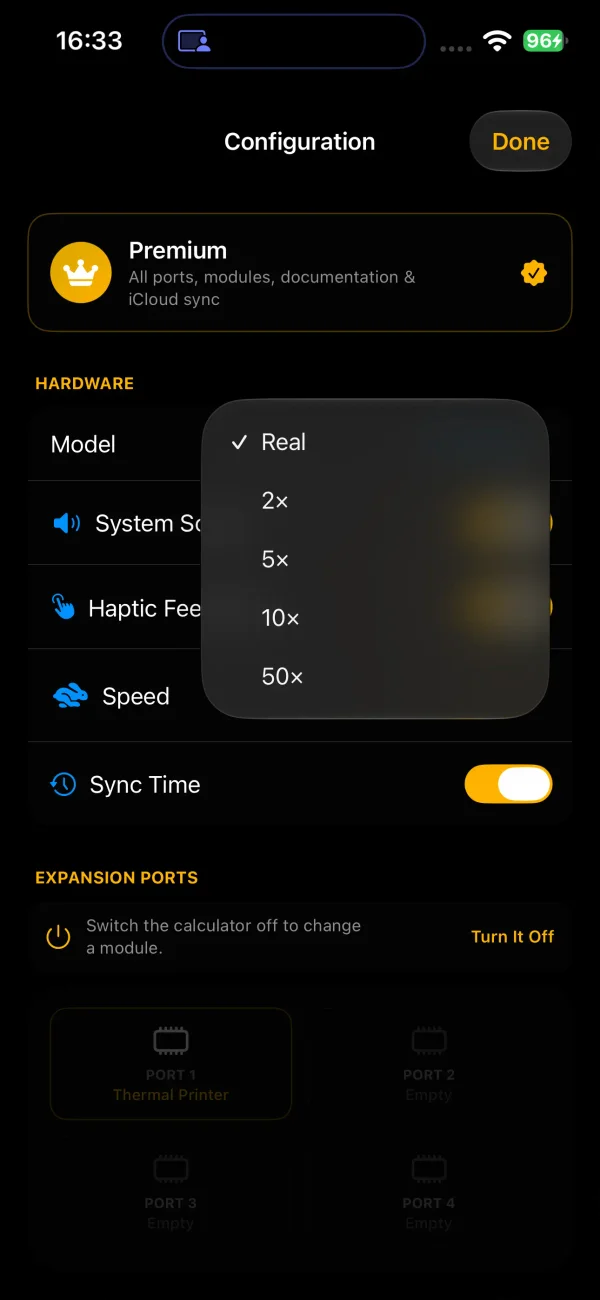
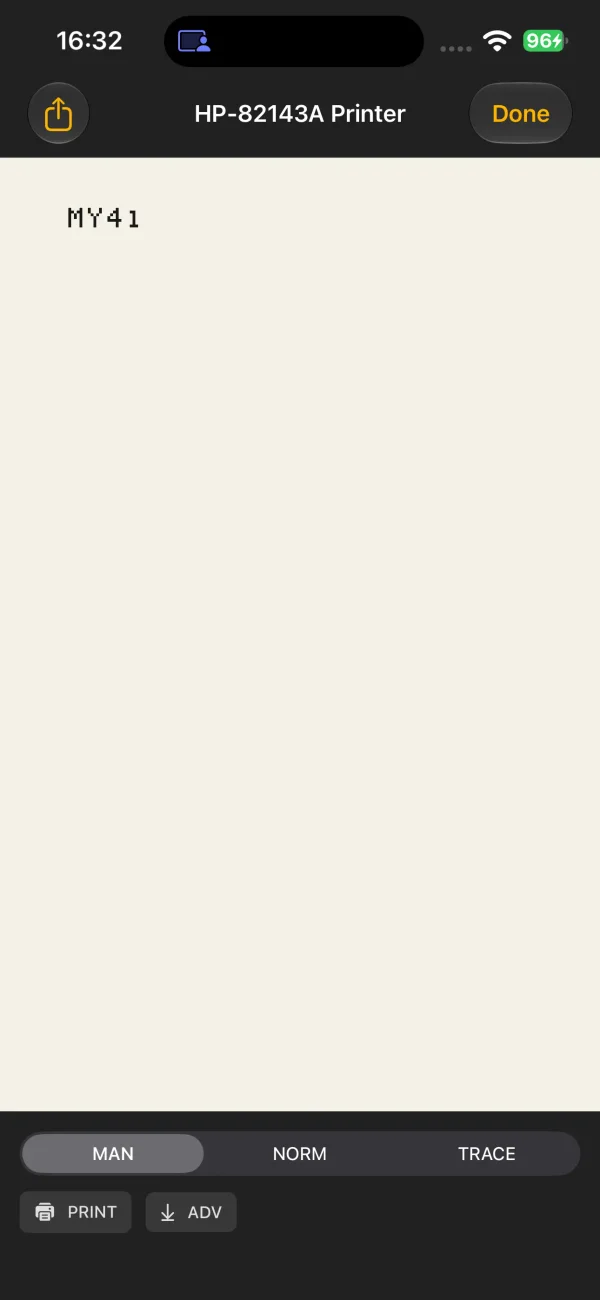
Info
Der Entwickler hat diesen Text nicht in Ihrer Sprache bereitgestellt.
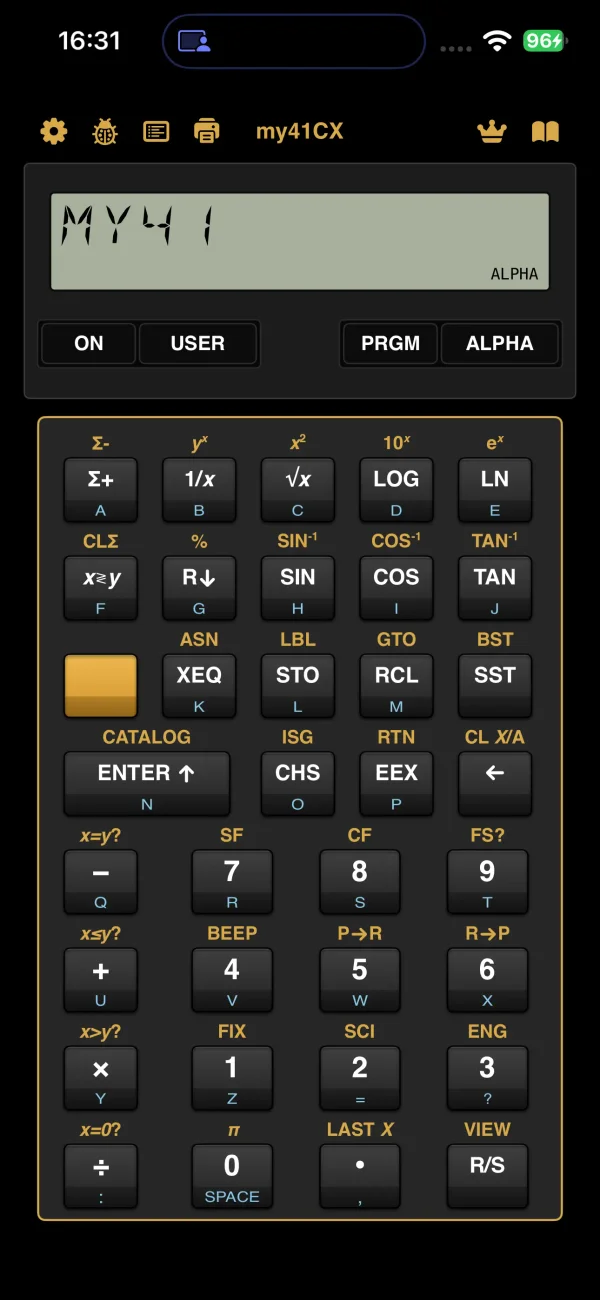
The most accurate HP-41CX emulator available. my41cx delivers full microcode-level emulation of the legendary NUT processor, reproducing every behavior of the original hardware with complete fidelity.
Built and refined over three major releases, my41cx v3 combines the precision of real hardware emulation with a modern interface designed for daily use.
Key Features:
- True Microcode Emulation: Not a simulation—an actual NUT processor emulator running original microcode for 100% hardware-accurate behavior.
- Modern Interface, Classic Soul: A completely redesigned UI built for today's devices while preserving the authentic feel of the original calculator.
- Expandable with ROM Modules: Load external ROM modules to extend the system, just like the real HP-41CX.
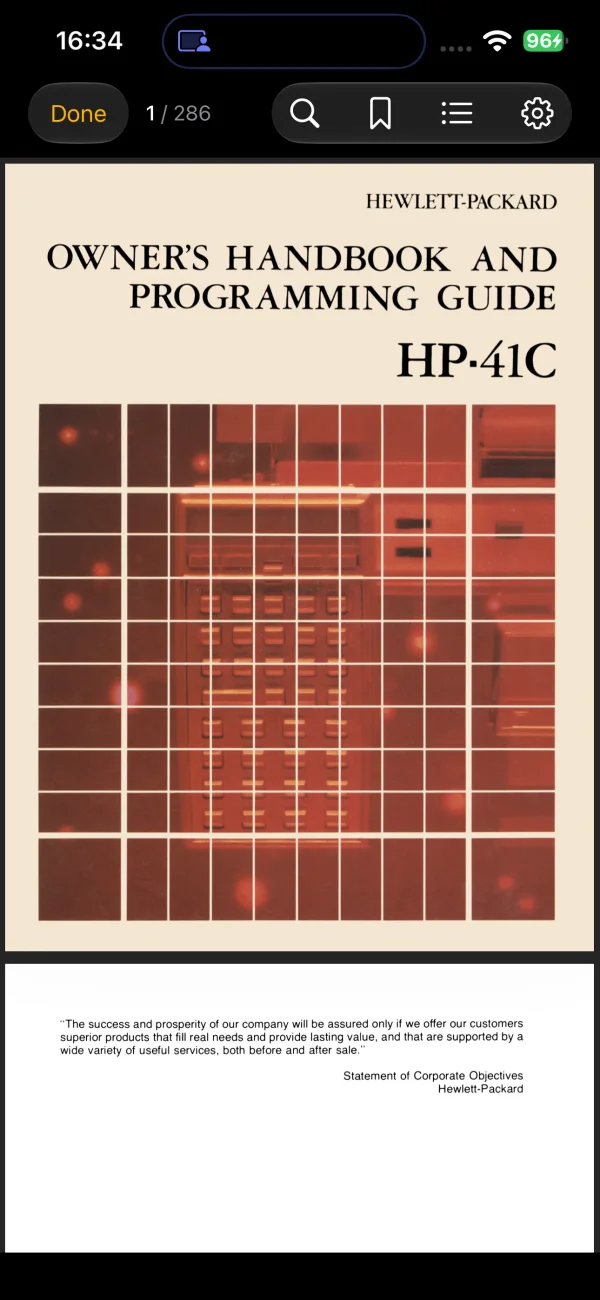
- Built-in Documentation: Access manuals and reference material directly within the app—no need to search for PDFs.
Perfect for engineers, students, scientists, and anyone who appreciates the elegance of HP's finest programmable calculator.
Terms of Use (EULA): https://www.apple.com/legal/internet-services/itunes/dev/stdeula/
Neue Funktionen
Version 5.0.0 · 22.11.2026
my41 5.0 turns the calculator into a place to read, import and debug programs.
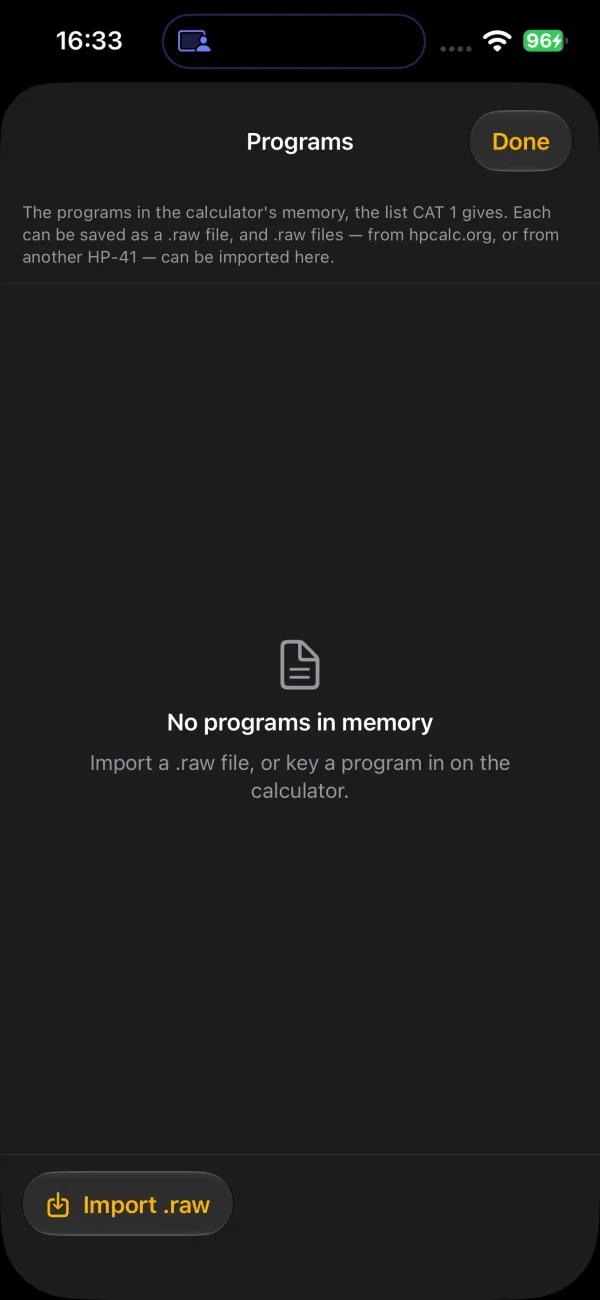
PROGRAMS
- See every program in memory, line by line, as the calculator lists it.
- Functions of plugged-in modules are shown by name.
- Paste a listing from a web page or a forum and it becomes a program.
- Import and export .raw files.
DEBUGGER
- Run a program one line at a time: Step, Step Over, Step Out, and Step Back.
- Set breakpoints, and give a breakpoint a condition, such as R00 = 0.
- Watch a register or a flag: the program stops when it changes.
- See the stack, ALPHA, pending subroutines, all 56 flags and the registers, and change them while the program is stopped.
- A console writes down where the program stopped and why.
- Press and hold a flag for More Info, taken from the Owner's Manual.
ALSO NEW
- A keyboard attached to your iPad or iPhone now presses the calculator's keys.
- A user manual for this device, the first document under Documentation.
Programs, Registers and the Debugger are part of Premium.
App-Datenschutz
Was Miroslav Perovic im App Store zum Umgang dieser App mit Daten angibt.
-
Keine Daten erfasst
Der Entwickler erfasst keine Daten von dieser App.
Die Datenschutzpraktiken können variieren, zum Beispiel je nach den von Ihnen verwendeten Funktionen oder Ihrem Alter.
Informationen
- Anbieter
- Miroslav Perovic
- Kategorie
- Dienstprogramme
- Version
- 5.0.0
- Aktualisiert
- 22.11.2026
- Veröffentlicht
- 01.04.2015
- Größe
- 8,3 MB
- Erfordert
- iOS 26.0 oder neuer
- Altersfreigabe
- 4+
- Preis
- Kostenlos
- In-App-Käufe
- Ja
- Sprachen
- Englisch
- Copyright
- © Miroslav Perovic 2015-2026