
- Altersfreigabe4+
- KategorieDienstprogramme
- Entwickler光顺 朱
- SprachenEnglisch
- Größe21,4 MB
NearFlow ist bei App Store derzeit möglicherweise nicht verfügbar
Bei unserer letzten Prüfung war der Store-Eintrag nicht erreichbar. Der Link führt weiterhin zur offiziellen App Store-Seite.
Screenshots

Info
Der Entwickler hat diesen Text nicht in Ihrer Sprache bereitgestellt.
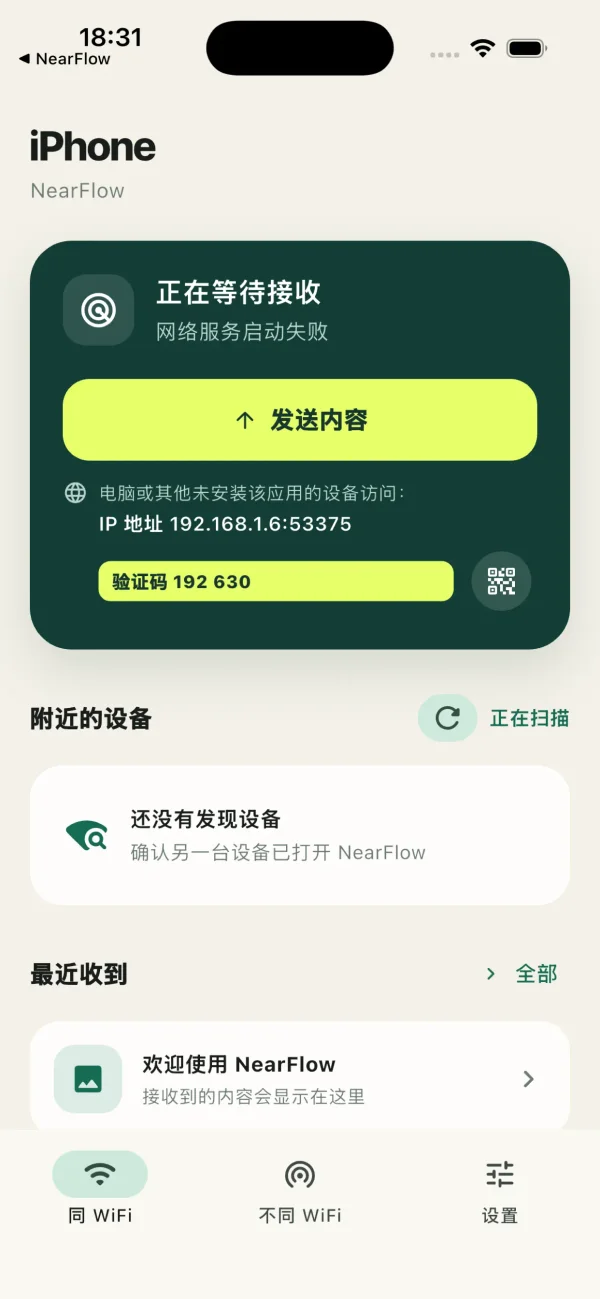
NearFlow is a nearby device transfer tool that helps you quickly send photos, files, folders, and text between your phone, computer, and browser.
Key features:
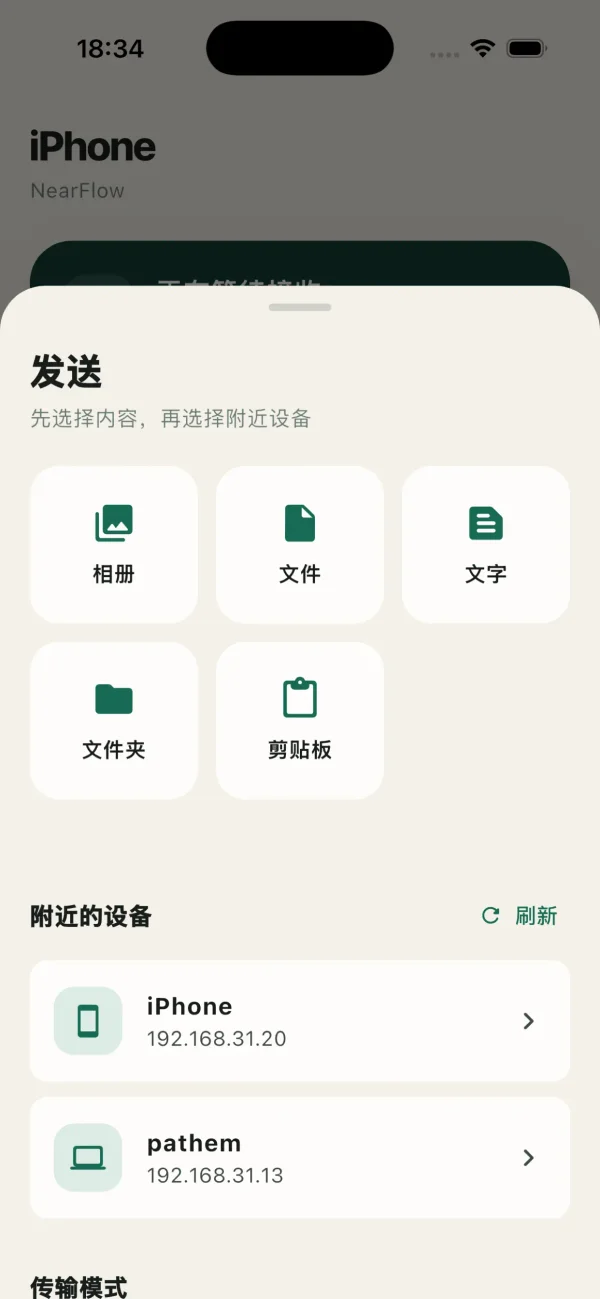
- Discover nearby devices on the same Wi-Fi or hotspot
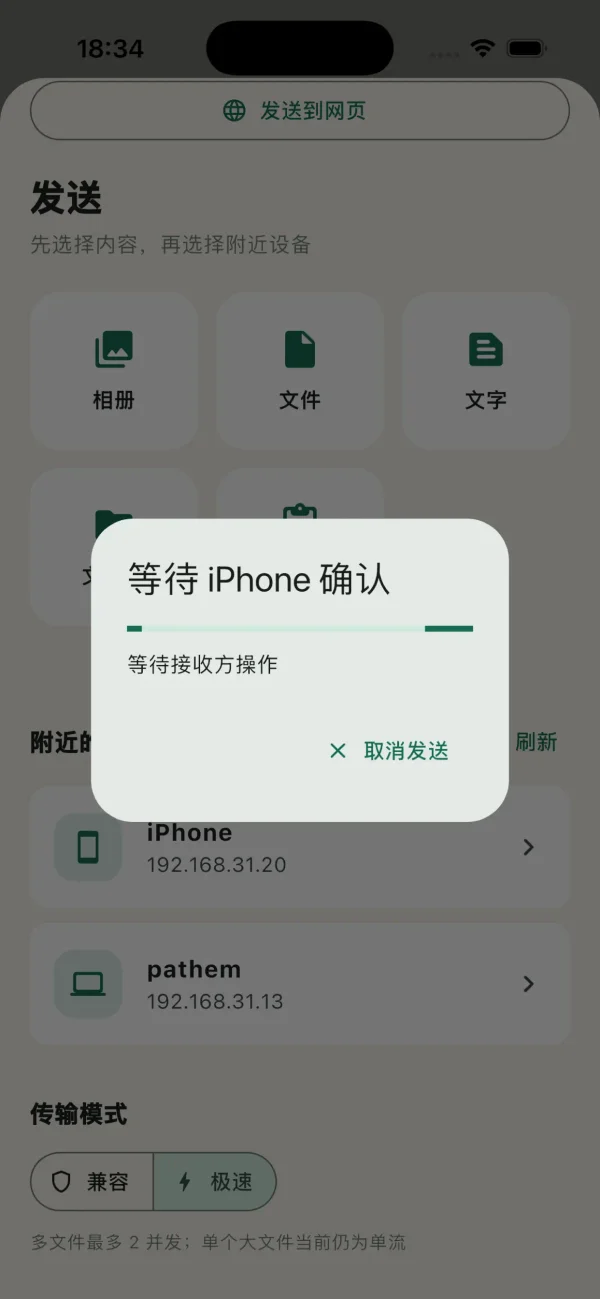
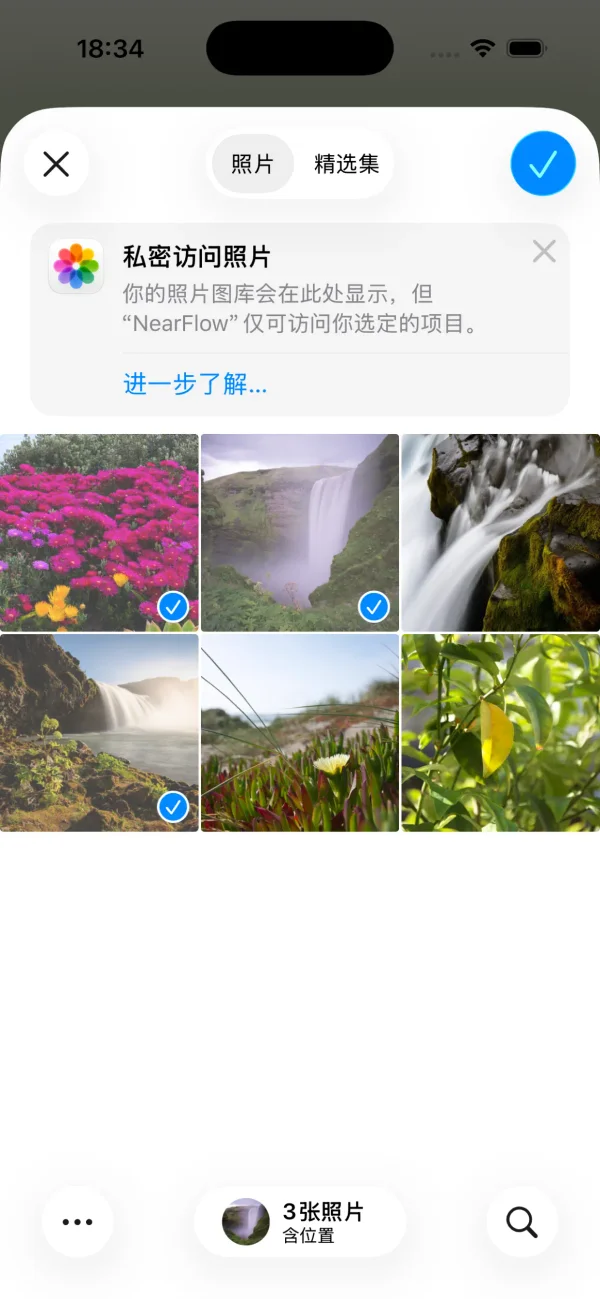
- Send photos, files, folders, clipboard text, and typed text
- Use browser access so the other device does not need the app
- Confirm, cancel, and review received transfers
- Supports Simplified Chinese, Traditional Chinese, English, and Spanish
NearFlow is useful for temporary file transfers between computers and phones, sharing photos, and sending short text snippets without accounts, cables, or cloud-drive interruptions.
Neue Funktionen
Version 1.0.1 · 02.09.2026
1. Added multiple recipients for convenient multi‑device file transfer
2. Added the function to manually enter the peer device
3. Fixed unstable transfer bugs in the old version
App-Datenschutz
Was 光顺 朱 im App Store zum Umgang dieser App mit Daten angibt.
-
Keine Daten erfasst
Der Entwickler erfasst keine Daten von dieser App.
Die Datenschutzpraktiken können variieren, zum Beispiel je nach den von Ihnen verwendeten Funktionen oder Ihrem Alter.
Informationen
- Anbieter
- 光顺 朱
- Kategorie
- Dienstprogramme
- Version
- 1.0.1
- Aktualisiert
- 02.09.2026
- Veröffentlicht
- 13.07.2026
- Größe
- 21,4 MB
- Erfordert
- iOS 14.0 oder neuer
- Altersfreigabe
- 4+
- Sprachen
- Englisch
- Copyright
- Copyright © 2026 Guangshun Zhu. All rights reserved.
Das könnte Ihnen auch gefallen
-
 LanLinkDienstprogramme
-
 随传:自在互联,随传而至Dienstprogramme
-
 Video BildextraktionFrames greifen·HD/Live Export
-
 Unzip ZIP RAR 7Z - LAN ShareDienstprogramme
-
 FileSenderDienstprogramme
-
 ImFluxDienstprogramme
-
 bewifiDienstprogramme
-
 智慧AIDienstprogramme
-
 AirTok · Direct File TransferDienstprogramme
-
 VaultVoice RecorderDienstprogramme