
NetPulse: Network Ping Master
IP & WebAddress TraceRoute
Entwickelt für iPhone, iPad
Kostenlos
- Altersfreigabe4+
- KategorieWirtschaft
- Entwicklerthomas Perks
- SprachenEnglisch
- Größe1,4 MB
Verlinkt auf die offizielle App Store-Seite
Download.org hostet keine Datei von NetPulse: Network Ping Master. Die Schaltfläche öffnet die App-Seite bei App Store, wo thomas Perks die App veröffentlicht. Eintrag zuletzt geprüft am 15.11.2026.
Screenshots
Info
Der Entwickler hat diesen Text nicht in Ihrer Sprache bereitgestellt.
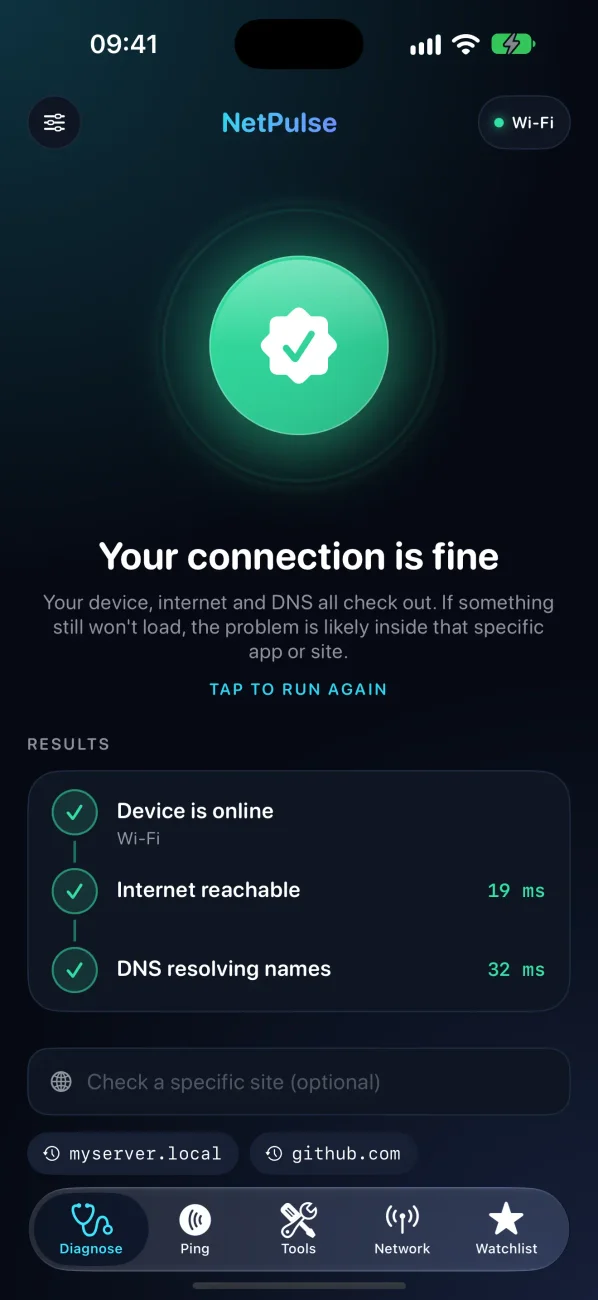
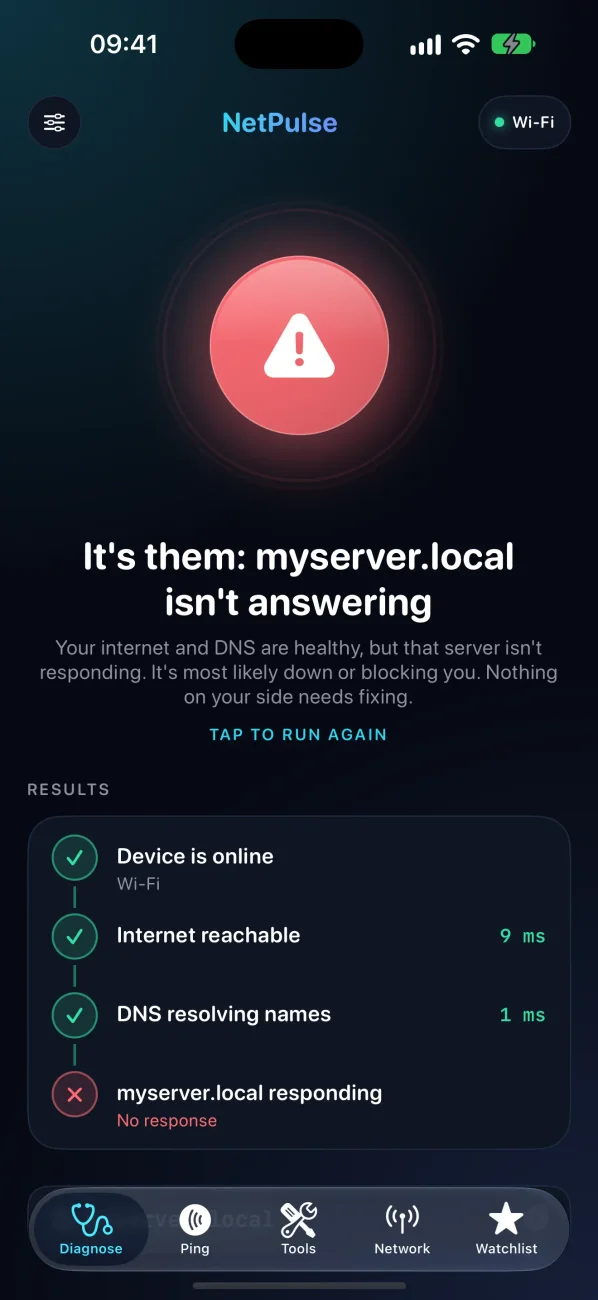
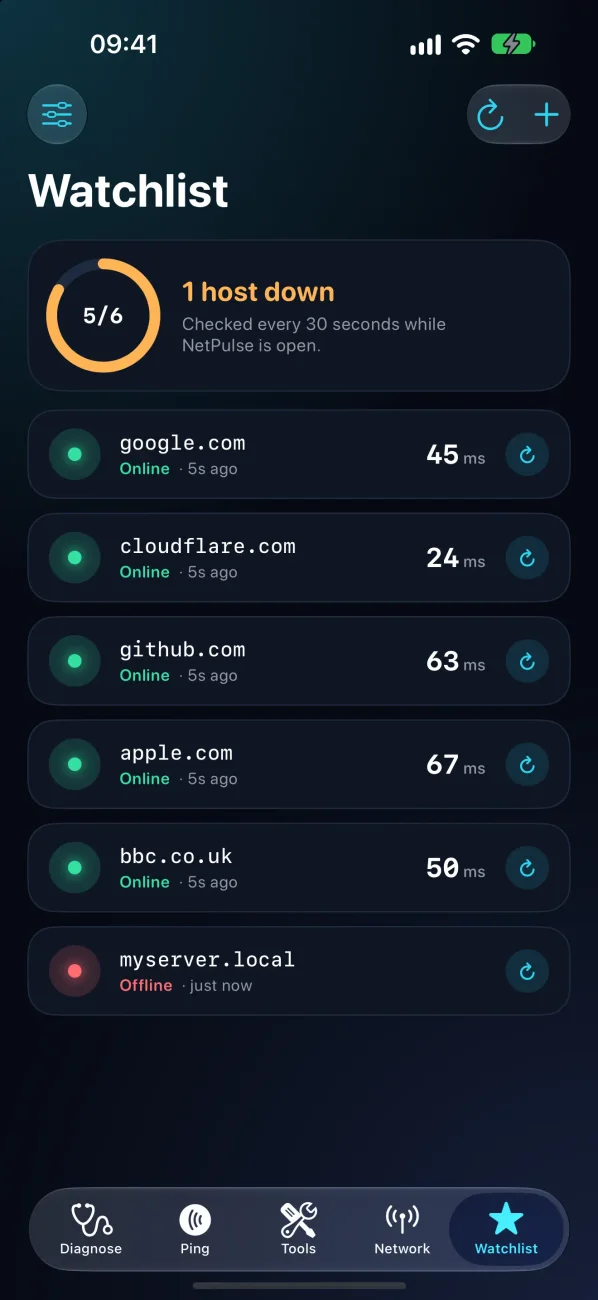
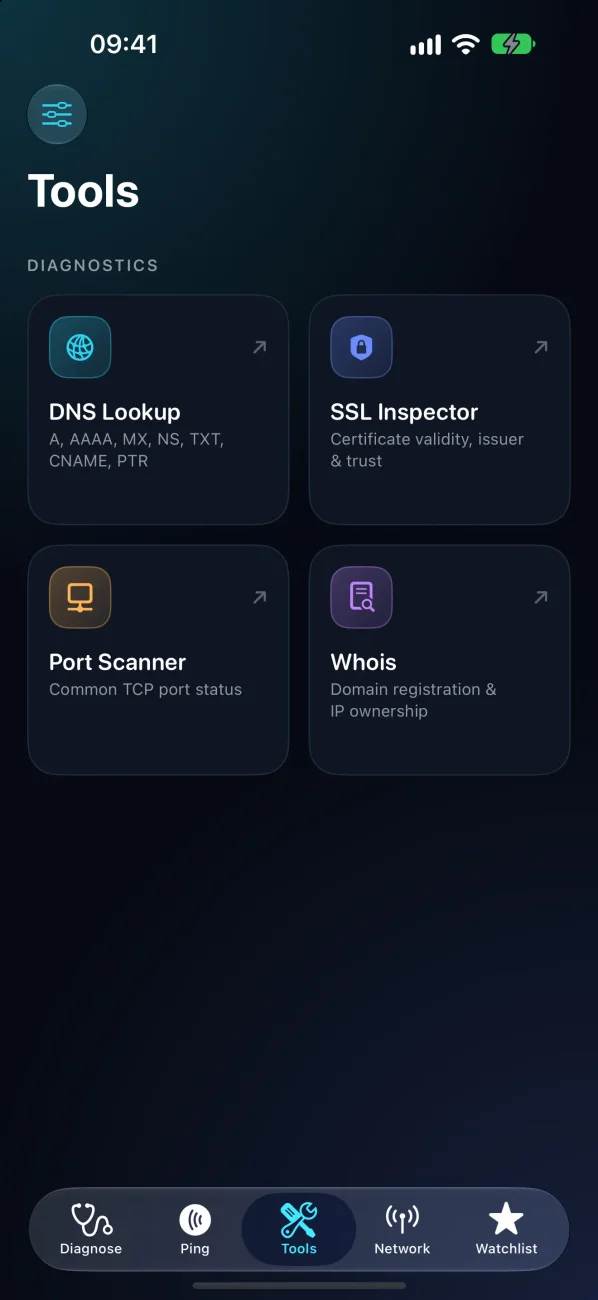
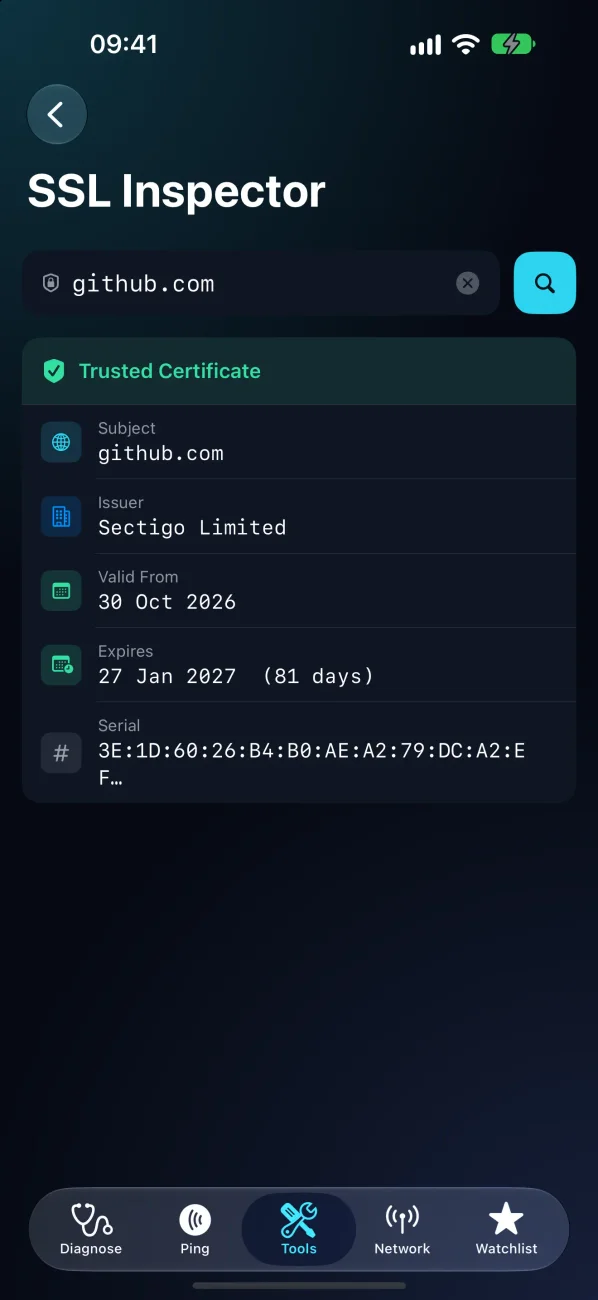
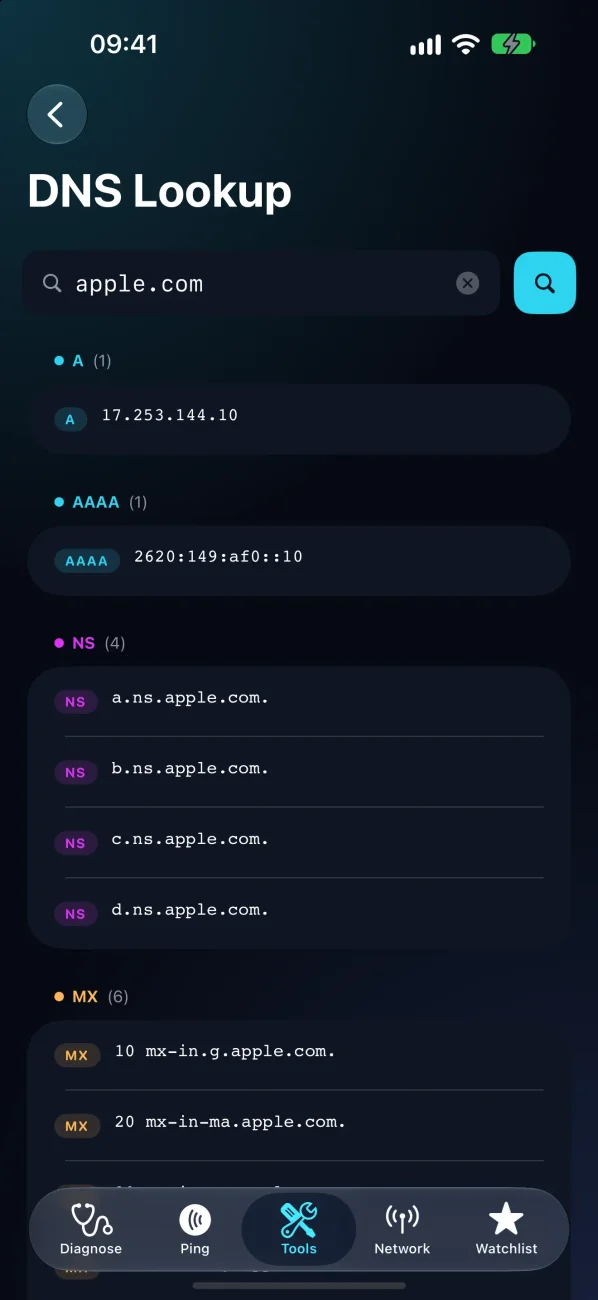
Welcome to NetPulse: Network Ping Master, your all-in-one network diagnostic tool designed to empower IT professionals, network enthusiasts, and casual users alike. Whether you're troubleshooting a network issue, optimizing your connection, or simply curious about your network's performance, NetPulse offers a suite of powerful tools to help you analyze and enhance your internet experience.
Key Features:
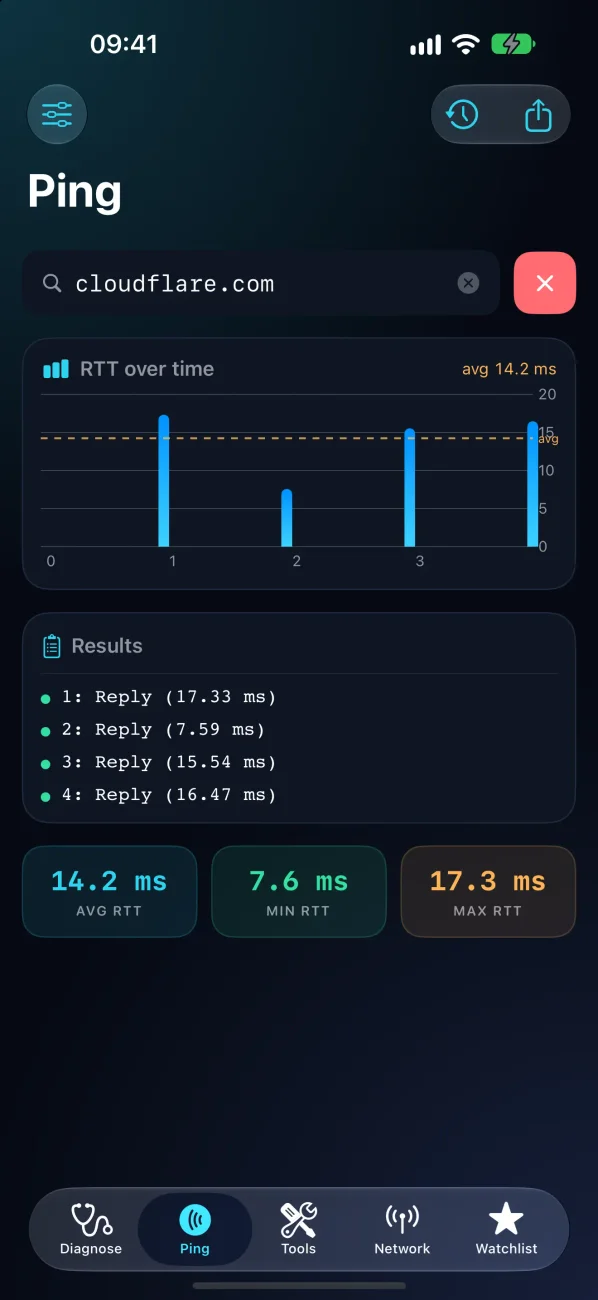
1. Comprehensive Ping Test
- Ping Any IP or Domain: Quickly and easily test the connectivity and response time of any IP address or domain name.
- IPv4 & IPv6 Support: Dual-stack support ensures compatibility with modern network protocols.
- Detailed Results: View response time, status codes, and detailed error messages to pinpoint issues.
- Multi-Ping Functionality: Run multiple ping tests in sequence to get an average response time and detect intermittent issues.
2. Subnet Ping Scanner
- Ping Entire Subnets: Discover all active devices within a subnet, perfect for network administrators managing multiple devices.
- Automatic Range Calculation: Just enter the base IP and subnet mask, and NetPulse calculates the IP range for you.
- Real-Time Scanning: View devices as they are detected, with response times and statuses.
3. Advanced Traceroute Analysis
- Visualize Network Path: Trace the route your data takes across the internet and identify slow hops and bottlenecks.
- Hop-by-Hop Details: Get detailed information on each hop, including IP addresses, domain names, and latency.
- Adjustable Settings: Set maximum hops and timeout values to fine-tune your traceroute analysis.
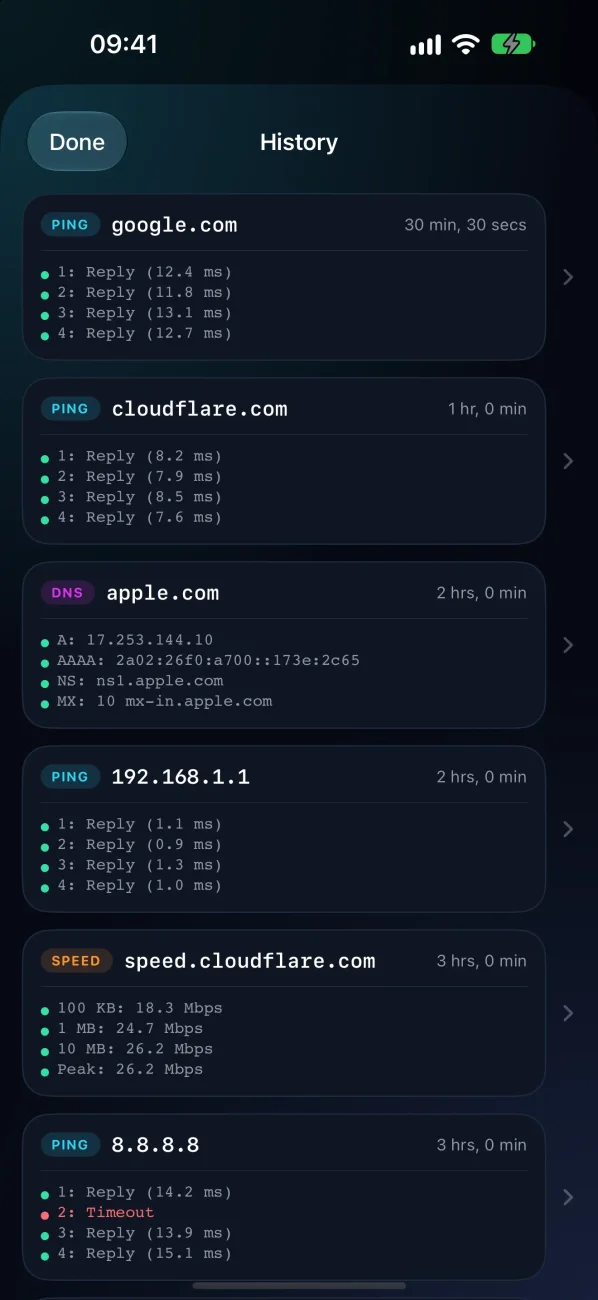
4. History & Logs
- Keep Track of Your Tests: Automatically save your ping and traceroute results for future reference.
- Detailed Logs: Access complete logs with timestamps, IP addresses, response times, and more.
- Export and Share: Export your logs to share with colleagues or for your records.
5. Customizable Settings
- User-Friendly Interface: Simple and intuitive design makes it easy to navigate and use all features.
- Adjustable Timeout and Ping Count: Customize settings to suit your testing needs, whether it's a quick check or an in-depth analysis.
- Dark Mode Support: Enjoy a sleek, eye-friendly interface, perfect for use in low-light environments.
6. Feedback and Support
- In-App Feedback: Easily provide feedback and request features directly from the app.
- Regular Updates: Our team is committed to improving NetPulse and providing new features and enhancements regularly.
Why Choose NetPulse?
Reliability and Accuracy: Built with precision and accuracy in mind, NetPulse provides reliable network diagnostic tools you can trust.
All-in-One Solution: From simple ping tests to comprehensive subnet scans and traceroutes, NetPulse offers all the tools you need in one convenient app.
User-Centric Design: With an intuitive interface and customizable settings, NetPulse is designed for both beginners and advanced users.
Comprehensive Logs and History: Never lose track of your tests with detailed logs and history, perfect for troubleshooting and reporting.
Regular Updates and Support: Stay up-to-date with the latest features and improvements, and enjoy responsive customer support.
Who Can Benefit from NetPulse?
- IT Professionals and Network Administrators: Diagnose network issues, optimize performance, and manage multiple devices with ease.
- Gamers and Streamers: Ensure your network is running smoothly to avoid lag and buffering.
- Home Users: Troubleshoot your internet connection and ensure you're getting the best possible performance.
- Educators and Students: Use NetPulse as a learning tool to understand network fundamentals and troubleshooting techniques.
Whether you're a seasoned IT professional or just curious about your internet connection, NetPulse: Network Ping Master offers everything you need to understand and optimize your network performance. Download now and start exploring the power of NetPulse!
Neue Funktionen
Version 26.11.1 · 08.11.2026
- Redesign for iOS27 & iPhone Duo
App-Datenschutz
Was thomas Perks im App Store zum Umgang dieser App mit Daten angibt.
-
Keine Daten erfasst
Der Entwickler erfasst keine Daten von dieser App.
Die Datenschutzpraktiken können variieren, zum Beispiel je nach den von Ihnen verwendeten Funktionen oder Ihrem Alter.
Informationen
- Anbieter
- thomas Perks
- Kategorie
- Wirtschaft
- Version
- 26.11.1
- Aktualisiert
- 08.11.2026
- Veröffentlicht
- 01.08.2024
- Größe
- 1,4 MB
- Erfordert
- iOS 17.2 oder neuer
- Altersfreigabe
- 4+
- Preis
- Kostenlos
- Sprachen
- Englisch
- Copyright
- © Thomas Perks
Das könnte Ihnen auch gefallen
-
 MonCongo JobsWirtschaft
-
 Meals AEWirtschaft
-
 SubCinch: SubscriptionsFinanzen
-
 Augustin: Vermögen & FinanzenHaushaltsbuch, Budget & Depot
-
 Web Cars DriverWirtschaft
-
 NetPulse-Rakuten Site ManagerWirtschaft
-
 MotherhostWirtschaft
-
 vCloud.ai BasicWirtschaft
-
 Candle: Fokus & LernenKonzentration im Lernraum
-
 SeltronHome KelvinProduktivität