NetworkTools and SSH with AI
AI-powered network toolkit
Entwickelt für iPhone, iPad
Kostenlos · In-App-Käufe
- Altersfreigabe9+
- KategorieDienstprogramme
- EntwicklerLangtian Du
- SprachenEnglisch
- Größe9,1 MB
Verlinkt auf die offizielle App Store-Seite
Download.org hostet keine Datei von NetworkTools and SSH with AI. Die Schaltfläche öffnet die App-Seite bei App Store, wo Langtian Du die App veröffentlicht. Eintrag zuletzt geprüft am 20.11.2026.
Screenshots
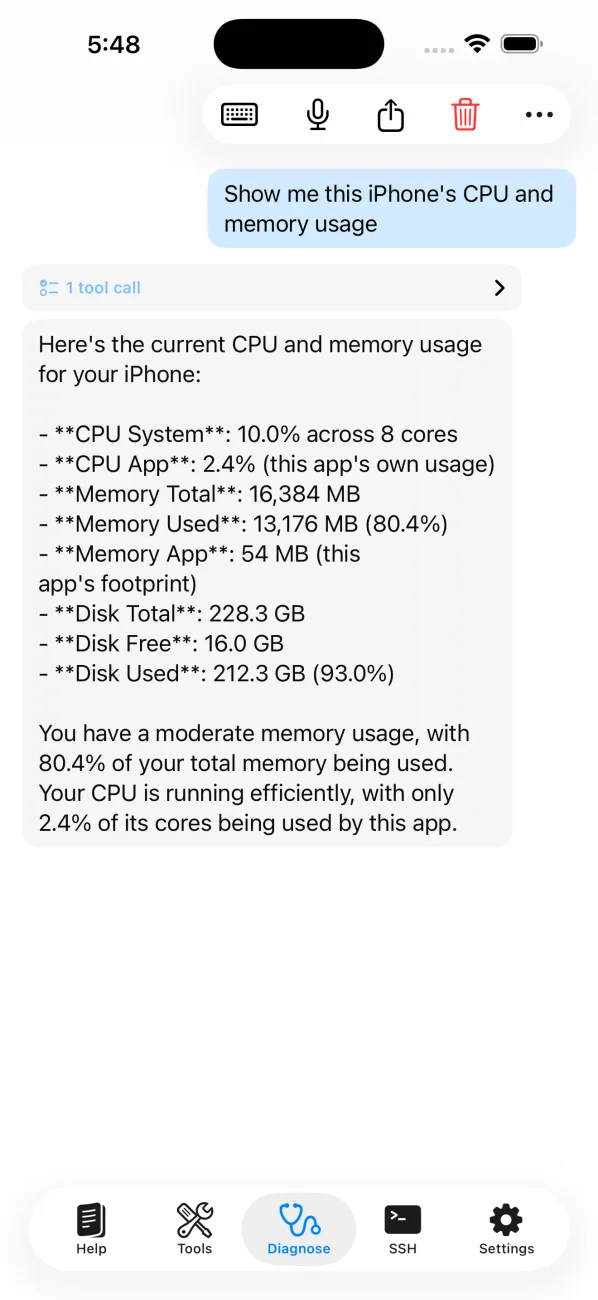
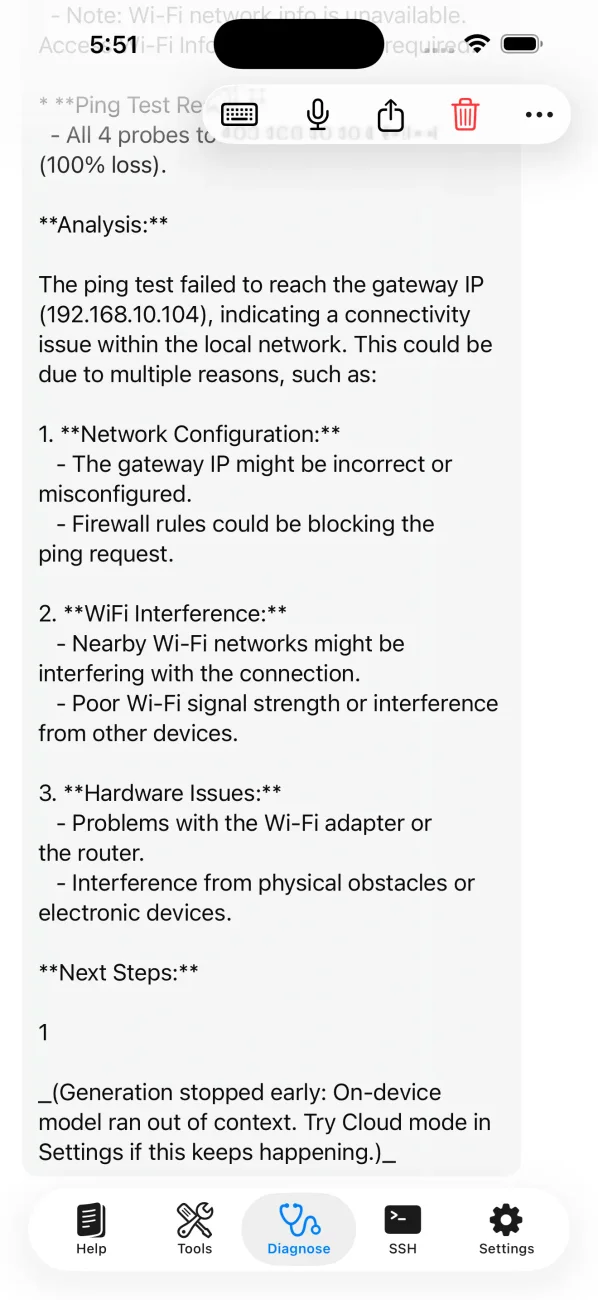
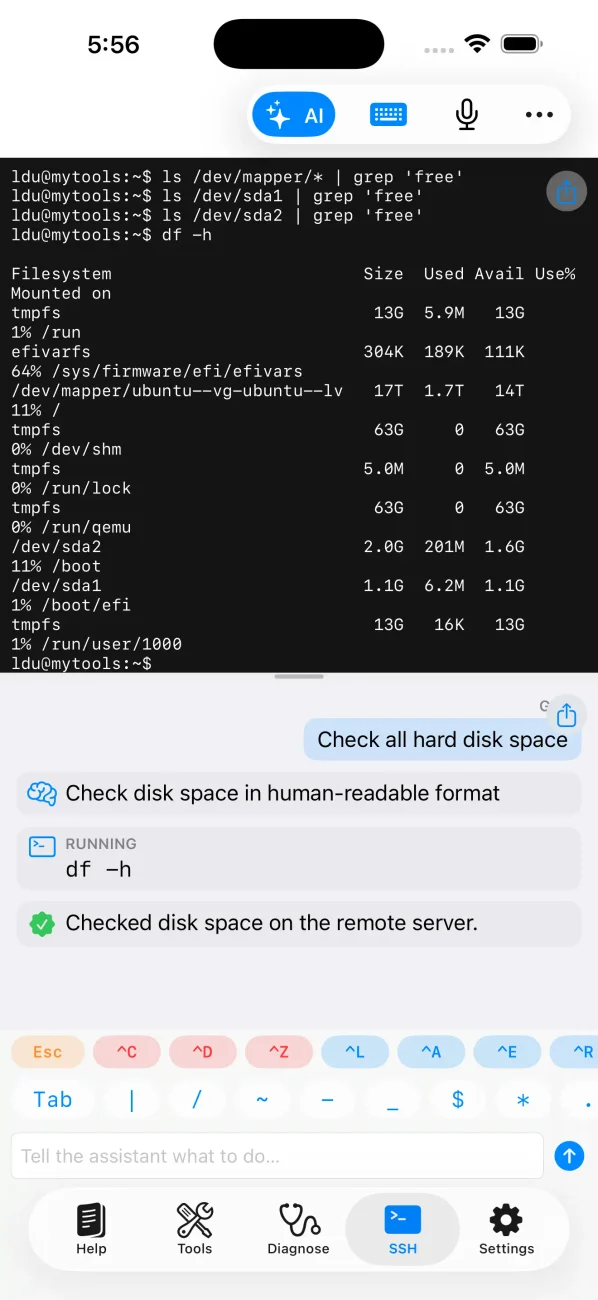
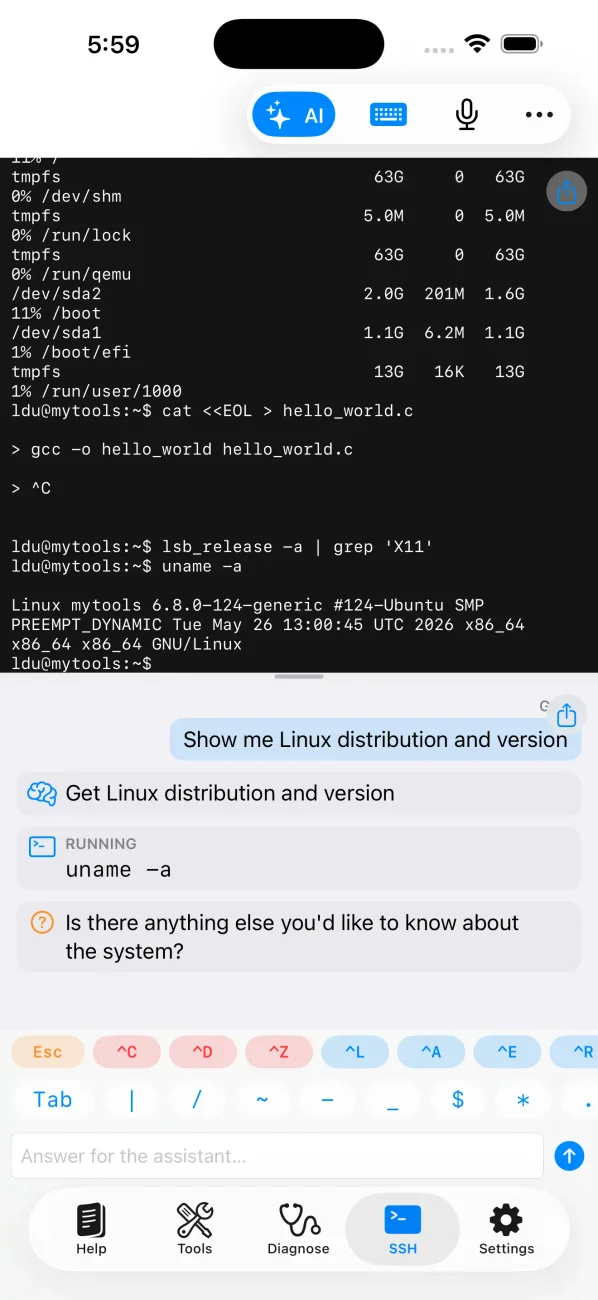
Info
Der Entwickler hat diesen Text nicht in Ihrer Sprache bereitgestellt.
Description:
AI Diagnostics — Describe the problem. Get the answer.
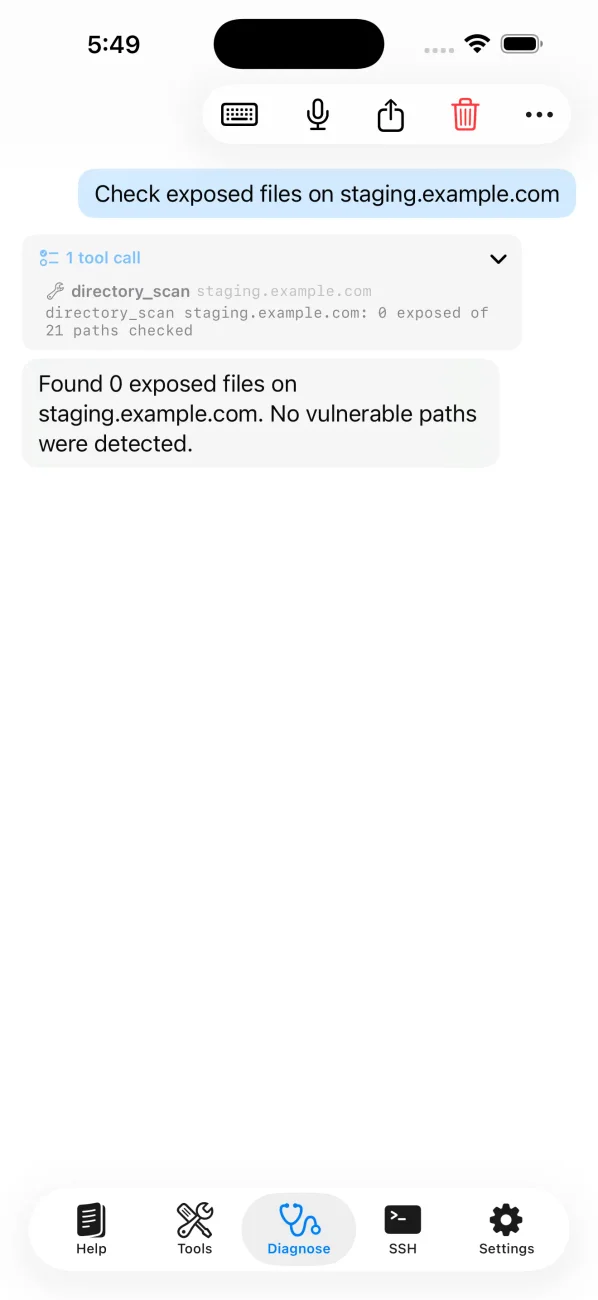
Something's wrong with your network but you're not sure where to start? Just type or speak what's happening. The AI diagnostics assistant analyzes your problem, selects the right tools, runs them on your device, and explains the results in plain English.
Tell it "I can't connect to my work VPN" and it will ping your VPN server, check DNS resolution, probe the required ports, trace the route, and tell you exactly where the connection breaks — whether it's a DNS misconfiguration, a blocked port, or a routing issue. Ask "Why is my internet so slow?" and it measures latency, checks for packet loss, tests download speed, scans for WiFi interference, and identifies the bottleneck.
The assistant uses 18 diagnostic tools under the hood: ping, traceroute, DNS queries (A, AAAA, MX, NS, CNAME, TXT, SOA, PTR), TCP port probing, WHOIS lookups, TLS certificate inspection, HTTP security header checks, CORS validation, subdomain enumeration, directory scanning, email security checks, wireless scanning, and local device stats. It chains multiple tools together automatically — a single question might trigger a ping, a traceroute, a port scan, and a DNS check without you naming a single command.
Choose on-device mode for complete privacy (Apple's model runs locally, your data never leaves your device) or cloud mode for deeper reasoning with a more capable model.
AI SSH Client — Speak to your servers in plain language.
SSH into any Linux or macOS server and tell the AI agent what you need. It translates your goal into the correct shell commands, runs them, and explains the results — no memorizing flags or syntax.
Tap one of the quick-start tasks or just type: "Find files over 500MB on this server," "Check which services failed to start," "Show me disk usage on every mount," or "List the top 10 processes eating memory." The agent runs the right commands (find, systemctl, df, ps) and explains what each result means. It handles multi-step workflows — "Install nginx and configure it to serve on port 8080" becomes a sequence of commands it executes and verifies step by step.
Use your voice to speak commands naturally. Real-time speech recognition transcribes into terminal input, and the agent interprets intent even when you're imprecise. Say "make sure the server's firewall isn't blocking port 3000" and the agent checks iptables rules directly.
SSH connections sync across your devices when signed in, so your server list follows you from Mac to iPhone to iPad.
Everything Else You Need
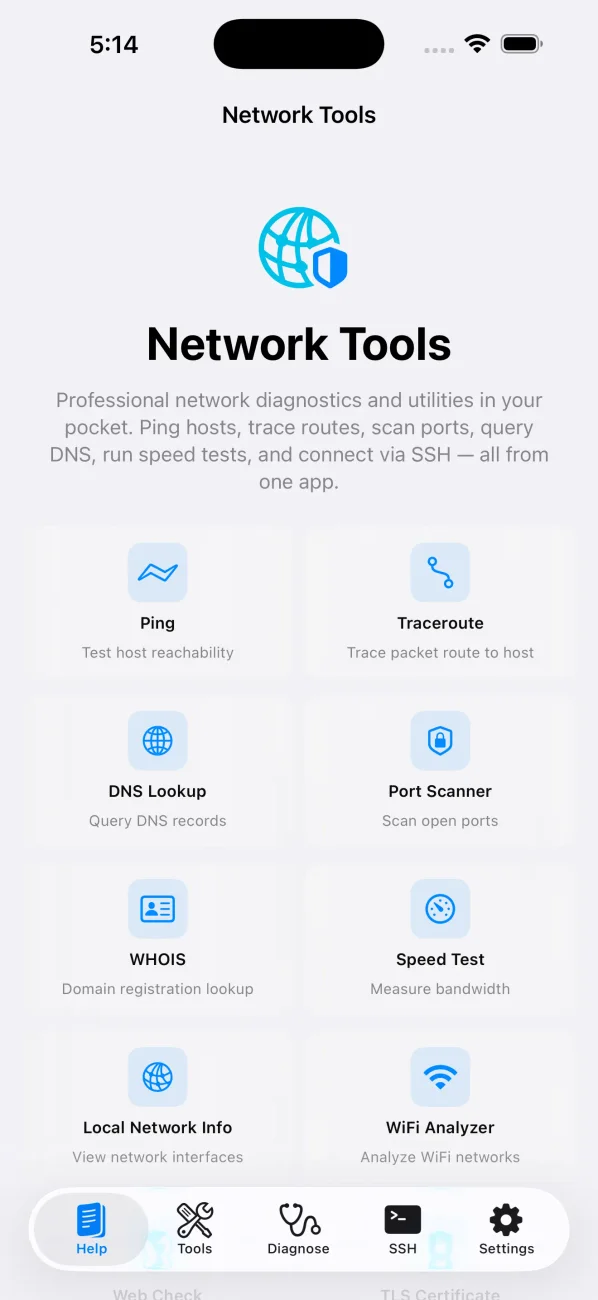
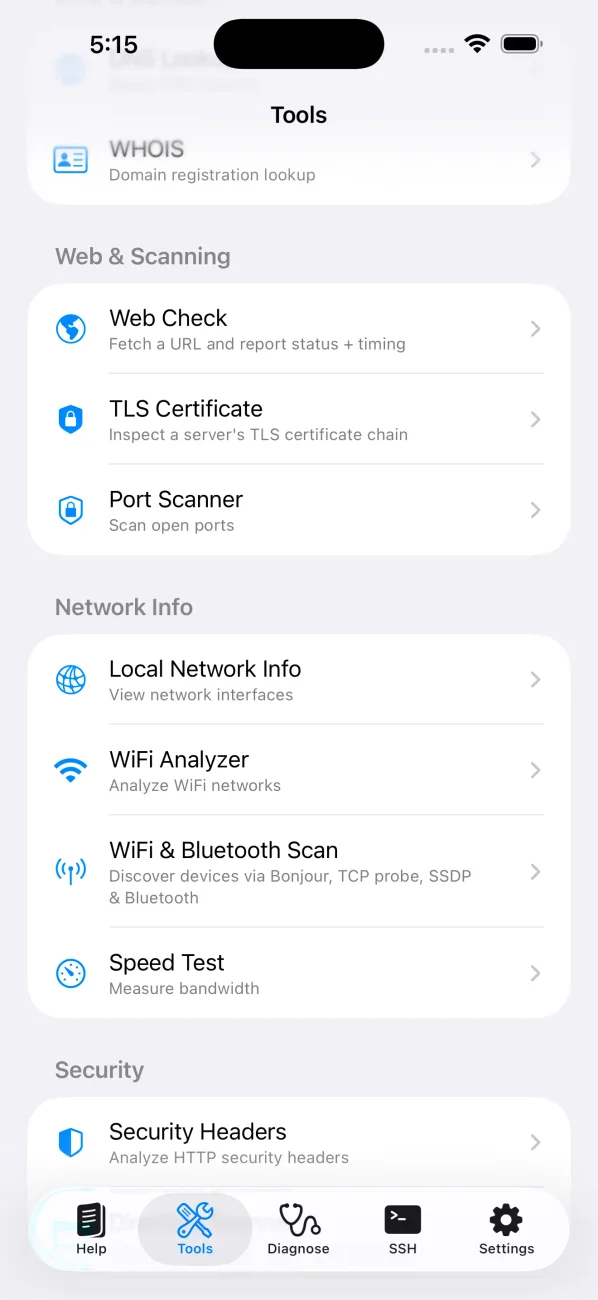
Ping hosts, trace routes with geolocation, resolve DNS records, query WHOIS registration data, scan port ranges, test your download and upload bandwidth, discover every device on your local network, and analyze WiFi signal quality — all from one app. Native on iPhone, iPad, and Mac with full iPad multitasking support.
• Privacy first: on-device AI never sends your data anywhere. No tracking, no analytics.
• Sign in with Apple for optional cloud AI and connection sync.
• Free to use with all diagnostic tools included.
NetworkTools is for anyone who needs to know what's happening on their network — whether you run servers, fix WiFi for family, or just want to understand why a website won't load.
Neue Funktionen
Version 1.0.2 · 29.07.2026
Voice input is more reliable: continuous listening between questions, and no more stray/garbled text from background noise.
SSH AI assistant: smarter and more reliable — clearer safety prompts for commands that change files or settings, an "Allow for this session" option to cut repeat confirmations, and it no longer stops after a command fails.
SFTP File Transfer now falls back to SCP automatically for servers that don't support SFTP.
Numerous performance and stability fixes,including freezes when scrolling or typing in long Diagnose/SSH conversations.
App-Datenschutz
Was Langtian Du im App Store zum Umgang dieser App mit Daten angibt.
-
Keine Daten erfasst
Der Entwickler erfasst keine Daten von dieser App.
Die Datenschutzpraktiken können variieren, zum Beispiel je nach den von Ihnen verwendeten Funktionen oder Ihrem Alter.
Informationen
- Anbieter
- Langtian Du
- Kategorie
- Dienstprogramme
- Version
- 1.0.2
- Aktualisiert
- 29.07.2026
- Veröffentlicht
- 15.07.2026
- Größe
- 9,1 MB
- Erfordert
- iOS 17.0 oder neuer
- Altersfreigabe
- 9+
- Preis
- Kostenlos
- In-App-Käufe
- Ja
- Sprachen
- Englisch
- Copyright
- © 2026 Langtian Du
Das könnte Ihnen auch gefallen
-
 IP Scanner – Netzwerk-ToolsAlle Geräte im WLAN finden
-
 RealShield AiDienstprogramme
-
 ComDeckDienstprogramme
-
 Chillbox: Proxmox SSH MonitorDienstprogramme
-
 kixaDienstprogramme
-
 Network Scan: Wi-Fi & SSHDienstprogramme
-
 Network Watch ToolsDienstprogramme
-
 Froze Network ToolsDienstprogramme
-
 BreachEye: Mobile SicherheitLeak-Alarme, VPN & Web Shield
-
 NetMaster-X Network toolsDienstprogramme