nFluencer - Creator Studio
Dual Camera & Live Studio
Entwickelt für iPhone, iPad
Kostenlos · In-App-Käufe
- Altersfreigabe4+
- KategorieSoziale Netze
- EntwicklerAkil Henley
- SprachenEnglisch
- Größe184,3 MB
Verlinkt auf die offizielle App Store-Seite
Download.org hostet keine Datei von nFluencer - Creator Studio. Die Schaltfläche öffnet die App-Seite bei App Store, wo Akil Henley die App veröffentlicht. Eintrag zuletzt geprüft am 29.11.2026.
Screenshots
Info
Der Entwickler hat diesen Text nicht in Ihrer Sprache bereitgestellt.
Create, stream, caption, and finish social video from one creator studio.
nFluencer is a video creation app for creators, streamers, podcasters, coaches, businesses, and anyone publishing to TikTok, Instagram Reels, YouTube, Shorts, Twitch, Kick, and other social platforms. Record once, adapt faster, and keep your content workflow on your iPhone or iPad.
ONE TAKE. VERTICAL + HORIZONTAL.
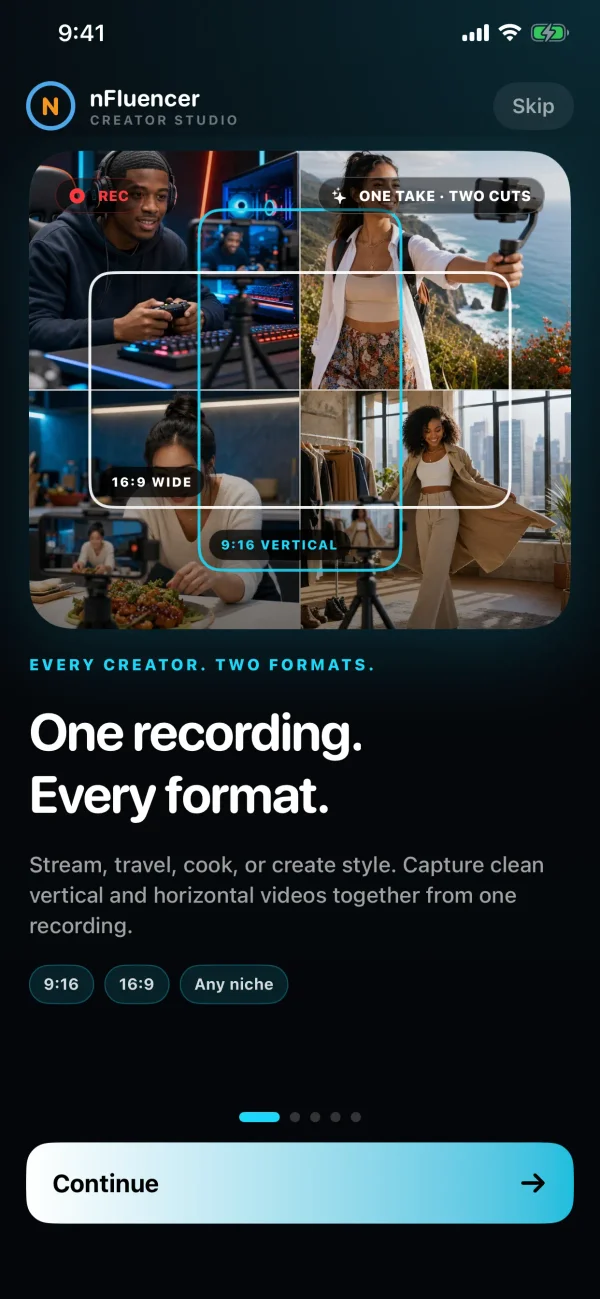
Stop recording the same idea twice. Dual Format captures vertical 9:16 and horizontal 16:9 video from one take, giving you ready-to-edit versions for short-form feeds and widescreen platforms.
Choose the camera mode that fits the story:
• Dual Format: one camera with separate vertical and wide exports
• Dual Shot: two supported back lenses for different perspectives
• Dual POV: front and back cameras together with picture-in-picture
LIVE STUDIO FOR CREATORS
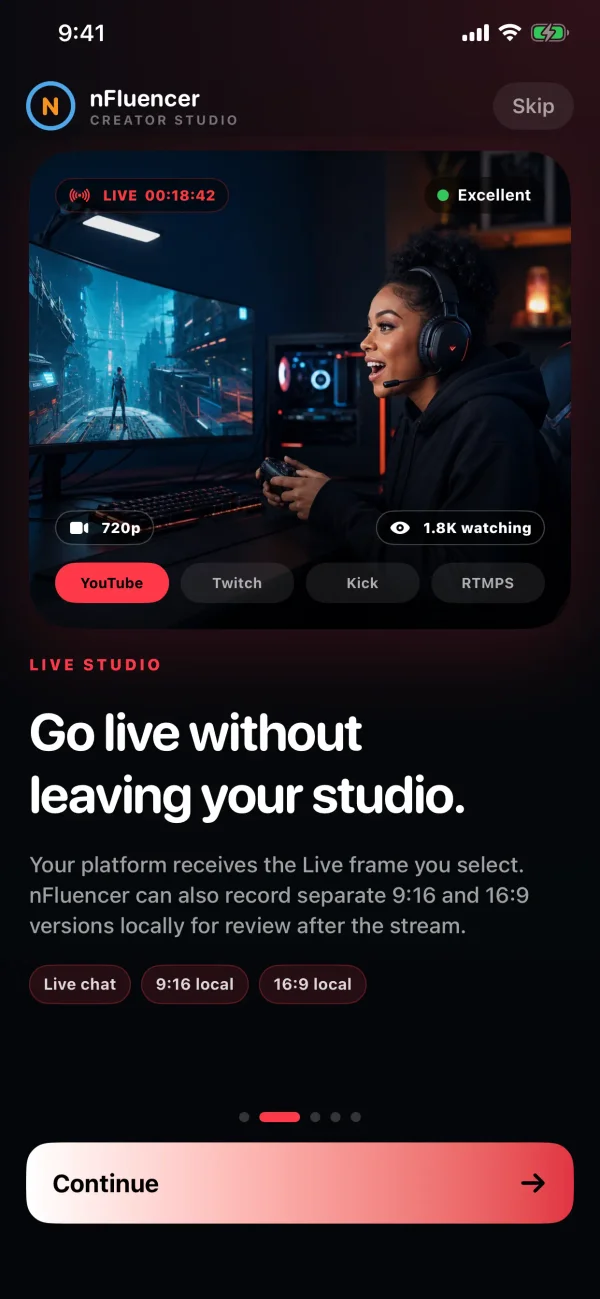
Go live to one destination at a time: YouTube, Twitch, Kick, or a custom RTMPS service. Choose a vertical or horizontal Live frame, add your own stream key, monitor connection health, view supported live chat, and retry dropped connections automatically. Optionally record separate 9:16 and 16:9 versions locally for review and repurposing after the stream.
A TELEPROMPTER THAT FOLLOWS YOUR VOICE
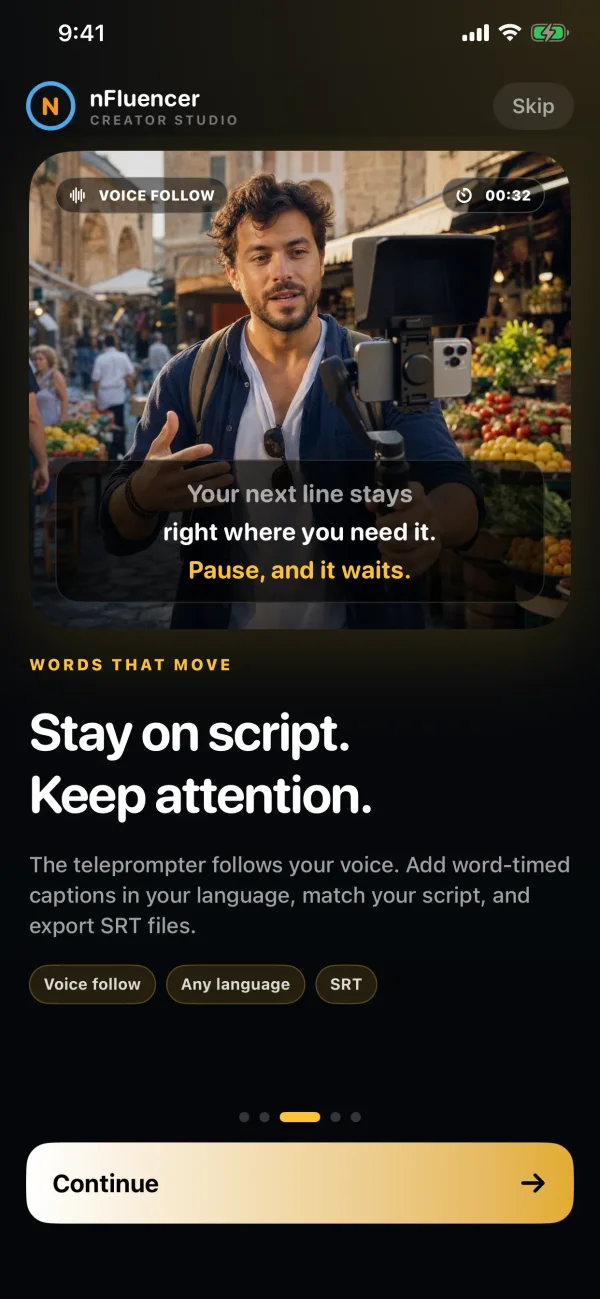
Write a script or create an optional AI-assisted draft, then read it directly from the camera. Voice-follow mode moves at your speaking pace. Pause, and the script waits. Use mirror mode with compatible teleprompter rigs.
CAPTIONS THAT KEEP ATTENTION
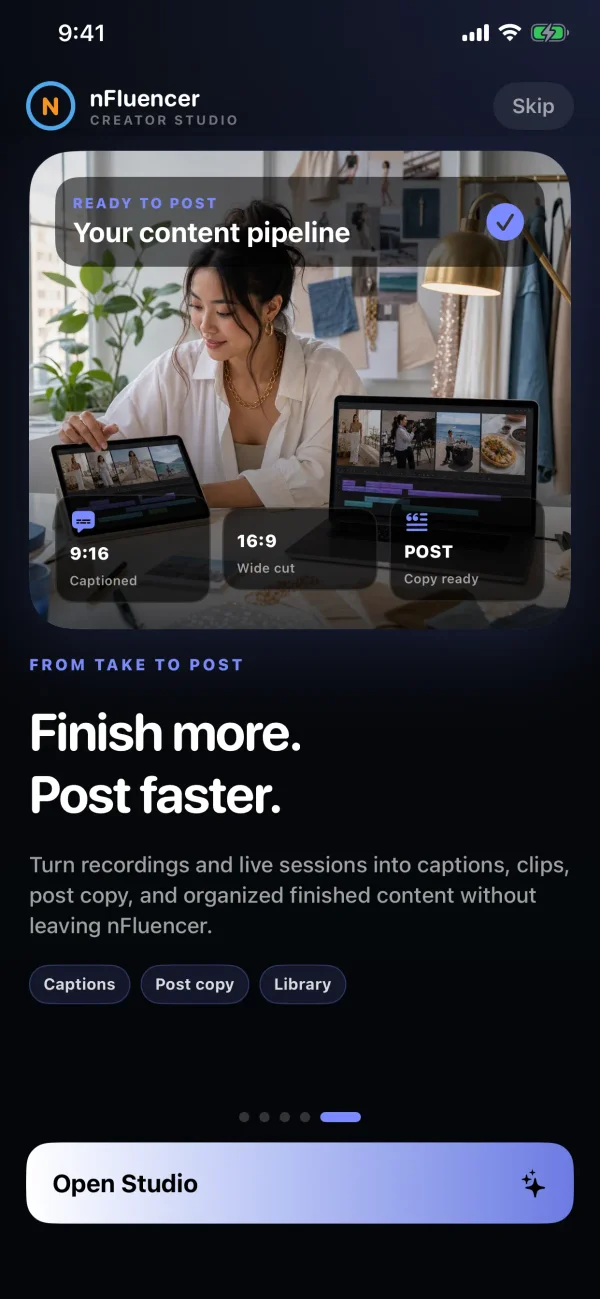
Turn speech into word-timed captions with on-device recognition when supported. Choose from expressive fonts and styles, apply brand colors, correct words, match captions to your original script, remove filler words or quiet gaps, and export an SRT subtitle file for YouTube or your editing workflow.
REAL VOICEOVERS. NO ROBOTIC TEXT-TO-SPEECH.
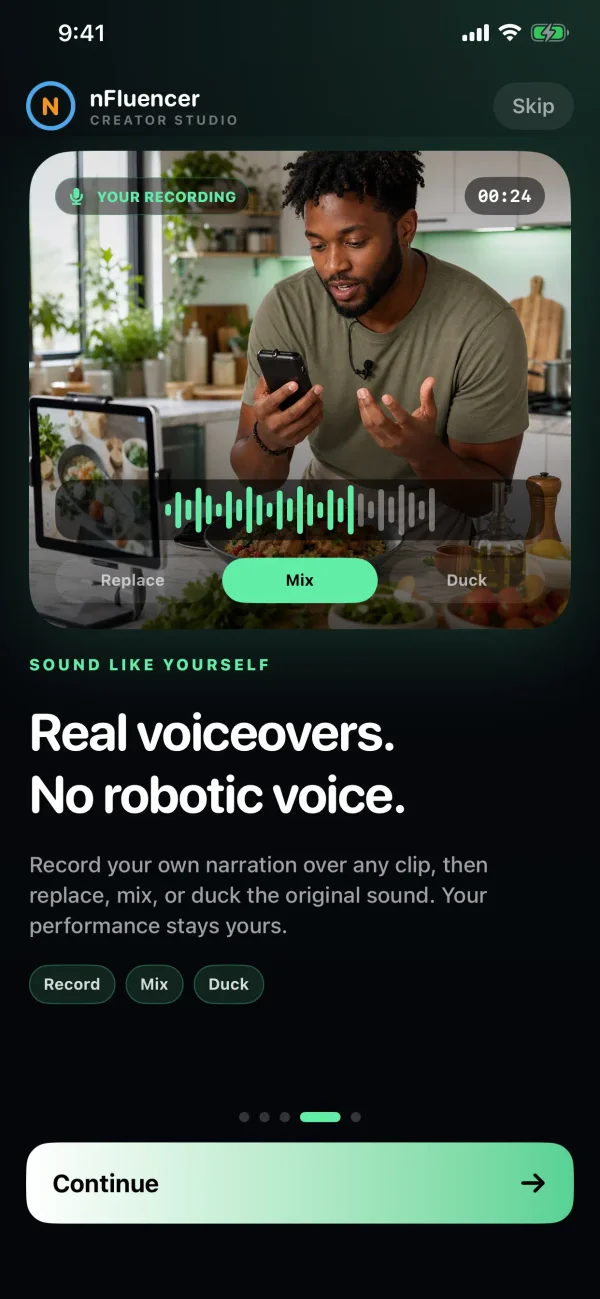
Record your own narration while the video plays. Keep only your voice, mix it with the original audio, or duck the clip sound underneath your performance. Then generate captions from the recording and save the finished video to Photos.
TURN LIVE VIDEO INTO MORE CONTENT
After a live session or recording, continue into captions, clips, and post copy. Create hooks, titles, descriptions, and social copy from what you said, then organize finished work in your Library.
A FULL EDITOR ON YOUR PHONE
Every take, import, and voiceover becomes a project you can come back to. Split, trim, change speed, crop, add filters and slow motion, put a second video on top, cut out a person, and add music, sound effects, or a voiceover. Edit the video by deleting words from its transcript, and remove ums and long pauses in one tap. A short tour and built-in help show you around the first time.
BUILT FOR A CREATOR'S REAL WORKFLOW
• Dual camera and multi-format video recording
• Live streaming with RTMPS destinations
• Voice-following teleprompter
• Automatic captions and subtitle styling
• SRT subtitle export
• Human voiceover recording and audio mixing
• Vertical video and widescreen video
• A full video editor with layers, music, and transcript editing
• Post copy and content repurposing tools
• Photos-first saving and an organized project Library
• iPhone and iPad support
• Optional 4K recording and export with nFluencer Premium
nFluencer is free to use, with no watermark and no subscription, and you can record and save video up to 1080p. nFluencer Premium, a one-time purchase, adds 4K recording, 4K export, and Pro video (HDR, Log, ProRes, and Cinematic). Camera modes, recording quality, simultaneous camera support, and on-device speech recognition depend on your Apple device and available hardware.
Film once. Go live. Finish faster.
Neue Funktionen
Version 11.1 · 29.11.2026
• A full video editor: tap Edit on Home or on the camera. Split, trim, speed, crop, filters, slow motion, layers, person cutout, music, sound effects, and voiceover
• Edit by deleting words from your transcript; Tighten removes ums and long pauses
• A short tour and built-in help the first time you edit
• A new start screen with Camera, Edit, Pics, Captions, Voiceover, and Library
• 79 caption fonts
• The editor works on iPad
• Live streaming uses secure RTMPS connections
• nFluencer Premium, a one-time purchase, adds 4K recording, 4K export, and Pro video. Everything else stays free, with video up to 1080p
App-Datenschutz
Was Akil Henley im App Store zum Umgang dieser App mit Daten angibt.
-
Keine Daten erfasst
Der Entwickler erfasst keine Daten von dieser App.
Die Datenschutzpraktiken können variieren, zum Beispiel je nach den von Ihnen verwendeten Funktionen oder Ihrem Alter.
Informationen
- Anbieter
- Akil Henley
- Kategorie
- Soziale Netze
- Version
- 11.1
- Aktualisiert
- 29.11.2026
- Veröffentlicht
- 27.01.2020
- Größe
- 184,3 MB
- Erfordert
- iOS 18.0 oder neuer
- Altersfreigabe
- 4+
- Preis
- Kostenlos
- In-App-Käufe
- Ja
- Sprachen
- Englisch
- Copyright
- © TDL Services
Das könnte Ihnen auch gefallen
-
 INFLUENCER+Soziale Netze
-
 Pairy - Influencer MarketingSoziale Netze
-
 Narrators Brand StorytellersSoziale Netze
-
 GEM: Gift & Book InfluencersSoziale Netze
-
 Koala: Collab & Hang OutSoziale Netze
-
 Social Curation CollabsSoziale Netze
-
 mavn creatorsSoziale Netze
-
 GroupSocialSoziale Netze
-
 Ainfluencer- Branded CollabsSoziale Netze
-
 #giftedSoziale Netze