- Altersfreigabe4+
- KategorieProduktivität
- EntwicklerDOCU Co., Ltd.
- SprachenEnglisch
- Größe7,2 MB
Verlinkt auf die offizielle App Store-Seite
Download.org hostet keine Datei von OHelper. Die Schaltfläche öffnet die App-Seite bei App Store, wo DOCU Co., Ltd. die App veröffentlicht. Eintrag zuletzt geprüft am 20.11.2026.
Screenshots


Info
Der Entwickler hat diesen Text nicht in Ihrer Sprache bereitgestellt.
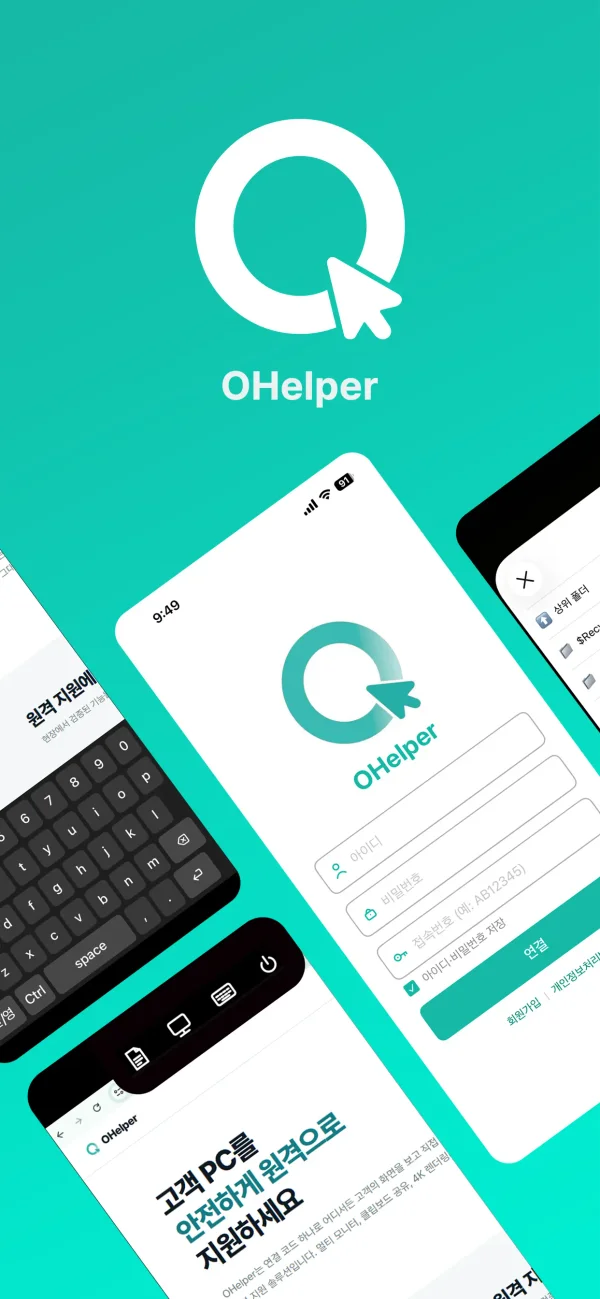
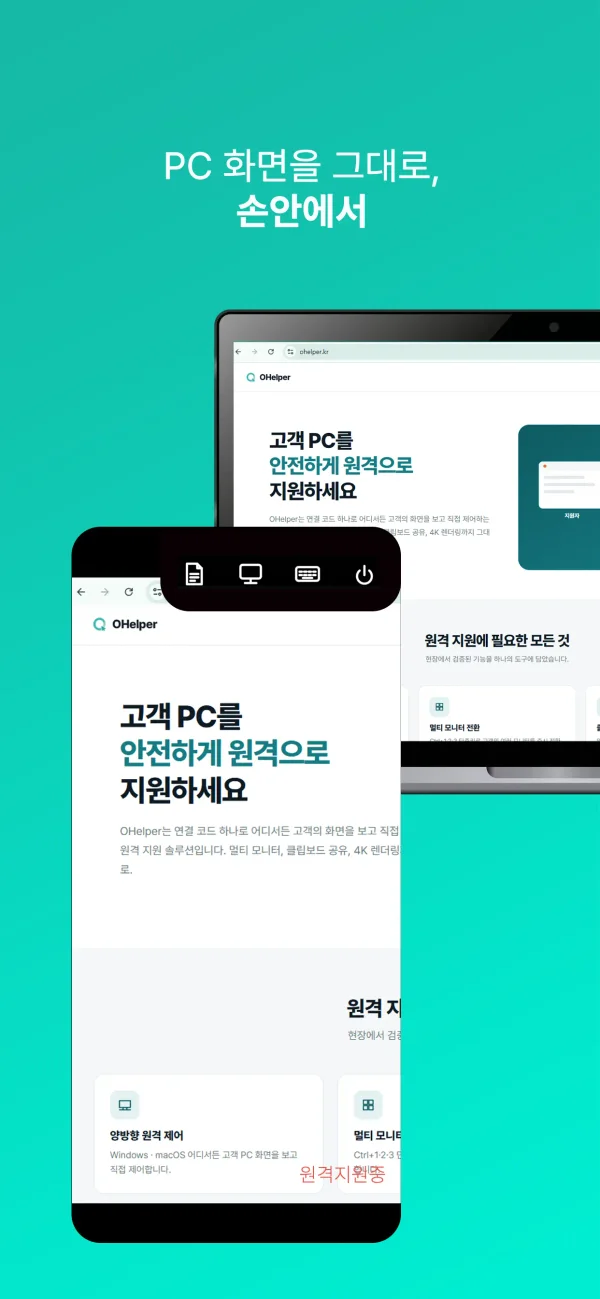
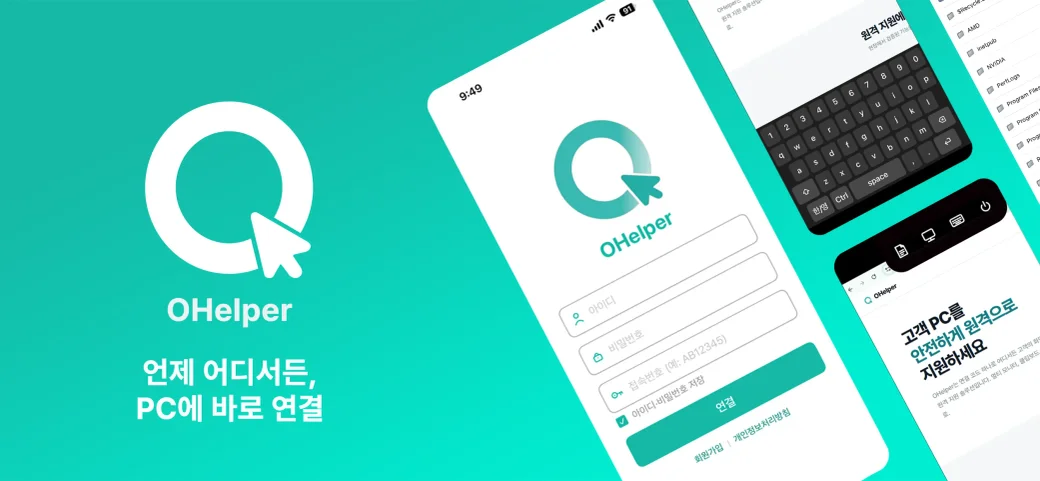
OHelper is a remote desktop viewer that lets you connect to your Windows or macOS PC from your phone, see its screen in real time, and control it directly. There's no complicated setup — just enter a connection code and you're in. Whether you're on the move or away from your desk, your office or home PC is right in the palm of your hand.
■ Who it's for
· Anyone who needs to reach files or continue work on their office or home PC while away
· People helping family or friends fix PC problems remotely
· Users who manage several computers and switch between them
· Anyone who needs to quickly check a file or run a program on their PC
■ Key features
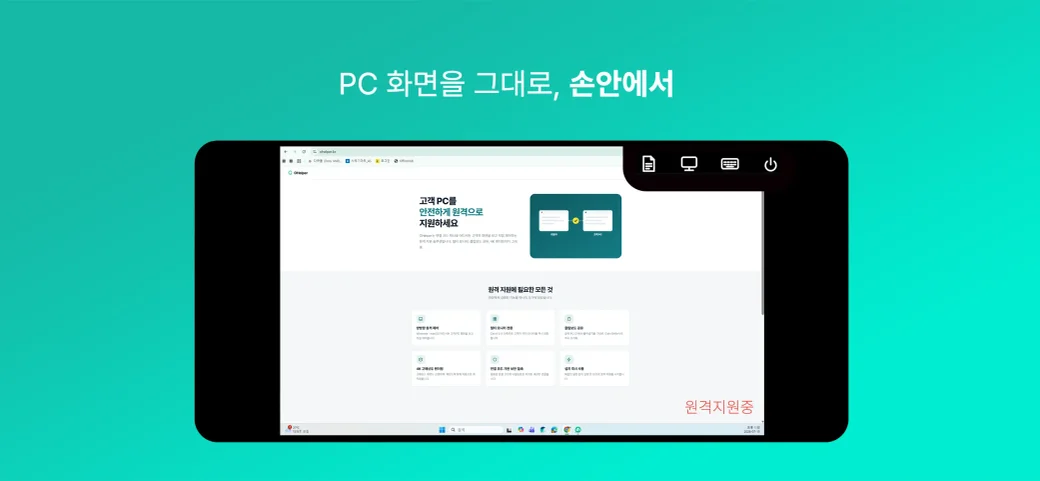
· Real-time remote screen
Stream your PC's screen smoothly with low latency, so it feels just like sitting in front of it. The aspect ratio is preserved, so the image is never distorted.
· Precise touch controls
Tap to click, long-press to right-click, and pinch with two fingers to zoom and pan. Even when zoomed in, the pointer lands exactly where you touch, making detailed work easy.
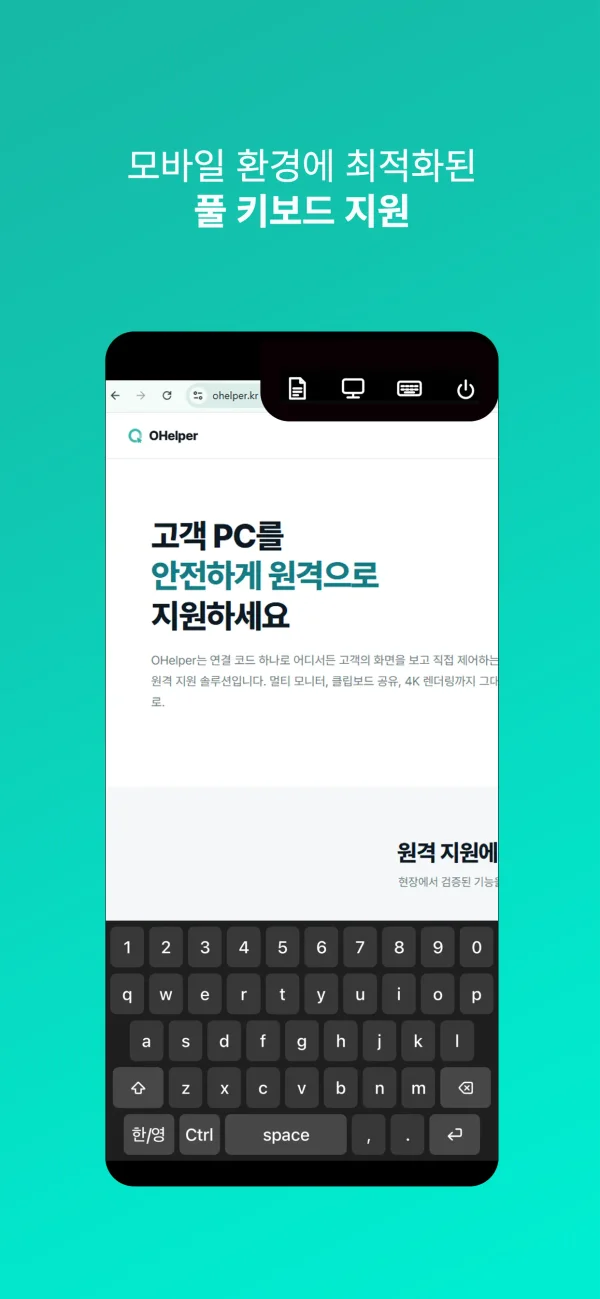
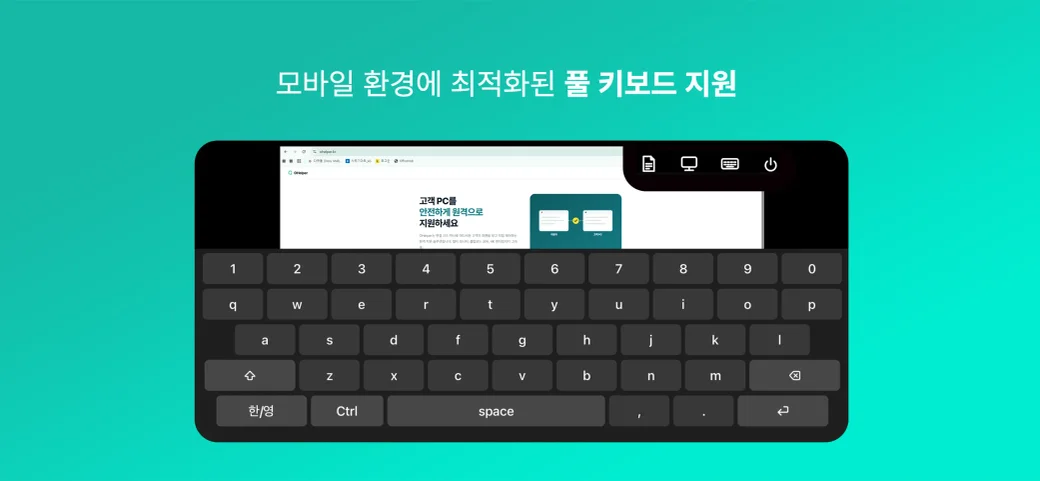
· On-screen keyboard
A built-in keyboard supports both English and Korean (Dubeolsik) input. It includes all the special keys you need for PC work — Ctrl, Shift, Alt, arrow keys, and function keys (F1–F12) — so shortcuts and document editing work just as they do on a desktop.
· Multiple monitor switching
If your PC has more than one monitor, switch between them with a single tap to view whichever display you need.
· File transfer
Upload files from your phone to the remote PC with ease. Select multiple files at once and choose exactly which folder on the PC to save them to.
· Stays connected in the background
The remote session keeps running even when you switch to another app or your screen turns off. While connected, a persistent notification keeps you aware of the ongoing session at all times.
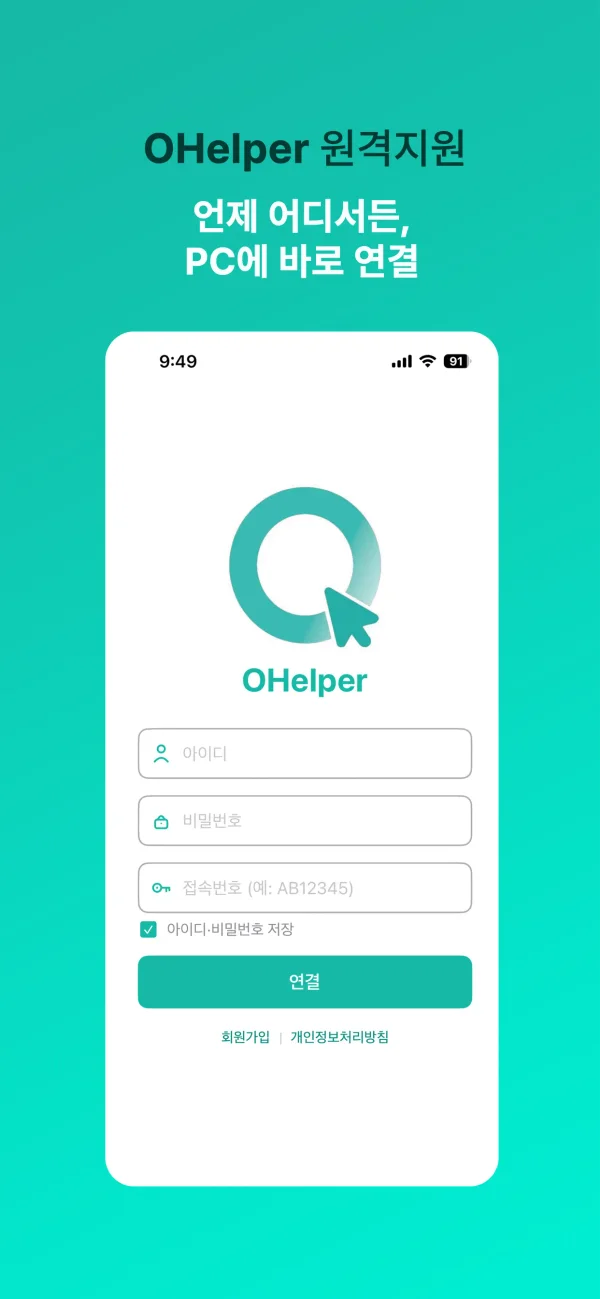
· Simple connection
The connection-code system means anyone can connect easily, with no IP configuration or networking knowledge required.
■ Secure by design
OHelper relays connections between devices through an encrypted tunnel. A remote session only starts when you explicitly initiate the connection, and the session is released immediately when the connection ends.
■ Before you start
· To use OHelper, the OHelper host program must be installed on the PC (Windows or macOS) you want to connect to.
· This app is a viewer for seeing and controlling a remote PC's screen. It does not record or share your phone's own screen.
· A stable internet connection (Wi-Fi or mobile data) is recommended for the best experience.
For questions or support, please see:
· Website: https://www.ohelper.kr/
· User guide: https://guide.ohelper.kr/
Anytime, anywhere — reach your PC in the palm of your hand with OHelper.
Neue Funktionen
Version 1.0.3 · 29.07.2026
Support OHelperStay.
App-Datenschutz
Was DOCU Co., Ltd. im App Store zum Umgang dieser App mit Daten angibt.
-
Keine Daten erfasst
Der Entwickler erfasst keine Daten von dieser App.
Die Datenschutzpraktiken können variieren, zum Beispiel je nach den von Ihnen verwendeten Funktionen oder Ihrem Alter.
Informationen
- Anbieter
- officehub
- Kategorie
- Produktivität
- Version
- 1.0.3
- Aktualisiert
- 29.07.2026
- Veröffentlicht
- 17.07.2026
- Größe
- 7,2 MB
- Erfordert
- iOS 15.6 oder neuer
- Altersfreigabe
- 4+
- Preis
- Kostenlos
- Sprachen
- Englisch
- Copyright
- © Officehub Co., Ltd