- Altersfreigabe4+
- KategorieDienstprogramme
- EntwicklerChristian Holy City Church
- SprachenEnglisch
- Größe31,1 MB
Verlinkt auf die offizielle App Store-Seite
Download.org hostet keine Datei von OmniCast Pro. Die Schaltfläche öffnet die App-Seite bei App Store, wo Christian Holy City Church die App veröffentlicht. Eintrag zuletzt geprüft am 14.11.2026.
Screenshots
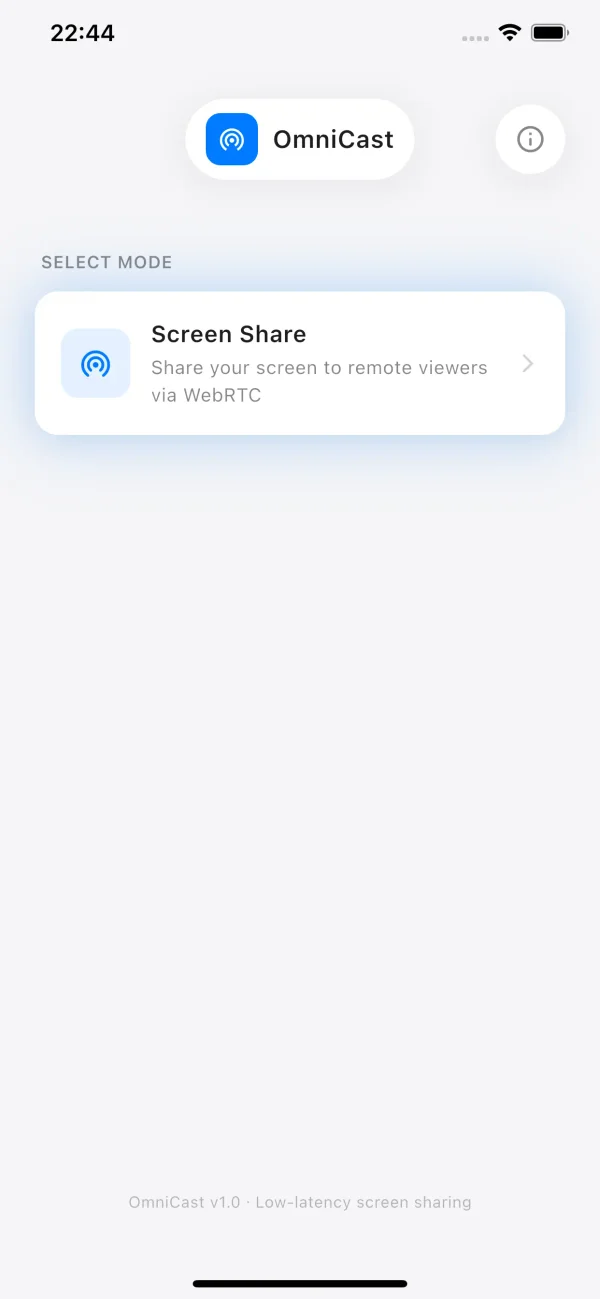
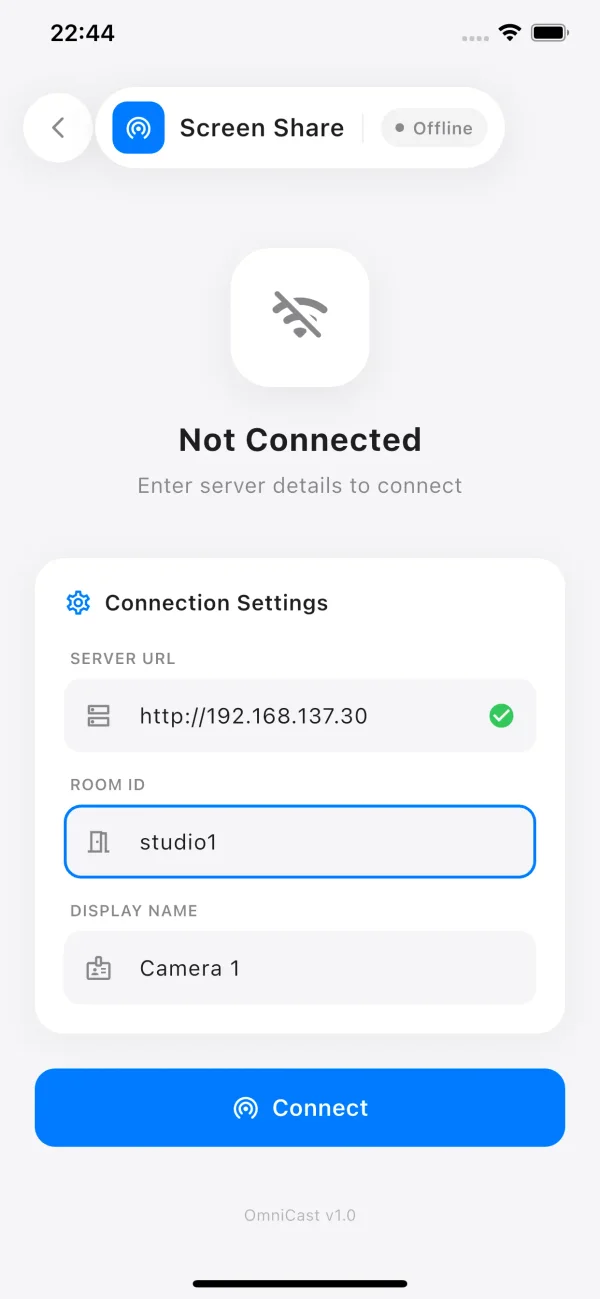
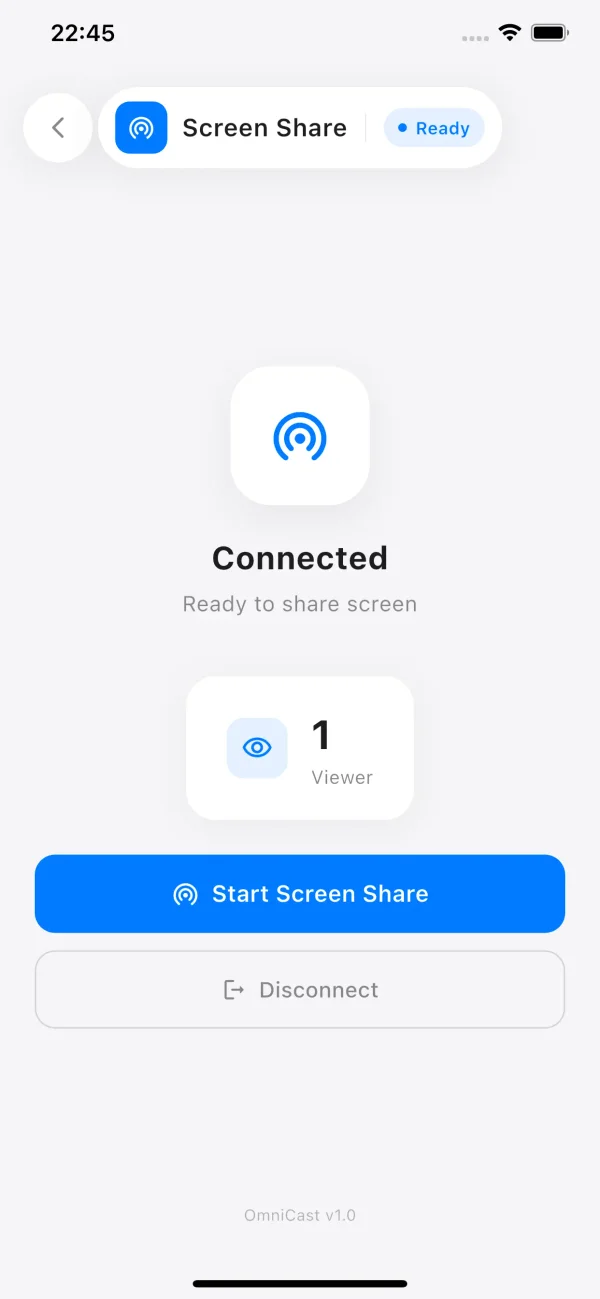
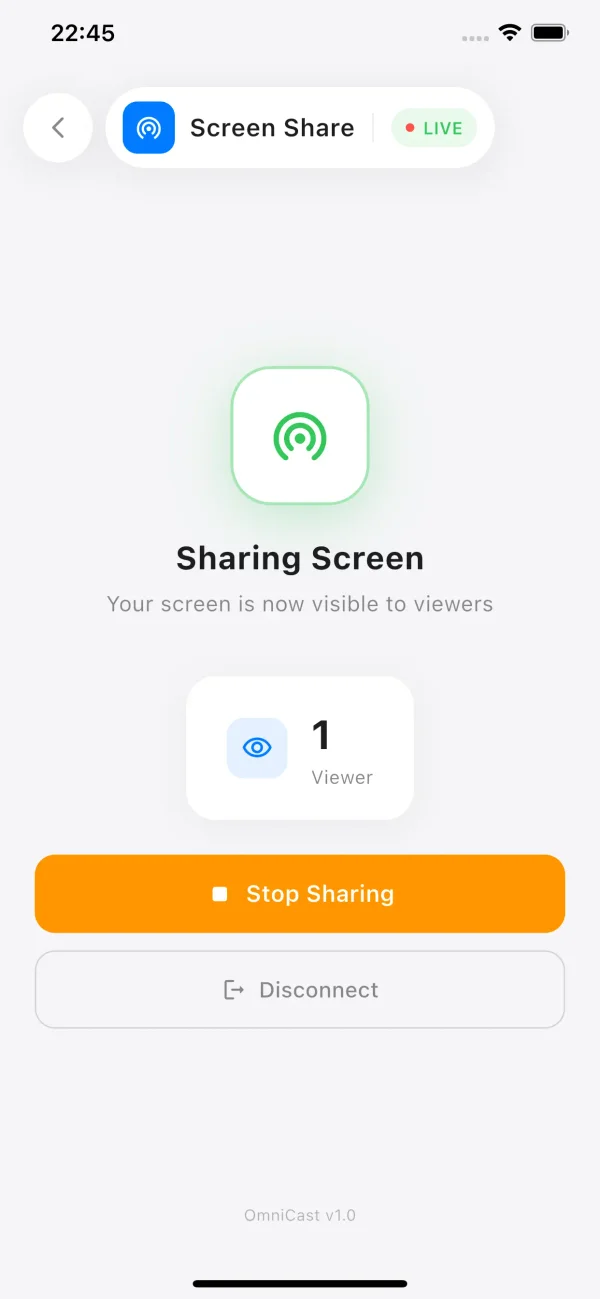
Info
Der Entwickler hat diesen Text nicht in Ihrer Sprache bereitgestellt.
OmniCast Pro is a professional-grade, ultra-low latency screen sharing tool designed for real-time monitoring, teaching demonstrations, and multi-device collaboration. Share your iPhone screen to any web browser in high quality with just one tap — no extra software needed on the receiving end.
Key Features:
• Ultra-Low Latency — End-to-end delay under 300ms for near real-time synchronization
• Smooth 45fps Streaming — High frame rate for a fluid, tear-free viewing experience
• HEVC Hardware Encoding — Leverages device hardware acceleration for superior quality at lower bandwidth
• Auto Screen Rotation — Seamlessly adapts to portrait and landscape without interruption
• Multi-Device Broadcasting — Multiple phones can broadcast to the same receiver simultaneously
• Unlimited Viewers — Share your screen with as many viewers as you need, no device limit
• Zero-Install Receiver — Just open a browser link to start watching, no downloads required
Use Cases:
• Classroom Teaching & Training — Display phone operations live to all students
• Remote Monitoring — View device screens from anywhere
• Meeting Presentations — Mirror your phone to a conference room display
• Device Testing — Monitor screen output from test devices in real time
How to Use:
1. Configure the server address in the app
2. Start a screen broadcast from Control Center
3. Open the receiver link in any browser (Chrome/Edge recommended) to watch
OmniCast Pro uses a system-level Broadcast Extension to capture your screen, so broadcasting continues even when you switch to other apps.
App-Datenschutz
Was Christian Holy City Church im App Store zum Umgang dieser App mit Daten angibt.
-
Keine Daten erfasst
Der Entwickler erfasst keine Daten von dieser App.
Die Datenschutzpraktiken können variieren, zum Beispiel je nach den von Ihnen verwendeten Funktionen oder Ihrem Alter.
Informationen
- Anbieter
- Christian Holy City Church
- Kategorie
- Dienstprogramme
- Version
- 1.1
- Aktualisiert
- 27.02.2026
- Veröffentlicht
- 27.02.2026
- Größe
- 31,1 MB
- Erfordert
- iOS 15.6 oder neuer
- Altersfreigabe
- 4+
- Preis
- Kostenlos
- Sprachen
- Englisch
- Copyright
- © 2026 Christian Holy City Church
Das könnte Ihnen auch gefallen
-
 TeleCueDienstprogramme
-
 RideDocDienstprogramme
-
 e-SecureRSADienstprogramme
-
 InfraHeal WellnessDienstprogramme
-
 Omni - Your OmnichannelDienstprogramme
-
 Blackhole ButtonDienstprogramme
-
 Live Translator・AI InterpreterDienstprogramme
-
 Angry Port ScannerDienstprogramme
-
 Screen Mirroring・TV CastDienstprogramme
-
 RockCONNECTDienstprogramme