- Altersfreigabe4+
- KategorieProduktivität
- EntwicklerSindre Sorhus
- SprachenEnglisch
- Größe8,3 MB
Verlinkt auf die offizielle App Store-Seite
Download.org hostet keine Datei von One Task. Die Schaltfläche öffnet die App-Seite bei App Store, wo Sindre Sorhus die App veröffentlicht. Eintrag zuletzt geprüft am 15.11.2026.
Screenshots
Info
Der Entwickler hat diesen Text nicht in Ihrer Sprache bereitgestellt.
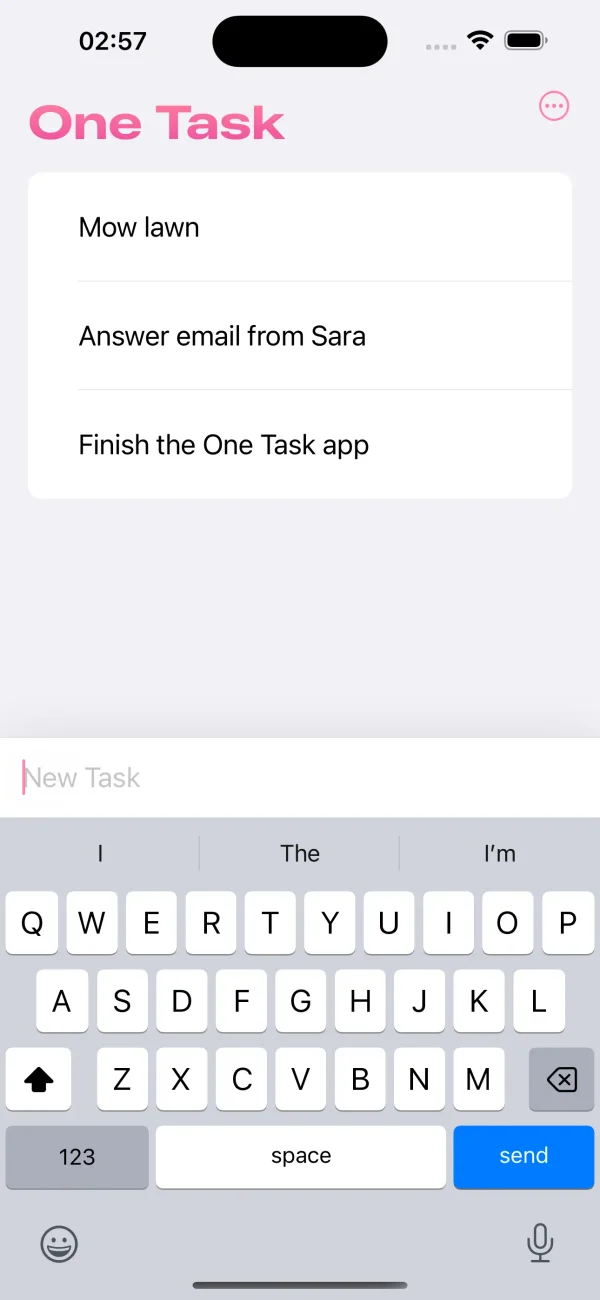
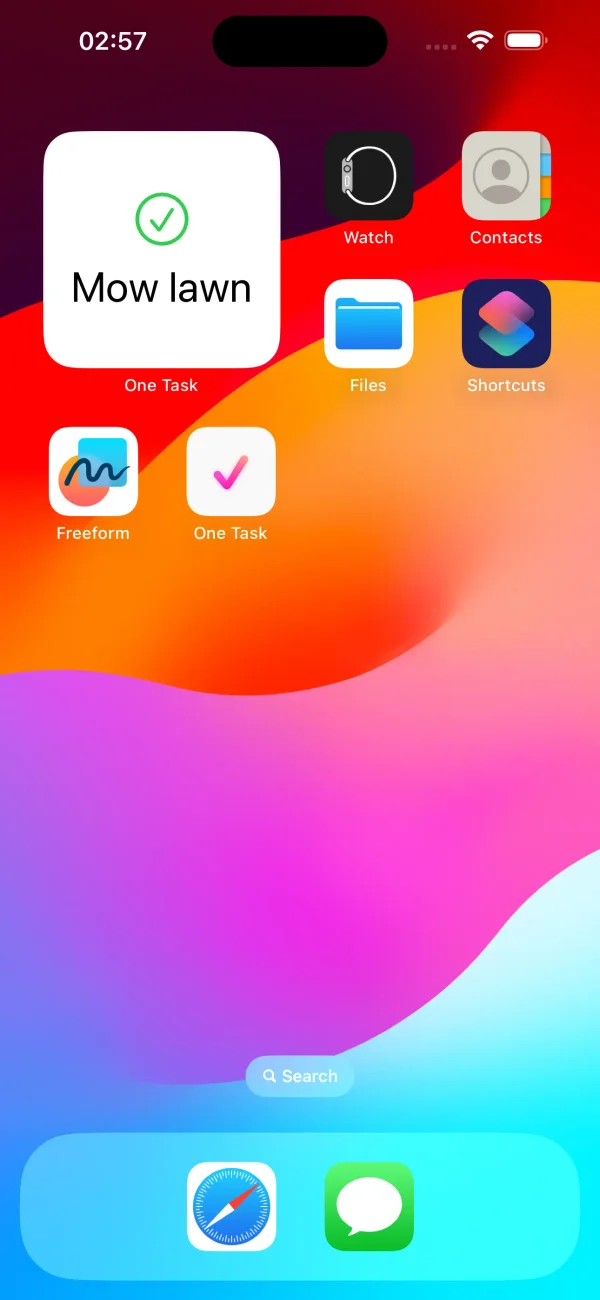
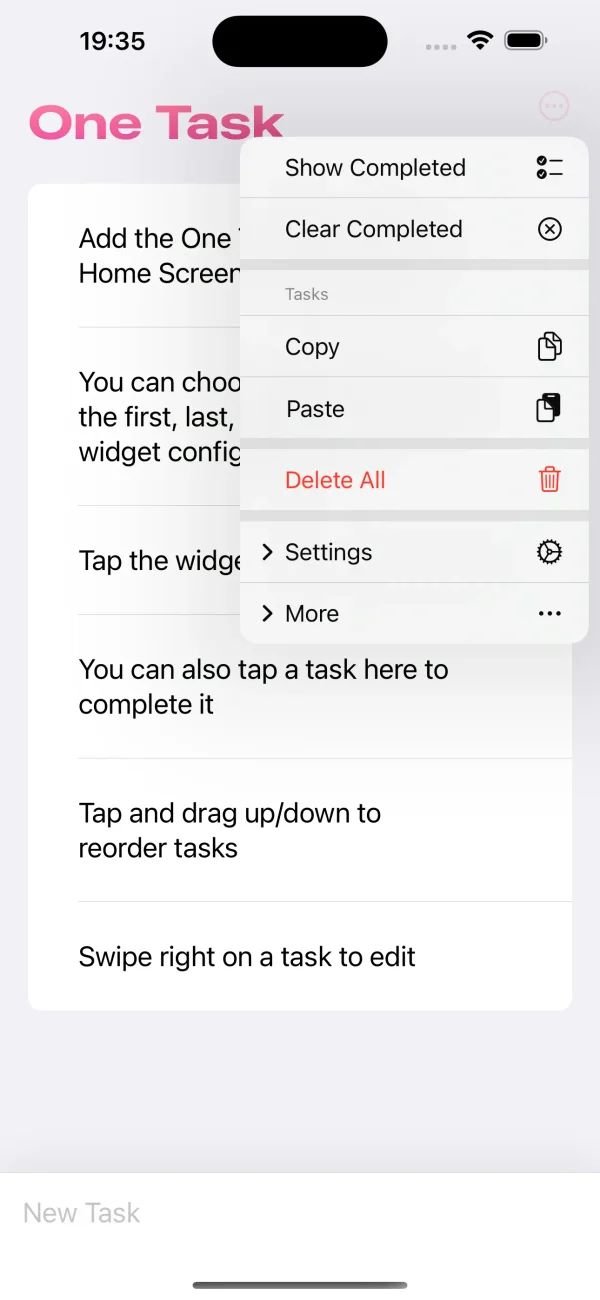
Show a single task on your Home Screen or Lock Screen.
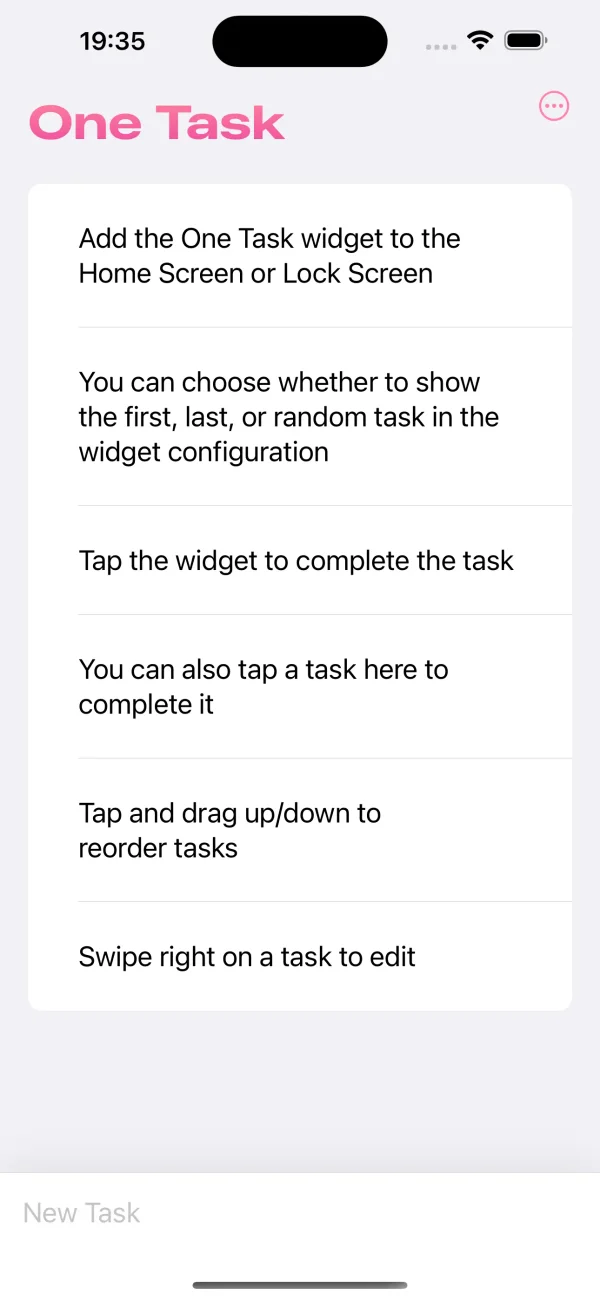
Add some tasks to the app and then add the widget. Simply tap the widget to mark the task as completed. The next task will then appear.
You can change the order the tasks will be chosen in the widget configuration.
The simplicity is a feature. The app will not have things like folders, tags, priority, notes, etc.
The optimal workflow is to add only the tasks you are committed to completing today. The app is designed for task completion, not endless organization and neglect.
Syncs seamlessly across your devices with iCloud.
« You can achieve almost anything if you focus on one thing at a time »
— Someone on the internet
Known issue: If you long-press a task while the text field is focused, the keyboard will hide, but not the text field. This is an iOS bug. Instead, dissmiss the keyboard by scrolling first and then long-press a task.
■ Support
You can contact me through the feedback button in the app.
Neue Funktionen
Version 2.0.0 · 22.03.2026
- The app now requires iOS 26.
- Added focus mode.
App-Datenschutz
Was Sindre Sorhus im App Store zum Umgang dieser App mit Daten angibt.
-
Keine Daten erfasst
Der Entwickler erfasst keine Daten von dieser App.
Die Datenschutzpraktiken können variieren, zum Beispiel je nach den von Ihnen verwendeten Funktionen oder Ihrem Alter.
Informationen
- Anbieter
- Sindre Sorhus
- Kategorie
- Produktivität
- Version
- 2.0.0
- Aktualisiert
- 22.03.2026
- Veröffentlicht
- 18.09.2023
- Größe
- 8,3 MB
- Erfordert
- iOS 26.0 oder neuer
- Altersfreigabe
- 4+
- Preis
- 2,00 €
- Sprachen
- Englisch
- Copyright
- © Sindre Sorhus
Das könnte Ihnen auch gefallen
-
 Focus Task – To-do-ListeAufgabenliste für ADHS & OCD
-
 Twodos - Simple TodosProduktivität
-
 Quick Notes - SupasendProduktivität
-
 Clipbud - Clipboard ManagerProduktivität
-
 Memento: Einfache ErinnerungenDie schnelle To-do-Liste
-
 Streakly: Simple Habit TrackerVisual Routine & Streak Daily
-
 Quick Capture - Vault notesProduktivität
-
 Yoodoo: ADHS TagesplanerZeitplanung und Fokus-Timer
-
 Email Me - SprachmemoAufnehmen, Transkript, Fazit
-
 TaskForge: Obsidian AufgabenMarkdown-To-do-Liste & Widgets