Opus One: Digital Planner
Daily Planner, Goals & Journal
Entwickelt für iPhone, iPad, iPod touch
Kostenlos · In-App-Käufe
- Altersfreigabe4+
- KategorieProduktivität
- EntwicklerPISO 13, Inc.
- SprachenEnglisch+ 3 weitere
- Größe188,3 MB
Verlinkt auf die offizielle App Store-Seite
Download.org hostet keine Datei von Opus One: Digital Planner. Die Schaltfläche öffnet die App-Seite bei App Store, wo PISO 13, Inc. die App veröffentlicht. Eintrag zuletzt geprüft am 27.11.2026.
Screenshots


Info
Der Entwickler hat diesen Text nicht in Ihrer Sprache bereitgestellt.
Opus One is a real day planner, not another to-do app. Each day gets its own page — tasks with A/B/C priorities, your schedule, and notes — on a planner that looks and feels like paper. Plan on iPhone, iPad, and Mac, and it all stays in sync.
YOUR DAY ON ONE PAGE
• Daily Tasks with A/B/C priorities, status, notes, and alarms.
• A schedule that shows your Calendar events alongside your tasks.
• Drag a task onto the schedule — with task durations, the end time fills in automatically.
• Daily Notes with photos, PDFs, checklists, and audio.
• Today's weather and a daily quote, right on the page.
PLAN BEYOND TODAY
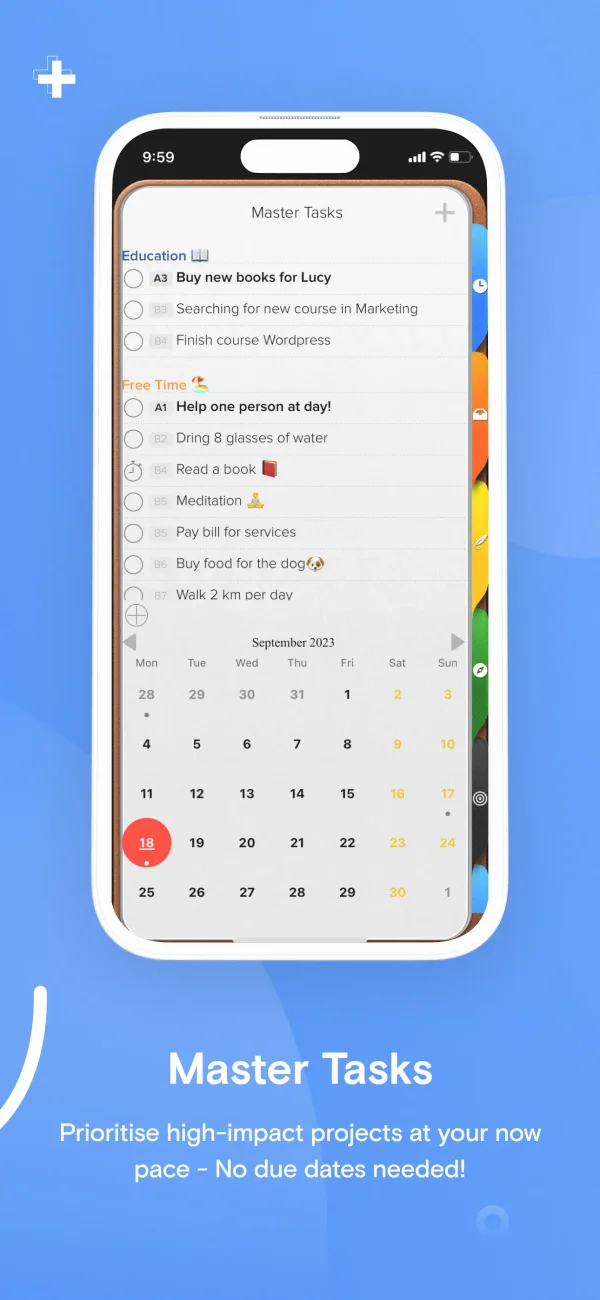
• Master Tasks: everything on your mind in one list, no due date required.
• Goals with timelines, photos, and progress you can see.
• Roles: review the areas of your life each week so nothing important gets crowded out.
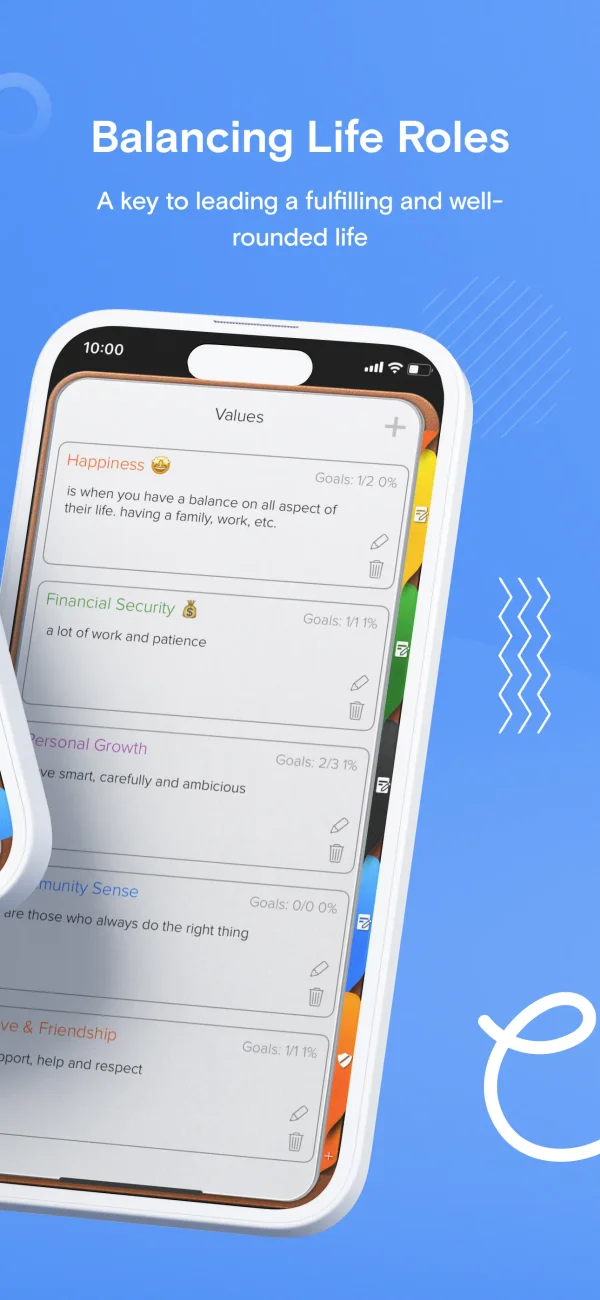
• Mission, Values, and Vision pages to keep the big picture one tap away.
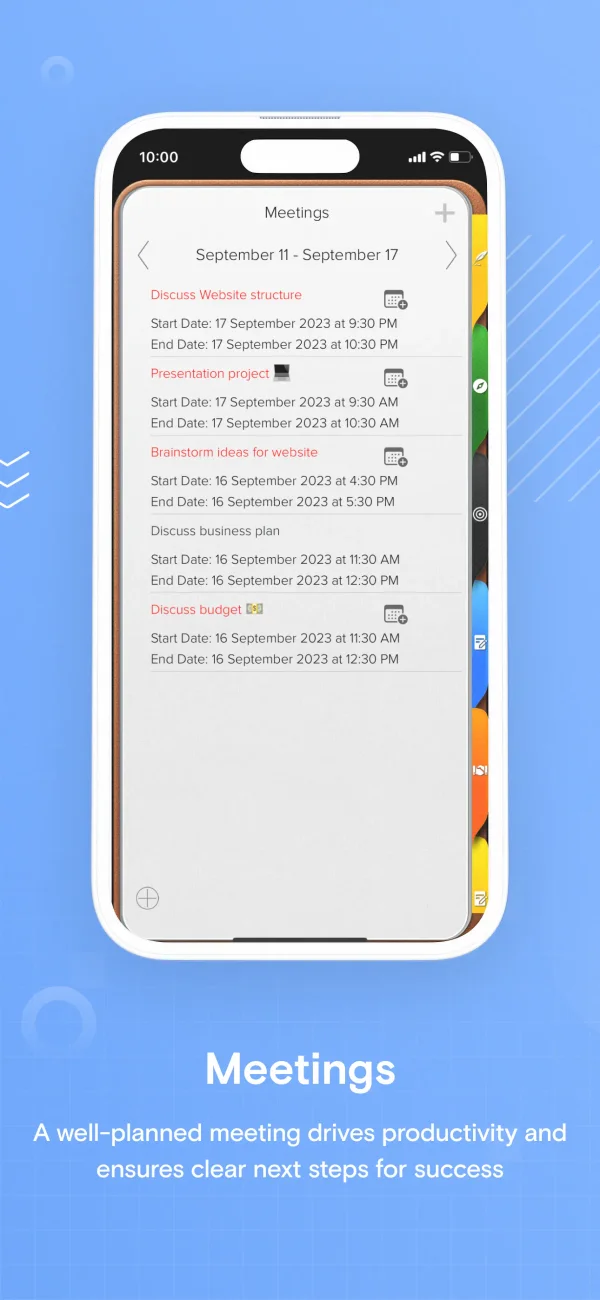
• Meeting Planner for agendas, decisions, and next steps.
NOTES AND JOURNALS
• Rich notes with fonts, colors, tags, and your own custom sections.
• Sketch and handwrite with Apple Pencil.
• Journals with 25 covers to choose from, plus a guided Gratitude Journal.
IT GOES WHERE YOU GO
• Home Screen widgets for today's tasks, your mission, your values, and daily quotes.
• Live Activities keep today's tasks on your Lock Screen.
• Add a task from Control Center, or ask Siri.
• Apple Watch app to see your day and check off tasks from your wrist.
• iCloud sync across iPhone, iPad, and Mac.
MAKE IT YOURS
• Planner themes, including seasonal ones.
• Task-complete sounds and rewards for finishing what you planned.
• Color-coded categories and repeating rules with advanced options.
OPUS ONE PRO
The core planner is free. Opus One Pro adds cloud sync across all your devices, weather, attachments (images, PDFs, audio), Apple Pencil sketching, categories, repeating rules, Goals, Siri, and themes. One subscription covers iPhone, iPad, and Mac on the same iCloud account. Available yearly or monthly.
Subscription details: Payment is charged to your Apple Account at confirmation of purchase. The subscription renews automatically unless auto-renew is turned off at least 24 hours before the end of the current period, and your account is charged for renewal within 24 hours before the period ends. Manage or cancel in your Account Settings.
Privacy Policy: https://piso13.com/privacy-policy-2/
Terms of Service: https://piso13.com/terms-of-service/
Neue Funktionen
Version 2.9.7 · 16.11.2026
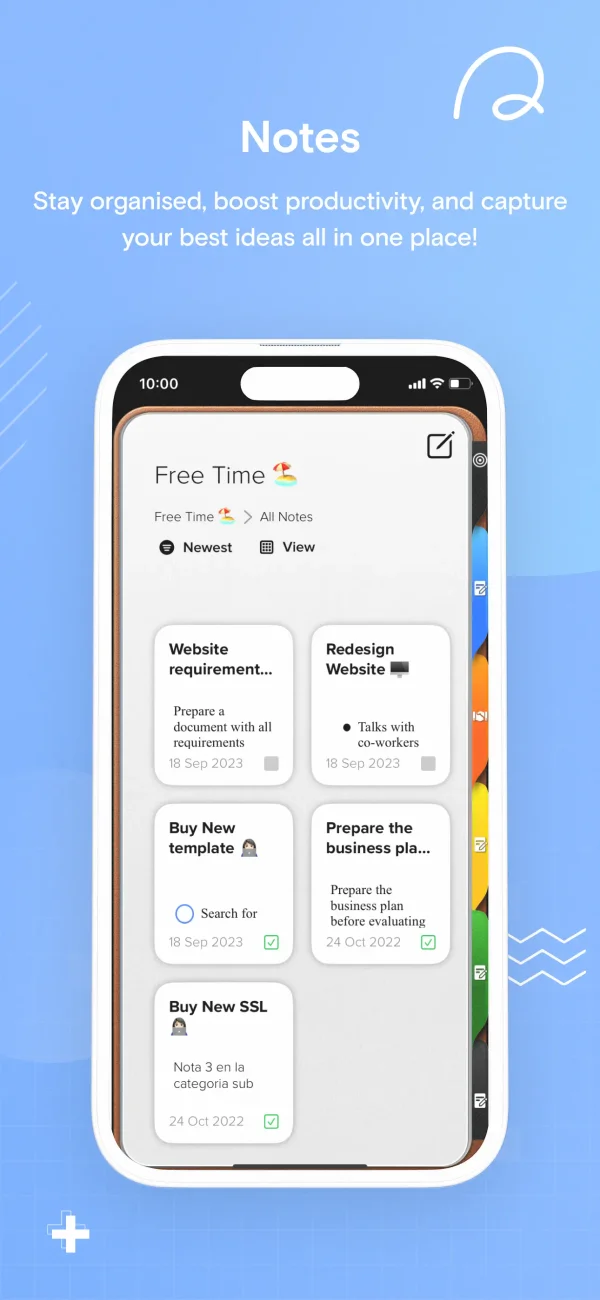
Notes get two upgrades: sort your notes by title, and Apple Pencil improvements on iPad.
This update also includes:
- Deleting a shared task now removes it from all your devices, and you can give a shared task your own category, role, goal, and meeting without changing it for anyone else.
- Fixed checklists that could disappear from repeating tasks.
- Fixed a Lock Screen widget that appeared twice.
- Crash fixes, including crashes during sync and when loading the weather.
App-Datenschutz
Was PISO 13, Inc. im App Store zum Umgang dieser App mit Daten angibt.
-
Mit Ihnen verknüpfte Daten
Können erfasst und mit Ihrer Identität verknüpft werden.
- Käufe
- Kontaktinformationen
- Benutzerinhalte
- Kennungen
- Nutzungsdaten
- Diagnose
-
Nicht mit Ihnen verknüpfte Daten
Können erfasst werden, sind aber nicht mit Ihrer Identität verknüpft.
- Standort
Die Datenschutzpraktiken können variieren, zum Beispiel je nach den von Ihnen verwendeten Funktionen oder Ihrem Alter.
Informationen
- Anbieter
- PISO 13, Inc.
- Kategorie
- Produktivität
- Version
- 2.9.7
- Aktualisiert
- 16.11.2026
- Veröffentlicht
- 14.09.2016
- Größe
- 188,3 MB
- Erfordert
- iOS 15.0 oder neuer
- Altersfreigabe
- 4+
- Preis
- Kostenlos
- In-App-Käufe
- Ja
- Sprachen
- Englisch, Französisch, Italienisch, Spanisch
- Copyright
- © 2025 PISO 13, Inc. All rights reserved.
Das könnte Ihnen auch gefallen
-
 Productivity ToDo TagesplanerProductive Things To-Do Liste
-
 Tagesplaner + WochenplanerDigital Kalender & Organizer
-
 24me Persönlicher AssistantKalender, Aufgaben & Notizen
-
 iStratus Notebook & PlannerProduktivität
-
 Planner Pro - Daily CalendarA Personal Organizer App
-
 Day Planner: Aufgaben & To-DoKalender, Notizen, Tagebuch
-
 SuperPlanner: Täglicher PlanerAufgabenmanager, Zeitplaner
-
 Tagebuch, Kalender, PlanerWochenübersicht, Zeitplan
-
 Pocket Planner, Kalender, PlanZeitplan, Wochenansicht, To-Do
-
 NotePlan - Aufgaben & NotizenMarkdown, Planer & Kalender