Orange TV Remote Control
Access Orange TV Go Belgium
Entwickelt für iPhone, iPad
- Altersfreigabe4+
- KategorieDienstprogramme
- EntwicklerOrange BE
- SprachenFranzösisch+ 3 weitere
- Größe27,5 MB
Orange TV Remote Control ist bei App Store derzeit möglicherweise nicht verfügbar
Bei unserer letzten Prüfung war der Store-Eintrag nicht erreichbar. Der Link führt weiterhin zur offiziellen App Store-Seite.
Screenshots

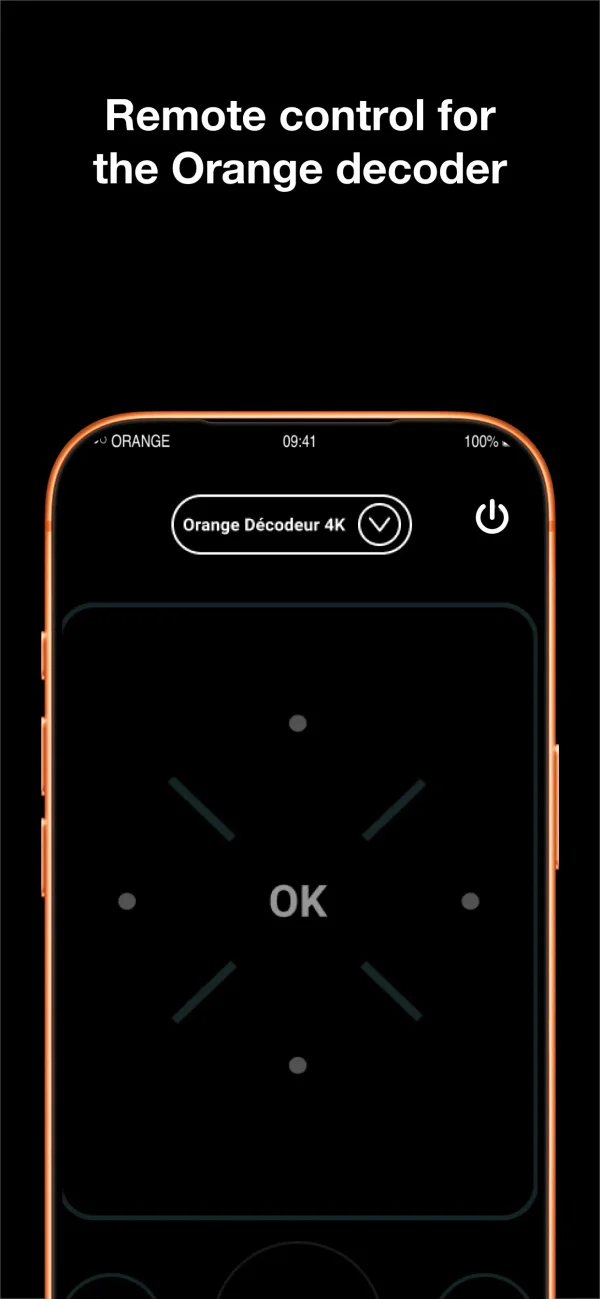
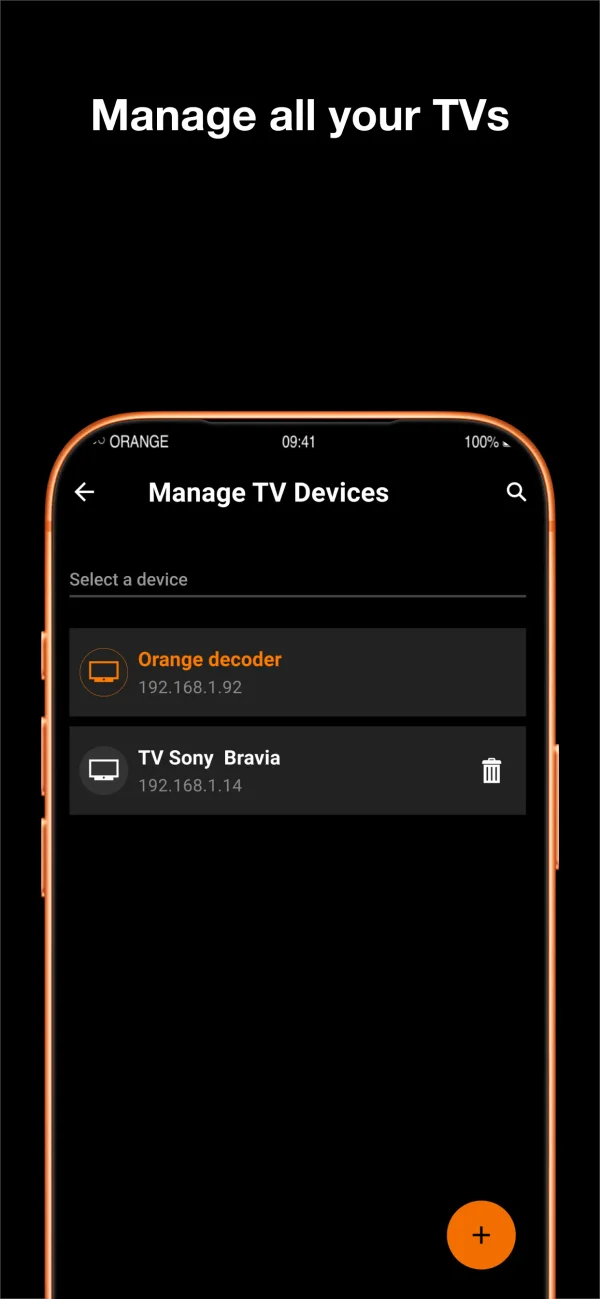
Info
Der Entwickler hat diesen Text nicht in Ihrer Sprache bereitgestellt.
Orange TV Remote Control transforms your mobile phone or tablet into a remote control and a handy assistant for installing Orange TV GO Belgium on your TV.
Remote control and installation assistant — all in one
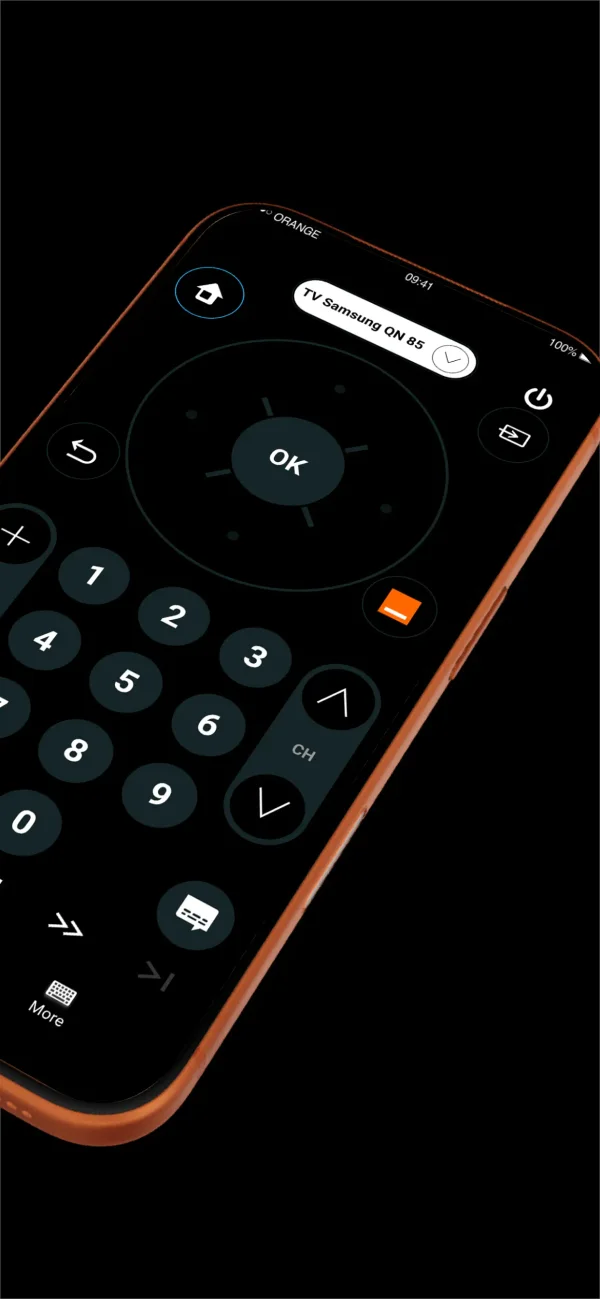
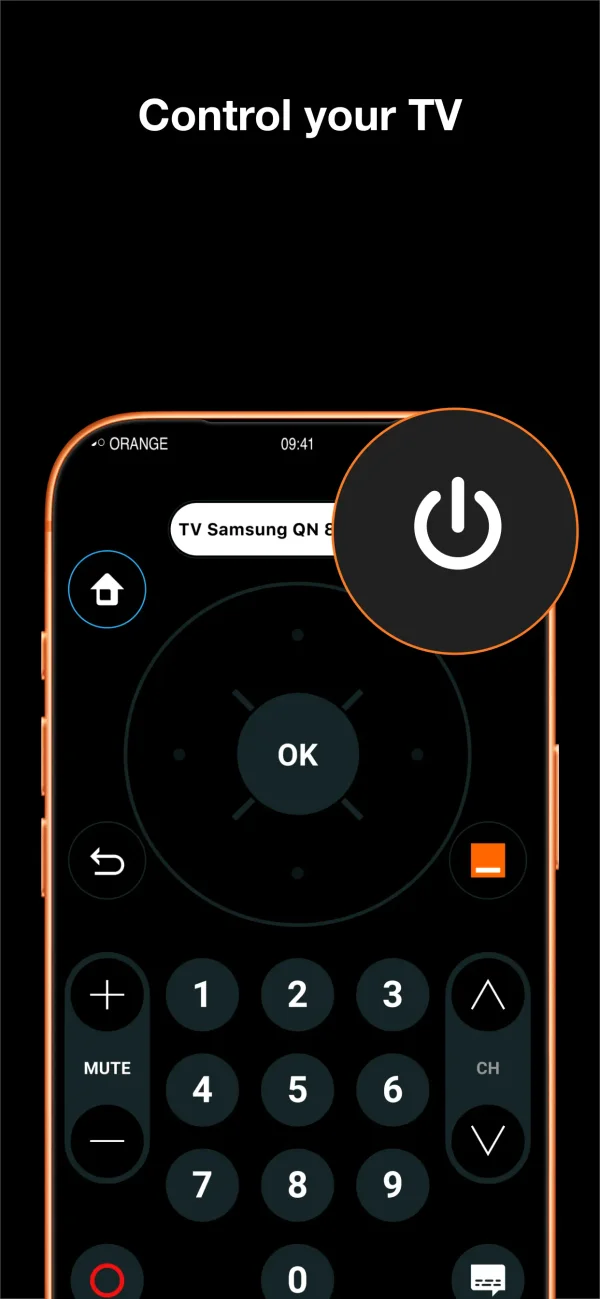
• Full control for Smart TV, Orange set-top box, and the Orange TV GO Belgium app: channel switching, volume, mute, directional navigation, numeric buttons, menu, and quick access to apps. Ideal as your everyday remote control.
• Direct launch of Orange TV GO (dedicated button): open the Orange TV GO app from your mobile phone and browse series, movies, and channels without using the physical remote control.
• Orange TV GO installation assistant: step-by-step guide to install and set up Orange TV on your Smart TV (prerequisite checks, download and installation, connection).
• Automatic detection of your TV / Smart TV device on the same Wi-Fi network for a fast and secure connection.
• Intuitive and smart interface, optimized to turn your phone into an efficient remote control for your TV and your Orange set-top box.
Why choose this app
• Designed specifically for the Orange TV GO Belgium experience on TV and for Orange set-top boxes.
• Combines remote control and installation assistance functions: saves time and avoids searching for the physical remote control (or using it if it is not working properly).
How to connect your mobile phone to your Android TV device
1. Make sure your TV device is connected to the home local network by cable or Wi-Fi. Also check that your TV is turned on.
2. Connect your smartphone or tablet to the home Wi-Fi.
3. Open the Orange TV Remote Control app; it will automatically detect your TV device or connected Smart TV.
4. Select the TV you want to control with your phone or tablet; a message will appear on the TV asking for permission so that your phone can control it.
5. Enter the pairing code shown on the TV screen into your phone or tablet.
6. You can now use your phone or tablet to control your TV and enjoy Orange TV GO Belgium in one click.
Troubleshooting common issues
• If the TV device does not appear: check that both devices are on the same Wi-Fi network and that the TV is turned on.
• In case of connection problems: check that the phone or tablet is connected to the home Wi-Fi, turn the TV off/on, or restart the app.
• Update the app to improve compatibility.
App-Datenschutz
Was Orange BE im App Store zum Umgang dieser App mit Daten angibt.
-
Keine Daten erfasst
Der Entwickler erfasst keine Daten von dieser App.
Die Datenschutzpraktiken können variieren, zum Beispiel je nach den von Ihnen verwendeten Funktionen oder Ihrem Alter.
Informationen
- Anbieter
- Orange BE
- Kategorie
- Dienstprogramme
- Version
- 1.0.8
- Aktualisiert
- 05.08.2026
- Veröffentlicht
- 05.08.2026
- Größe
- 27,5 MB
- Erfordert
- iOS 16.4 oder neuer
- Altersfreigabe
- 4+
- Sprachen
- Französisch, Deutsch, Englisch, Niederländisch
- Copyright
- © Orange SA
Das könnte Ihnen auch gefallen
-
 Remote OrangeDienstprogramme
-
 Telecommande pour Orange BoxDienstprogramme
-
 Azimut EnergyDie intelligente Batterie
-
 EVA - Energy ManagementDienstprogramme
-
 Remote Control for Orange TVDienstprogramme
-
 LiveprotectionDienstprogramme
-
 De PanneDienstprogramme
-
 Telecommande orange box tvDienstprogramme
-
 Home Anywhere BlueDienstprogramme
-
 BluematicDienstprogramme