
- Altersfreigabe4+
- KategorieFoto und Video
- Entwickleryuhi mitani
- SprachenJapanisch+ 9 weitere
- Größe57,5 MB
ORVA Camera ist bei App Store derzeit möglicherweise nicht verfügbar
Bei unserer letzten Prüfung war der Store-Eintrag nicht erreichbar. Der Link führt weiterhin zur offiziellen App Store-Seite.
Screenshots
Info
Der Entwickler hat diesen Text nicht in Ihrer Sprache bereitgestellt.
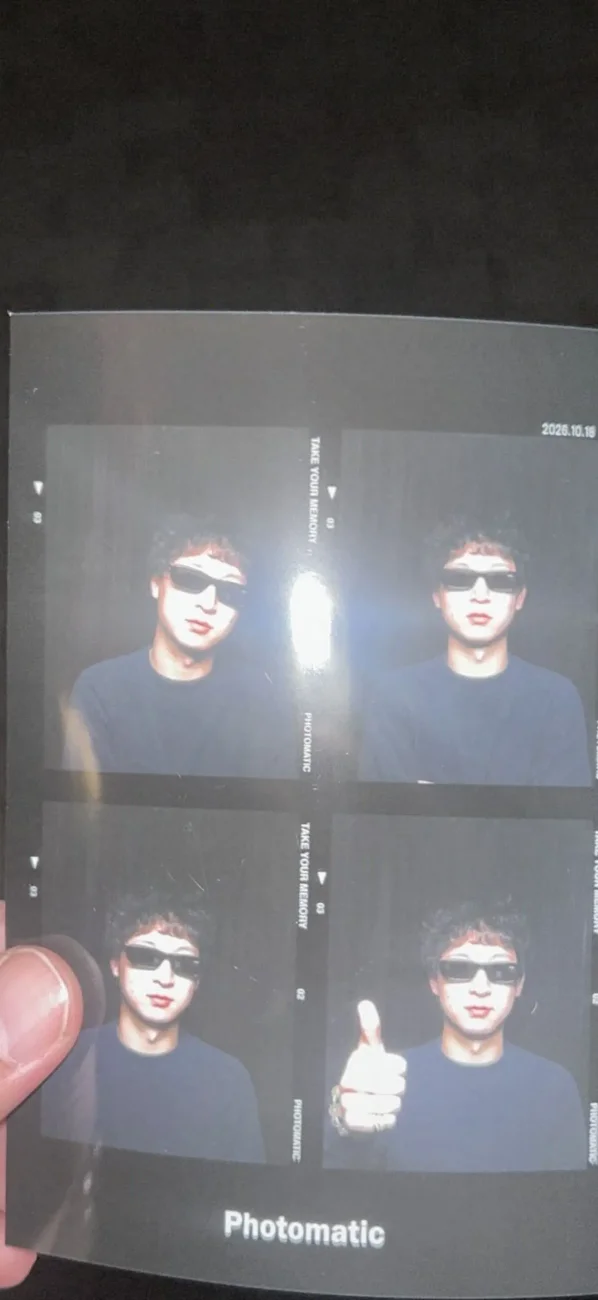
ORVA turns your iPhone into your other camera.
A compact camera in your iPhone.
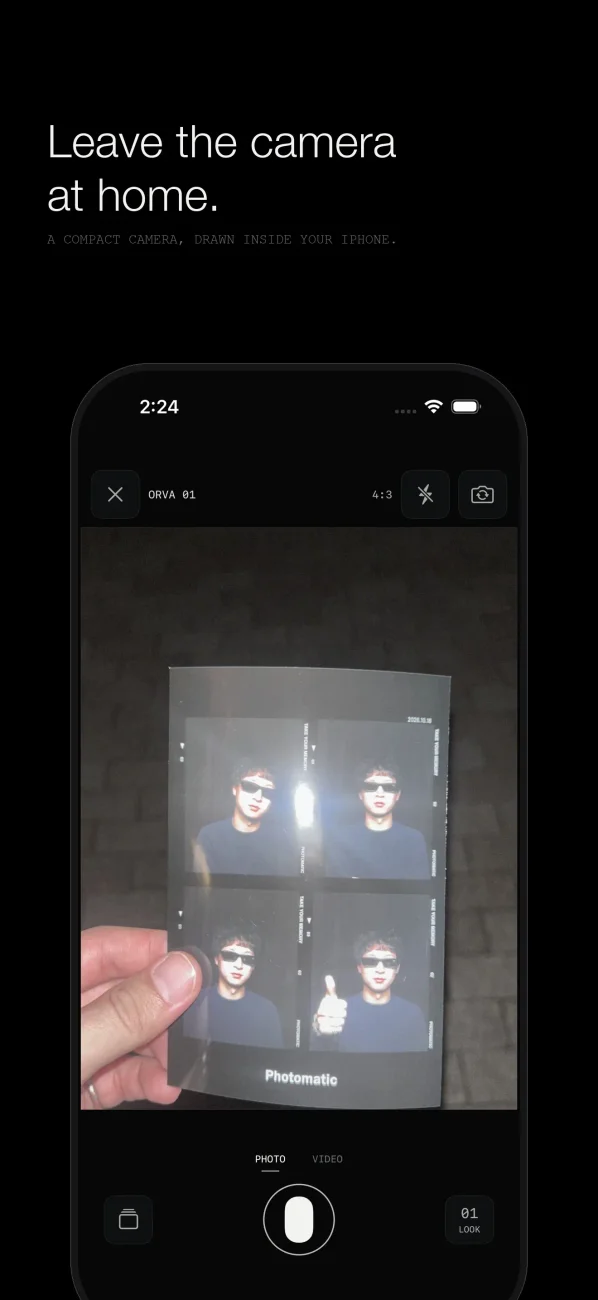
ORVA is not a filter app and not a general photo editor. It is a compact-camera rendering engine: it redraws your photos and short movies as slightly imperfect, pocket-camera memories. The promise is not better quality. The promise is less perfect, more compact-camera-like.
HOW ORVA DRAWS
- 4:3 frame
- A lower-resolution feel with soft edges
- Highlights that bloom, shadows that sit quietly
- Muted greens and a touch of color noise
- Soft corners and a mild compression feel
The smooth, flawless look of a modern phone is deliberately left out.
CAPTURE
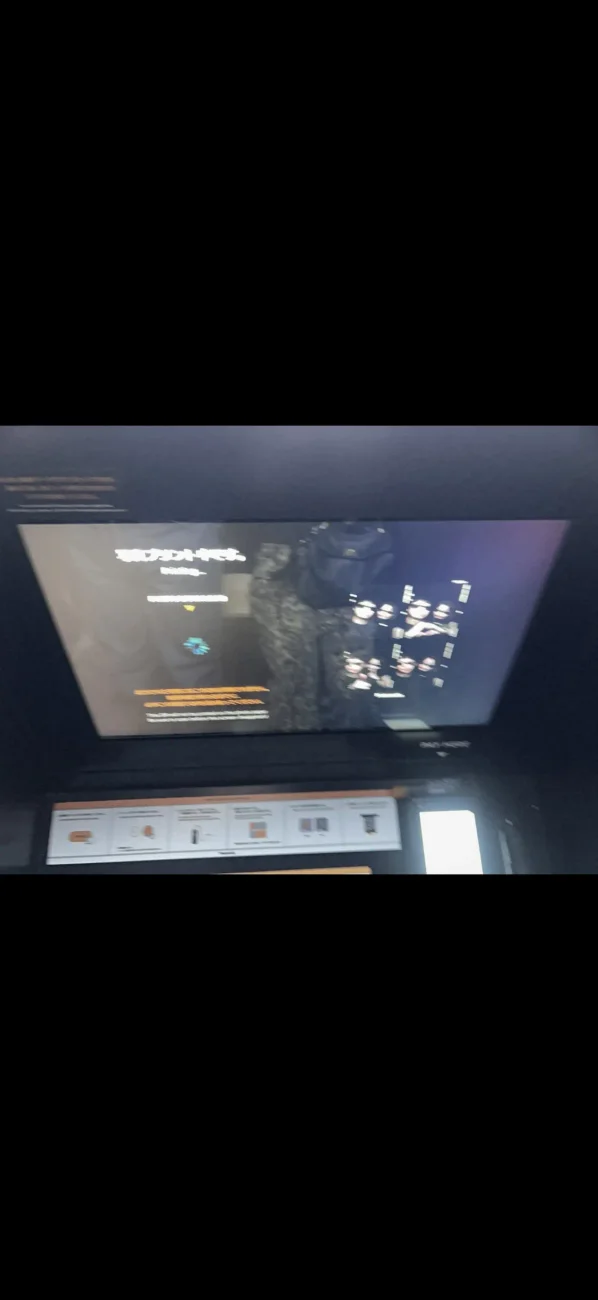
Open the camera, frame, shoot. Rendering and saving continue in the background, so you keep shooting. Volume-button shutter, grid and haptics are optional. A Lock Screen widget opens the camera in one step.
IMPORT
Bring photos and videos you already have in Photos and render them the ORVA way. Your originals are never changed.
MOTION
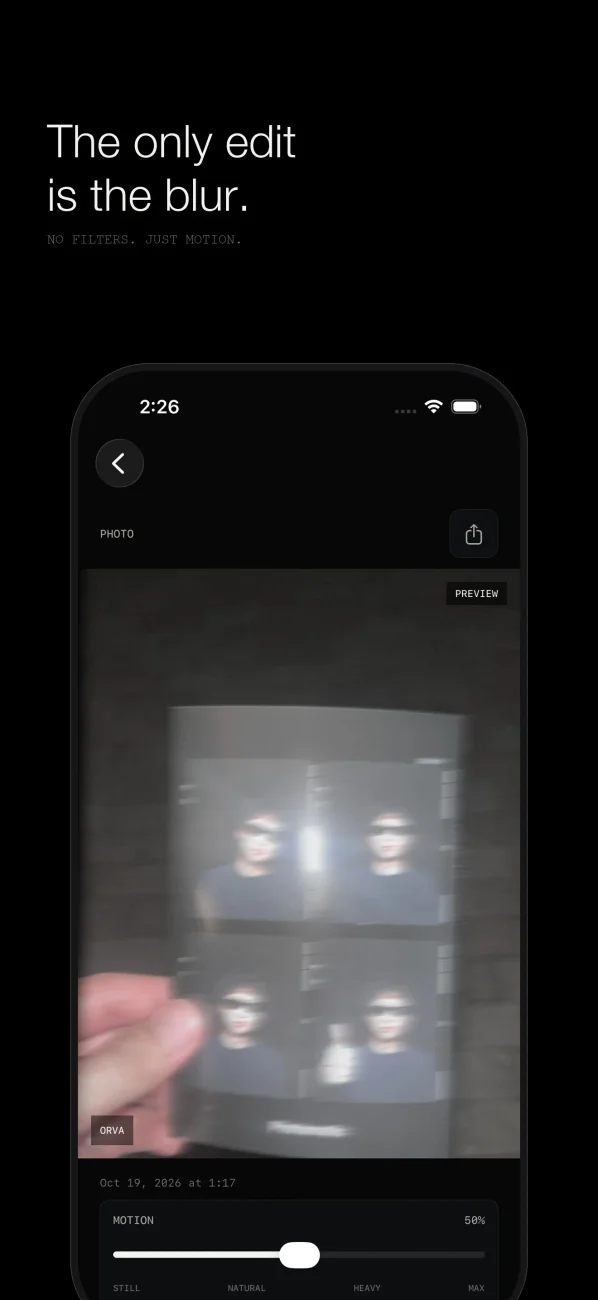
Add blur to a finished photo afterwards. Set the strength with a slider and choose SHAKE (the whole frame smears), STRETCH (a trail in one direction) or FLASH (flash with a slow shutter). Tap a person or object to blur only them. The only edit is the blur; color and texture stay as they are.
LANGUAGES
English, Japanese, Simplified Chinese, Traditional Chinese, Korean, Spanish, French, German, Portuguese (Brazil) and Italian, selectable in Settings.
COMPACT MOVIE (MEMBERSHIP)
Short movies are drawn with the same idea: 4:3, 30 fps, up to 30 seconds. Video is part of Membership and Membership+.
LIBRARY AND WIDGETS
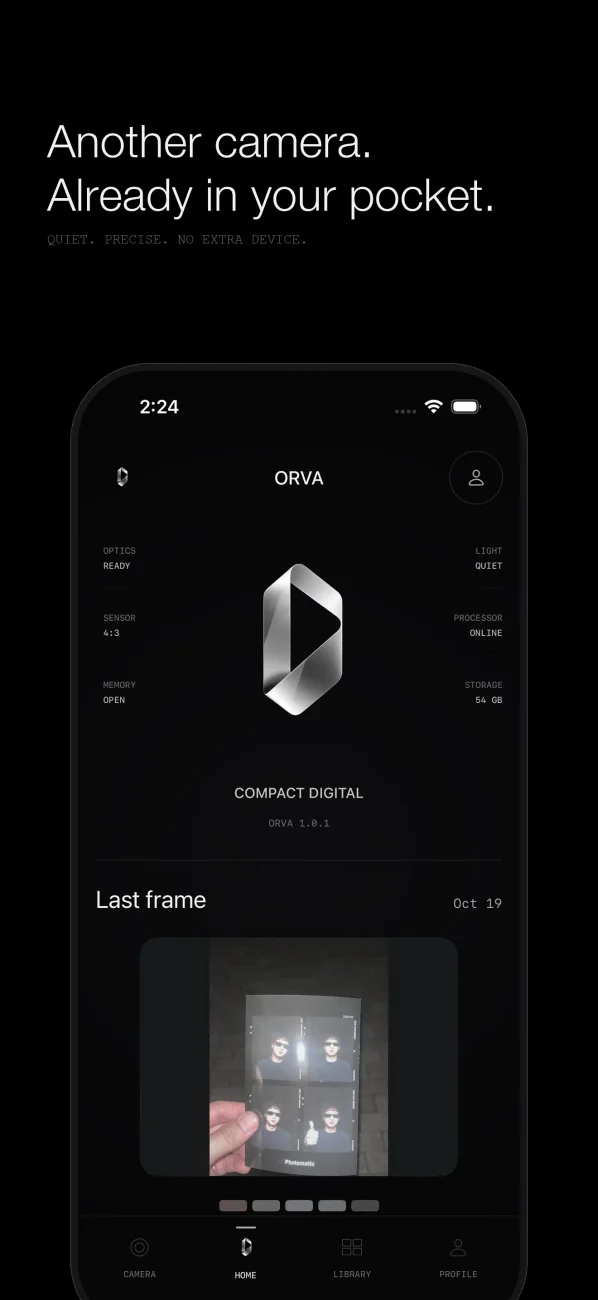
Everything ORVA renders lives in its library and is saved to Photos. Keep a favorite frame on your Home Screen as a widget.
FREE
Capture and import are free, and ORVA renders up to 10 photos a month. The standard app icon is free. The free tier shows a banner ad at the bottom of the screen.
ORVA MEMBERSHIP (MONTHLY OR YEARLY, FIRST 7 DAYS FREE)
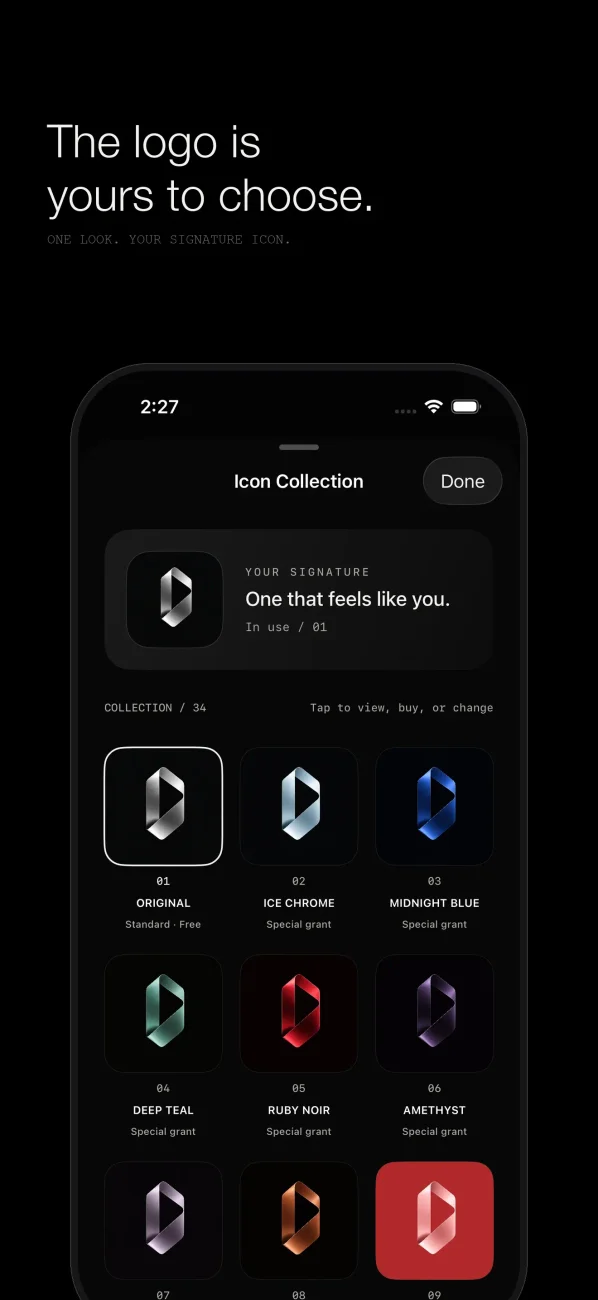
Unlimited photo rendering, Compact Movie, and the seven black-background app icons. Ads are still shown.
ORVA MEMBERSHIP+ (MONTHLY OR YEARLY, FIRST 7 DAYS FREE)
Everything in Membership, with no ads.
Prices are shown in your local currency on the App Store.
APP ICONS (SINGLE PURCHASE)
Icons in other colors and materials can each be bought once. Color and pattern icons are single purchases only, and remain yours after a plan ends. The founders' icon is not for sale.
PRIVACY
Photos and movies are rendered on your device. ORVA only accesses the media you choose. Nothing you shoot leaves your device.
Your other camera.
Shot on ORVA.
--
ORVA Membership and Membership+ auto-renew monthly or yearly. After the 7-day free trial, the price shown at purchase is charged to your Apple Account; cancel during the trial and nothing is charged. You can stop renewal at any time in Apple's subscription settings.
Terms of Use: https://orvacamera.com/terms-en.html
Privacy Policy: https://orvacamera.com/privacy-en.html
Neue Funktionen
Version 1.0.7 · 27.10.2026
Sign-in is gone: ORVA opens straight away and everything works without an account, and purchases stay with your Apple Account. Free photos are counted when they finish. Movies are capped at 30 seconds, and leaving the screen while recording no longer loses the movie. The camera now explains and recovers from interruptions such as calls, tells you when it cannot add photos to Photos, and retries a photo that failed to finish. The Session widget shows your chosen icon on days with no shots. The Lock Screen capture control is paused for now.
App-Datenschutz
Was yuhi mitani im App Store zum Umgang dieser App mit Daten angibt.
-
Mit Ihnen verknüpfte Daten
Können erfasst und mit Ihrer Identität verknüpft werden.
- Standort
- Kontaktinformationen
- Kennungen
- Nutzungsdaten
-
Nicht mit Ihnen verknüpfte Daten
Können erfasst werden, sind aber nicht mit Ihrer Identität verknüpft.
- Käufe
- Diagnose
Die Datenschutzpraktiken können variieren, zum Beispiel je nach den von Ihnen verwendeten Funktionen oder Ihrem Alter.
Informationen
- Anbieter
- yuhi mitani
- Kategorie
- Foto und Video
- Version
- 1.0.7
- Aktualisiert
- 27.10.2026
- Veröffentlicht
- 27.09.2026
- Größe
- 57,5 MB
- Erfordert
- iOS 17.0 oder neuer
- Altersfreigabe
- 4+
- In-App-Käufe
- Ja
- Sprachen
- Japanisch, Italienisch, Spanisch, Deutsch, Französisch, Portugiesisch, Vereinf. Chinesisch, Tradit. Chinesisch, Englisch, Koreanisch
- Copyright
- © 2026 Yuhi Mitani
Das könnte Ihnen auch gefallen
-
 TonalogFoto und Video
-
 voida camera | Portrait & FilmFoto und Video
-
 Hazie: Filmkamera160 Filmkameras in einer App
-
 MITO CAM - Retro-DigicamDigicam & VHS-Camcorder
-
 CreativePassFoto und Video
-
 frmrrFoto und Video
-
 Film35: Filmkamera-ErlebnisAnaloge Filmrolle · Manuell
-
 Rayon Kamera: Film & FilterRAW Fotoeditor, Korn & HDR
-
 Chroma - Film CameraFoto und Video
-
 07 — Digital CameraFoto und Video