
OSTerm — SSH Terminal
Ad-free SSH & SFTP client
Entwickelt für iPhone, iPad
Kostenlos
- Altersfreigabe4+
- KategorieDienstprogramme
- Entwicklerdongmin song
- SprachenEnglisch+ 6 weitere
- Größe12,3 MB
Verlinkt auf die offizielle App Store-Seite
Download.org hostet keine Datei von OSTerm — SSH Terminal. Die Schaltfläche öffnet die App-Seite bei App Store, wo dongmin song die App veröffentlicht. Eintrag zuletzt geprüft am 23.11.2026.
Screenshots
Info
Der Entwickler hat diesen Text nicht in Ihrer Sprache bereitgestellt.
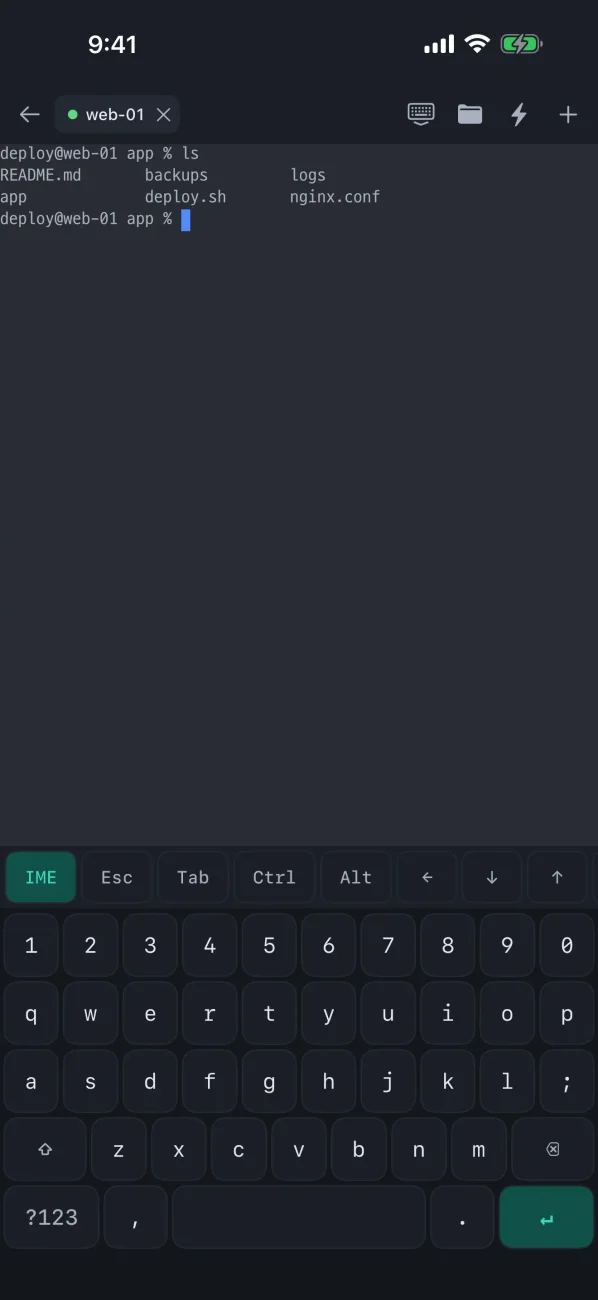
An SSH terminal for people who carry their servers with them.
No ads. No in-app purchases. No account to create, and nothing collected about you.
■ Built for tablets
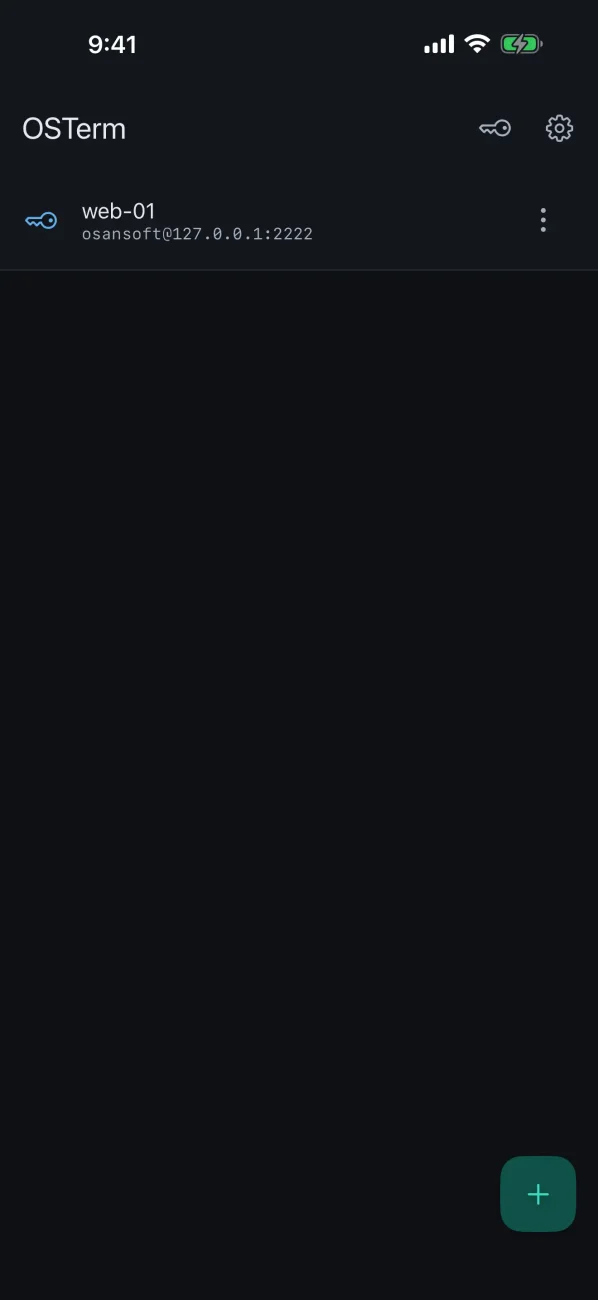
On a wide screen, the profile list and the terminal sit side by side. On a phone it folds down to one screen at a time.
Connect a Bluetooth keyboard and the on-screen keyboard gets out of the way. When you do need it, it never covers the terminal — the terminal shrinks to make room instead, so no output is ever hidden.
■ No limits
Unlimited connection profiles. Unlimited open tabs. Nothing locked behind a paywall.
■ CJK input
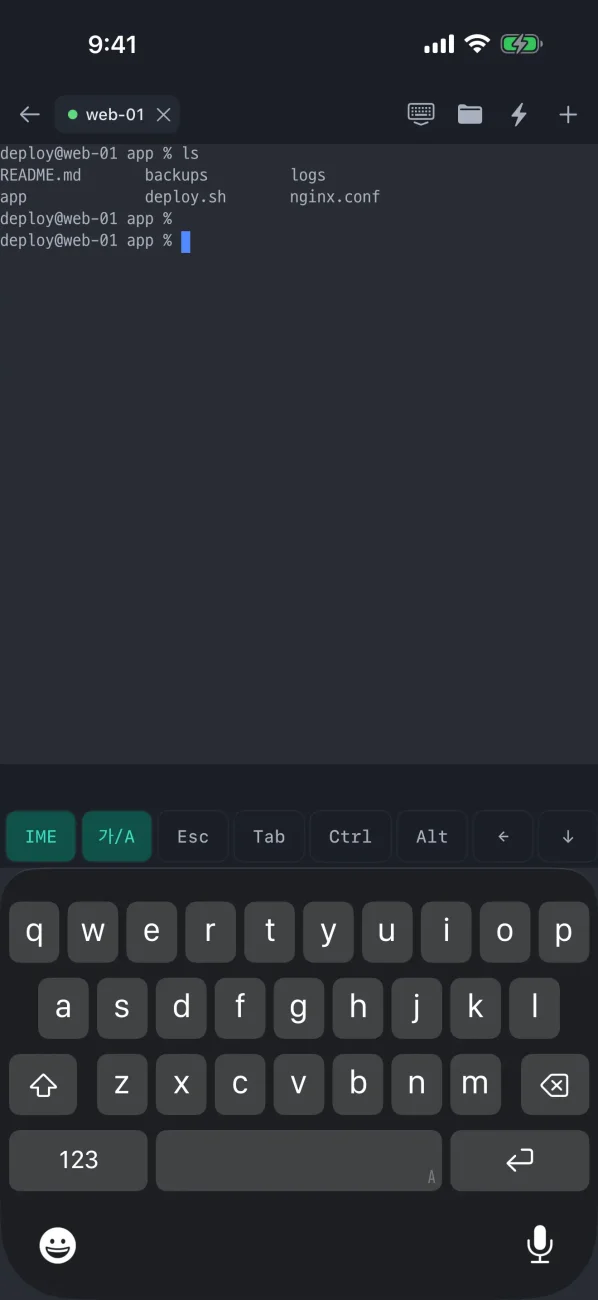
Type Korean, Japanese, and Chinese in the terminal. The keyboard opens in the language you set the app to (when that keyboard is enabled on your device), and a language toggle is provided for physical keyboards.
■ Sessions survive a quick switch
Switch to another app for a moment and come back — your session is still there. iOS pauses apps in the background, so if the server drops a long-idle connection, reconnect from the same tab in one tap.
■ Everything you would expect
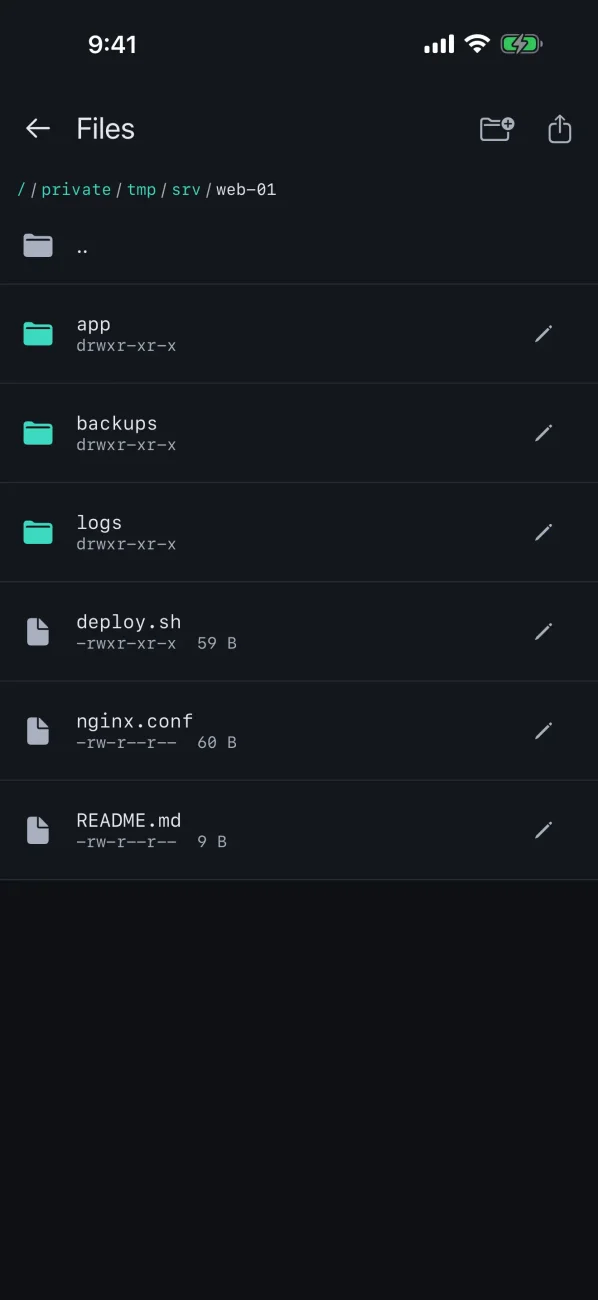
- SFTP file manager: upload, download, rename, delete
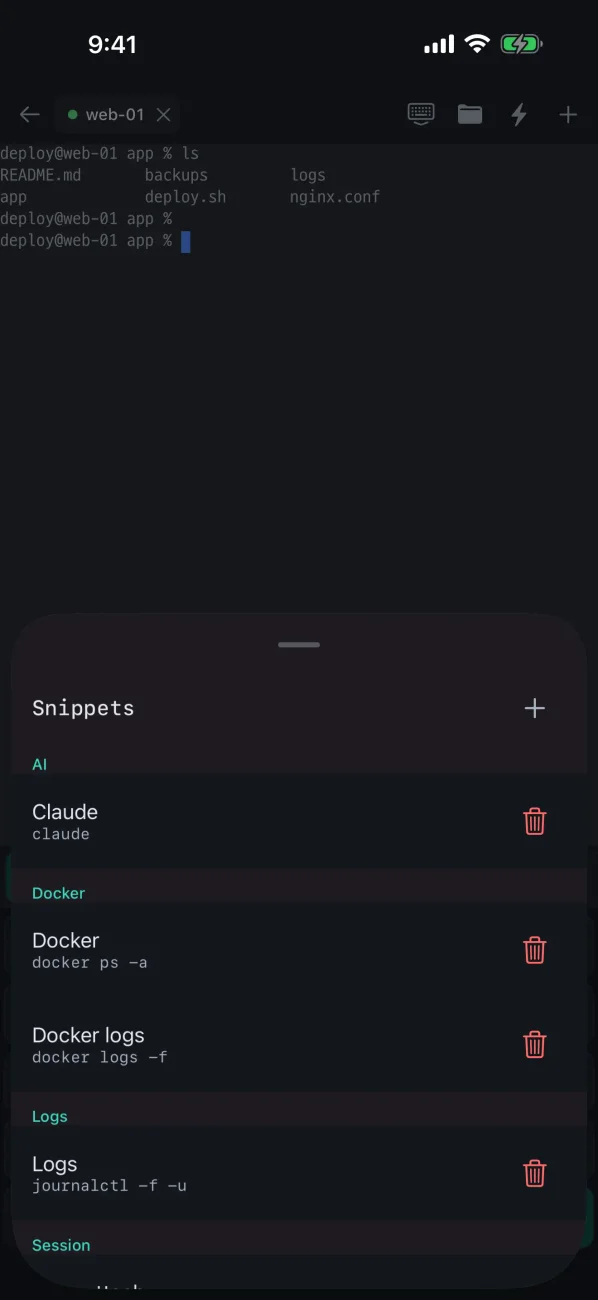
- Command snippets: save what you type often, run it in one tap
- Profile backup: export and import as a password-protected file
- Bundled coding fonts: D2Coding (fixed-width Hangul), JetBrains Mono
- Colour schemes and adjustable text size
■ Authentication
Password, private keys (PEM/OpenSSH), and keyboard-interactive. Import key files from your device and they are stored safely.
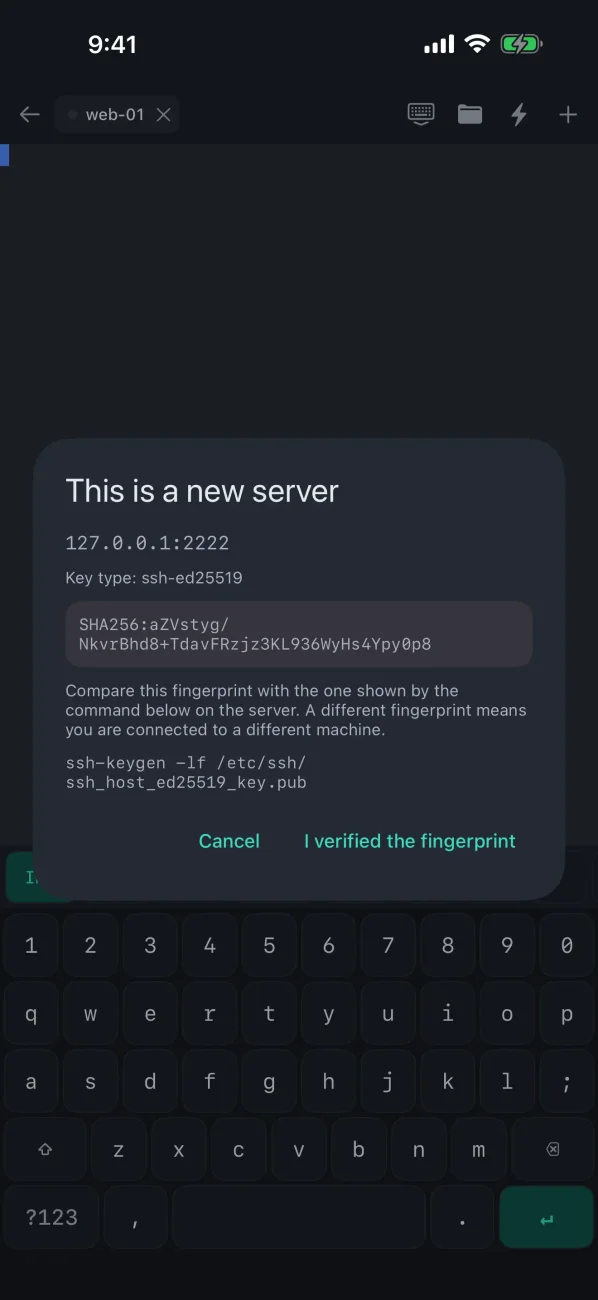
On first connection the host key fingerprint is shown for you to verify, and you are warned if a stored key ever changes. It is never accepted silently.
■ How your data is stored
Connection details never leave your device. The whole database is encrypted and its key is held in the iOS Keychain. Passwords and key passphrases get a second layer of encryption on top.
Nothing is sent to the developer. This app has no server.
■ Languages
English, Korean, Japanese, Chinese (Traditional and Simplified), Spanish, Arabic
Open-source licence notices are available in the app's settings.
Neue Funktionen
Version 1.1.1 · 15.11.2026
Scrolling improvements
• Scroll back through much longer output (up to 10,000 lines), so long command output and AI tool replies stay readable to the start, even on a small screen.
• When a CLI such as Claude Code redraws its screen, you stay where you were reading.
• Swipe to scroll in full-screen apps such as Claude Code and less.
App-Datenschutz
Was dongmin song im App Store zum Umgang dieser App mit Daten angibt.
-
Nicht mit Ihnen verknüpfte Daten
Können erfasst werden, sind aber nicht mit Ihrer Identität verknüpft.
- Benutzerinhalte
Die Datenschutzpraktiken können variieren, zum Beispiel je nach den von Ihnen verwendeten Funktionen oder Ihrem Alter.
Informationen
- Anbieter
- dongmin song
- Kategorie
- Dienstprogramme
- Version
- 1.1.1
- Aktualisiert
- 15.11.2026
- Veröffentlicht
- 21.10.2026
- Größe
- 12,3 MB
- Erfordert
- iOS 17.0 oder neuer
- Altersfreigabe
- 4+
- Preis
- Kostenlos
- Sprachen
- Englisch, Arabisch, Japanisch, Koreanisch, Vereinf. Chinesisch, Spanisch, Tradit. Chinesisch
- Copyright
- © 2026 OSAN-SOFT
Das könnte Ihnen auch gefallen
-
 TermPilot - SSH TerminalDienstprogramme
-
 CalcPro - All In 1 CalculatorDienstprogramme
-
 Termz - SSH & SFTP ClientDienstprogramme
-
 BootboxDienstprogramme
-
 Network Scan: Wi-Fi & SSHDienstprogramme
-
 XConnect - SSH & RDP ClientRemote Desktop & SSH Client
-
 QR Code Scanner mit VerlaufAuch aus Fotos & Screenshots
-
 联通沃派通通Dienstprogramme
-
 Ash — SSH ClientDienstprogramme
-
 Server testerDienstprogramme