
Otpkey Authenticator
OTP 2FA MFA Authenticator
Entwickelt für iPhone, iPad, Mac, iPod touch
Kostenlos
- Altersfreigabe4+
- KategorieDienstprogramme
- EntwicklerCertchip Corp
- SprachenEnglisch
- Größe22,2 MB
Verlinkt auf die offizielle App Store-Seite
Download.org hostet keine Datei von Otpkey Authenticator. Die Schaltfläche öffnet die App-Seite bei App Store, wo Certchip Corp die App veröffentlicht. Eintrag zuletzt geprüft am 16.11.2026.
Screenshots
Info
Der Entwickler hat diesen Text nicht in Ihrer Sprache bereitgestellt.
Otpkey Authenticator generates one-time passwords for two-factor authentication on iPhone, iPad, Mac and Apple Watch, and keeps them in sync through iCloud Keychain.
It works completely offline. No account, no server: your secrets stay in the system Keychain on your devices, protected by your passcode, Face ID or Touch ID.
Otpkey Authenticator works with every service that supports standard TOTP or HOTP codes, including Google, Microsoft, Amazon, GitHub, Facebook, X, Dropbox, Discord, PayPal, AWS, Synology and many more.
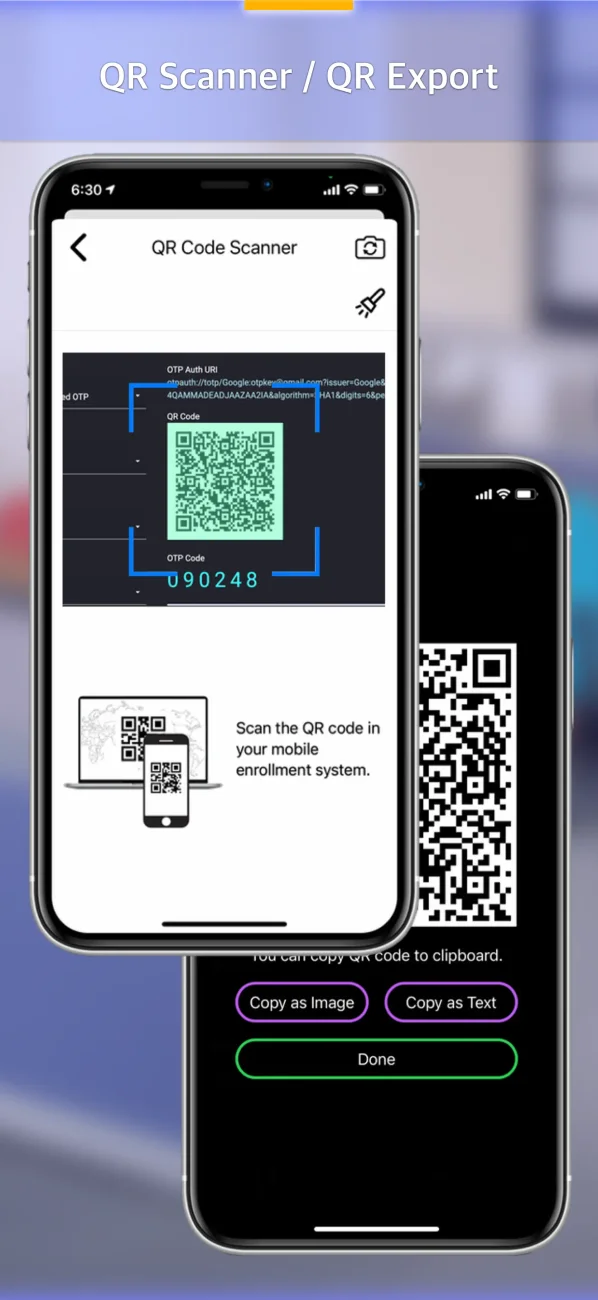
Switching from Google Authenticator? Scan its "Export accounts" QR code and all of your accounts are imported at once.
Features
=======
- Available for iPhone, iPad, Mac and Apple Watch, synced through iCloud Keychain
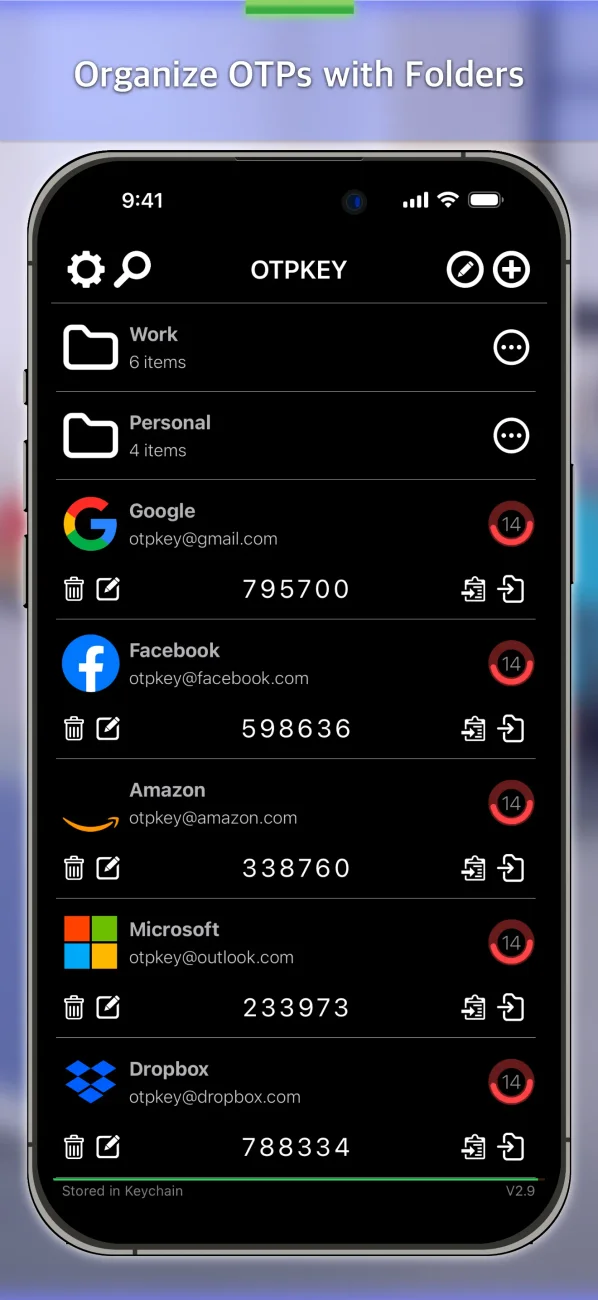
- Folders and search to organize many accounts
- Scan QR codes to add accounts
- Import all accounts from a Google Authenticator export QR code
- Export any account as a QR code
- Encrypted, password-protected backup and restore (PEM file format)
- Face ID / Touch ID lock
- Hide codes on screen, copy with one tap
- Custom account icons
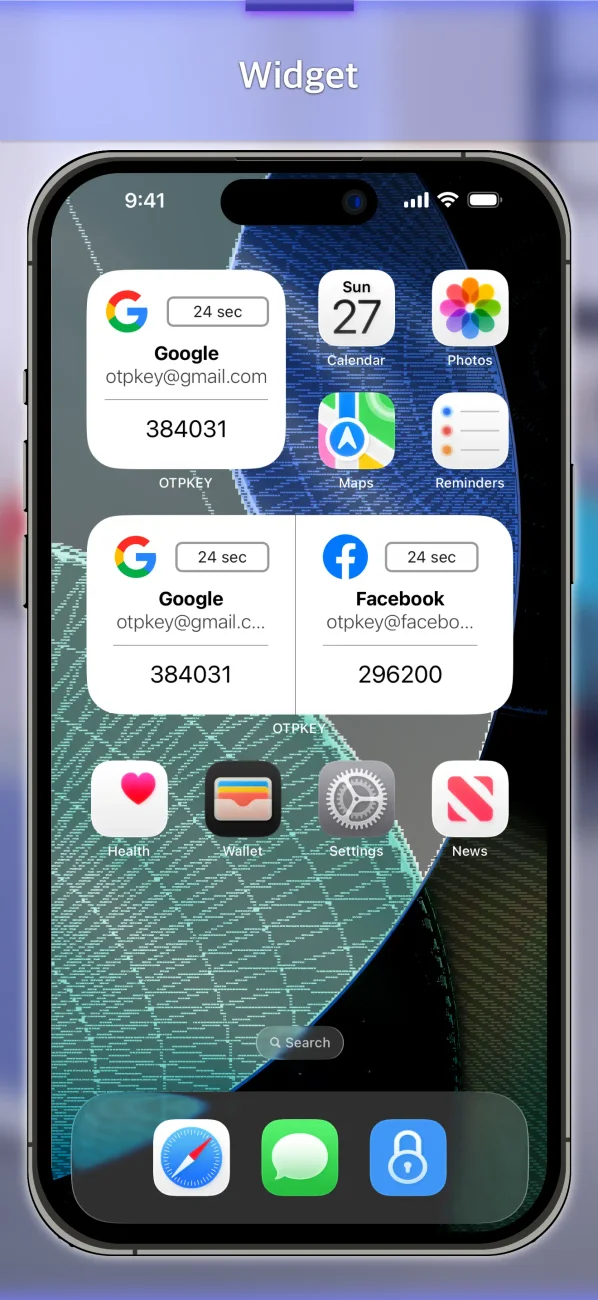
- iOS: Home Screen widgets (small, medium and large)
- iOS: Apple Watch app with complication
- macOS: Lives in the menu bar, always one click away
- macOS: Scan QR codes straight from the screen
- macOS: Launch at login, auto hide
- macOS: Drag and drop
Specifications
===========
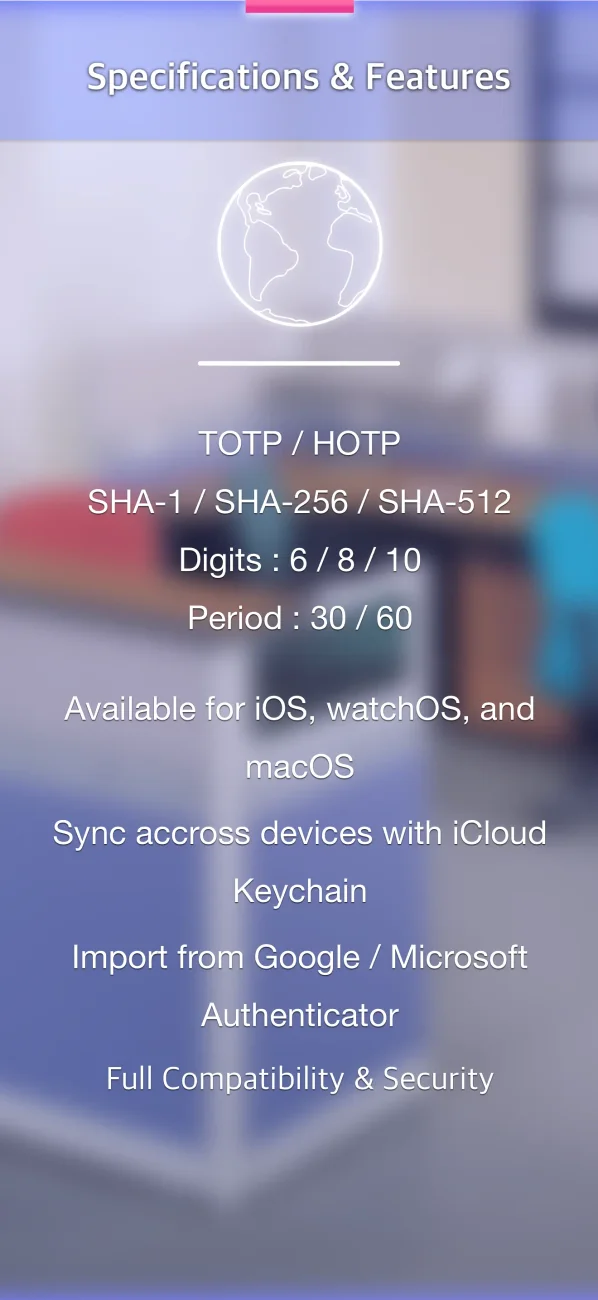
- Type: Time-based (TOTP), Counter-based (HOTP)
- Algorithm: SHA-1, SHA-256, SHA-512
- Digits: 6, 8, 10
- Period: 30, 60 seconds
Standards
=======
TOTP - Time-based One-Time Password Algorithm (RFC 6238)
HOTP - HMAC-Based One-Time Password Algorithm (RFC 4226)
Neue Funktionen
Version 2.9 · 27.09.2026
Folders
- Organize your accounts into folders. Create, rename, delete and move accounts between them.
- Search within the current folder or across all accounts.
- A single + button to add an account or a folder. Accounts added inside a folder go straight into it.
Import from Google Authenticator
- Scan the "Export accounts" QR code from Google Authenticator and import all of your accounts at once.
Backup
- Encrypted backups now include your folder structure.
- Backup files remain compatible with earlier versions of Otpkey Authenticator.
- Password entry is easier: an Enter button, and the password is accepted as soon as you move on.
Security
- Secrets are now kept only in the system Keychain. The old plain-text copy used for widgets has been removed.
iPad
- Responsive layout for Split View and Slide Over.
Widgets
- Updated for the latest iOS widget style.
macOS
- Edit mode in the list for moving and deleting accounts.
- New app icon that renders correctly on macOS 26.
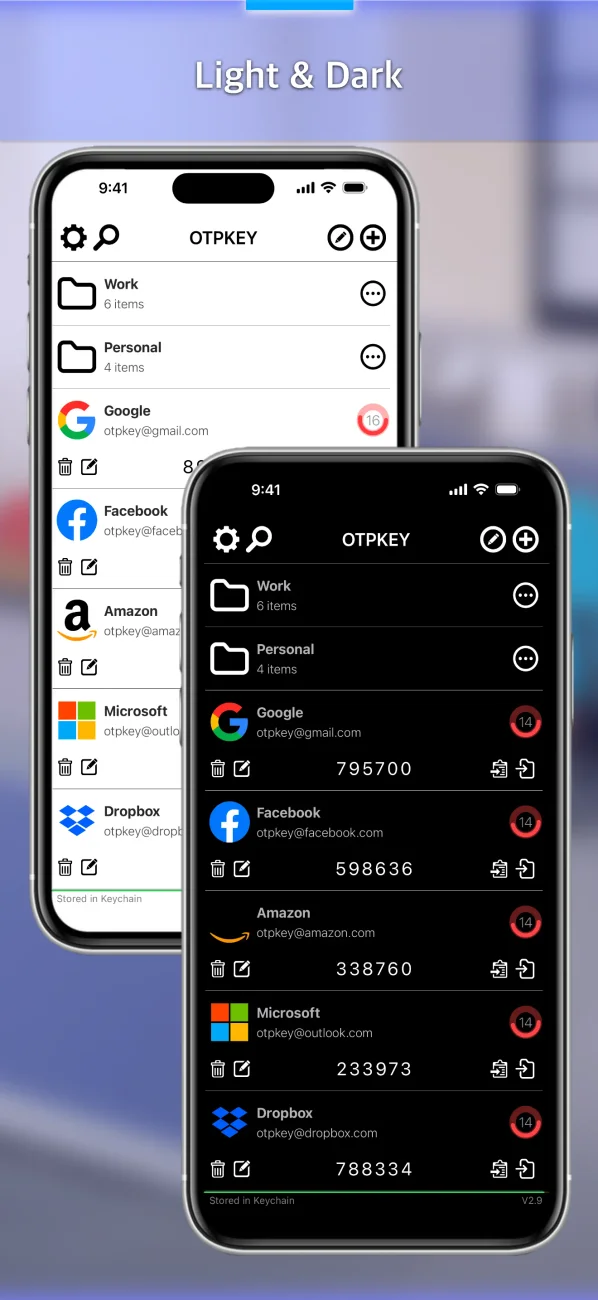
- Popover now follows the menu bar icon and matches forced Light/Dark appearance.
Fixes
- Trash button did not respond in some cases.
- Folder data could be lost when saving to the Keychain right after a change.
- Duplicate separator lines in folder rows on macOS.
App-Datenschutz
Was Certchip Corp im App Store zum Umgang dieser App mit Daten angibt.
-
Keine Daten erfasst
Der Entwickler erfasst keine Daten von dieser App.
Die Datenschutzpraktiken können variieren, zum Beispiel je nach den von Ihnen verwendeten Funktionen oder Ihrem Alter.
Informationen
- Anbieter
- Certchip
- Kategorie
- Dienstprogramme
- Version
- 2.9
- Aktualisiert
- 27.09.2026
- Veröffentlicht
- 10.11.2022
- Größe
- 22,2 MB
- Erfordert
- iOS 13.0 oder neuer
- Altersfreigabe
- 4+
- Preis
- Kostenlos
- Sprachen
- Englisch
- Copyright
- © 2026 Certchip
Das könnte Ihnen auch gefallen
-
 Check Point SASEDienstprogramme
-
 MobileDetectDienstprogramme
-
 Airdata UAVDienstprogramme
-
 Cato ClientDienstprogramme
-
 Active ·Dienstprogramme
-
 2FA Authenticator™ MFA AuthySicherheits-Authentifizierer
-
 Yello ProDienstprogramme
-
 TOTP Authenticator6-stelliger Code Generator
-
 Authentifizierungs App : 2FAAuthenticator MFA, OTP
-
 Authenticator App ¹Zwei-Faktor 2FA & TOTP Codes