
PageFlick: EPUB reader
EPUB reading with gestures
Entwickelt für iPhone, iPad, Mac
Kostenlos · In-App-Käufe
- Altersfreigabe4+
- KategorieBücher
- EntwicklerAndrew Ford
- SprachenEnglisch
- Größe21,5 MB
Verlinkt auf die offizielle App Store-Seite
Download.org hostet keine Datei von PageFlick: EPUB reader. Die Schaltfläche öffnet die App-Seite bei App Store, wo Andrew Ford die App veröffentlicht. Eintrag zuletzt geprüft am 23.11.2026.
Screenshots

Info
Der Entwickler hat diesen Text nicht in Ihrer Sprache bereitgestellt.
Read your EPUBs with a simple finger gesture.
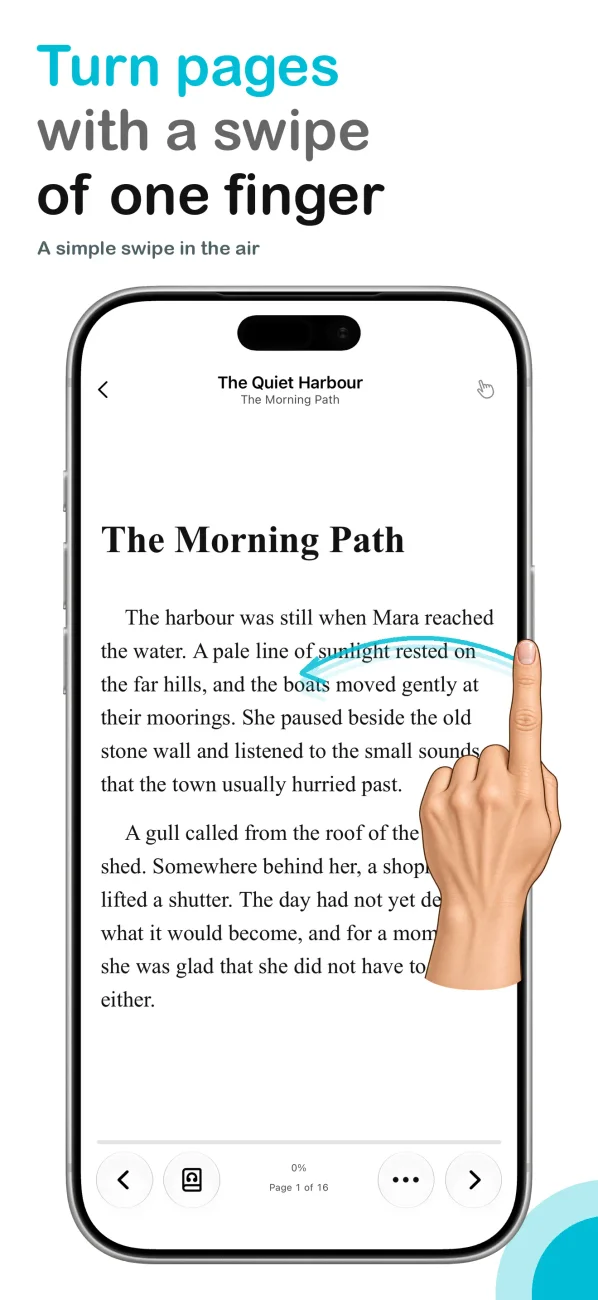
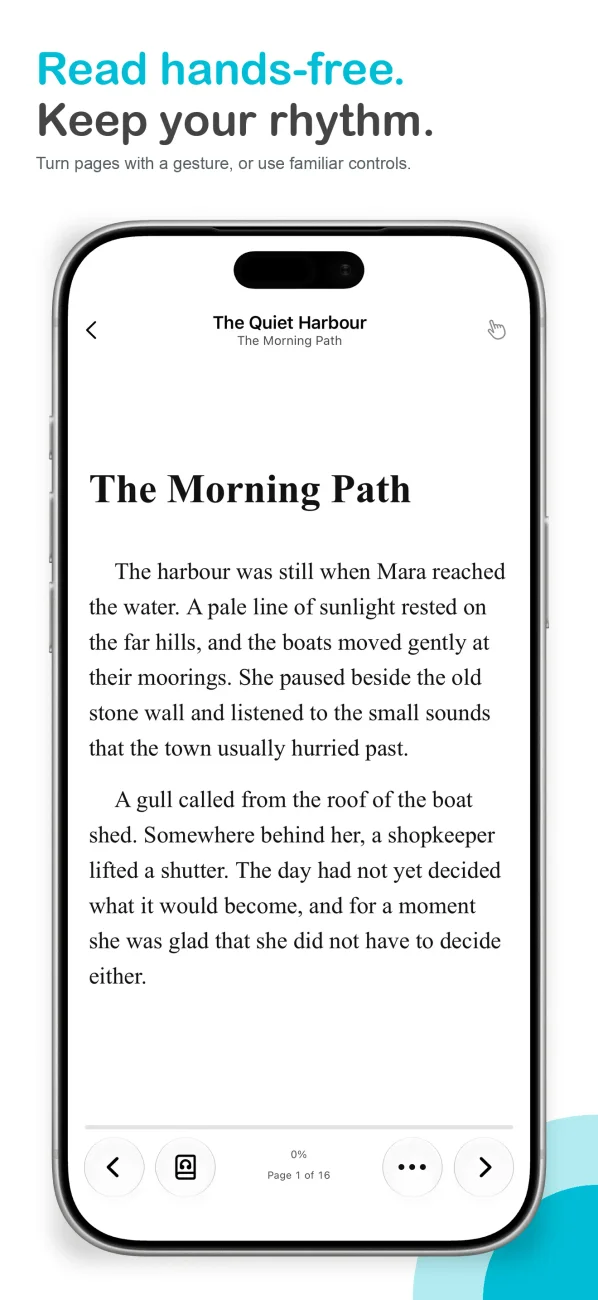
PageFlick is an EPUB reader for iPhone, iPad and Mac. Import a DRM-free EPUB from the system file picker or Open With, then read with on-screen controls or camera gestures.
Raise one index finger with your other fingers curled. Swipe left for the next page or right for the previous page. A camera guide, practice view and sensitivity control help you get started.
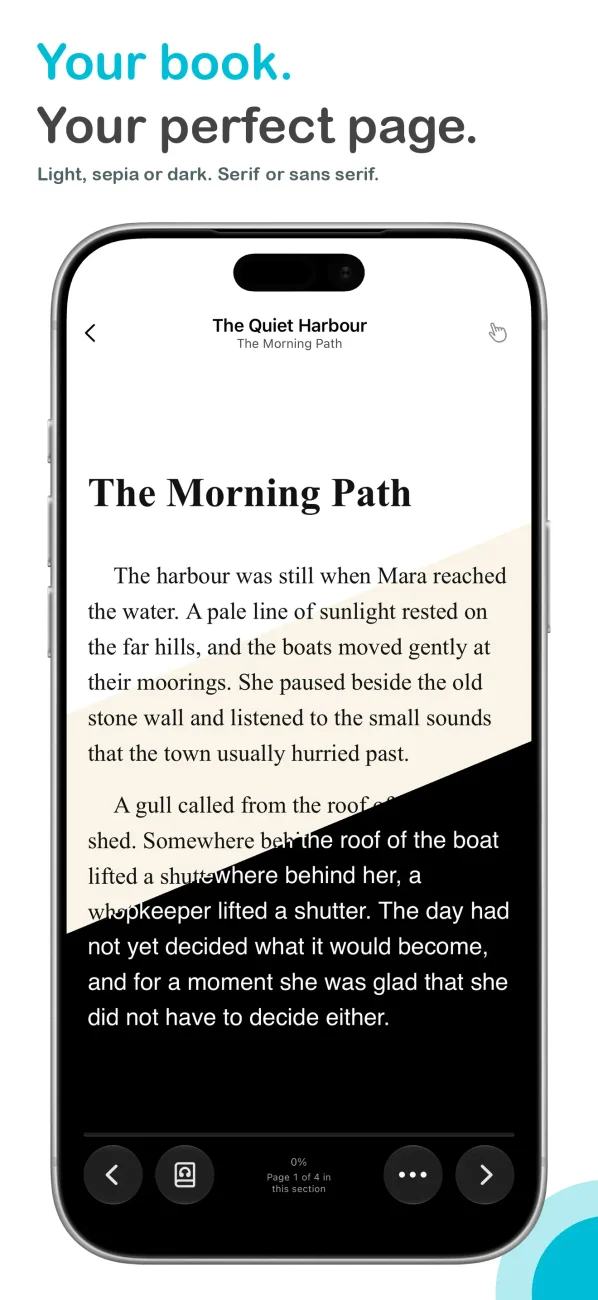
Make reading comfortable with text settings, reading themes and a table of contents. The library keeps your books and saved reading positions locally.
Camera frames are analysed on your device. PageFlick does not record or upload video. Camera access is optional: you can use the on-screen reading controls without it.
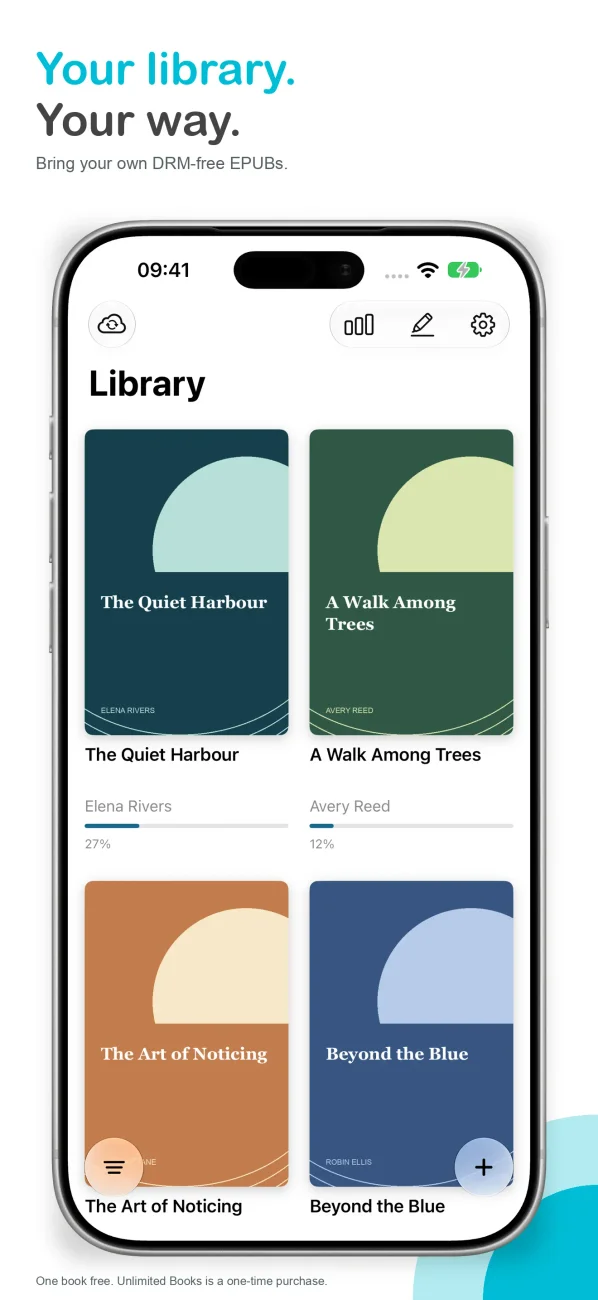
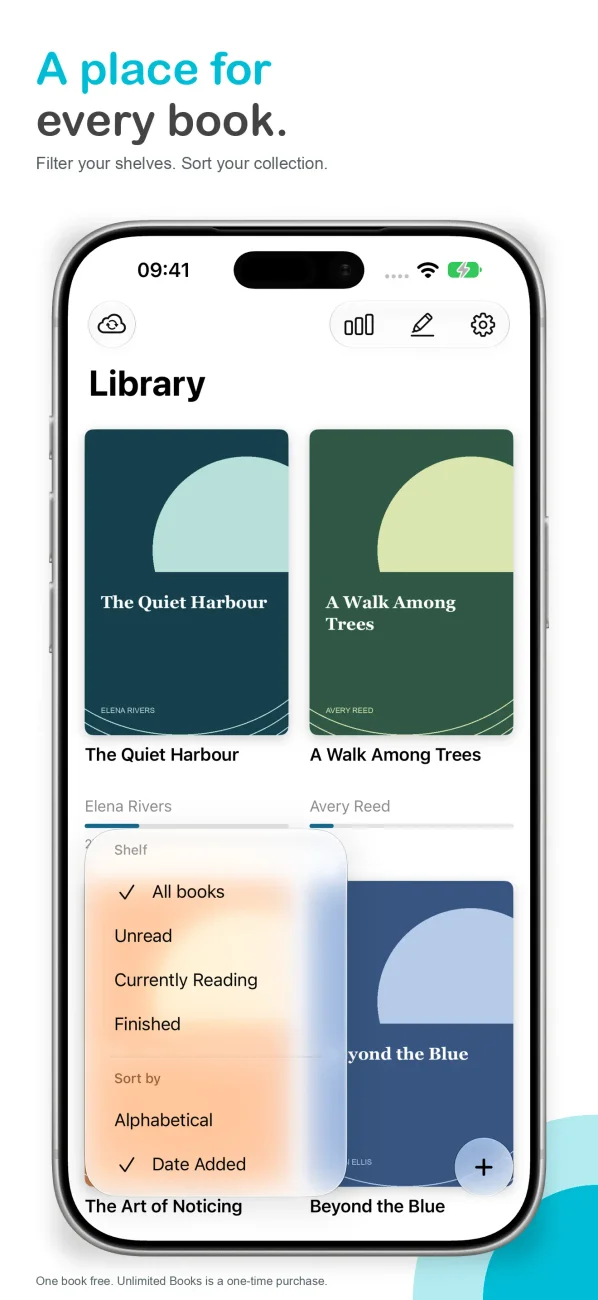
The free library holds one book at a time. Remove it to import a replacement. The optional Unlimited Books upgrade is a one-time in-app purchase that removes the limit on adding books. Restore Purchases is available in the app.
PageFlick supports DRM-free EPUB files. PDFs and books protected by another store are not supported.
Requires iOS 27, iPadOS 27 or macOS 27 or later.
Neue Funktionen
Version 2.0 · 11.11.2026
PageFlick 2.0 brings new ways to read, listen and track your progress.
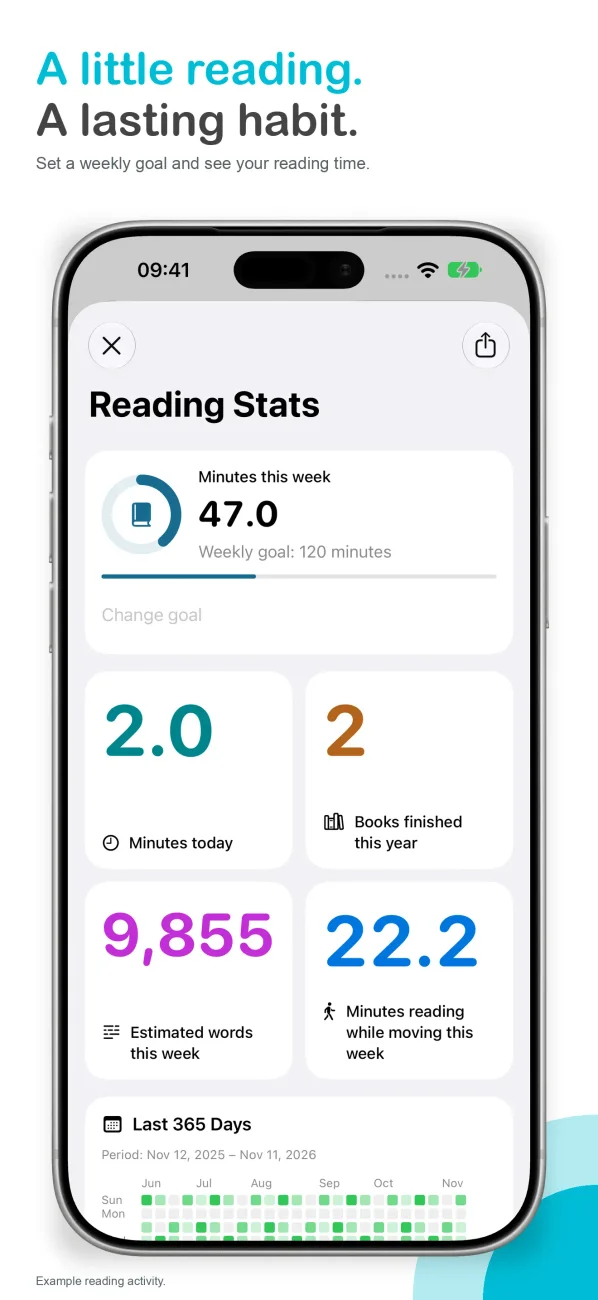
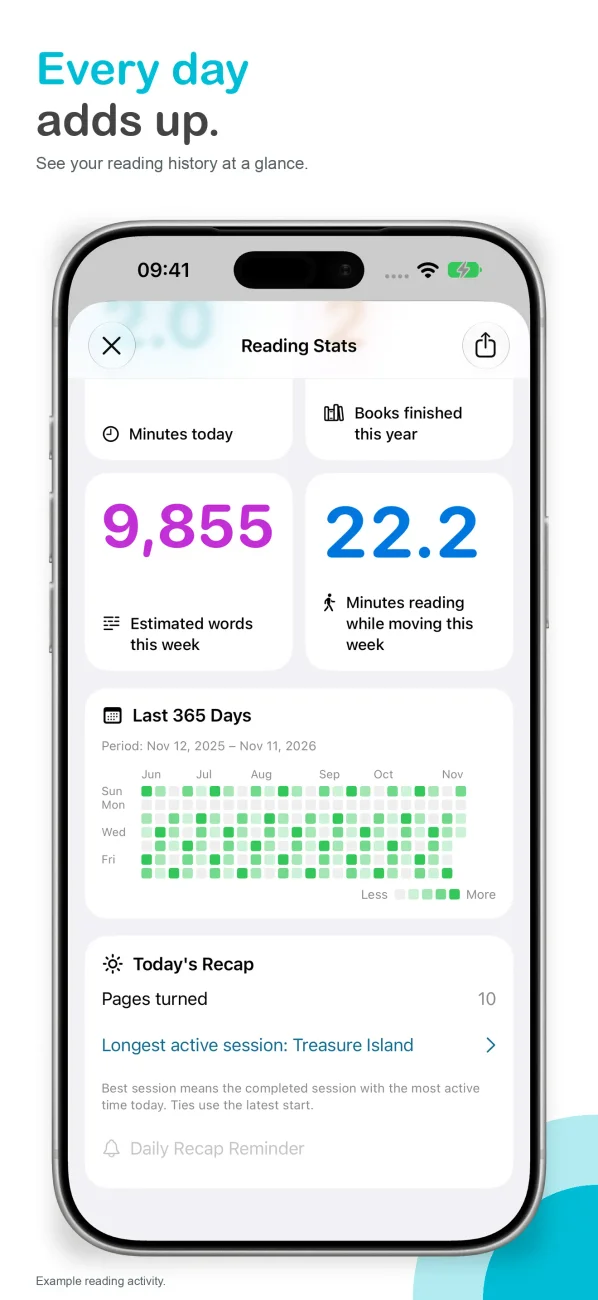
- Explore the new reading stats dashboard, set weekly goals and view your reading history.
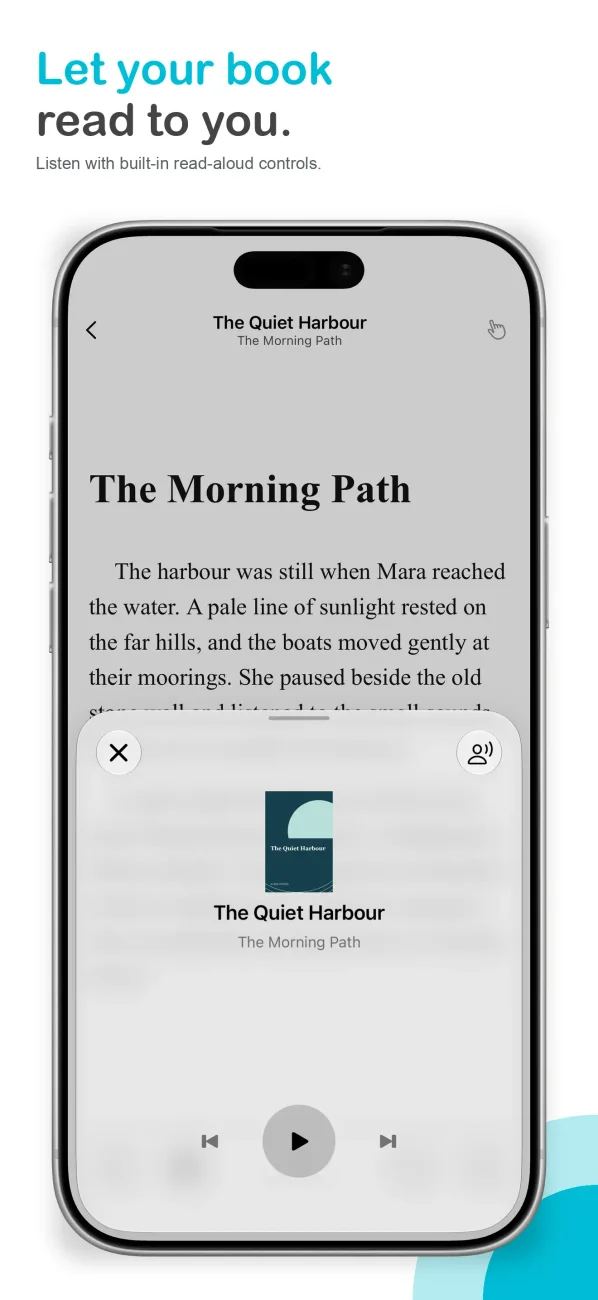
- Listen to your books with Read Aloud, with voice and playback controls.
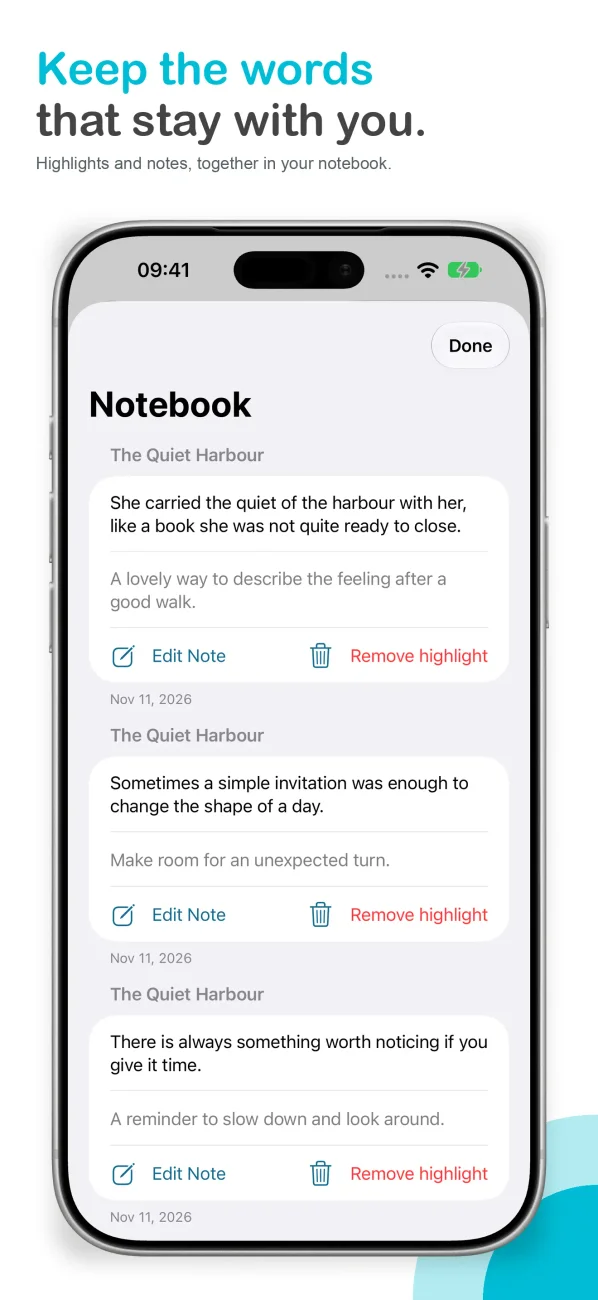
- Highlight passages, add notes and collect them in Notebook. Export your notes as Markdown.
- Organise your library into Unread, Currently Reading and Finished shelves, then sort by title or date added.
- Choose continuous scrolling or page-by-page reading.
- Share book and reading-session cards.
- Add Reading Card and Cover Story widgets to your Home Screen.
App-Datenschutz
Was Andrew Ford im App Store zum Umgang dieser App mit Daten angibt.
-
Keine Daten erfasst
Der Entwickler erfasst keine Daten von dieser App.
Die Datenschutzpraktiken können variieren, zum Beispiel je nach den von Ihnen verwendeten Funktionen oder Ihrem Alter.
Informationen
- Anbieter
- Andrew Ford
- Kategorie
- Bücher
- Version
- 2.0
- Aktualisiert
- 11.11.2026
- Veröffentlicht
- 19.10.2026
- Größe
- 21,5 MB
- Erfordert
- iOS 27.0 oder neuer
- Altersfreigabe
- 4+
- Preis
- Kostenlos
- In-App-Käufe
- Ja
- Sprachen
- Englisch
- Copyright
- © 2026 Andrew Ford