Papyr - Document Scanner
Private PDF Scanner · No Ads
Entwickelt für iPhone, iPad
Kostenlos · In-App-Käufe
- Altersfreigabe4+
- KategorieProduktivität
- EntwicklerMontrell Cruse
- SprachenEnglisch
- Größe3,3 MB
Verlinkt auf die offizielle App Store-Seite
Download.org hostet keine Datei von Papyr - Document Scanner. Die Schaltfläche öffnet die App-Seite bei App Store, wo Montrell Cruse die App veröffentlicht. Eintrag zuletzt geprüft am 18.11.2026.
Screenshots


Info
Der Entwickler hat diesen Text nicht in Ihrer Sprache bereitgestellt.
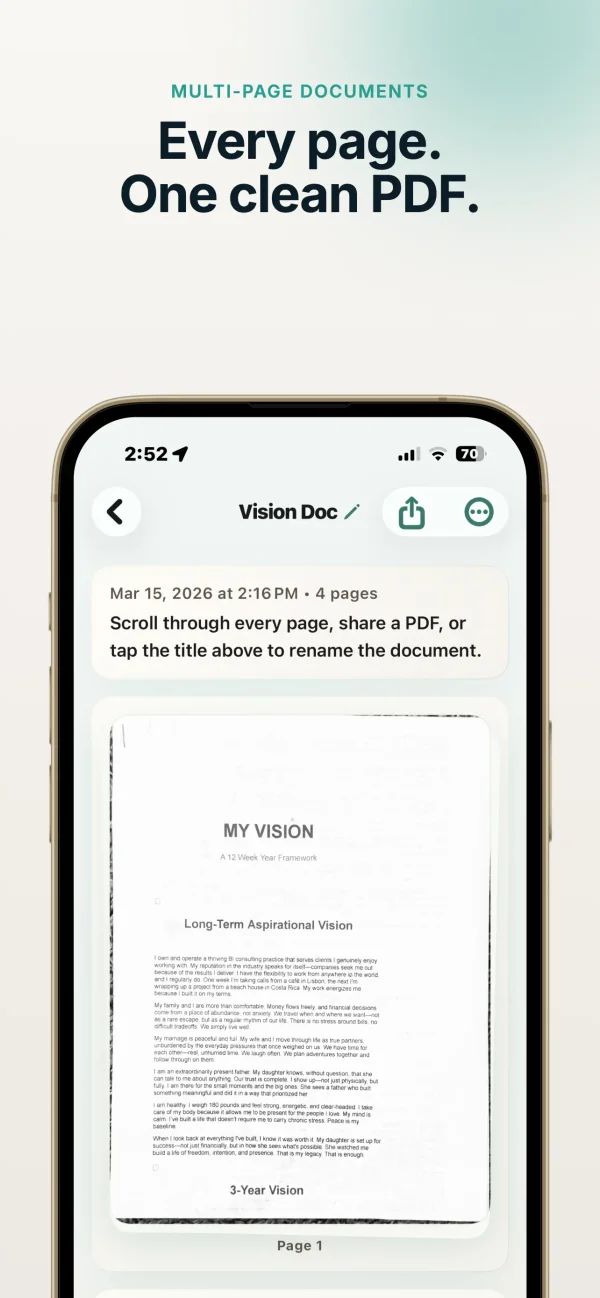
Papyr is a document scanner built around one idea: your documents are yours.
No accounts. No cloud uploads. No tracking. No ads. No subscriptions. Everything stays on your iPhone and iPad.
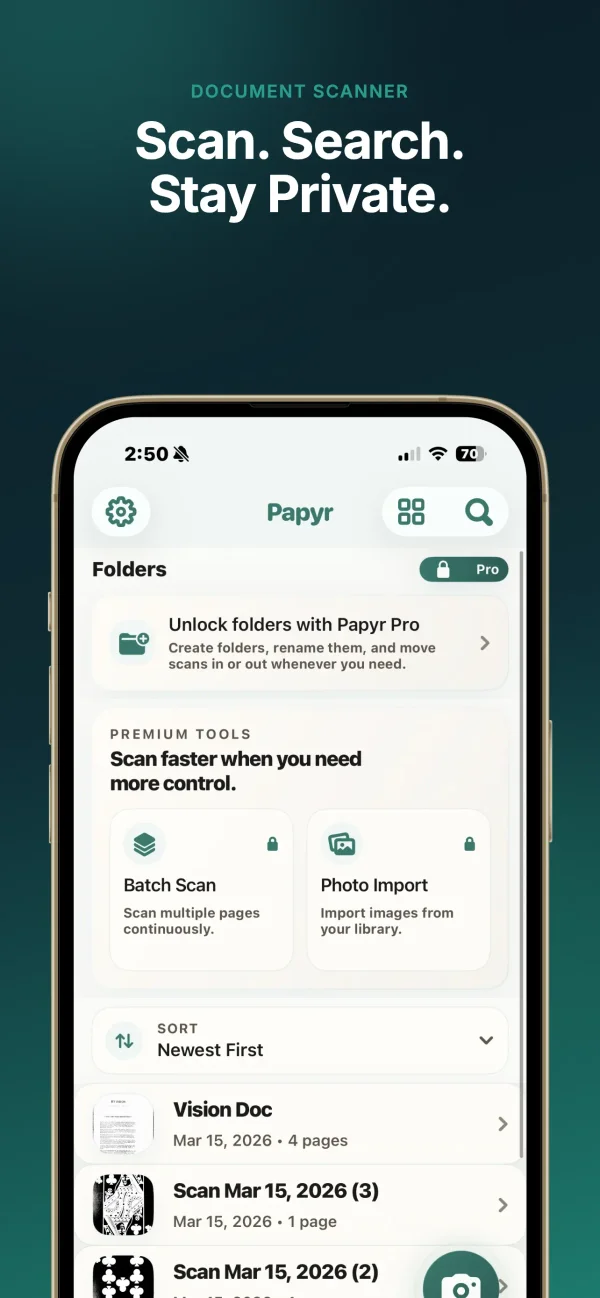
Start free with up to 10 documents, 5 pages each, and OCR text preview. Upgrade once to Papyr Pro ($9.99 lifetime) for full text access, search, unlimited documents, and more.
— SCAN ANYTHING —
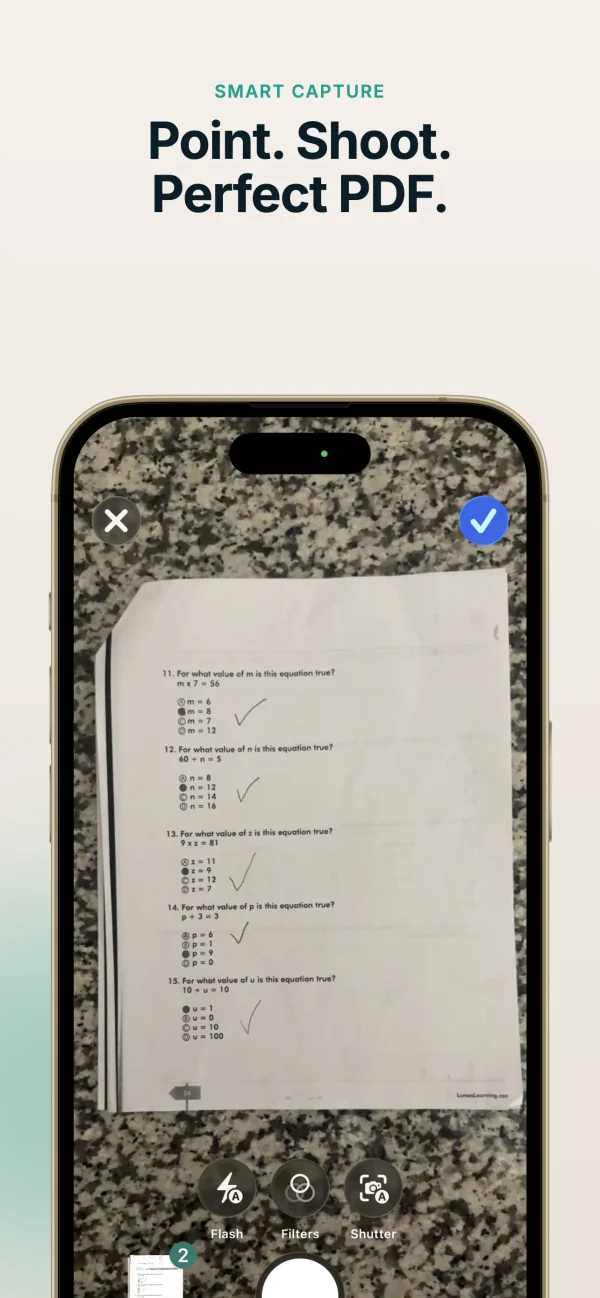
• Auto edge detection finds your document instantly
• Manual crop with 4-corner precision adjustment
• Multi-page documents with up to 20 pages per scan
• Works with receipts, contracts, notes, IDs, whiteboards, and more
— FIND TEXT IN ANY SCAN —
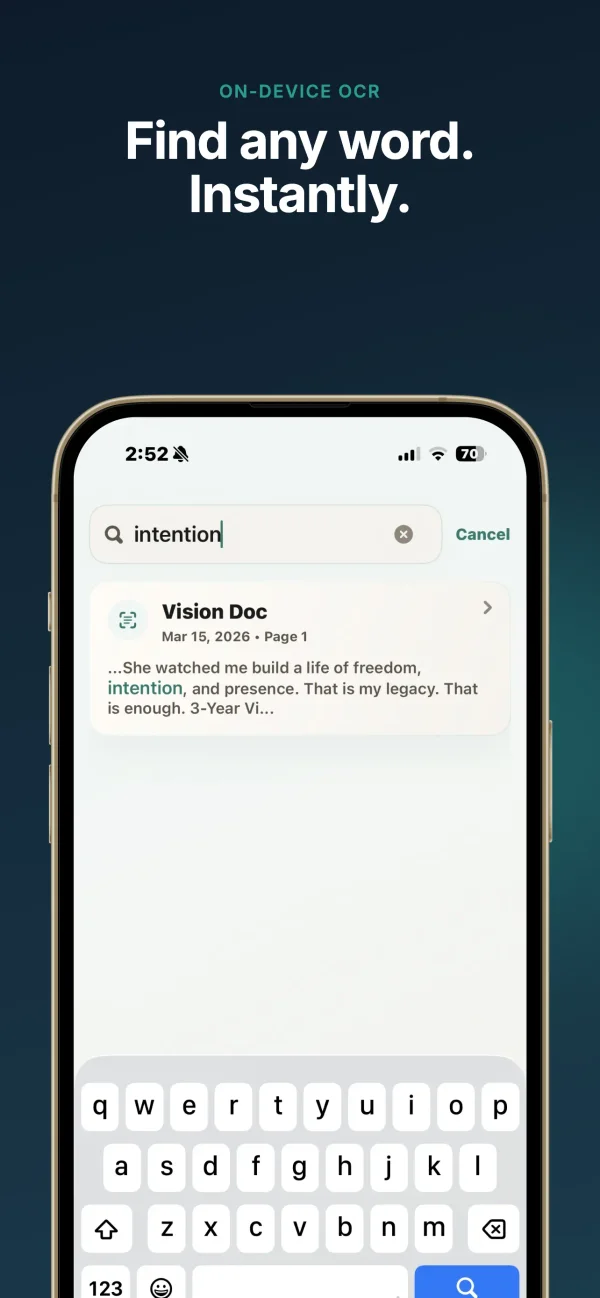
• On-device OCR extracts text from every scan automatically
• Preview extracted text on any scan — unlock full text with Pro
• Search across all your documents by keyword (Pro)
• Copy text directly from scanned pages (Pro)
• Works in multiple languages
— ORGANIZE YOUR WAY —
• Name, rename, and reorder documents and pages
• Grid or list view — your choice
• Drag to rearrange pages within a document
• Delete or re-scan individual pages
• Color-coded folders to group your scans (Pro)
— EXPORT & SHARE —
• One-tap PDF export for any document
• Share via AirDrop, Mail, Messages, or any app
• Save to Files for full control
• Password-protect PDFs before sharing (Pro)
• No watermarks — ever
— BUILT FOR PRIVACY —
• Zero third-party SDKs or analytics
• Zero network requests — works completely offline
• All processing happens on your device
• No account required — just open and scan
• Apple's "Data Not Collected" privacy label
— BUILT WITH CARE —
• Native Swift/SwiftUI — fast, smooth, and feels like it belongs on your iPhone
• Supports Light Mode, Dark Mode, and System
• VoiceOver accessible
• Works on iPhone and iPad
— PAPYR PRO ($9.99 ONE-TIME) —
• Full OCR text extraction + copy
• Search across all documents by text
• Unlimited documents and 20-page scans
• Folders, batch scanning, photo import
• Password-protected PDF export
Other scanners charge $4.99/month. Papyr Pro is one payment — yours forever.
Try Papyr free — scan your first documents and see how a scanner should work.
Neue Funktionen
Version 1.1.2 · 02.10.2026
Papyr 1.1.2 improves how the app handles startup errors.
- Preserves saved document data if the app cannot load it at launch.
- Shows clearer restart and support guidance when a startup error occurs.
App-Datenschutz
Was Montrell Cruse im App Store zum Umgang dieser App mit Daten angibt.
-
Keine Daten erfasst
Der Entwickler erfasst keine Daten von dieser App.
Die Datenschutzpraktiken können variieren, zum Beispiel je nach den von Ihnen verwendeten Funktionen oder Ihrem Alter.
Informationen
- Anbieter
- Montrell Cruse
- Kategorie
- Produktivität
- Version
- 1.1.2
- Aktualisiert
- 02.10.2026
- Veröffentlicht
- 16.03.2026
- Größe
- 3,3 MB
- Erfordert
- iOS 17.0 oder neuer
- Altersfreigabe
- 4+
- Preis
- Kostenlos
- In-App-Käufe
- Ja
- Sprachen
- Englisch
- Copyright
- © 2026 Noterra LLC
Das könnte Ihnen auch gefallen
-
 SmartSqan: Privater KI-ScannerPDF scannen & Dokumente ordnen
-
 ImViz: Image & PDF to Text OCRProduktivität
-
 Scanry: PDF Scanner & OCRScans komprimieren & senden
-
 Skanae: PDF DokumentenscannerPrivater Offline-Scanner & OCR
-
 Pen Friend: Handwriting NotesProduktivität
-
 Afterpage: Go PaperlessProduktivität
-
 PDF Scanner: Scan Documents AIProduktivität
-
 DocFila: PDF Scanner & EditorDokumente scannen & signieren
-
 Filedra: DokumentenscannerAutomatisch ordnen & finden
-
 Texty Copy: Felder & OCRFelder erfassen, nicht Text