PDF Editor ™
Documents Editor Converter
Entwickelt für iPhone, iPad
Kostenlos · In-App-Käufe
- Altersfreigabe4+
- KategorieWirtschaft
- EntwicklerAppios Bilisim
- SprachenEnglisch
- Größe57,7 MB
Verlinkt auf die offizielle App Store-Seite
Download.org hostet keine Datei von PDF Editor ™. Die Schaltfläche öffnet die App-Seite bei App Store, wo Appios Bilisim die App veröffentlicht. Eintrag zuletzt geprüft am 18.11.2026.
Screenshots


Info
Der Entwickler hat diesen Text nicht in Ihrer Sprache bereitgestellt.
PDF Editor – Edit, Convert, Sign & Scan PDF
Take full control of your PDF documents with an easy-to-use editor designed for work, school, and everyday tasks. Edit text, organize pages, fill forms, sign documents, convert files, and annotate PDFs—all from your iPhone or iPad.
Whether you're reviewing contracts, completing forms, studying, or managing business documents, PDF Editor provides the essential tools you need in one place.
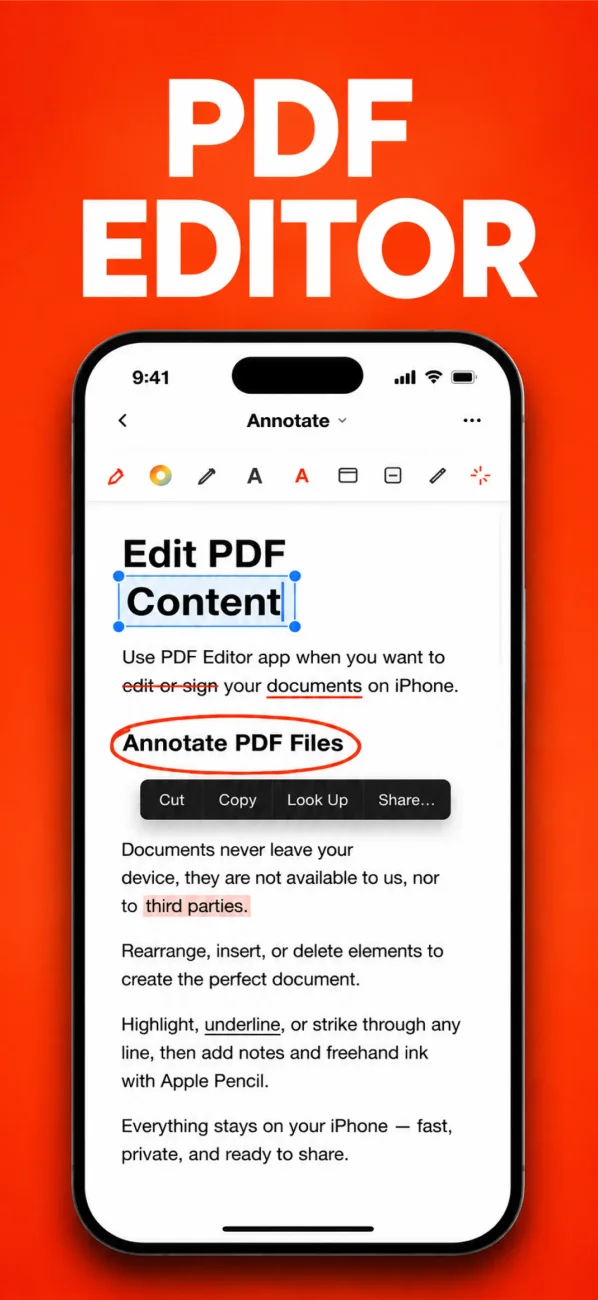
Edit PDFs
• Edit PDF text
• Add or remove text
• Insert images
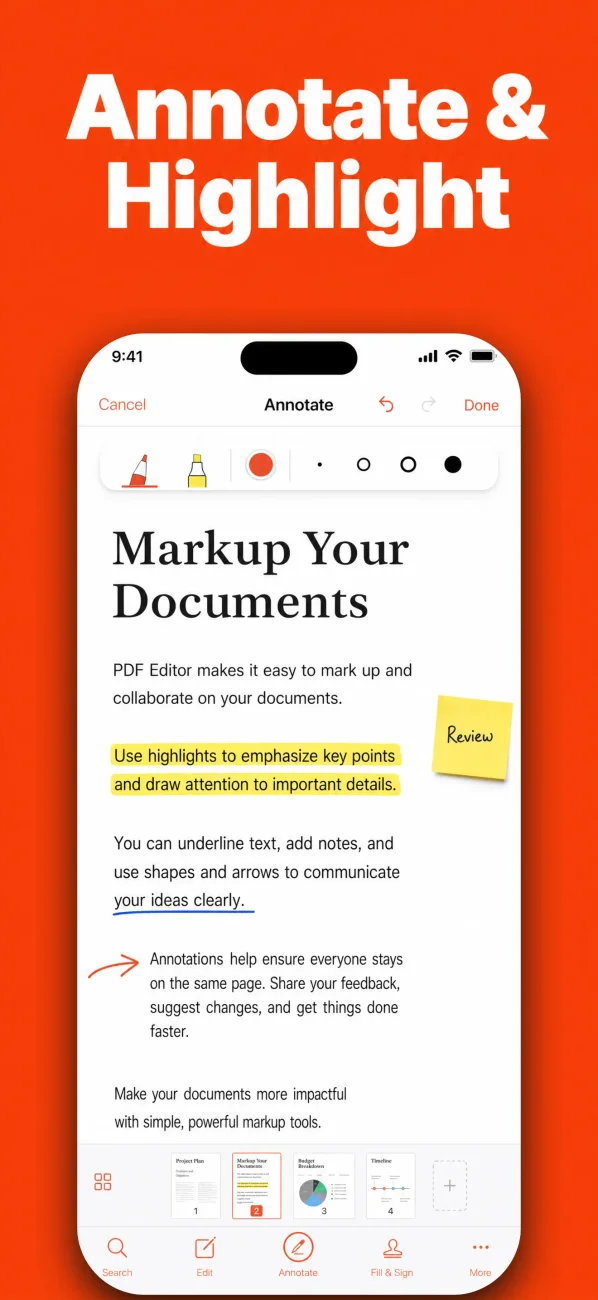
• Highlight, underline, and strike through
• Add comments and notes
• Draw with Apple Pencil or finger
Read & Manage Documents
• Open PDF files instantly
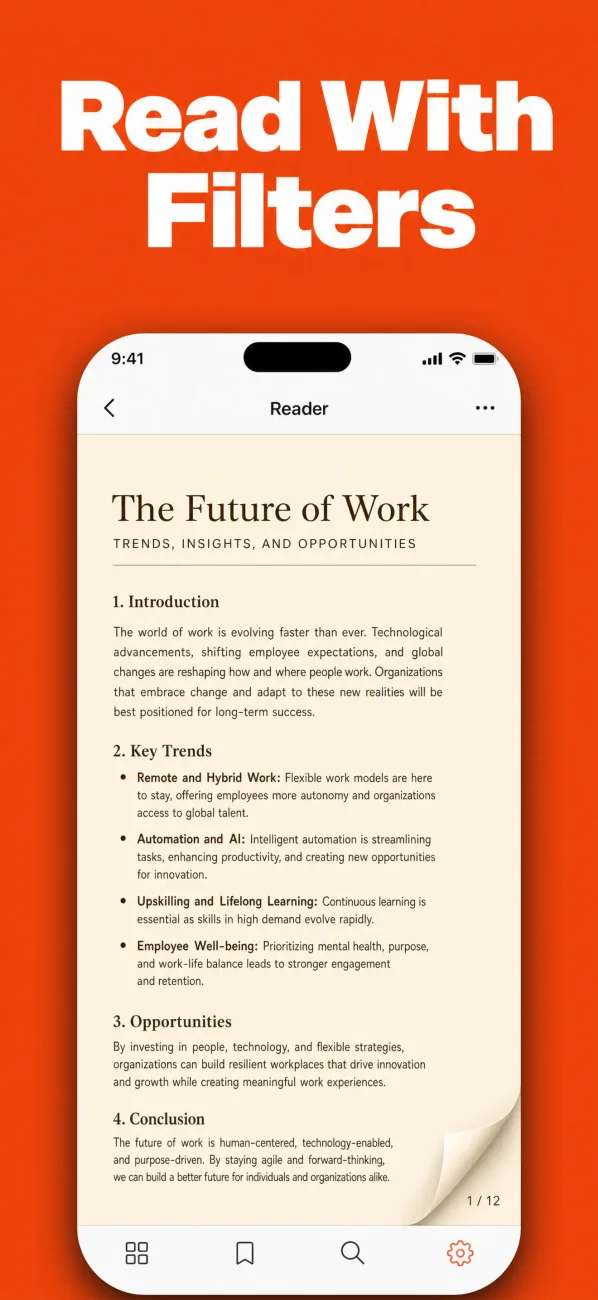
• Bookmark important pages
• Search inside documents
• Dark mode support
• Organize files with folders
• Rename, duplicate, and share documents
Convert Files
• Image to PDF
• JPG to PDF
• PNG to PDF
• Word to PDF
• Excel to PDF
• PowerPoint to PDF
• PDF to Image
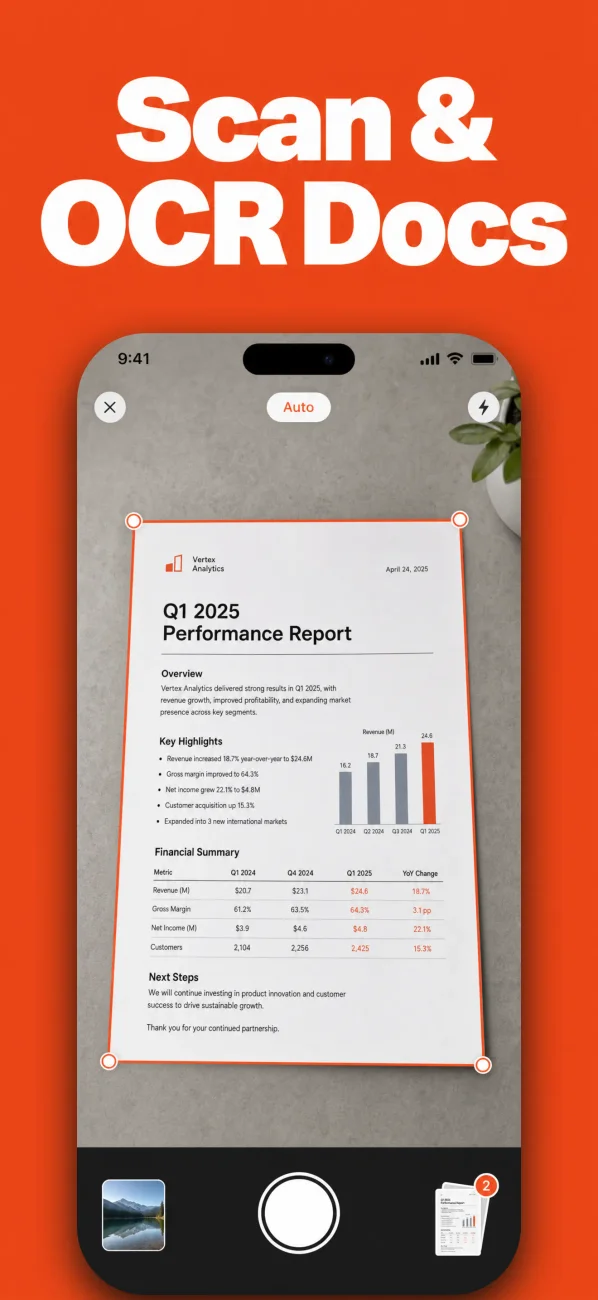
Scan Documents
• Scan paper documents
• Auto edge detection
• Smart cropping
• High-quality PDF output
• Multi-page scanning
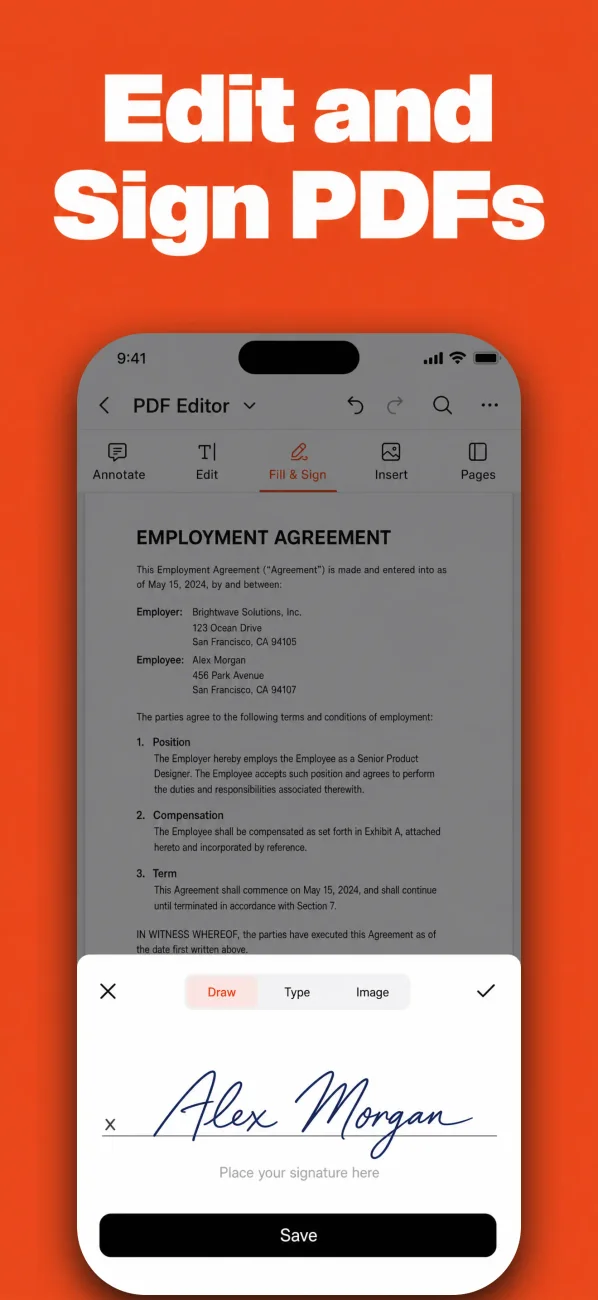
Fill & Sign
• Fill PDF forms
• Create handwritten signatures
• Sign contracts and agreements
• Save reusable signatures
Organize PDFs
• Merge PDF files
• Split PDF documents
• Rearrange pages
• Rotate pages
• Delete pages
• Extract pages
Compress & Protect
• Compress large PDFs
• Password protect files
• Unlock supported PDFs
• Secure document sharing
Perfect for:
• Students
• Business professionals
• Remote workers
• Teachers
• Freelancers
• Anyone who works with PDF documents
Download PDF Editor today and simplify the way you read, edit, convert, sign, and manage PDF files.
Information About Subscription
You can cancel your subscription or free trial anytime by cancelling your subscription through your iTunes account settings, or it will automatically renew. This must be done 24 hours before the end of the free trial or any subscription period to avoid being charged. Subscription with a free trial period will automatically renew to a paid subscription. Please note: any unused portion of a free trial period (if offered) will be forfeited when you purchase a premium subscription during the free trial period.
Subscription payments will be charged to your iTunes account at confirmation of your purchase and upon commencement of each renewal term. For more information, please see our Privacy Policy and Terms of Use.
Privacy Policy & Terms
Privacy Policy: https://appios.com.tr/privacy.html
Terms Of Use: https://appios.com.tr/terms.html
EULA : https://www.apple.com/legal/internet-services/itunes/dev/stdeula/
Neue Funktionen
Version 1.4 · 12.10.2026
-some improvements
-some bugs fixed
App-Datenschutz
Was Appios Bilisim im App Store zum Umgang dieser App mit Daten angibt.
-
Nicht mit Ihnen verknüpfte Daten
Können erfasst werden, sind aber nicht mit Ihrer Identität verknüpft.
- Kennungen
- Nutzungsdaten
- Diagnose
Die Datenschutzpraktiken können variieren, zum Beispiel je nach den von Ihnen verwendeten Funktionen oder Ihrem Alter.
Informationen
- Anbieter
- APPIOS BILISIM TEKNOLOJILERI SANAYI TICARET LIMITED SIRKETI
- Kategorie
- Wirtschaft
- Version
- 1.4
- Aktualisiert
- 12.10.2026
- Veröffentlicht
- 04.07.2026
- Größe
- 57,7 MB
- Erfordert
- iOS 17.0 oder neuer
- Altersfreigabe
- 4+
- Preis
- Kostenlos
- In-App-Käufe
- Ja
- Sprachen
- Englisch
- Copyright
- © APPIOS BILISIM TEKNOLOJILERI SANAYI TICARET LIMITED SIRKETI
Das könnte Ihnen auch gefallen
-
 PDFEditor: PDF Text bearbeitenText im PDF direkt korrigieren
-
 PDF Editor-Füllen & BearbeitenPdf datei bearbeiten und docs
-
 PDF Tool 24: PDF Umwandeln AppPDF Bearbeiten, Unterschreiben
-
 Word Editor : Dokumente BüroDocs erstellen und bearbeiten
-
 PhoneShield: Foto-ManagerHandy schützen & aufräumen
-
 PDF dokumente bearbeiten ・ScanPDF ausfüllen & unterschreiben
-
 PDF Scanner: Bearbeiten & OCRKonverter, Unterschrift, Lesen
-
 Free PDF Editor, Converter AppProduktivität
-
 FreePDF: PDF Scanner & WandlerScannen, umwandeln, verbinden
-
 PDF Files Bearbeiten |Converter, Editor, Umwandeln