
PDF Extractor & Converter
Word, JPG, Text & Offline OCR
Entwickelt für iPhone, iPad, Mac, iPod touch
Kostenlos · In-App-Käufe
- Altersfreigabe4+
- KategorieProduktivität
- Entwickler培强 郝
- SprachenEnglisch+ 1 weitere
- Größe13,0 MB
Verlinkt auf die offizielle App Store-Seite
Download.org hostet keine Datei von PDF Extractor & Converter. Die Schaltfläche öffnet die App-Seite bei App Store, wo 培强 郝 die App veröffentlicht. Eintrag zuletzt geprüft am 15.11.2026.
Screenshots


Info
Der Entwickler hat diesen Text nicht in Ihrer Sprache bereitgestellt.
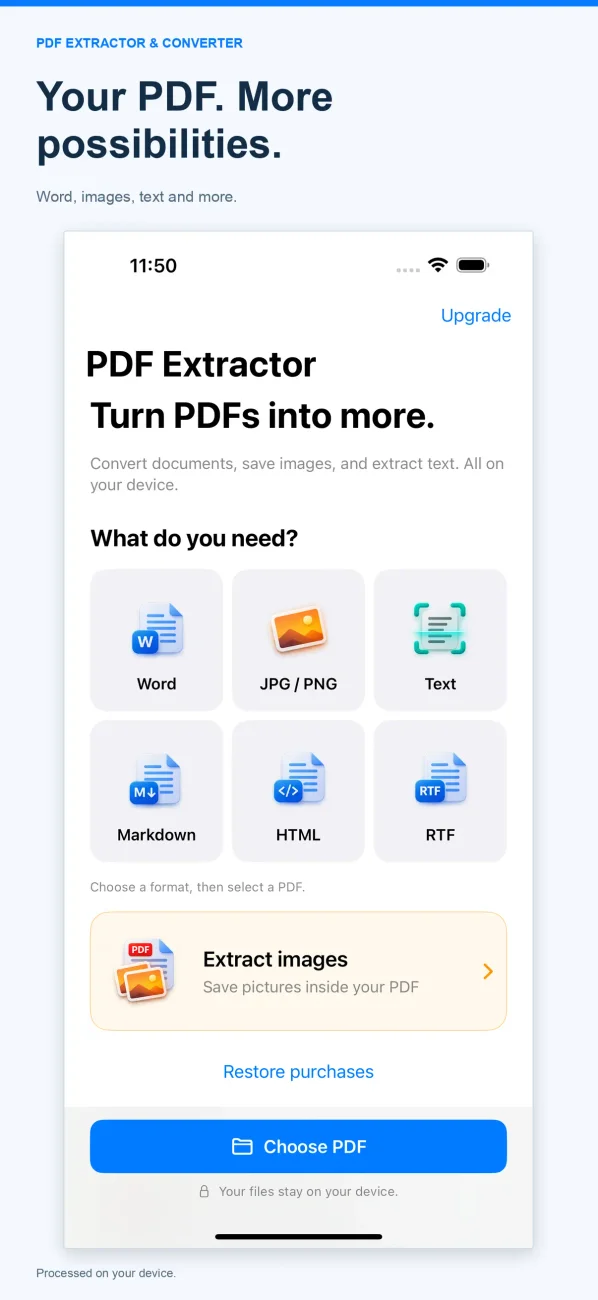
Turn PDFs into content you can use. Convert PDF to Word, JPG, PNG, plain text, Markdown, HTML or RTF on your iPhone, iPad or Mac.
PDF Extractor & Converter processes your documents on your device. No account or document upload is required. Choose your output, select a PDF, and preview the result before saving or sharing.
PDF TO WORD AND MORE
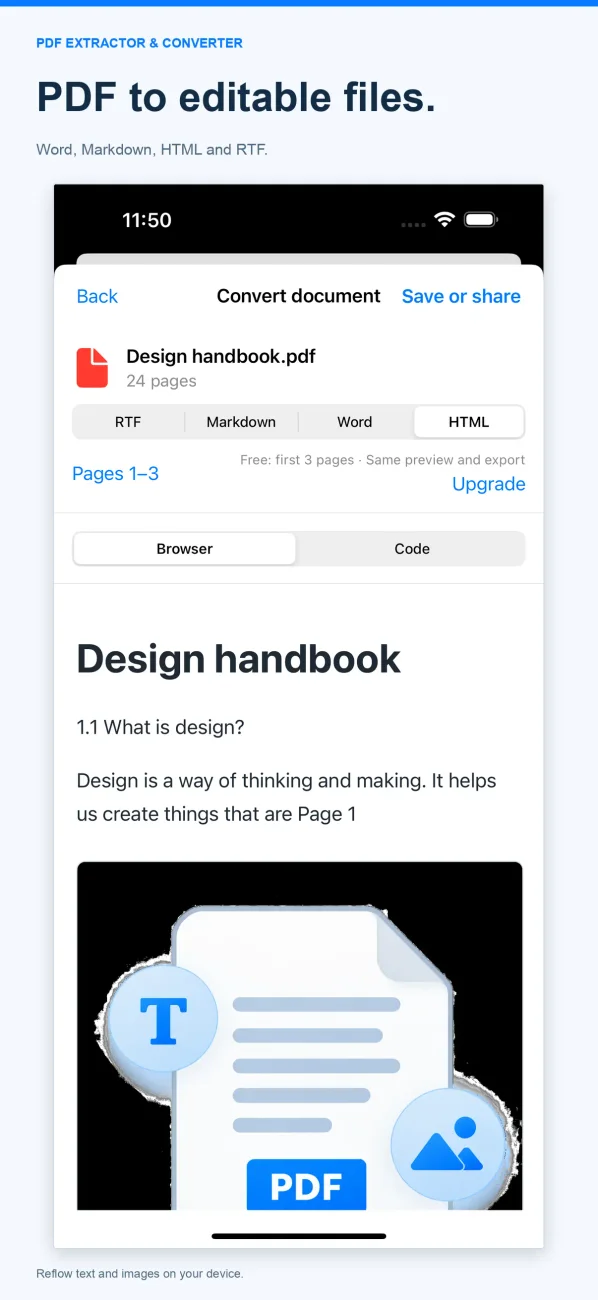
• Convert PDF to editable Word documents (.docx)
• Export Markdown, HTML and RTF with text and images
• Reflow paragraphs into a reusable document
• Recognize text in scanned pages when needed
PDF TO JPG AND PNG
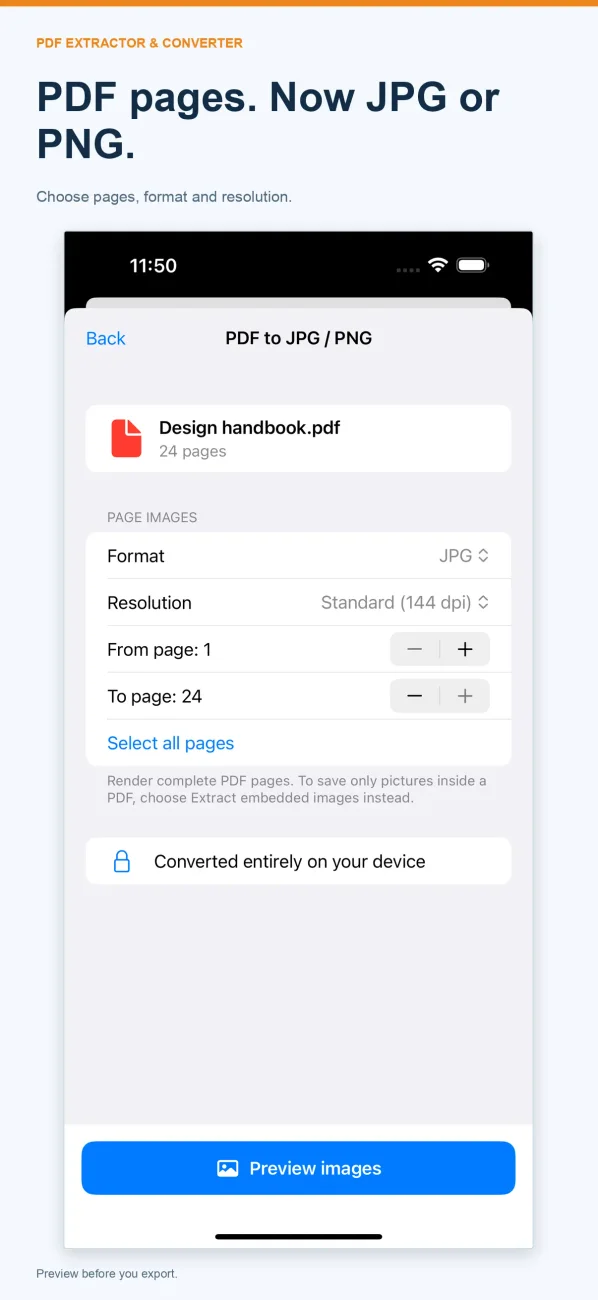
• Turn complete PDF pages into separate JPG or PNG images
• Choose a page range and image resolution
• Preview the generated images before exporting
EXTRACT ORIGINAL IMAGES
• Extract supported embedded images from your PDFs
• Keep embedded-image extraction separate from whole-page conversion
• Save extracted pictures to Photos or export image files
PDF TO TEXT WITH OFFLINE OCR
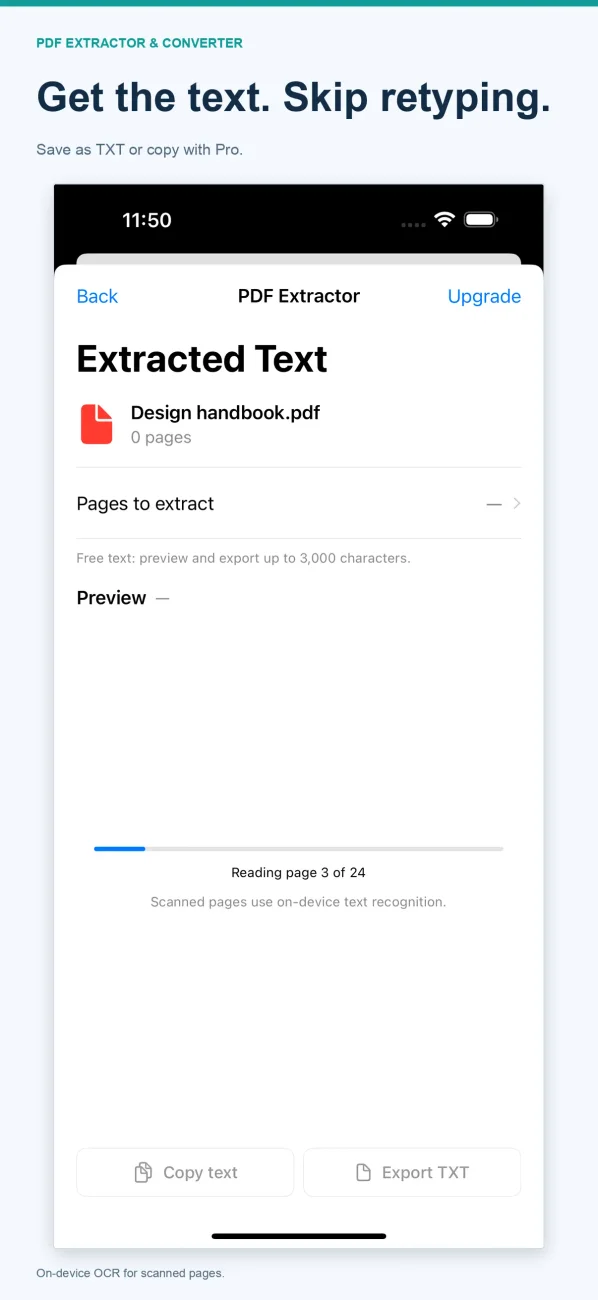
• Extract selectable text or recognize text in scanned pages
• Preview and export plain text as TXT
• Copy extracted text to the clipboard with Pro
LOCAL PROCESSING, CLEAR PREVIEWS
• Documents are processed on your device
• Review the actual output before saving or sharing
• Follow progress and cancel processing
• Use resizable export windows on Mac
TRY IT FREE
Whole-page JPG and PNG conversion is included. Free plain-text preview and export include up to 3,000 characters. Free Word, Markdown, HTML and RTF conversion includes the first 3 source pages, with the same content in preview and export. Embedded-image export includes the first 20 supported images.
Pro is a one-time purchase. Unlock full text and document exports, embedded-image exports beyond the free allowance, clipboard copying and text/document page-range selection. Restore your purchase with the same Apple Account.
Conversion results depend on the PDF's structure and scan quality. Complex layouts may be reorganized, and damaged or unsupported embedded images may not be extractable.
Privacy Policy: https://tiny4.org/pdf/privacy
Support: https://tiny4.org/pdf/support
Neue Funktionen
Version 1.03 · 05.11.2026
• A redesigned interface makes Word, images, text and other output formats easier to find.
• Convert full PDF pages to JPG or PNG, with page-range and resolution controls.
• Extract plain text from scanned pages using on-device text recognition.
• Start by choosing an output format or opening a PDF.
• Preview your generated files before exporting, with resizable export windows on Mac.
App-Datenschutz
Was 培强 郝 im App Store zum Umgang dieser App mit Daten angibt.
-
Keine Daten erfasst
Der Entwickler erfasst keine Daten von dieser App.
Die Datenschutzpraktiken können variieren, zum Beispiel je nach den von Ihnen verwendeten Funktionen oder Ihrem Alter.
Informationen
- Anbieter
- 培强 郝
- Kategorie
- Produktivität
- Version
- 1.03
- Aktualisiert
- 05.11.2026
- Veröffentlicht
- 04.01.2023
- Größe
- 13,0 MB
- Erfordert
- iOS 15.0 oder neuer
- Altersfreigabe
- 4+
- Preis
- Kostenlos
- In-App-Käufe
- Ja
- Sprachen
- Englisch, Vereinf. Chinesisch
- Copyright
- © 2022 Shanghai TinyNetwork
Das könnte Ihnen auch gefallen
-
 Text Extractor OCRProduktivität
-
 PDF Splitter + PDF MergeProduktivität
-
 Text Extractor:Bild zu TextText aus Bild extrahieren
-
 PDF-Konverter Scanner DokumentFotos, Word & Excel umwandeln
-
 Highlights: PDF Reader & NotesProduktivität
-
 OCR Scanner - QuickScanScannen,Dokument,Signieren,PDF
-
 Text Capture: Image to TextProduktivität
-
 UPDF - PDF Editor mit KIKI-Chat,konvertieren,signieren
-
 AI Scanner : Image to TextOCR Text Scanner, PDF Scanner
-
 Smallpdf: Scanner & PDF-EditorKomprimieren,konvertieren,OCR