PDF: Lock & Unlock
Lock & Unlock PDF File
Entwickelt für iPhone, iPad, iPod touch
Kostenlos · In-App-Käufe
- Altersfreigabe4+
- KategorieDienstprogramme
- EntwicklerHardik Dhameliya
- SprachenEnglisch
- Größe35,5 MB
Verlinkt auf die offizielle App Store-Seite
Download.org hostet keine Datei von PDF: Lock & Unlock. Die Schaltfläche öffnet die App-Seite bei App Store, wo Hardik Dhameliya die App veröffentlicht. Eintrag zuletzt geprüft am 12.11.2026.
Screenshots


Info
Der Entwickler hat diesen Text nicht in Ihrer Sprache bereitgestellt.
Instantly lock and unlock PDF password using PDF: Lock & Unlock.
Your PDF will be locked or unlocked and ready for download within seconds.
Most PDFs can be unlocked!
Files with an owner password can be unlocked instantly. However, if the file is thoroughly encrypted, you can only unlock the file by providing the correct password.
PDF: Lock & Unlock is the ultimate solution for managing your PDF files with ease and efficiency. Whether you need to secure, edit, or convert PDFs, this powerful iOS application provides all the essential tools in one place.
Key Features:
Secure & Protect Your PDFs
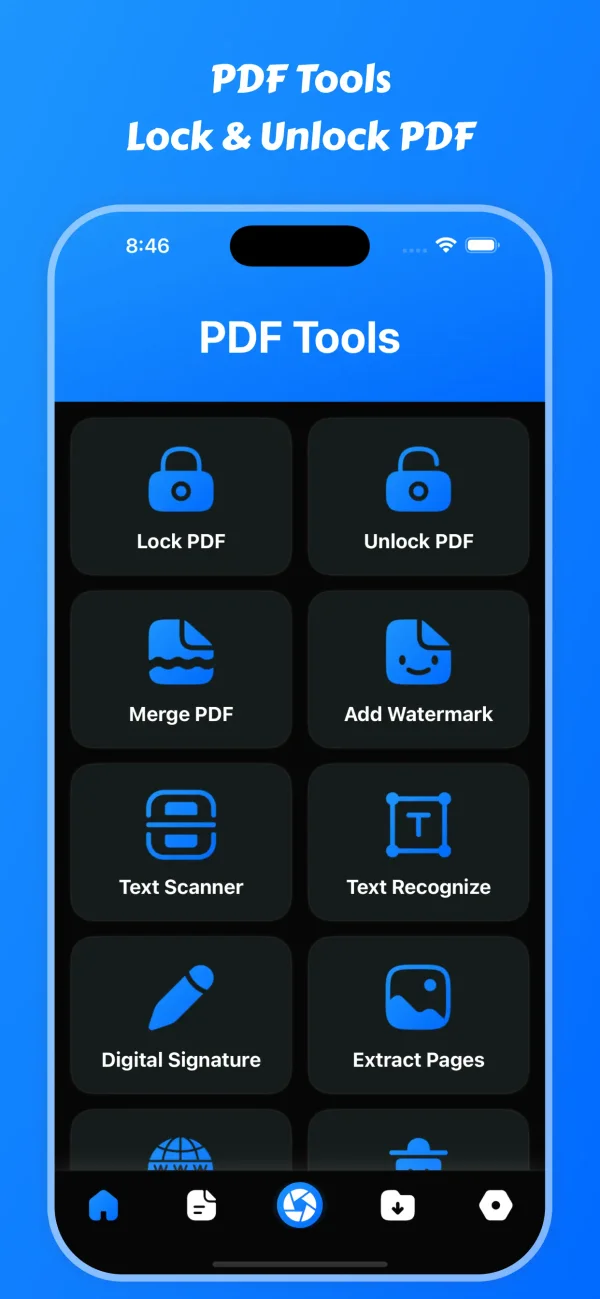
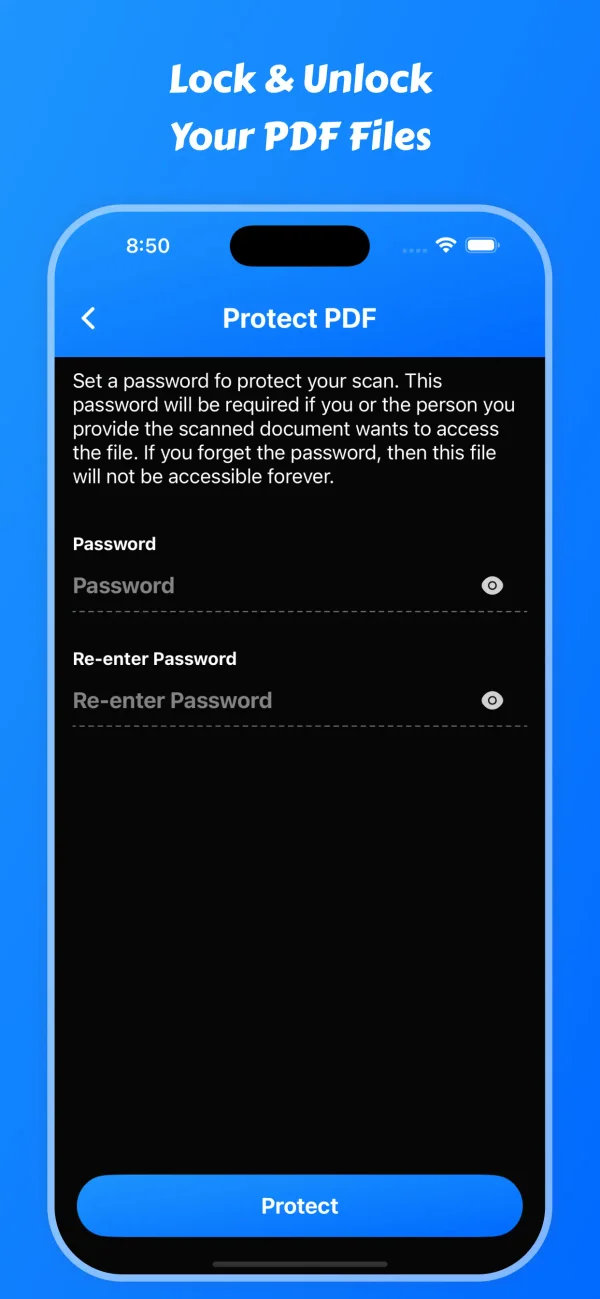
* Lock PDF – Set a strong password to restrict unauthorized access.
* Unlock PDF – Remove password protection from encrypted PDFs easily.
Edit & Modify PDFs
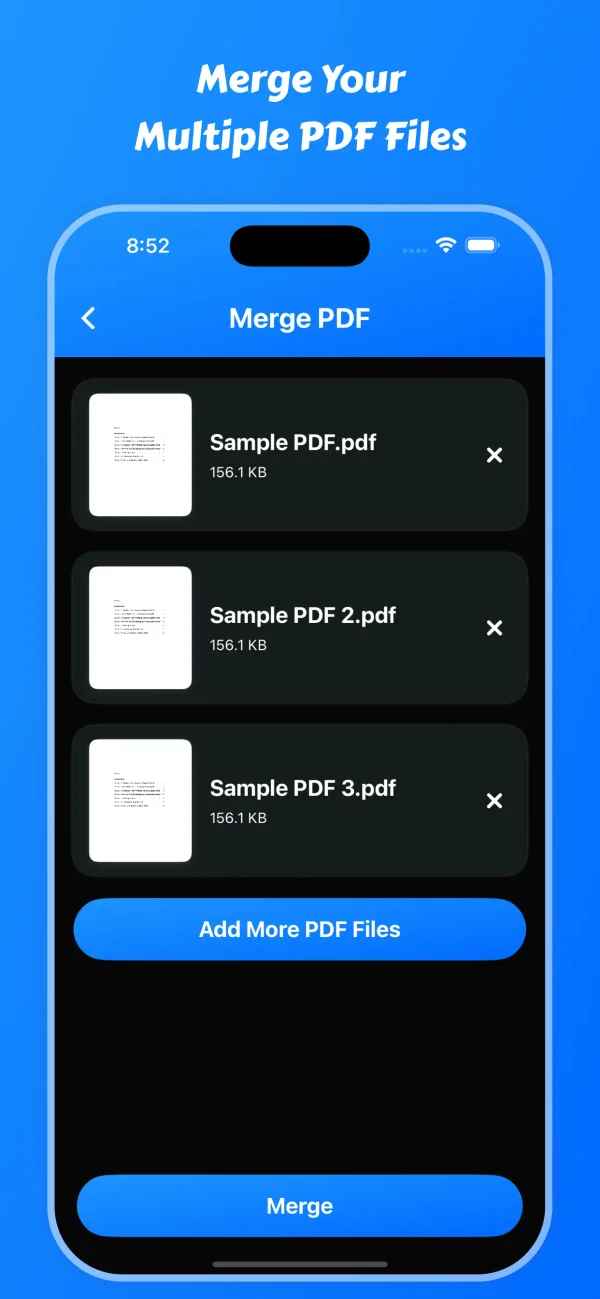
* Merge PDF – Combine multiple PDF files into a single document in seconds.
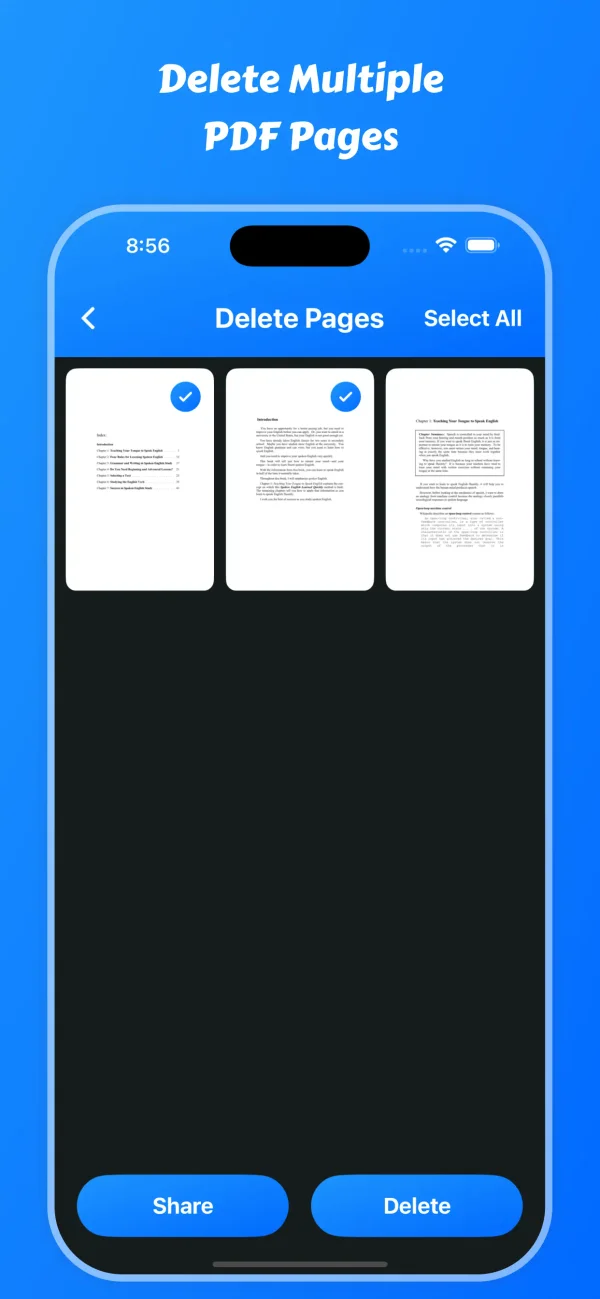
* Page Remover – Delete unwanted pages from a PDF for a cleaner document.
* Extract Pages – Select and save specific pages from a PDF as a new file.
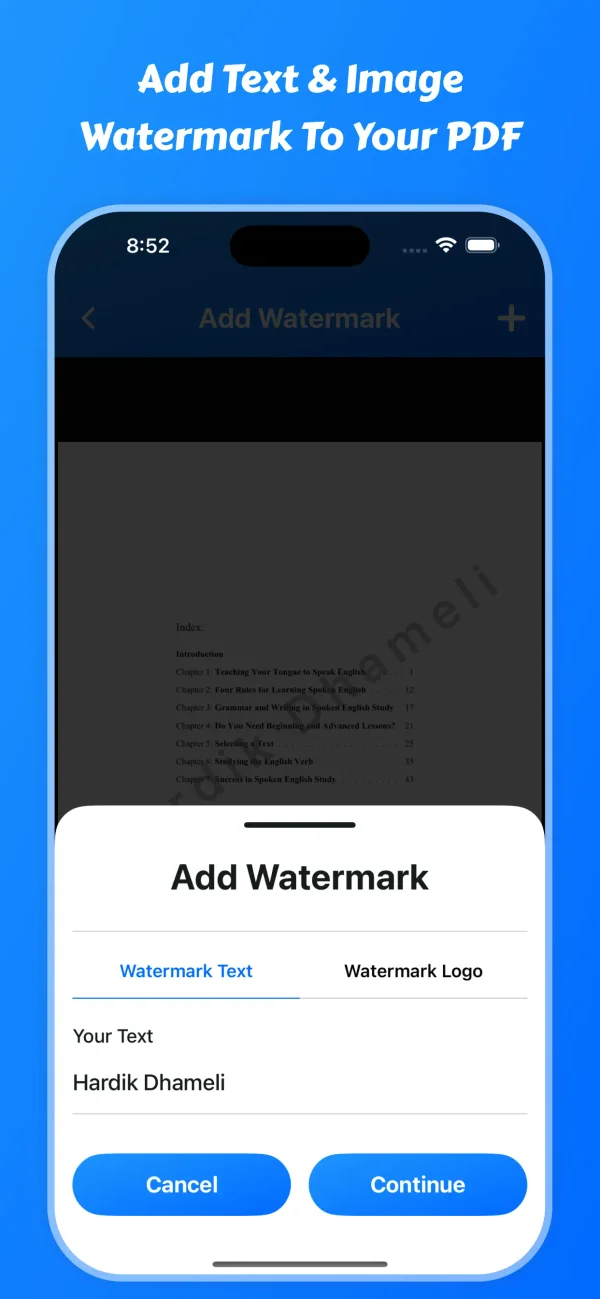
* Add Watermark – Protect your PDFs with custom text or image watermarks.
Text Extraction & Recognition
* Text Scanner (OCR) – Scan printed or handwritten text and convert it into digital text.
* Text Recognize – Detect and extract text from images or PDF documents with high accuracy.
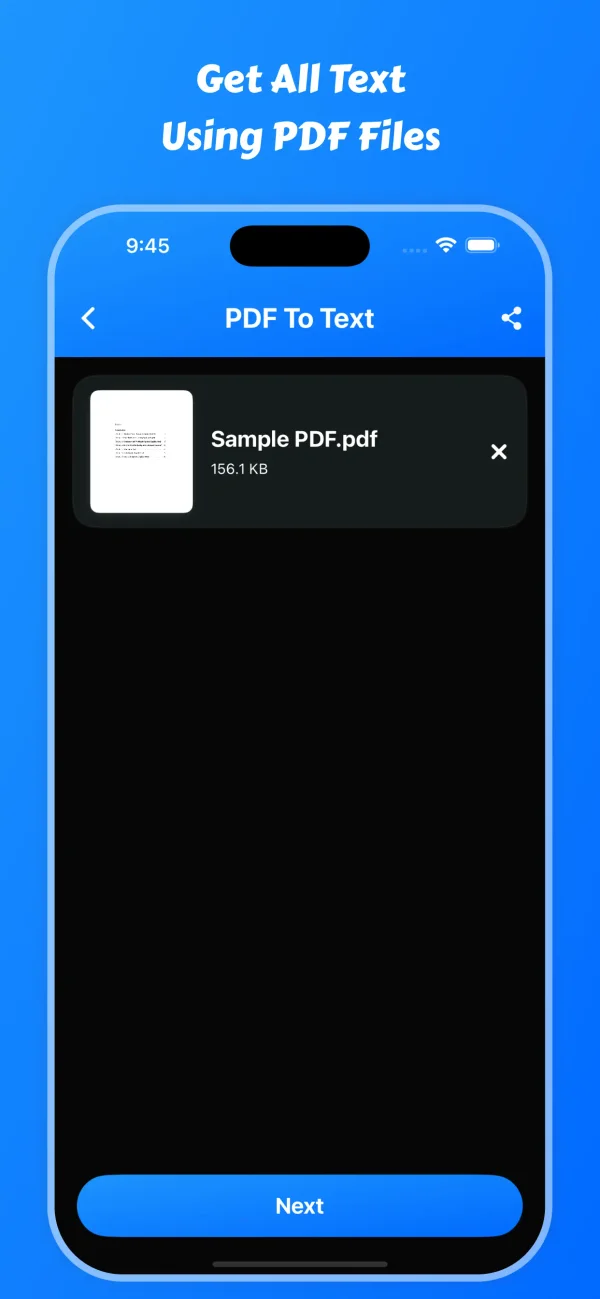
* PDF to Text – Convert PDFs into plain text files for easy editing.
Sign & Authenticate Documents
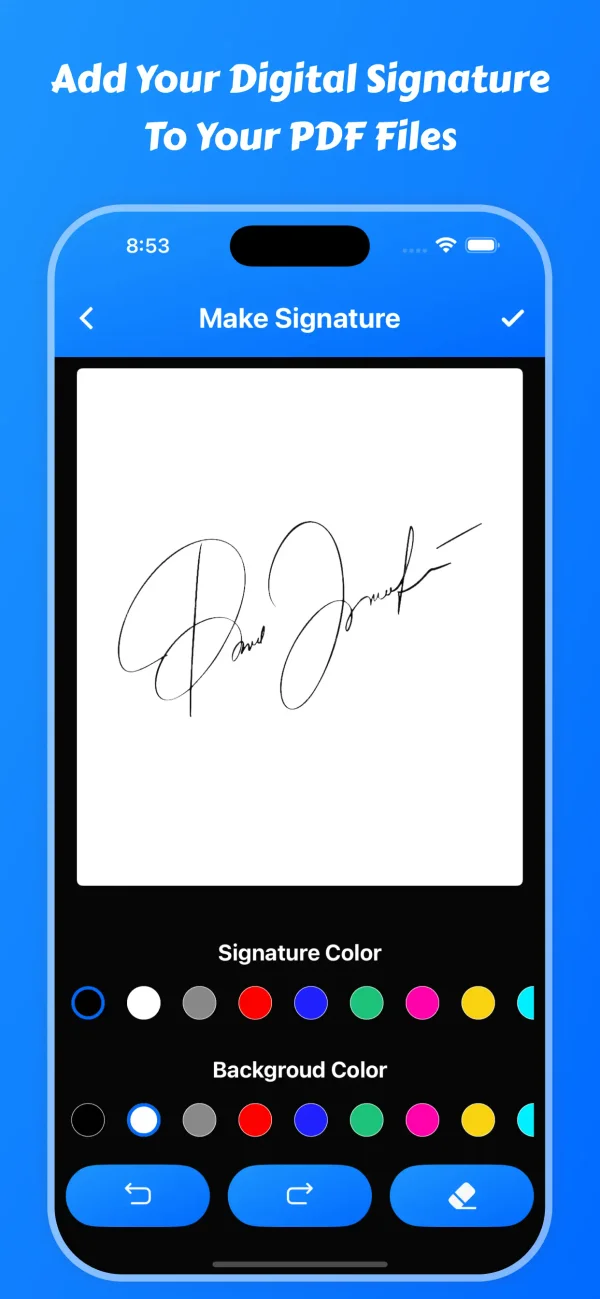
* Digital Signature – Add legally binding electronic signatures directly to your PDFs.
Convert & Share PDFs
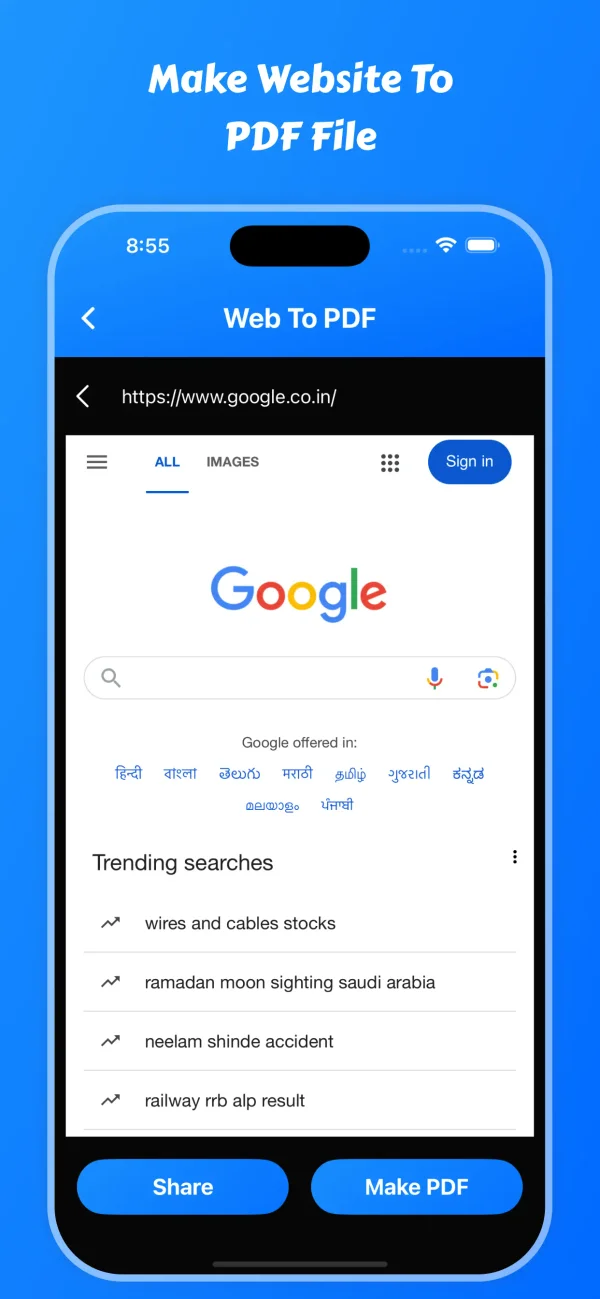
* Web to PDF – Save web pages as PDFs for offline reading and sharing.
* Fast & Secure Sharing – Share PDFs via email, cloud storage, or messaging apps.
How to remove passwords from PDF files:
1. Select your PDF document.
2. Enter your password.
3. Select the option to remove the password.
4. File will save in saved files.
5. Users can share saved pdf files
Features:
- Users can lock and unlock pdf files.
- It is easy to use.
- Users can get all saved pdf files.
- Users can share pdf files.
- Users can delete pdf files.
- Users can view pdf files.
Main Features :
- Lock PDF – Protect your PDFs with a secure password to prevent unauthorized access.
- Unlock PDF – Remove password protection from PDFs for hassle-free access.
- Merge PDF – Combine multiple PDFs into a single document with just a few taps.
- Add Watermark – Insert custom watermarks to protect your documents from unauthorized use.
- Text Scanner (OCR) – Extract text from images or scanned documents with high accuracy.
- Text Recognize – Convert handwritten or printed text into editable digital text.
- Digital Signature – Sign your PDFs electronically for quick and secure document authentication.
- Extract Pages – Select and extract specific pages from a PDF file to create a new document.
- Web to PDF – Convert web pages into PDFs for offline reading and sharing.
- Page Remover – Delete unnecessary pages from your PDF to streamline the document.
- PDF to Text – Convert PDFs into editable text files for easy modification.
Why Choose PDF: Lock & Unlock?
- All-in-One PDF Manager – No need for multiple apps; get everything in one place.
- User-Friendly Interface – Simple and intuitive design for easy navigation.
- Fast & Efficient Processing – Perform PDF actions in seconds.
- Offline Mode – Most features work without an internet connection.
- Secure & Private – Your files remain private, with no data leaks.
Download and enjoy the PDF: Lock & Unlock app.
Privacy Policy: https://softapps.in/App_Privacy.html
Terms of use: https://softapps.in/App_TOS.html
Neue Funktionen
Version 3.4 · 15.10.2026
- Performance Improved
- Crashes FIxed
- iOS 27 Support added
App-Datenschutz
Was Hardik Dhameliya im App Store zum Umgang dieser App mit Daten angibt.
-
Daten, die zum Tracking Ihrer Person verwendet werden
Können verwendet werden, um Sie über Apps und Websites anderer Unternehmen hinweg zu verfolgen.
- Nutzungsdaten
-
Nicht mit Ihnen verknüpfte Daten
Können erfasst werden, sind aber nicht mit Ihrer Identität verknüpft.
- Nutzungsdaten
Die Datenschutzpraktiken können variieren, zum Beispiel je nach den von Ihnen verwendeten Funktionen oder Ihrem Alter.
Informationen
- Anbieter
- Hardik Dhameliya
- Kategorie
- Dienstprogramme
- Version
- 3.4
- Aktualisiert
- 15.10.2026
- Veröffentlicht
- 04.12.2022
- Größe
- 35,5 MB
- Erfordert
- iOS 15.0 oder neuer
- Altersfreigabe
- 4+
- Preis
- Kostenlos
- In-App-Käufe
- Ja
- Sprachen
- Englisch
- Copyright
- © Hardik Dhameliya
Das könnte Ihnen auch gefallen
-
 PDF Password Remover OfflineDienstprogramme
-
 Omni PDF Unlocker - PasswortPDF-Passwort einfach entfernen
-
 Lock Pdf & Unlock PDF OfflineDienstprogramme
-
 lock pdf | unlock pdf expertDienstprogramme
-
 PDF SecureDienstprogramme
-
 PDF Secure, Lock PDF passwordDienstprogramme
-
 ZIP password finderuse dictionary or brute force
-
 PDF To Word: PDF EditorDienstprogramme
-
 PDF Compressor - Reduce SizeDienstprogramme
-
 Folder LockDienstprogramme