PDF Reader - Scanner app
PDF Scanner - PDF Converter
Entwickelt für iPhone, iPad, iPod touch
Kostenlos · In-App-Käufe
- Altersfreigabe4+
- KategorieWirtschaft
- EntwicklerTech Nest
- SprachenEnglisch
- Größe83,5 MB
Verlinkt auf die offizielle App Store-Seite
Download.org hostet keine Datei von PDF Reader - Scanner app. Die Schaltfläche öffnet die App-Seite bei App Store, wo Tech Nest die App veröffentlicht. Eintrag zuletzt geprüft am 24.11.2026.
Screenshots
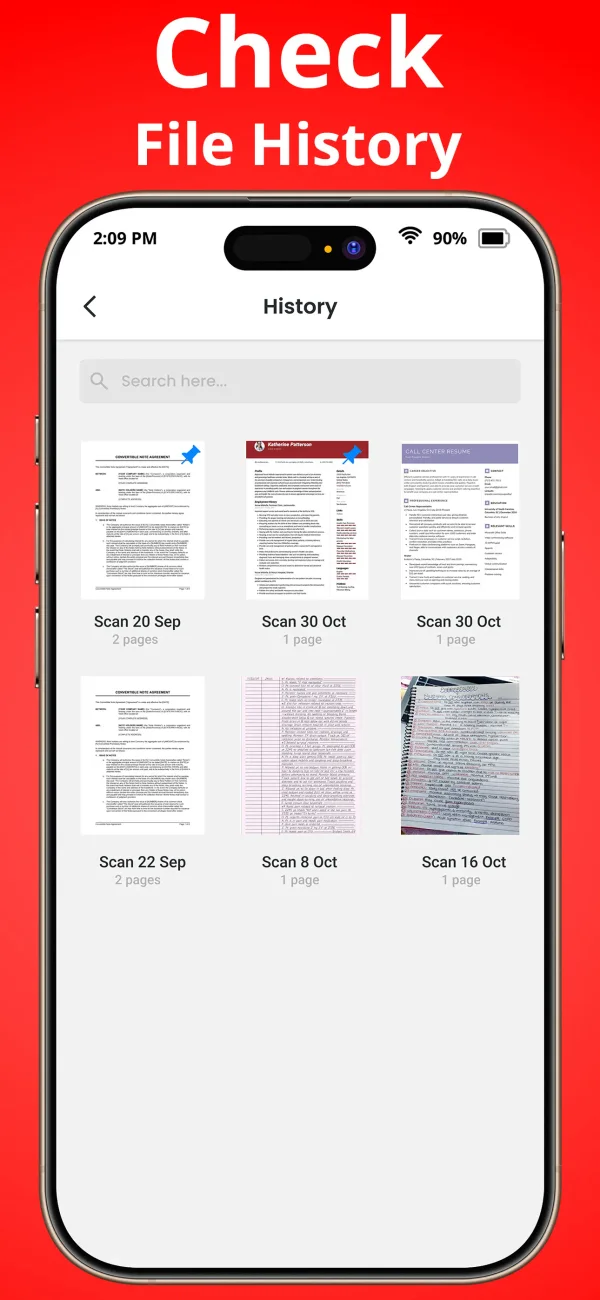
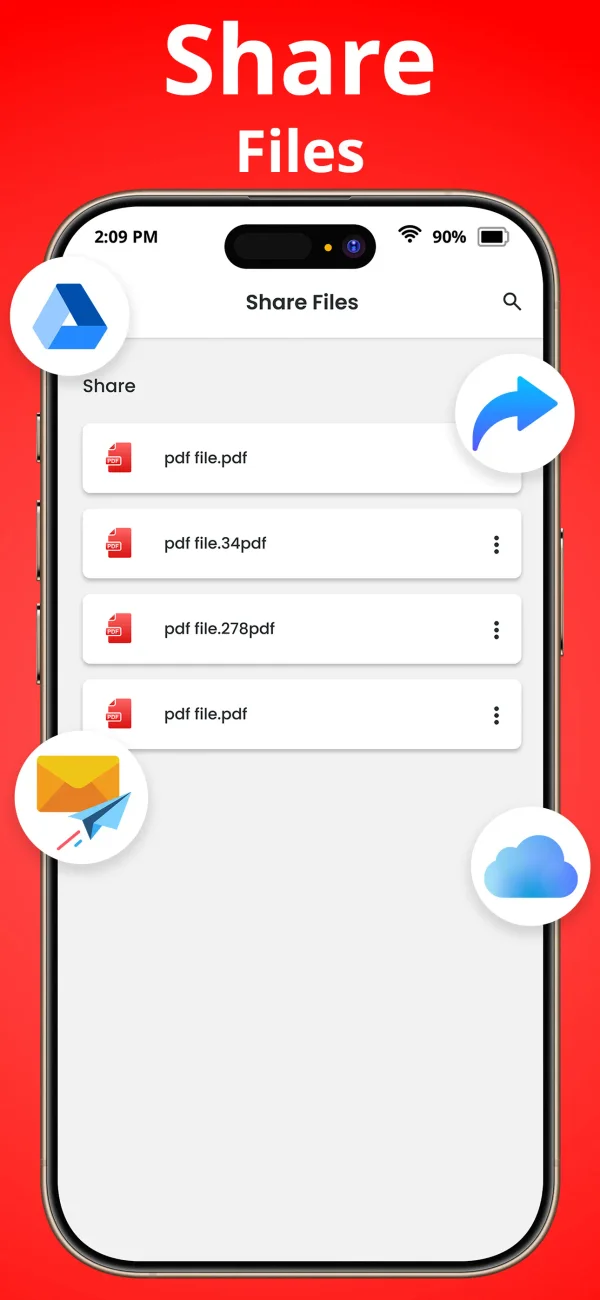
Info
Der Entwickler hat diesen Text nicht in Ihrer Sprache bereitgestellt.
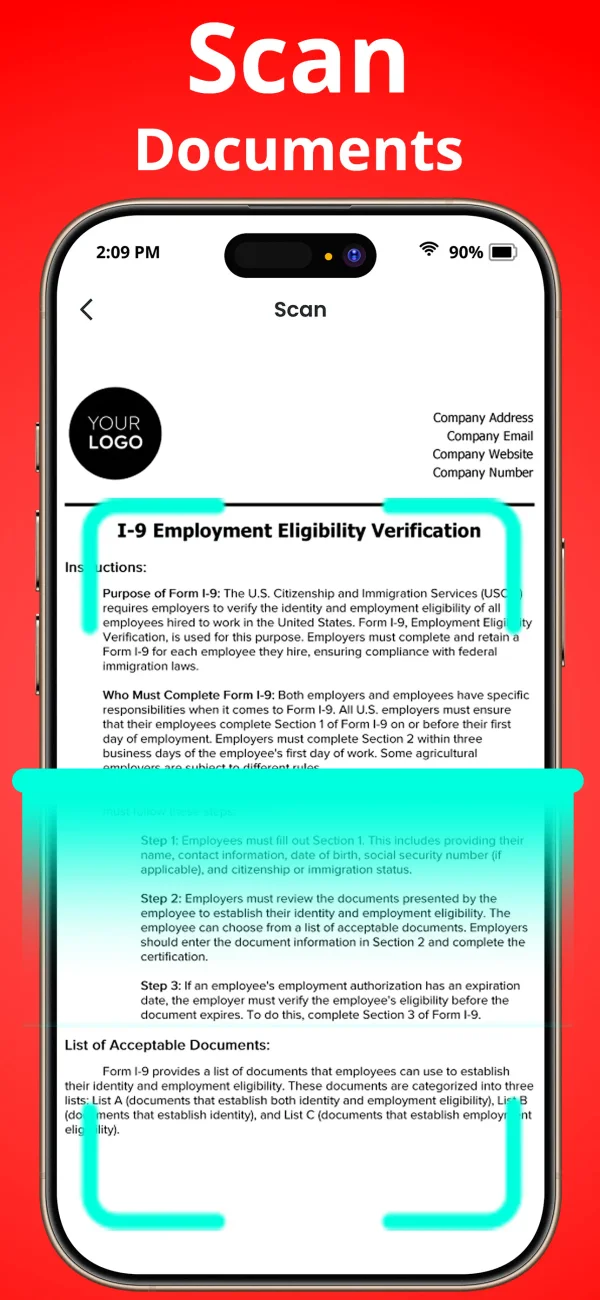
PDF reader - scanner app helps you scan, convert, and manage documents on iPhone and iPad. Whether at the office or on the go, scan documents into PDFs without a bulky scanner. Convert image to PDF and extract text from scans. Get the PDF Scanner app to simplify your document management and document needs. With an extensive set of powerful features, PDF editor app works as an all-document scanner, simplifying your document-related tasks and enhancing your productivity. pdf converter is also a powerful converter, easily converting all PDF files. With just one click, PDF scanner app makes it easy to improve your work efficiency, Try document scanner app now to organize your PDFs
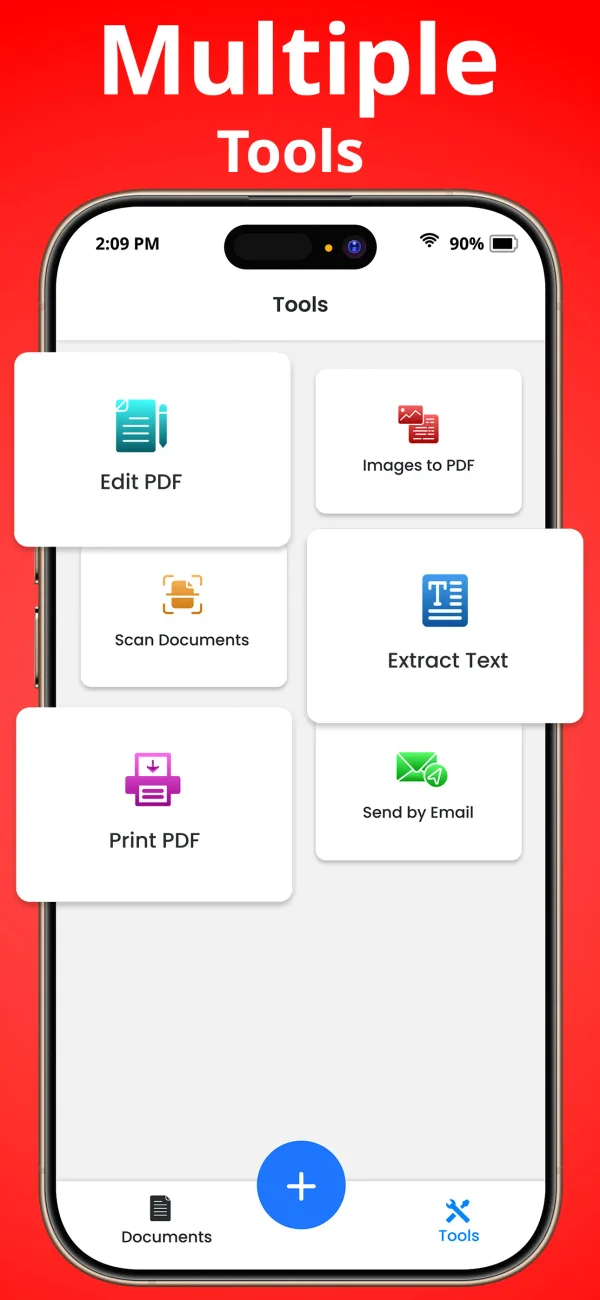
Key features for PDF reader - scanner app
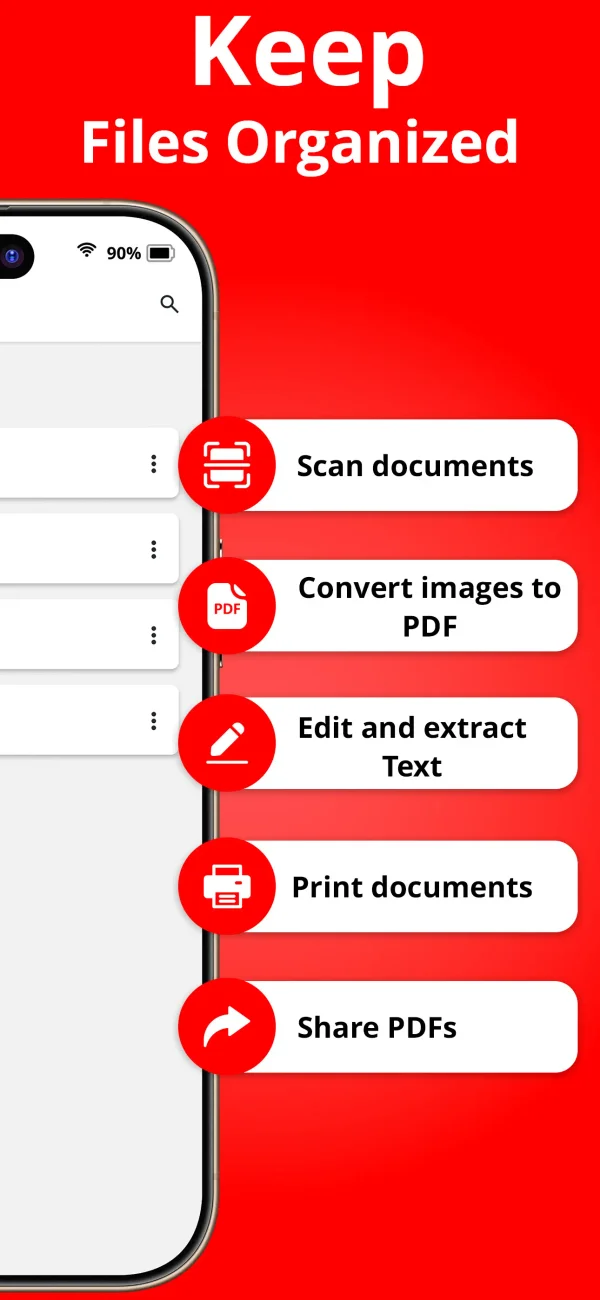
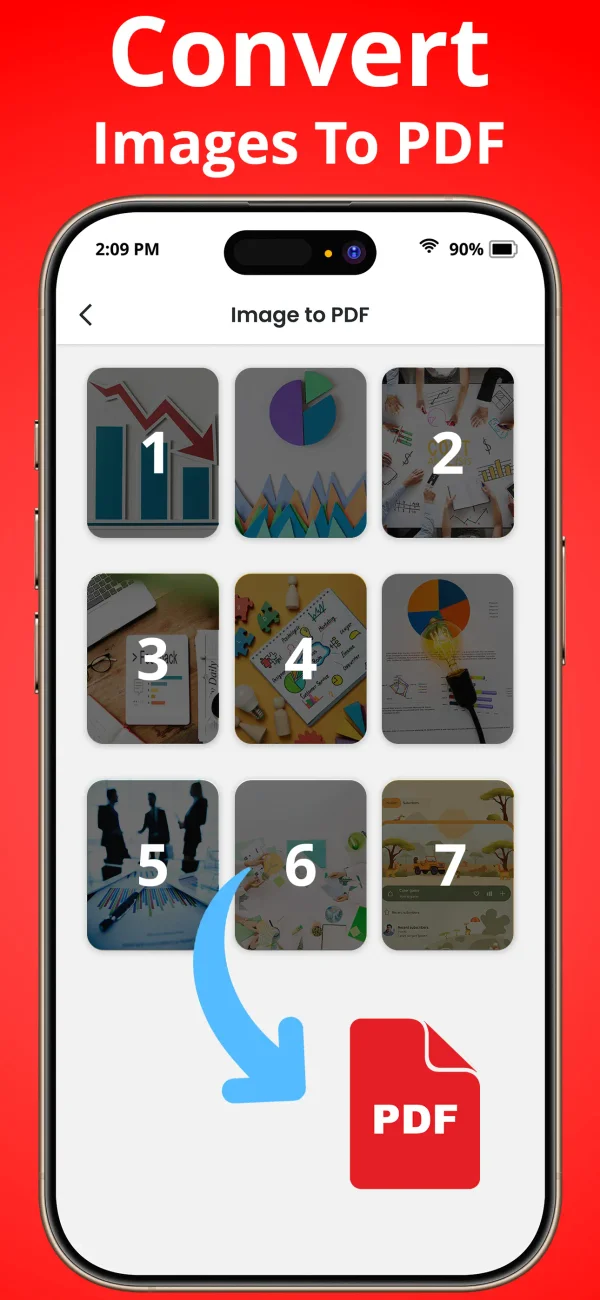
- Image to PDF
- Document scanner
- Document send by email
- Print PDF from iPhone and iPad
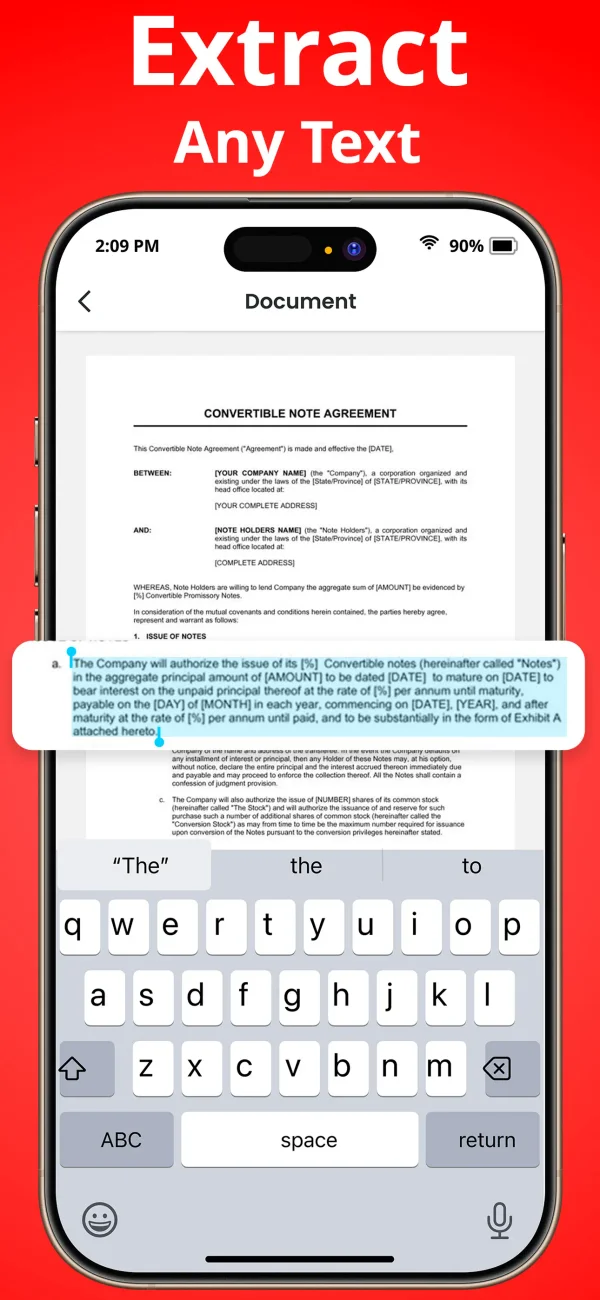
- Extract text
- Add New Pages
Image to PDF
- PDF expert: Create a PDF file from multiple images (PNG, JPG, TIFF, GIF).
- Convert images and documents to PDF converter files
- The powerful features make the ultimate PDF converter for your device to convert jpg to pdf
- Convert image to PDF easily and safely
Document scanner
- Easily scan documents receipts, contracts, notes, books, and more.
- Save scans as multipage PDFs or JPGs, catering to all your document needs
- Effortlessly PDF scanner scans multiple pages and compiles them into a single,
Document send by email
- Share unlimited files with your contacts and email
- Share, email, and upload your scans anywhere with cloud compatibility
- Option to email as attachments or share links directly.
Print PDF
- PDF reader - scanner app makes it easy for you to print from your iPhone or iPad
- Print & Scan pdf reader - scanner app helps you to print your documents and photos easily
- Print sizes, page counts, and orientations may be easily changed.
- Directly print PDFs like contracts and invoices from the file converter
Extract text
- Multi-Format Support, Extract text from PDFs, Word documents, images, and more.
- OCR Technology, file Converter text from images into editable and searchable content.
- Cloud Integration, PDF expert and save extracted text to cloud storage like Google Drive or OneDrive.
Add New Pages
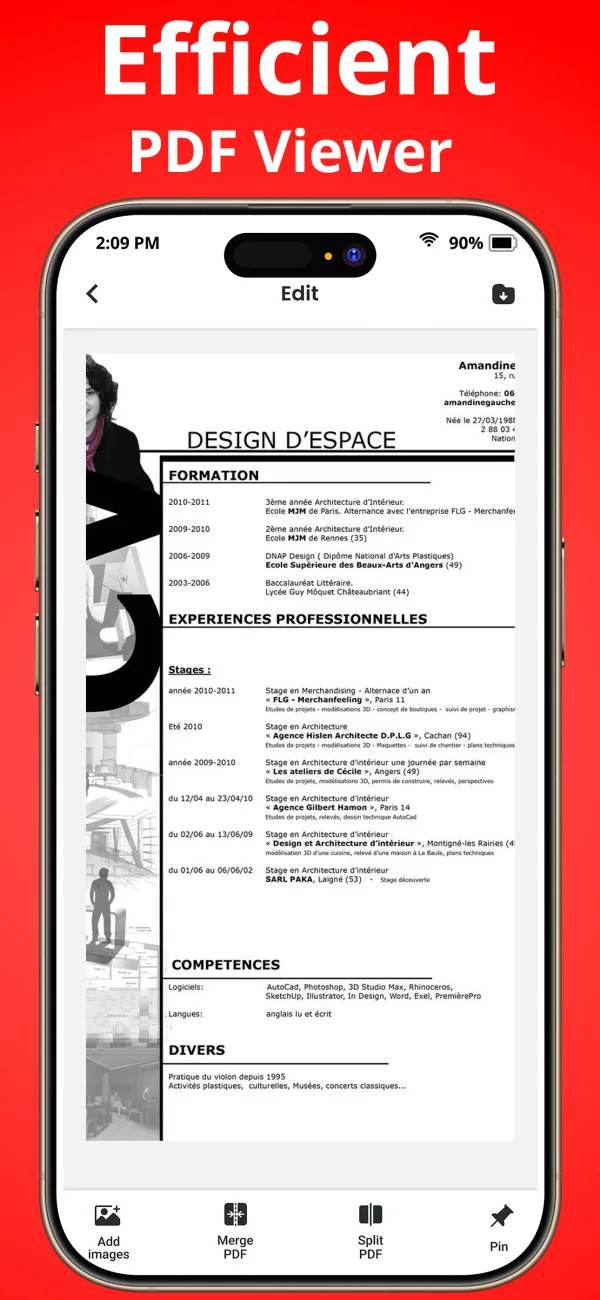
- Organize pages: Add, delete, extract, rotate, merge, split, crop, and rearrange PDF files.
- Insert new pages into documents for better organization.
- Remove unnecessary pages to streamline your document.
PDF editor
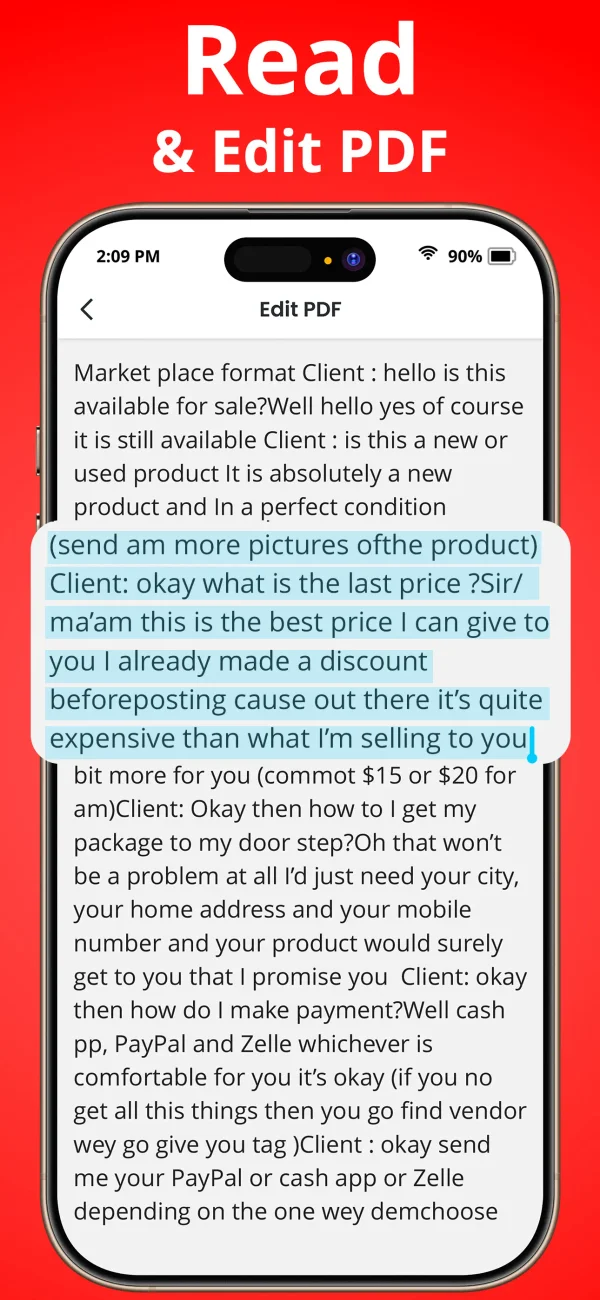
- With our PDF editor, edit text and images directly in your PDF
- Fix typos or add paragraphs with the PDF editor
- Easily add, delete, or rotate any image and PDF file converter
PDF Reader - scanner app makes it easy for you to print from your iPhone or iPad. Select the document scanner or photo from your camera that you want to print, select your printer, and send the print job. You print all sorts of different documents: PDF, Word DOC, Excel XLS, PowerPoint PPT, Photoshop PSD, JPEG, PNG, BMP, TIFF, GIF, and more, Image to PDF file converter, Transform images and photos (including PNG, JPEG, and more) into pdf converter files. Perfect for creating PDF expert, portfolios, and presentations
By using our app, you accept to our Privacy Policy and Terms of use.
Privacy Policy: https://sites.google.com/view/technestitservices/pdf-reader-scanner-app/privacy-policy
Terms of Use: https://sites.google.com/view/technestitservices/pdf-reader-scanner-app/terms-of-use
Neue Funktionen
Version 1.1.8 · 05.11.2026
Bug Fixes & Improvements
App-Datenschutz
Was Tech Nest im App Store zum Umgang dieser App mit Daten angibt.
-
Daten, die zum Tracking Ihrer Person verwendet werden
Können verwendet werden, um Sie über Apps und Websites anderer Unternehmen hinweg zu verfolgen.
- Nutzungsdaten
-
Nicht mit Ihnen verknüpfte Daten
Können erfasst werden, sind aber nicht mit Ihrer Identität verknüpft.
- Nutzungsdaten
- Diagnose
Die Datenschutzpraktiken können variieren, zum Beispiel je nach den von Ihnen verwendeten Funktionen oder Ihrem Alter.
Informationen
- Anbieter
- Tech Nest IT Services
- Kategorie
- Wirtschaft
- Version
- 1.1.8
- Aktualisiert
- 05.11.2026
- Veröffentlicht
- 21.12.2024
- Größe
- 83,5 MB
- Erfordert
- iOS 16 oder neuer
- Altersfreigabe
- 4+
- Preis
- Kostenlos
- In-App-Käufe
- Ja
- Sprachen
- Englisch
- Copyright
- © 2024 Tech Nest IT Services
Das könnte Ihnen auch gefallen
-
 PDF Editor - Convert FileOCR, Scan, Edit & Image to PDF
-
 PDF Reader: Edit & OCR ScanProduktivität
-
 Scan MyPDF ProProduktivität
-
 PDF & Document Scanner.Wirtschaft
-
 PDF Converter - OCR ReaderScan to PDF & OCR Extractor
-
 Quick PDF EnchanterWirtschaft
-
 PDF-Scanner & OCR cleverBildumwandlung & Teilen
-
 Easy PDF ManagerPDF to Image – Long Image
-
 PDF Converter- Photos & WordProduktivität
-
 PDF Editor: Scan & ConvertProduktivität