PDF Scanner: Scan & Sign Doc
Sign, OCR, Merge & QR Reader
Entwickelt für iPhone, iPad
Kostenlos · In-App-Käufe
- Altersfreigabe4+
- KategorieWirtschaft
- EntwicklerAdam Jessop
- SprachenEnglisch+ 15 weitere
- Größe56,9 MB
Verlinkt auf die offizielle App Store-Seite
Download.org hostet keine Datei von PDF Scanner: Scan & Sign Doc. Die Schaltfläche öffnet die App-Seite bei App Store, wo Adam Jessop die App veröffentlicht. Eintrag zuletzt geprüft am 23.11.2026.
Screenshots
Info
Der Entwickler hat diesen Text nicht in Ihrer Sprache bereitgestellt.
Handy, fast, and efficient — PDF Scanner by ScanWise is your ultimate document scanning tool.
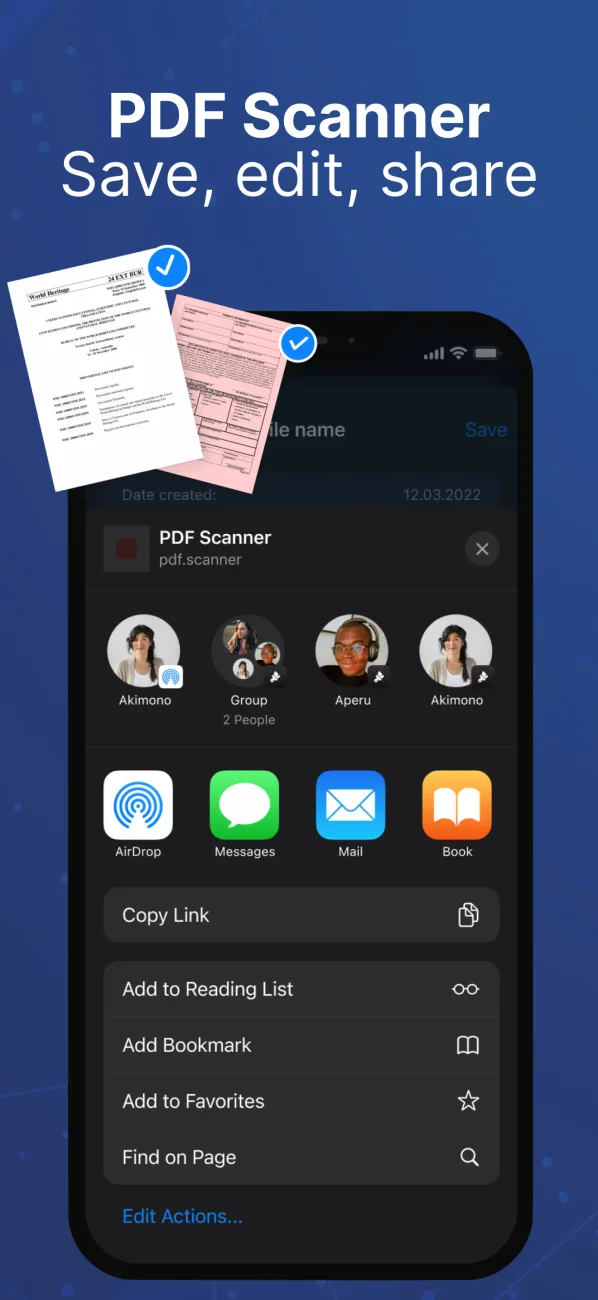
Turn your smartphone into a powerful portable scanner and digitize any document in seconds. With smart OCR technology, high-resolution output, and full customization options, scanning, saving, and sharing documents has never been this easy.
PDF Scanner makes it possible to scan all kinds of paperwork including contracts, receipts, ID cards, books, magazines, posters, photos, and passports. Keep everything organized, secure, and accessible — right in your pocket.
Key Features:
Smart PDF Scanner: Quickly scan documents, forms, notes, and more. Create clear, professional-quality PDFs from your phone camera or image library.
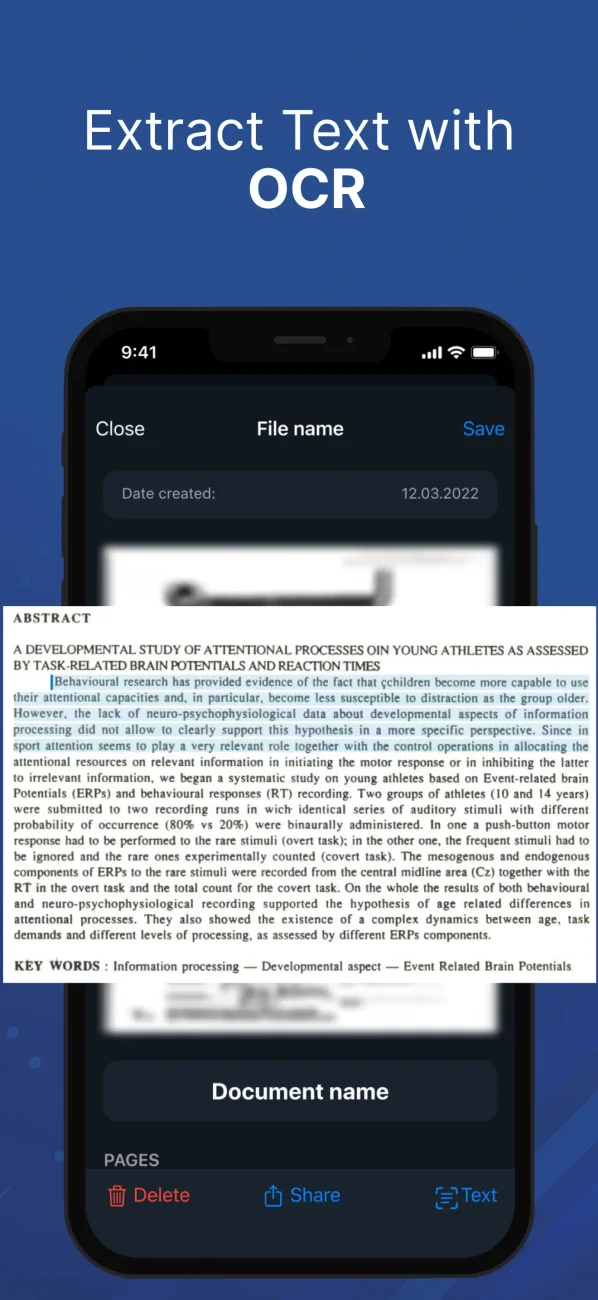
OCR Technology: Extract text from scanned images with Optical Character Recognition. Edit, copy, and share text from books, printed pages, or handwritten notes.
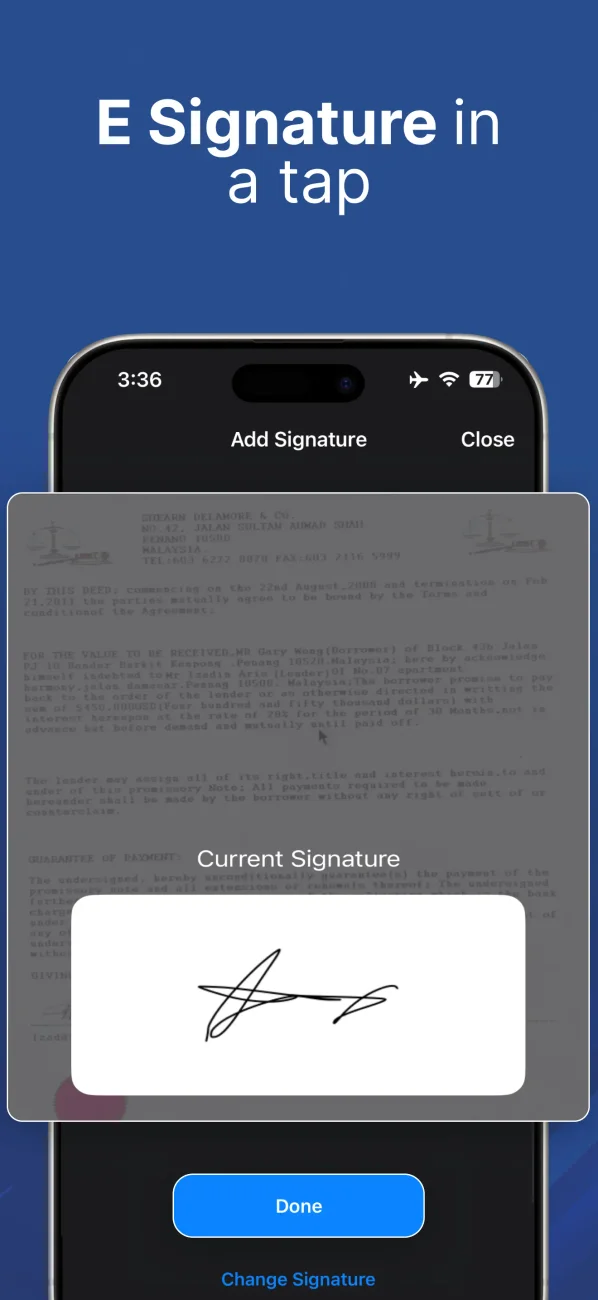
Document Signing: Easily add your signature to scanned documents. Sign contracts, forms, and official papers directly within the app — no printing required.
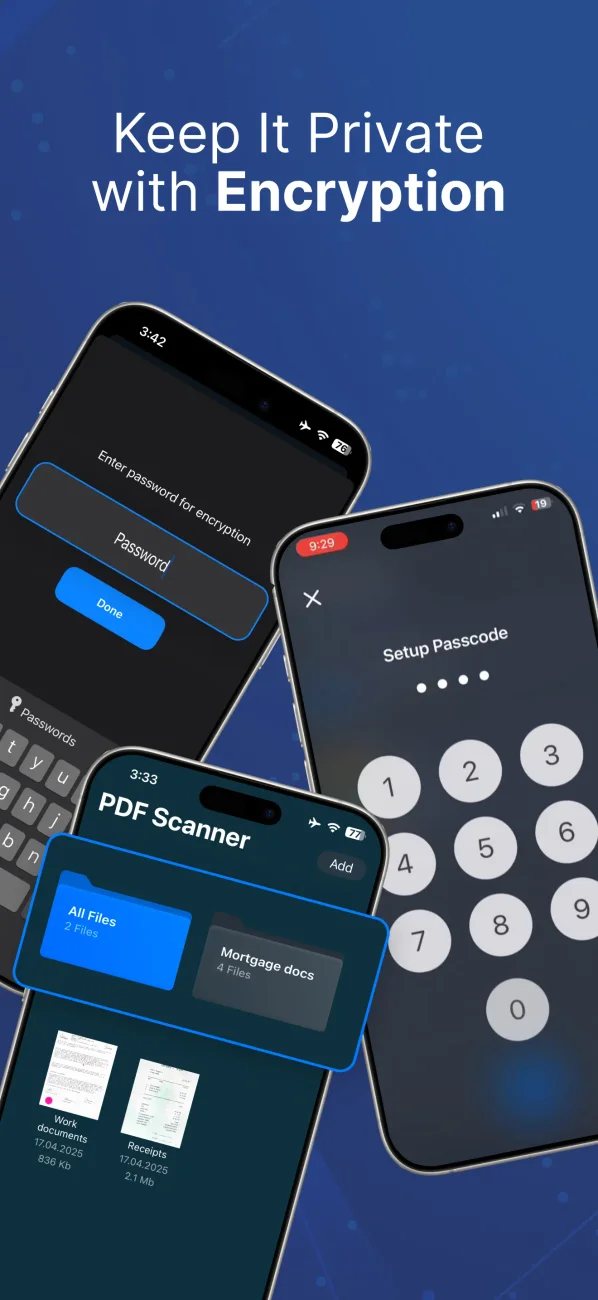
Advanced Document Editor: Rename, copy, move, delete, and reorder scanned pages. Adjust brightness and contrast, crop edges, and manage files into folders. Create single or multi-page PDFs with ease.
Secure File Protection: Set passcodes and encrypt files to keep your scanned documents private and safe.
JPG to PDF Converter: Import images or scan using your camera to convert into a single PDF file in just a few taps.
Share Instantly: Send your scanned files directly via email, messaging apps, or cloud storage. Compatible with WhatsApp, Facebook, Instagram, Telegram, Messenger, and more.
Made for Everyone:
Whether you're a student scanning notes or a professional managing contracts, this app is designed for fast, reliable scanning on the go.
Highlights:
Clean, user-friendly interface
Automatic background cleanup
Sign documents directly in the app
Image-to-text conversion with OCR
Import or scan using your camera
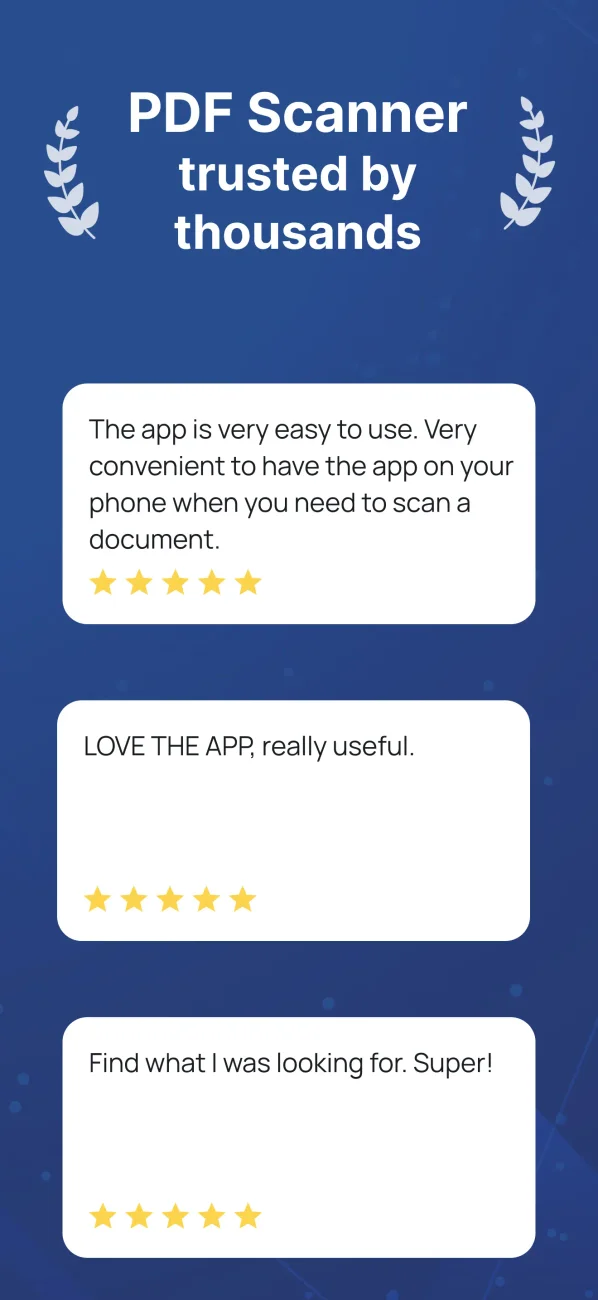
Free to use, ideal for both students and professionals
Experience the easiest way to scan, save, and share documents with the PDF Scanner app.
Privacy Policy: https://pdfscanneriosapp.wordpress.com
Terms & Conditions: https://pdfscanneriosapp.wordpress.com
Neue Funktionen
Version 1.9.44 · 22.11.2026
A big one. New tools, a new look, and a library that's far faster.
NEW
• Merge PDFs — combine several scans into one file, in the order you choose
• Compress PDFs — shrink a document down to something you can actually email
• QR & barcode scanner — point at a code to open the link or copy what it holds
• Siri & Shortcuts — say "Scan a document" and the camera opens
• Search from the Home Screen — your documents now turn up in iPhone search
REDESIGNED
• Light mode, at last — the app follows your iPhone's appearance
• A cleaner library with sharper, faster page previews
• Rebuilt signing: keep more than one signature and drop it on any page,
at the full quality of the original scan
FASTER
• Opening a folder no longer loads every page, so big libraries open right away
• Scans keep their original quality no matter how often you edit and save
FIXED
• Renaming, moving or deleting could act on the wrong document when two
shared a name
• The passcode didn't re-lock when you left the app
• PRO features kept showing as locked after subscribing
• Sharing a PDF left a second copy on your device, quietly using up storage
• Signatures always landed on page 1, whichever page you picked
• A rare case where a page could go missing while a document was saving
Something not working? Email us from Settings — we read everything.
App-Datenschutz
Was Adam Jessop im App Store zum Umgang dieser App mit Daten angibt.
-
Keine Daten erfasst
Der Entwickler erfasst keine Daten von dieser App.
Die Datenschutzpraktiken können variieren, zum Beispiel je nach den von Ihnen verwendeten Funktionen oder Ihrem Alter.
Informationen
- Anbieter
- Adam Jessop
- Kategorie
- Wirtschaft
- Version
- 1.9.44
- Aktualisiert
- 22.11.2026
- Veröffentlicht
- 30.07.2022
- Größe
- 56,9 MB
- Erfordert
- iOS 16.0 oder neuer
- Altersfreigabe
- 4+
- Preis
- Kostenlos
- In-App-Käufe
- Ja
- Sprachen
- Englisch, Arabisch, Französisch, Deutsch, Hindi, Italienisch, Japanisch, Koreanisch, Polnisch, Portugiesisch, Russisch, Vereinf. Chinesisch + 4 weitere
- Copyright
- © PDF Scanner App & Doc iScanner 2025
Das könnte Ihnen auch gefallen
-
 PDF Scanner:File Scanner AppProduktivität
-
 Clear ScannerWirtschaft
-
 Scanner App - PDF ConverterDokumenten Bearbeitungs App
-
 One Scan: PDF Dokument ScannerKI OCR, Unterschreiben, Belege
-
 PDF Scanner: Scan, BearbeitenDokumente Scannen, Konverter
-
 Scanner App: Fast PDF Doc ScanEdit, Convert, & Sign Scans
-
 Camera Scanner - PDF Scan OCRWirtschaft
-
 Camera Scanner : Bild zu PDFPDF Umwandeln & Scanner App
-
 Scanner Mini: Scannen & FaxDokumente/Fotos/Belege scannen