PDF Scanner - Document Scanner
Scan PDF, Sign, Edit & Convert
Entwickelt für iPhone, iPad, iPod touch
Kostenlos · In-App-Käufe
- Altersfreigabe4+
- KategorieProduktivität
- EntwicklerKeyurbhai Tavethiya
- SprachenEnglisch+ 20 weitere
- Größe123,7 MB
Verlinkt auf die offizielle App Store-Seite
Download.org hostet keine Datei von PDF Scanner - Document Scanner. Die Schaltfläche öffnet die App-Seite bei App Store, wo Keyurbhai Tavethiya die App veröffentlicht. Eintrag zuletzt geprüft am 21.11.2026.
Screenshots
Info
Der Entwickler hat diesen Text nicht in Ihrer Sprache bereitgestellt.
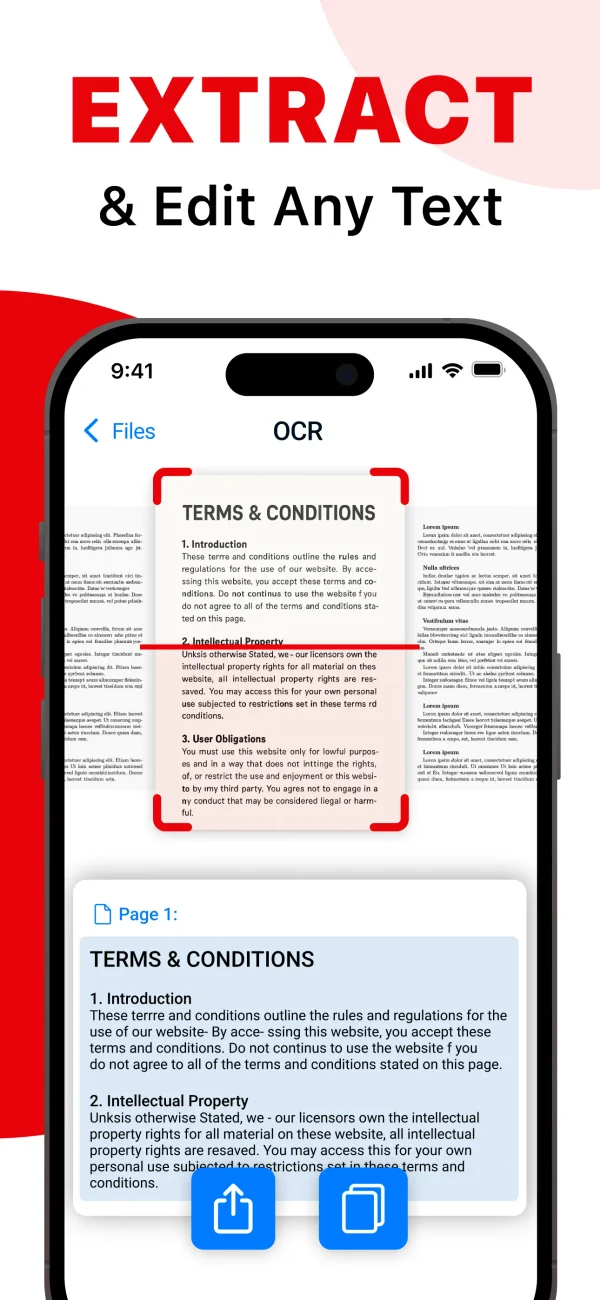
Turn your iPhone into a powerful PDF scanner and document scanner app. Quickly scan documents, convert photos to PDF, create professional PDF files, and manage documents anywhere with this fast and reliable mobile scanner PDF app.
Whether you need to scan receipts, scan documents for work, convert pictures to PDF, or sign PDF files, this all-in-one scanner app for iPhone makes document management simple and efficient.
Perfect for students, professionals, businesses, and everyday users, this free scanner app for documents helps you digitize paperwork in seconds.
Powerful PDF Scanner for Everyday Use:
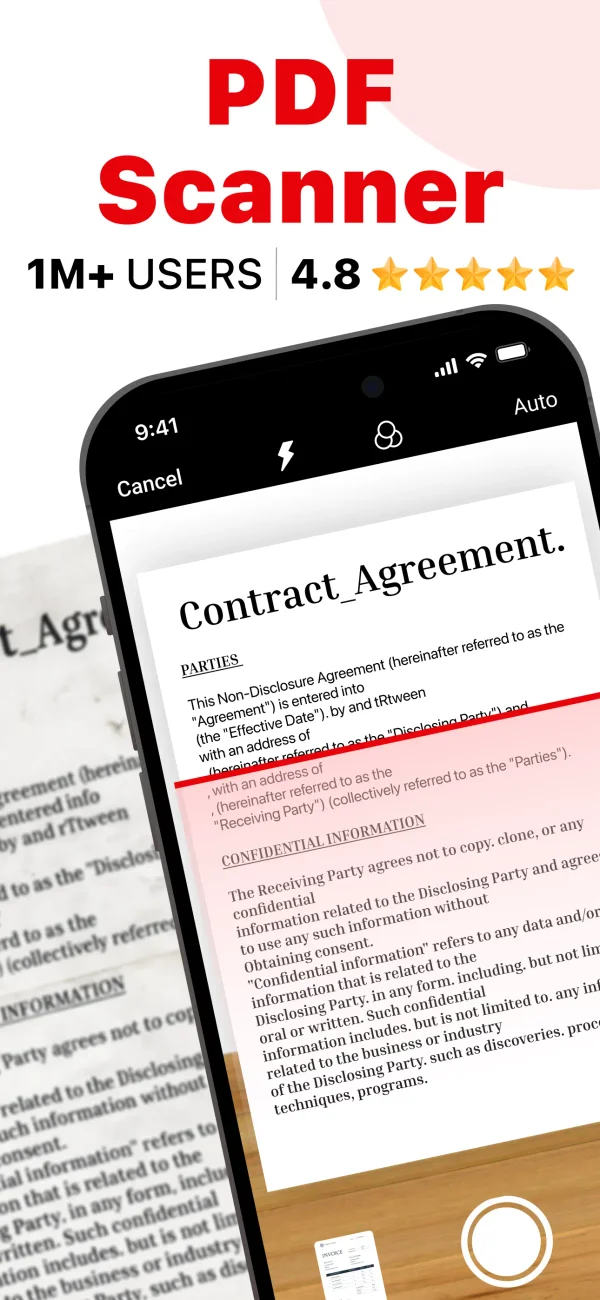
Use your iPhone camera as a digital scanner to scan documents with high clarity. Capture pages, receipts, notes, contracts, IDs, and more.
• Fast PDF document scanner
• Smart document scan and paper scanner technology
• Auto edge detection and perspective correction
• Scan multiple pages and combine into one PDF document
This scanning app with scan to PDF is perfect when you need to scan documents free and convert to PDF quickly.
Photo to PDF Converter:
Easily convert images into professional PDF files.
• Picture to PDF converter
• JPG to PDF converter and JPEG to PDF converter
• Convert photos to PDF documents in seconds
• Perfect photo to PDF converter and PDF creator
Turn your pictures into organized PDF documents for sharing, printing, or storage.
Smart Document Scanner Features:
This powerful document scanner app PDF includes tools to help you manage your files efficiently.
• Scan documents to PDF quickly
• Receipt scanner for expenses and records
• ID scanner and card scanner
• Scan contracts, forms, invoices, and notes
• Professional paper scanner document scan results
With this mobile scanner PDF app, your phone becomes a portable office scanner.
PDF Editor and Document Tools:
Edit and manage your files directly in the app.
• Edit documents free
• Free PDF editor app tools
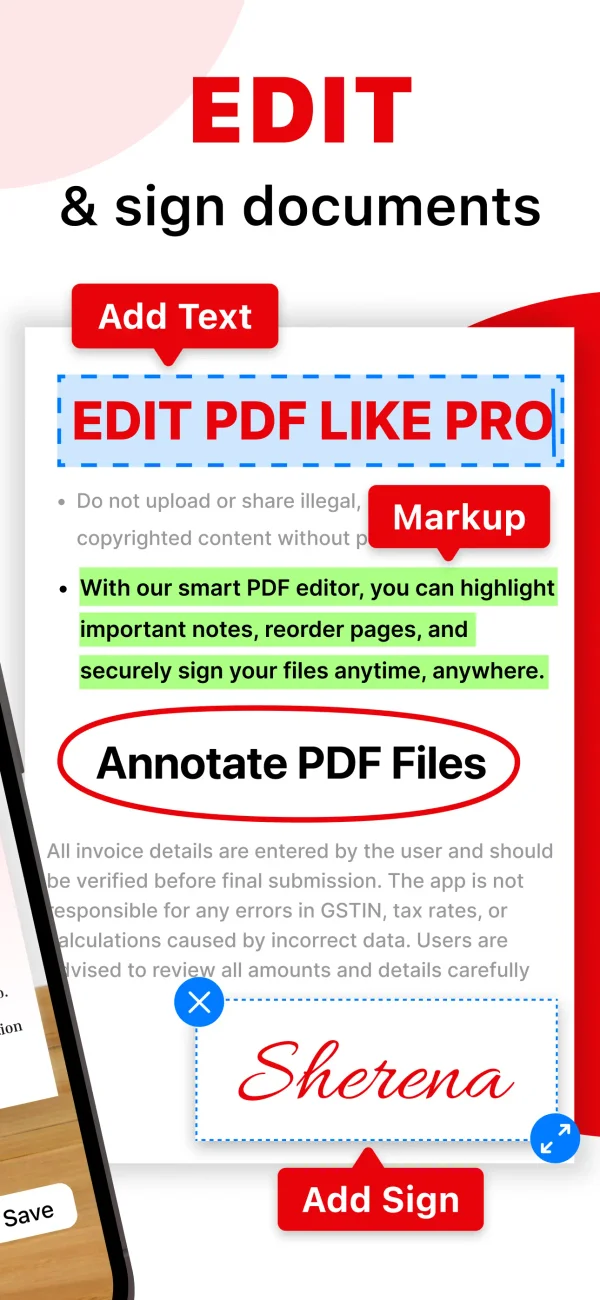
• Add notes or mark important sections
• Create and share professional PDF documents
Your document editor and document reader keeps everything organized in one place.
Sign PDF and Add Signatures:
Sign documents anytime with built-in PDF signature tools.
• Sign PDF documents instantly
• Create and store your digital signature
• Add signatures to contracts and forms
• Secure document signer for important files
No printing required—sign and send documents directly from your phone.
Share and Manage Documents Anywhere:
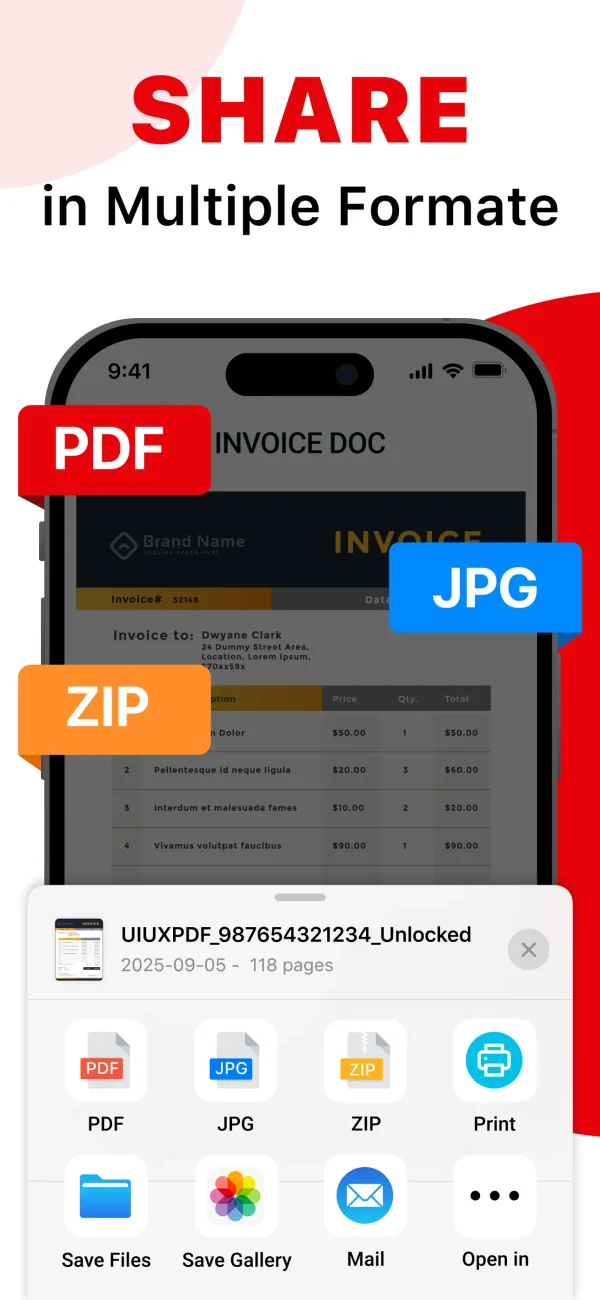
Once your documents are scanned, share them instantly.
• Share PDF documents by email or messaging apps
• Export files for work, school, or personal use
• Access and manage files anytime
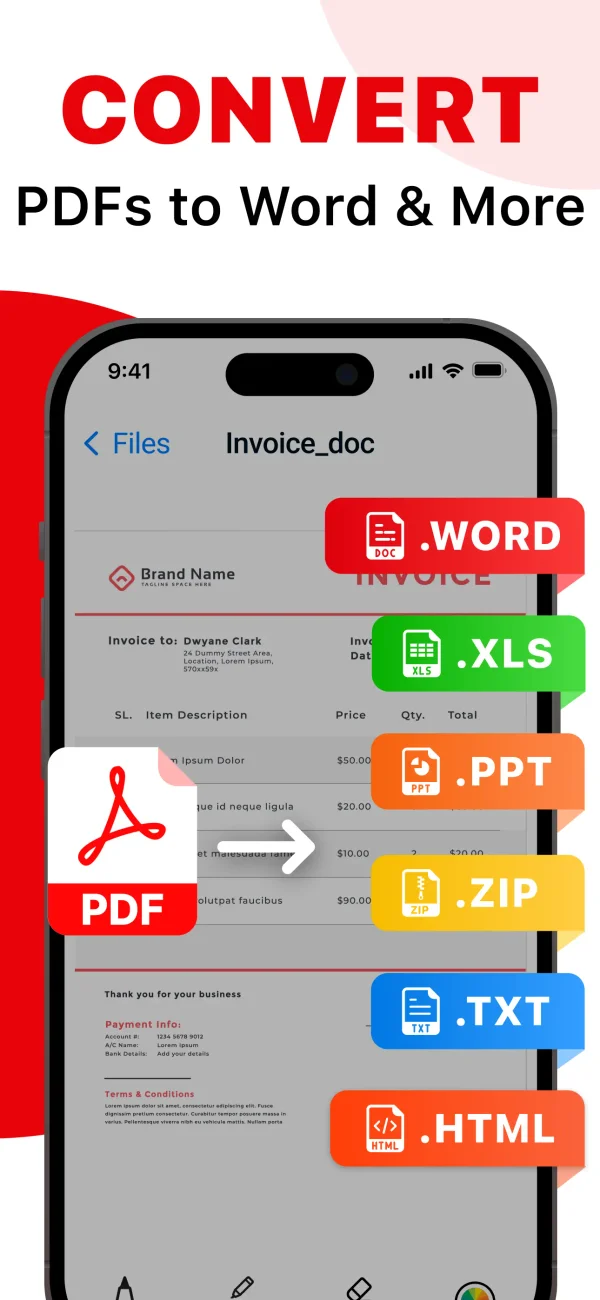
• Reliable document converter and PDF creator
Your scanner to PDF workflow becomes faster and more productive.
Why Users Love This PDF Scanner:
• Fast document scanner app free
• High-quality PDF creator
• Easy scan to PDF free tools
• Powerful photo scanner app
• Reliable document scanner for iPhone
From receipts and IDs to contracts and notes, this PDF scanner app helps you stay organized and productive.
Download now and experience one of the most convenient ways to scan documents, convert photos to PDF, edit documents, sign PDF files, and manage PDFs on iPhone.
SUBSCRIPTION PRICING AND TERMS
In-App Purchase:
USD $ 01.99 One Week Subscription
USD $ 04.99 One Month Subscription
USD $ 39.99 One Year Subscription
The subscription will automatically renew unless turned off in your iTunes Account Settings at least 24 hours before the current period ends. You can go to your iTunes Account settings to manage your subscription and turn off auto-renew. Your iTunes Account will be charged when the purchase is confirmed.
Please read our Terms and Service & Privacy Policy
http://photowork.tech/01_keyutave/Camera_scan/pp
http://photowork.tech/01_keyutave/Camera_scan/tou
We’d love to hear from you! Please leave a review to help us make our PDF Scanner even better. You can also get in touch with us at keyutave@gmail.com.
Thank you so much!
Neue Funktionen
Version 4.3 · 19.11.2026
• Improved document scanning performance
• Faster photo to PDF conversion
• Enhanced scan to PDF quality
• Better PDF editor and document tools
• Sync your documents seamlessly with iCloud
• Stability improvements for scanner app free features
• Bug fixes for smoother document scanning and PDF creation
App-Datenschutz
Was Keyurbhai Tavethiya im App Store zum Umgang dieser App mit Daten angibt.
-
Daten, die zum Tracking Ihrer Person verwendet werden
Können verwendet werden, um Sie über Apps und Websites anderer Unternehmen hinweg zu verfolgen.
- Standort
- Kontakte
-
Mit Ihnen verknüpfte Daten
Können erfasst und mit Ihrer Identität verknüpft werden.
- Standort
- Kontakte
Die Datenschutzpraktiken können variieren, zum Beispiel je nach den von Ihnen verwendeten Funktionen oder Ihrem Alter.
Informationen
- Anbieter
- Keyurbhai Tavethiya
- Kategorie
- Produktivität
- Version
- 4.3
- Aktualisiert
- 19.11.2026
- Veröffentlicht
- 24.11.2021
- Größe
- 123,7 MB
- Erfordert
- iOS 15.0 oder neuer
- Altersfreigabe
- 4+
- Preis
- Kostenlos
- In-App-Käufe
- Ja
- Sprachen
- Englisch, Arabisch, Dänisch, Niederländisch, Französisch, Deutsch, Hindi, Indonesisch, Italienisch, Japanisch, Koreanisch, Malaiisch + 9 weitere
- Copyright
- © copyright@darkmode
Das könnte Ihnen auch gefallen
-
 Document Scanner - Scan PhotoProduktivität
-
 Camera Scanner : Bild zu PDFPDF Umwandeln & Scanner App
-
 Pdf scanner • Dokumenten scanScan Fotos, OCR & Converter
-
 Foto zu PDF : PDF KonverterBilder, Excel & Docs Umwandeln
-
 Notee: Note AI TakerTranscribe audio to text
-
 PDF Erstellen: JPG Foto zu PDFPNG Bild in PDF Umwandeln
-
 Cam Scan - PDF Scanner & OCRProduktivität
-
 PDF Scanner & Editor +.PDF Bearbeiten, Unterschreiben
-
 PDF Konverter.PDF Umwandeln: Text und Foto
-
 Image to PDF : PDF MakerProduktivität