PDFlexor - PDF Editor Tools
All-in-One PDF Editing Suite
Entwickelt für iPhone, iPad, iPod touch
Kostenlos · In-App-Käufe
- Altersfreigabe4+
- KategorieDienstprogramme
- EntwicklerHuizhou Jiqu Technology Co., Ltd.
- SprachenEnglisch+ 7 weitere
- Größe45,2 MB
Verlinkt auf die offizielle App Store-Seite
Download.org hostet keine Datei von PDFlexor - PDF Editor Tools. Die Schaltfläche öffnet die App-Seite bei App Store, wo Huizhou Jiqu Technology Co., Ltd. die App veröffentlicht. Eintrag zuletzt geprüft am 20.11.2026.
Screenshots

Info
Der Entwickler hat diesen Text nicht in Ihrer Sprache bereitgestellt.
Master Your PDFs with Our Comprehensive Toolkit
PDFlexor empowers you to effortlessly edit, convert, and manage your PDF documents with a comprehensive suite of features. Whether you need to merge, split, extract pages, reorder, rotate, convert, or crop PDFs, this app ensures your documents are handled with the utmost security.
Local Processing for Maximum Security:
Most PDF operations, such as merging, splitting, extracting, and deleting pages, are processed locally on your device. This design principle ensures that your sensitive documents never leave your device, providing an extra layer of security and privacy. No need to worry about external breaches or unauthorized access, as your documents remain under your sole control.
Secure Office Conversions:
For Office-related conversions (PDF to Word, Excel, PowerPoint, and vice versa), our app takes extra precautions. Files are securely uploaded to our server for processing. We employ state-of-the-art encryption and adhere to strict privacy policies to protect your data during transmission and processing. Once the conversion is complete, files are immediately deleted from our servers, ensuring that your information remains confidential and secure.
Key Features:
Organization:
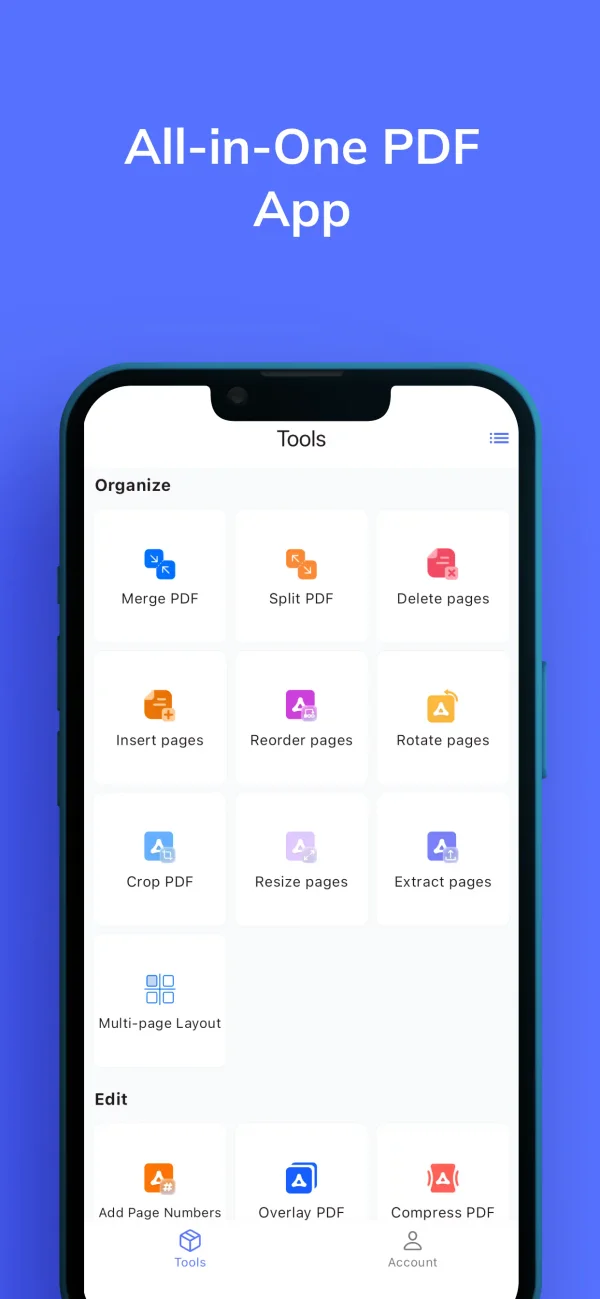
Merge PDFs: Combine multiple PDF files into a single, organized document.
Split PDFs: Divide large PDFs into smaller, more manageable files based on specific page ranges.
Extract Pages: Isolate and save specific pages from a PDF into a new document.
Delete Pages: Remove unwanted pages from your PDFs permanently.
Add Page Numbers: Enhance your documents by adding page numbers for easy reference.
Reorder Pages: Rearrange the sequence of pages in your PDF to fit your needs.
Rotate Pages: Adjust the orientation of pages to ensure they are displayed correctly.
Insert Pages: Add new pages into your existing PDFs at any position.
Multi-page Layout: Create PDFs with multiple pages per sheet for compact viewing.
Viewing and Editing:
Crop PDF Pages: Trim or remove unwanted margins from your PDF pages.
Resize Pages: Change the size of your PDF pages to standard formats like A4 or Letter.
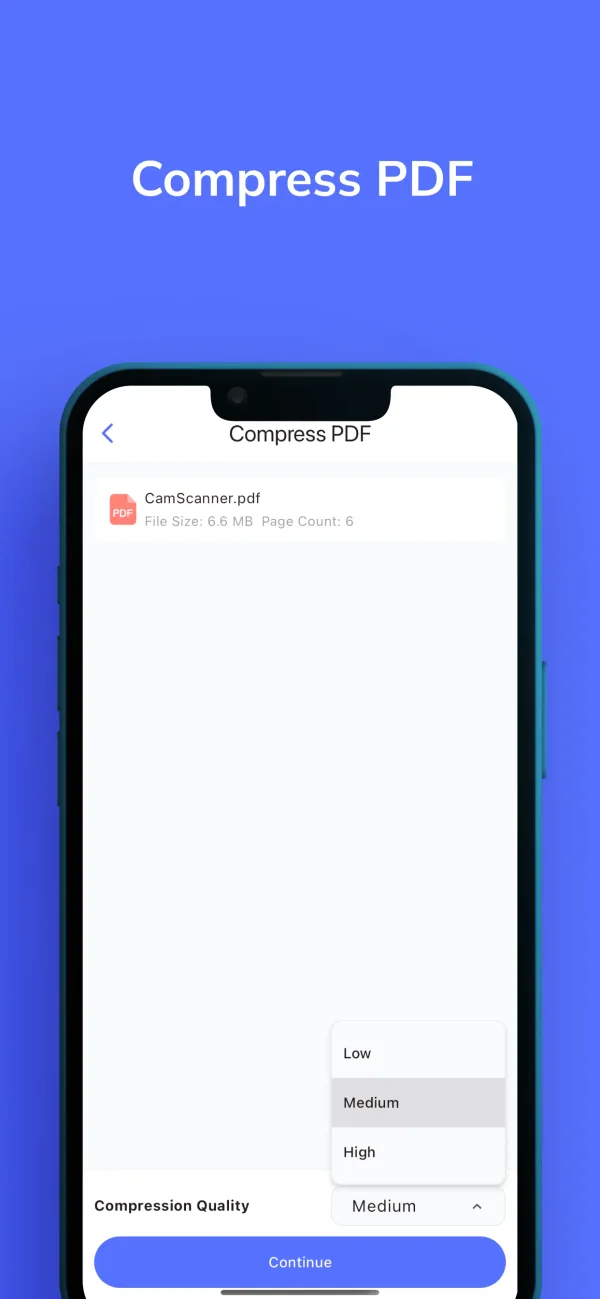
Compress PDF: Reduce the file size of your PDFs for easier sharing and storage.
Edit Metadata: Modify or remove metadata to protect your privacy.
Remove Blank Pages: Automatically detect and delete empty pages from your documents.
Overlay PDF: Superimpose one PDF onto another for layered content.
Compare PDF: Compare the differences between two PDF files.
Conversion:
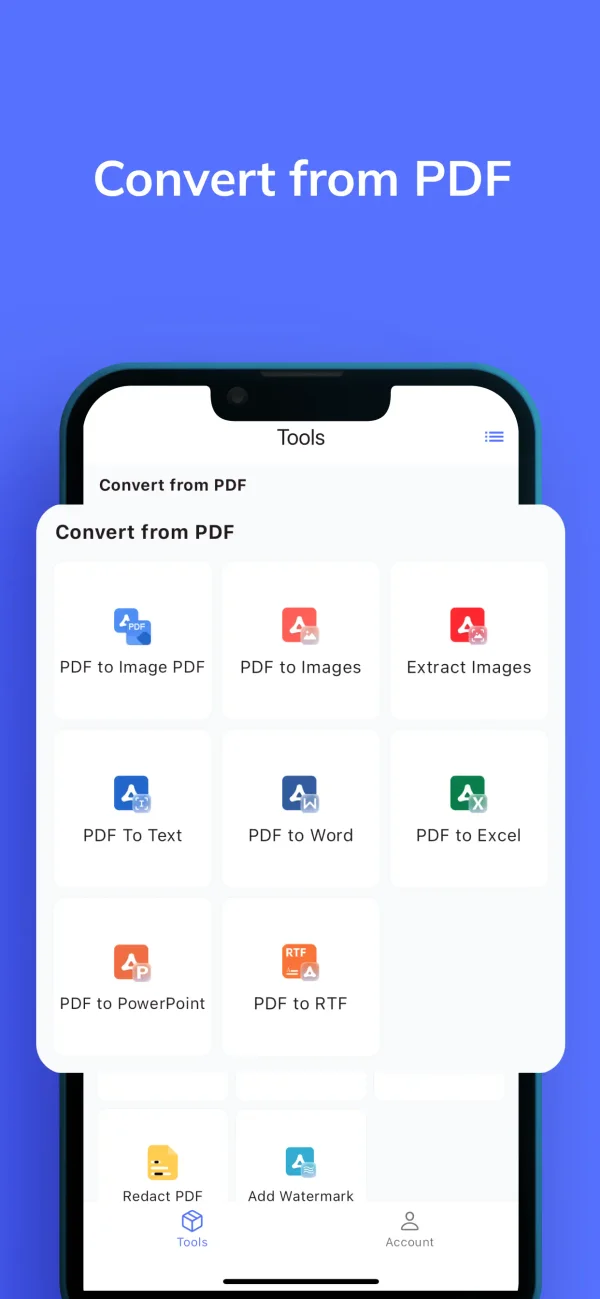
PDF to Image: Convert PDF pages into image files.
Extract Images: Retrieve all embedded images from your PDFs.
Extract Text: Convert PDF content into editable text formats.
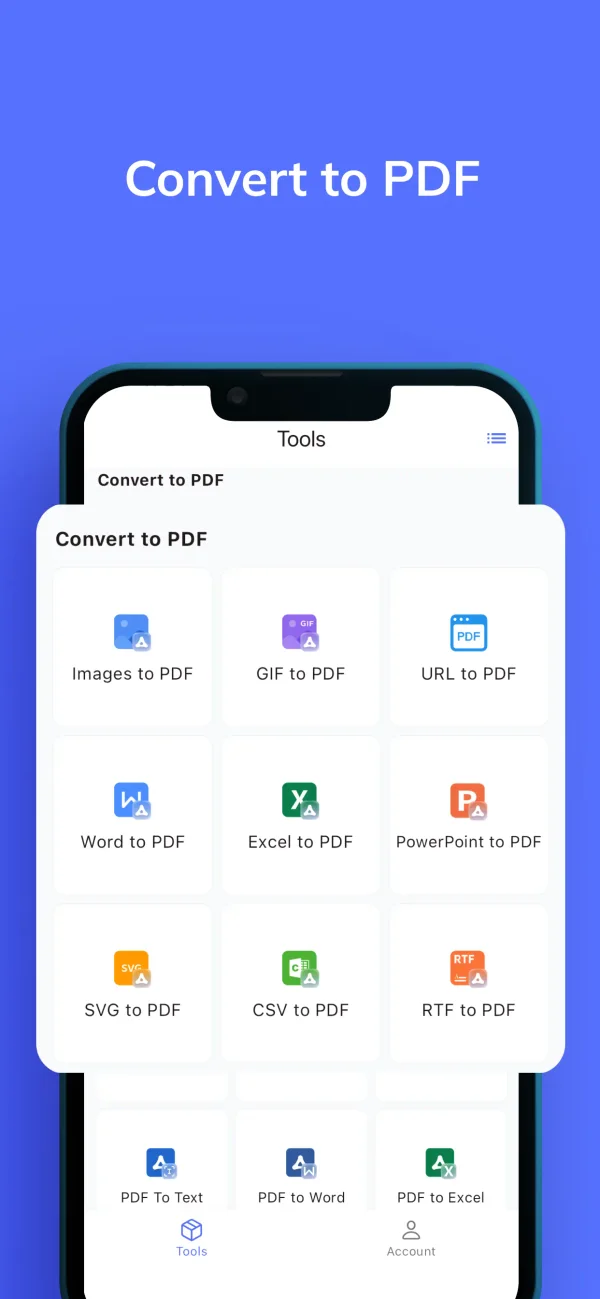
Images to PDF: Convert a collection of images into a single PDF document.
URL to PDF: Capture web content directly into a PDF format.
SVG to PDF: Transform SVG graphics into PDF files.
CSV to PDF: Convert tabular data from CSV into a PDF document.
RTF to PDF: Convert rich text format files into PDFs.
PDF to RTF: Convert PDF content into editable RTF files.
PDF to Word/Excel/PowerPoint: Convert your PDFs into editable Office formats.
GIF/Excel/Word/PowerPoint to PDF: Convert various file types into PDFs.
Security:
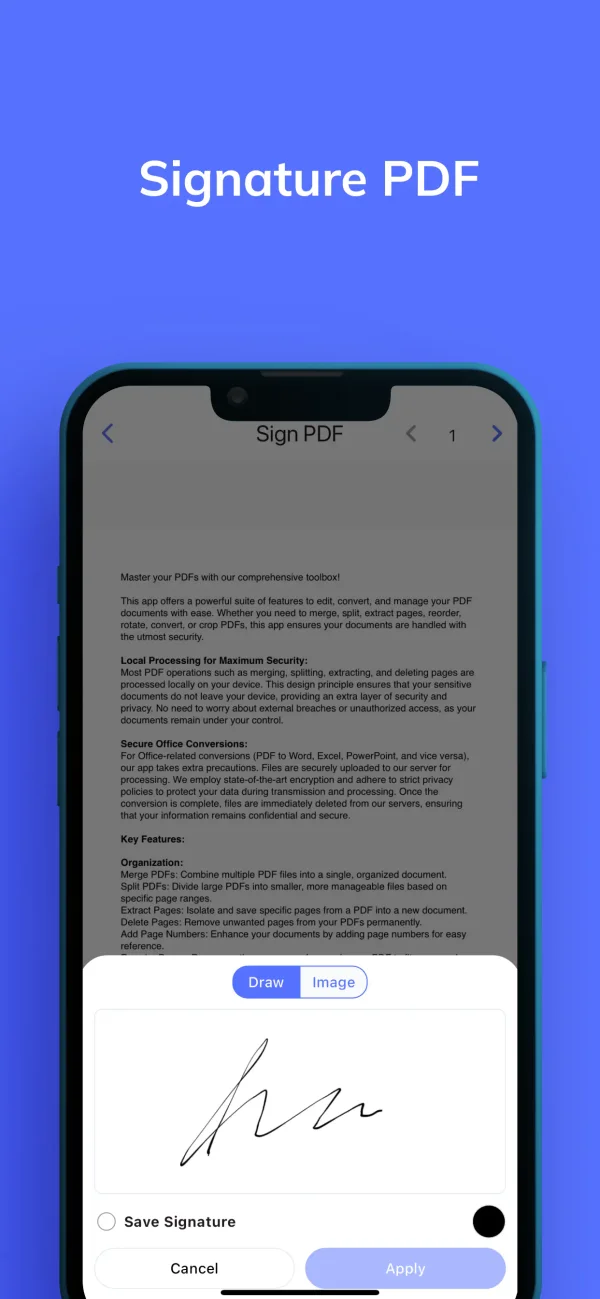
Sign PDF: Electronically sign your PDFs for a secure and efficient workflow.
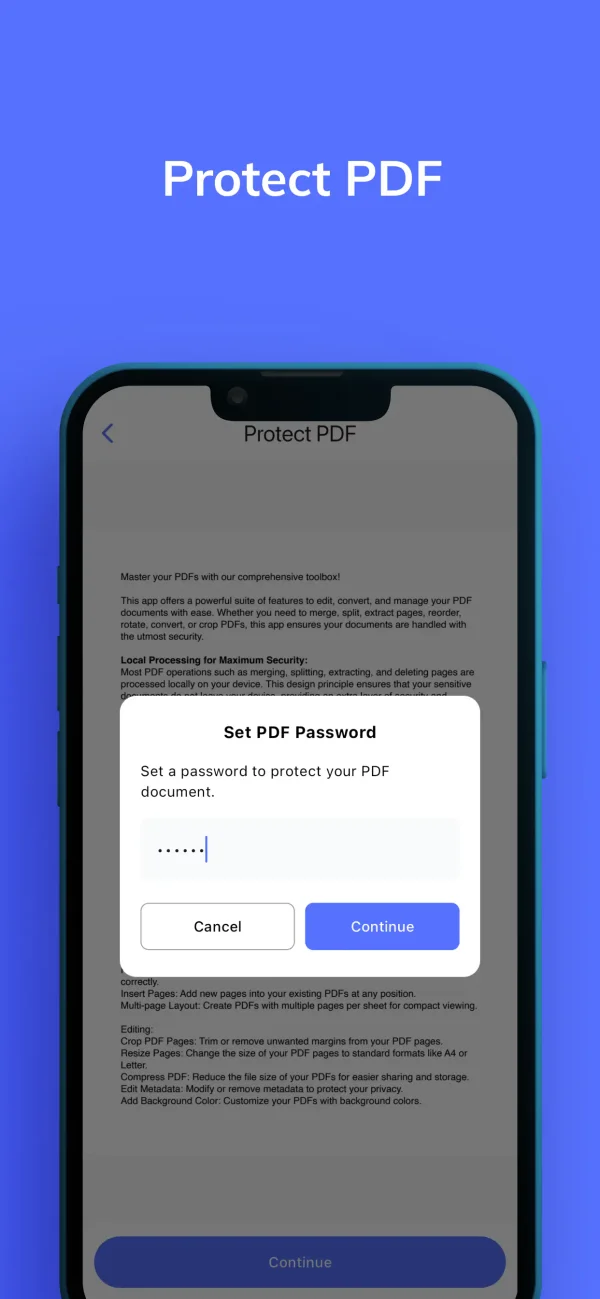
Protect PDF: Secure your PDFs with passwords to prevent unauthorized access.
Unlock PDF: Remove password protection from PDFs you own.
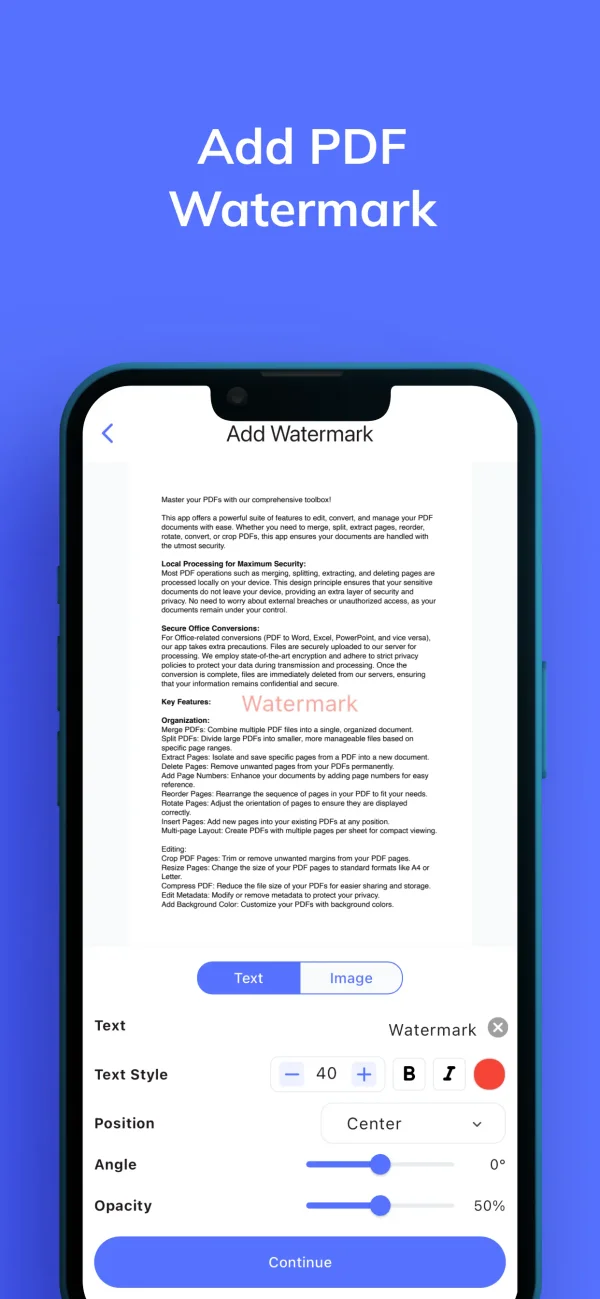
Add Watermark: Protect your documents with text or image watermarks.
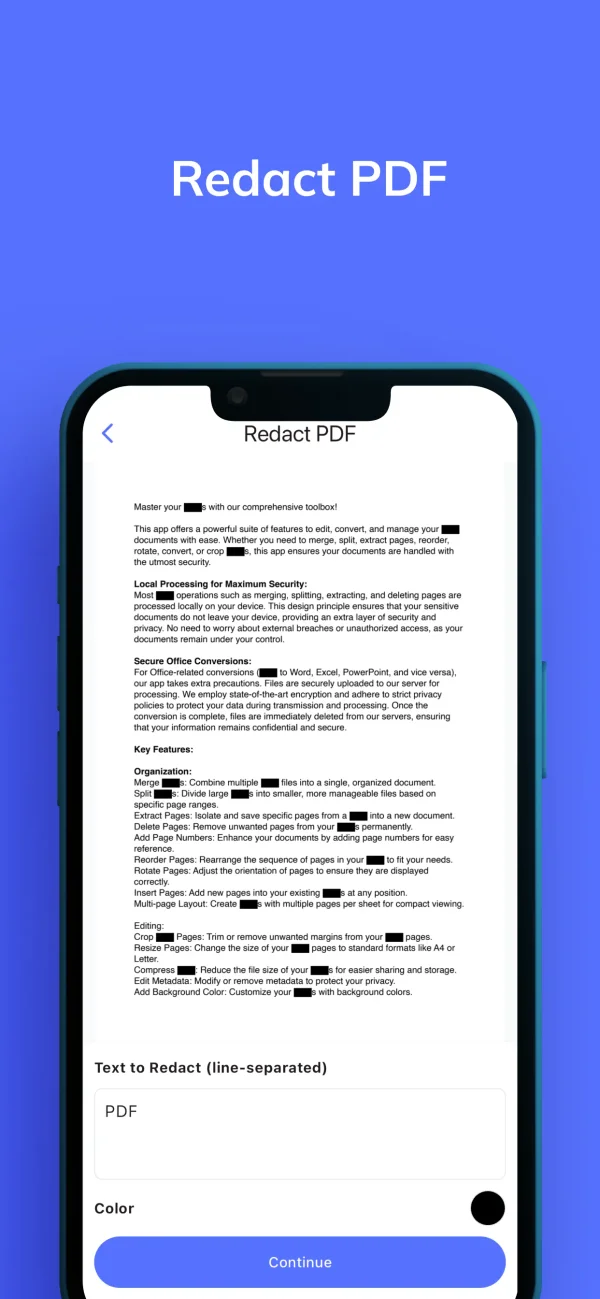
Redact PDF: Safeguard sensitive information by blacking out text.
Experience the power, flexibility, and security of our All-in-One PDF App and simplify your PDF tasks today! Download now and unlock the full potential of your PDF documents, with peace of mind knowing that your privacy and security are our top priorities.
Terms of Service: https://pdfinity.ultraifun.com/agreements/termsOfUser.html
Privacy Policy: https://pdfinity.ultraifun.com/agreements/privacy.html
Neue Funktionen
Version 1.2.2 · 22.12.2024
- fixbug
App-Datenschutz
Was Huizhou Jiqu Technology Co., Ltd. im App Store zum Umgang dieser App mit Daten angibt.
-
Mit Ihnen verknüpfte Daten
Können erfasst und mit Ihrer Identität verknüpft werden.
- Kontaktinformationen
- Benutzerinhalte
- Kennungen
-
Nicht mit Ihnen verknüpfte Daten
Können erfasst werden, sind aber nicht mit Ihrer Identität verknüpft.
- Benutzerinhalte
- Nutzungsdaten
- Diagnose
Die Datenschutzpraktiken können variieren, zum Beispiel je nach den von Ihnen verwendeten Funktionen oder Ihrem Alter.
Informationen
- Anbieter
- Huizhou Jiqu Technology Co., Ltd.
- Kategorie
- Dienstprogramme
- Version
- 1.2.2
- Aktualisiert
- 22.12.2024
- Veröffentlicht
- 24.06.2024
- Größe
- 45,2 MB
- Erfordert
- iOS 13.0 oder neuer
- Altersfreigabe
- 4+
- Preis
- Kostenlos
- In-App-Käufe
- Ja
- Sprachen
- Englisch, Französisch, Deutsch, Indonesisch, Japanisch, Koreanisch, Vereinf. Chinesisch, Tradit. Chinesisch
- Copyright
- © Ultraifun
Das könnte Ihnen auch gefallen
-
 PDF Editor - Merge & SplitDienstprogramme
-
 Pdf24Dienstprogramme
-
 PDF-Reader & Editor - Ora DocsAll-in-One-Dokumentenleser
-
 PDF Editor: Text bearbeitenNotiz, Unterschrift & Formular
-
 Merge files PDFDienstprogramme
-
 PDF Reader: Edit & SignDienstprogramme
-
 PDF Compressor : Compress PDFDienstprogramme
-
 PDF Verschmelzen - PDF DruckerPdf Drucker,Pdf Unterschreiben
-
 PDFr: PDF-Editor / KonverterPDF-Scanner & Füller
-
 PDF Reader - Editor und ReaderEditor Konverter OCR