PhotoClock Pro
Your new desktop analog clock
Entwickelt für iPhone, iPad, iPod touch
8,99 € · In-App-Käufe
- Altersfreigabe4+
- KategorieDienstprogramme
- EntwicklerMartin Bailey Photography K.K.
- SprachenEnglisch
- Größe65,3 MB
Verlinkt auf die offizielle App Store-Seite
Download.org hostet keine Datei von PhotoClock Pro. Die Schaltfläche öffnet die App-Seite bei App Store, wo Martin Bailey Photography K.K. die App veröffentlicht. Eintrag zuletzt geprüft am 18.11.2026.
Screenshots






Info
Der Entwickler hat diesen Text nicht in Ihrer Sprache bereitgestellt.
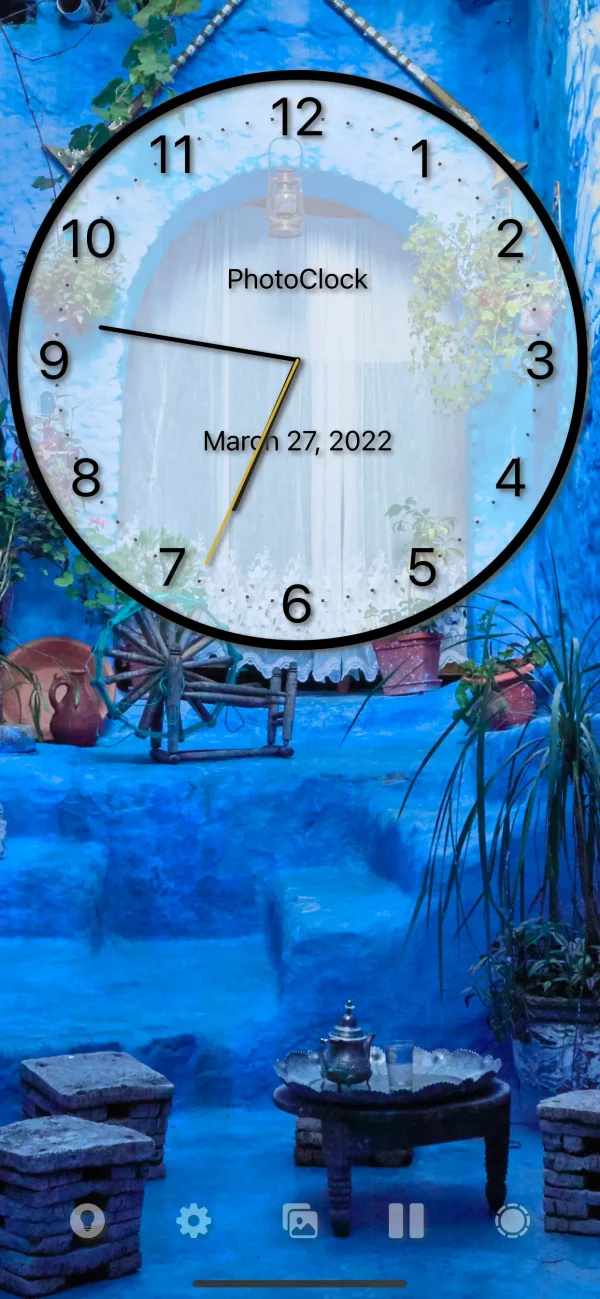
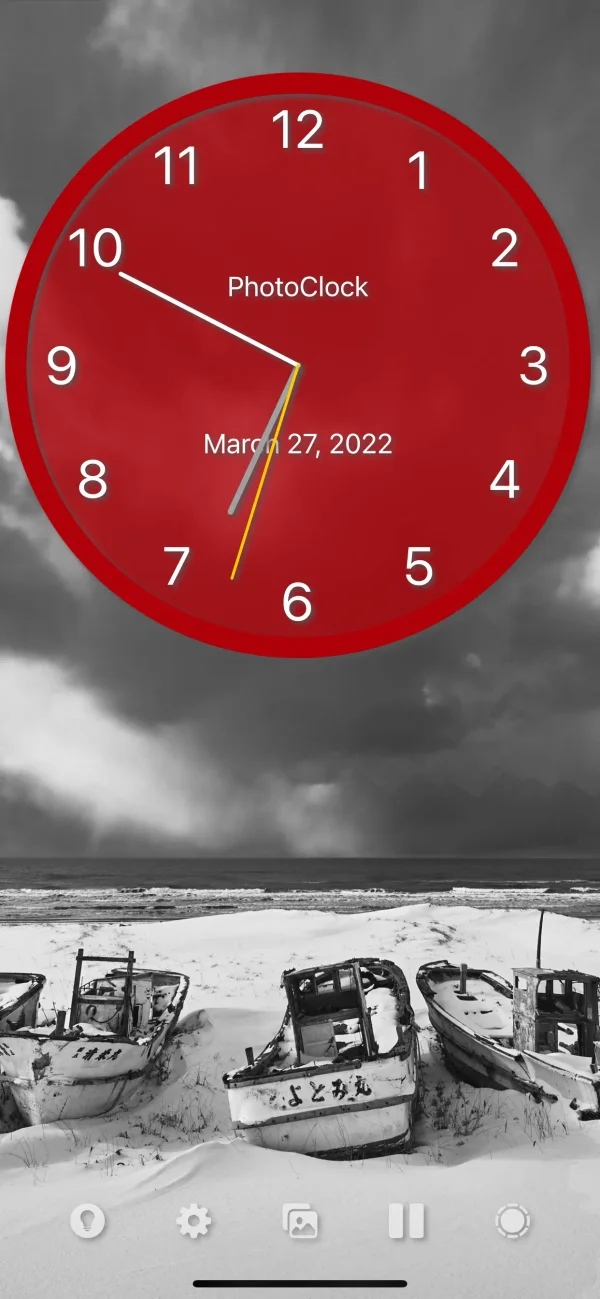
Meet your new desktop or bedside clock! PhotoClock Pro uses photos you can add and organize within the app as a background to a fully customizable and stylish analog clock. Now with almost thirty beautiful themes to show you some possibilities, you can create and save unlimited clock themes in multiple groups.
Every element of the clock face is customizable, including switching between Arabic and Roman numerals, number only on 12, 3, 6, and 9 o'clock positions, and whether to show numbers at all. In addition, you can color and adjust the opacity of the clock face background between zero to 100%, and you can also change the color and thickness of the clock frame!
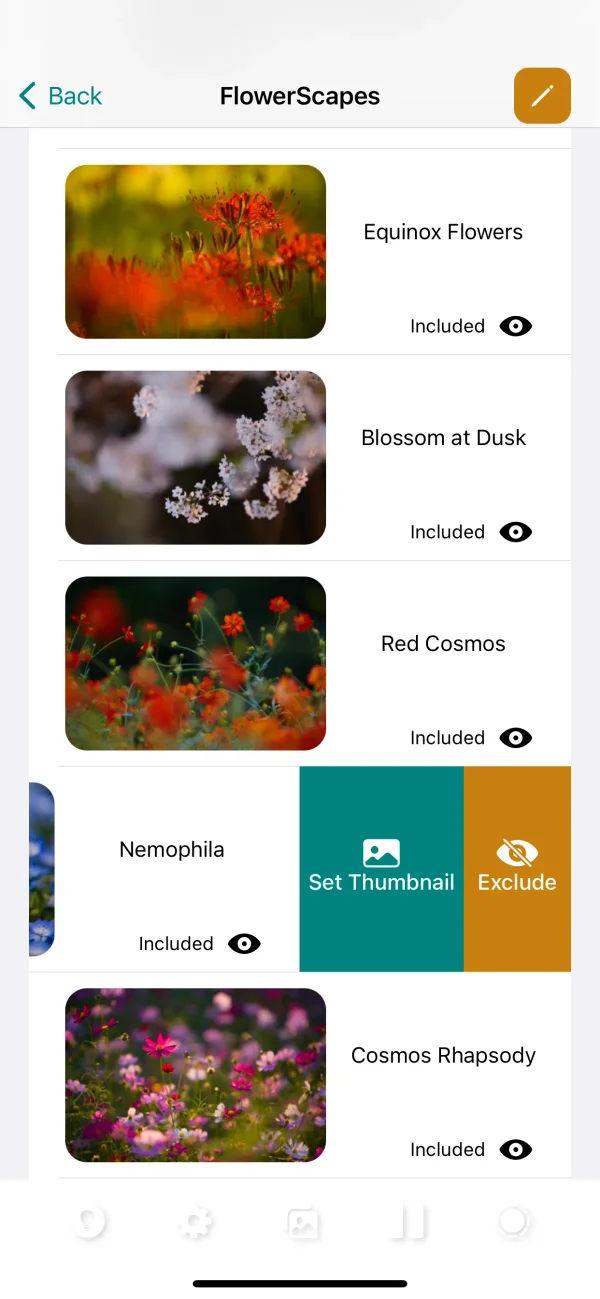
You can import your photos into as many user creatable albums as you want. If you don't have any images, multiple additional photo packs are available as in-app purchases. If you don't need any optional image packs, you can hide them completely and utilize PhotoClock Pro to the full at no additional cost after paying the initial purchase price.
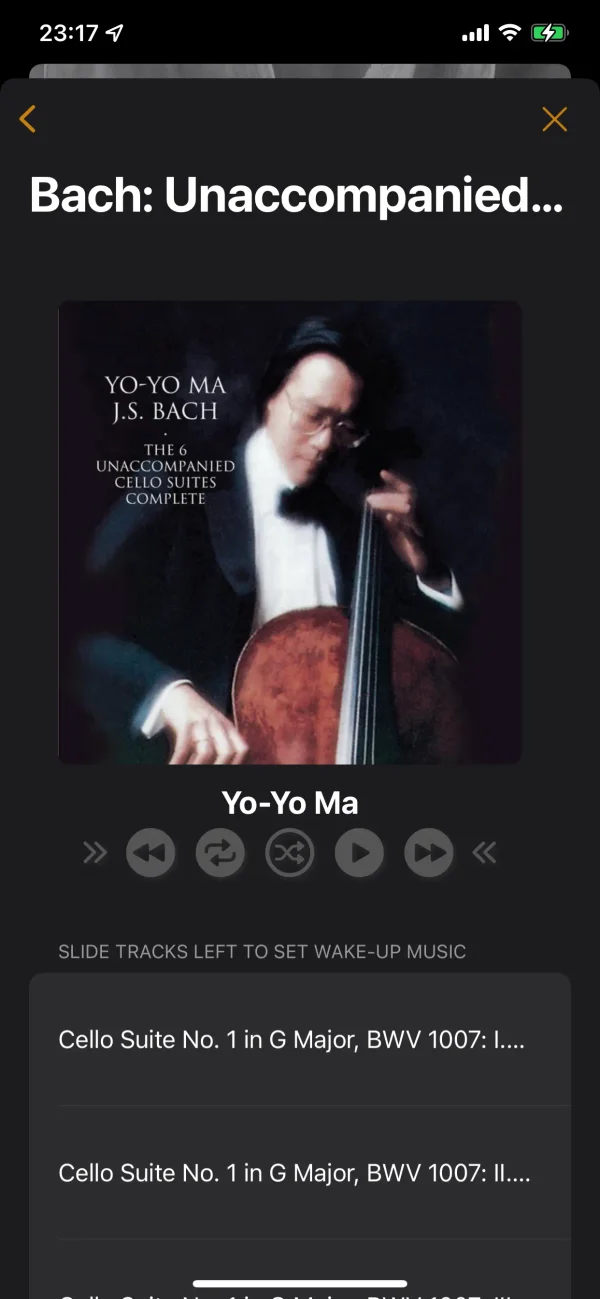
PhotoClock Pro is fully integrated with Apple Music. You can search and select your favorite songs and albums from Apple Music and play them directly in PhotoClock Pro. The music player can be moved through six different screen positions, minimized, or hidden while keeping the music playing. You can configure up to four dim and wake actions assigned to the screen background quadrants. Set up the duration of the dimming and waking, and select your favorite song or album to play and fade out as your screen dims. You can also have your music fade back in as your screen brightens or start playing after your screen has brightened. Once configured, double-tap the background in a screen quadrant to start your dim/wake action, and enjoy your photos with the stylish analog clock and your favorite music. It doesn't get much better than this!
A professional photographer developed PhotoClock Pro to show off images and utilize your device as a beautiful and elegant clock while you are not using it. We recommend putting your device on a charging stand if you intend to use it as a clock for extended periods. There is also a brightness slider to adjust the brightness while using PhotoClock Pro beside your bed. When you close PhotoClock Pro, we'll restore your original brightness settings.
Neue Funktionen
Version 1.2.9 · 12.01.2026
Fixed a few minor issues.
App-Datenschutz
Was Martin Bailey Photography K.K. im App Store zum Umgang dieser App mit Daten angibt.
-
Keine Daten erfasst
Der Entwickler erfasst keine Daten von dieser App.
Die Datenschutzpraktiken können variieren, zum Beispiel je nach den von Ihnen verwendeten Funktionen oder Ihrem Alter.
Informationen
- Anbieter
- Martin Bailey Photography K.K.
- Kategorie
- Dienstprogramme
- Version
- 1.2.9
- Aktualisiert
- 12.01.2026
- Veröffentlicht
- 30.03.2022
- Größe
- 65,3 MB
- Erfordert
- iOS 15.0 oder neuer
- Altersfreigabe
- 4+
- Preis
- 8,99 €
- In-App-Käufe
- Ja
- Sprachen
- Englisch
- Copyright
- © 2022 Martin Bailey Photography K.K.
Das könnte Ihnen auch gefallen
-
 Standby Uhr Wecker NachttischBilderrahmen mit Diashow
-
 TickCanvasDienstprogramme
-
 Analog ClockDienstprogramme
-
 QR Code Creator and GeneratorDienstprogramme
-
 PlanetLapse: Weltraum & ErdePlaneten-Bildschirmschoner 4K
-
 ClockClipDienstprogramme
-
 My Picture ClockMachen Sie Ihre eigene Uhr!
-
 Lucky Game WAX appDienstprogramme
-
 Super Translate - Voice TextDienstprogramme
-
 Bed Time | Große UhrFür Schreibtisch oder Bett