PhotonCam: Pro Camera & Editor
HDR, Depth, LUT, Batch Process
Entwickelt für iPhone, iPad
Kostenlos · In-App-Käufe
- Altersfreigabe4+
- KategorieFoto und Video
- Entwickler伟超 邓
- SprachenEnglisch+ 6 weitere
- Größe101,1 MB
Verlinkt auf die offizielle App Store-Seite
Download.org hostet keine Datei von PhotonCam: Pro Camera & Editor. Die Schaltfläche öffnet die App-Seite bei App Store, wo 伟超 邓 die App veröffentlicht. Eintrag zuletzt geprüft am 28.11.2026.
Screenshots

Info
Der Entwickler hat diesen Text nicht in Ihrer Sprache bereitgestellt.
PhotonCam brings you a pro-level photo capture and editing experience.
- Shoot RAW on your iPhone for straight-out-of-camera photos without over-processing. You can also manually adjust parameters such as focus and temperature/tint to capture exactly what you want. On iPhone Duo, the app is also optimized for multiple postures.
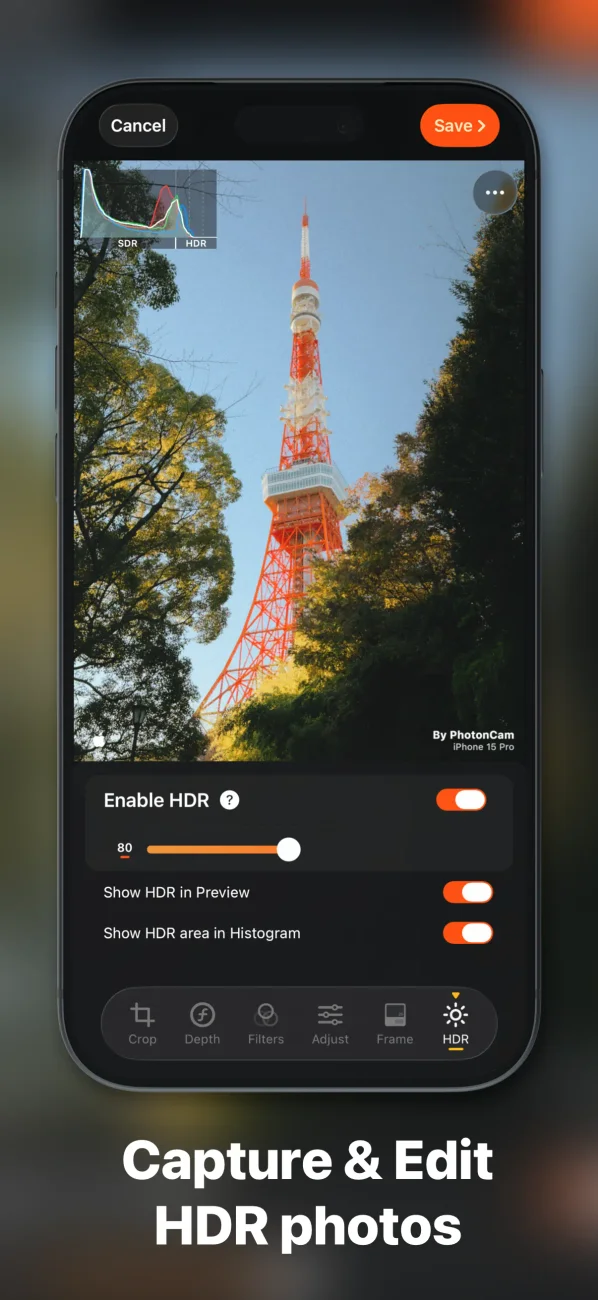
- Capture and save HDR photos that stand out on platforms like Instagram and Threads. You can also simulate an HDR effect on SDR photos.
- Capture photos with Photographic Styles even on older iPhone models, then edit the Photographic Styles directly in the system Photos app.
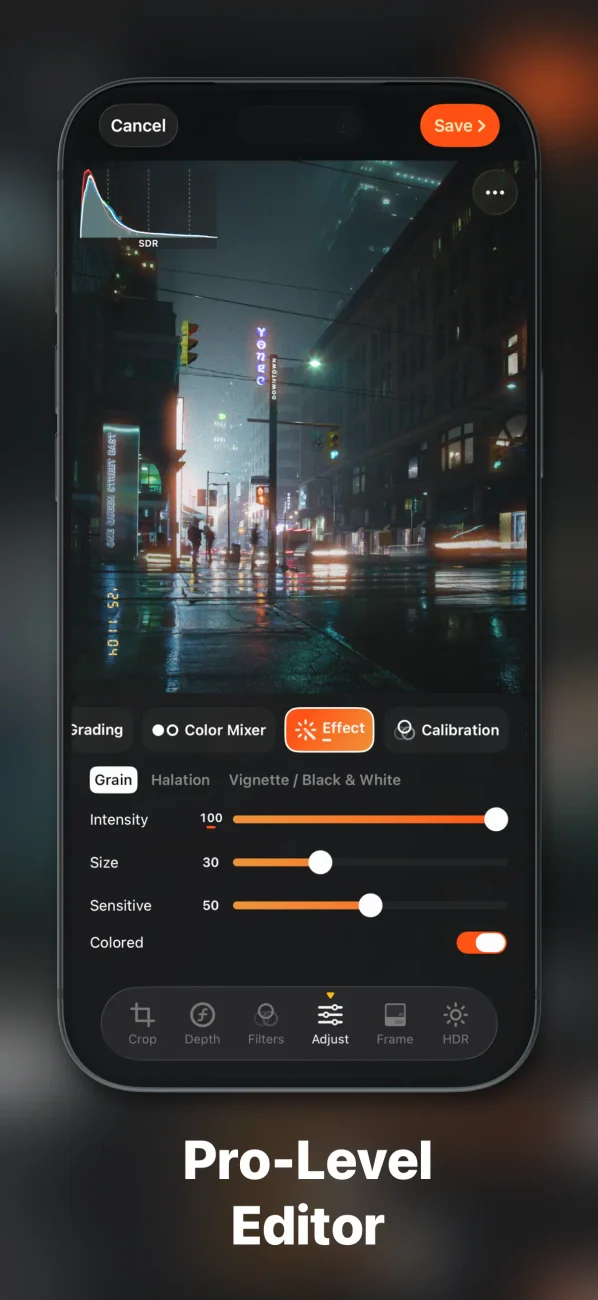
- Full editing toolkit: refine your photos with professional tools such as curves, color grading, fine-grained light adjustments, color calibration, and perspective correction/cropping — and process multiple photos at once with batch paste.
- In addition to the built-in filters, you can create your own: combine the tools provided by the app to craft filters unique to you, and use them in the camera or the photo editor.
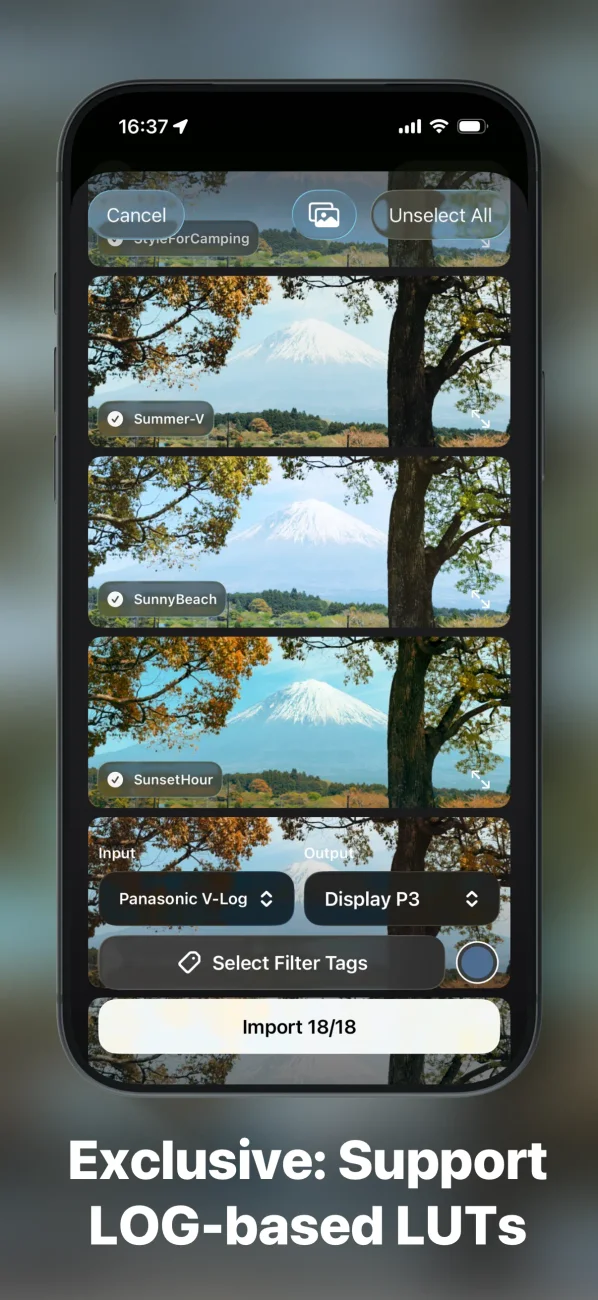
- Batch import LUTs to create your filters. The app also uniquely supports importing LUTs designed for video LOG footage — PhotonCam automatically converts them to suit photos.
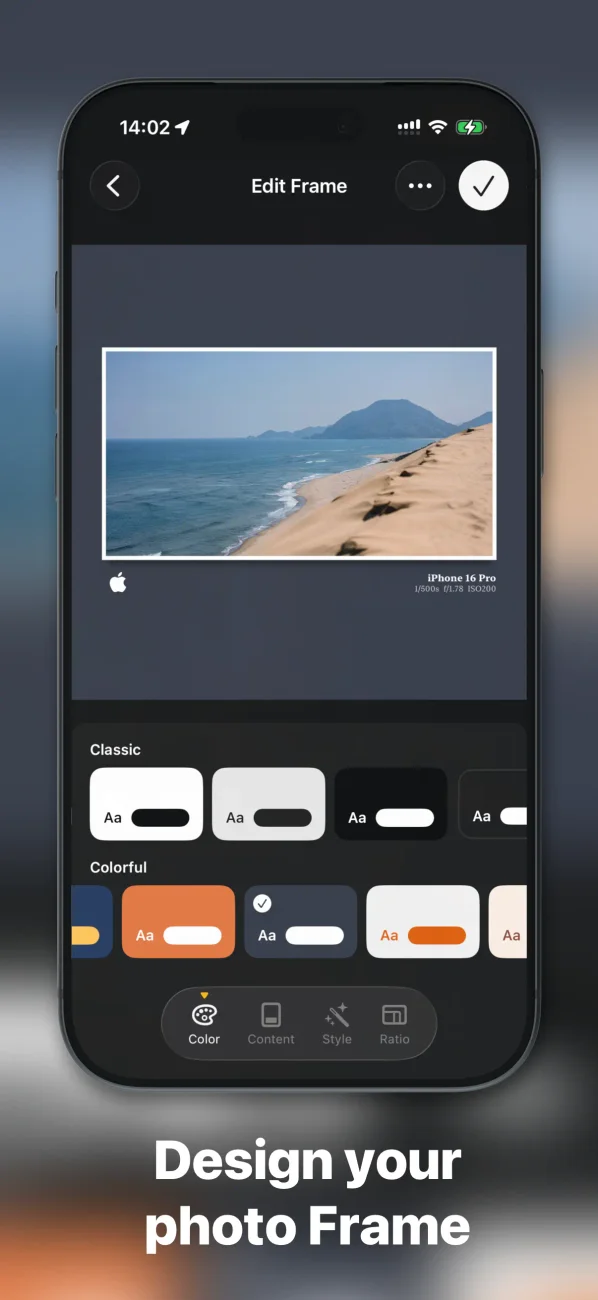
- Add Frames to your captured or edited photos, giving each image a personalized and distinctive touch. You can also design your unique Frames by setting various styles. Explore the Frame Workshop to start designing your Frames.
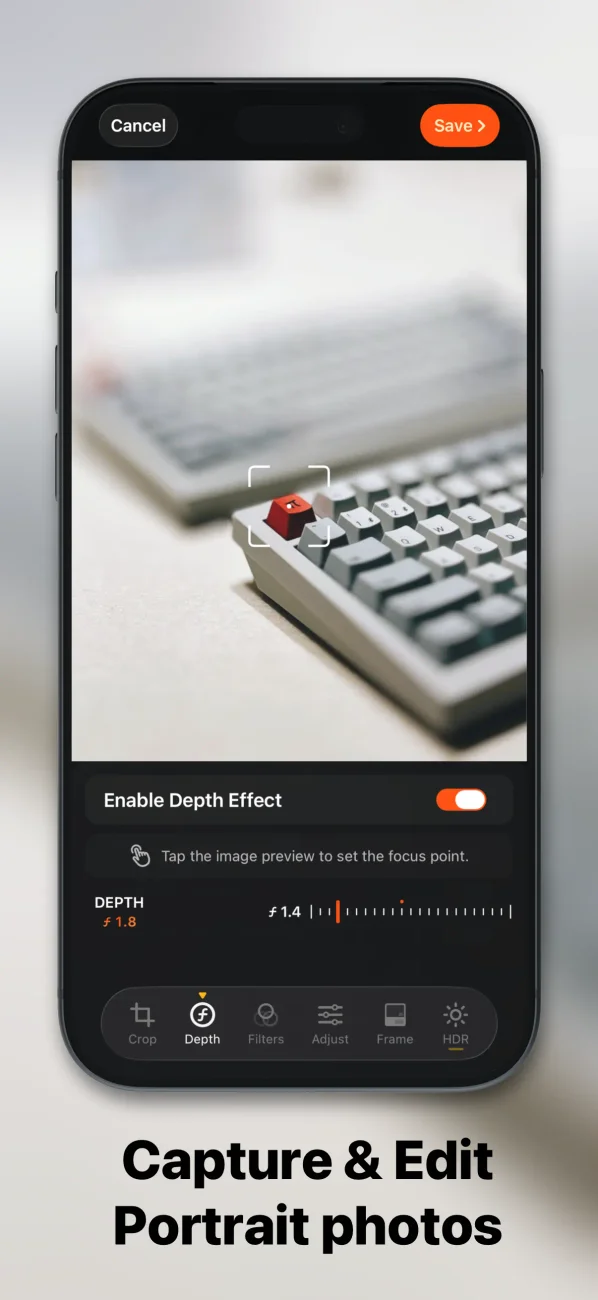
- Use Portrait mode to capture and re-edit Portrait photos; you can also simulate a portrait depth-of-field effect on non-portrait photos.
- Add a film-style date stamp to your saved photos.
You can try all of the app's features without any paid subscription. Photos saved in Trial mode will have a watermark. Once you purchase a subscription or the lifetime version, photos you save afterward won't have a watermark.
Privacy policy: https://juniperphoton.dev/photoncam/privacy/
Terms of Use: https://www.apple.com/legal/internet-services/itunes/dev/stdeula/
Neue Funktionen
Version 2.2.0 · 27.11.2026
Thanks for using PhotonCam. This version finally brings the camera to iPhone Duo, with layouts adapted for each screen:
- On the inner screen, the camera uses a side-by-side or stacked layout. In landscape, you can also swap the positions of the camera preview and controls to suit how you hold the device. A timer is now available on the inner screen, too.
- On the outer screen, the camera uses a compact layout.
Additionally, the grid guides have been improved, along with other refinements.
App-Datenschutz
Was 伟超 邓 im App Store zum Umgang dieser App mit Daten angibt.
-
Nicht mit Ihnen verknüpfte Daten
Können erfasst werden, sind aber nicht mit Ihrer Identität verknüpft.
- Nutzungsdaten
- Diagnose
Die Datenschutzpraktiken können variieren, zum Beispiel je nach den von Ihnen verwendeten Funktionen oder Ihrem Alter.
Informationen
- Anbieter
- 伟超 邓
- Kategorie
- Foto und Video
- Version
- 2.2.0
- Aktualisiert
- 27.11.2026
- Veröffentlicht
- 09.01.2024
- Größe
- 101,1 MB
- Erfordert
- iOS 18.1 oder neuer
- Altersfreigabe
- 4+
- Preis
- Kostenlos
- In-App-Käufe
- Ja
- Sprachen
- Englisch, Italienisch, Japanisch, Koreanisch, Vereinf. Chinesisch, Spanisch, Tradit. Chinesisch
- Copyright
- © JuniperPhoton
Das könnte Ihnen auch gefallen
-
 Limi Cam - Retro film CameraFoto und Video
-
 Swan Cam - KI-FilmkameraKinoreife Fotos leicht gemacht
-
 Vibe Cam - Moments Never FadePro Kamera & echter Film-Look
-
 ReFilm: Vintage Filter&EffectFoto und Video
-
 Fio Cam :Zero-Process Film CamFoto und Video
-
 Gloam CamFoto und Video
-
 FotorGear - Camera in PocketFoto und Video
-
 No Fusion-Powerful Pro CamFoto und Video
-
 PGYTECH: Pro-Kamera & Editor4K Log, ProRAW & Filmfilter
-
 NOMO RAW - The ProRAW CameraFoto und Video