
Pixelverse: Pixel Art Maker
Photo Pixelizer & Multi-size
Entwickelt für iPhone, iPad, iPod touch
Kostenlos
- Altersfreigabe4+
- KategorieGrafik und Design
- EntwicklerGehui Liu
- SprachenEnglisch+ 10 weitere
- Größe20,2 MB
Verlinkt auf die offizielle App Store-Seite
Download.org hostet keine Datei von Pixelverse: Pixel Art Maker. Die Schaltfläche öffnet die App-Seite bei App Store, wo Gehui Liu die App veröffentlicht. Eintrag zuletzt geprüft am 17.11.2026.
Screenshots


Info
Der Entwickler hat diesen Text nicht in Ihrer Sprache bereitgestellt.
Welcome to Pixelverse - Your Pocket Pixel Art Studio!
Want to quickly turn your photos into retro-style pixel art? Looking to create personalized pixel patterns from scratch? Or just want to experience the fun of painting pixel by pixel? Pixelverse fulfills all your imagination! We offer simple, intuitive tools and powerful features to make pixel art creation easier and more enjoyable than ever before.
Key features of Pixelverse include:
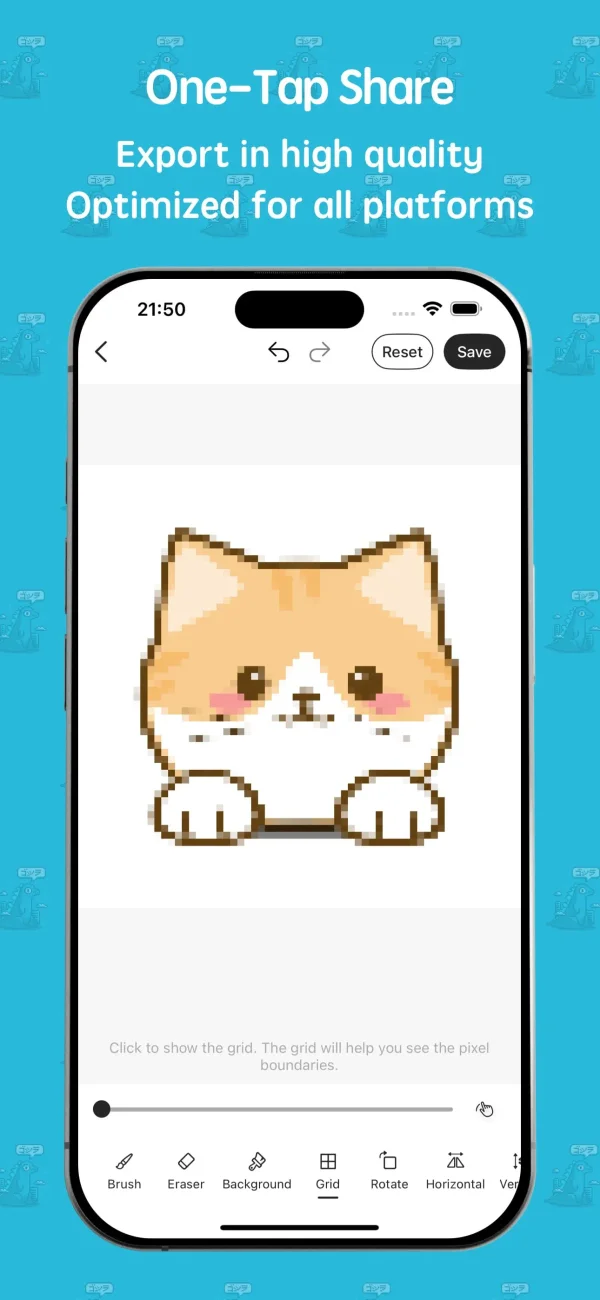
- Photo to Pixel: Upload a photo, choose a size, generate a pixel art draft with one tap, and easily refine it.
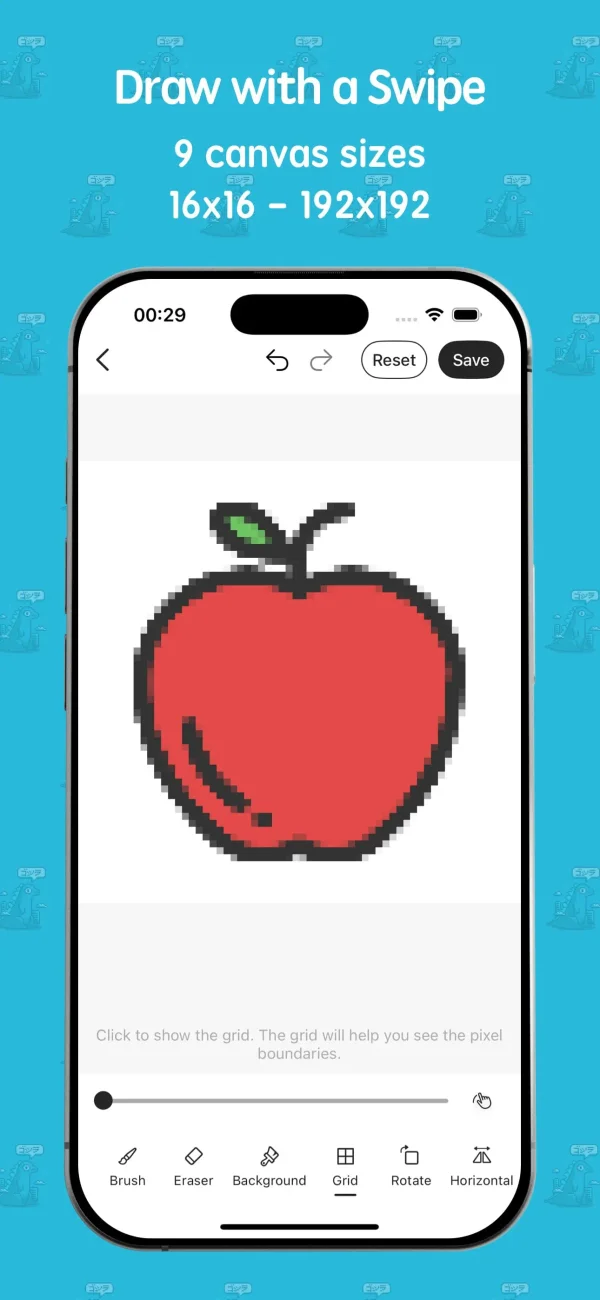
- Create Custom Canvases: Offers up to 12 canvas size options (like 16x16, 32x32... up to 192x192) to meet various creative needs.
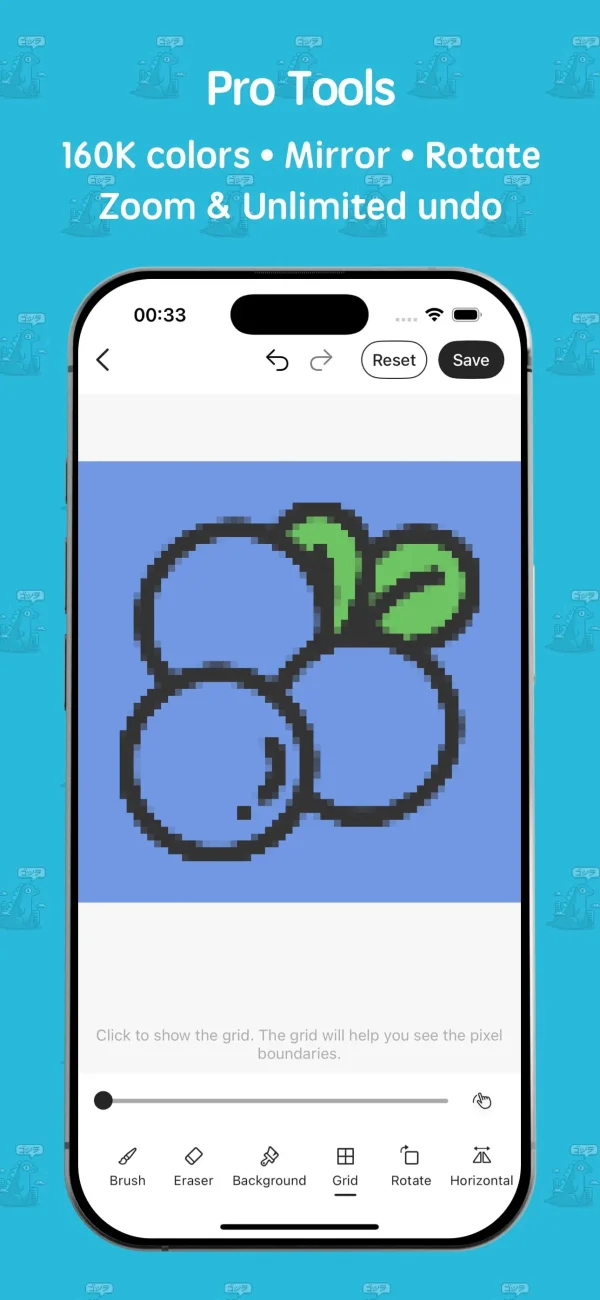
- Professional Editing Tools:
- Precise brush for lighting up every pixel.
- Multi-color palette with custom color support.
- Eraser for easy detail correction.
- Fill tool for quick coloring.
- Freely change background color to match different styles.
- Grid display/hide for accurate positioning.
- Canvas rotation for multi-angle viewing.
- Horizontal / Vertical flip for quick symmetry effects.
- Unlimited undo and redo for stress-free creation.
- One-tap reset to original image, easy to start over.
- Save your masterpieces in high quality.
- Share directly to social platforms to showcase your creativity.
Your creations can be used for:
- Craft unique social media avatars and emojis.
- Design game characters, items, and scene elements.
- Generate drafts for cross-stitch, bead art, or mosaics.
- Create trendy NFT pixel art collectibles.
- Any pixel-style design you can imagine!
Pixelverse is the best choice for beginners starting their pixel art journey and an essential creative partner for experienced enthusiasts. The interface is clean, operations are smooth, allowing you to focus on the joy of creation itself.
Download Pixelverse now and start lighting up your pixel world!
By using this app, you agree to our Privacy Policy and Terms of Service:
Privacy Policy: https://pixelverseapp.pages.dev/privacy-policy
Terms of Service: https://pixelverseapp.pages.dev/terms-conditions
Neue Funktionen
Version 1.1.0 · 19.03.2026
Added iOS 26 compatibility and improved display and interaction experience
App-Datenschutz
Was Gehui Liu im App Store zum Umgang dieser App mit Daten angibt.
-
Keine Daten erfasst
Der Entwickler erfasst keine Daten von dieser App.
Die Datenschutzpraktiken können variieren, zum Beispiel je nach den von Ihnen verwendeten Funktionen oder Ihrem Alter.
Informationen
- Anbieter
- Gehui Liu
- Kategorie
- Grafik und Design
- Version
- 1.1.0
- Aktualisiert
- 19.03.2026
- Veröffentlicht
- 10.06.2025
- Größe
- 20,2 MB
- Erfordert
- iOS 15.0 oder neuer
- Altersfreigabe
- 4+
- Preis
- Kostenlos
- Sprachen
- Englisch, Französisch, Deutsch, Italienisch, Japanisch, Koreanisch, Portugiesisch, Russisch, Vereinf. Chinesisch, Spanisch, Tradit. Chinesisch
- Copyright
- © 2024 PinkDragon
Das könnte Ihnen auch gefallen
-
 Pixel PainterGrafik und Design
-
 Pixel Art Ersteller PixeePixel Art Erstellen
-
 Pixel Art: Erstellen & MalenVerwandle Foto in Pixel-Art
-
 Pixel Art KitGrafik und Design
-
 Pixel Art DevGrafik und Design
-
 Sprite Artisan Pixel ArtGrafik und Design
-
 Bead ItGrafik und Design
-
 拼豆豆-拼豆图案编辑Grafik und Design
-
 Sprite PencilPixelkunst erstellen
-
 拼豆图纸生成器-拼豆助手Grafik und Design