Printing for iPhone
Print to Old and New Printers
Entwickelt für iPhone, iPod touch
5,99 € · In-App-Käufe
- Altersfreigabe4+
- KategorieProduktivität
- EntwicklerNdili Technologies, Inc.
- SprachenEnglisch
- Größe171,6 MB
Verlinkt auf die offizielle App Store-Seite
Download.org hostet keine Datei von Printing for iPhone. Die Schaltfläche öffnet die App-Seite bei App Store, wo Ndili Technologies, Inc. die App veröffentlicht. Eintrag zuletzt geprüft am 07.11.2026.
Screenshots
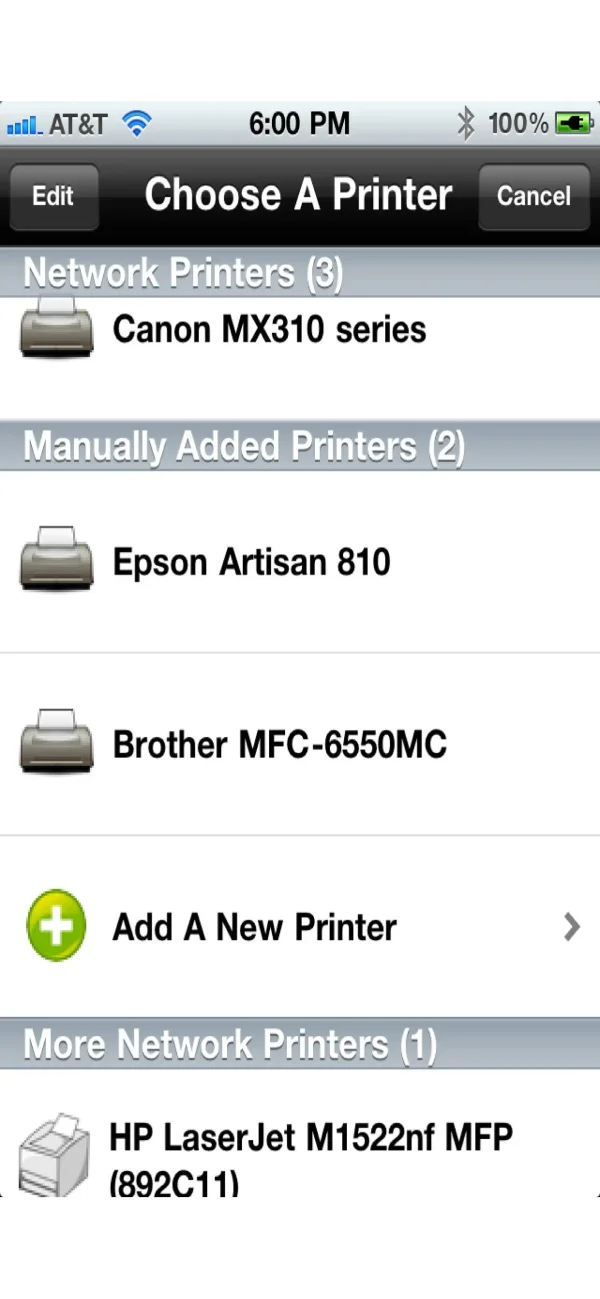
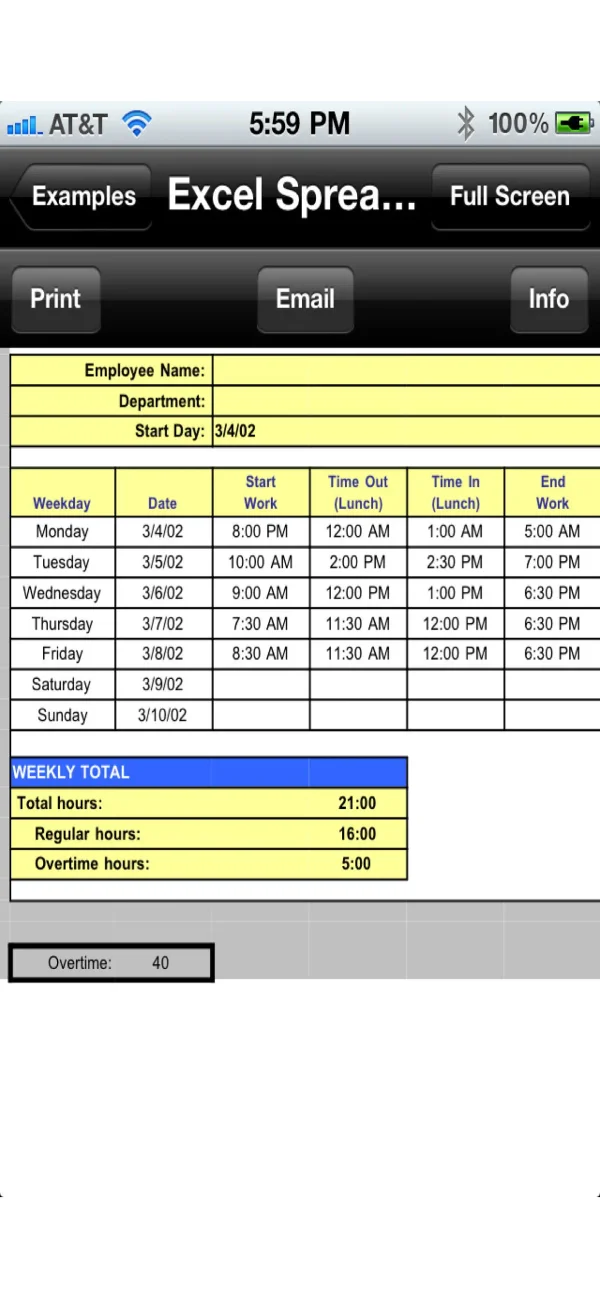

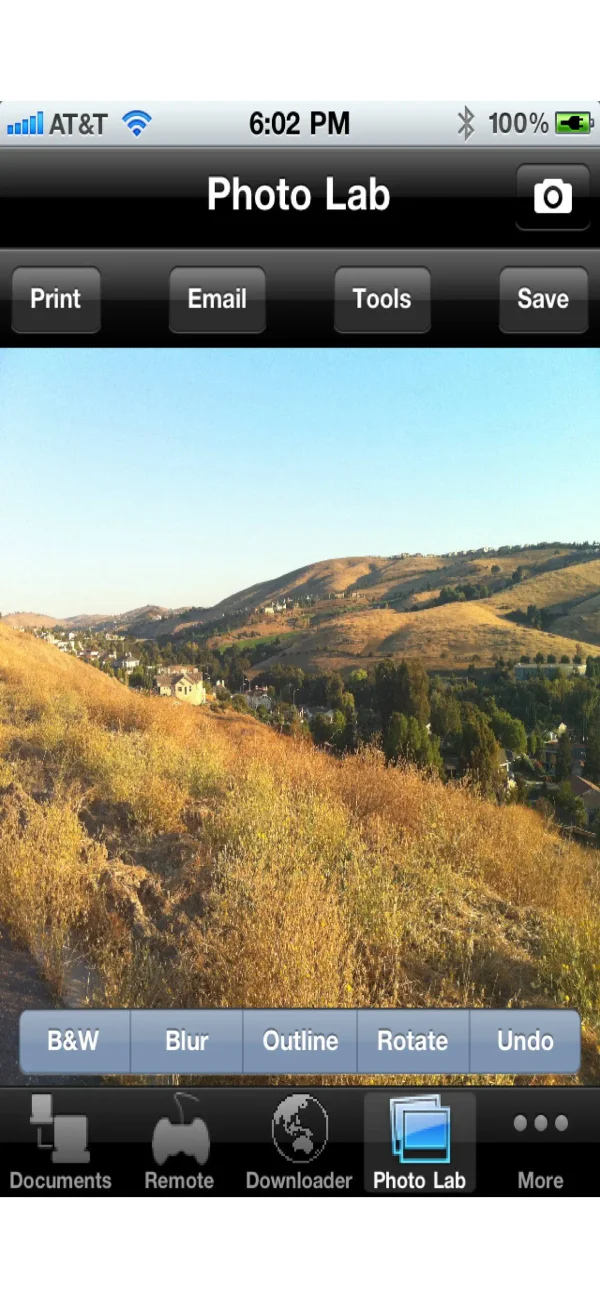
Info
Der Entwickler hat diesen Text nicht in Ihrer Sprache bereitgestellt.
Printing for iPhone enables easy printing of photos, web pages, and various document types.
"I have been trying to find an app to print from my iphone4s & out of the many I tried from iTunes this one is different, it actually works!! great to be able to have a free app to check you can print and only pay when you for the full app once you know it defiantely does as it says it will, highly recommend." - Labs42, May 13, 2012
"AWESOME APP. This app is great for using printers that can't be found with air print. It allows you to search for printers to add using wifi, or even manually enter a printer. 10 stars." - D, Dec 9, 2011
"FANTASTIC. This app did have an initial learning phase but everything is explained quite nicely in the help section. And once I understood the ropes, I can print almost everything I want ( haven't found anything yet which I haven't been able to print actually ). Highly recommended." - Ipad atheist turned devotee, Nov 23, 2011
"I can't stop using this app. Regards." - G, Sep 25, 2011
"WOW SWEET FOR NETWORK FILE PRINTING. Networked HP Photosmart 7960 on Jetdirect. I am able to print my MS documents, PDFs, etc from my file shares via Netportal ! Downloader works well for web page printing. Email attachment printing is sweet!" - T, Jul 22, 2011
FEATURES
• View/print many document types, including PDF, Word, Excel, bitmap, TIFF, text, HTML, Open Office, GIF, and encapsulated PostScript.
• Create new text documents.
• Use a web browser to transfer files between your computer and this app.
• Print to networked or shared printers. No additional software is necessary. This app includes support for over 1,400 printers from HP, Epson, Canon, Samsung, Brother, Lexmark, Xerox, Ricoh, Oki, Kyocera, Infotec, NRG, Lanier, and many more!
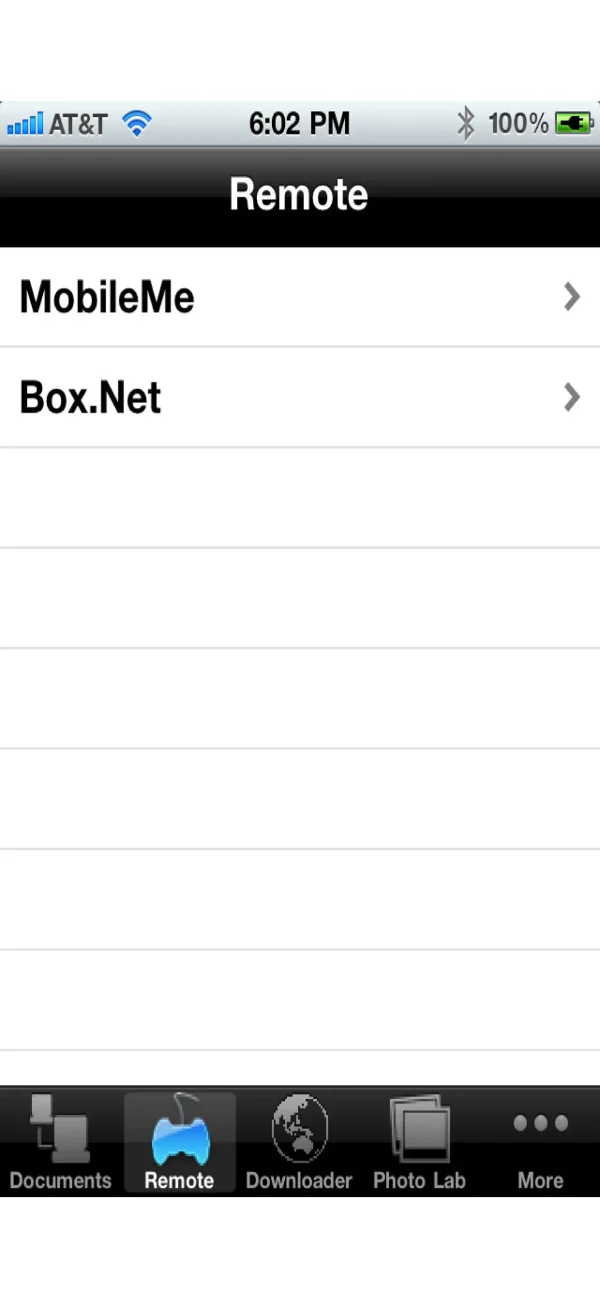
• Print remote files on MobileMe, Box.net, or Dropbox, or download them into this app.
• Print web-based files or download them into this app.
• Capture and process images from your onboard camera or photo album.
DOES THIS APP SUPPORT MY PRINTER?
See the list of printer models this app supports at http://www.ndilitechnologies.com/help.html.
HOW DO I USE THIS APP TO PRINT FROM MY OTHER APPS?
Import the files from your other iPhone/iPad apps into this app, and then use this app to print them.
iPad/iPhone's iOS is designed such that each app you install is given its own storage space. There is no centralized (shared) storage space on your device. This means that this app's proprietary printing engine only works within this app. To say it another way: the iOS does not support/allow third party system-wide drivers. The iOS cannot use this app to print files within another app's storage space—for example, files stored in Pages, Numbers, Safari, Notes, Mail, etc. Therefore, files created in other apps must be imported into this app.
HOW DO I IMPORT FILES INTO THIS APP?
• Use a web browser to transfer files between your computer and this app.
• Use iTunes to upload files into this app.
• Use a WebDAV server to transfer files.
• Email a file to yourself. Then, open the Mail app, press and hold down the attachment until the "Open In..." menu appears. Select this app from the list of apps displayed.
Optional Toll Free Number Subscription Notes (for fax/voicemail receipt):
• Title: Toll-Free Number Subscription
• Length: 1,3, 6 or 12 month options
• Payment will be charged to iTunes Account at purchase confirmation
• Subscription automatically renews unless auto-renew is turned off at least 24-hours before the end of the current period
• Account will be charged for renewal within 24-hours prior to the end of the current period
• Subscriptions may be managed by the user and auto-renewal may be turned off by going to the user’s Account Settings after purchase
• Privacy policy: https://www.ndilitechnologies.com/privacy.html
• Terms of use: https://www.ndilitechnologies.com/termsofuse.html
Neue Funktionen
Version 5.1 · 28.04.2025
- Performance updates and enhancements
App-Datenschutz
Was Ndili Technologies, Inc. im App Store zum Umgang dieser App mit Daten angibt.
-
Keine Daten erfasst
Der Entwickler erfasst keine Daten von dieser App.
Die Datenschutzpraktiken können variieren, zum Beispiel je nach den von Ihnen verwendeten Funktionen oder Ihrem Alter.
Informationen
- Anbieter
- Ndili Technologies, Inc
- Kategorie
- Produktivität
- Version
- 5.1
- Aktualisiert
- 28.04.2025
- Veröffentlicht
- 22.10.2010
- Größe
- 171,6 MB
- Erfordert
- iOS 12.0 oder neuer
- Altersfreigabe
- 4+
- Preis
- 5,99 €
- In-App-Käufe
- Ja
- Sprachen
- Englisch
- Copyright
- © Ndili Technologies, Inc.
Das könnte Ihnen auch gefallen
-
 Print n Share Pro for iPhoneMultiple private user accounts
-
 Tips & Tricks Pro - for iPhoneProduktivität
-
 PrintCentral for iPhoneProduktivität
-
 PrinterShare PremiumFür HP, Epson, Canon und mehr
-
 Print n ShareProduktivität
-
 VST RechnerGeschwindigkeit, Strecke, Zeit
-
 PDF Vault - Document AppProduktivität
-
 To+DoProduktivität
-
 Grammatikprüfung - GrammarMeRechtschreibung App Grammatik