- Altersfreigabe4+
- KategorieDienstprogramme
- EntwicklerThomas ROBB
- SprachenEnglisch
- Größe1,9 MB
Verlinkt auf die offizielle App Store-Seite
Download.org hostet keine Datei von PrintMyDays. Die Schaltfläche öffnet die App-Seite bei App Store, wo Thomas ROBB die App veröffentlicht. Eintrag zuletzt geprüft am 17.11.2026.
Screenshots



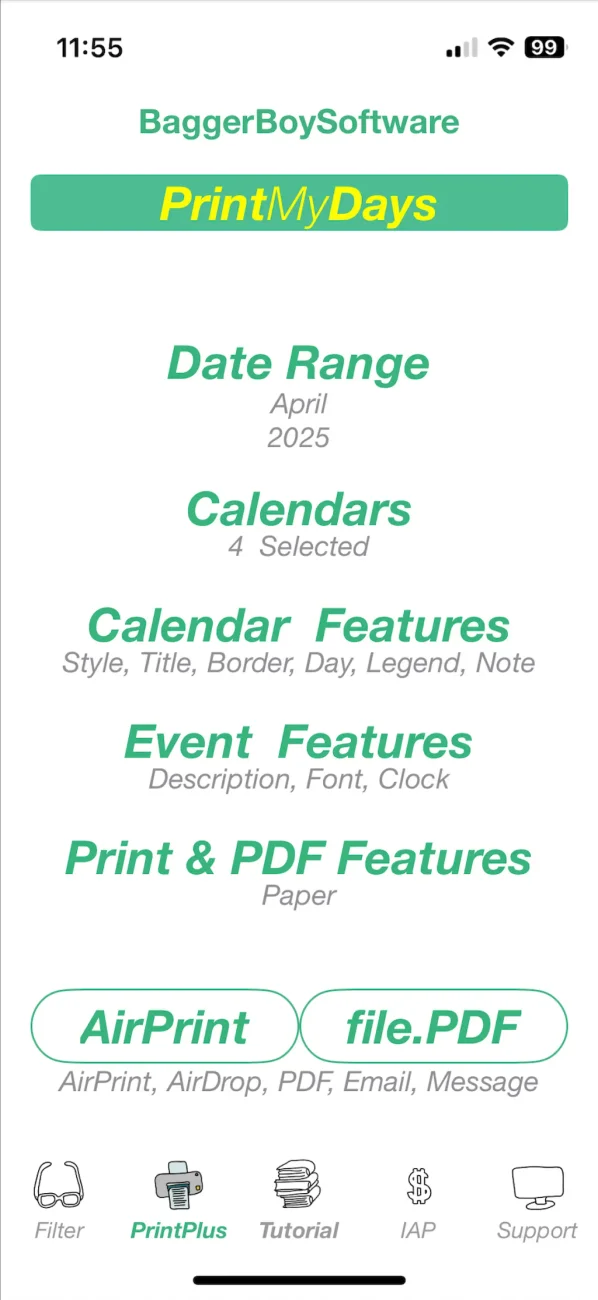
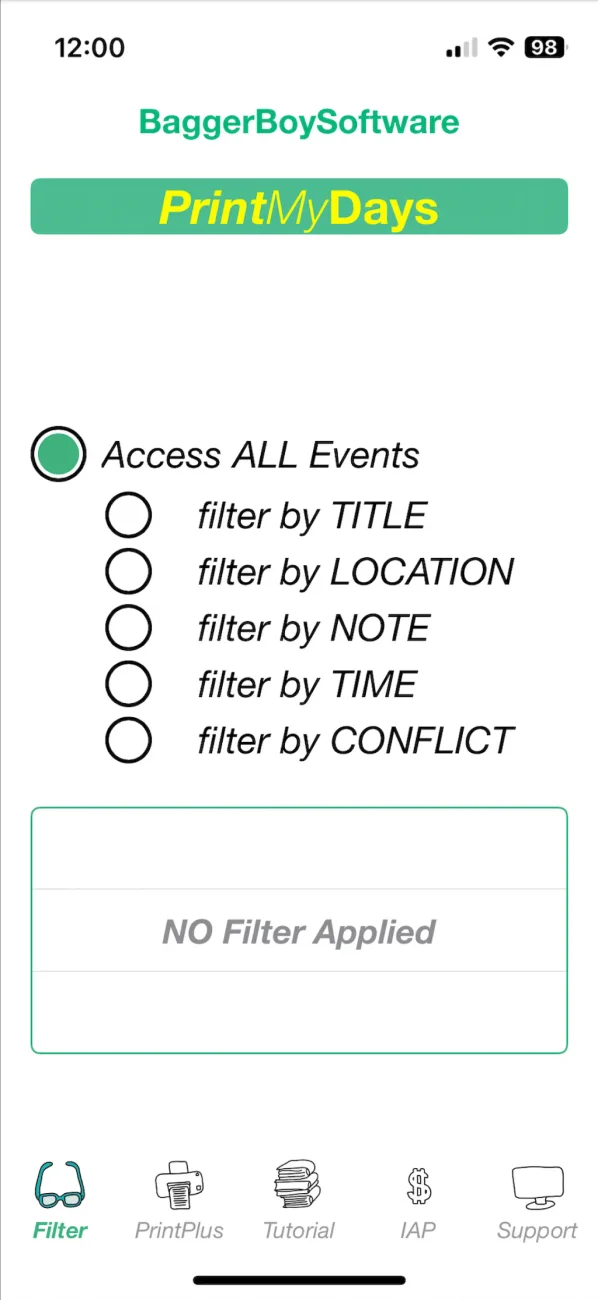
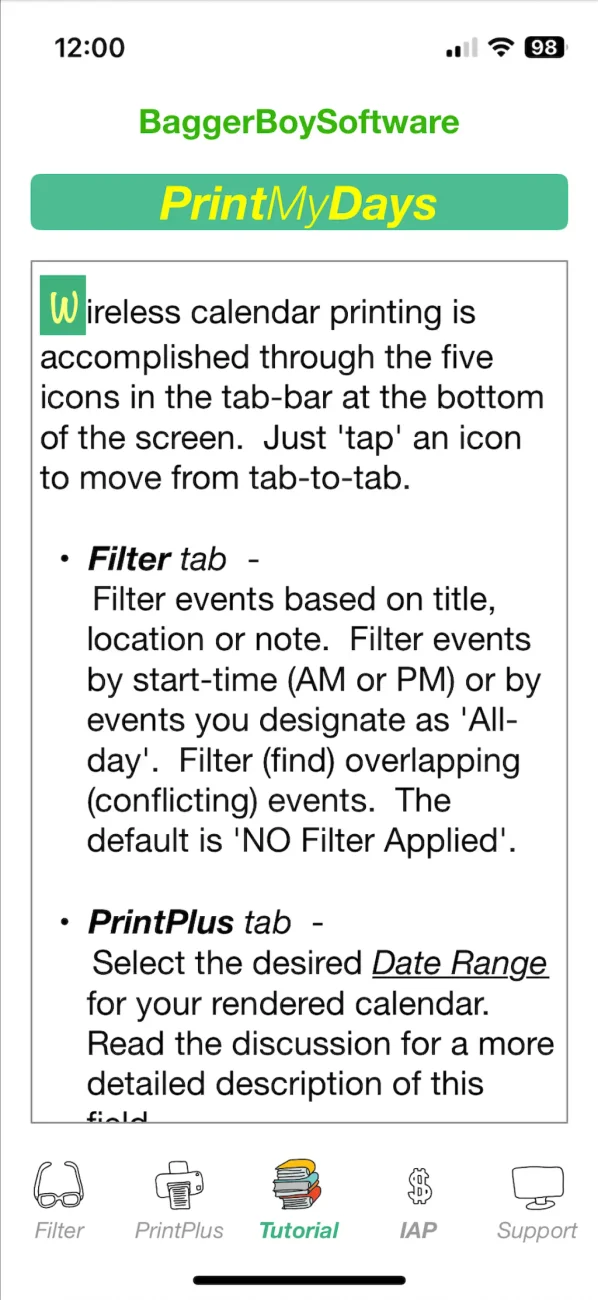

Info
Der Entwickler hat diesen Text nicht in Ihrer Sprache bereitgestellt.
This little Gregorian-based calendar app promises to bring all your far-flung "Calendars" (Cloud, local, subscribed) together in the form of a color-coded, hard-copy, monthly calendar.
Before we start, a word about those first five ScreenShots in the Preview section shown above. Well, they're not ScreenShots, but rather "PrinterShots" – thumbnail images of a calendar "scrunched-down" to the size requirement of a ScreenShot so as to be depicted here on the App Store. Yes, they look somewhat out-of-sorts here, but on your printer or sent as a PDF, they will look "fabulous". The remaining five ScreenShots are directly from the app.
So, let's get started.
Meet the Anderson family (and their Calendar colors) - Mom (orange), Dad (green), son Blu (blue) and daughter Vi (violet). Mom, the family “calendar-master”, previews her Calendar together with the Calendars for Dad, Blu and Violet (#1, above). Nice.
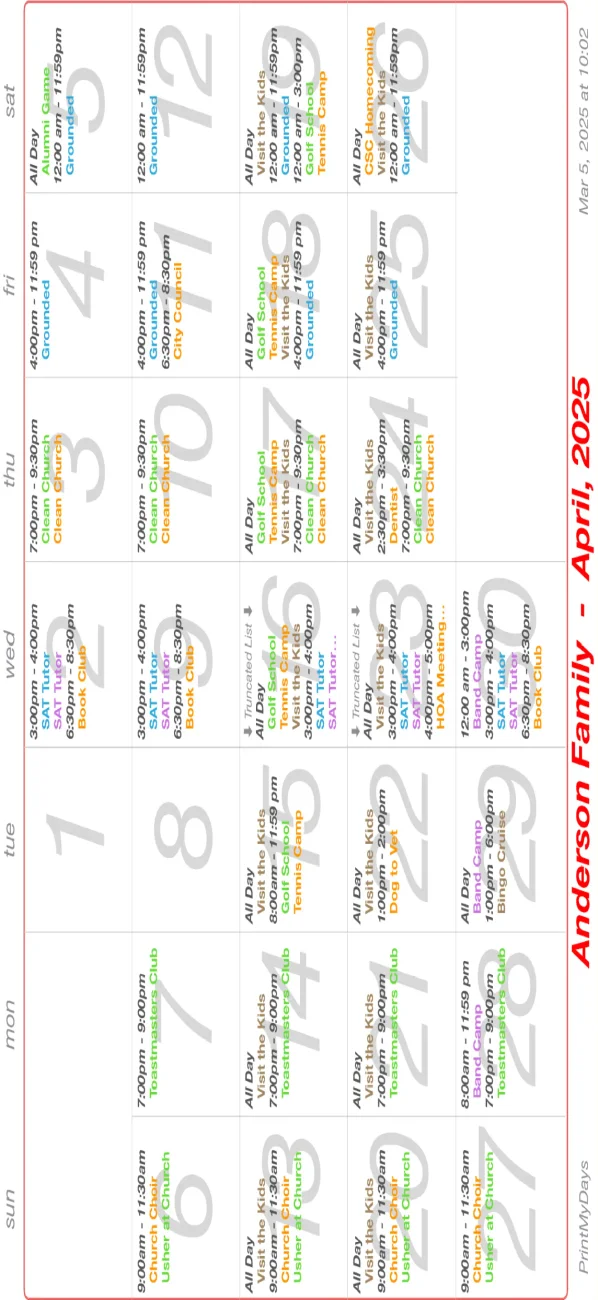
Wait, what? Grandma (brown), who lives in Fresno, is coming for a visit? Probably to keep an eye on grandson Blu while Mom and Dad are busy recreating (golf and tennis camps). The calendar gets crowded on a couple of Wednesdays (#2, above). Mom needs more "real-estate" in the calendar.
So, what can be done?
Mom knows what to do. Mom will bifurcate the calendar.
Wait, what?
bi·fur·cate - "to cause to divide into two branches or parts" - Merriam-Webster Dictionary.
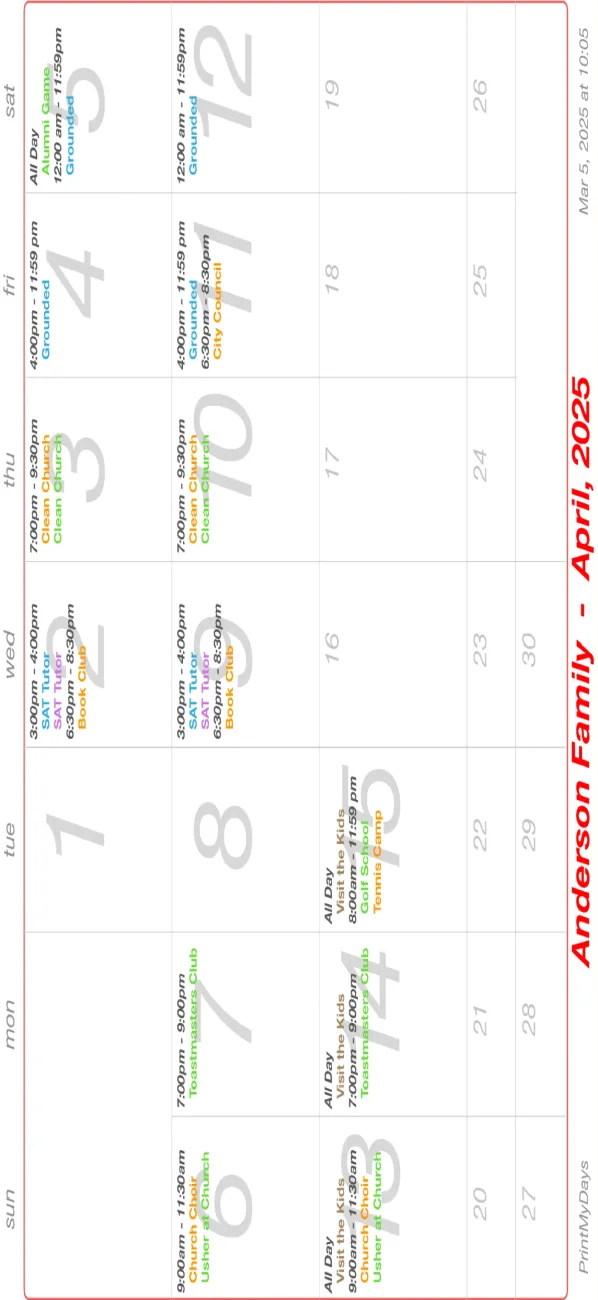
Mom uses the Date Range feature of the app to render days 1-15 (#3, above with "shrink" option shown), then renders days 16-30 (#4, above with "hide" option shown) on the flip-side. Mission accomplished.
Also available is a columnar calendar style (#5, above).
Three font sizes are available for calendar event titles. A customized calendar title and a calendar note field are also available. Also available, the ability to "shrink" or "hide" parts of the calendar.
What paper sizes are supported, you might ask? USLetter? Of course. A4? Yes. Legal? That too. PDF is supported. You select the size with the full dimensions becoming the imageable area. If a PDF "meets-up" with a printer somewhere down the line, just use "fit-to-page" or "scale" to avoid clipping on the margins.
So, what this app did for the Andersons it can do for you. It's free to try - your Calendars, your events, your printer. And the app produces a PDF that you can AirDrop, Email, etc. If it looks good, a nominal IAP (Tier One) will get you on your way.
AND, this little iOS app will run just fine on your big silicon macOS device!
Neue Funktionen
Version 2.40 · 02.10.2026
Infrastructure updates
App-Datenschutz
Was Thomas ROBB im App Store zum Umgang dieser App mit Daten angibt.
-
Keine Daten erfasst
Der Entwickler erfasst keine Daten von dieser App.
Die Datenschutzpraktiken können variieren, zum Beispiel je nach den von Ihnen verwendeten Funktionen oder Ihrem Alter.
Informationen
- Anbieter
- Thomas ROBB
- Kategorie
- Dienstprogramme
- Version
- 2.40
- Aktualisiert
- 02.10.2026
- Veröffentlicht
- 07.09.2022
- Größe
- 1,9 MB
- Erfordert
- iOS 17.6 oder neuer
- Altersfreigabe
- 4+
- Preis
- Kostenlos
- In-App-Käufe
- Ja
- Sprachen
- Englisch
- Copyright
- © 2022 BaggerBoySoftware
Das könnte Ihnen auch gefallen
-
 Identifier Plants natureDienstprogramme
-
 MonakaDienstprogramme
-
 Clear - Note and BlankDienstprogramme
-
 RailPilotModellbahn per App steuern
-
 Zeliox ZAI4Dienstprogramme
-
 CalPrint for iPhoneKalender / Erinnerung drucken
-
 Druckkalender: Einfach, simpelMonatskalender zum Ausdrucken
-
 Teleprompter: Voice FollowDienstprogramme
-
 Countdown With MeDienstprogramme
-
 Convertify PDF: Converter EditCreator Bearbeiten Umwandeln