QR 2 CSV
QR & Barcode Scanner to CSV
Entwickelt für iPhone, iPad
Kostenlos · In-App-Käufe
- Altersfreigabe4+
- KategorieProduktivität
- EntwicklerDan Ristea
- SprachenEnglisch
- Größe7,6 MB
Verlinkt auf die offizielle App Store-Seite
Download.org hostet keine Datei von QR 2 CSV. Die Schaltfläche öffnet die App-Seite bei App Store, wo Dan Ristea die App veröffentlicht. Eintrag zuletzt geprüft am 18.11.2026.
Screenshots






Info
Der Entwickler hat diesen Text nicht in Ihrer Sprache bereitgestellt.
QR 2 CSV is a free QR code and barcode scanner that lets you scan, organize, and export results as CSV, TXT, XLSX or PDF. Built for inventory, data collection, attendance, and everyday record keeping.
Scan with your camera or enter values manually. Use single or continuous scanning, optional beep and vibration, and duplicate detection. Everything stays on your device.
KEY FEATURES:
• Scan QR codes and barcodes with your camera: QR Codes, Barcodes (Code 128, Code 39, EAN-13, EAN-8, UPC-E)
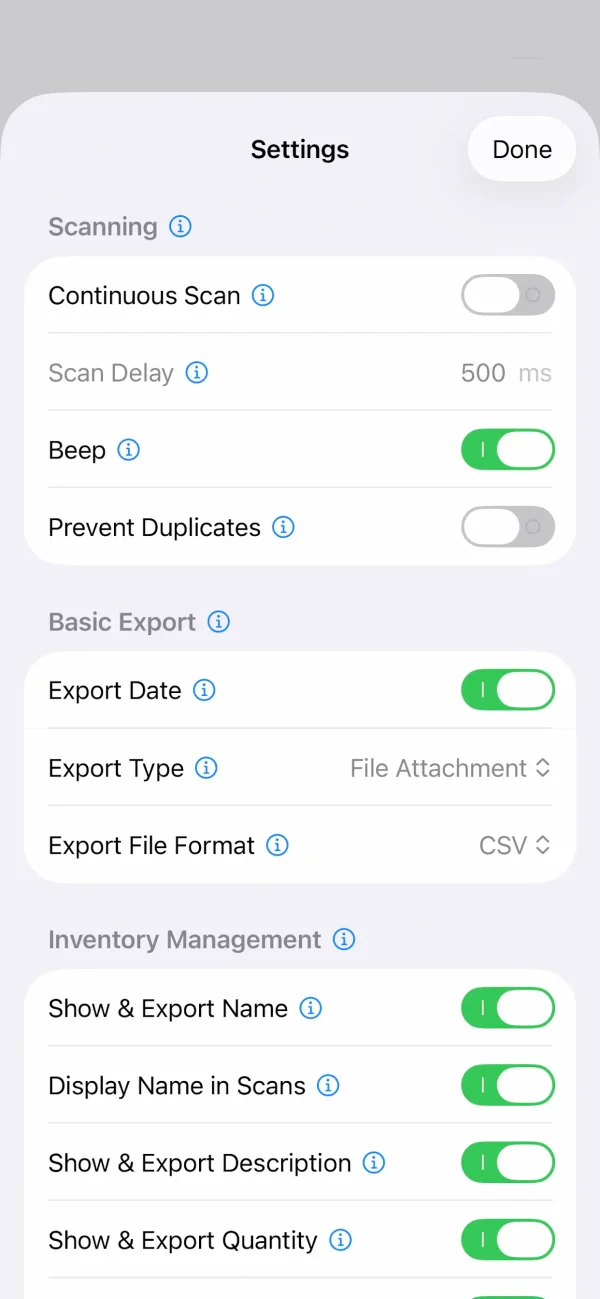
• Continuous or single-shot scanning with adjustable delay
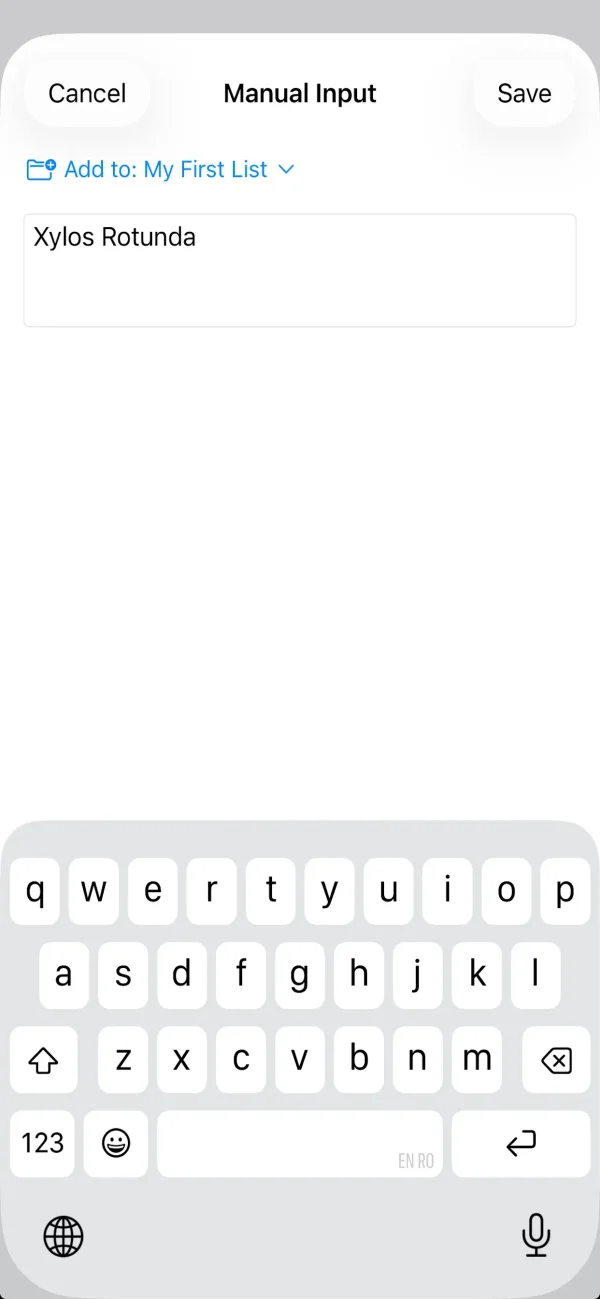
• Manual entry when you can’t scan
• Prevent duplicate scans with a confirmation prompt
• Timestamps on every record
• Open scanned URLs in Safari
• Swipe to delete, or delete specific / all / visible items
• Export as CSV or plain TXT — share by email, Messages, Drive, and more
• Persistent local storage for scans and settings
• Search records (all fields: data, name, description, quantity, lists, timestamp)
• On-device AI Assist (Beta) — Apple Intelligence devices only
• Select All in Bulk Actions (and List Assign): selects every visible item (search + list filter)
INVENTORY MANAGEMENT (optional unlock):
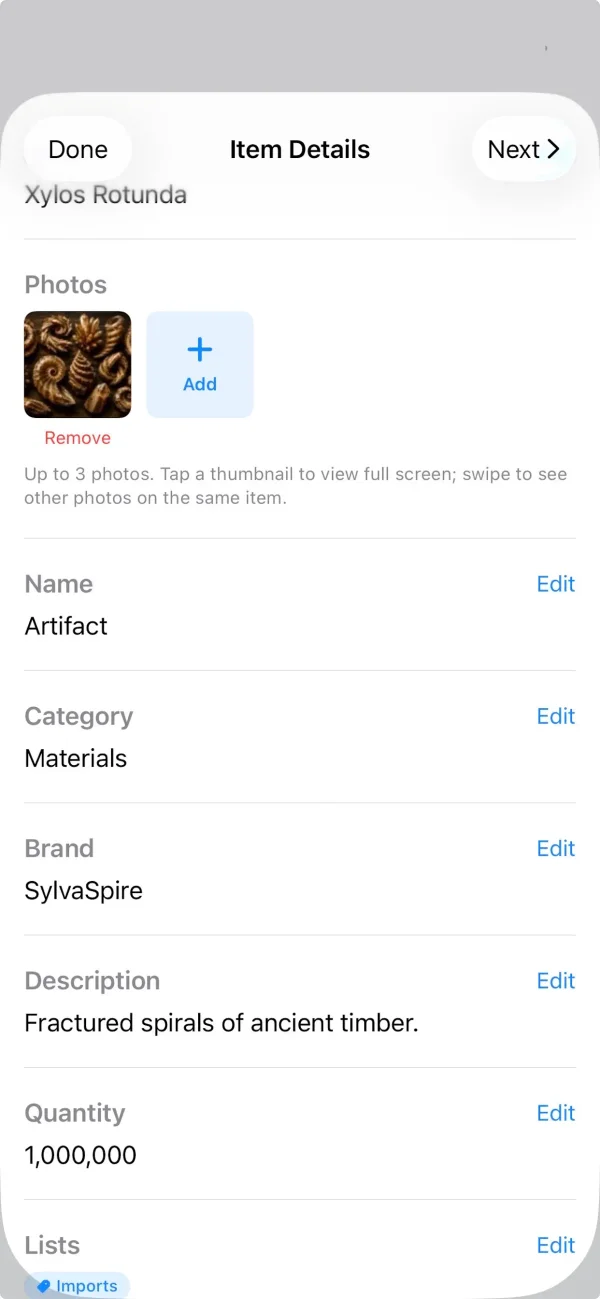
• Add & Export name, brand, category, description, quantity, unit price and total price
• Add up to 3 photos per record (camera or library)
• Enhanced export as Excel (.xlsx) and PDF (.pdf) with ability to include Photos in .xlsx and .pdf Export (default off).
• Edit multiple selected items at once
• Include inventory fields in your exports
• Copy Fields From Existing (scan or manual record)
• Search by Field (limit search to Data, Name, Brand, Category, Description, Quantity, Lists, or Timestamp)
• Fuzzy Barcode Lookup. While typing on the scanner Keyboard or Manual Input, shows partial matches from your library (e.g. last digits). Tap a match to use that code.
• Brand Manager — create, browse, rename, and remove unused brands from your catalog
• Category Manager — create, browse, rename, and remove unused categories from your catalog
• Related Items - tag an item on multiple lists or an item that has other records with the same barcode. Opens a sheet to see those related entries.
• Total List price/quantity/measurement
ORGANIZATION / LISTS (optional unlock):
• Create lists and assign items to one or more lists
• Create groups and assign lists to one or more groups
• Scan directly into a list (or leave items Unassigned)
• Filter by All, Unassigned, or a specific group / list
• Export by list, including list names when enabled
• Bulk Actions: assign, edit, export, or delete selected items
• Export sort: Sort by Date, Data, Name, Description, or Quantity, with optional Then by
• Tertiary export sort — up to 3 levels (Sort by / Then by)
WORKFLOWS (BETA):
• Choose from Stocking, Restocking, Dynamic, and Revision scanning modes
• Move known items between lists, add new items, or do both automatically
• Look up existing records across your Source lists while scanning
• Control how known, unknown, and duplicate items are handled
• Confirm, update, skip, or create records directly from the scanning workflow
• Set Destination lists for organized, repeatable stock operations
• Built-in demos let you try each workflow before using your own lists
BACKUP & RESTORE (optional unlock):
• Backup Now — save scans, lists, and settings as a .qr2csv to Files, iCloud Drive, Google Drive, email and more
• Restore from User Backup — pick a .qr2csv you saved
• Restore from System Snapshot — private in-app copies. System snapshots include photos; user backups do not.
• Preview before you replace anything
COMPLETE/PREMIUM PACKAGE (optional):
• Unlock Inventory, Organization, Backups at a discount when you don’t already own any of them
Simply scan, organize, and export. All data stays on your device for privacy and control.
Neue Funktionen
Version 3.26 · 09.11.2026
NEW FEATURES:
- Sort All Scans list with the arrows beside search: Timestamp, Name, Brand, Category, Expiration Date or Supplier. The choice is remembered, and it stays separate from Export Sort by.
BUG FIX:
- Opening Bulk Actions keeps the list where it was. It no longer jumps back to the top.
App-Datenschutz
Was Dan Ristea im App Store zum Umgang dieser App mit Daten angibt.
-
Keine Daten erfasst
Der Entwickler erfasst keine Daten von dieser App.
Die Datenschutzpraktiken können variieren, zum Beispiel je nach den von Ihnen verwendeten Funktionen oder Ihrem Alter.
Informationen
- Anbieter
- Dan Ristea
- Kategorie
- Produktivität
- Version
- 3.26
- Aktualisiert
- 09.11.2026
- Veröffentlicht
- 17.04.2016
- Größe
- 7,6 MB
- Erfordert
- iOS 18.6 oder neuer
- Altersfreigabe
- 4+
- Preis
- Kostenlos
- In-App-Käufe
- Ja
- Sprachen
- Englisch
- Copyright
- © 2016 Dan Ristea
Das könnte Ihnen auch gefallen
-
 ScanBatch: QR-Code & BarcodeInventur-Scanner, CSV-Export
-
 Scan to Sheets: Scan & ExportScan QR/Barcode to Excel
-
 Scan to ExcelProduktivität
-
 Scan to Sheets - QR & BarcodeProduktivität
-
 Barcode-Scanner - Orca ScanInventar- & Anlagenverfolgung
-
 ScanMe QR Attendance TrackerProduktivität
-
 Inventar Mit BarcodesLagerverwaltungssystem
-
 Ekahau SurveyProduktivität
-
 Barcode ScannersProduktivität
-
 Inventar Barcode ScannerLager und Produkte Verwalten