QR Codes Generator & Scanner
QR & Bar Codes Maker + Scanner
Entwickelt für iPhone, iPod touch
Kostenlos
- Altersfreigabe4+
- KategorieDienstprogramme
- EntwicklerUniqode Phygital, Inc
- SprachenEnglisch
- Größe39,9 MB
Verlinkt auf die offizielle App Store-Seite
Download.org hostet keine Datei von QR Codes Generator & Scanner. Die Schaltfläche öffnet die App-Seite bei App Store, wo Uniqode Phygital, Inc die App veröffentlicht. Eintrag zuletzt geprüft am 19.11.2026.
Screenshots
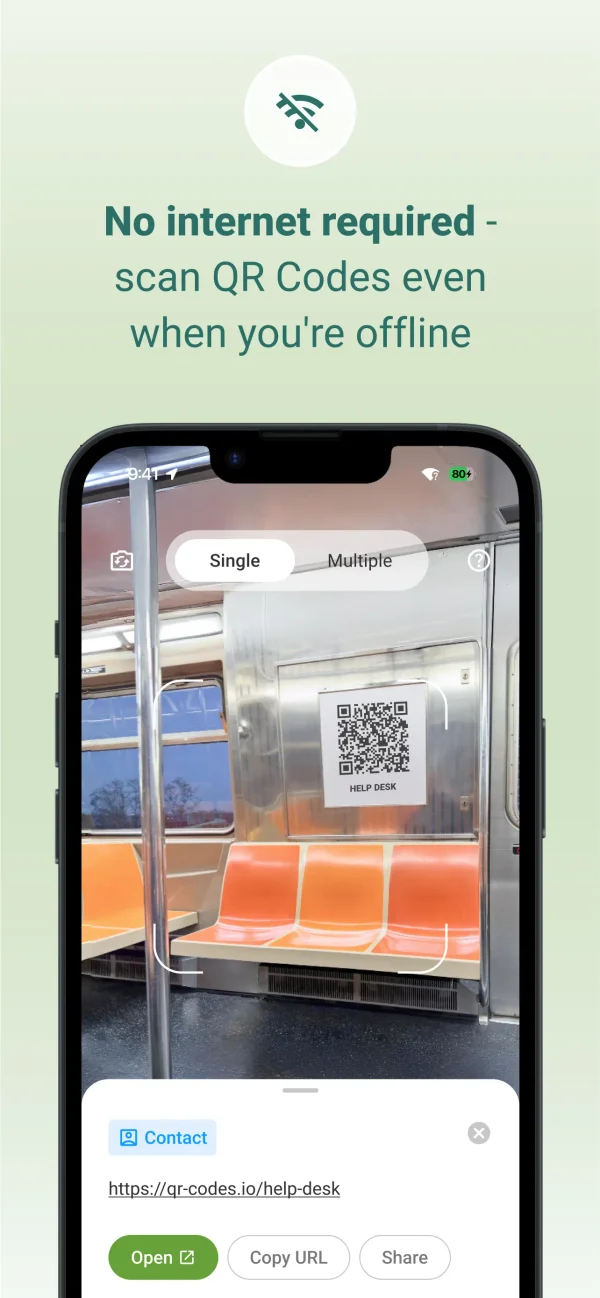
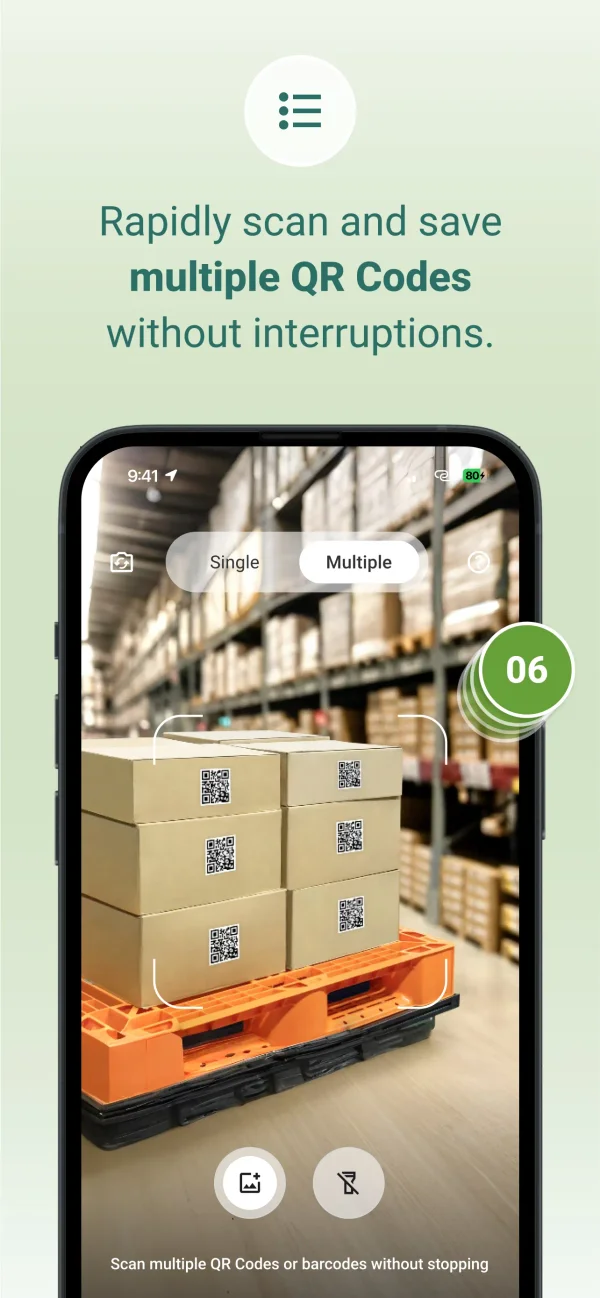

Info
Der Entwickler hat diesen Text nicht in Ihrer Sprache bereitgestellt.
The QR Codes Generator & Scanner is your all-in-one iOS app for scanning QR codes and barcodes, and for creating fully customizable QR Codes with speed and accuracy. It works as a fast and reliable QR and barcode scanner, and a fully customizable QR Code maker — perfect for daily use, retail, marketing, education, events, and personal sharing.
Scan anything instantly: product packaging, menus, bills, ID cards, barcodes in stores, tickets, coupons, app links, and more. Create branded QR Codes with colors, patterns, borders, and templates whenever you need.
Why Choose the QR Codes Generator & Scanner app?
- Lightweight and battery-friendly
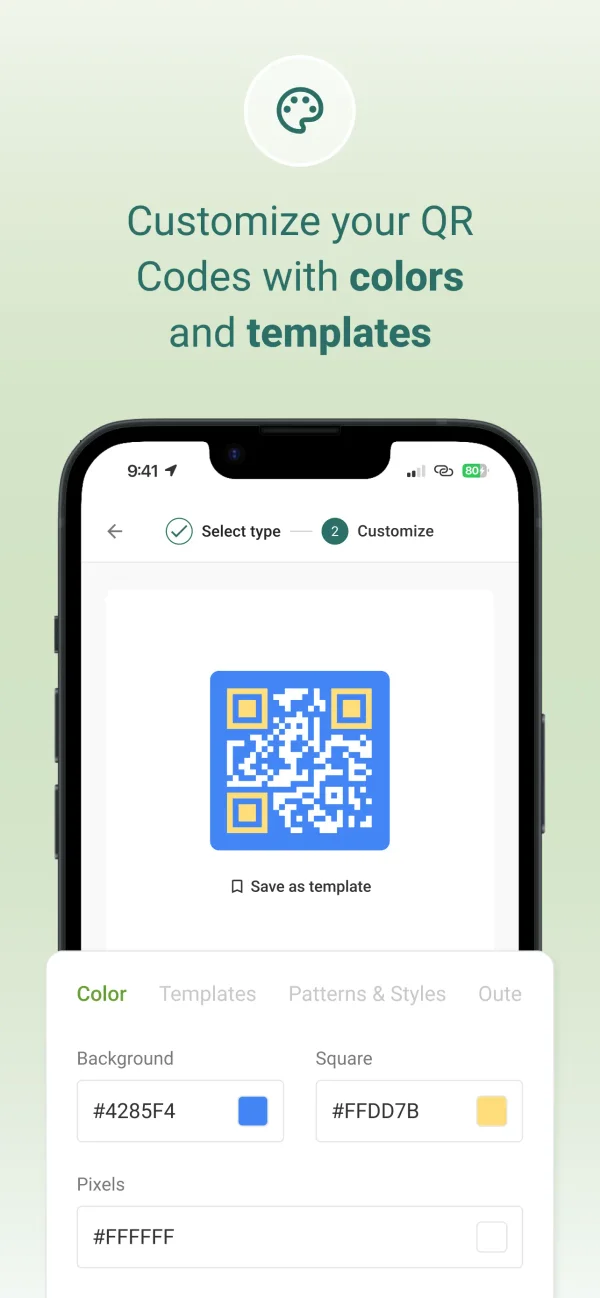
- Create custom QR Codes with colors, patterns, and templates
- Generate QR Codes for URL, SMS, Email, contact, text, & more
- Save, edit, and re-use your previously generated QR Codes anytime
- Privacy-first — all scan data stays on your device
- Safe link preview before opening URLs
- Fast QR & barcode detection with real-time autofocus
- Offline scanning — no internet required
- Bulk scan mode for multiple codes at once
- Scan QR Codes directly from gallery images
- Works on small, blurry, low-light, or damaged QR Codes & barcodes
QR Code Generator Features & Customization
Create unique, branded, and professional QR Codes in seconds.
Customization Tools
- Choose solid colors or gradient color styles
- Select QR patterns: dots, squares, rounded shapes
- Customize eye shapes and border styles
- Use ready-made QR templates for business, personal, and social sharing
Creator Features
- Real-time design preview
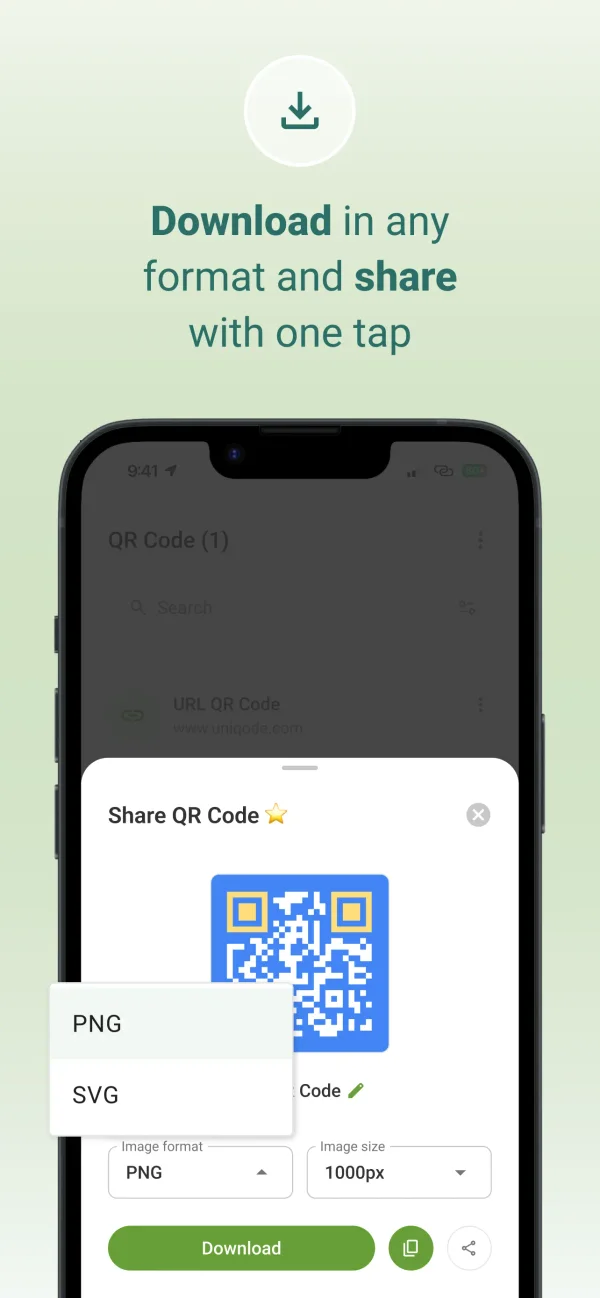
- High-resolution PNG/JPG downloads
- Save created QR Codes in history for future use
- Static QR creation for URL, contact, text, phone, SMS, email, and more
- Ideal for menus, posters, product packaging, business cards, event tickets, brochures, and digital payments
QR Code Scanner Features
The scanner detects QR Codes and barcodes instantly the moment they appear in the camera frame. No buttons, no extra steps.
- Auto-detection for all QR Codes and barcodes
- Scan QR Codes directly from gallery photos
- Flashlight support for dim environments
- Bulk scanning mode for scanning many codes quickly
- Quick actions: open links, save contacts, connect to Wi-Fi, copy text, call numbers, send email, share instantly
- View complete scan details with clean formatting
- Searchable scan history with export options
- Supports all major barcodes, including UPC, EAN, ISBN, Code 128, Code 39, ITF, and more
- Optimized for high accuracy even with angled, faded, or low-light codes
Supported Scan Types
- Website URLs
- Contact cards (vCard)
- Text
- Email
- Phone numbers
- SMS
- Wi-Fi networks
- Calendar events
- Location GPS coordinates
- App links
- Social media profiles
- Business pages
- All common barcodes
Supported QR Code Types for Generator
- URL
- Contact card
- Phone
- Email
- SMS
- Text
- Phone number
How to Scan a QR Code
1. Open the app and tap Scan
2. Point the camera at the QR Code/Barcode
3. The code is detected instantly
4. Tap the action: open link, connect to Wi-Fi, save contact, or share
5. Access previous scans in the History tab
How to Create a QR Code
1. Tap Generate
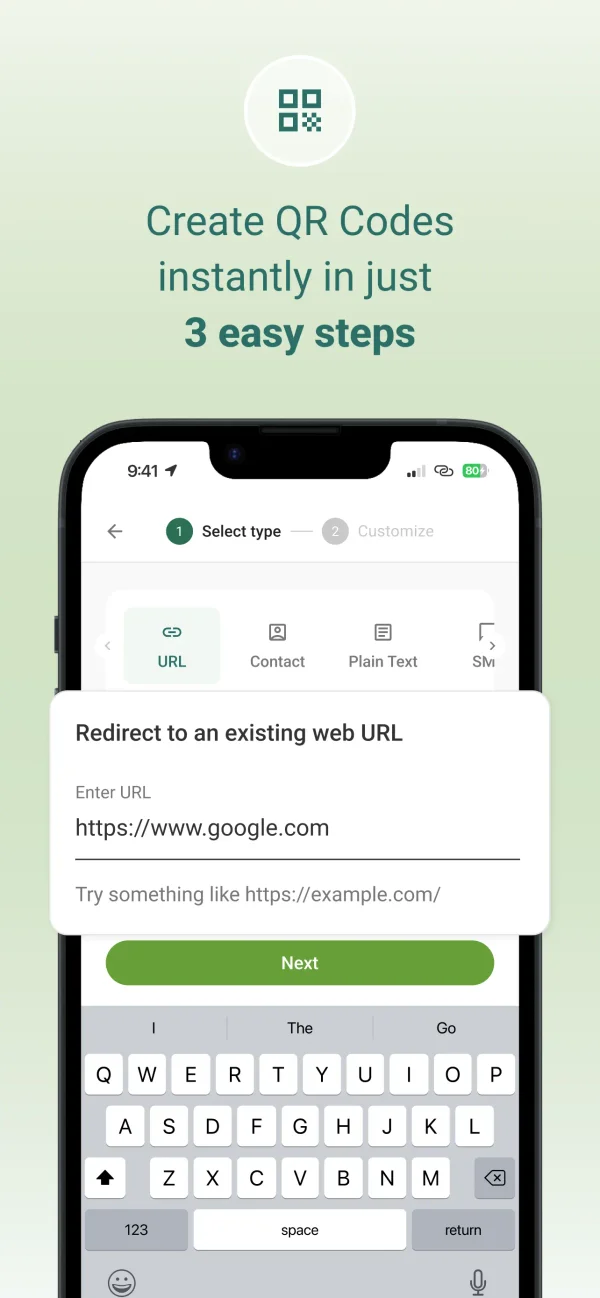
2. Choose a QR type: URL, SMS, contact, Email, etc.
3. Enter your details
4. Customize colors, patterns, and templates
5. Download, copy or share instantly
Extra Tips
- Use good lighting for best scanning accuracy
- Ensure printed QR Codes have strong contrast
- Keep QR Codes at least 2×2 cm
- Avoid blurry images when generating QR Codes
- Always test your QR before publishing or printing
Safe, Private, and Easy to Use
The QR Codes Generator & Scanner app stores everything locally on your device. Nothing is uploaded or shared. It requires only essential permissions — camera for scanning and storage for saving your QR designs.
Support
support@the-qrcode-generator.com
Neue Funktionen
Version 1.0.14 · 19.08.2026
Users get more accurate scan tracking in batch mode — analytics are recorded even without an internet connection, syncing automatically once you're back online.
App-Datenschutz
Was Uniqode Phygital, Inc im App Store zum Umgang dieser App mit Daten angibt.
-
Daten, die zum Tracking Ihrer Person verwendet werden
Können verwendet werden, um Sie über Apps und Websites anderer Unternehmen hinweg zu verfolgen.
- Kennungen
- Nutzungsdaten
- Diagnose
-
Nicht mit Ihnen verknüpfte Daten
Können erfasst werden, sind aber nicht mit Ihrer Identität verknüpft.
- Kennungen
- Nutzungsdaten
- Diagnose
Die Datenschutzpraktiken können variieren, zum Beispiel je nach den von Ihnen verwendeten Funktionen oder Ihrem Alter.
Informationen
- Anbieter
- Uniqode Phygital, Inc.
- Kategorie
- Dienstprogramme
- Version
- 1.0.14
- Aktualisiert
- 19.08.2026
- Veröffentlicht
- 13.11.2025
- Größe
- 39,9 MB
- Erfordert
- iOS 15.6 oder neuer
- Altersfreigabe
- 4+
- Preis
- Kostenlos
- Sprachen
- Englisch
- Copyright
- © 2026 Uniqode Phygital, Inc.
Das könnte Ihnen auch gefallen
-
 QR-Code-GeneratorDienstprogramme
-
 QR code reader & scannerBarcode scanner & generator
-
 QRBot: QR-Code ScannerBarcode-Leser & Generator
-
 QR Code Scanner + BarcodeScannen, Erstellen, Teilen
-
 The Digital InspectionDienstprogramme
-
 Advancer AD20Dienstprogramme
-
 Metra Heise ConnectDienstprogramme
-
 QR TIGER QR Code GeneratorDienstprogramme
-
 QR Code Scanner: Barcode LeserQR Code erstellen & Generator
-
 Xtool AnyscanDienstprogramme