- Altersfreigabe4+
- KategorieDienstprogramme
- EntwicklerSopanharith Chea
- SprachenEnglisch
- Größe14,3 MB
Quick Khmer Keyboard ist bei App Store derzeit möglicherweise nicht verfügbar
Bei unserer letzten Prüfung war der Store-Eintrag nicht erreichbar. Der Link führt weiterhin zur offiziellen App Store-Seite.
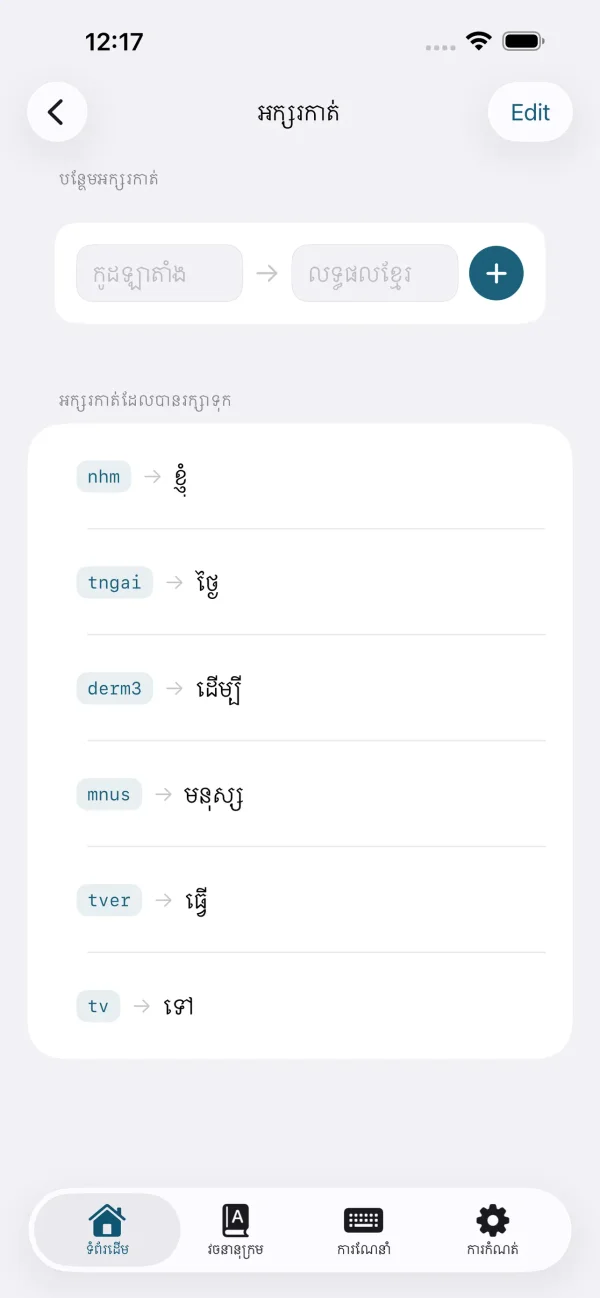
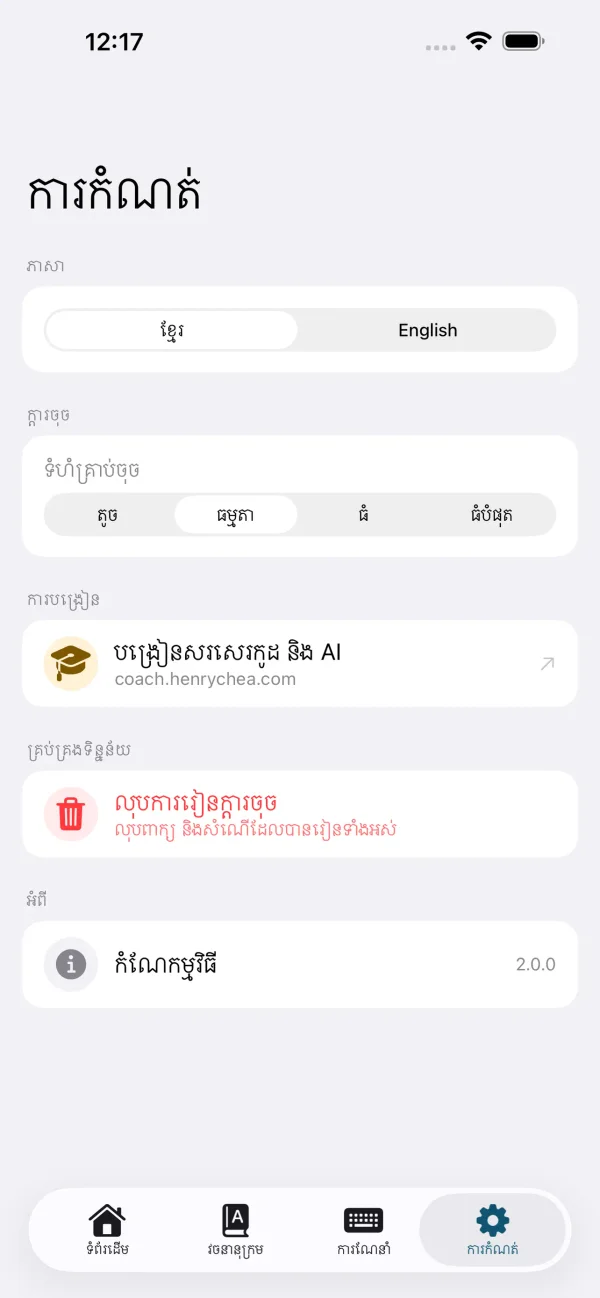
Screenshots


Info
Der Entwickler hat diesen Text nicht in Ihrer Sprache bereitgestellt.
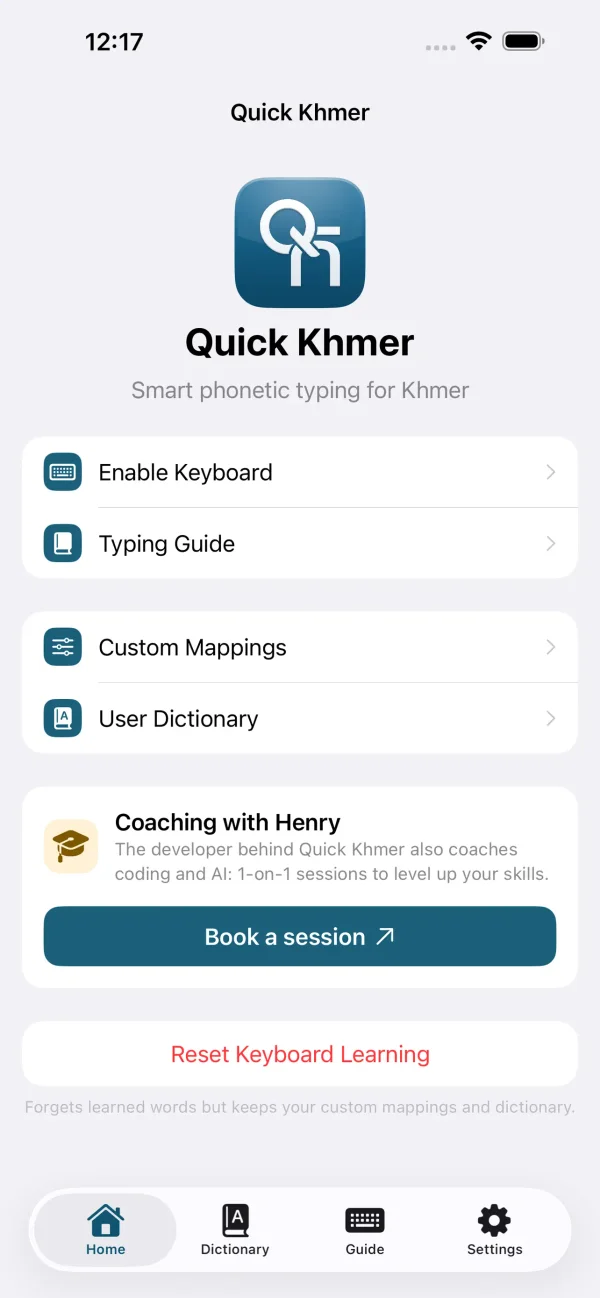
Quick Khmer turns typed Latin into Khmer as you type. Type the way it sounds, pick from ranked suggestions, and the keyboard remembers your choices.
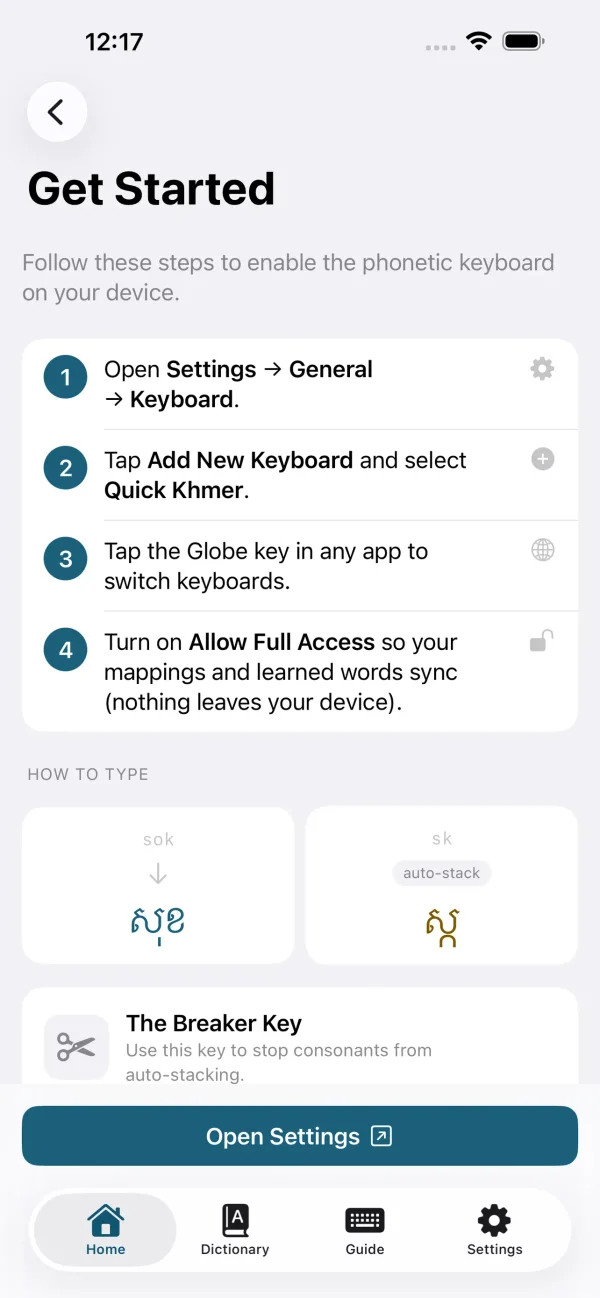
- Phonetic input: type the way it sounds, for example "sok" or "tov", and get the right Khmer word or phrase.
- Smart suggestions: common words rank first, and the keyboard learns the picks you make, ranking them higher over time.
- Auto-stacking: consonants without a vowel stack automatically, with a dedicated breaker key to stop a stack.
- Custom mappings: create your own shortcut codes that always expand to the Khmer you want.
- User dictionary: add whole words that suggest as you type their prefix.
- Built for Khmer: consonants, vowels, and final-consonant marks typed phonetically, then rendered correctly.
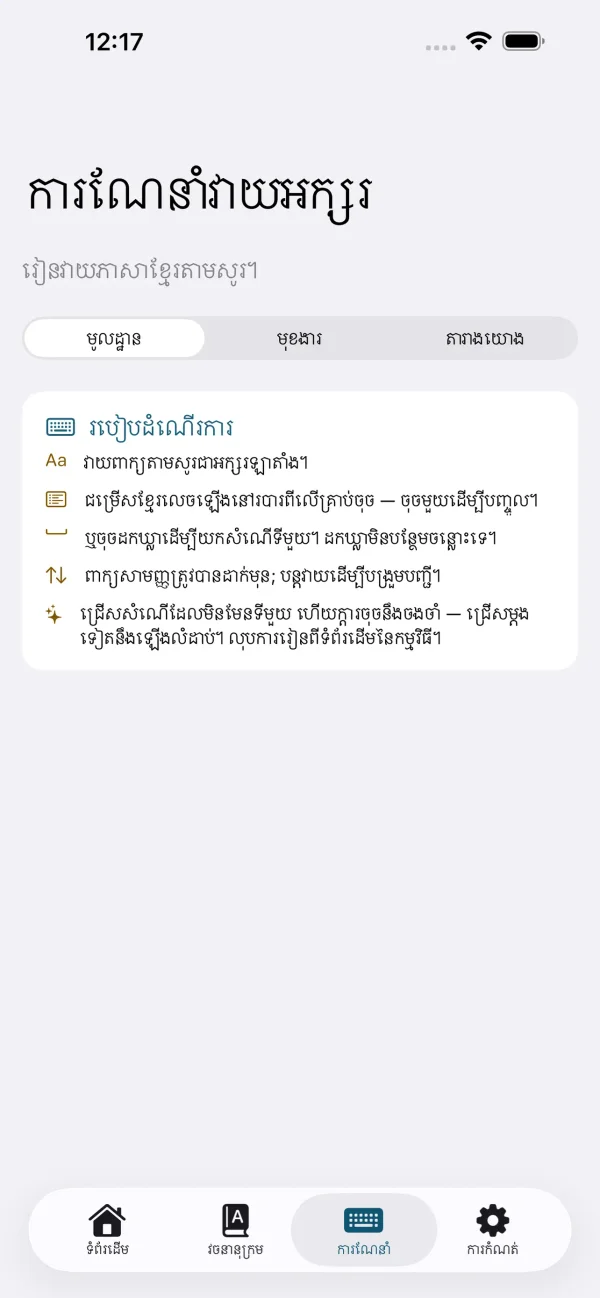
- Fully in Khmer: the entire app is translated into Khmer, with English available in Settings.
- Private by design: everything stays on your device. No accounts, no ads, no tracking, no data leaves your iPhone.
How to enable:
1. Open Settings > General > Keyboard > Keyboards.
2. Tap Add New Keyboard and select Quick Khmer.
3. Tap the globe key in any app to switch keyboards.
Neue Funktionen
Version 2.0.1 · 15.10.2026
iOS 27 fix: the suggestion bar above the keys no longer appears blurred. Khmer candidates are crisp and readable again, and tapping one works as before. Nothing else changed.
App-Datenschutz
Was Sopanharith Chea im App Store zum Umgang dieser App mit Daten angibt.
-
Keine Daten erfasst
Der Entwickler erfasst keine Daten von dieser App.
Die Datenschutzpraktiken können variieren, zum Beispiel je nach den von Ihnen verwendeten Funktionen oder Ihrem Alter.
Informationen
- Anbieter
- Sopanharith Chea
- Kategorie
- Dienstprogramme
- Version
- 2.0.1
- Aktualisiert
- 15.10.2026
- Veröffentlicht
- 25.08.2026
- Größe
- 14,3 MB
- Erfordert
- iOS 17.0 oder neuer
- Altersfreigabe
- 4+
- Sprachen
- Englisch
- Copyright
- © 2026 Sopanharith Chea
Das könnte Ihnen auch gefallen
-
 Khmerlang KeyboardDienstprogramme
-
 Aksar Khmer KeyboardDienstprogramme
-
 English - Maltese TranslatorDienstprogramme
-
 English - Khmer TranslatorDienstprogramme
-
 Khmer Swipe KeyboardDienstprogramme
-
 Khmer Keyboard AIDienstprogramme
-
 Khemera KeyboardDienstprogramme
-
 Khmer ACT- Legal Council MEFDienstprogramme
-
 Khmerism KeyboardDienstprogramme
-
 Family Tree ToolDienstprogramme