RasterLab Mobile
Screen config and pre-pro tool
Entwickelt für iPhone, iPad, iPod touch
Kostenlos
- Altersfreigabe4+
- KategorieDienstprogramme
- EntwicklerHyth Focus Inc.
- SprachenEnglisch
- Größe47,4 MB
Verlinkt auf die offizielle App Store-Seite
Download.org hostet keine Datei von RasterLab Mobile. Die Schaltfläche öffnet die App-Seite bei App Store, wo Hyth Focus Inc. die App veröffentlicht. Eintrag zuletzt geprüft am 20.11.2026.
Screenshots


Info
Der Entwickler hat diesen Text nicht in Ihrer Sprache bereitgestellt.
Your LED screen pre-production just got easier. RasterLab is an LED screen based configuration and pre-production app designed for users of different levels from producers to technical directors needing a high-level or quick reference for LED screen management, to LED technicians and engineers who need to dig down into the details of building a live show fast and reliably. And the best part, both of these users can interact! A producer can share their project with an engineer, and through background magic, will be nearly show site ready.
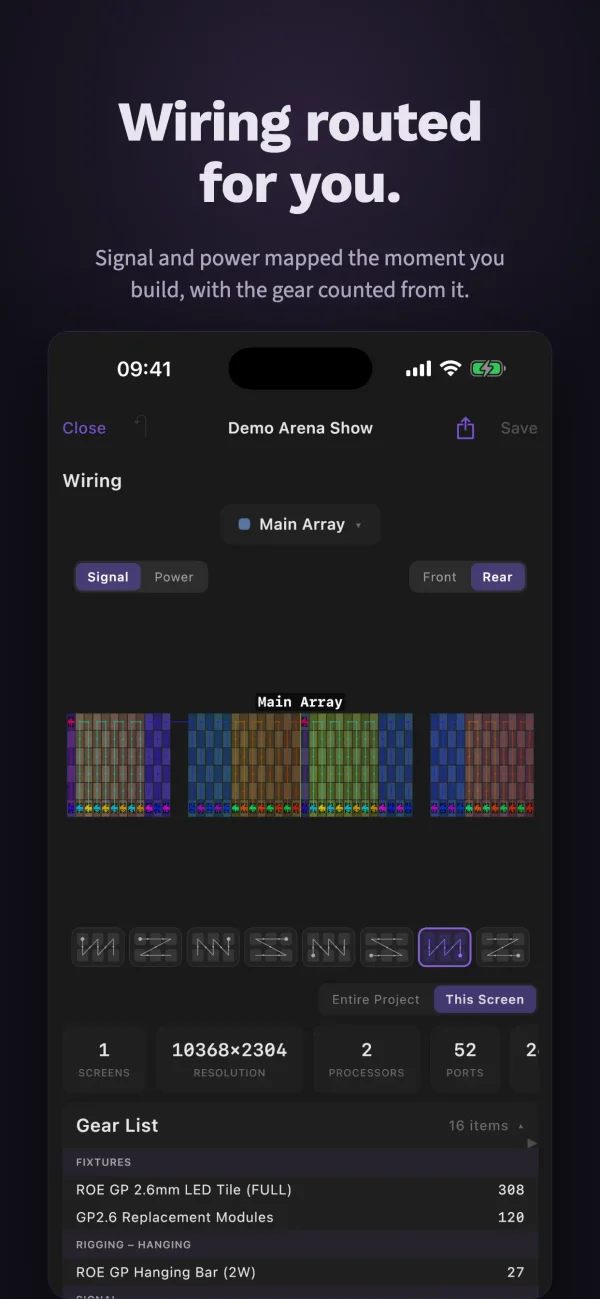
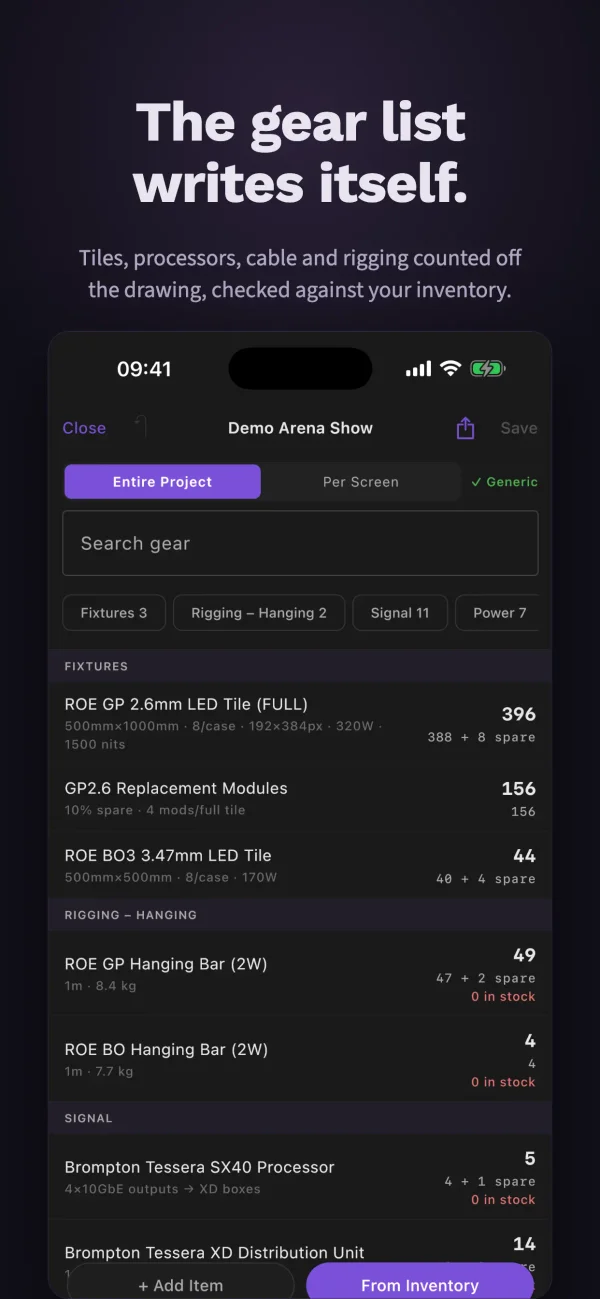
RasterLab is able to quickly provide you with highly detailed, uniquely shaped screens that might be more than simple rectangles. RasterLab also will (based on your products, processing, configuration styles) auto-generate detailed stats such as resolutions, weight estimates, power draws, wiring diagrams, equipment lists, and of course grids nearly instantly. Exports allow easy interactions with media content creation (Photoshop, Illustrator, After Affects), Anomes Millumin and Resolume Arena configuration, and the recently introduced Analogy Way LivePremier configuration with one button (desktop version only).
Neue Funktionen
Version 2.6.0 · 04.11.2026
New Processors Support-
Colorlight X6
Novastar CX40 Pro 5G
Novastar MX2000 Pro and MX6000 Pro with 1G and 5G output cards
Novastar H Series with its sending cards. Each card is routed on its own and the chassis is pooled on the gear list
iOS: icons that showed as empty boxes (settings, tab icons, search, warnings) now draw correctly
Main and backup port badges on a single panel stack neatly instead of overlapping\
Wiring Camera (iPhone/iPad): point your camera at a screen and see its signal wiring drawn over the real wall, lined up from 4 corner QR markers (new "AR markers" export option) or by dragging the corners. Tap a panel to see its port and chain
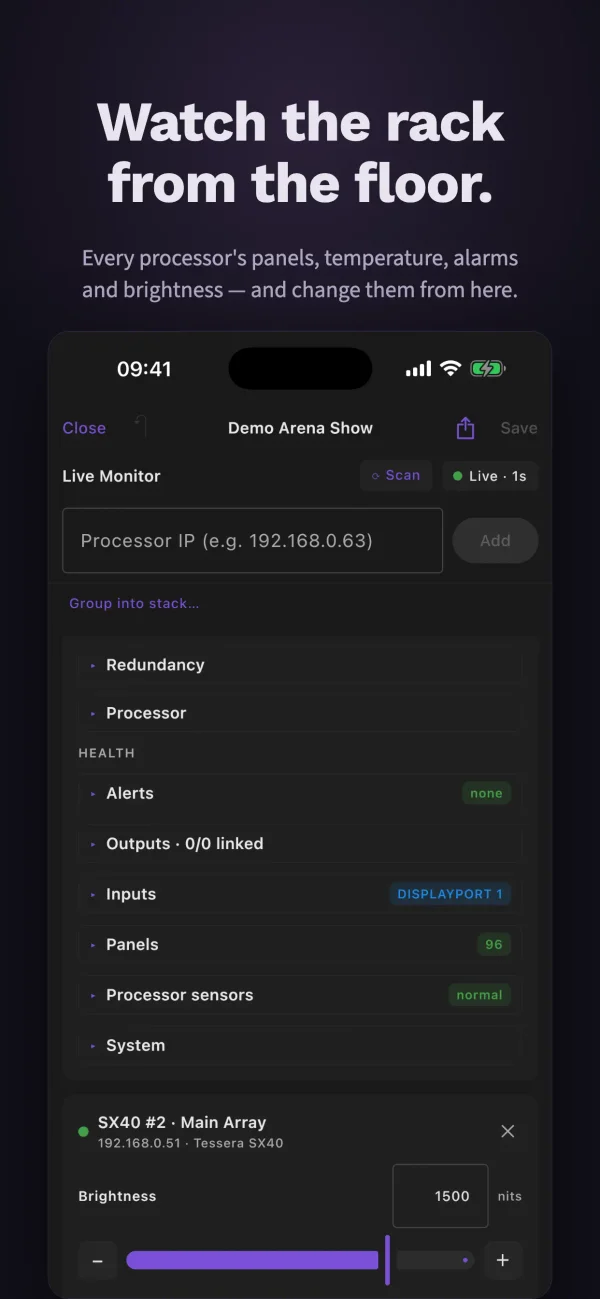
Live Monitor on mobile: processor and status tabs, cable-loop diagram, alarms, preset recall and network bit depth
Summary PDF export, a Gear tab, undo, snapshots, screen grouping and curves now work on your phone the same as on desktop
App-Datenschutz
Was Hyth Focus Inc. im App Store zum Umgang dieser App mit Daten angibt.
-
Keine Daten erfasst
Der Entwickler erfasst keine Daten von dieser App.
Die Datenschutzpraktiken können variieren, zum Beispiel je nach den von Ihnen verwendeten Funktionen oder Ihrem Alter.
Informationen
- Anbieter
- Hyth Focus Inc.
- Kategorie
- Dienstprogramme
- Version
- 2.6.0
- Aktualisiert
- 04.11.2026
- Veröffentlicht
- 17.06.2026
- Größe
- 47,4 MB
- Erfordert
- iOS 15.0 oder neuer
- Altersfreigabe
- 4+
- Preis
- Kostenlos
- Sprachen
- Englisch
- Copyright
- © 2026 Hyth Focus Inc.