Reach: Control Surface
Touch Control for Ableton Live
Entwickelt für iPad
Kostenlos · In-App-Käufe
- Altersfreigabe4+
- KategorieMusik
- EntwicklerMoriah Point LLC
- SprachenEnglisch
- Größe29,9 MB
Verlinkt auf die offizielle App Store-Seite
Download.org hostet keine Datei von Reach: Control Surface. Die Schaltfläche öffnet die App-Seite bei App Store, wo Moriah Point LLC die App veröffentlicht. Eintrag zuletzt geprüft am 25.11.2026.
Screenshots




Info
Der Entwickler hat diesen Text nicht in Ihrer Sprache bereitgestellt.
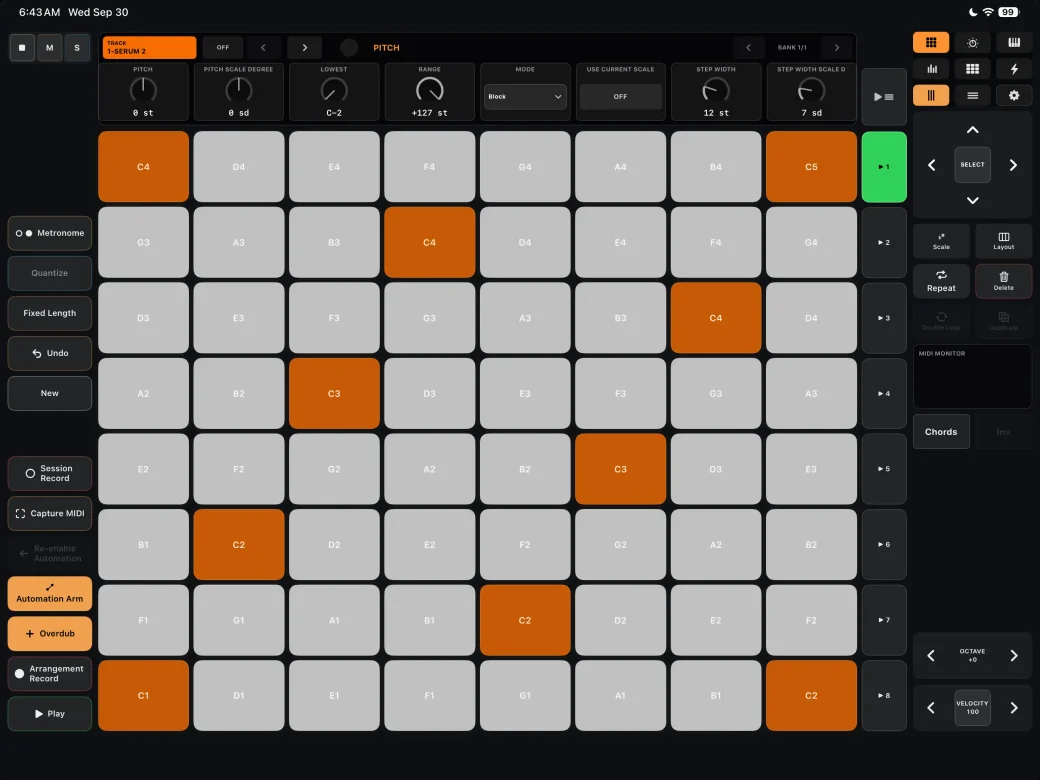
Reach turns your iPad into a responsive, touch-first control surface for Ableton Live.
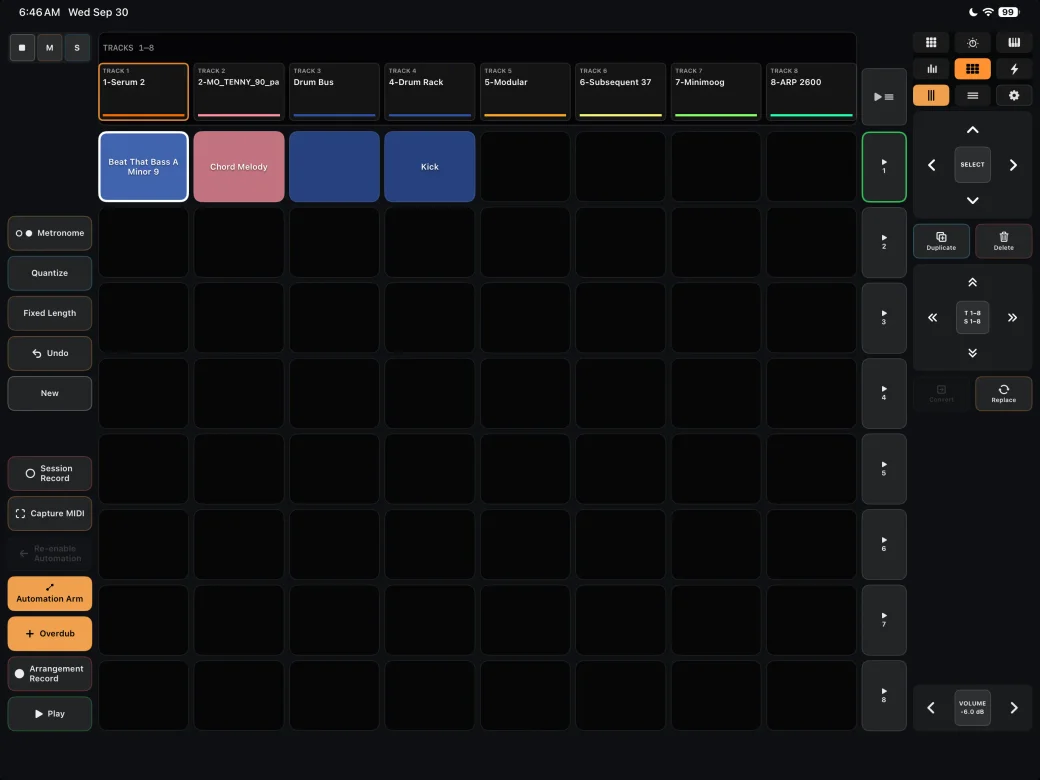
Play instruments, sequence drums, shape instruments and effects, mix tracks, and launch clips and scenes. Record and edit MIDI and audio clips in both Live’s Session and Arrangement Views, with controls designed for touch.
PERFORM AND CREATE
• Multi-touch melodic pads and scale layouts
• Play chords from a single pad, with diatonic chord options and inversions
• Drum Rack playing and sequencing, loop-page controls, 16 Velocities, and 64 Pads
• Session clip and scene launching
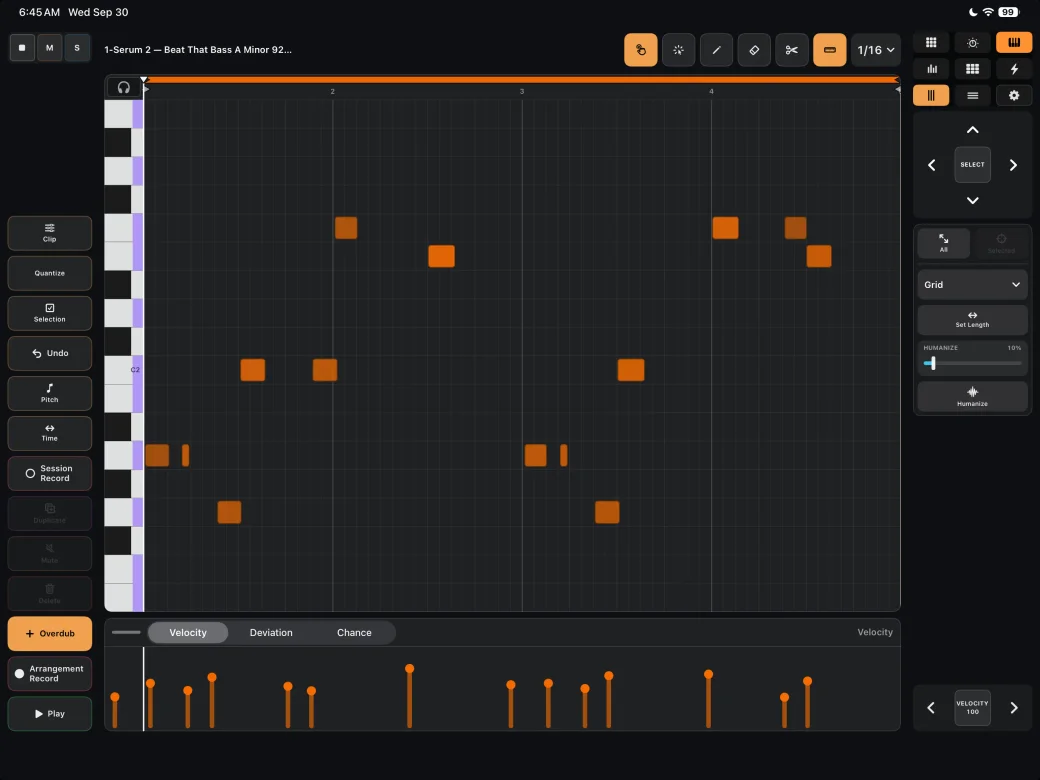
• Recording and clip editing in both Session and Arrangement Views
• Capture MIDI, quantize, fixed-length recording, duplication, and undo
• Designed to coexist with an existing Ableton Push setup
EDIT AND SHAPE
• Piano-roll editing with velocity, chance, and timing deviation controls
• Audio waveforms with draggable Start, End, and loop handles
• Move entire loops while preserving their length
• Audio clip gain, pitch, and supported Warp controls
• Device parameter banks and dedicated views for supported Live instruments and effects
• Simpler and Drum Sampler waveform, sample, and trim controls
• Available Convert actions for audio clips and instruments
• Nested rack, chain, and drum-pad navigation
CONTROL YOUR SET
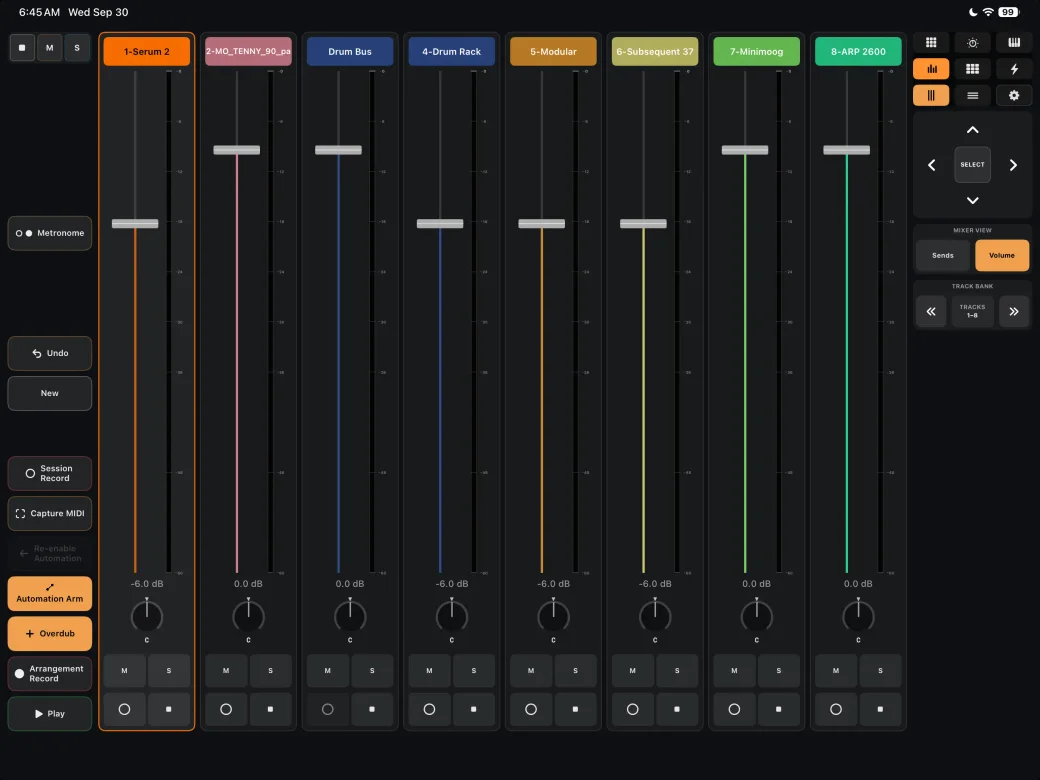
• Mixer volume, pan, sends, mute, solo, and track arm
• Browse and load compatible devices, plug-ins, samples, and content from your Live library and Collections
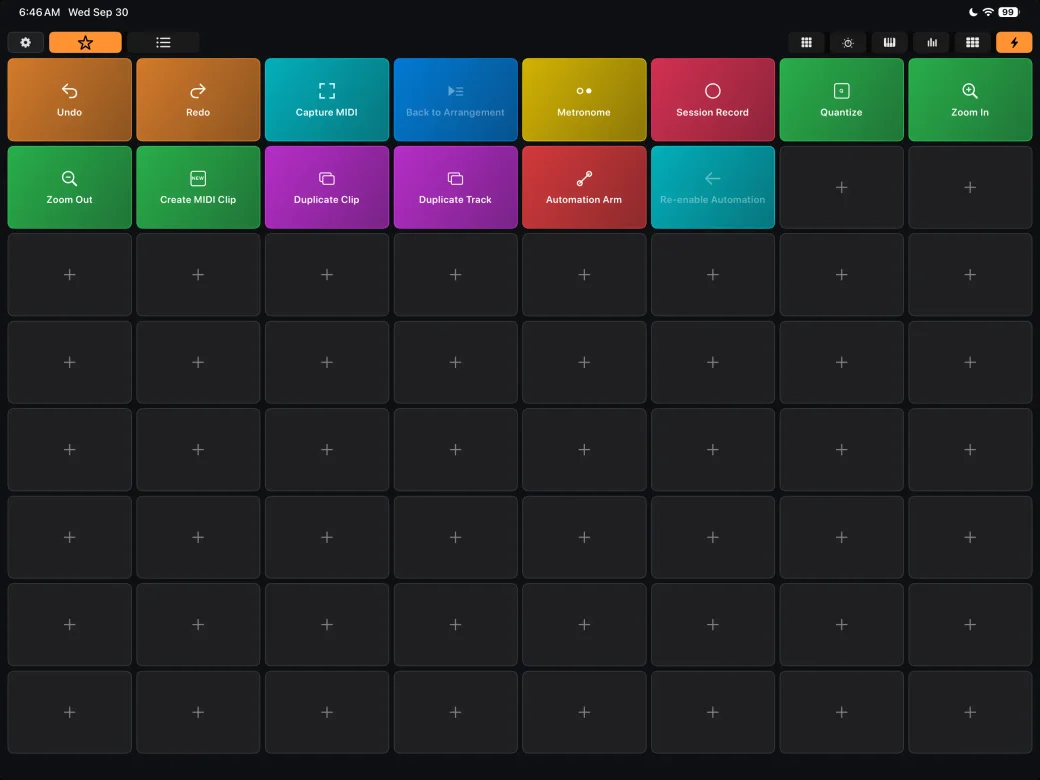
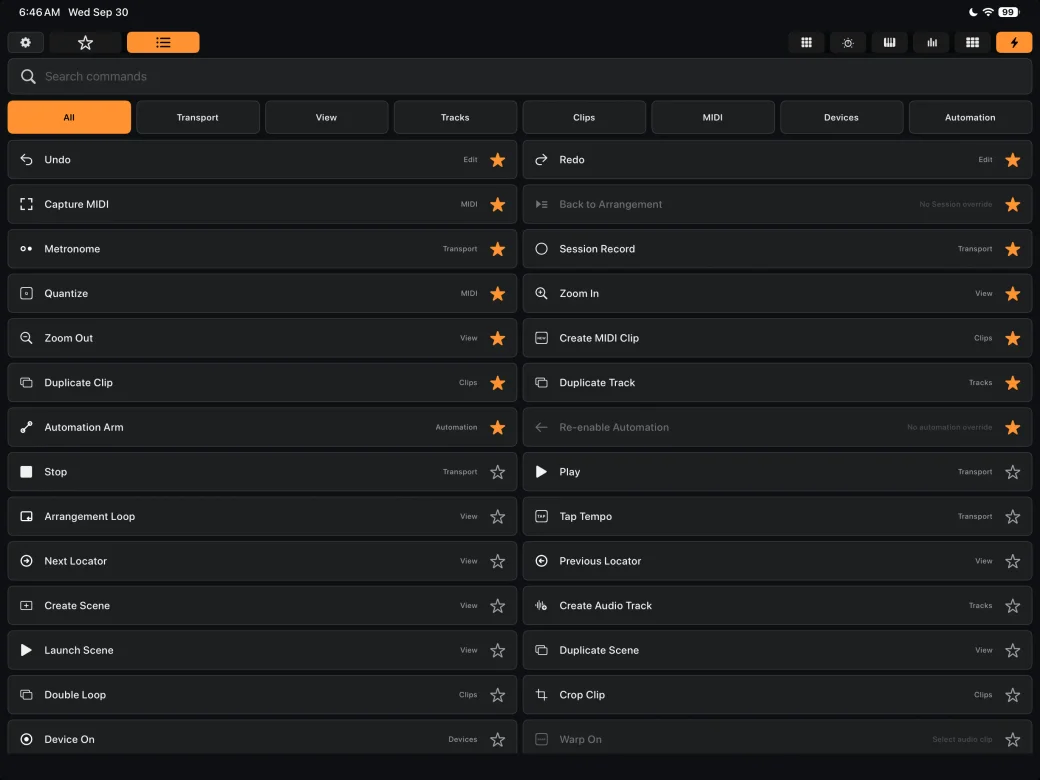
• Searchable Commands and a customizable 64-slot Favorites grid
• Main and Secondary roles for multiple iPads
• Optional Follow Main: share track and clip selection while keeping a separate view and device selection on each iPad
CONNECTIONS
Mac supports USB MIDI, Bluetooth MIDI, and Wi-Fi Network MIDI. A direct USB connection is recommended for consistent timing and low latency. Wireless responsiveness depends on your equipment, signal quality, and interference.
Windows connects over a shared local network using rtpMIDI and Bonjour. Direct iPad-to-Windows USB MIDI and Windows Bluetooth MIDI are not supported. Windows compatibility has not been fully validated across configurations.
TRY BEFORE YOU BUY
Eligible new users can try every feature free for 7 days. Use the trial to check your computer, connection, and workflow before purchasing, especially with a Windows setup.
You can set up your connection before starting the trial. Your 7 days begin only when you tap Start Free 7-Day Trial and confirm through the App Store. There is no automatic charge or renewal.
After the trial, a one-time in-app purchase unlocks Reach’s performance and editing features. The Full Version price is shown before purchase. No subscription. Restore purchases using the same Apple Account.
Internet is required to verify trial time each time Reach starts. Verified Full Version purchases support offline use.
REQUIREMENTS AND COMPATIBILITY
• iPad with iPadOS 17 or later, used in landscape
• A Mac or Windows computer running Ableton Live 12.4.6 or later
• The latest free ReachBridge MIDI Remote Script installed in Live
• A compatible MIDI connection
Earlier Live versions may support some features, but full compatibility—including browsing and loading content—is not guaranteed. Available features depend on your Live edition and installed instruments, effects, and content.
Ableton Live, a computer, network equipment, and third-party MIDI utilities are not included.
PRIVACY
No Reach account, advertising, cross-app tracking, third-party analytics, or developer-operated telemetry. MIDI messages and Live session information stay within your selected MIDI connection between the iPad and computer.
SETUP AND SUPPORT
https://moriahpoint.io/reach/
support@moriahpoint.io
PRIVACY POLICY
https://moriahpoint.io/reach/privacy/
TERMS OF USE
https://www.apple.com/legal/internet-services/itunes/dev/stdeula/
Reach is not affiliated with or endorsed by Ableton AG. Ableton and Live are trademarks of Ableton AG.
Neue Funktionen
Version 1.0.7 · 23.11.2026
Quickly halve or double MIDI clip loops with new Loop controls in Clip properties. This update also improves setup links and version information, with additional reliability improvements.
App-Datenschutz
Was Moriah Point LLC im App Store zum Umgang dieser App mit Daten angibt.
-
Keine Daten erfasst
Der Entwickler erfasst keine Daten von dieser App.
Die Datenschutzpraktiken können variieren, zum Beispiel je nach den von Ihnen verwendeten Funktionen oder Ihrem Alter.
Informationen
- Anbieter
- Moriah Point LLC
- Kategorie
- Musik
- Version
- 1.0.7
- Aktualisiert
- 23.11.2026
- Veröffentlicht
- 09.10.2026
- Größe
- 29,9 MB
- Erfordert
- iOS 17.0 oder neuer
- Altersfreigabe
- 4+
- Preis
- Kostenlos
- In-App-Käufe
- Ja
- Sprachen
- Englisch
- Copyright
- © 2026 Moriah Point LLC