RecordTime: Race Camera
Record Video & Stopwatch Clips
Entwickelt für iPhone
Kostenlos · In-App-Käufe
- Altersfreigabe4+
- KategorieSport
- EntwicklerBenjamin J Hurt
- SprachenEnglisch
- Größe6,1 MB
Verlinkt auf die offizielle App Store-Seite
Download.org hostet keine Datei von RecordTime: Race Camera. Die Schaltfläche öffnet die App-Seite bei App Store, wo Benjamin J Hurt die App veröffentlicht. Eintrag zuletzt geprüft am 20.11.2026.
Screenshots



Info
Der Entwickler hat diesen Text nicht in Ihrer Sprache bereitgestellt.
Catch Every Mile. Keep Every Second.
Capturing an endurance event shouldn’t mean guessing race times or standing in one place with a single continuous recording. Built for cross-country meets, track events, road races, and triathlons, RecordTime lets you move freely around the course while keeping one continuous race clock across every clip.
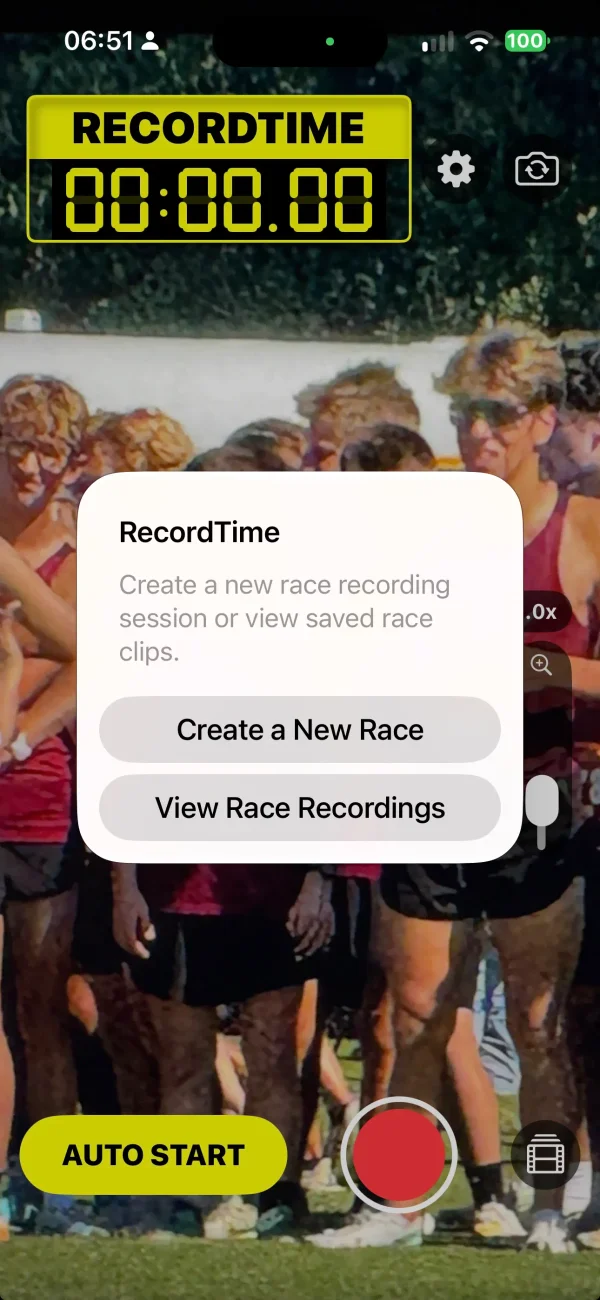
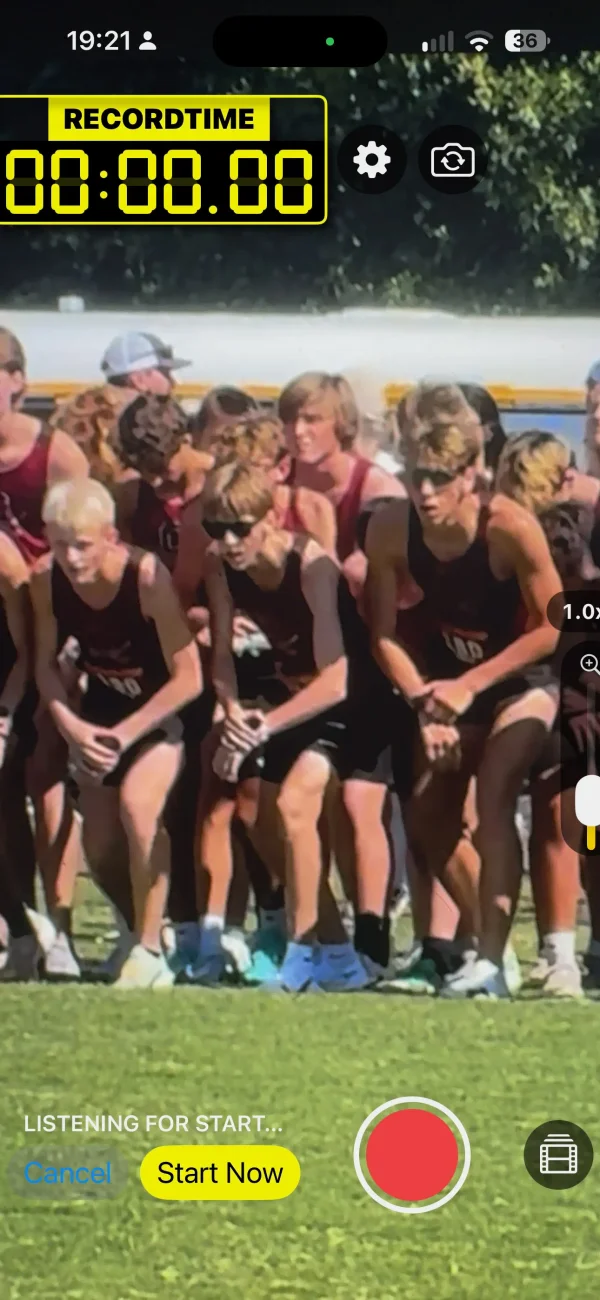
Arm the sound-activated stopwatch before the race and RecordTime will listen for the starter pistol, starting the clock automatically when it detects the shot. You can enter your distance from the starter so the app can compensate for the time it takes sound to reach your phone. Prefer hands-on control? You can still start the clock manually at any time.
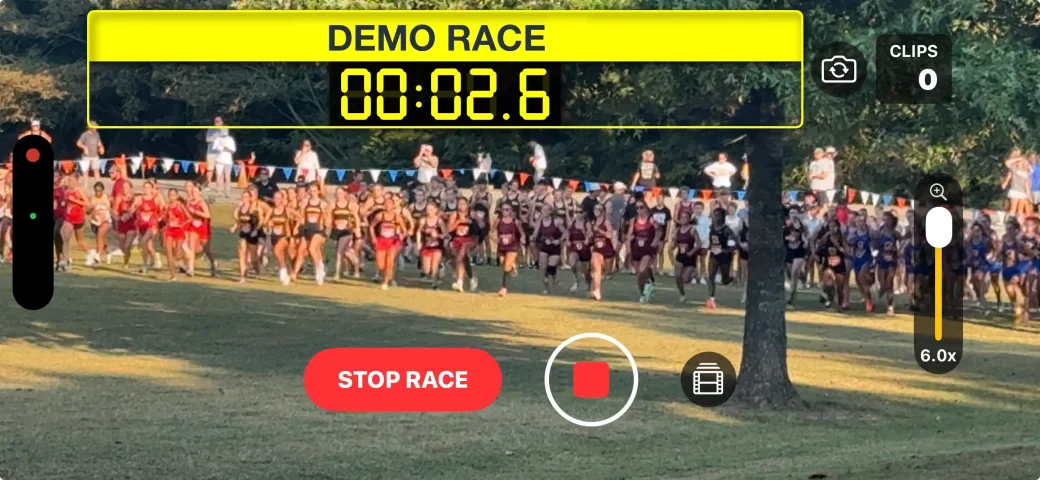
Move from vantage point to vantage point and record only the moments that matter. Every clip displays the same continuous elapsed race time, making it easy to share split updates with family or preserve the entire race-day story in a finished highlight reel.
Key Features
• Sound-Activated Race Start: Arm the stopwatch and let the sound of the starter pistol begin the race clock automatically.
• Sound-Travel Compensation: Enter your distance from the starting line, and RecordTime adjusts for the estimated time it takes the sound to reach your phone.
• Manual Start Option: Start the clock yourself whenever sound activation isn’t needed or conditions make it impractical.
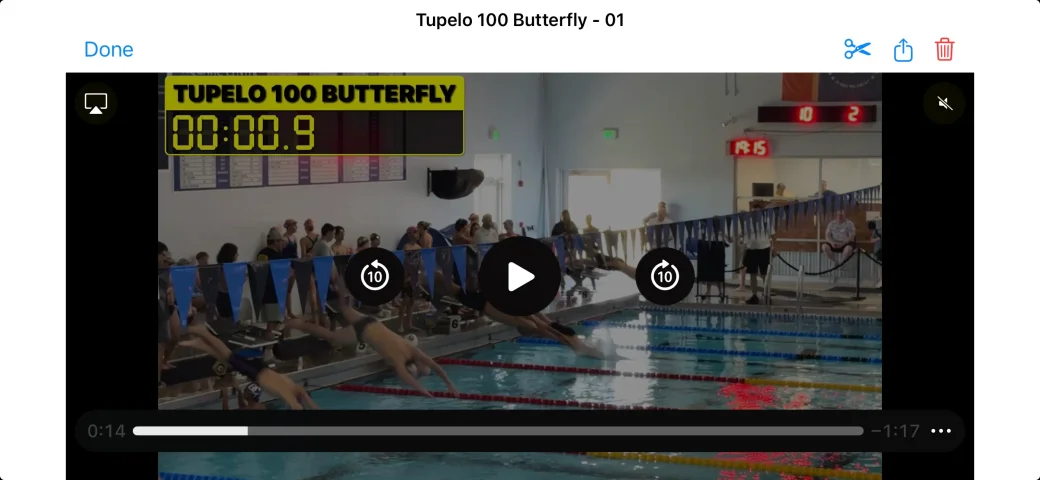
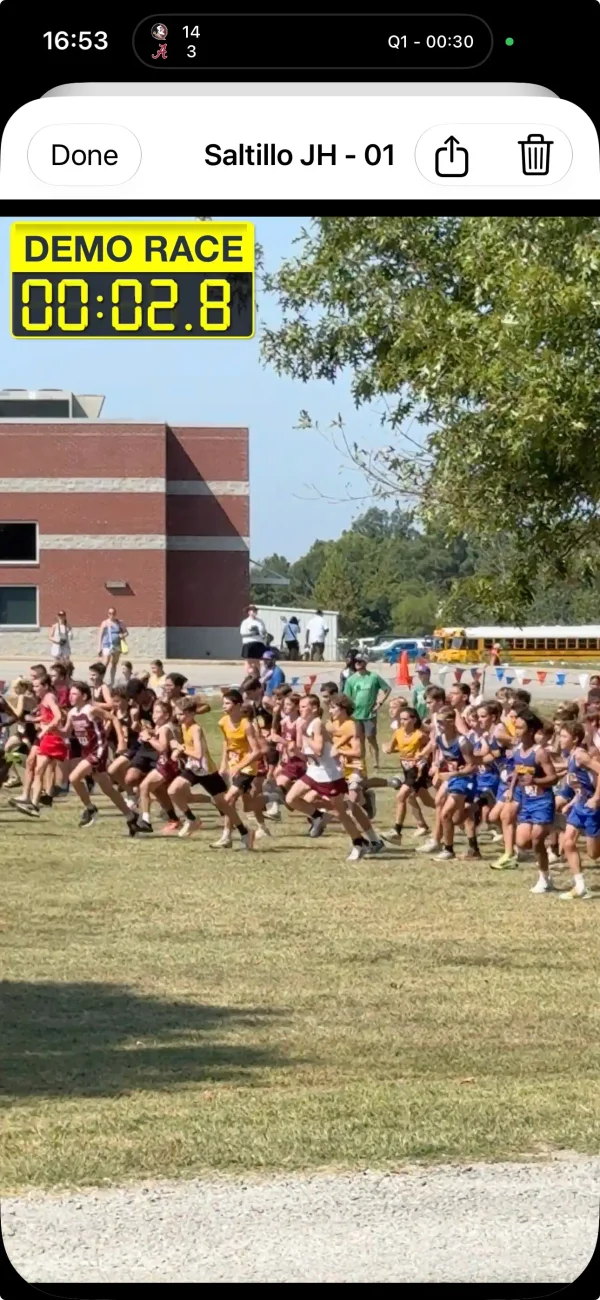
• Continuous On-Screen Time Overlay: Burns the elapsed race time directly into every video frame, so runners, coaches, and viewers can see when each moment occurred.
• Mobility-First Workflow: Stop recording and pocket your phone while moving between mile markers, turns, or the finish chute. The race clock keeps running and remains synchronized.
• Instant Individual Clip Sharing: Send short progress clips to friends and family so they can follow the competition split by split from home.
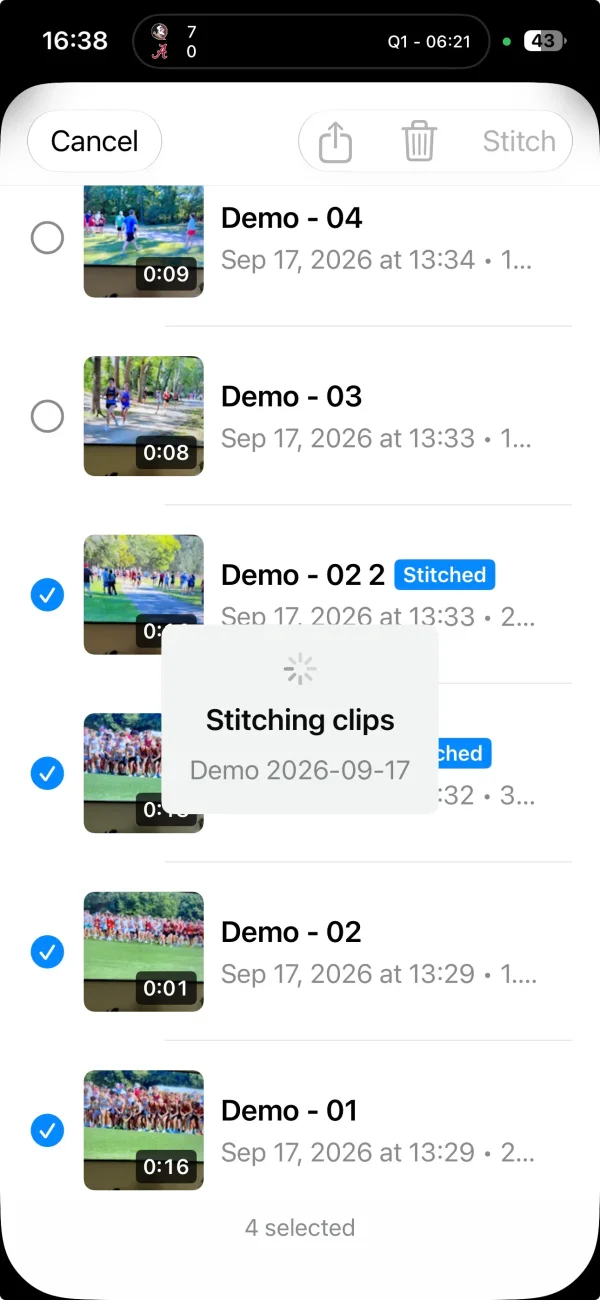
• One-Tap Highlight Reels: Stitch clips from the event into one seamless, chronological race video with continuous time overlays.
• 100% On-Device and Private: Clip rendering and video stitching happen locally on your iPhone. No cloud login, account setup, or data tracking.
Never miss a split or lose the story between the starting line and the finish chute. Capture race day the way it really happens.
Choose the Right Version for Race Day
Whether you’re capturing quick race updates to send home or building a complete meet film, RecordTime gives you the tools to document every stride with continuous, synchronized timing.
RecordTime Free
Get the essential tools needed to capture the most important moments:
• Sound-Activated or Manual Timing: Start the continuous race clock automatically with the starter pistol or manually with a tap.
• 1080p HD Capture: Record clear race footage with a persistent on-screen clock.
• 5-Clip Highlight Reels: Stitch up to five race segments into one continuous video.
• Original-Quality Sharing: Export and share clips at their original capture resolution.
• Watermarked Exports: The free version includes a centered watermark on exported videos.
RecordTime Pro
Unlock the full power of race-day filmmaking:
• 4K Ultra HD and 1080p Recording: Capture your athlete in crisp 4K Ultra HD or 1080p HD.
• Unlimited Clip Stitching: Combine as many splits, turns, and finish-line passes as you want into one complete chronological race reel.
• Flexible Sharing Sizes: Create lightweight copies for faster sharing at crowded events. Choose 720p HD, 540p, 480p MMS, or original quality.
• iCloud Sync: Your clips are synced to your iCloud account and available on your Mac for further editing with other video editors.
• Watermark-Free Exports: Keep your finished videos clean and focused on your athlete.
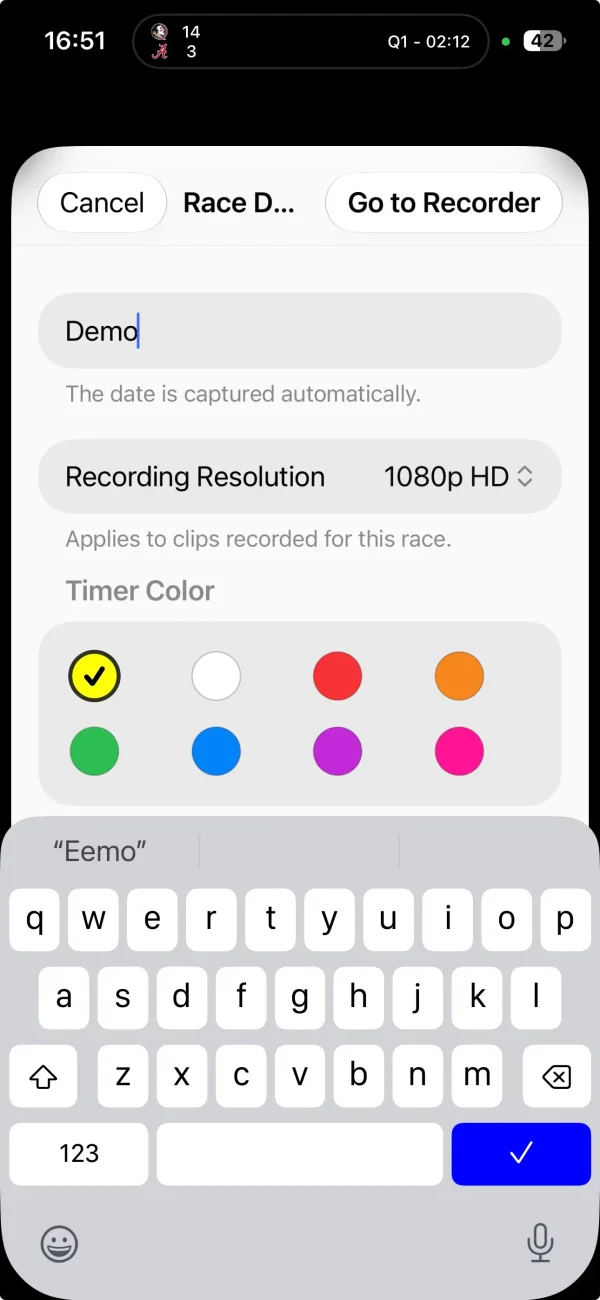
• Custom Timer Colors: Choose the timer color that works best for your footage.
Sound-activated timing uses acoustic detection and is not a replacement for official electronic race timing.
Neue Funktionen
Version 1.4.1 · 26.10.2026
• Fixed an issue where audio could extend slightly past the final video frame in recorded clips.
• Improved race run summaries to automatically use the final split time as the official race finish time.
• Performance and stability enhancements when exporting and reviewing recorded clips.
App-Datenschutz
Was Benjamin J Hurt im App Store zum Umgang dieser App mit Daten angibt.
-
Keine Daten erfasst
Der Entwickler erfasst keine Daten von dieser App.
Die Datenschutzpraktiken können variieren, zum Beispiel je nach den von Ihnen verwendeten Funktionen oder Ihrem Alter.
Informationen
- Anbieter
- Benjamin J Hurt
- Kategorie
- Sport
- Version
- 1.4.1
- Aktualisiert
- 26.10.2026
- Veröffentlicht
- 28.09.2026
- Größe
- 6,1 MB
- Erfordert
- iOS 26.0 oder neuer
- Altersfreigabe
- 4+
- Preis
- Kostenlos
- In-App-Käufe
- Ja
- Sprachen
- Englisch
- Copyright
- © 2026 Benjamin J. Hurt
Das könnte Ihnen auch gefallen
-
 Caledonia Cavaliers AthleticsSport
-
 TimeCamera–Stoppuhr|CountdownStoppuhr im Sportvideo
-
 Finish CamSport
-
 St. Andrew's AthleticsSport
-
 Brentwood Bruins AthleticsSport
-
 SportforiaSport
-
 EKU SportsSport
-
 National Summer ClassicSport
-
 Tipsterland: Tipster & TippsVerifizierte Tipster & Tipps
-
 BBall ShowcaseSport