Remote File Explorer
Browse, Transfer & Manage LAN
Entwickelt für iPhone, iPad
Kostenlos · In-App-Käufe
- Altersfreigabe4+
- KategorieWirtschaft
- EntwicklerDo Anh
- SprachenEnglisch
- Größe8,4 MB
Verlinkt auf die offizielle App Store-Seite
Download.org hostet keine Datei von Remote File Explorer. Die Schaltfläche öffnet die App-Seite bei App Store, wo Do Anh die App veröffentlicht. Eintrag zuletzt geprüft am 16.11.2026.
Screenshots
Info
Der Entwickler hat diesen Text nicht in Ihrer Sprache bereitgestellt.
# Remote File Explorer – LAN File Manager
Access, organize, and manage files across your local network with **Remote File Explorer**. Connect to Windows PCs, Macs, Linux servers, NAS devices, FTP/SFTP servers, WebDAV storage, and more—all from your iPhone or iPad.
Browse remote folders, transfer files at high speed, stream media without downloading, edit documents, and securely manage your network storage with an intuitive interface designed for both everyday users and IT professionals.
## Key Features
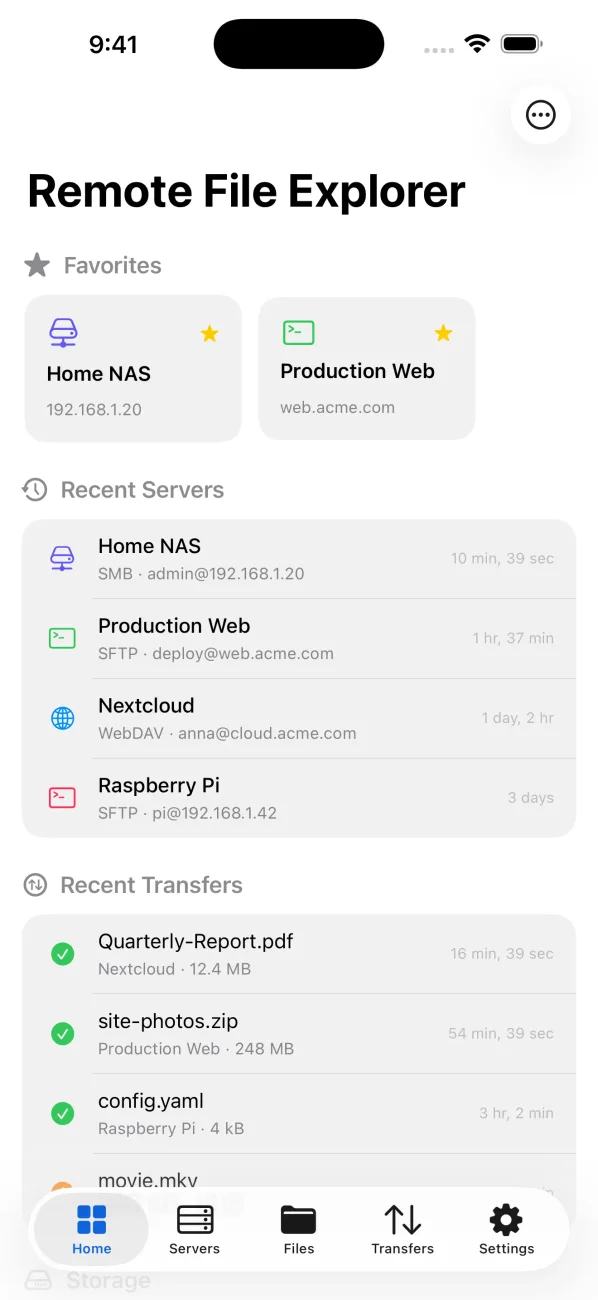
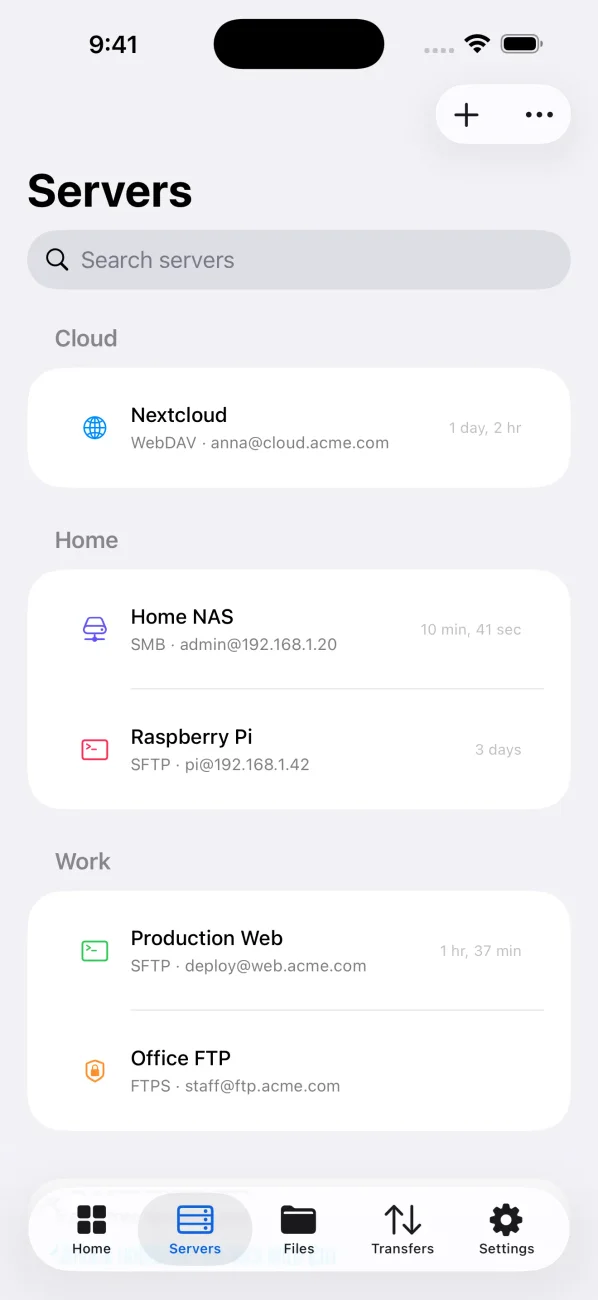
• Connect to SMB/CIFS, SFTP, FTP, FTPS, WebDAV, NFS, and SSH servers
• Automatically discover devices on your local network with Bonjour and network scanning
• Browse, copy, move, rename, delete, and organize remote files and folders
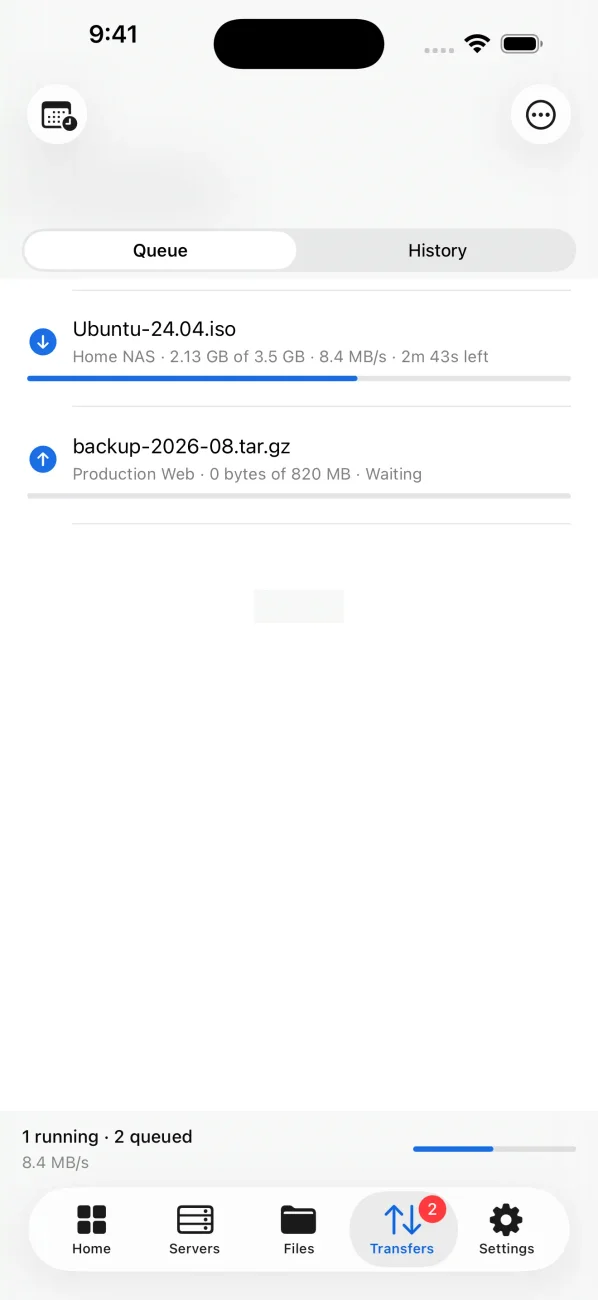
• Upload and download files with support for background transfers
• Resume interrupted transfers and manage multiple transfer queues
• Stream videos and music directly from network storage without downloading
• Preview photos, PDFs, Office documents, archives, text files, and more
• Built-in text editor with syntax highlighting for developers
• ZIP, RAR, 7Z, TAR, and GZIP archive support
• Advanced search across remote folders and file contents
• Synchronize folders between your device and remote servers
• Save unlimited server connections with favorites and quick access
• Securely store credentials using Face ID, Touch ID, and Keychain
• Wake compatible computers remotely with Wake-on-LAN
• Built-in SSH terminal for remote administration
• Integrates with the Files app for seamless file access
• Supports Siri Shortcuts, Home Screen widgets, and Dark Mode
## Built for Performance
Remote File Explorer is optimized for fast browsing and efficient transfers, even when working with large folders or high-capacity NAS devices. Intelligent caching, parallel transfers, and background processing keep your workflow smooth and responsive.
## Secure by Design
Your connections are protected using modern encryption technologies including SSH and TLS. Login credentials are securely stored in Apple's Keychain, and biometric authentication helps keep your data private.
Whether you're managing a home server, accessing office files, maintaining a NAS, or administering remote systems, Remote File Explorer provides a powerful and reliable file management experience for your entire local network.
#Remote File Explorer offers auto-renewing subscription options:
•$7.99 per month
•$34.99 per year
• You can subscribe for unlimited access to all features and content offered for purchases within Video Stabilizer
• Subscriptions are billed weekly/yearly on the subscription plan
• Payment will be charged to iTunes Account at confirmation of purchase
• Subscription automatically renews unless auto-renew is turned off at least 24-hours before the end of the current period
• Account will be charged for renewal within 24-hours prior to the end of the current period, and identify the cost of the renewal
• Subscriptions may be managed by the user and auto-renewal may be turned off by going to the user’s Account Settings after purchase
• Any unused portion of a free trial period, if offered, will be forfeited when the user purchases a subscription to that publication, where applicable
Terms of Use: https://tos.asiancomputingapps.com
Privacy Policy: https://privacy.asiancomputingapps.com
Neue Funktionen
Version 2.0 · 11.08.2026
-Improve UI/UX
App-Datenschutz
Was Do Anh im App Store zum Umgang dieser App mit Daten angibt.
-
Keine Daten erfasst
Der Entwickler erfasst keine Daten von dieser App.
Die Datenschutzpraktiken können variieren, zum Beispiel je nach den von Ihnen verwendeten Funktionen oder Ihrem Alter.
Informationen
- Anbieter
- Do Anh
- Kategorie
- Wirtschaft
- Version
- 2.0
- Aktualisiert
- 11.08.2026
- Veröffentlicht
- 24.05.2013
- Größe
- 8,4 MB
- Erfordert
- iOS 18.0 oder neuer
- Altersfreigabe
- 4+
- Preis
- Kostenlos
- In-App-Käufe
- Ja
- Sprachen
- Englisch
- Copyright
- © Asian Computing Inc
Das könnte Ihnen auch gefallen
-
 NASLink: SMB DateimanagerSicherer NAS-Fernzugriff
-
 PonteDisk: NAS File ManagerProduktivität
-
 ZFilesProduktivität
-
 My WebDAVProduktivität
-
 GroundmarkWirtschaft
-
 iPinNotesProduktivität
-
 EverFilesWirtschaft
-
 OpenPage: Markdown ReaderHTML-Vorschau & Vorlesen
-
 Equine DataProduktivität
-
 OLM Konverter · Viewer, Readerto MBOX, CSV, PDF File Tool