- Altersfreigabe4+
- KategorieProduktivität
- EntwicklerLeon Friedmann
- SprachenEnglisch
- Größe2,1 MB
Verlinkt auf die offizielle App Store-Seite
Download.org hostet keine Datei von Remote-Timer. Die Schaltfläche öffnet die App-Seite bei App Store, wo Leon Friedmann die App veröffentlicht. Eintrag zuletzt geprüft am 16.11.2026.
Screenshots

Info
Der Entwickler hat diesen Text nicht in Ihrer Sprache bereitgestellt.
One big countdown everyone can see. One remote in your pocket.
Remote Timer turns an iPhone or iPad into a large, glanceable countdown and lets you run it from a second device. No internet, no account, no fiddly setup. Perfect for talks, workshops, classrooms, rehearsals, exams, training sessions and any room that needs to keep to time.
TWO ROLES, ONE APP
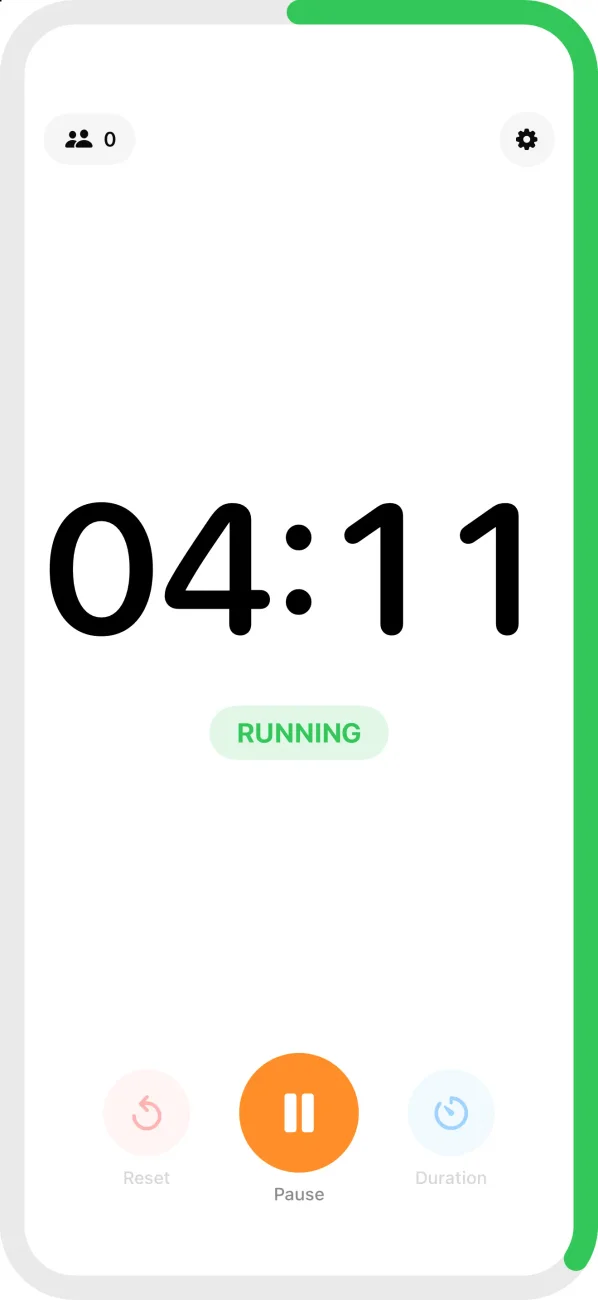
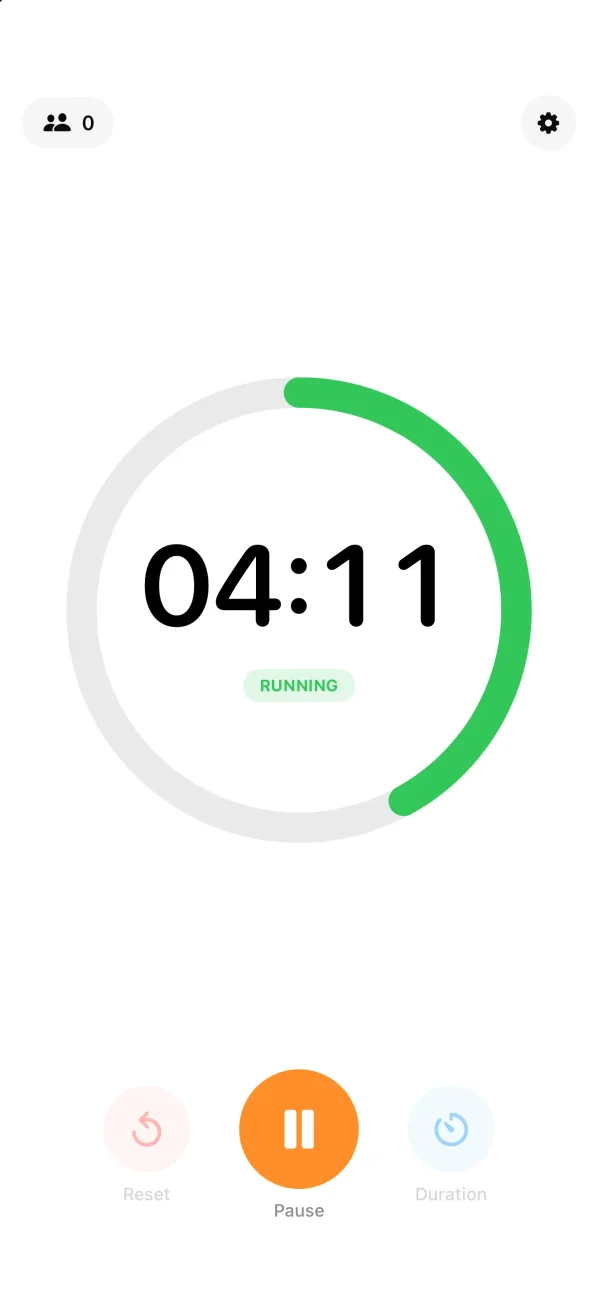
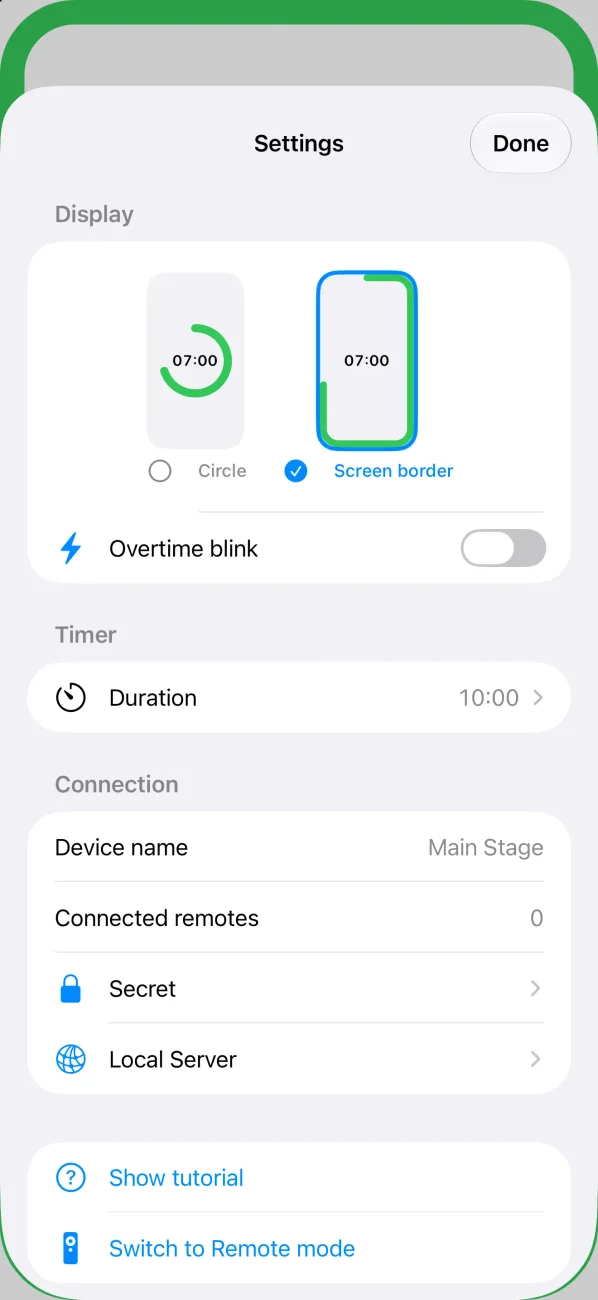
• Timer: shows the big countdown. Put it where the speaker or the audience can see it. Pick a clean progress circle, or on iPhone a progress line that runs around the edge of the screen.
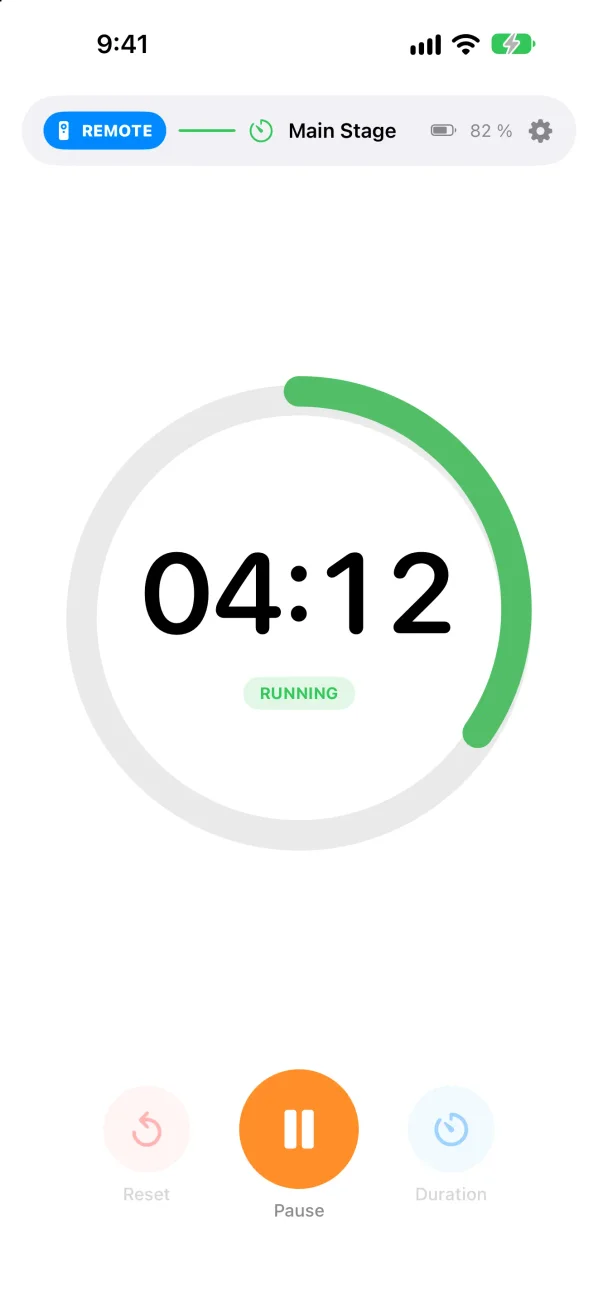
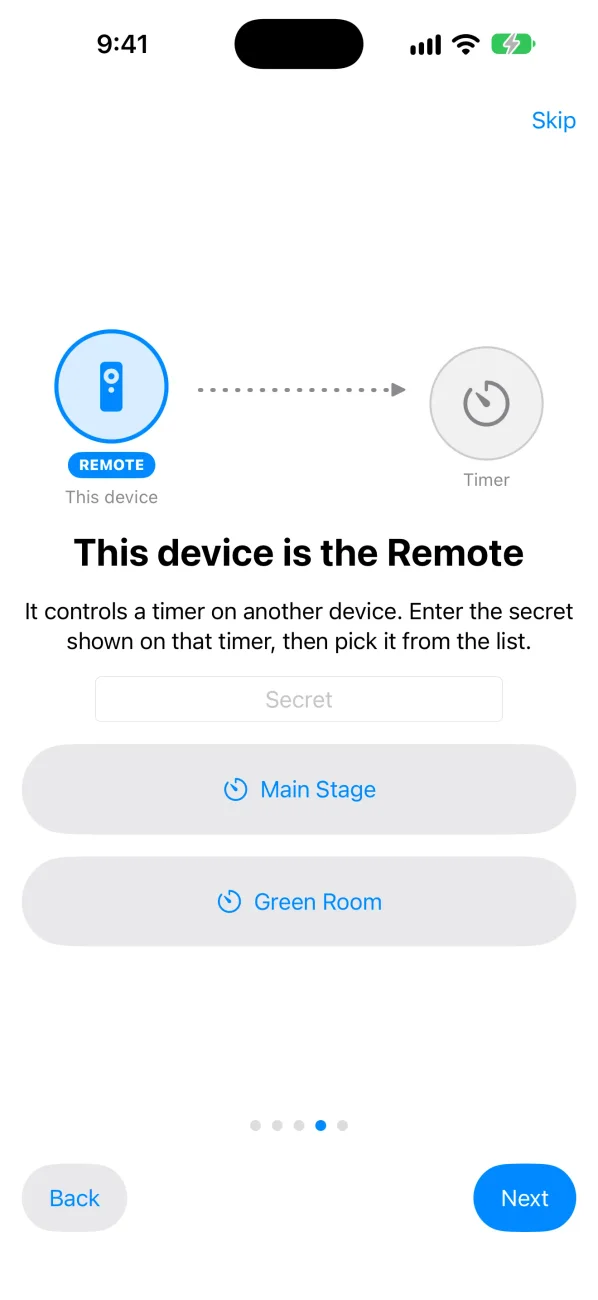
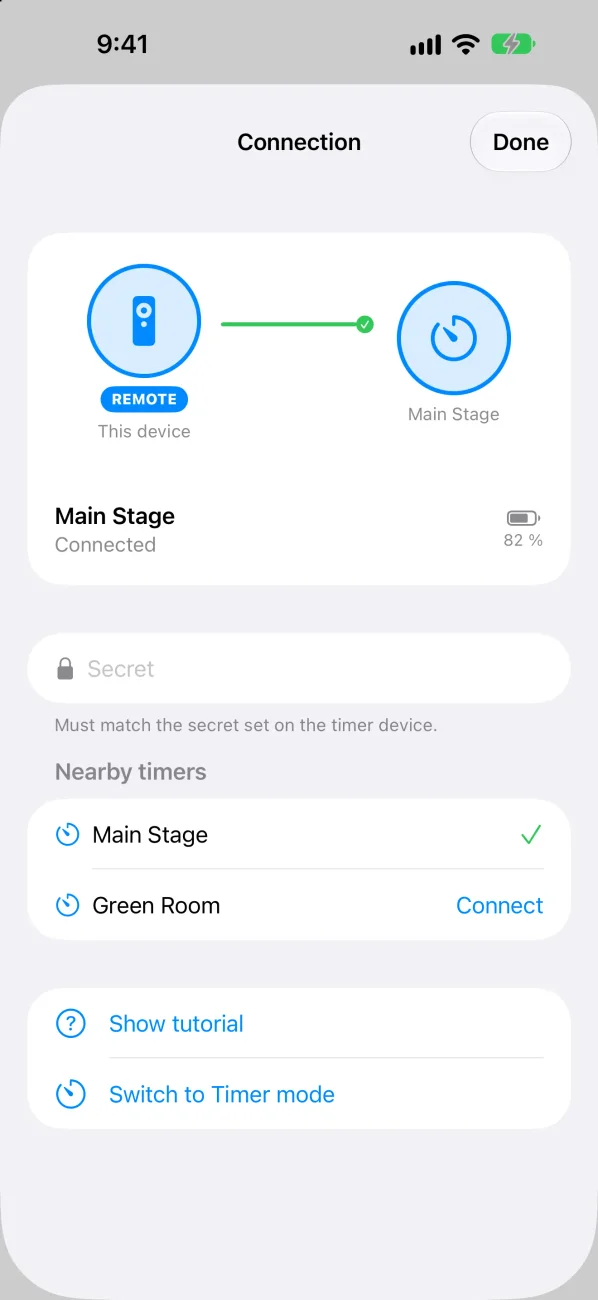
• Remote: start, pause and reset the timer and change its duration from another device. See the live time and the timer device's battery level at a glance.
BUILT FOR REAL ROOMS
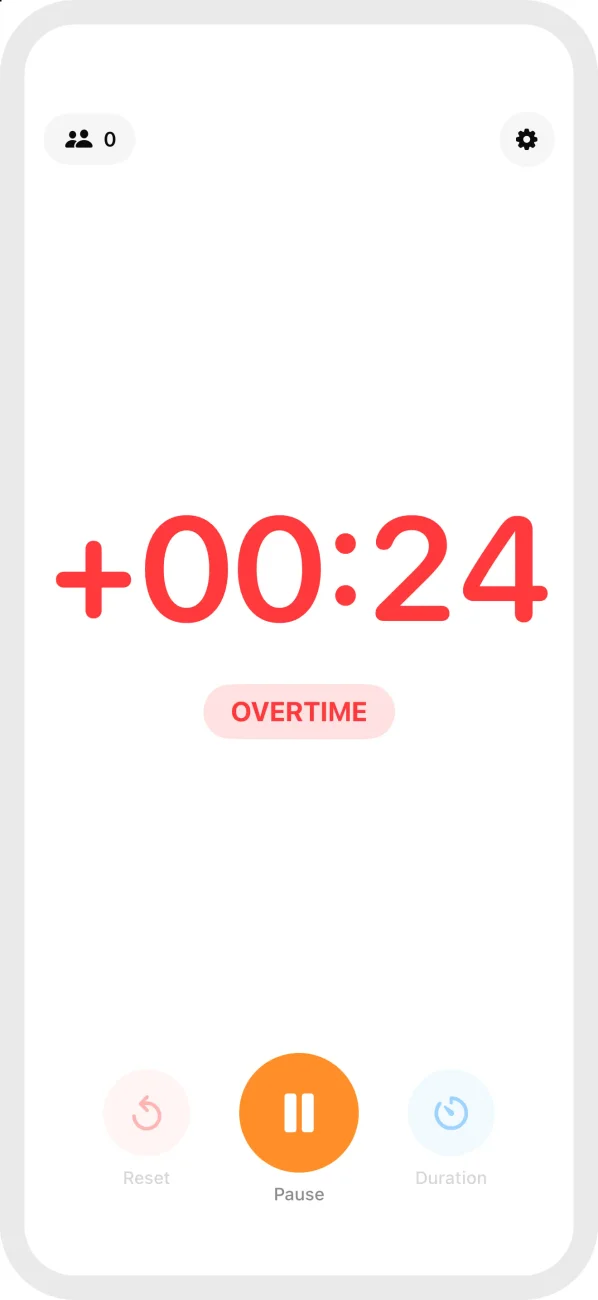
• Counts down, then keeps counting up in red so you always know how far over you are. Optional blinking and a haptic tap tell you the moment time is up.
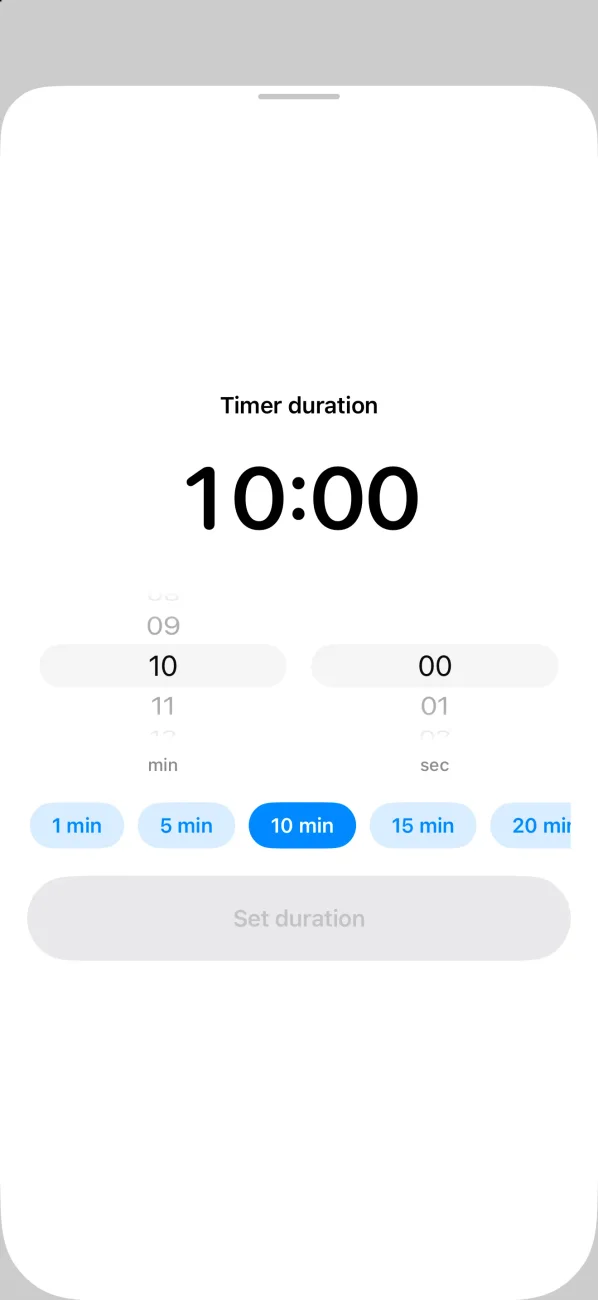
• Any duration up to 99 minutes, with quick presets from 1 to 30 minutes.
• Controls fade away while the timer runs, so the audience only sees the time.
• Devices find each other automatically on the local network. No internet connection needed.
• Secret code: only remotes that know your code can connect.
NEW IN 2.0
• Live Activity: keep the countdown on your Lock Screen and in the Dynamic Island, with the set duration, the time since the last sync and a clear "Time's up" state.
• "Time's up" notification on your remote when the timer runs out. It is corrected or cancelled automatically when the timer is paused, reset or changed.
• Redesigned Timer screen and a redesigned clock-style Remote screen with a REMOTE badge, so you always know which role a device plays.
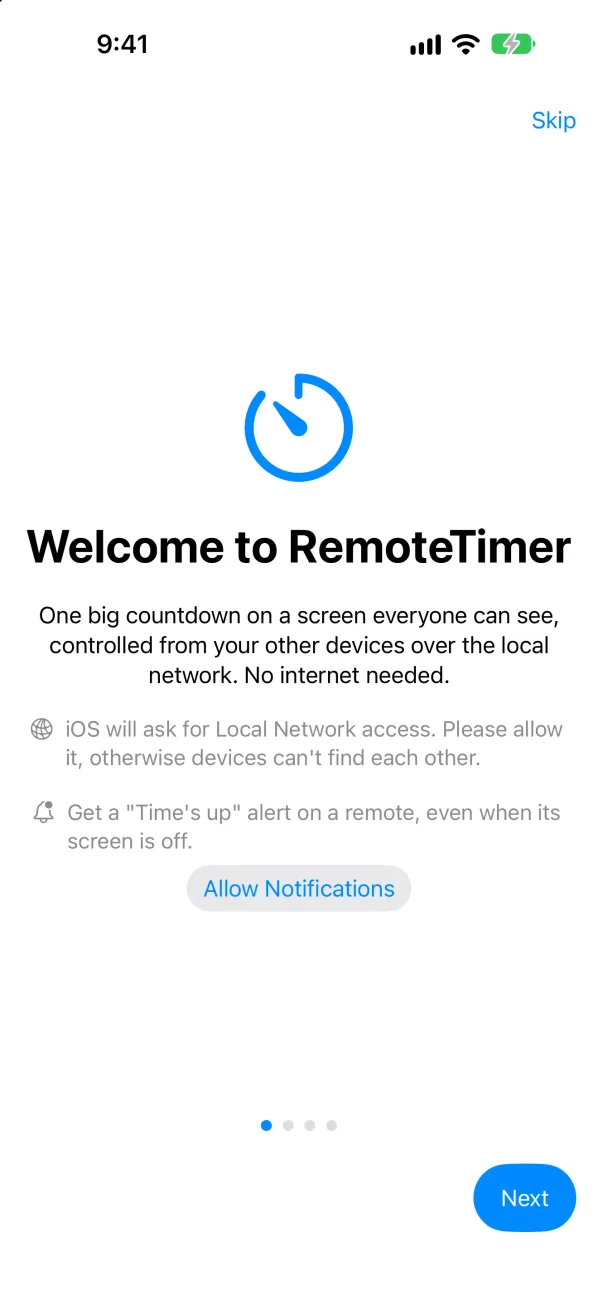
• A welcome tutorial that walks you through choosing a role and pairing two devices.
FOR TINKERERS
Open the timer in any browser on the same network, or read it from your own scripts through a simple local HTTP endpoint. Start/stop and reset endpoints are protected by your secret code.
PRIVATE BY DESIGN
No account, no ads, no tracking. Remote Timer collects no data, and everything stays between your own devices.
GOOD TO KNOW
• Allow Local Network access when asked, otherwise your devices cannot find each other.
• The Live Activity and the notification on the remote reflect the last state it received from the timer. They refresh whenever the Remote Timer app is open on the remote.
• Requires iPhone or iPad with iOS 17 or later.
Neue Funktionen
Version 2.0 · 31.10.2026
Remote Timer 2.0: a big update for both sides of the timer.
NEW
• Live Activity: keep the countdown on your remote's Lock Screen and in the Dynamic Island, with the set duration, the time since the last sync and a clear "Time's up" state.
• "Time's up" notification on the remote when the timer runs out. It is corrected or cancelled automatically when the timer is paused, reset or changed.
• Redesigned Timer screen: a bold readout with a progress ring, or on iPhone a progress line that runs around the edge of the screen. Controls fade away while the timer runs.
• Redesigned Remote screen: a clock-style display with big round Start/Pause, Reset and Duration buttons, plus a REMOTE badge and a live link to the timer so you always know which role this device plays.
• New duration picker with wheels and one-tap presets.
• Welcome tutorial that guides you through choosing a role and pairing two devices, including an optional notification permission.
• Clearer pairing and connection screens.
GOOD TO KNOW
• Remote Timer now requires iOS 17 or later.
• The Live Activity and the notification reflect the last state the remote received from the timer and refresh whenever the app is open.
Thank you for using Remote Timer! We love hearing your feedback.
App-Datenschutz
Was Leon Friedmann im App Store zum Umgang dieser App mit Daten angibt.
-
Keine Daten erfasst
Der Entwickler erfasst keine Daten von dieser App.
Die Datenschutzpraktiken können variieren, zum Beispiel je nach den von Ihnen verwendeten Funktionen oder Ihrem Alter.
Informationen
- Anbieter
- Leon Friedmann
- Kategorie
- Produktivität
- Version
- 2.0
- Aktualisiert
- 31.10.2026
- Veröffentlicht
- 13.06.2023
- Größe
- 2,1 MB
- Erfordert
- iOS 17.0 oder neuer
- Altersfreigabe
- 4+
- Preis
- Kostenlos
- Sprachen
- Englisch
- Copyright
- © Léon Friedmann 2026
Das könnte Ihnen auch gefallen
-
 Event TimersTimer und Zeitplan-Manager
-
 Taskly: Aufgaben & ProjekteSchreib, wie du sprichst
-
 AnnotapePodcast-Notizen
-
 Countdown stream - Until.atBildschirm, counter, Uhr
-
 ZeitscheibeTimer with Sections
-
 Minuta - AI Voice Note TakerMeeting & Lecture Recorder
-
 Afterthought: Voice NotesAufgaben, Reminder & Meetings
-
 Bautagebuch: DokuAIFoto-Protokoll & Mängel-KI
-
 Minimalistic Countdown TimerLarge & Simple Countdown Timer
-
 PresiTimer: PräsentationsTimerVortrag - Rede - Referat