Repeatick - Recurring Tasks
Reminders for chores & upkeep
Entwickelt für iPhone
Kostenlos · In-App-Käufe
- Altersfreigabe4+
- KategorieProduktivität
- EntwicklerTomasz Korolko
- Größe7,5 MB
Verlinkt auf die offizielle App Store-Seite
Download.org hostet keine Datei von Repeatick - Recurring Tasks. Die Schaltfläche öffnet die App-Seite bei App Store, wo Tomasz Korolko die App veröffentlicht. Eintrag zuletzt geprüft am 17.11.2026.
Screenshots





Info
Der Entwickler hat diesen Text nicht in Ihrer Sprache bereitgestellt.
Some tasks are too small for a traditional to-do list, but too important to leave to memory. Repeatick keeps track of the little things that come around again - from water filters and bed sheets to pet care and home maintenance.
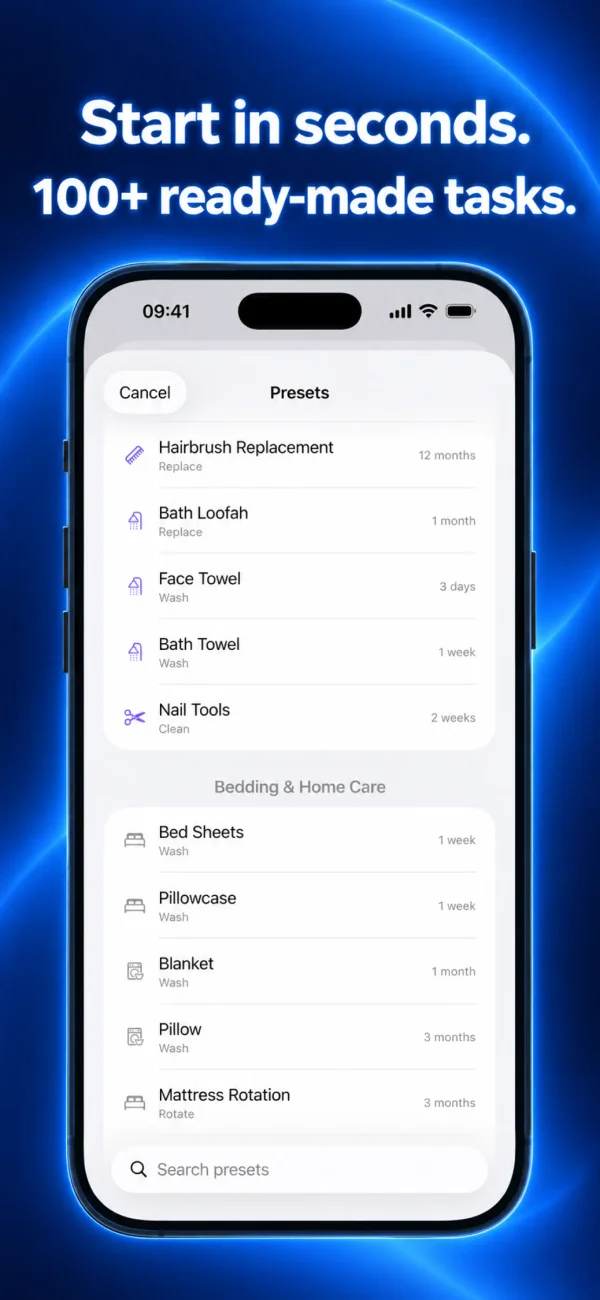
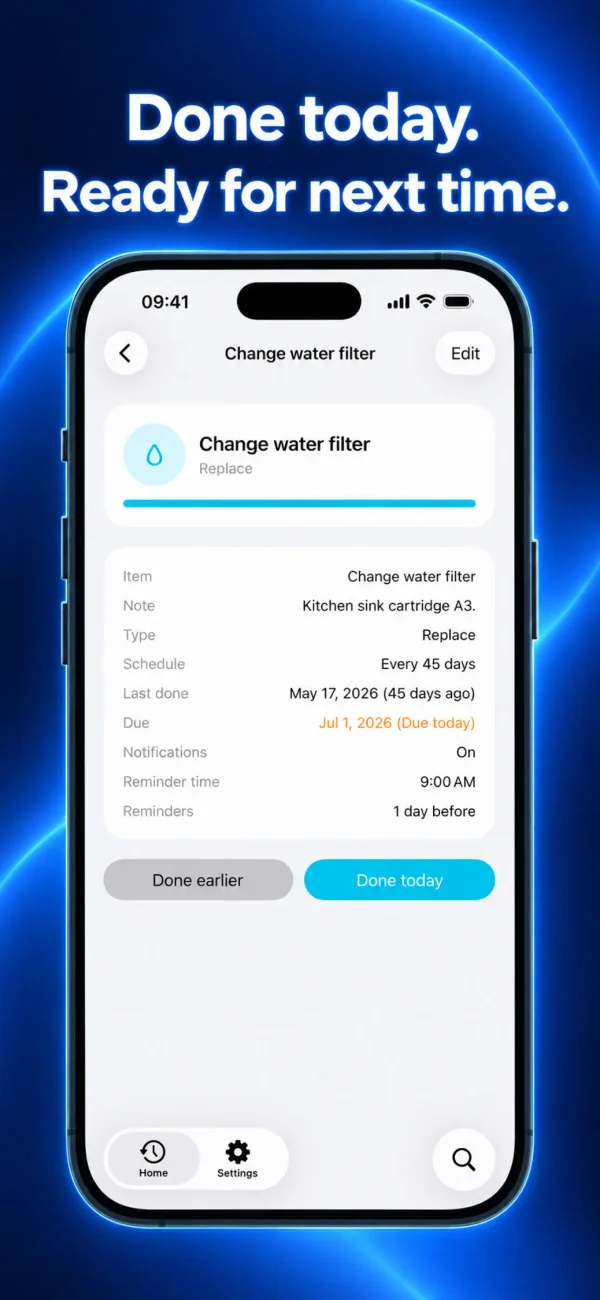
Start with 100+ ready-made presets or create your own task. Set a schedule that fits your life, choose reminders and see what needs attention next. When you complete a recurring task, Repeatick records it and sets the next due date.
With Repeatick, you can:
• track recurring and one-time tasks in one place
• choose from more than 100 ready-made presets or create completely custom tasks
• repeat tasks hourly, daily, weekly, monthly, yearly or at a custom interval - pick a frequency or enter your own
• schedule tasks for Morning, Afternoon, Evening or Night on any schedule, including monthly ones
• tick off each part of the day separately and customize when each part begins
• set reminders at the start of a part of the day or a little later
• set multiple reminders for the same day, each with its own time
• see how many tasks fall on each day in the calendar and tap a day to add a task for that date
• move a single occurrence to another date without changing the rest of the schedule
• pause recurring tasks during selected months
• mark tasks as done with a single tap or from swipe actions
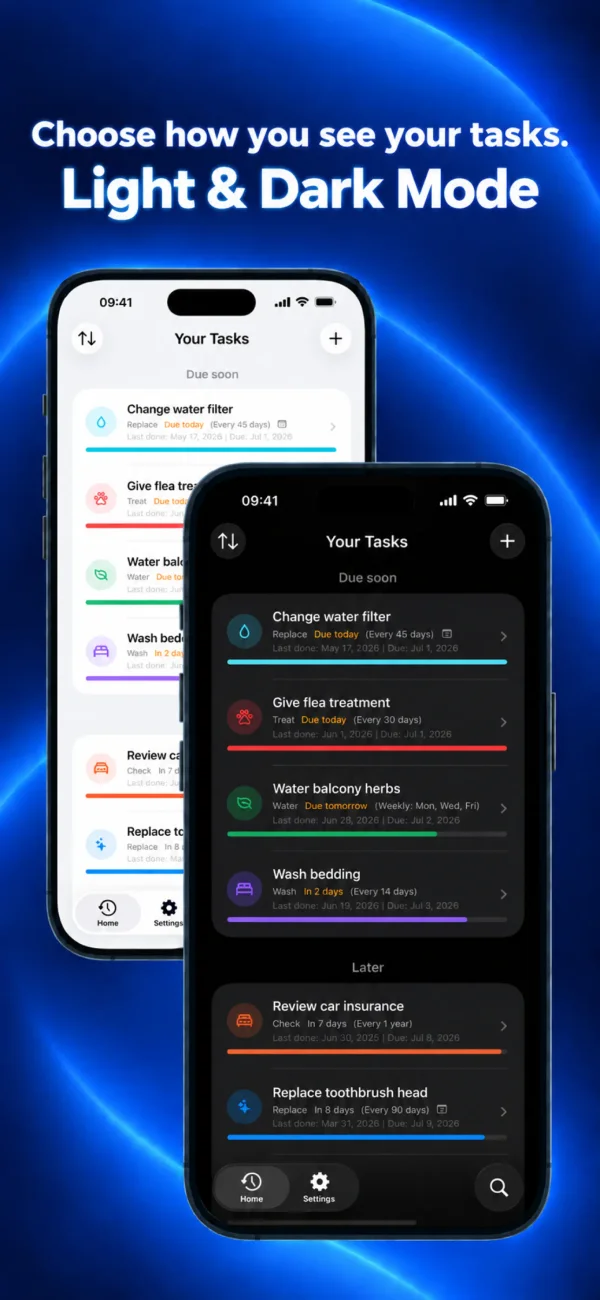
• see what’s due, overdue and what can wait
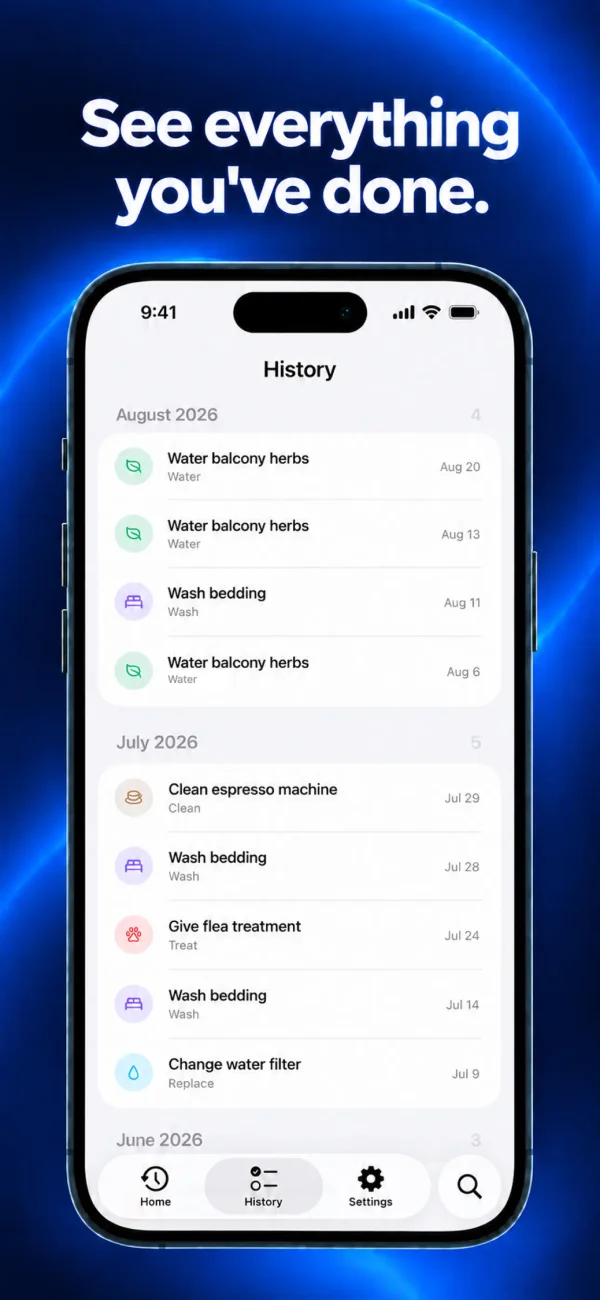
• view and search your complete task history, or check an individual task to compare planned and actual completions
• see upcoming tasks in Home Screen widgets in two sizes
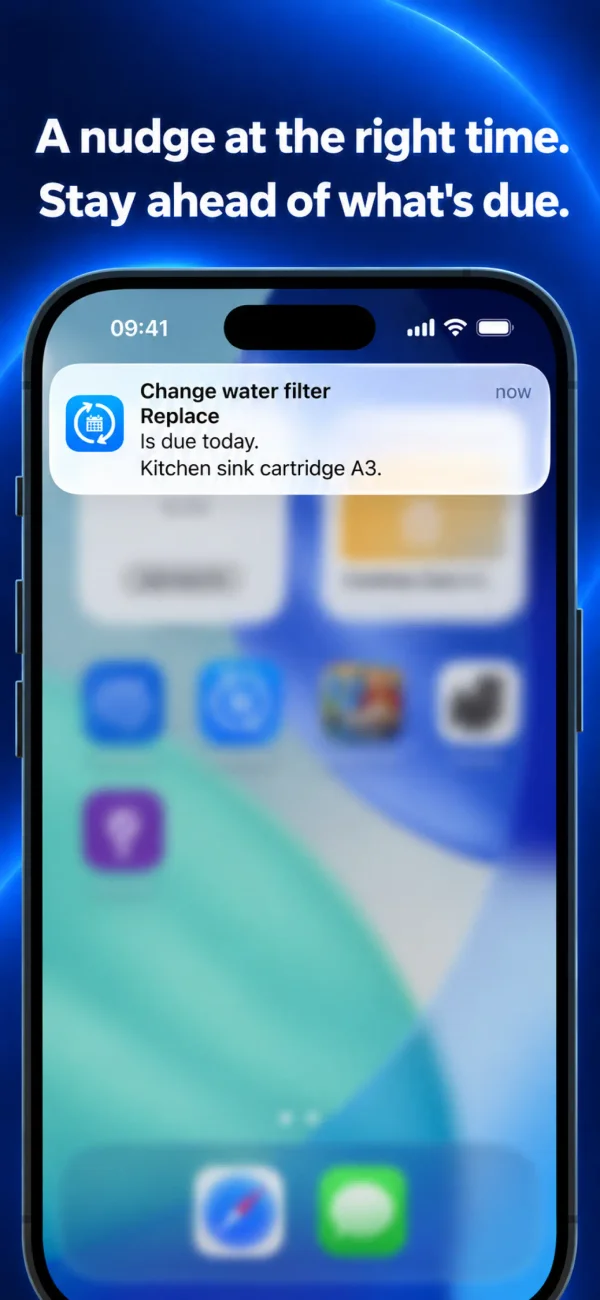
• get daily reminders for overdue tasks when reminders are enabled
• search active tasks, sort them by due date or name, and filter by task type
• add notes and personalize tasks with icons, colors and custom task types
• follow progress toward each recurring task’s next due date
• see how much time is left before a one-time task is due and complete it with a single Done action
• see the number of waiting tasks on the app icon badge
• keep everything synced with iCloud across your Apple devices
• use Repeatick comfortably in both Light and Dark Mode
Repeatick is great for keeping track of:
• personal care
• home maintenance
• cleaning routines
• medications and supplements
• pet care
• car upkeep
• appliance maintenance
• filters and replacements
• recurring chores
• occasional one-time tasks
• and much more
Repeatick is a focused way to remember the small things that need to happen - regularly, occasionally or just once. No clutter. No overthinking. Just what needs doing and when.
Your data stays private and under your control. The developer has no access to it.
Repeatick is free to use with up to 3 active recurring tasks. Upgrade to Repeatick Unlimited to track unlimited tasks.
Repeatick Unlimited is available as a monthly or yearly subscription, or as a one-time lifetime purchase. Subscriptions automatically renew unless canceled before the end of the current billing period. You can manage or cancel your subscription in Settings.
Privacy Policy: https://tomaszkorolko.com/repeatick/privacy
Terms of Use: https://www.apple.com/legal/internet-services/itunes/dev/stdeula/
Neue Funktionen
Version 1.3 · 27.10.2026
• Calendar - see how many tasks fall on each day, and tap a day to add a task to it.
• Move one occurrence - shift a single occurrence without changing the rest of the schedule.
• Seasonal pause - pause a task for chosen months.
• Time of day for any schedule - works for every task now, even monthly ones.
• Later time-of-day reminders: get reminded a bit after a part of the day begins.
• Several reminders on the same day - give each one its own time.
• Simpler one-time tasks - the progress bar shows how much time is left, and there’s just a single Done.
• Type your own frequency instead of only picking from the list.
• Done is now in swipe actions.
• Bug fixes, performance and visual improvements.
App-Datenschutz
Was Tomasz Korolko im App Store zum Umgang dieser App mit Daten angibt.
-
Keine Daten erfasst
Der Entwickler erfasst keine Daten von dieser App.
Die Datenschutzpraktiken können variieren, zum Beispiel je nach den von Ihnen verwendeten Funktionen oder Ihrem Alter.
Informationen
- Anbieter
- Tomasz Korolko
- Kategorie
- Produktivität
- Version
- 1.3
- Aktualisiert
- 27.10.2026
- Veröffentlicht
- 28.03.2026
- Größe
- 7,5 MB
- Erfordert
- iOS 18.0 oder neuer
- Altersfreigabe
- 4+
- Preis
- Kostenlos
- In-App-Käufe
- Ja
- Copyright
- © 2026 Tomasz Korolko
Das könnte Ihnen auch gefallen
-
 FilterCue FiltererinnerungHaushaltsfilter erinnern
-
 Priorify - To Do ListProduktivität
-
 Lasly - Zeit seit TrackerRoutinen stressfrei verfolgen
-
 DoThat: Smart Task RemindersProduktivität
-
 WorkProtocolProduktivität
-
 Recaal: Reminders & SnoozeProduktivität
-
 Repetto: Aufgaben & RoutinenHaushalt, Gewohnheiten & mehr
-
 Yah.Nah. ADHD Task PlannerProduktivität
-
 Cadence: Track Recurring TasksProduktivität
-
 Portable for SafariProduktivität