
- Altersfreigabe4+
- KategorieProduktivität
- EntwicklerReviCheck
- SprachenEnglisch
- Größe29,8 MB
Verlinkt auf die offizielle App Store-Seite
Download.org hostet keine Datei von ReviCheck. Die Schaltfläche öffnet die App-Seite bei App Store, wo ReviCheck die App veröffentlicht. Eintrag zuletzt geprüft am 15.11.2026.
Screenshots

Info
Der Entwickler hat diesen Text nicht in Ihrer Sprache bereitgestellt.
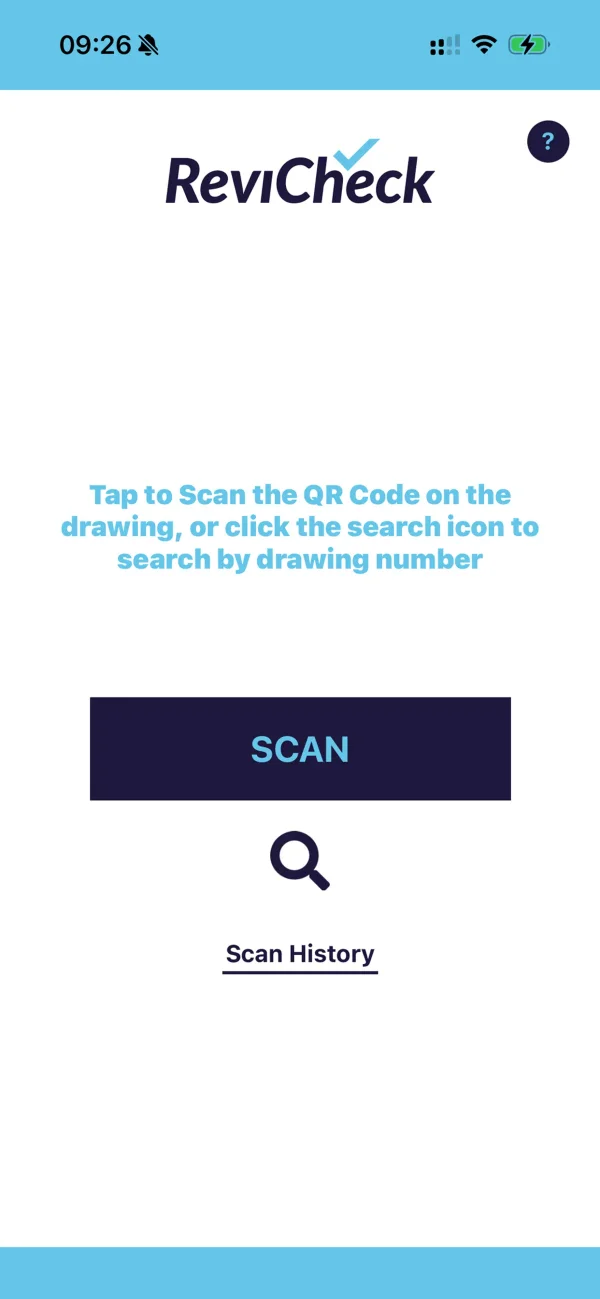
Say goodbye to working from out of date drawings resulting in expensive reworks.
Revicheck is a simple one step process that enables you to be efficient, working from the latest revisions and reducing costly reworks.
No fuss or wasted time, just a simple system that delivers confirmation you have the correct drawings to work from. Accessible for any size project, add a ReviCheck QR code, as and when required.
WHY REVICHECK?:
ReviCheck enables contractors and site managers to install using the latest drawings and information. Using a simple, one step process, it reduces wastage, project delays, and budget overspends due to incorrect drawings. 52% of all rework globally is caused by poor data and miscommunication, ReviCheck ensures you will never work from out of date drawings again. Using our QR codes, get it right - first time.
TESTIMONIALS:
"Such a simple, yet effective concept, I look forward to using it to reduce time wasted on costly reworks" - Matt Phillips, Senior Technical Services Manager,
Paragon
UNIQUE FEATURES TO REVICHECK:
Generate QR codes direct from the BIM Revit Model
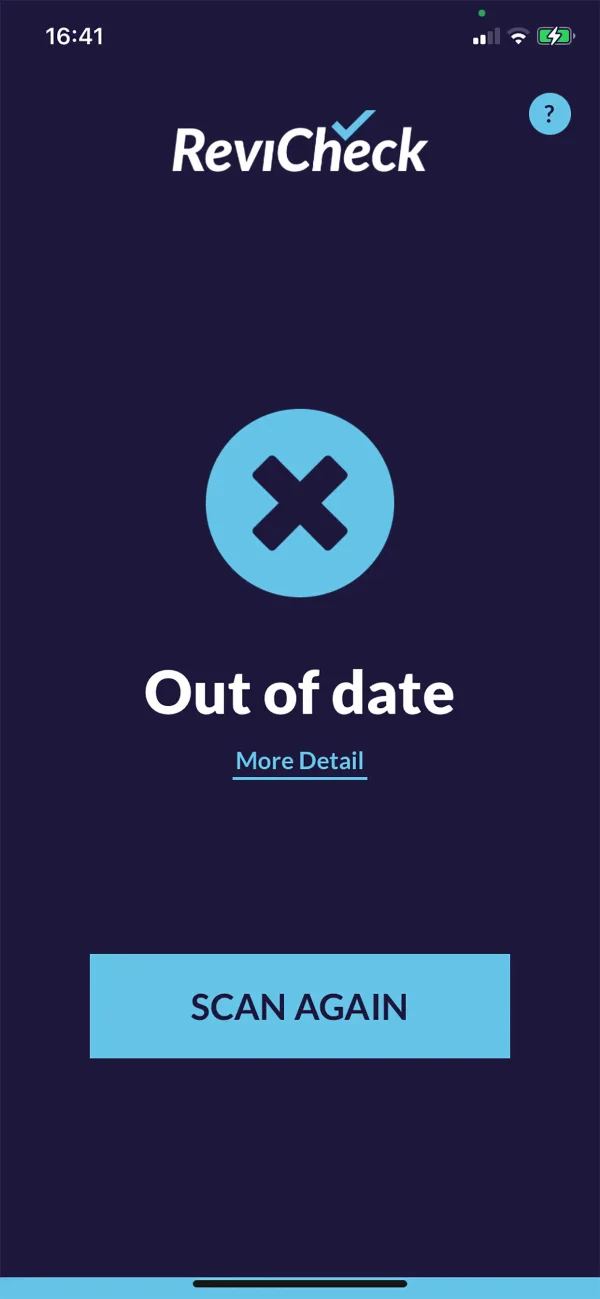
Confirm drawing revision status in an instant
Works on digital and physical drawings
Free mobile apps
Free Autodesk Revit plugin for design teams
HOW TO USE REVICHECK
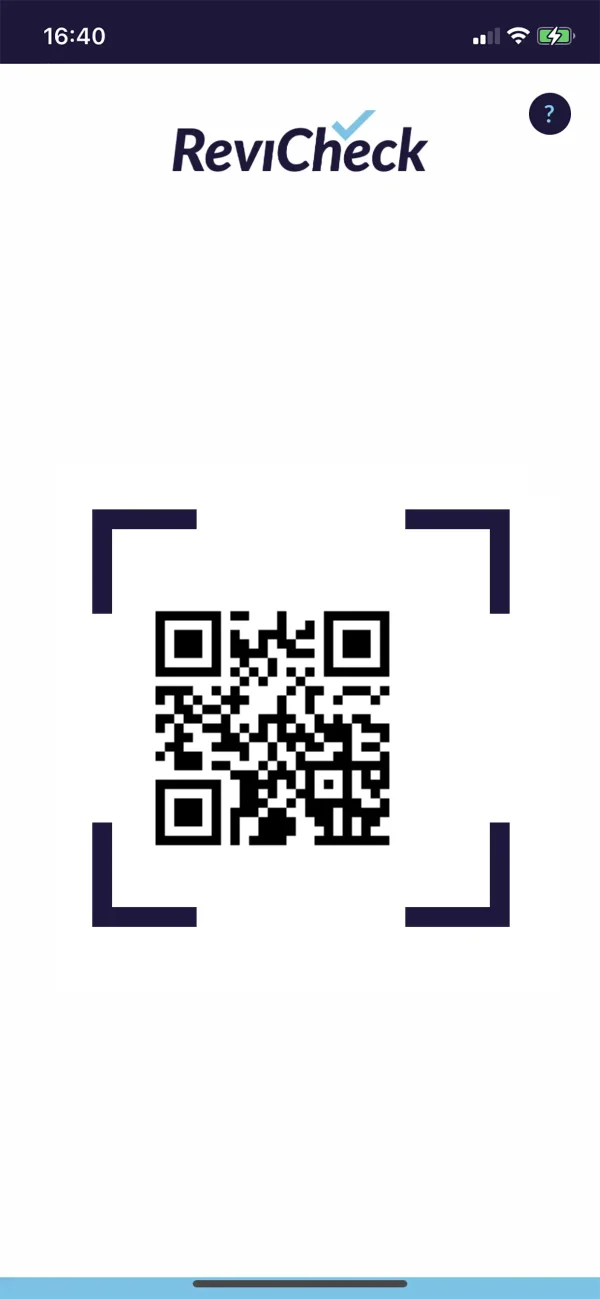
At the office: Prior to publishing, add a ReviCheck QR code to your drawings using the free Revit plug-in, this ensures the digital or physical copy of the drawing can be scanned using the ReviCheck Mobile app..
On site: Before commencing work, simply open the ReviCheck Mobile app, scan the QR code and get instant confirmation you have the latest revision to work from.
No more expensive reworks from needless communication errors.
KEY FEATURES:
Integrates with Revit design software.
Simple 3 step process - easy to use.
Once you have the Revit plug in, generate QR codes for every drawing.
Clarification in seconds.
Reduces administration overheads on-site
Accessible for all sized projects, add QR codes to the drawings you need.
FACTS:
ReviCheck is a free app created by industry experts
Revision information is generated from the source BIM Model reducing potential errors when using third party solutions
We deliver an accessible way to ensure latest drawing revisions are being used, creating clarity in the construction work you provide.
IF YOU HAVE QUESTIONS OR PROBLEMS:
Contact us via email info@revicheck.co.uk
ABOUT REVICHECK
Revicheck was created by an engineer frustrated by wasted time on reworks which could have been prevented. With a desire to introduce a more efficient system that links those behind the computer, and those working on the install, ReviCheck was created.
Its streamlined usability and accessibility makes it a solution for contractors and site managers. Work can begin on site using the most recent drawing revisions, resulting in the reduction of costly reworks.
Neue Funktionen
Version 2.1 · 18.09.2026
ReviCheck QR code scan results now come with even more context — change management warnings and summaries, your company logo, ISO model names, plus a quick link to view all sheets and revisions on the ReviCheck portal. iOS 27 compatibility.
App-Datenschutz
Was ReviCheck im App Store zum Umgang dieser App mit Daten angibt.
-
Keine Daten erfasst
Der Entwickler erfasst keine Daten von dieser App.
Die Datenschutzpraktiken können variieren, zum Beispiel je nach den von Ihnen verwendeten Funktionen oder Ihrem Alter.
Informationen
- Anbieter
- Apex BIM Coordination Ltd.
- Kategorie
- Produktivität
- Version
- 2.1
- Aktualisiert
- 18.09.2026
- Veröffentlicht
- 19.04.2021
- Größe
- 29,8 MB
- Erfordert
- iOS 15.1 oder neuer
- Altersfreigabe
- 4+
- Preis
- Kostenlos
- Sprachen
- Englisch
- Copyright
- © Apex BIM Coordination Ltd
Das könnte Ihnen auch gefallen
-
 OnKey - KI Tastatur ÜbersetzerTexte schreiben & Nachrichten
-
 Meeting Manager - Klatch AppOrganisationsplaner
-
 BlumrcatalProduktivität
-
 OmniAI: 52+ AI Models, One AppProduktivität
-
 CheckRightProduktivität
-
 Auto Minutes: AI Meeting NoteProduktivität
-
 ShipPack: Smart Logistics HubProduktivität
-
 Hiccup AIProduktivität
-
 AI Meeting Note Taker: MinutesProduktivität
-
 Voice Memo - AI Note TakerProduktivität