
- Altersfreigabe4+
- KategorieReisen
- EntwicklerRIDE SIA
- SprachenEnglisch
- Größe109,9 MB
Verlinkt auf die offizielle App Store-Seite
Download.org hostet keine Datei von RIDE: Mobility Solutions. Die Schaltfläche öffnet die App-Seite bei App Store, wo RIDE SIA die App veröffentlicht. Eintrag zuletzt geprüft am 26.11.2026.
Screenshots
Info
Der Entwickler hat diesen Text nicht in Ihrer Sprache bereitgestellt.
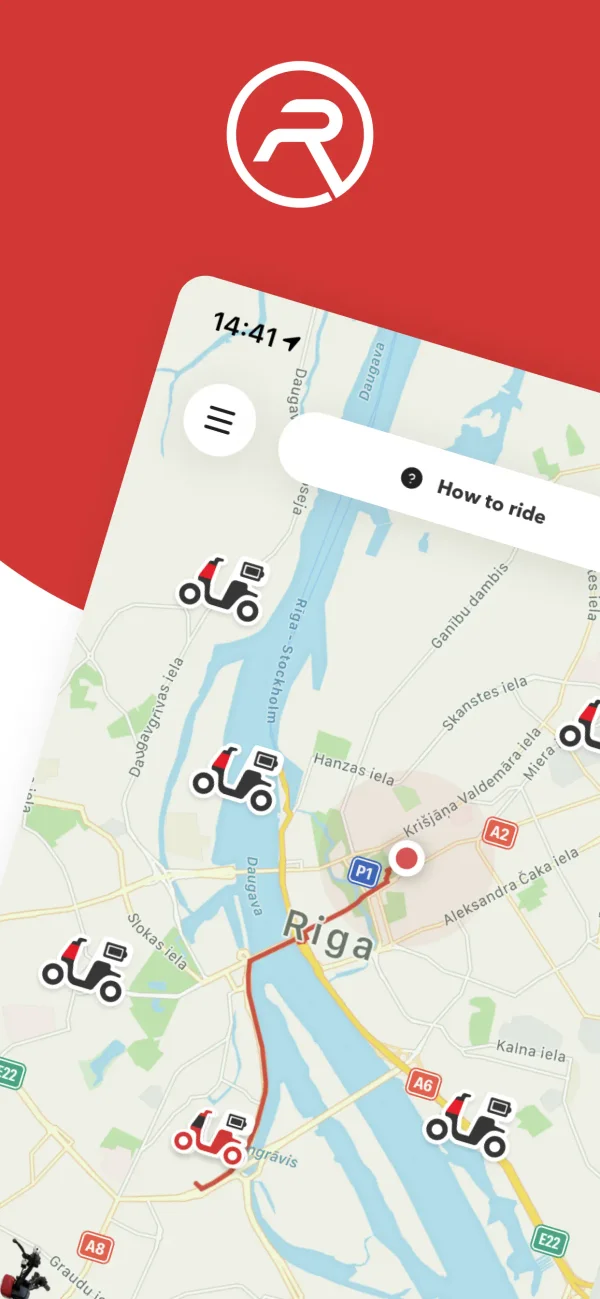
RIDE provides micro-mobility and e-mobility solutions. At the moment RIDE providing e-Bike sharing in Riga city.
1. Open RIDE app
Download the RIDE App from your phone's App Store. When it is downloaded, read the introduction with a short guide and register to be able to drive!
2. Find RIDE e-Bike on the map
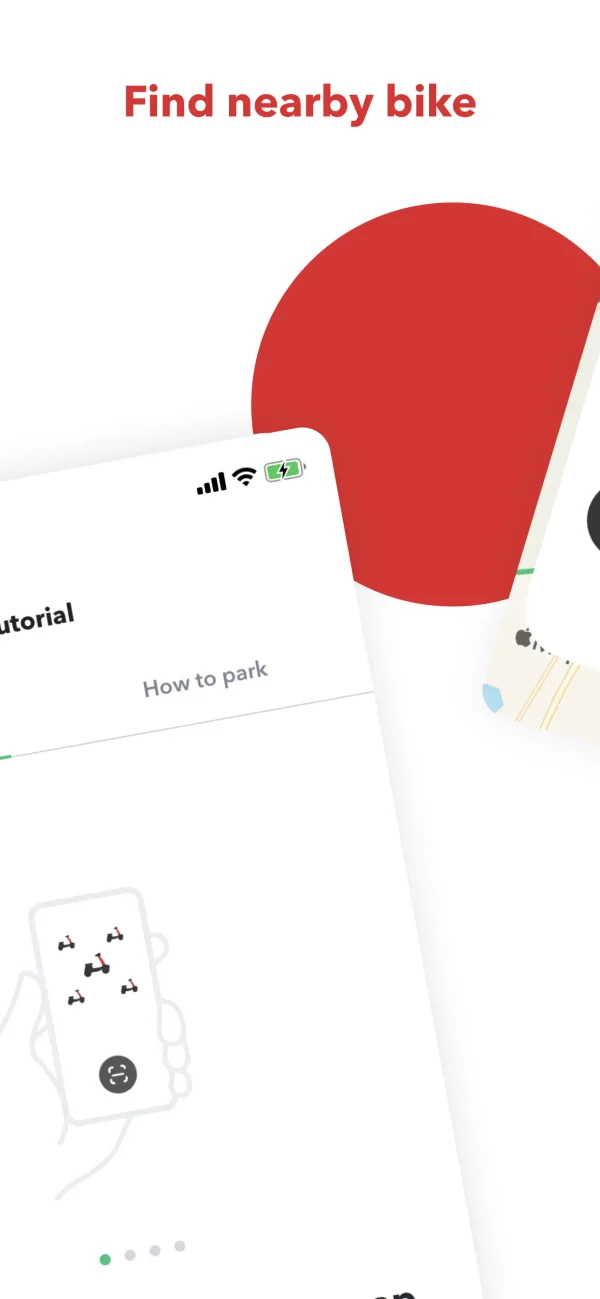
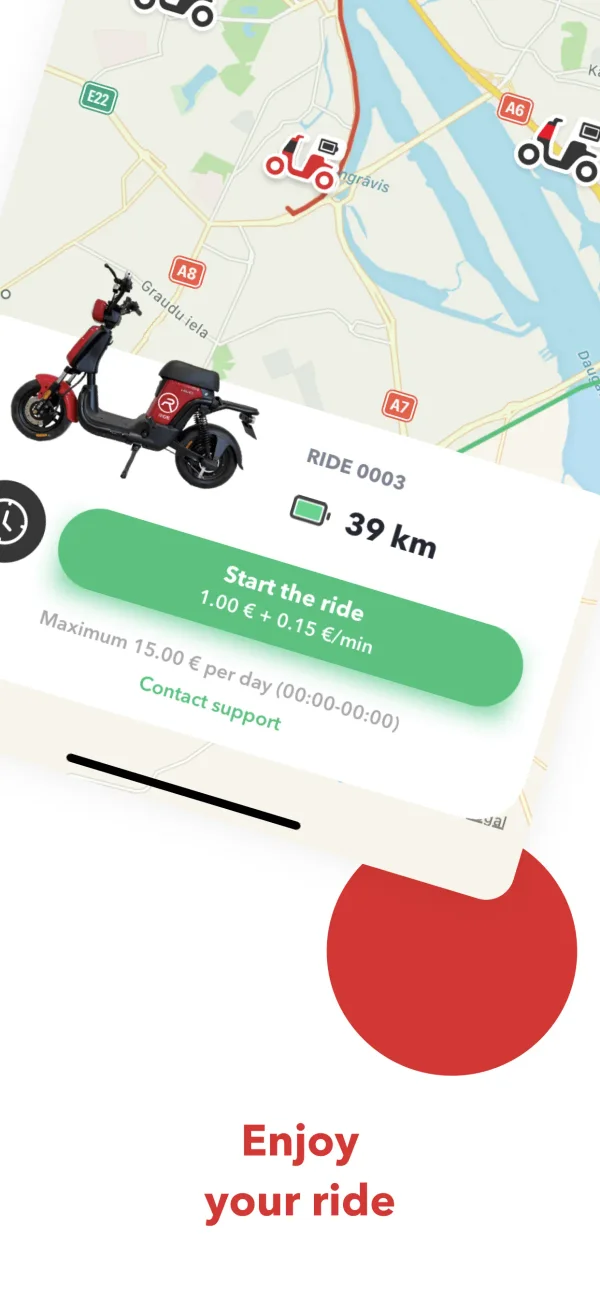
Find the nearest e-Bike on the map displayed on our App. Make sure that the battery is charged sufficiently for your planned ride. Go after the e-Bike. You can reserve the ride for 3 minutes.
3. Scan or input the code
To start using RIDE e-Bike, stand next to the e-Bike and scan the QR code or input the code manually. E-Bike will wake-up and main display will switch “on”.
4. Start riding
Fold up the side support. Press “P” button on left hand combination switch to release parking mode and get in to “Ready” mode. Choose cycling mode “1” (15 km/h) – “2” (20 km/h) – “3” (25 km/h). To begin moving, turn right hand power handlebar. Use pedals if it’s necessary. You can use also cruise mode by pressing “C” on right hand combination switch to keep stable speed.
5. Where to ride
Ride the e-Bike on bicycle paths as regular bicycle and road part if bicycle paths is not available. You can use pedestrian sidewalks if road part has heavy traffic. Use bicycle paths as much as possible. Always respect the pedestrians and other road users.
6. Slowing down
To stop use rear brake press left hand lever and/or use front brake by pressing right hand lever.
7. Find where to park
Find green zone in the app map. Put the e-Bike on the sidewalk, at bike rack or any flat place where e-Bike will not disturb pedestrians and other road users.
8. Finish the ride
After e-Bike is parked in correct place. Finish the ride in the app and submit the picture. After ride is finish e-Bike display light will go “off” and beep will follow. How you can be sure that ride is finished properly.
Send an email to: support@ridemobility.eu or visit our website: https://ridemobility.eu
Neue Funktionen
Version 59.68 · 24.11.2026
- Minor fixes and performance improvements.
App-Datenschutz
Was RIDE SIA im App Store zum Umgang dieser App mit Daten angibt.
-
Nicht mit Ihnen verknüpfte Daten
Können erfasst werden, sind aber nicht mit Ihrer Identität verknüpft.
- Standort
- Diagnose
Die Datenschutzpraktiken können variieren, zum Beispiel je nach den von Ihnen verwendeten Funktionen oder Ihrem Alter.
Informationen
- Anbieter
- RIDE SIA
- Kategorie
- Reisen
- Version
- 59.68
- Aktualisiert
- 24.11.2026
- Veröffentlicht
- 13.07.2020
- Größe
- 109,9 MB
- Erfordert
- iOS 15.6 oder neuer
- Altersfreigabe
- 4+
- Preis
- Kostenlos
- Sprachen
- Englisch
- Copyright
- © SIA ATOM Tech